
Save time and money with our discounts!
In cart {{totalProductsCount}} item(s)
Your cart is empty
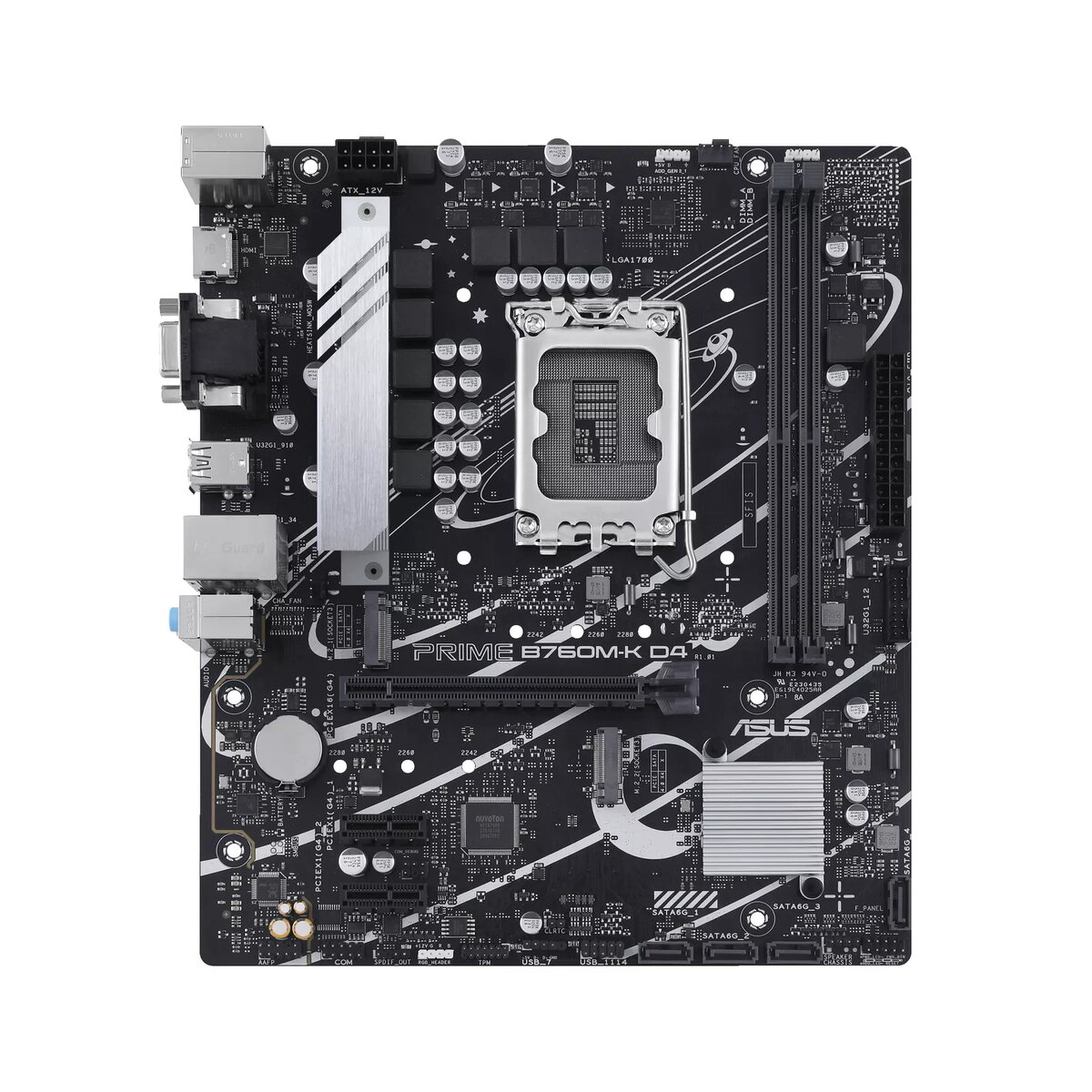
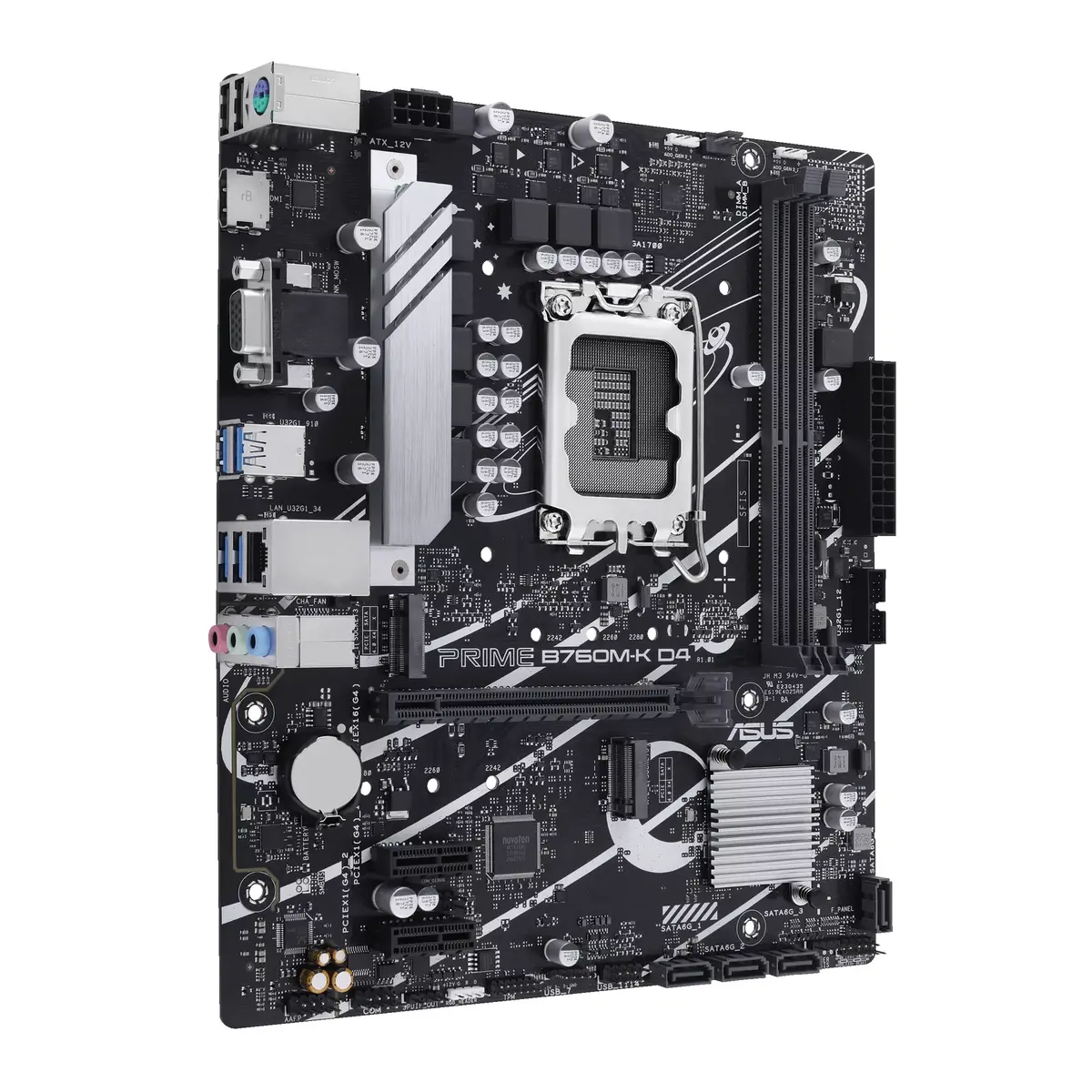
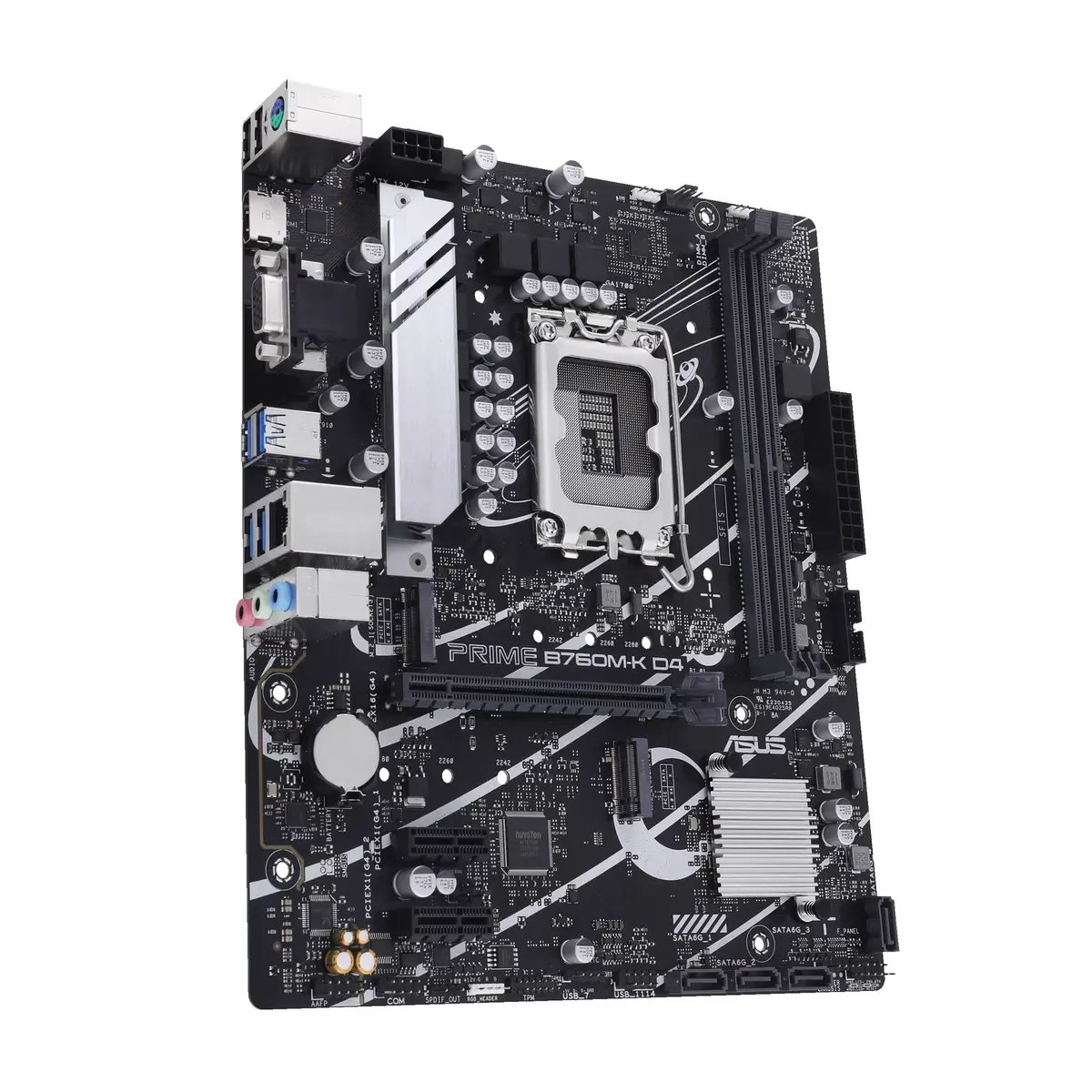
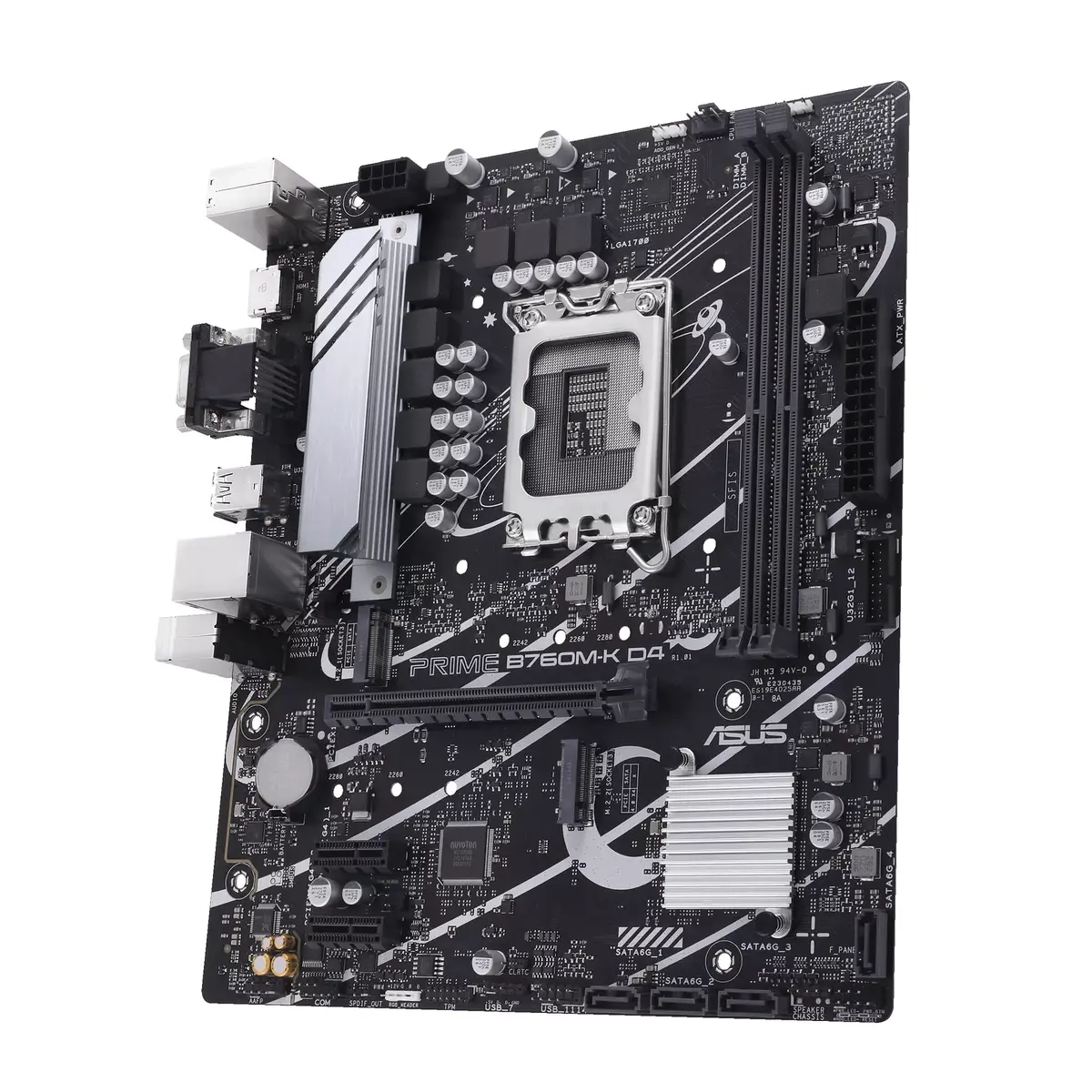
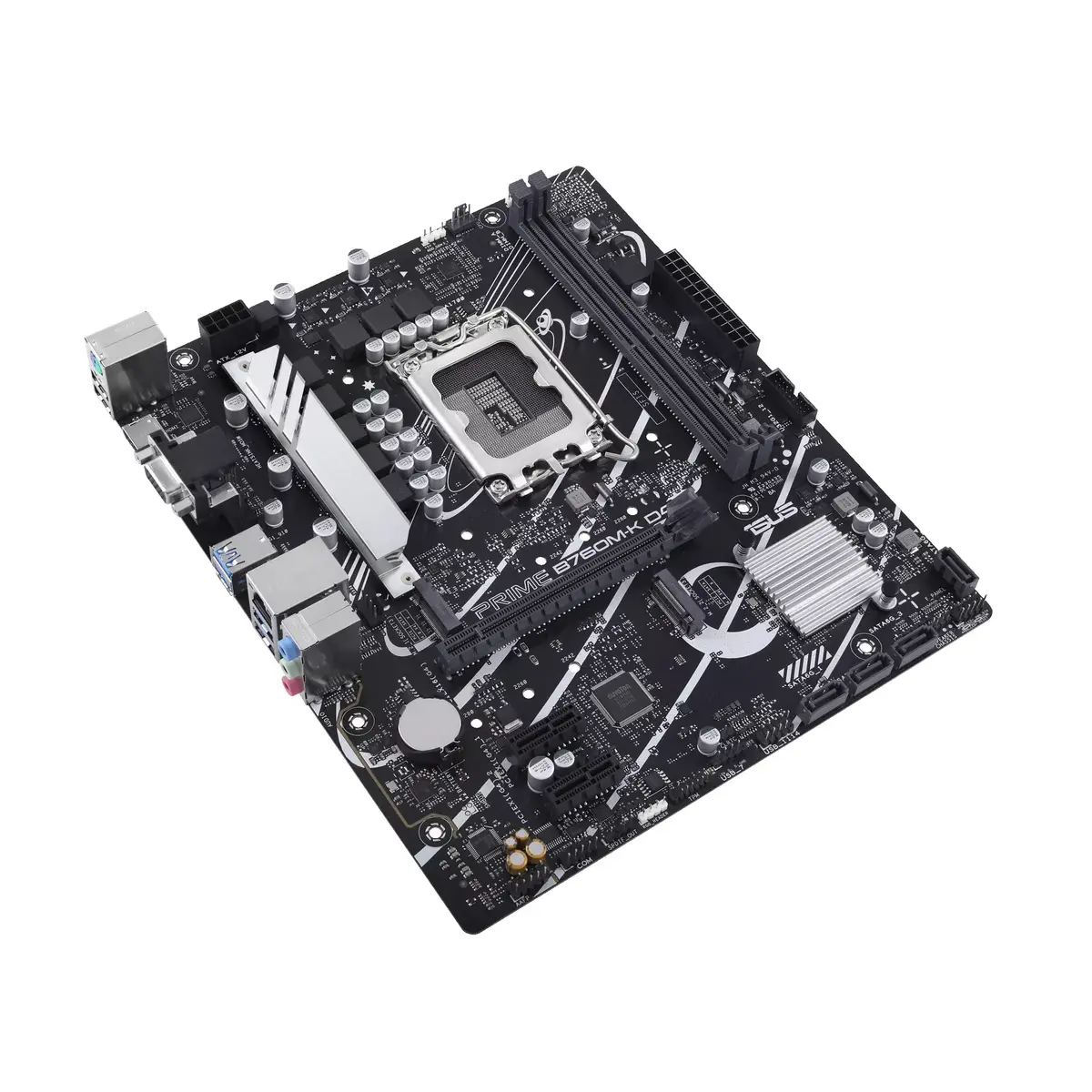
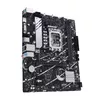
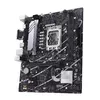
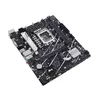
Motherboard ASUS PRIME B760M-K D4 Intel B760 LGA 1700 micro ATX
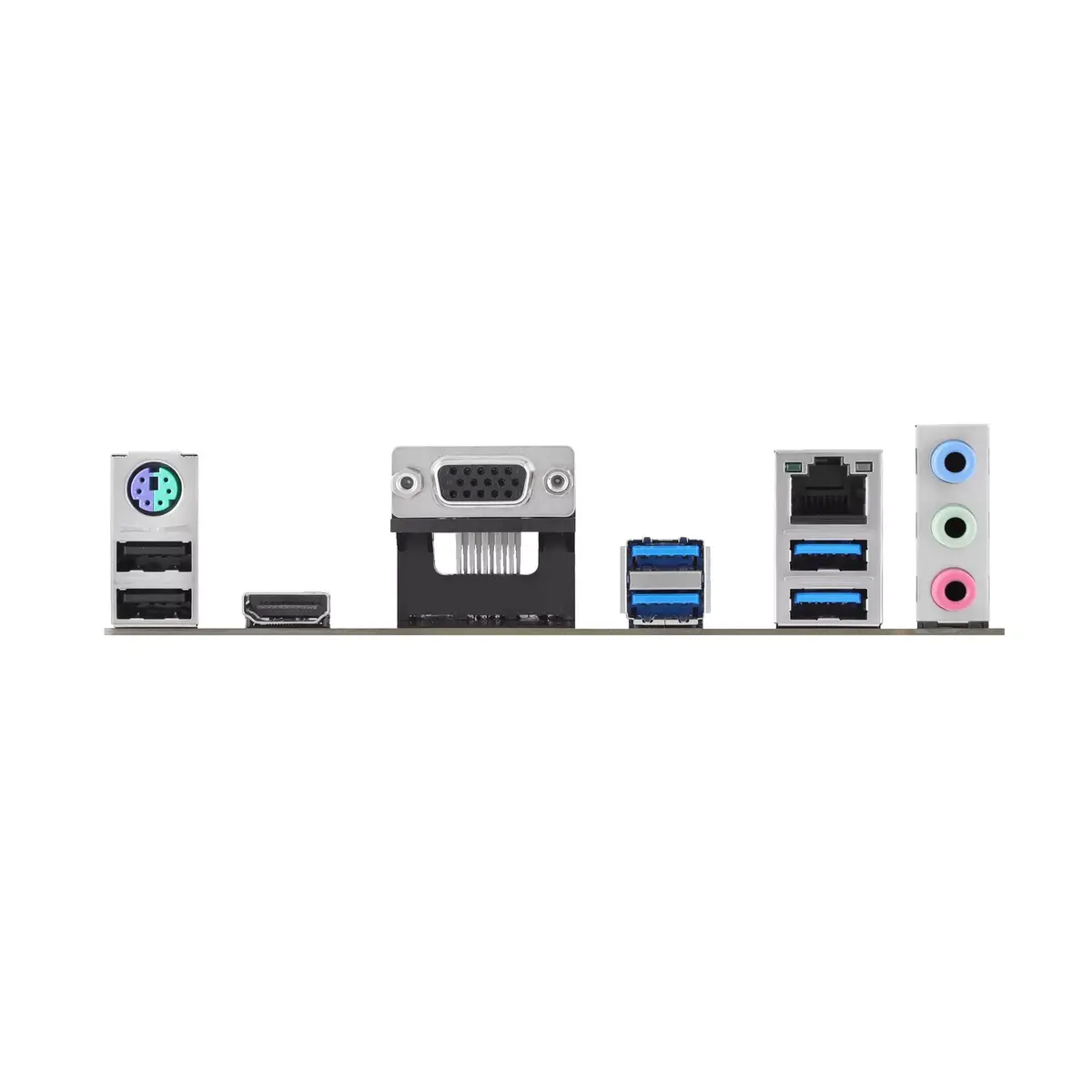
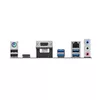
The ASUS PRIME B760M-K D4 is a micro ATX motherboard based on the Intel B760 chipset with an LGA 1700 socket, designed to support Intel® Celeron®, Core™ i3, i5, i7 and i9 processors. The board accommodates up to 64 GB of DDR4 memory across two DIMM slots and provides a range of storage and connectivity options including M.2 and SATA III interfaces, RAID 0/1/5/10 support, USB Type-A ports and a 2.5 Gigabit Ethernet port. Its compact Micro ATX form factor is intended for space-efficient desktop systems while retaining essential expansion and connectivity features.
The ASUS PRIME B760M-K D4 combines a modern Intel B760 chipset with LGA 1700 compatibility for recent Intel processors, offering a balance of performance and features in a micro ATX layout. Support for DDR4 memory up to 64 GB allows use of commonly available RAM modules while keeping upgrade paths flexible. Multiple storage interfaces including M.2 and SATA III and software RAID support cover both high-speed NVMe/SSD and larger-capacity HDD configurations. Integrated 2.5 Gigabit Ethernet improves wired network throughput compared with standard gigabit connections, and standard USB Type-A connectors ensure compatibility with a wide range of peripherals.
Install the ASUS PRIME B760M-K D4 into a compatible Micro ATX case and secure it to the motherboard standoffs. Mount an LGA 1700-compatible Intel processor on the socket and attach the appropriate CPU cooler following the cooler manufacturer's instructions. Insert DDR4 DIMM modules into the two memory slots, observing recommended channel configurations for optimal performance. Connect storage devices to the M.2 slot and SATA III ports as required, and configure RAID arrays through the BIOS/UEFI if needed. Attach power supply connectors, front panel headers and case fans, then connect peripherals to available USB Type-A ports and the network cable to the 2.5 GbE port. Finish by entering the BIOS/UEFI to verify memory settings, storage recognition and boot order before installing an operating system.
For stable operation, use matched DDR4 memory modules and check the motherboard manual for supported memory frequencies and recommended slot populating. When installing M.2 NVMe SSDs, ensure proper cooling or airflow to avoid thermal throttling. Update the BIOS/UEFI to the latest version provided by the manufacturer to ensure compatibility with newer Intel processors and memory improvements. Use a quality power supply with appropriate connectors and consider good case ventilation to maintain component longevity.
{{highlightedFeature.featureTitle}}:
{{getProductFeatureValueById(product, highlightedFeature.featureId)}}
{{ productComparisonGenerationError }}
