
Filters you can trust. Pure water every day.
In cart {{totalProductsCount}} item(s)
Your cart is empty
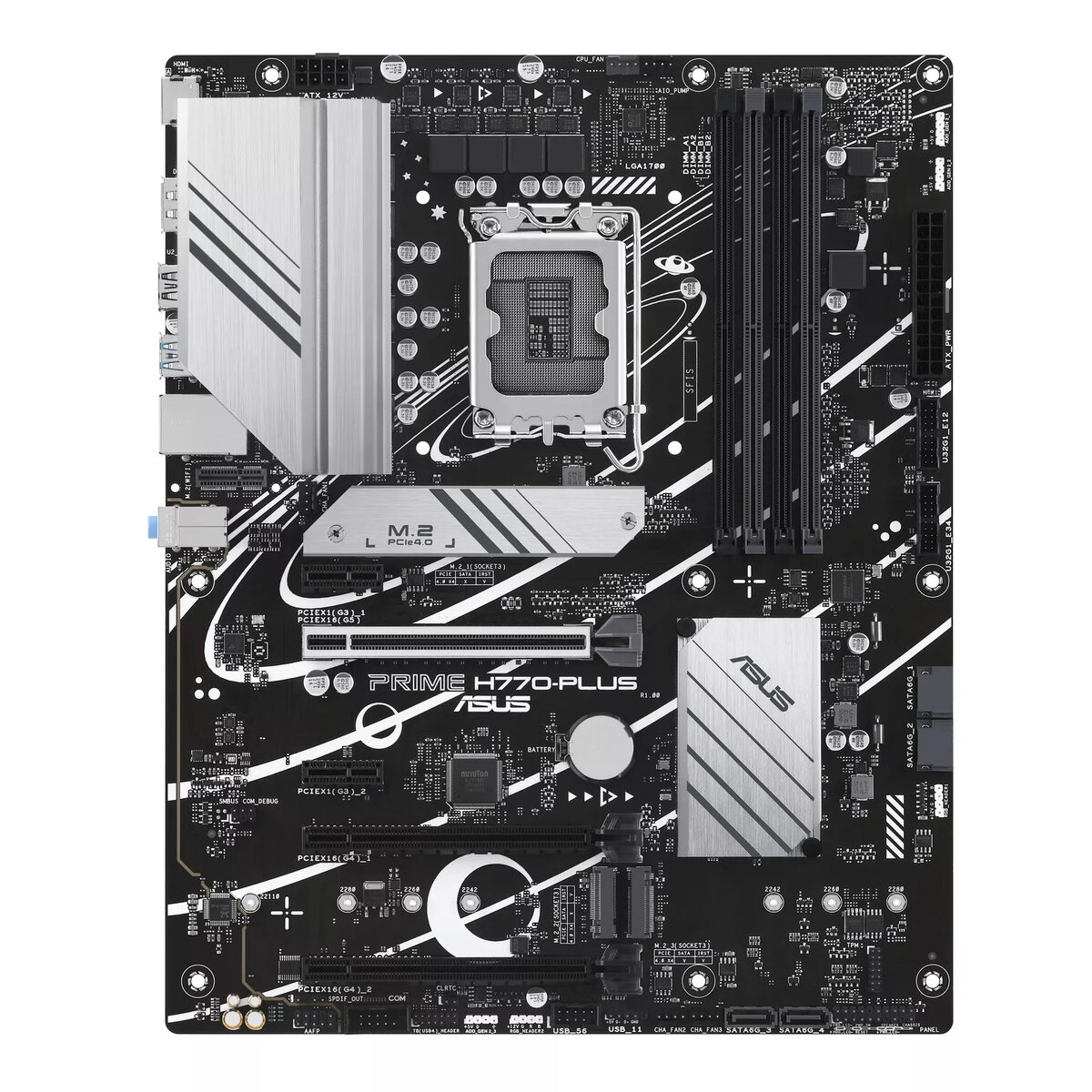
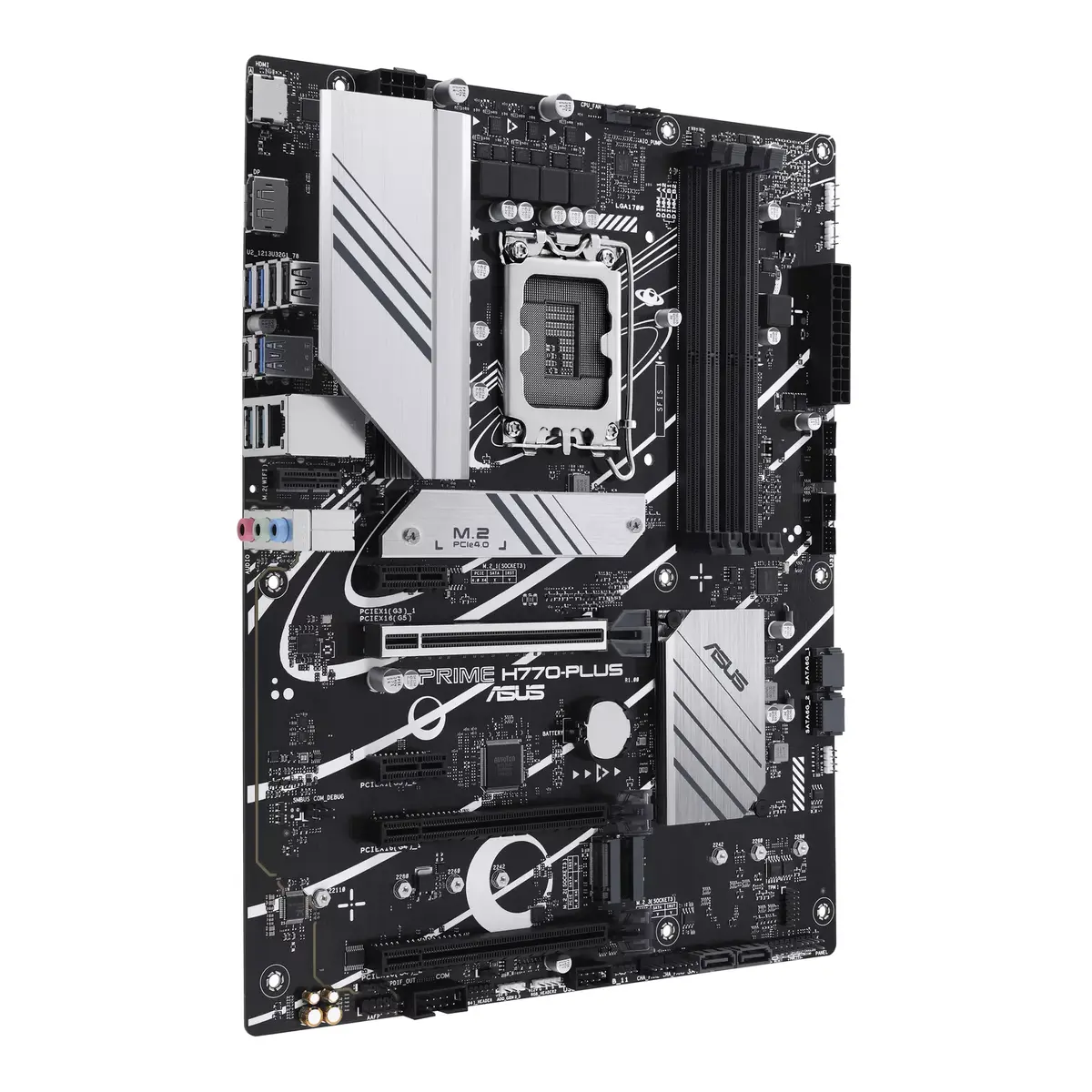
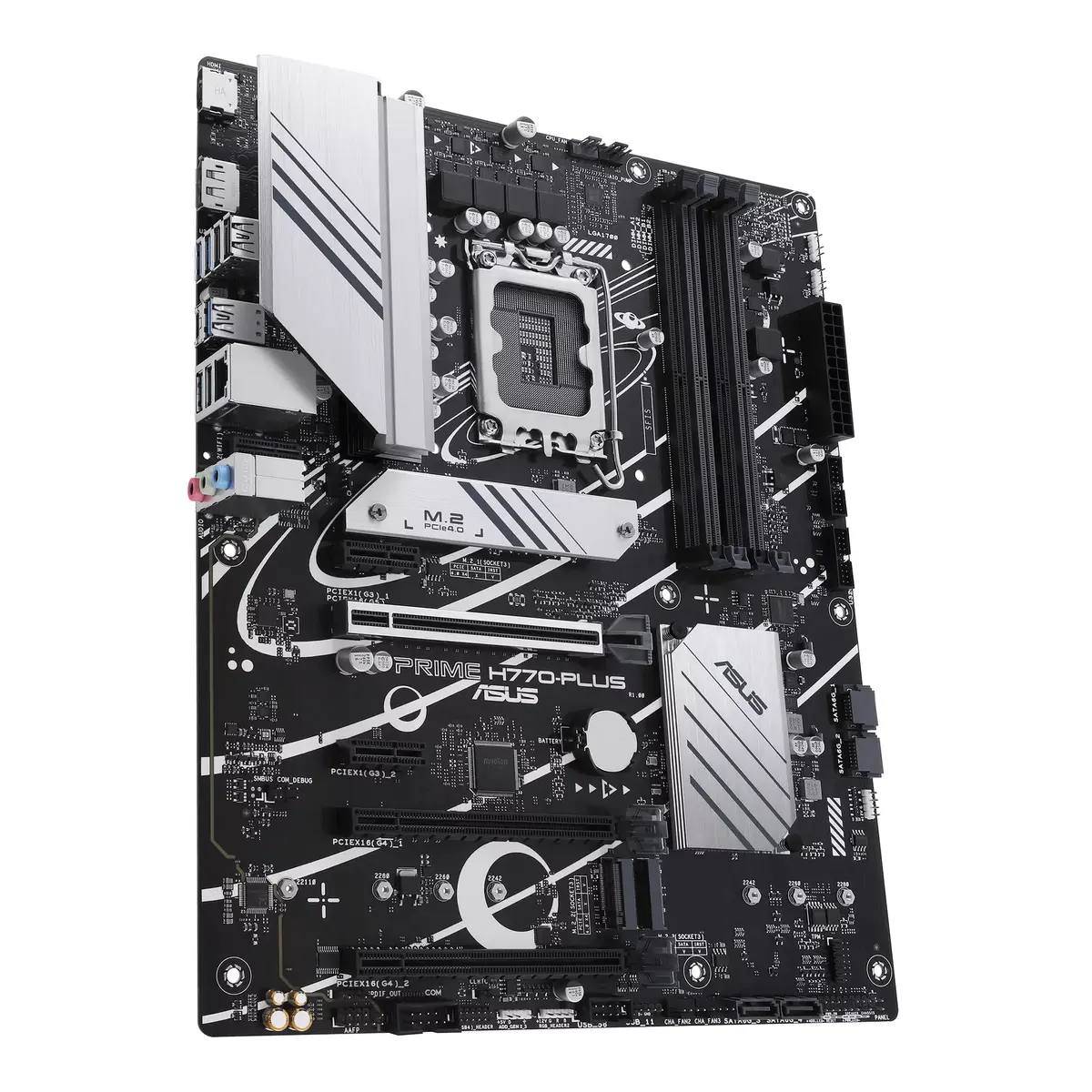
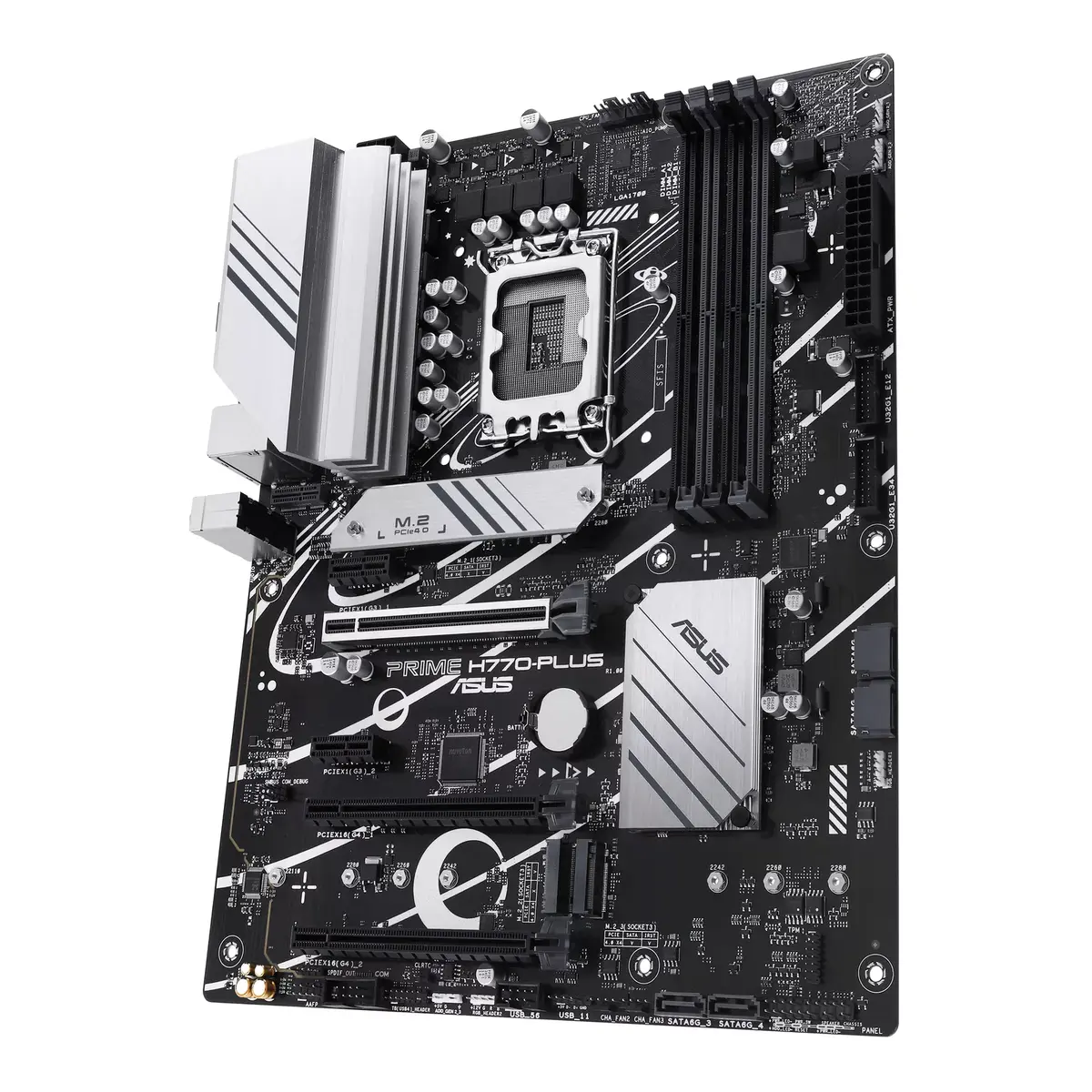
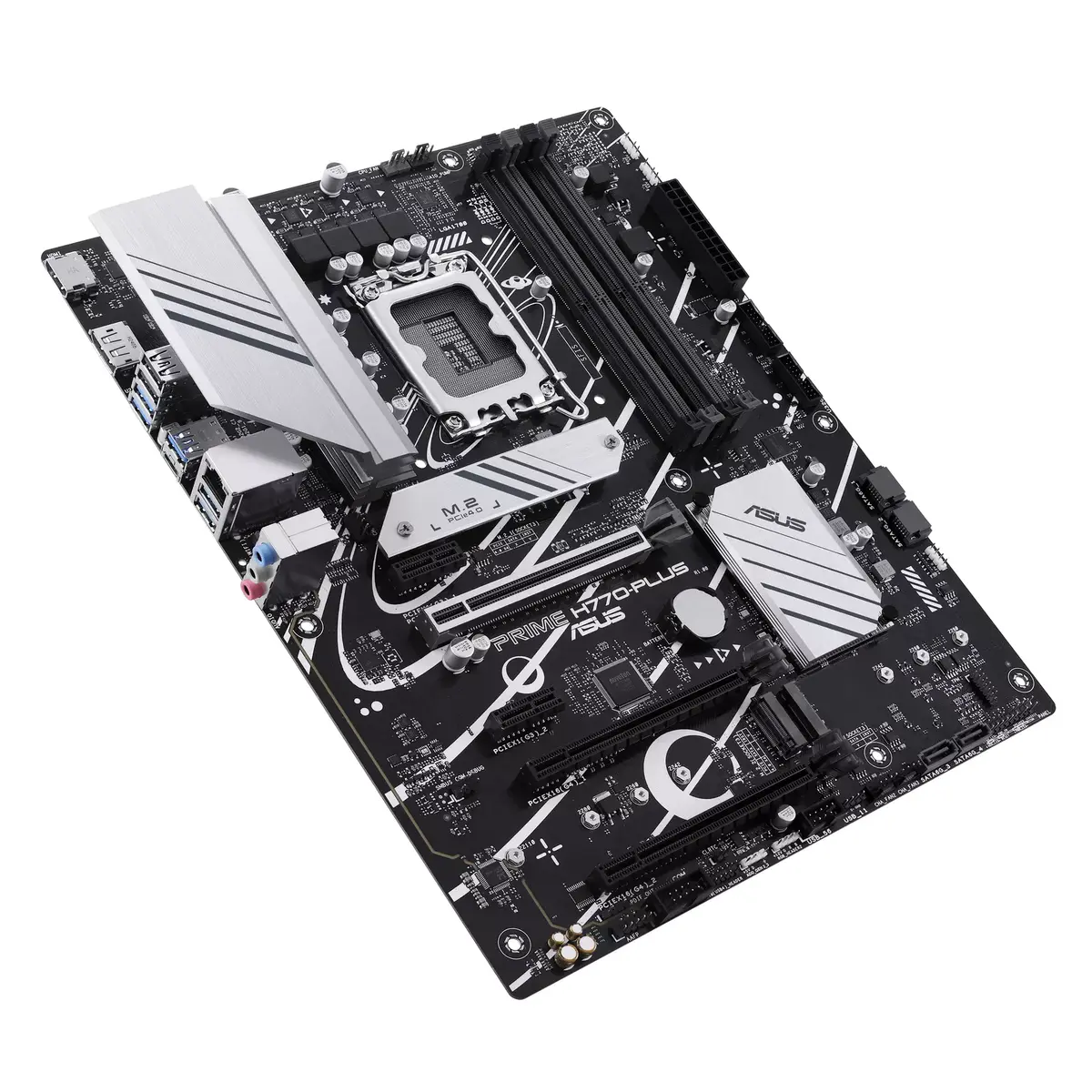
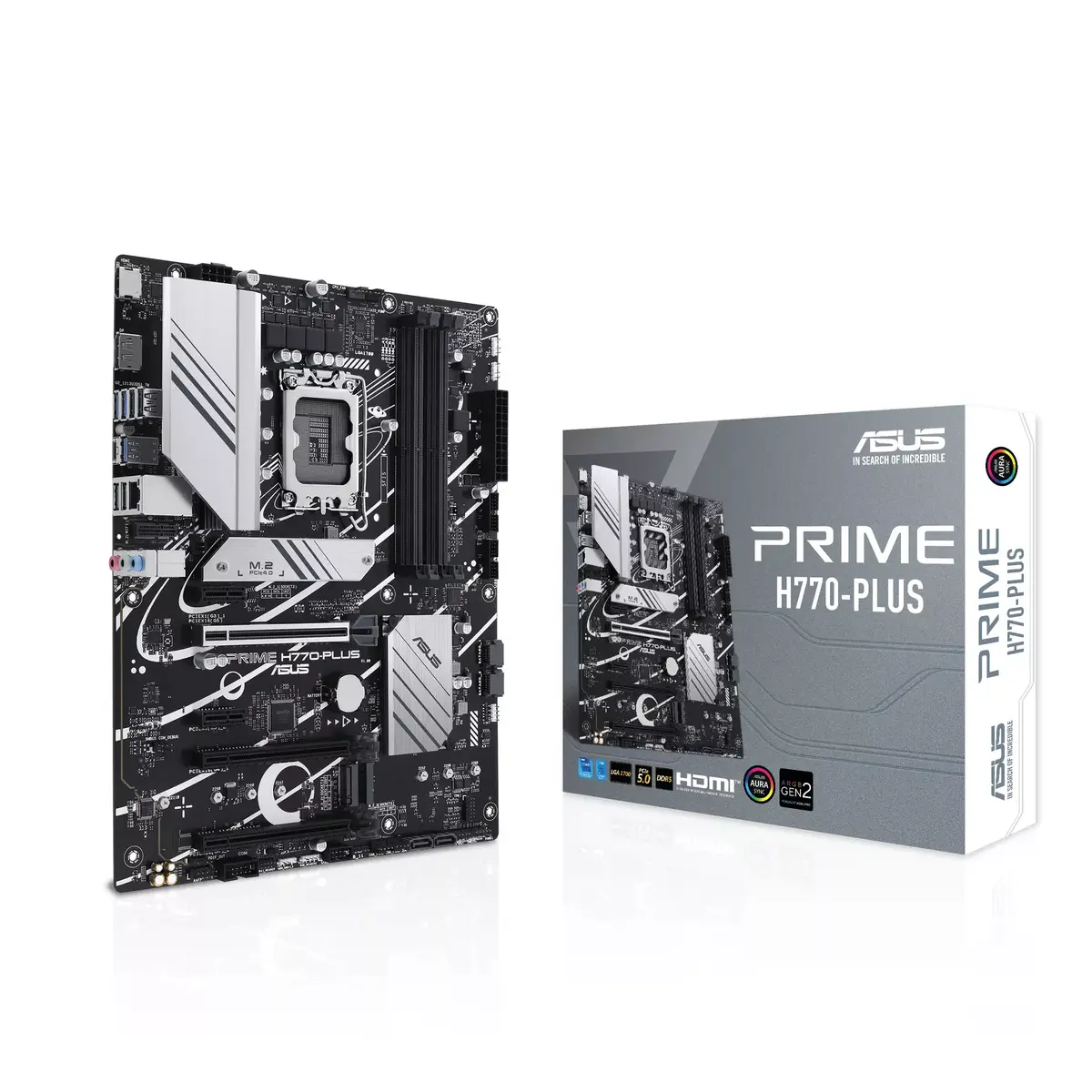
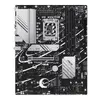
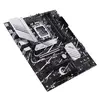
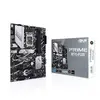
Motherboard ASUS PRIME H770-PLUS Intel H770 LGA 1700 ATX
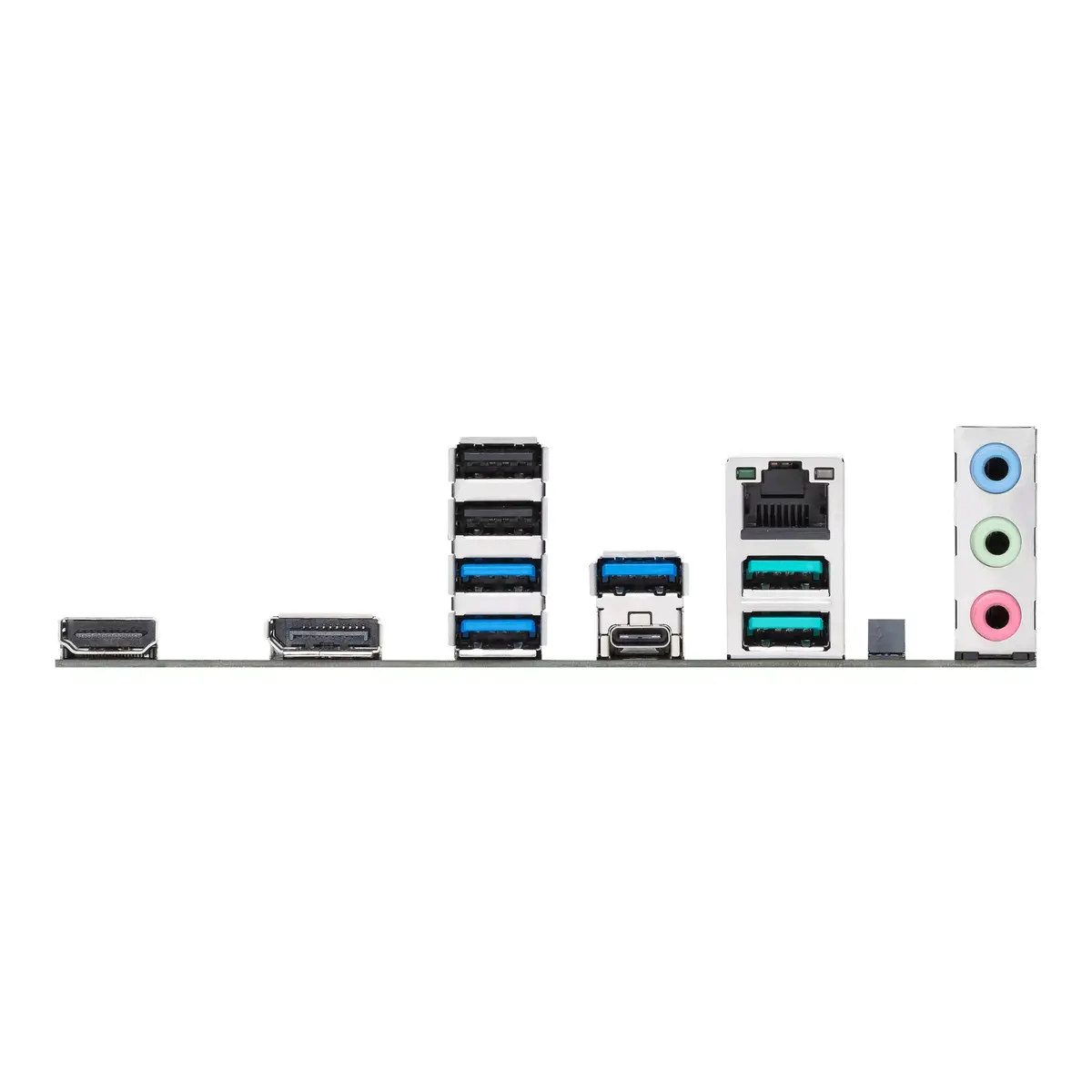
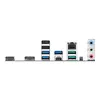
The ASUS PRIME H770-PLUS is an ATX motherboard designed for Intel LGA 1700 processors, supporting 13th Gen Intel® Core™ CPUs as well as Celeron and Core i3–i9 series. It accepts DDR5 memory across four DIMM slots with a maximum capacity of 192 GB, and offers multiple storage and connectivity options including three M.2 slots (PCIe 4.0), SATA III, a PCIe 5.0 x16 slot, USB 3.2 Gen 2 Type-C, and a 2.5 Gb Ethernet controller. The board includes robust power delivery, comprehensive cooling features, and ASUS firmware and software utilities for system tuning and monitoring.
The PRIME H770-PLUS provides a stable power design with an extended VRM heatsink and ProCool power connectors to support high-core-count Intel processors. It integrates flexible cooling controls with multiple heatsinks, hybrid fan headers, an AIO pump header and fan-protection circuitry. Memory and storage performance are optimized through ASUS technologies such as AEMP II for DDR5 tuning and OptiMem II for improved signal routing. Connectivity is wide-ranging with PCIe 5.0 readiness, multiple M.2 slots, high-speed USB-C, Thunderbolt/USB4 header support (with add-on card) and a 2.5 Gb LAN interface. ASUS audio design, RGB control and software suites like Fan Xpert 2+, Armoury Crate and UEFI BIOS add further configuration and monitoring options.
This motherboard uses the Intel H770 chipset and the LGA 1700 socket; it is not compatible with older-generation Intel sockets or non-Intel processors. If you require integrated Wi-Fi or Bluetooth out of the box, note that onboard wireless is not listed as a standard feature for this model. For Thunderbolt/USB4 full functionality a separate ASUS add-on card is required and sold separately.
Install the motherboard into an ATX-compatible case and secure with standard standoffs. Fit an LGA 1700 compatible CPU and apply the recommended CPU cooler, connect DDR5 memory modules in the recommended slots and attach storage devices to M.2 or SATA connectors. Connect the PSU using the 24-pin ATX and the required 8-pin ProCool CPU power connector(s). Configure cooling and fan curves via Fan Xpert 2+ or the UEFI BIOS, and adjust memory or performance settings through ASUS AEMP II or the UEFI Advanced mode. Install drivers and Armoury Crate software to manage RGB lighting, network settings and system updates.
Use matched memory modules from a single validated kit and update the UEFI BIOS to the latest version before heavy workloads. Configure fan profiles and enable Power Saving or performance modes via ASUS utilities according to your workload to balance thermals and noise.
{{highlightedFeature.featureTitle}}:
{{getProductFeatureValueById(product, highlightedFeature.featureId)}}
{{ productComparisonGenerationError }}
