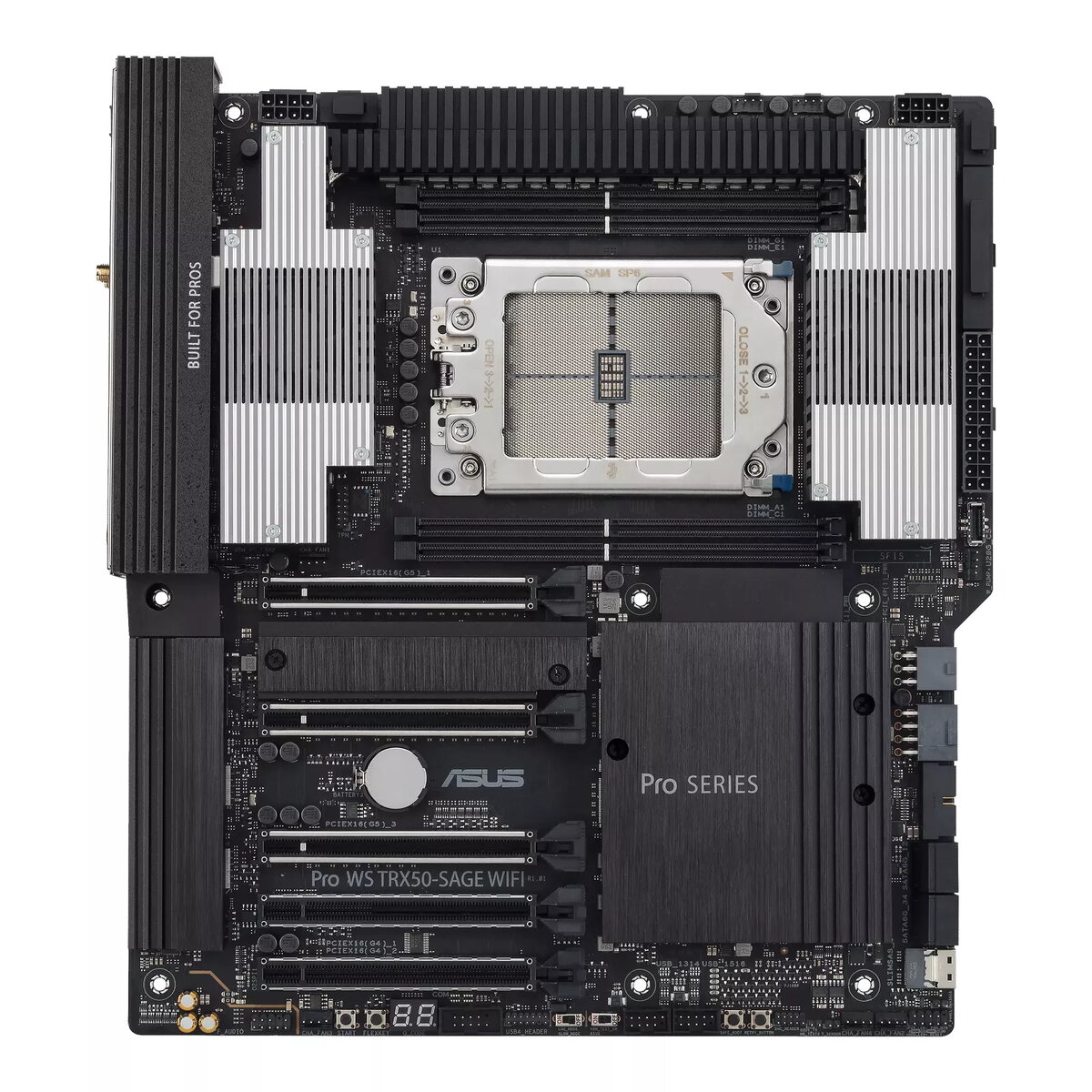
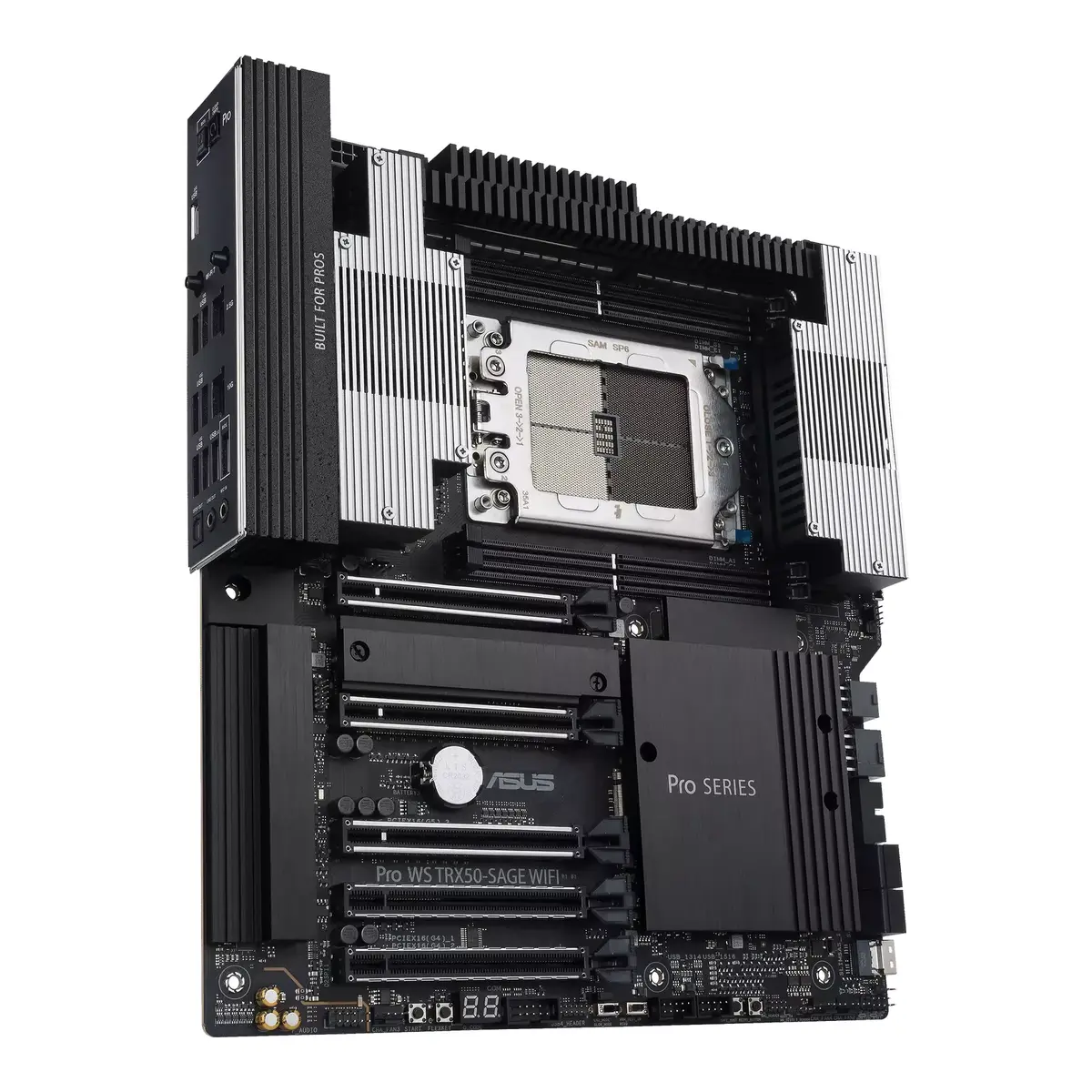
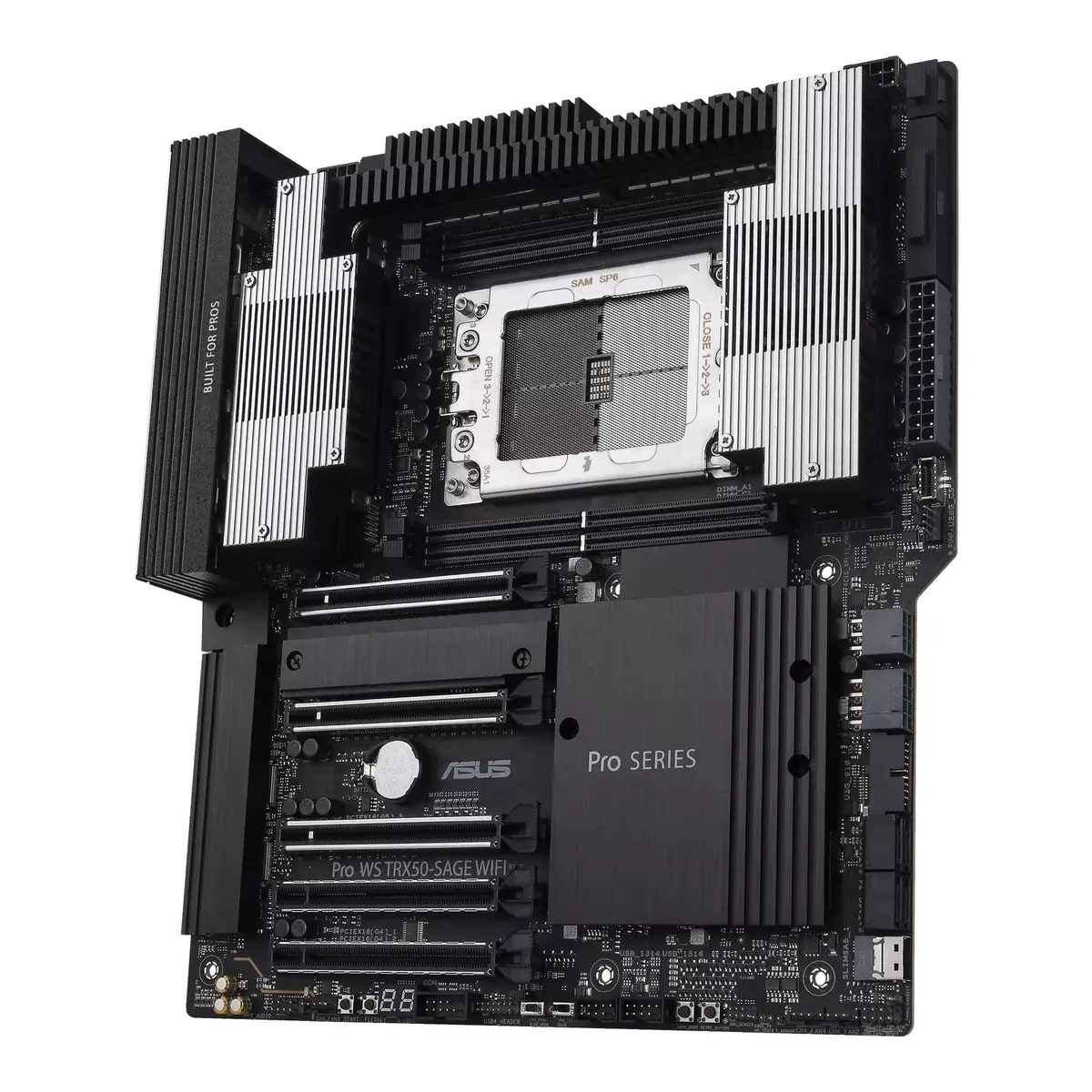
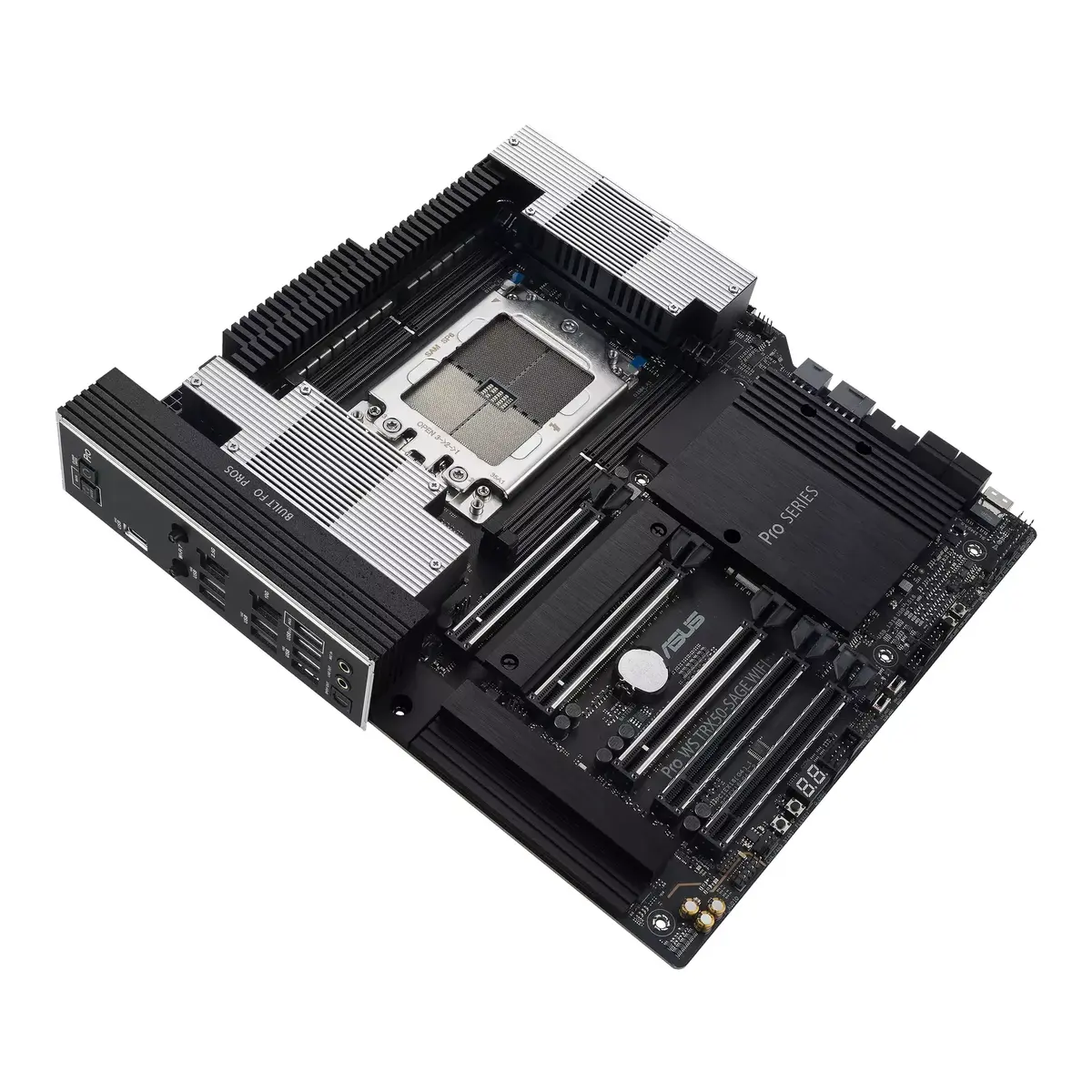
-
BIOS type:
The BIOS (Basic Input/Output System) initializes and tests system hardware components, and loads a bootloader or an operating system from a mass memory device. The BIOS additionally provides abstraction layer for the hardware, i.e. a consistent way for application programs and operating systems to interact with the keyboard, display, and other input/output devices. There are several types of BIOS, including the motherboard ROM BIOS, video BIOS, drive controller BIOS, network adapter BIOS, and SCSI adapter BIOS.
-
UEFI AMI
-
Motherboard chipset:
The chipset connects the microprocessor to the rest of the motherboard.
-
AMD TRX50
-
Motherboard chipset family:
The category of motherboard chipset e.g. Intel, AMD.
-
AMD
-
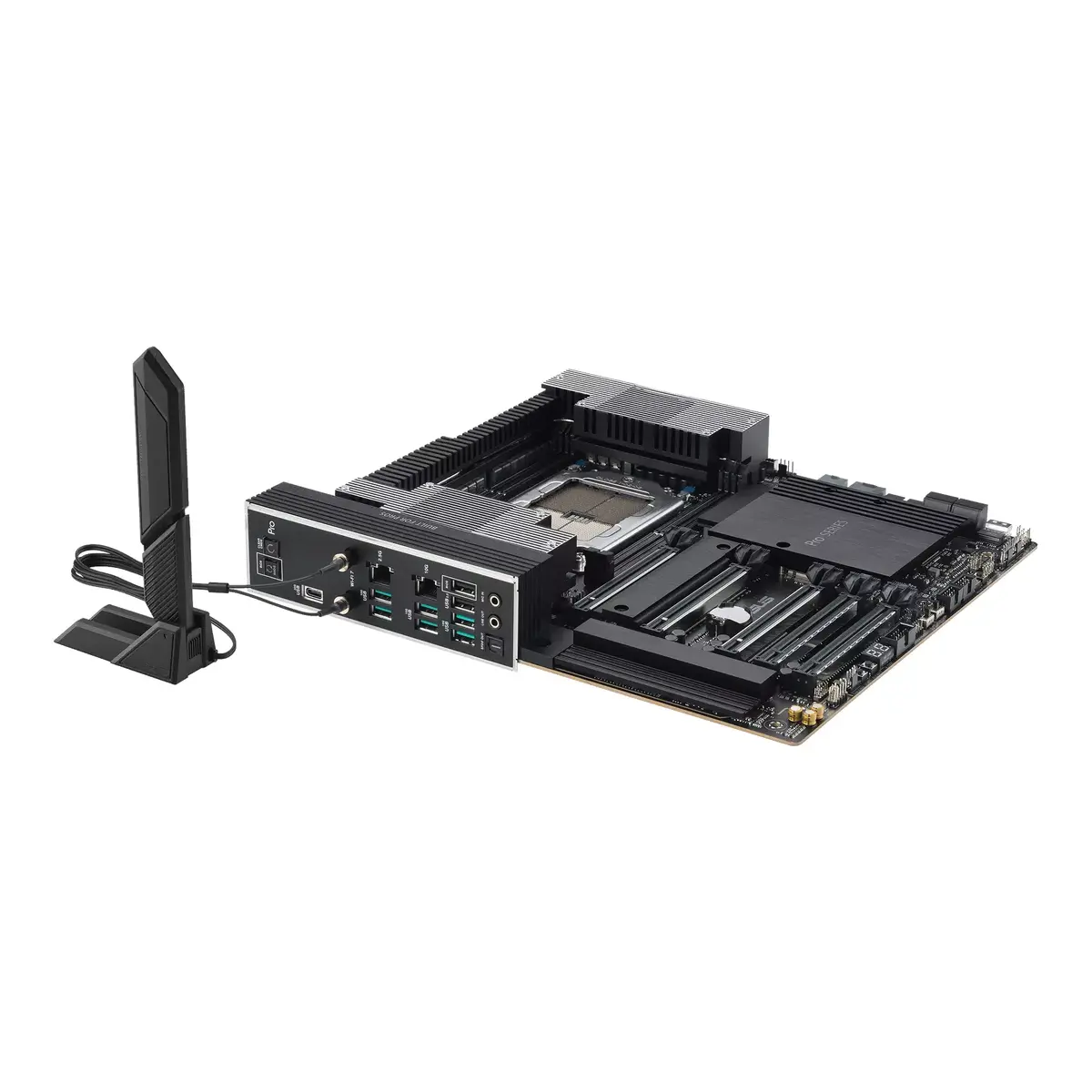
Motherboard form factor:
Design of the motherboard (ATX, BTX etc).
-
SSI CEB
-
Component for:
What this product is used as a part of (component for).
-
Workstation
-
Wi-Fi:
Popular technology that allows an electronic device to exchange data or connect to the internet wirelessly using radio waves.
-
Yes
-
DVI-D ports quantity:
This is the amount of DVI-I interfaces. Digital Visual Interface (DVI) is a video display interface developed by the Digital Display Working Group (DDWG). The digital interface is used to connect a video source to a display device, such as a computer monitor. DVI-D means DVI digital, which means it can only support digital, but not analog.
-
0
-
HDMI ports quantity:
The number of sockets (ports) for HDMI connections. HDMI (High-Definition Multimedia Interface) is a compact audio/video interface for transferring uncompressed video data and compressed/uncompressed digital audio data from a HDMI-compliant device ("the source device") to a compatible computer monitor, video projector, digital television, or digital audio device. HDMI is a digital replacement for existing analog video standards.
-
0
-
VGA (D-Sub) ports quantity:
Number of VGA (D-Sub) ports (connecting interfaces) in the device. The VGA (D-Sub) connector is a 15 pin connector between a computer and a monitor. It was first introduced in 1987 by IBM.
-
0
-
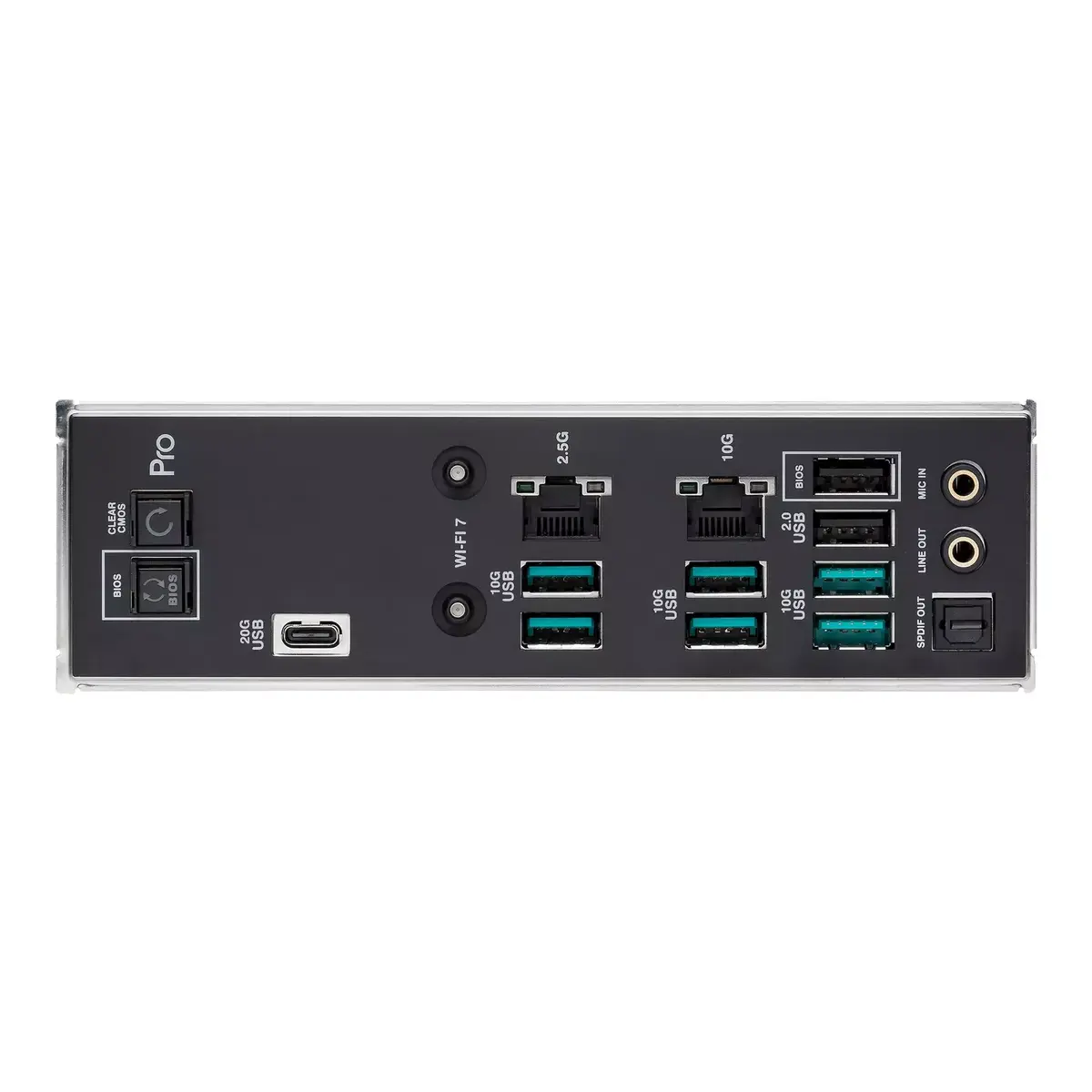
Ethernet LAN (RJ-45) ports:
Number of Ethernet LAN (RJ-45) ports (connecting interfaces) in the device. Ethernet LAN (RJ-45) ports allow a computer to connect to the ethernet.
-
2
-
USB 3.2 Gen 2 (3.1 Gen 2) Type-C ports quantity:
Number of USB 3.1 (3.1 Gen 2) ports with Type-C connector. USB 3.1 (3.1 Gen 2) is USB interface version which supports transfer rate up to 10 Gbit/s (SuperSpeed+). USB Type-C connector has symmetrical design architecture and compatible with Thunderbolt 3 interface.
-
0
-
USB 3.2 Gen 2 (3.1 Gen 2) Type-A ports quantity:
-
6
-
USB 3.2 Gen 1 (3.1 Gen 1) Type-C ports quantity:
Number of USB 3.0 (3.1 Gen 1) ports with Type-C connector. USB 3.0 (3.1 Gen 1) is USB interface version which supports transfer rate up to 5 Gbit/s (SuperSpeed). USB Type-C connector has symmetrical design architecture and compatible with Thunderbolt 3 interface.
-
0
-
USB 3.2 Gen 1 (3.1 Gen 1) Type-A ports quantity:
-
0
-
USB 2.0 ports quantity:
Number of USB 2.0 ports (connecting interfaces) in the device. USB 2.0 was released in April 2000 (now called "Hi-Speed"), adding higher maximum signaling rate of 480 Mbit/s (effective throughput up to 35 MB/s or 280 Mbit/s), USB 2.0 ports are usually black.
-
2
-
Number of SATA III connectors:
Serial ATA (Advanced Technology Attachment) (SATA) is a computer bus interface that connects host bus adapters to mass storage devices such as hard disk drives and optical drives. SATA III (revision 3.x) interface, formally known as SATA 6Gb/s, is a third generation SATA interface running at 6.0Gb/s. The bandwidth throughput, which is supported by the interface, is up to 600MB/s. This interface is backwards compatible with SATA 3 Gb/s interface.
-
4
-
USB 3.2 Gen 2 (3.1 Gen 2) connectors:
-
0
-
USB 3.2 Gen 1 (3.1 Gen 1) connectors:
This is a connector (normally attached to a cable) for USB 3.0. USB 3.0 is the second major revision of the Universal Serial Bus (USB) standard for computer connectivity. First introduced in 2008, USB 3.0 adds a new transfer mode called "SuperSpeed," (distinguishable from USB 2.0 by either the blue colour of the port or the initials SS) capable of transferring data at up to 5Gbit/s—more than ten times as fast as the 480 Mbit/s top speed of USB 2.0.
-
1
-
USB 2.0 connectors:
The end of a cable with a USB 2.0 connector. USB 2.0 was released in April 2000 (now called "Hi-Speed"), adding higher maximum signaling rate of 480 Mbit/s (effective throughput up to 35 MB/s or 280 Mbit/s), in addition to the "USB 1.x Full Speed" signaling rate of 12 Mbit/s. USB 2.0 connectors are usually colored black.
-
2
-
Number of memory slots:
-
4
-
Processor socket:
Mechanical component(s) that provides mechanical and electrical connections between a microprocessor and a printed circuit board (PCB). This allows the processor to be replaced without soldering.
-
Socket sTR5
-
Processor manufacturer:
The manufacturer that produced the processor.
-
AMD
-
Supported storage drive interfaces:
-
SATA III, M.2
-
Supported memory types:
Types of memory which can be used with the product.
-
DDR5-SDRAM