
JBL speakers and headphones for pure and deep sound!
In cart {{totalProductsCount}} item(s)
Your cart is empty
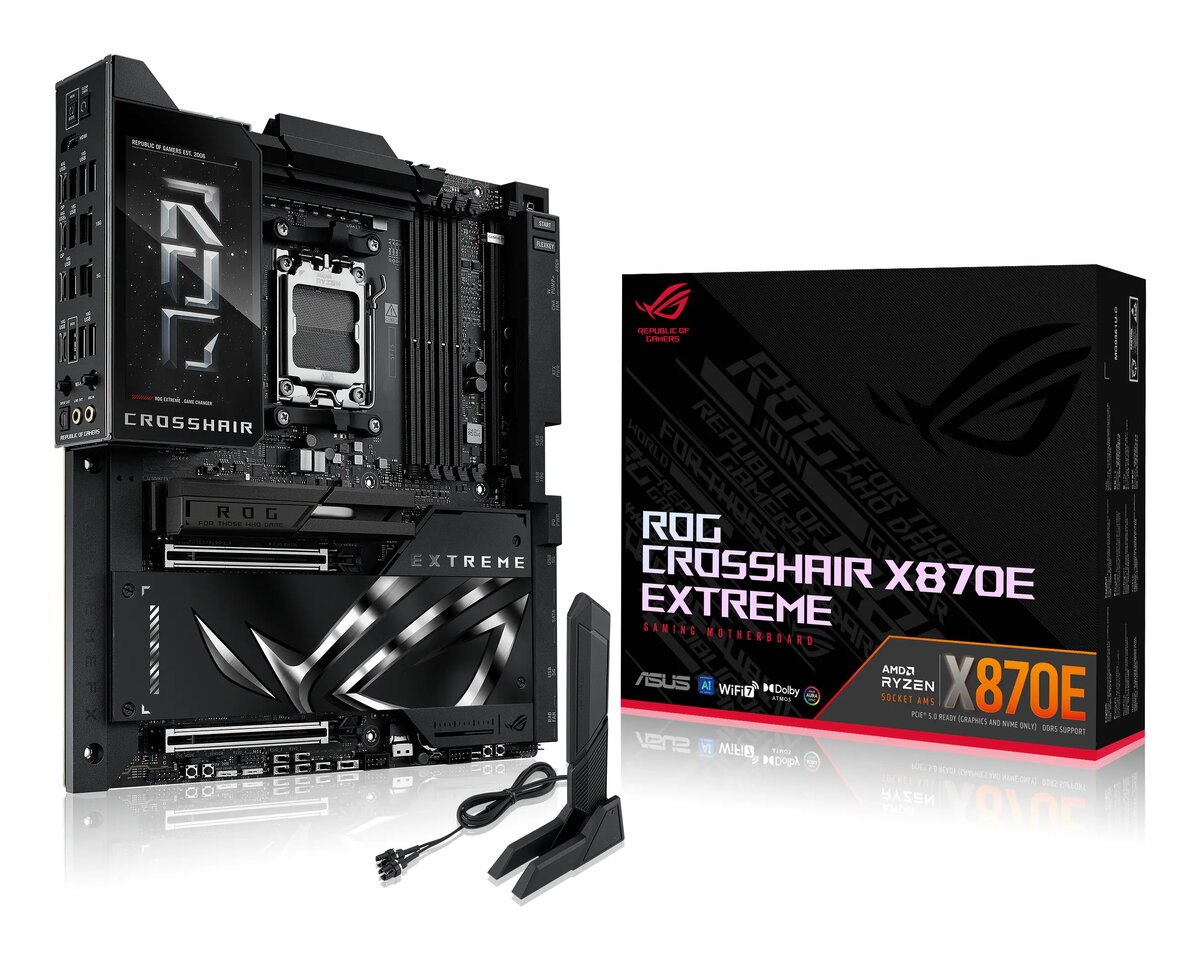
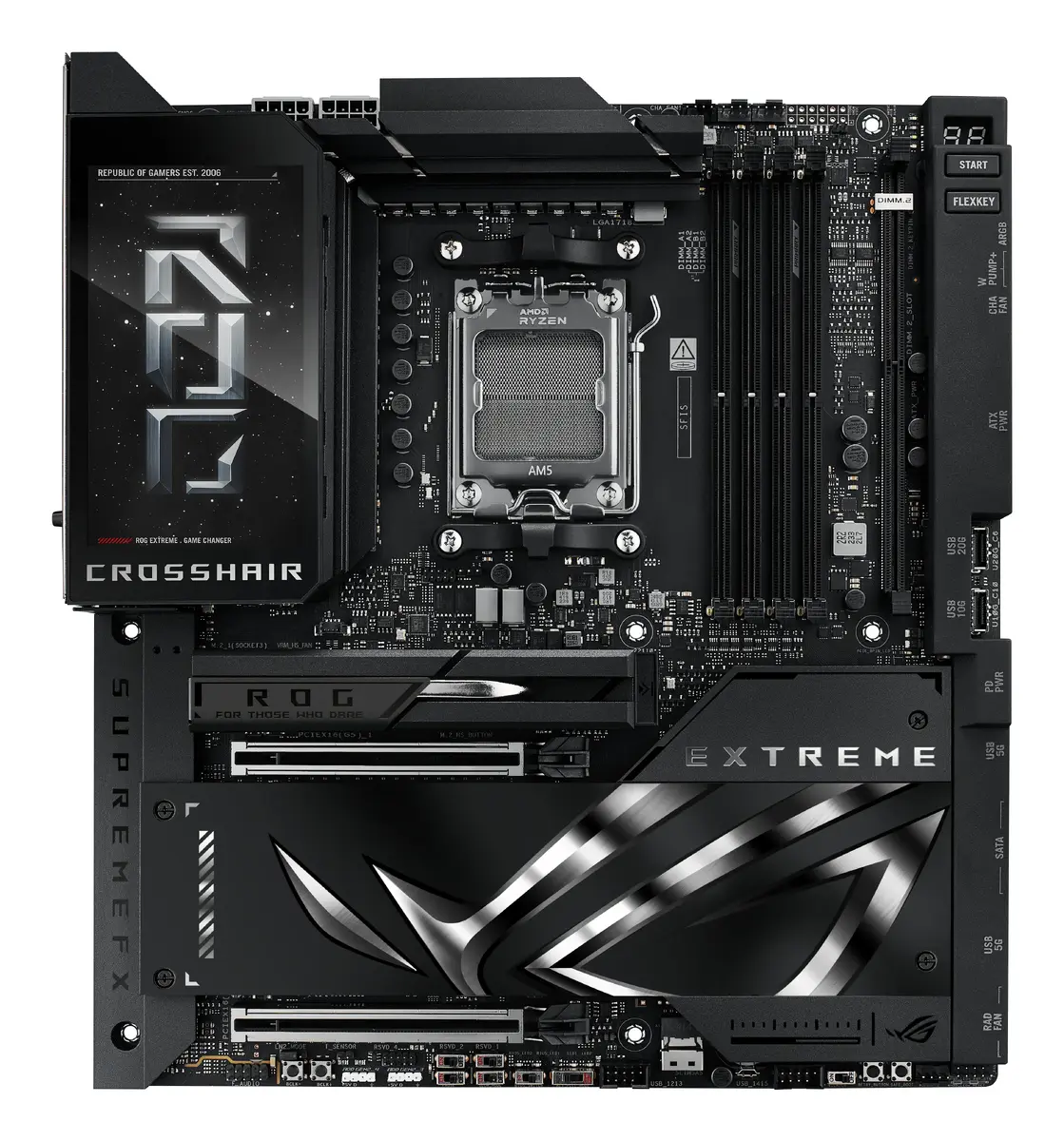
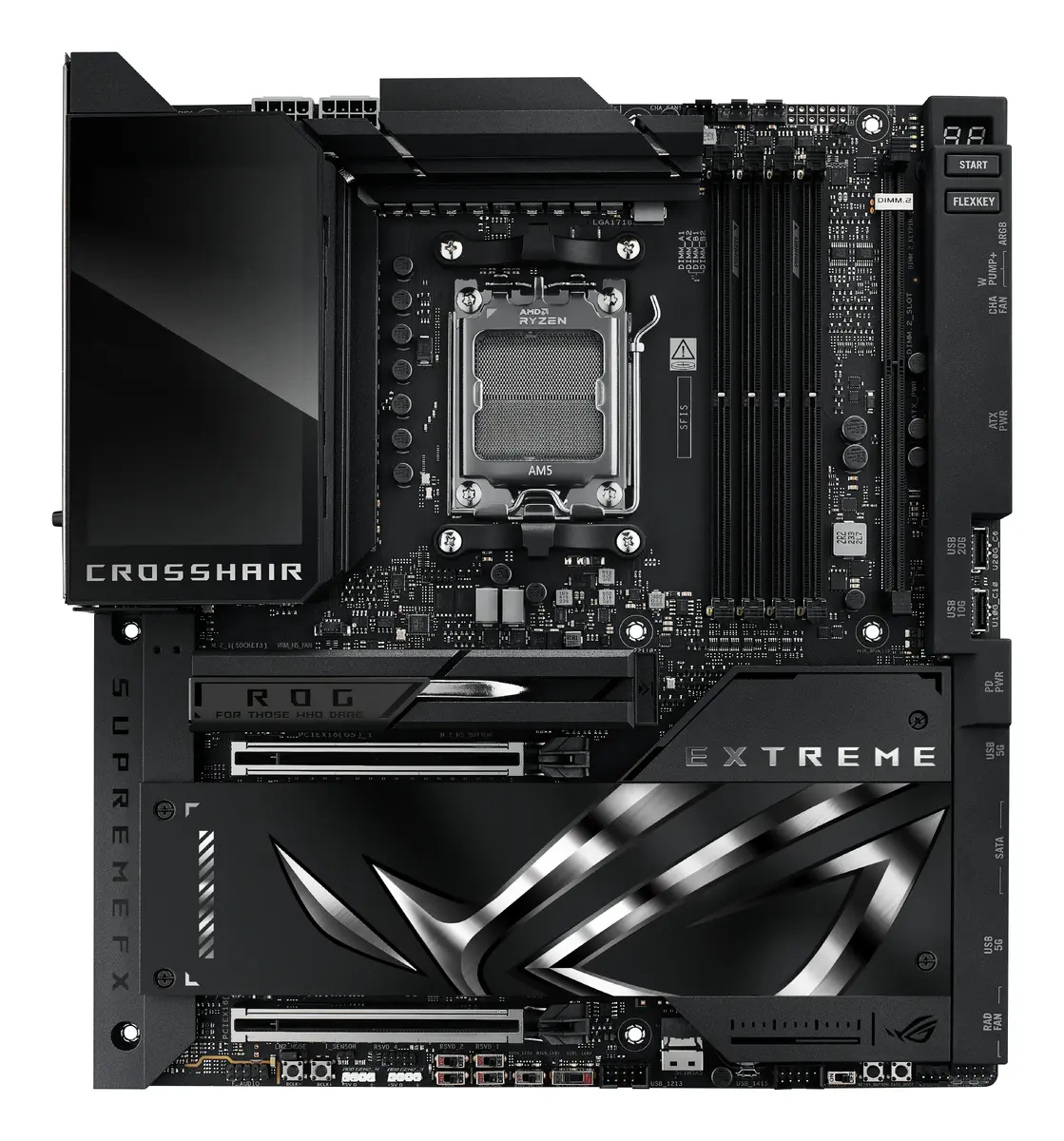
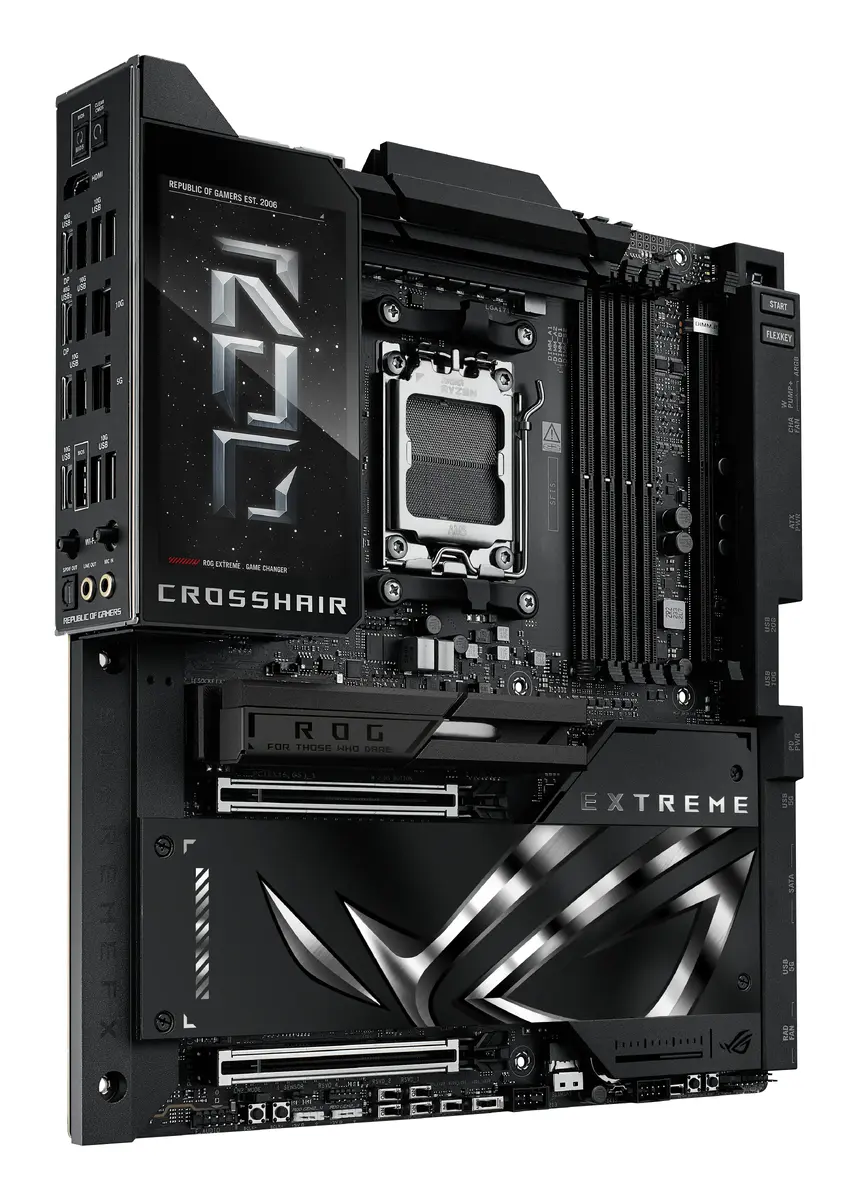
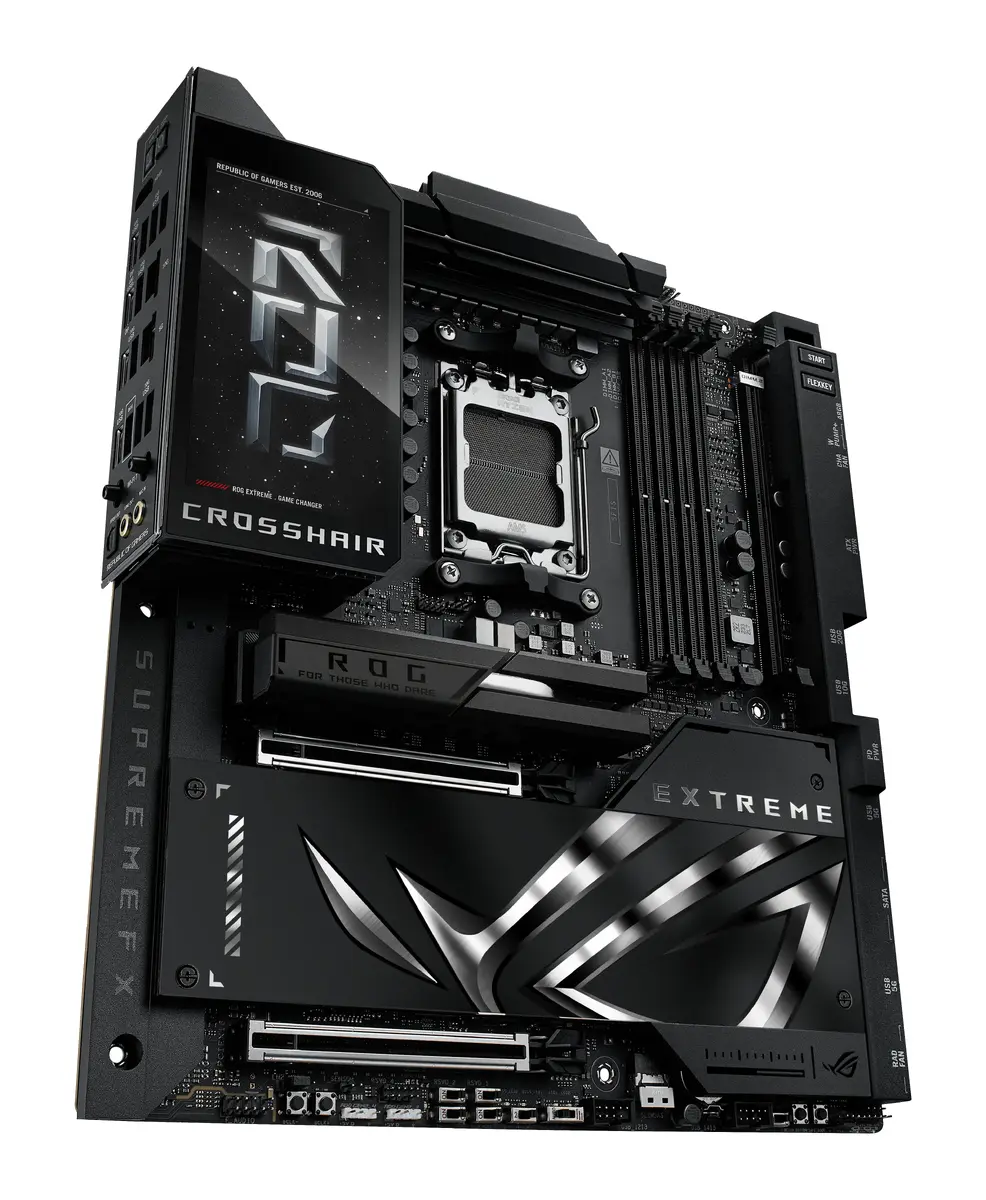
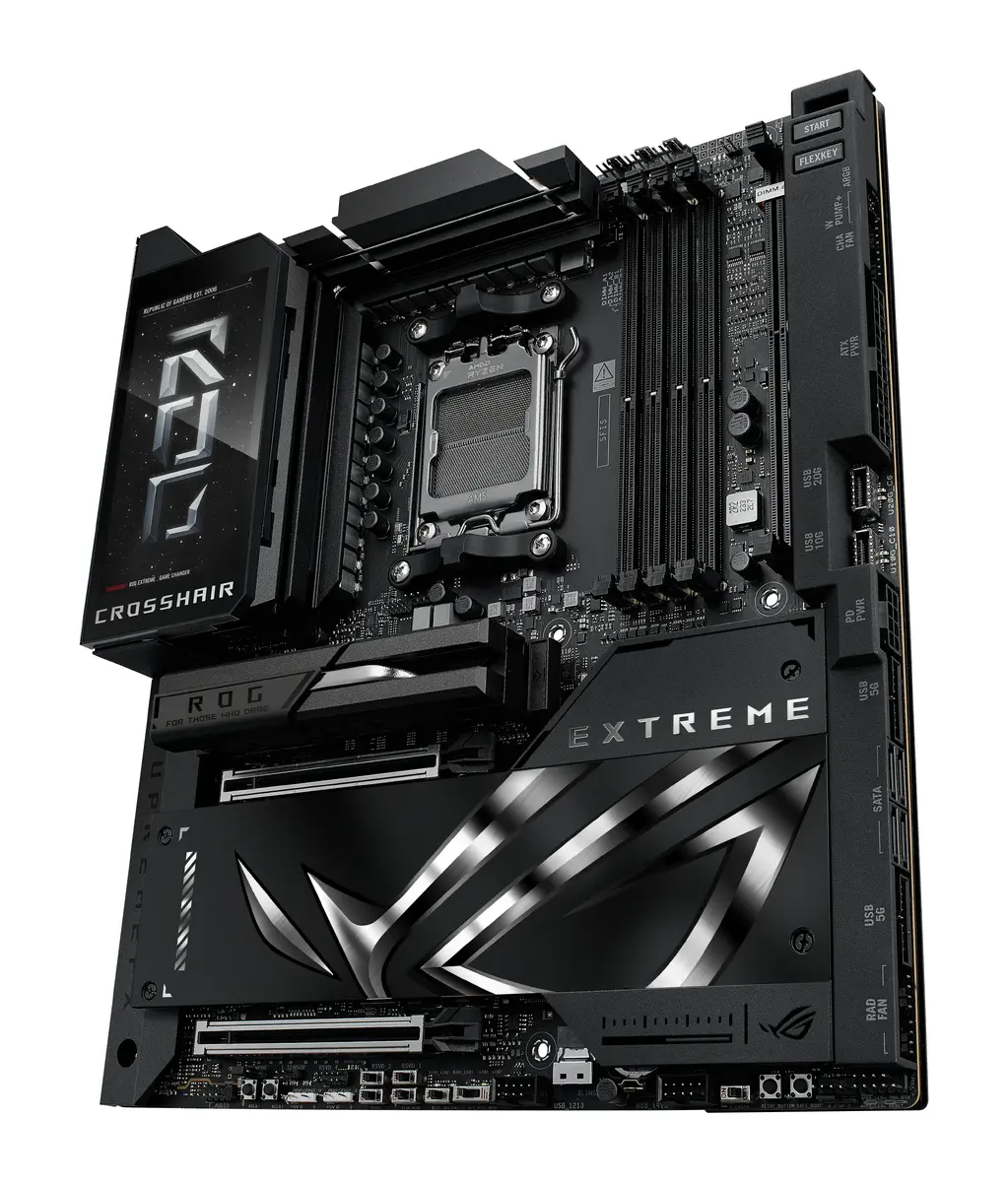
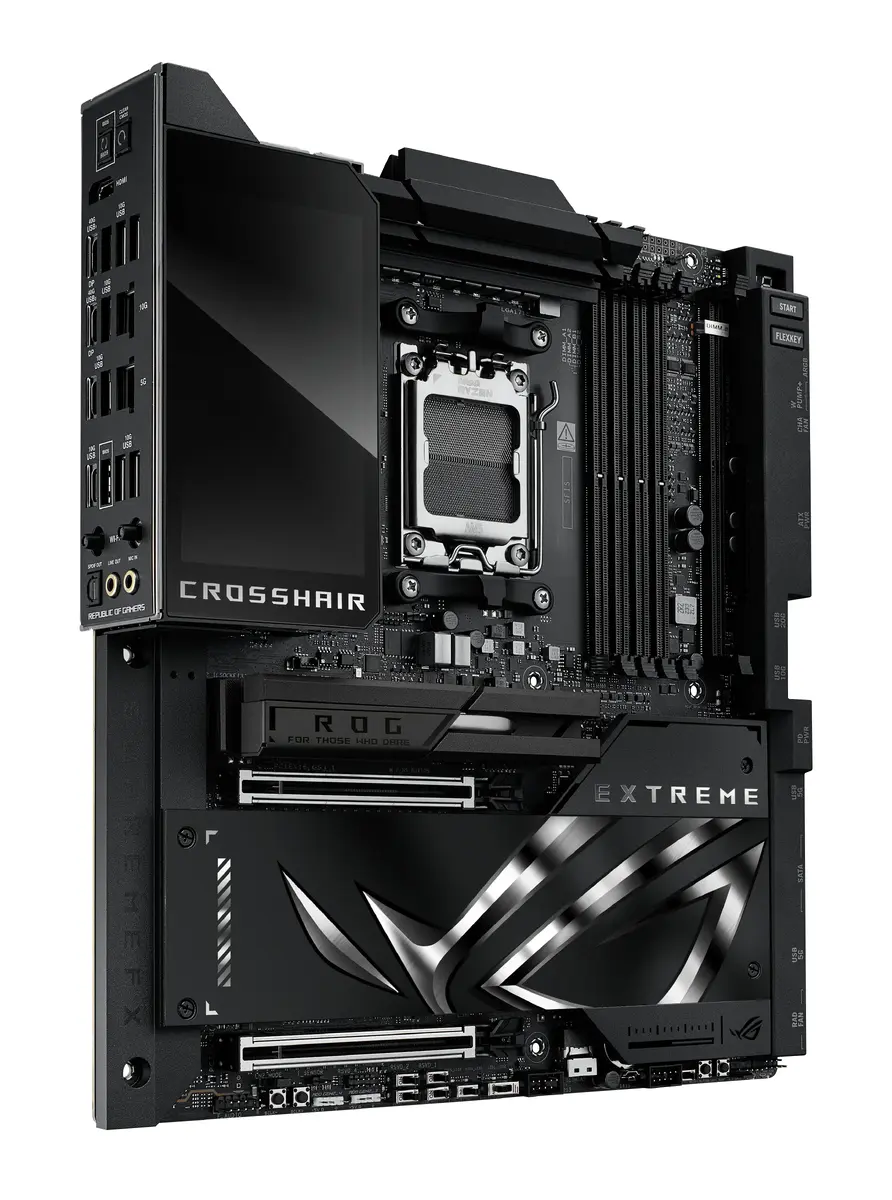
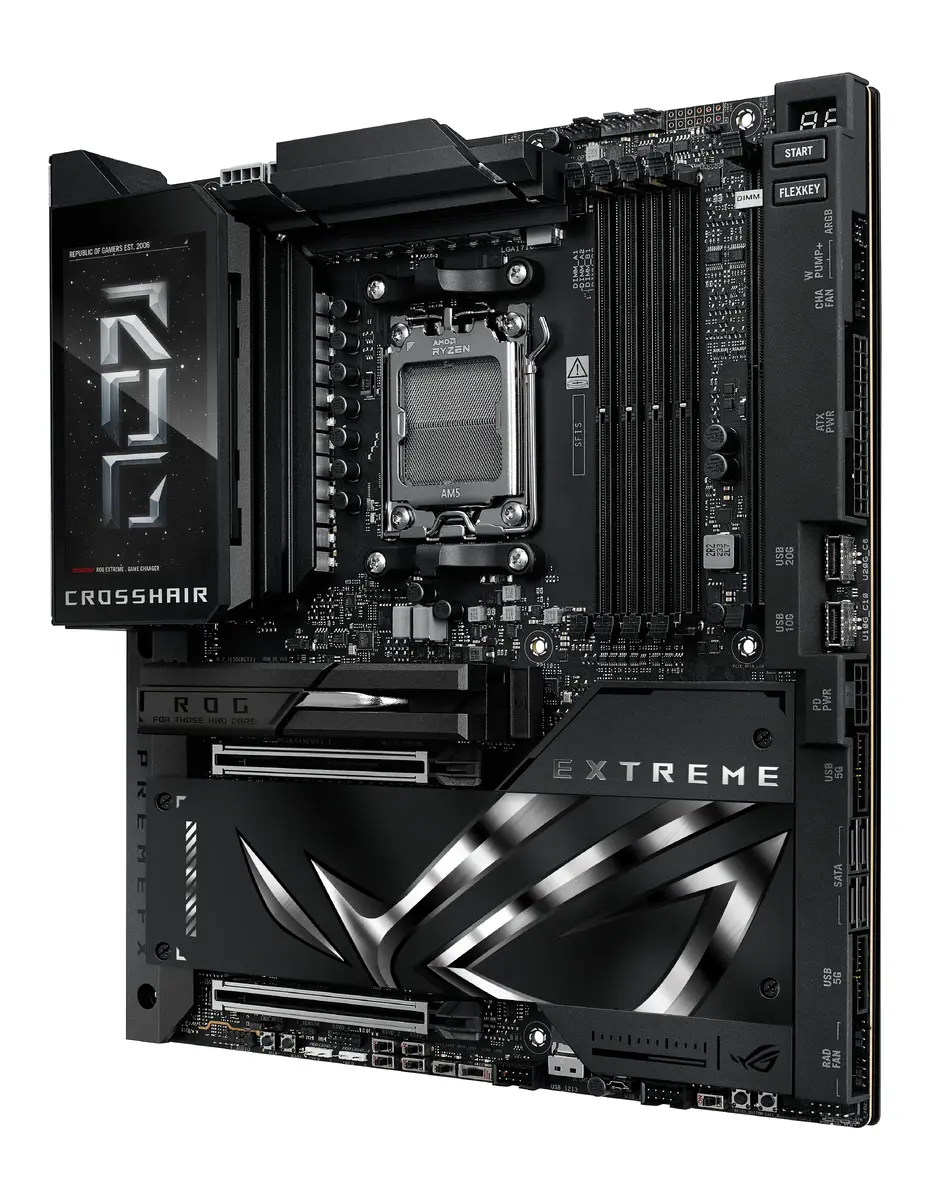
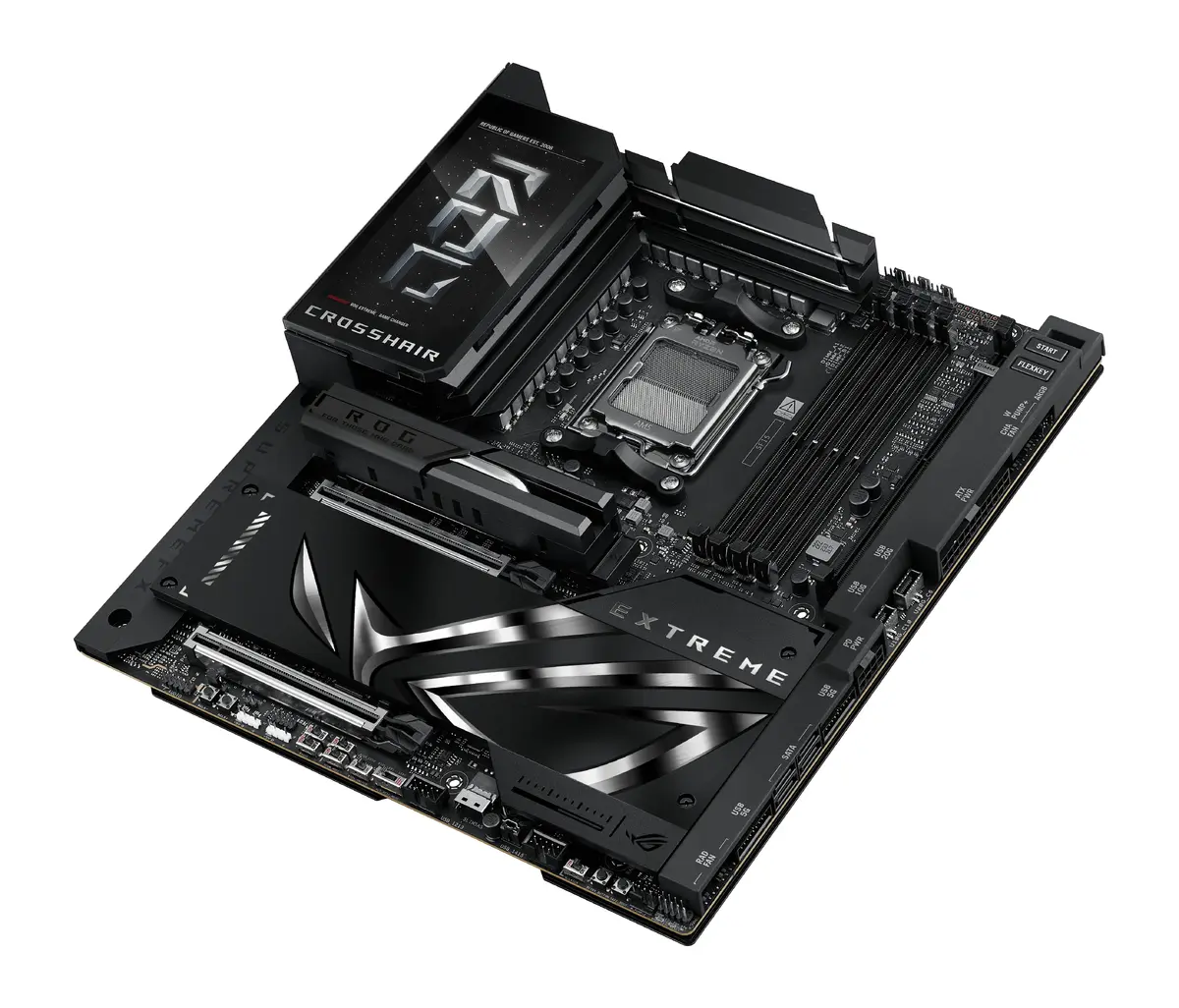
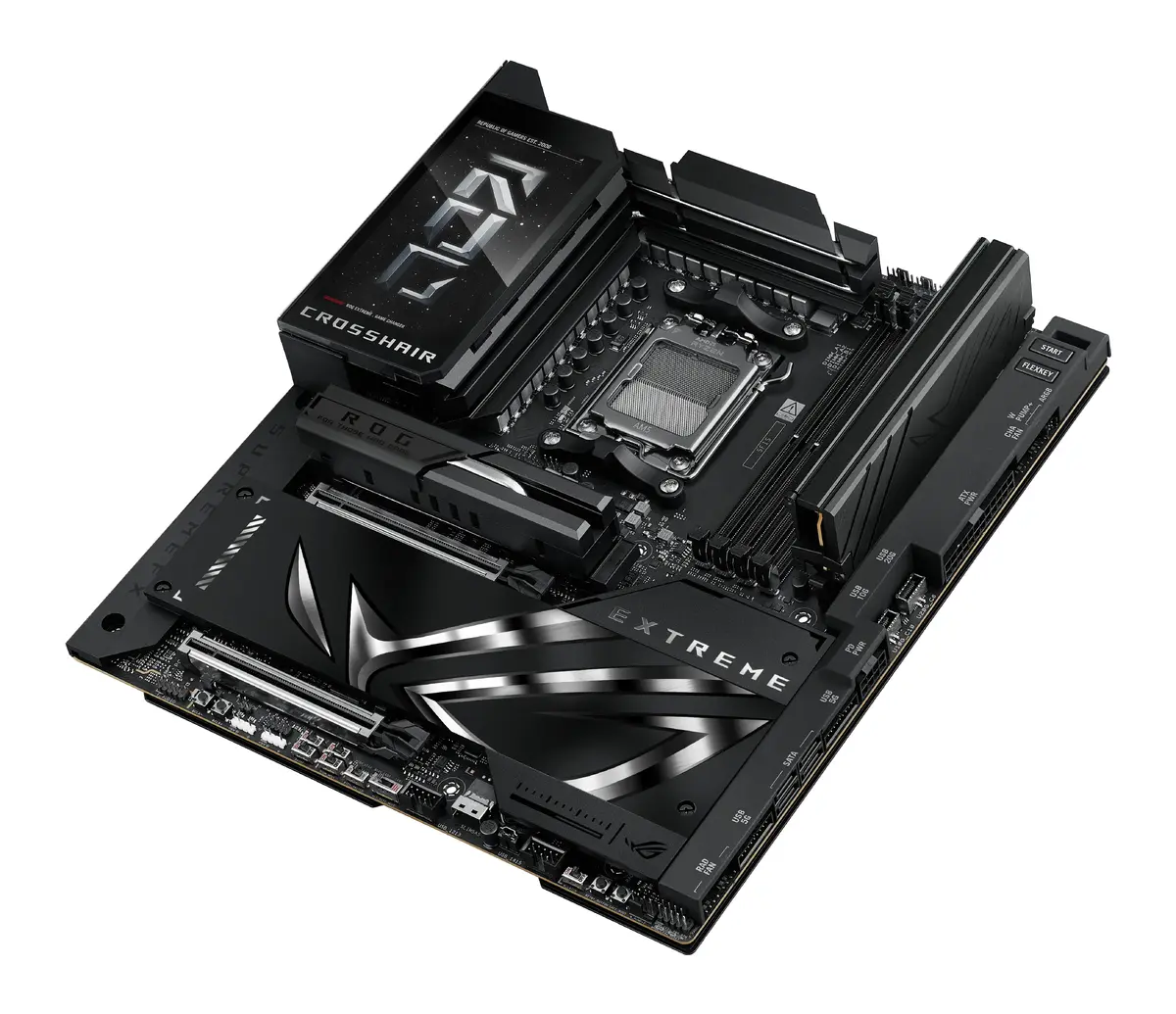
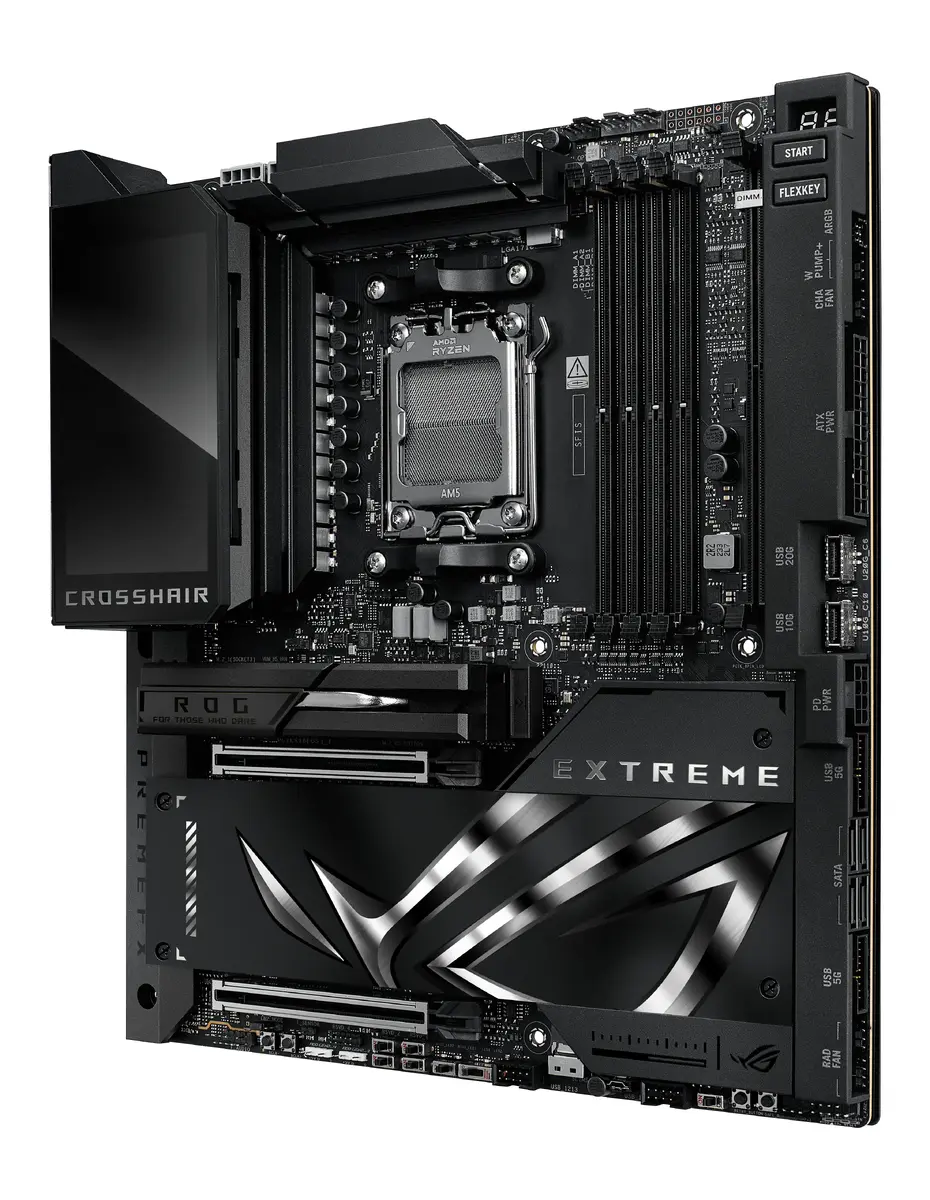
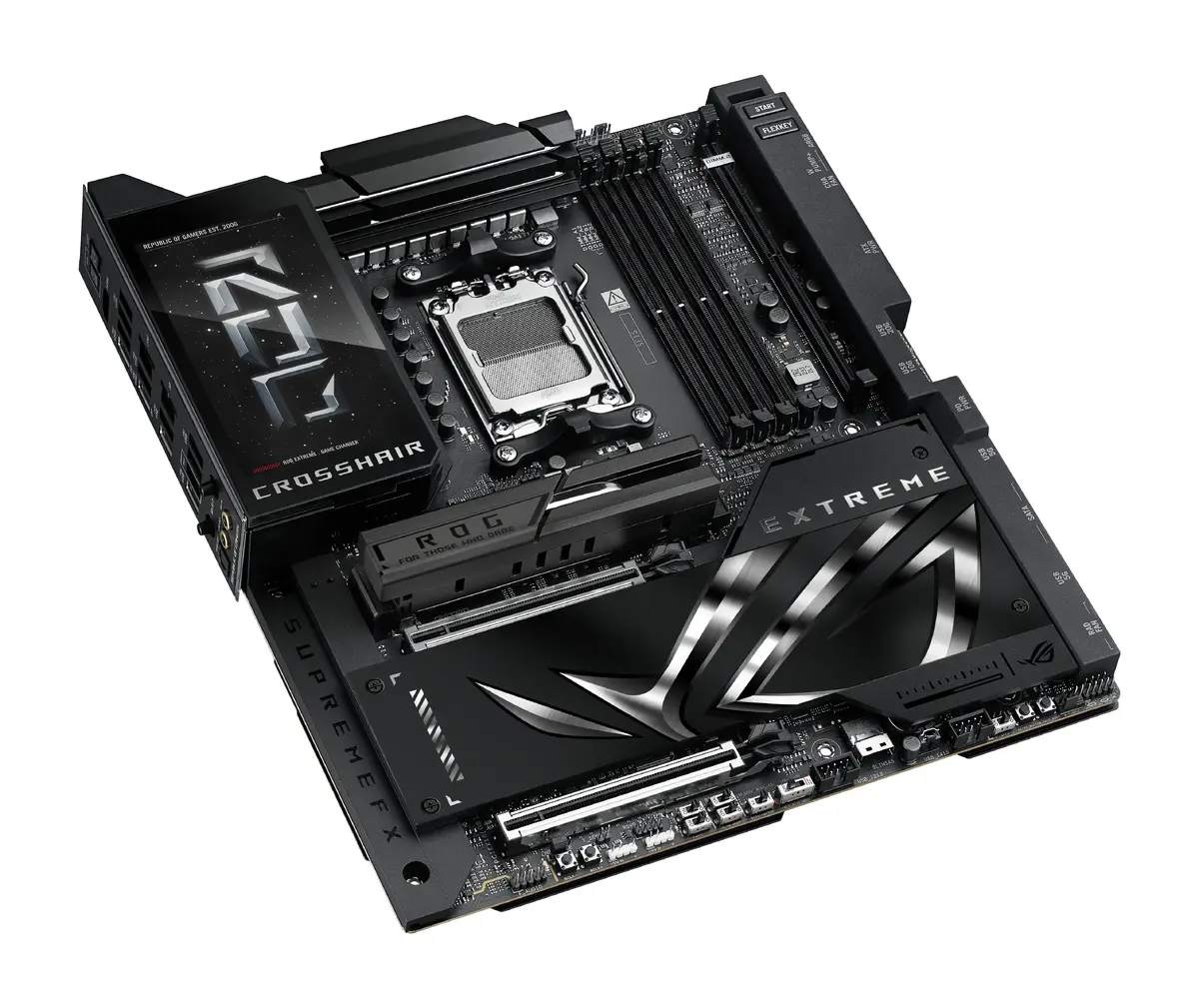
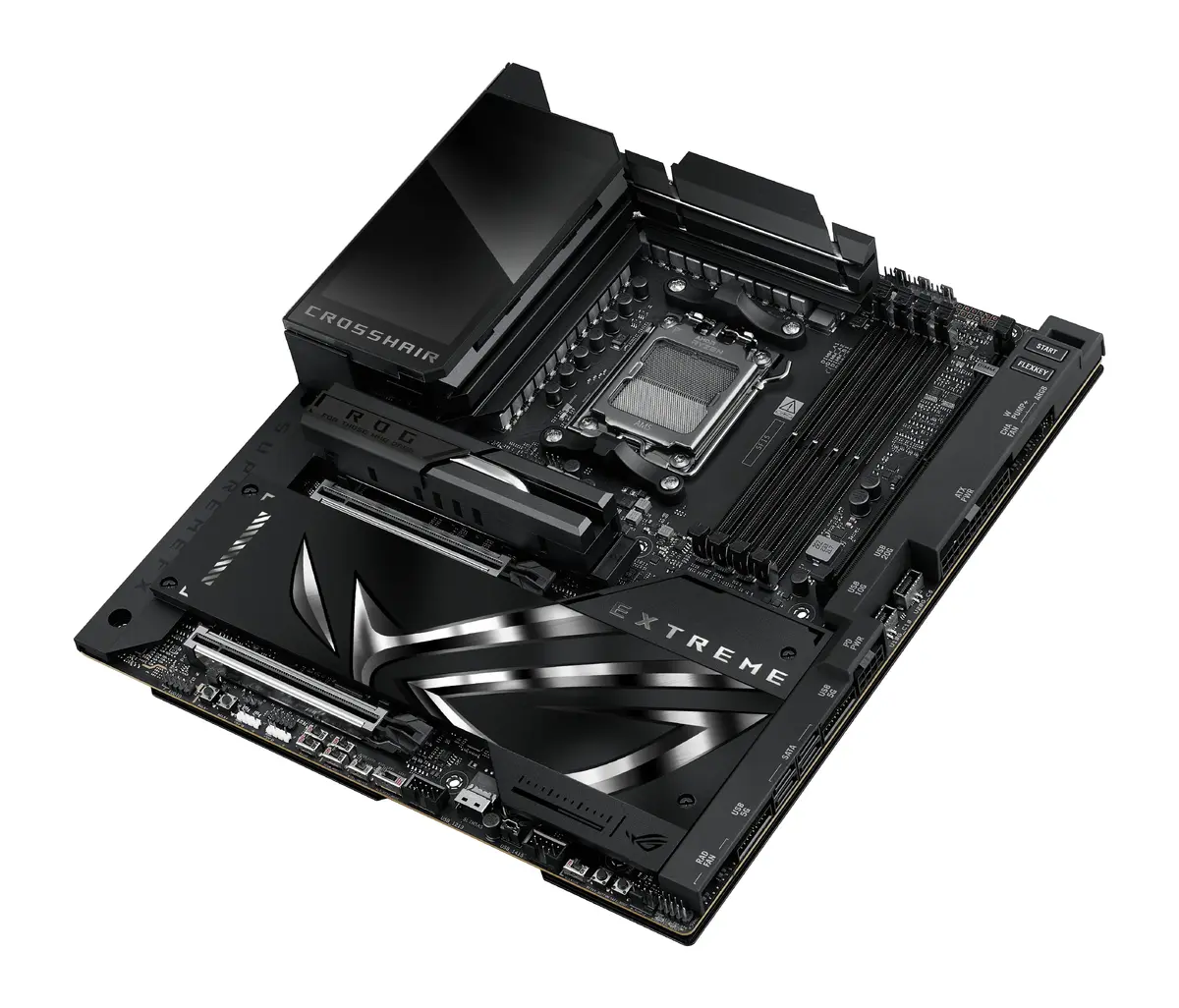
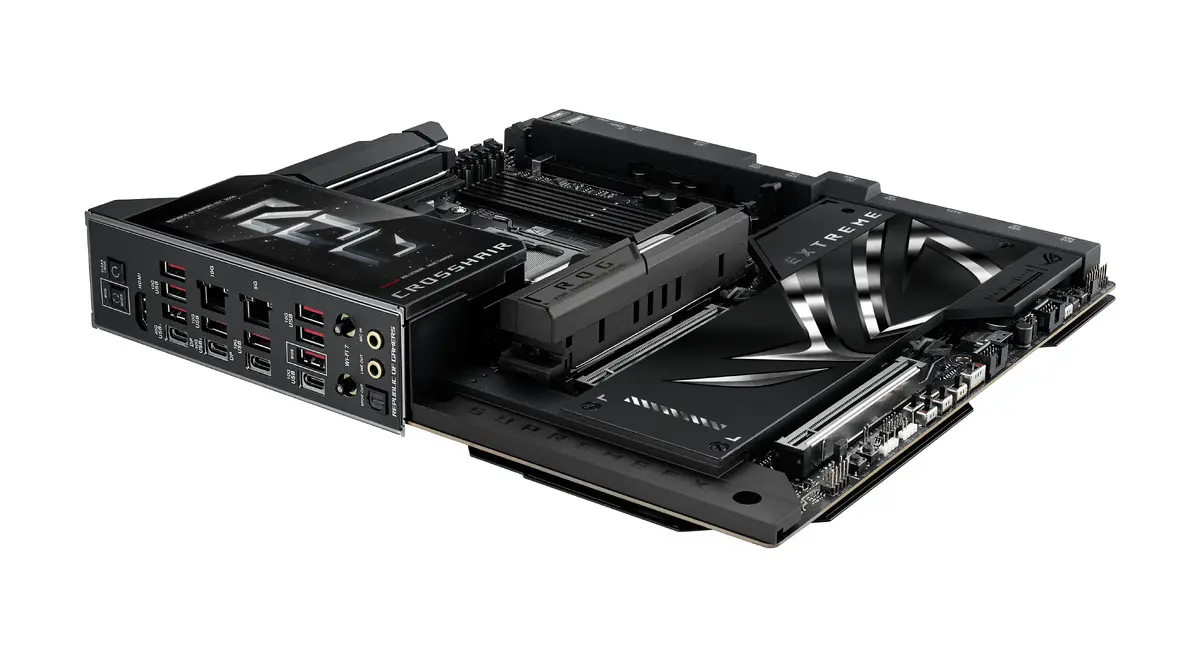
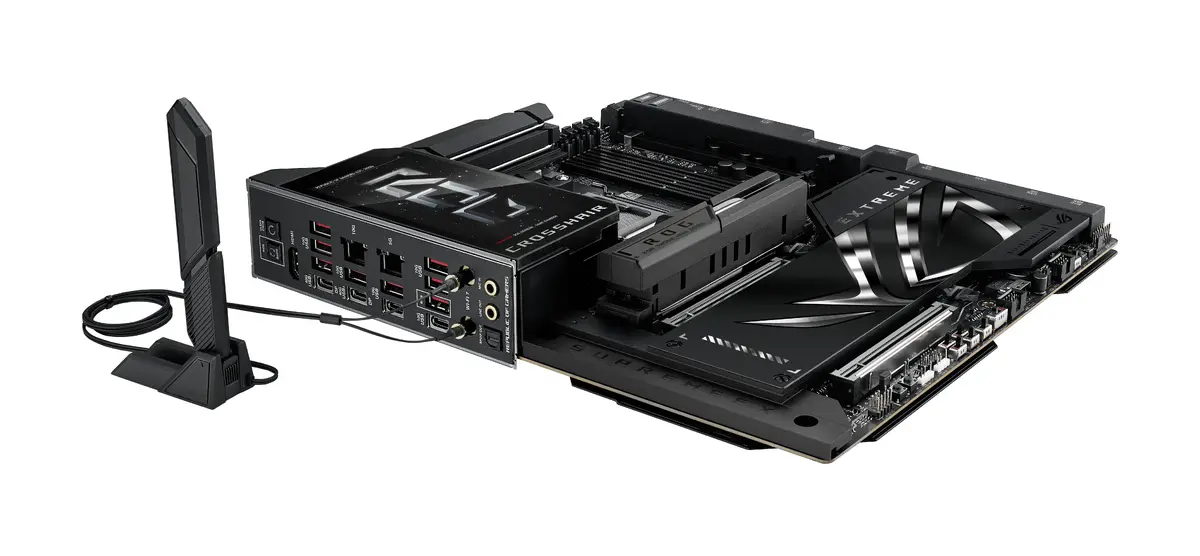
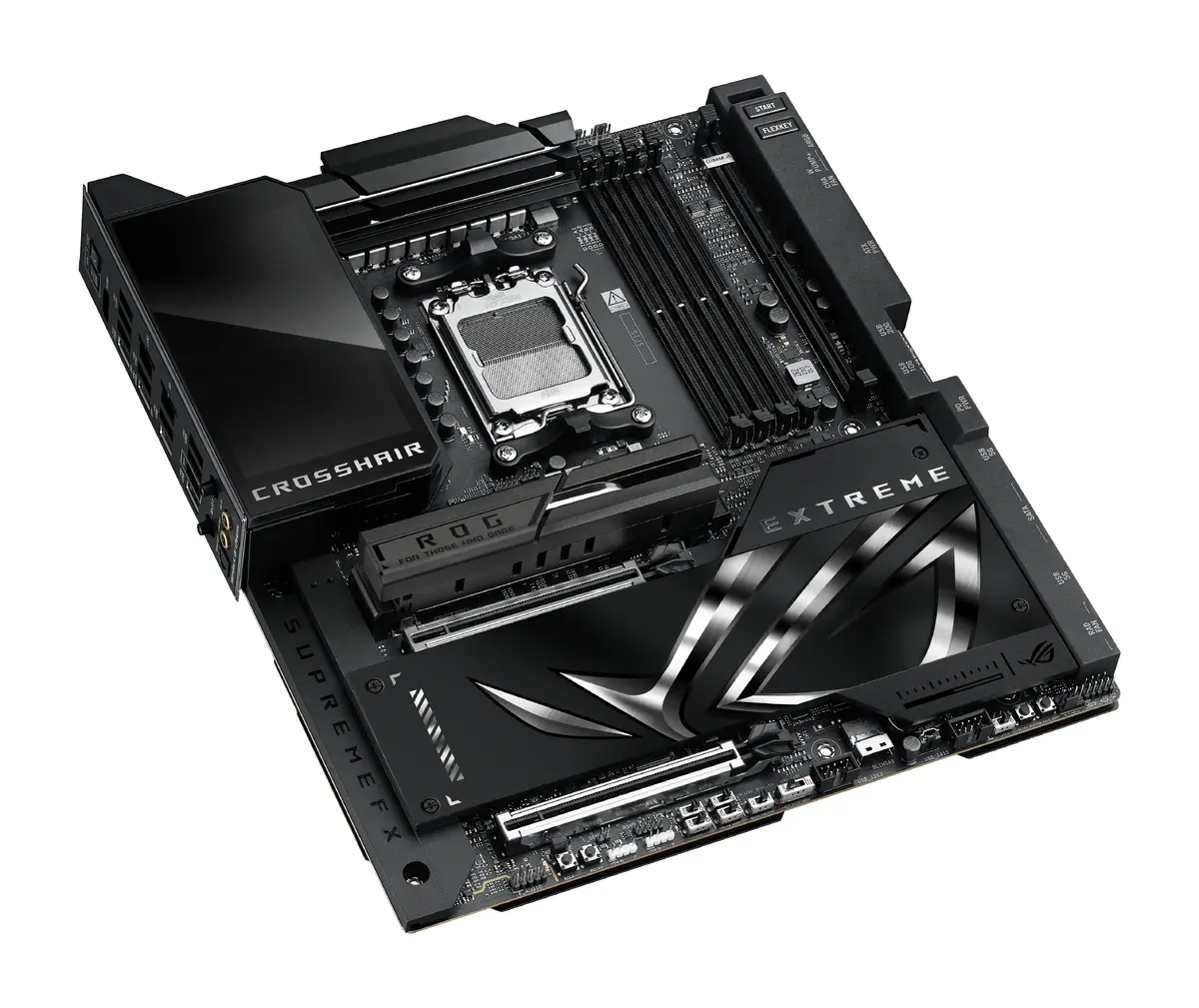
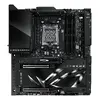
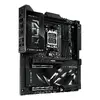
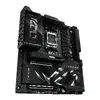
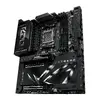
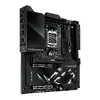
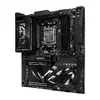
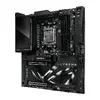
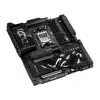
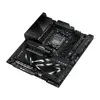
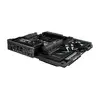
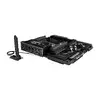
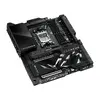
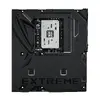
Motherboard ASUS ROG CROSSHAIR X870E EXTREME – AMD X870E, Socket AM5, Extended ATX, DDR5, 4 DIMM, 256 GB, Wi‑Fi 7
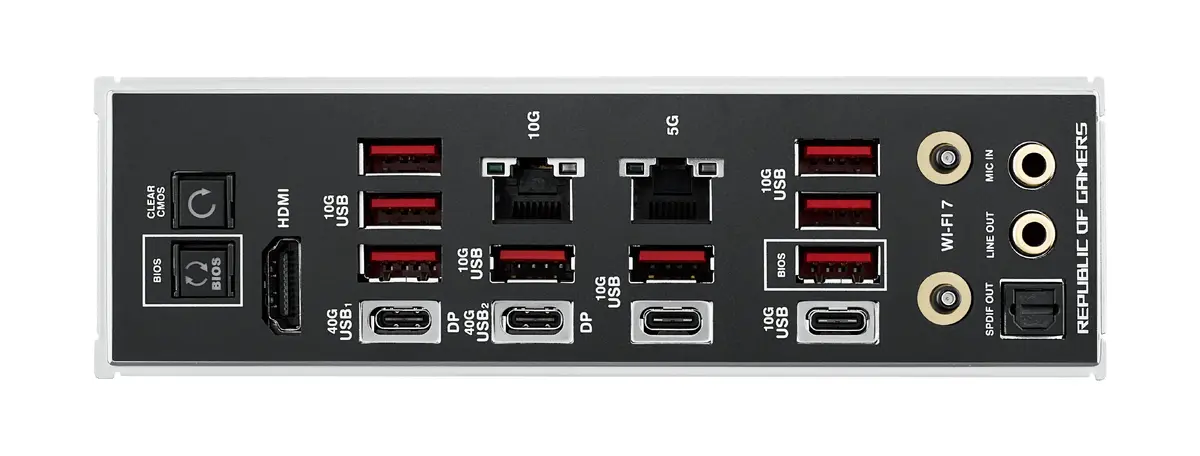
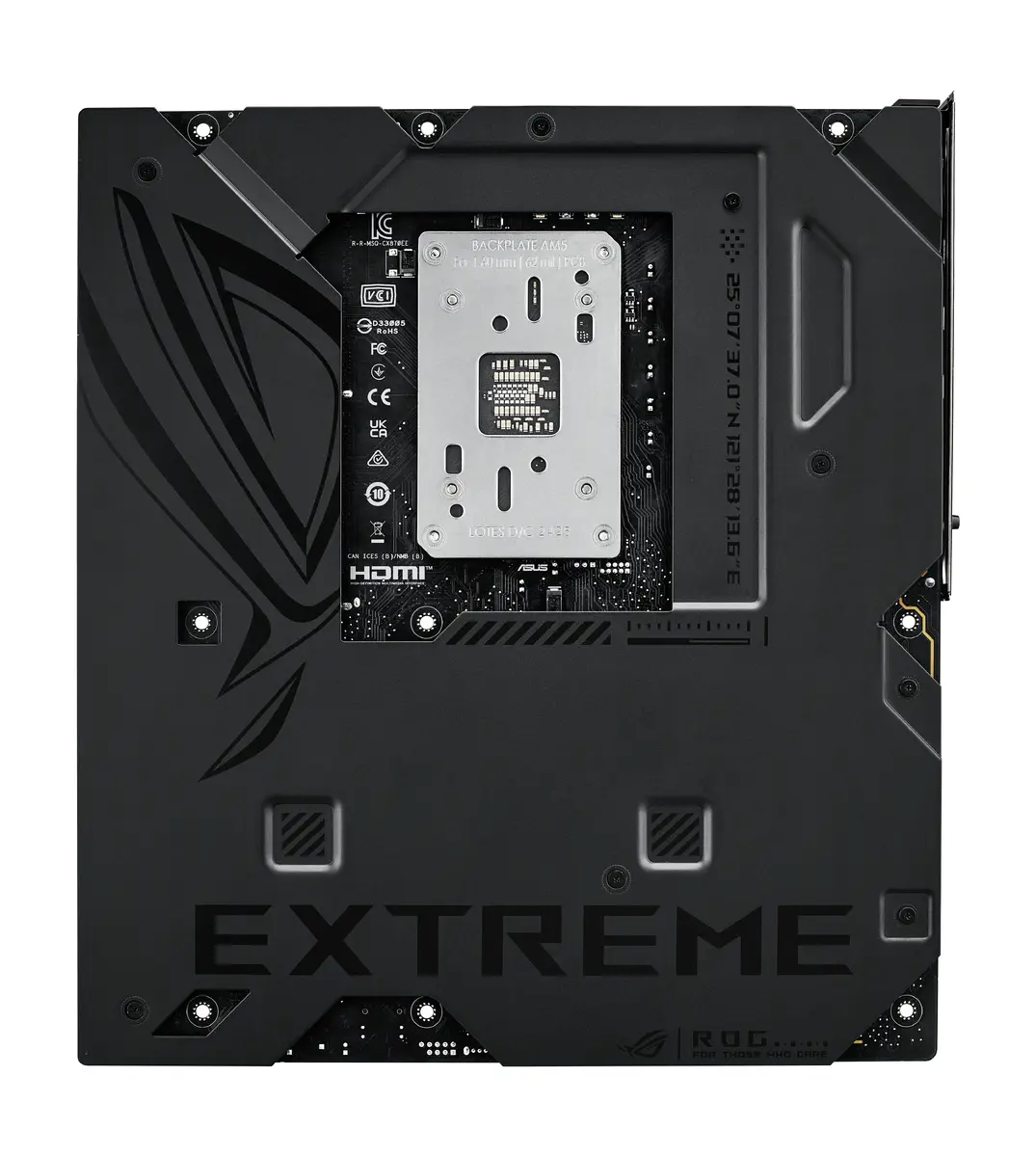
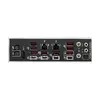
The ROG CROSSHAIR X870E EXTREME is a high-end motherboard for AMD Ryzen processors on Socket AM5, built on the AMD X870E chipset in an Extended ATX form factor. It supports DDR5 memory across four DIMM slots for up to 256 GB, modern storage options including multiple M.2 slots and SATA III with RAID 0/1/5/10 capabilities, and high-speed networking with integrated 5 Gb and 10 Gb Ethernet as well as Wi‑Fi 7 (802.11be). The board includes advanced connectivity such as USB4® and an integrated 5-inch LCD for system monitoring and customization. Select BIOS features like ASUS AI Cache Boost are available to improve cache efficiency for demanding workloads when paired with supported CPUs.
The Extended ATX layout and AMD X870E chipset provide extensive I/O and robust power delivery suitable for overclocking and sustained performance. Four DDR5 DIMM slots enable large memory configurations and higher bandwidth for multithreaded applications. Multiple high-speed storage interfaces and RAID support allow flexible storage topologies for performance or redundancy. Integrated multi-gigabit Ethernet ports and Wi‑Fi 7 deliver low-latency network connectivity for gaming, content creation, and data transfers. Onboard features such as USB4® and a built-in LCD offer convenient system control and real-time monitoring without additional peripherals.
Install the motherboard into a compatible Extended ATX chassis and fit a Socket AM5 CPU following standard anti-static precautions. Populate DDR5 DIMM slots in the recommended channel configuration shown in the manual to achieve optimal memory performance. Connect NVMe drives to the M.2 slots or SATA devices to the SATA III ports and configure any desired RAID arrays via the UEFI BIOS. Attach power connectors from a PSU that meets the system’s power requirements and install cooling for both CPU and VRM components according to the board’s layout guidance. Use the UEFI interface to update firmware, enable features such as ASUS AI Cache Boost if supported by your CPU, and tune performance or fan curves as needed.
Use high-quality DDR5 memory modules matched in size and speed for best stability, and ensure an adequate cooling solution for sustained workloads or overclocking. Keep the BIOS updated to the latest version for improved compatibility and to access features like AI Cache Boost. When configuring multi-gigabit networking or Wi‑Fi 7, use drivers and firmware from the manufacturer to achieve optimal network throughput and stability.
{{highlightedFeature.featureTitle}}:
{{getProductFeatureValueById(product, highlightedFeature.featureId)}}
{{ productComparisonGenerationError }}
