
Leave your address - as soon as the price of the product goes down, you'll know about it right away
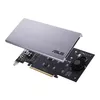
Internal interface card ASUS HYPER M.2 X16 CARD V2 PCIe 3.0 128 Gbit/s
In cart {{totalProductsCount}} item(s)
Your cart is empty
Internal interface card ASUS HYPER M.2 X16 CARD V2 PCIe 3.0 128 Gbit/s
Leave your address - as soon as the price of the product goes down, you'll know about it right away
Internal interface card ASUS HYPER M.2 X16 CARD V2 PCIe 3.0 128 Gbit/s
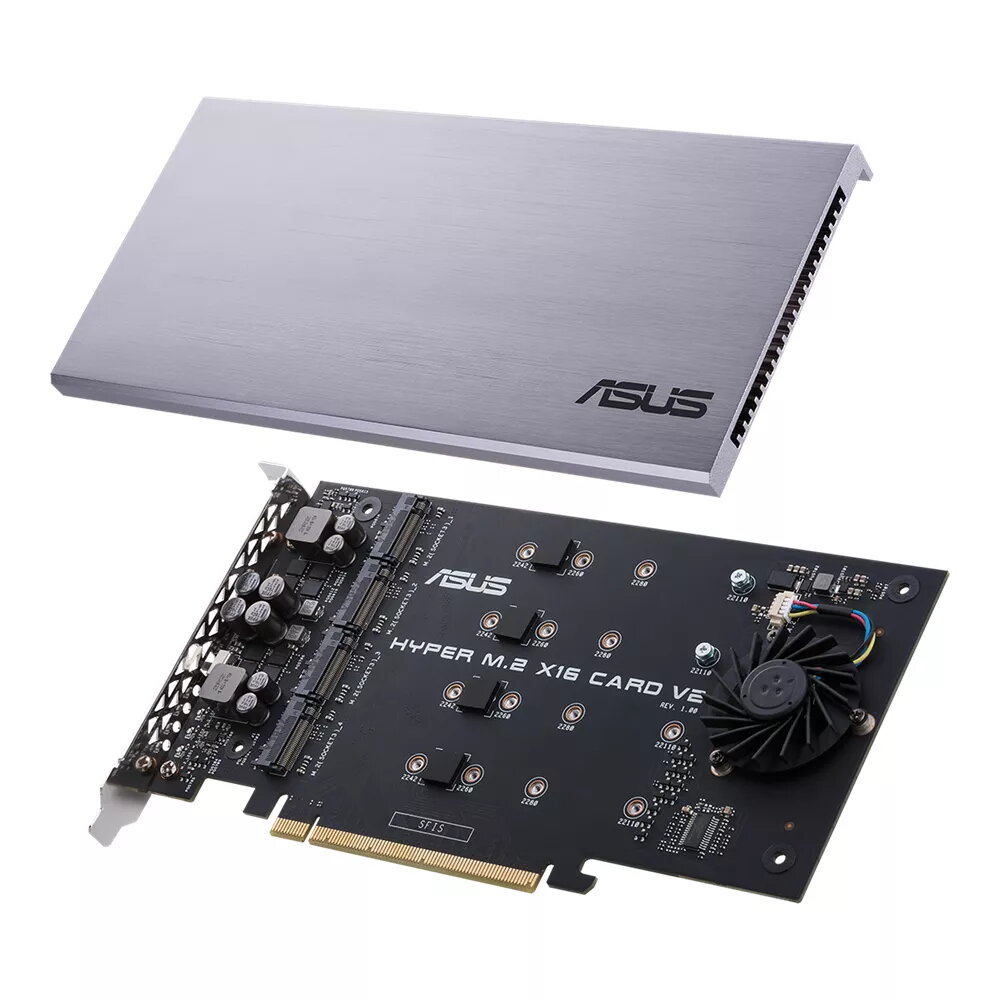
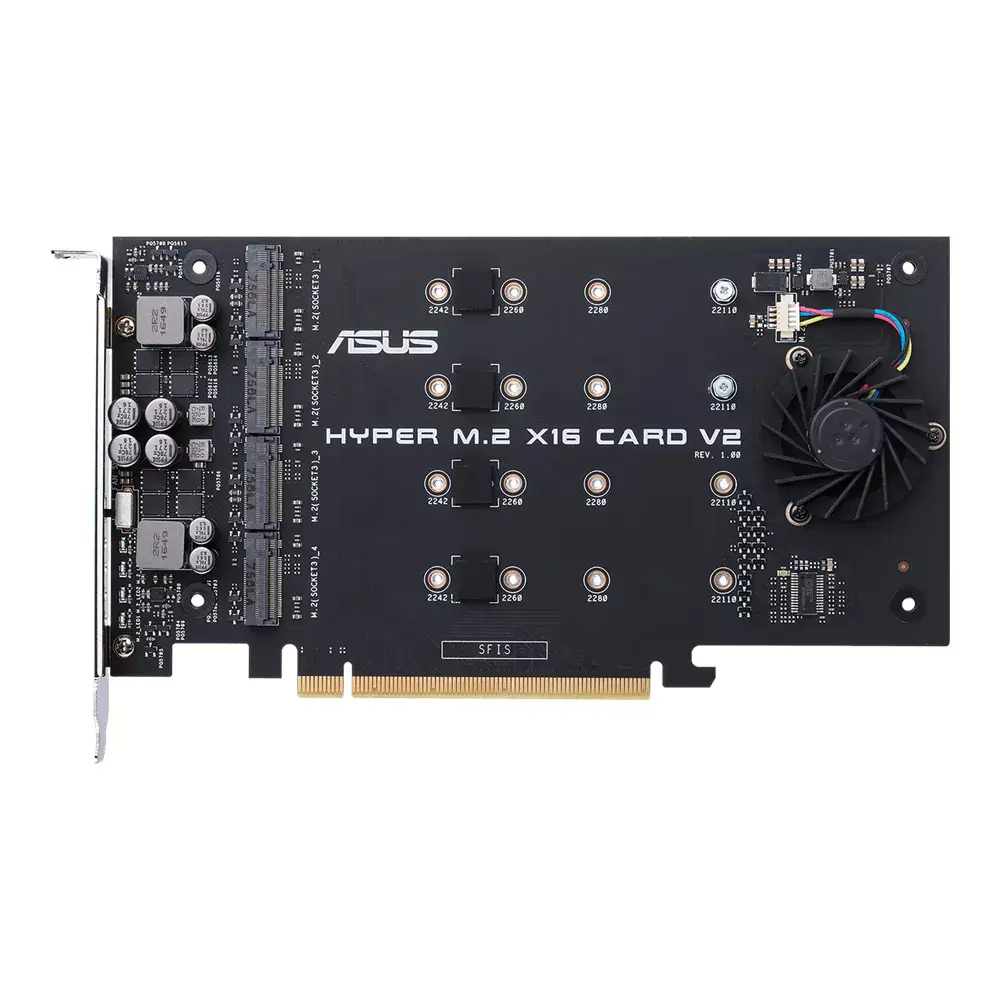
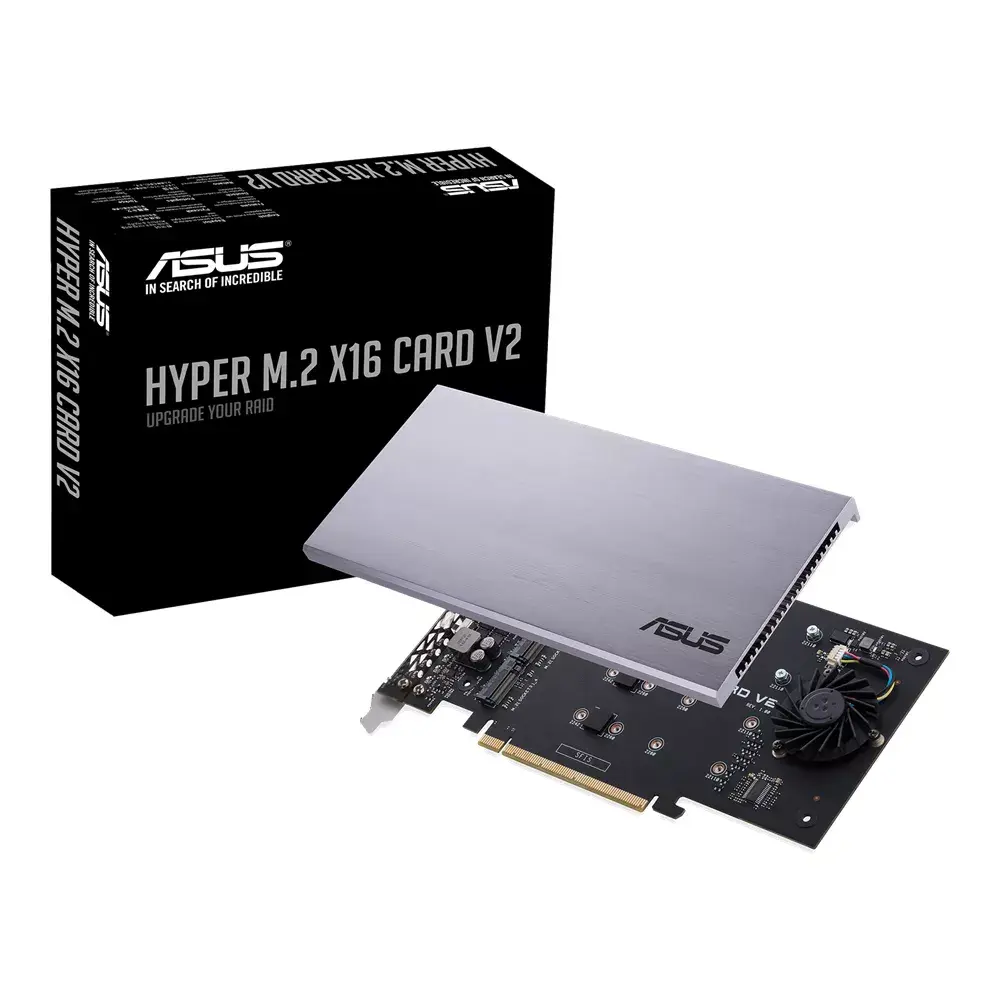
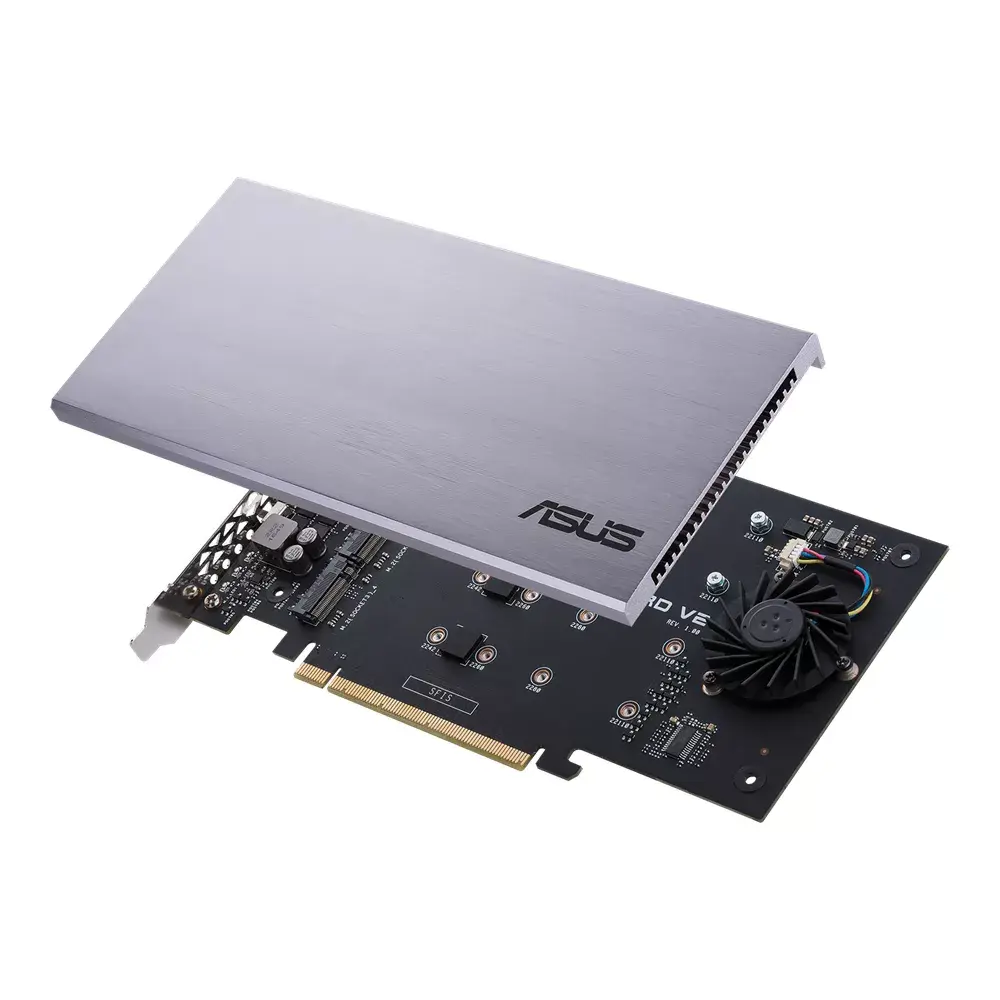
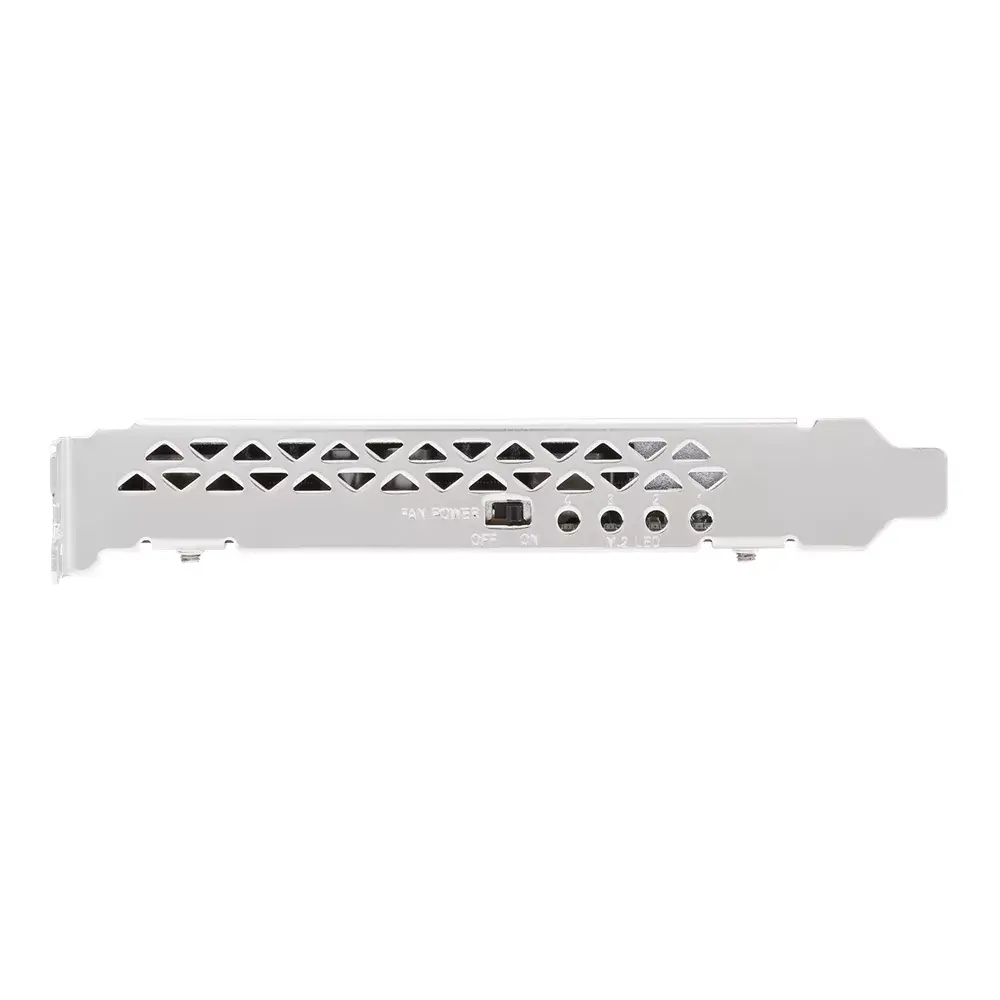
The ASUS HYPER M.2 X16 CARD V2 is an internal interface card that expands a compatible system with up to four M.2 NVMe SSDs over a PCIe 3.0 x16 host interface, offering up to 128 Gbit/s total bandwidth. The card is designed to work with Intel Virtual RAID on CPU (VROC) and AMD Ryzen Threadripper platforms to enable NVMe RAID arrays, and includes an upgraded power delivery, a large heatsink and an active fan to support sustained high-speed transfers.
This card provides four M.2 slots on a single PCIe 3.0 x16 adapter, enabling high aggregate bandwidth (up to 128 Gbit/s) and support for CPU-based RAID solutions such as Intel VROC and AMD Threadripper NVMe RAID. The improved power supply can deliver up to 14 W per drive, while the integrated heatsink and active cooling reduce thermal throttling for sustained performance. Its compact dimensions make it suitable for systems that need to expand storage density without using drive bays.
Install the card into an available PCIe 3.0 x16 slot on a compatible motherboard, secure it in the chassis, and mount up to four M.2 NVMe SSDs in the provided slots. Connect any required power headers if specified by your system documentation. Configure RAID options in your platform’s RAID utility (for example Intel VROC or the appropriate Threadripper NVMe RAID solution) if you need a RAID array; follow the motherboard or RAID software instructions to set up a bootable array if desired. Ensure the card’s fan is unobstructed and that the system chassis provides adequate airflow.
Use matching NVMe drives for best RAID results, confirm motherboard and CPU support for CPU-based RAID (VROC or Threadripper NVMe RAID) before purchase, and monitor drive temperatures during heavy workloads to ensure the card’s cooling is sufficient.
{{highlightedFeature.featureTitle}}:
{{getProductFeatureValueById(product, highlightedFeature.featureId)}}
