
Filters you can trust. Pure water every day.
In cart {{totalProductsCount}} item(s)
Your cart is empty
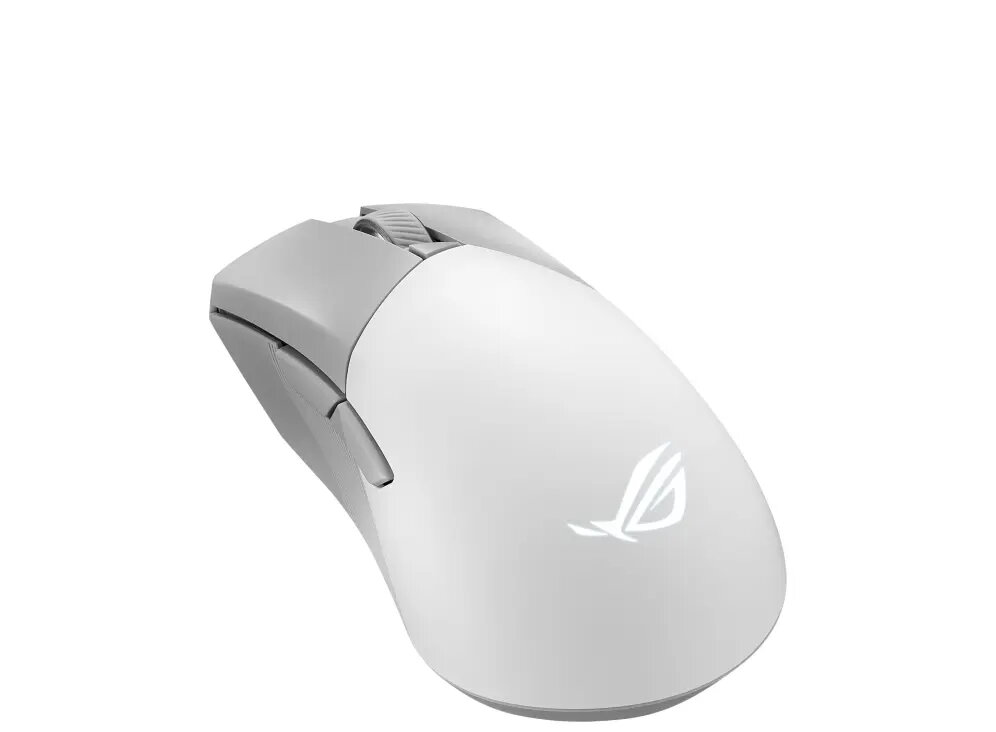
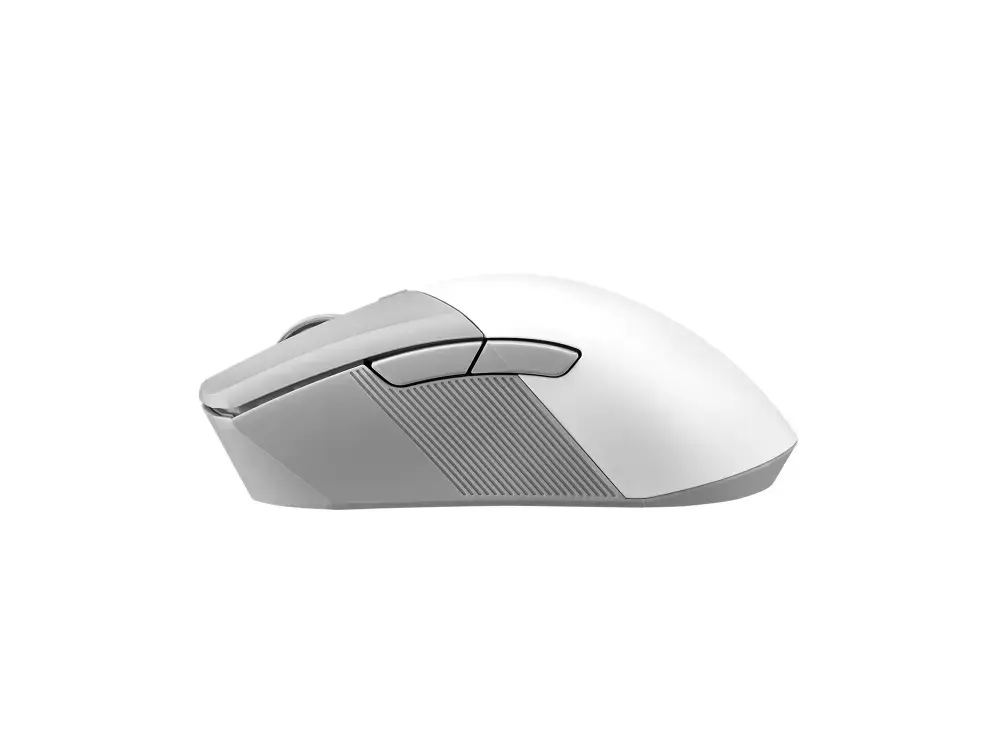
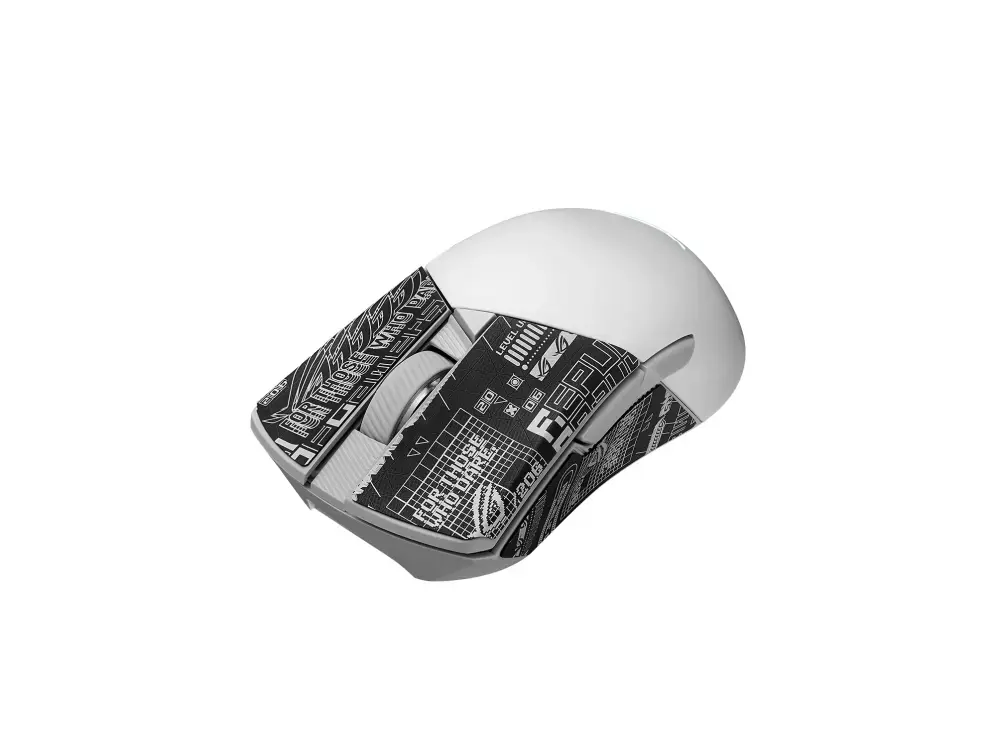
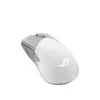
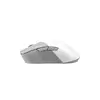
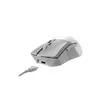
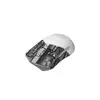
Gaming mouse Asus ROG Gladius III Wireless Aimpoint — Right-hand, Optical, RF Wireless + Bluetooth + USB-A, 36000 DPI, 6 buttons, White
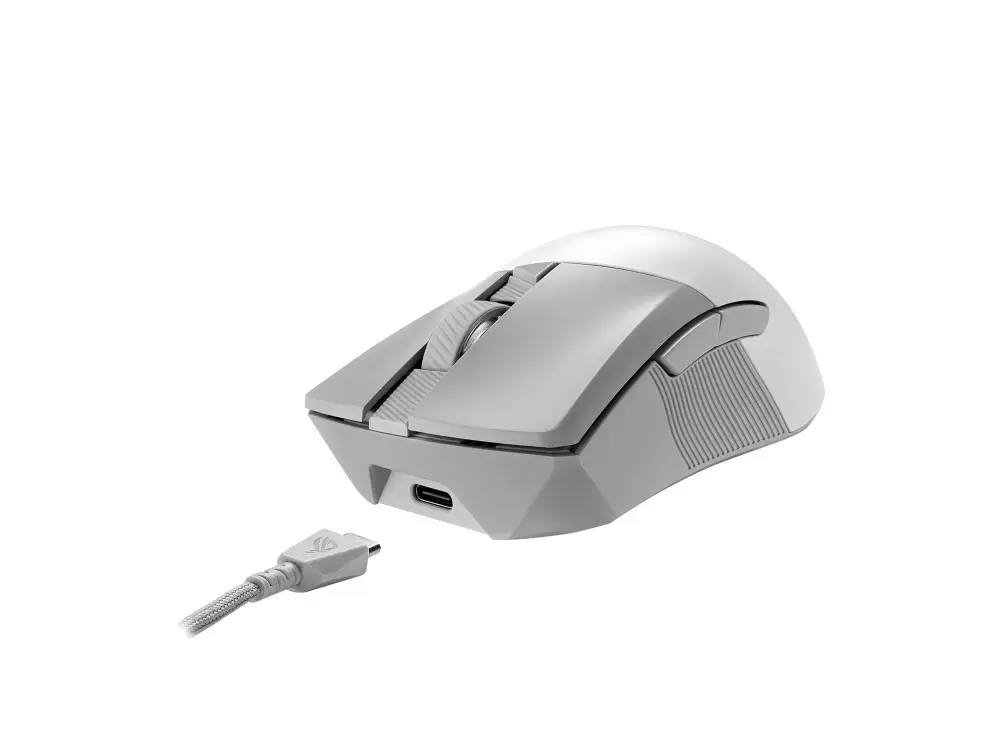
The Asus ROG Gladius III Wireless Aimpoint is a right‑hand gaming mouse engineered for precise optical tracking and low-latency competitive play. It features the ROG AimPoint optical sensor with up to 36,000 DPI sensitivity, a lightweight ergonomic shell optimized for right-handed grips, tri-mode connectivity (2.4 GHz RF, Bluetooth and wired USB Type‑A), six programmable buttons and on‑the‑fly DPI adjustment. The design includes ROG Paracord for reduced cable drag, 100% PTFE feet for smooth gliding, swappable switches and Aura Sync RGB lighting. Battery or wired power options allow flexible use in long gaming sessions.
The AimPoint sensor provides high-resolution tracking with industry-leading accuracy and low CPI deviation for consistent cursor movement at sensitivities from 100 to 36,000 DPI. Tri-mode connectivity with ROG SpeedNova wireless technology maintains low-latency performance in RF mode while Bluetooth offers multi-device pairing and USB Type‑A supports charging and wired play. At just 79 grams, the mouse combines light weight with durable components such as swappable ROG Micro Switches, pivoted button mechanism for minimal click latency, and 100% PTFE feet for smooth, predictable glide. Energy-efficient electronics extend battery life in both RF and Bluetooth modes for extended wireless use.
Connect the mouse via the included USB Type‑A receiver for ultrafast 2.4 GHz RF wireless, pair with a device using Bluetooth, or plug directly into a USB port for wired operation and charging. Use the DPI on‑the‑scroll feature or the dedicated DPI button to switch sensitivity levels on the fly. Install Asus Armoury Crate software to calibrate surface settings, reassign and program buttons, create lighting profiles with Aura Sync and save performance presets. For switch replacement, power down the mouse, open the push‑fit switch socket area and swap switches according to the manufacturer’s instructions.
For best tracking and minimal latency in competitive play, use the 2.4 GHz RF mode with ROG SpeedNova and ensure the USB receiver is unobstructed. Clean the PTFE feet and mousepad regularly to maintain smooth glide, and charge the internal battery before long sessions. Use Armoury Crate to calibrate DPI stages and surface tuning to match your preferred mousepad and grip style.
{{highlightedFeature.featureTitle}}:
{{getProductFeatureValueById(product, highlightedFeature.featureId)}}
{{ productComparisonGenerationError }}
