

JBL speakers and headphones for pure and deep sound!
In cart {{totalProductsCount}} item(s)
Your cart is empty
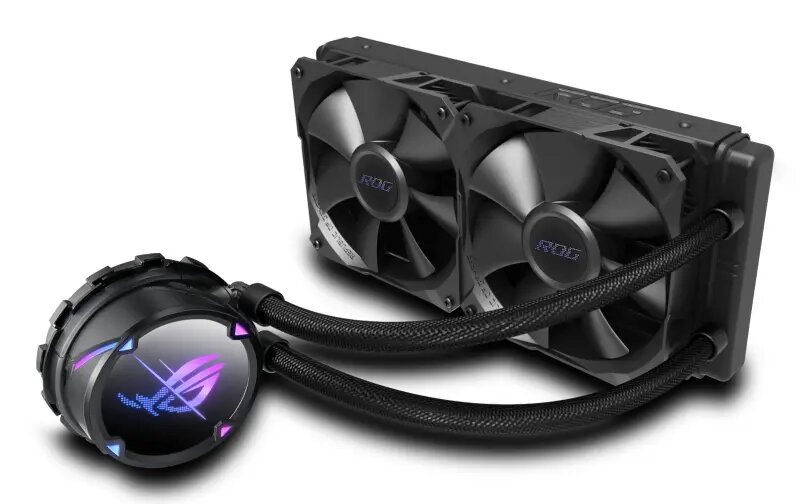
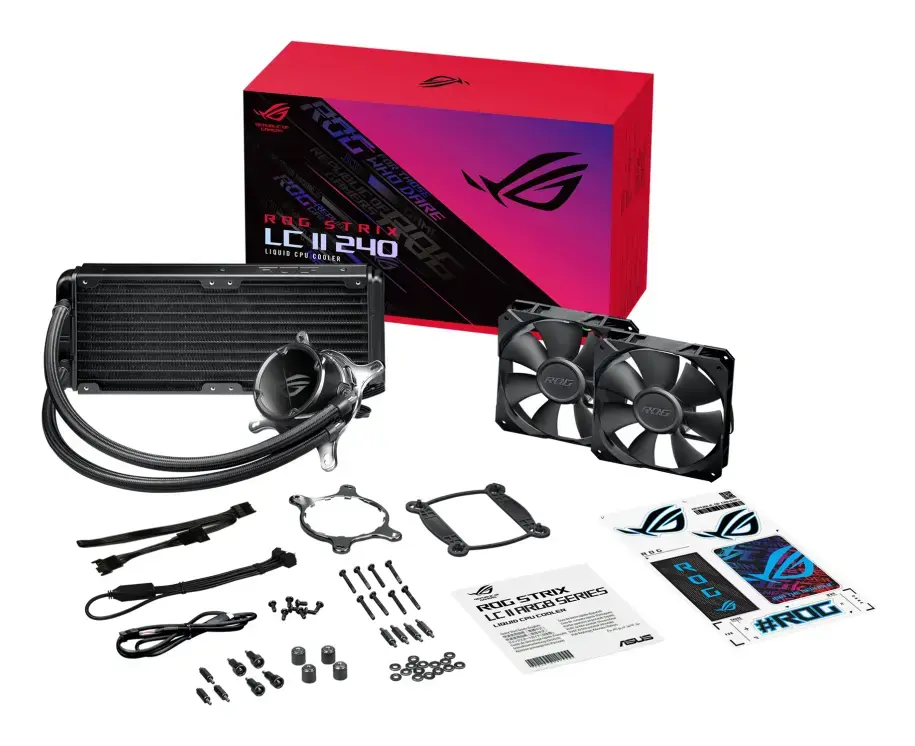
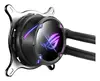
All-in-one liquid CPU cooler ASUS ROG Strix LC II 240 — 120 mm fans, 137.5 m³/h airflow, black
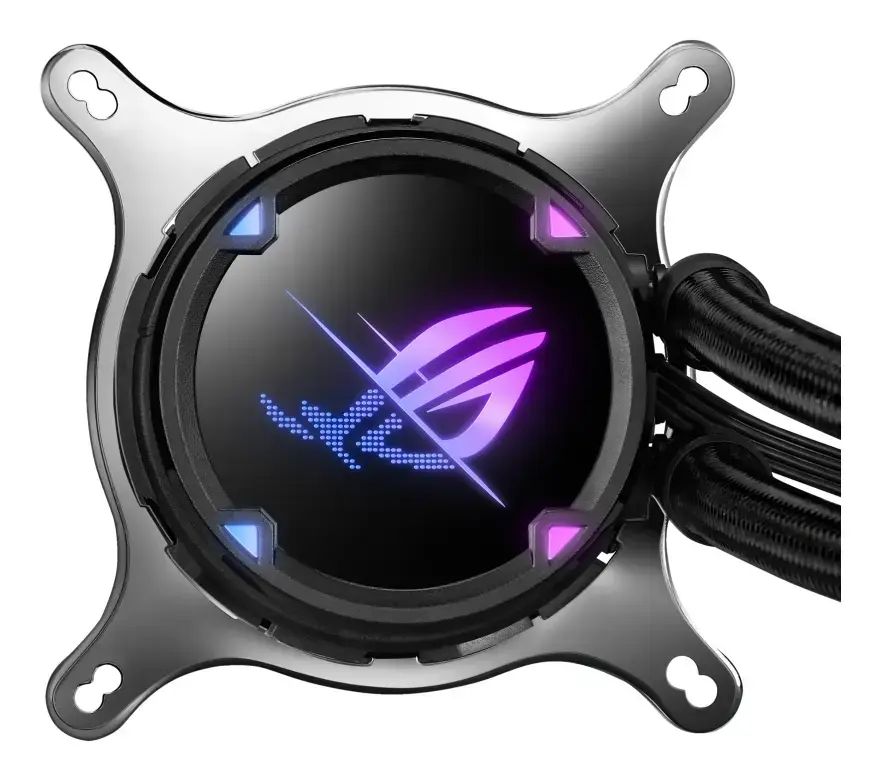
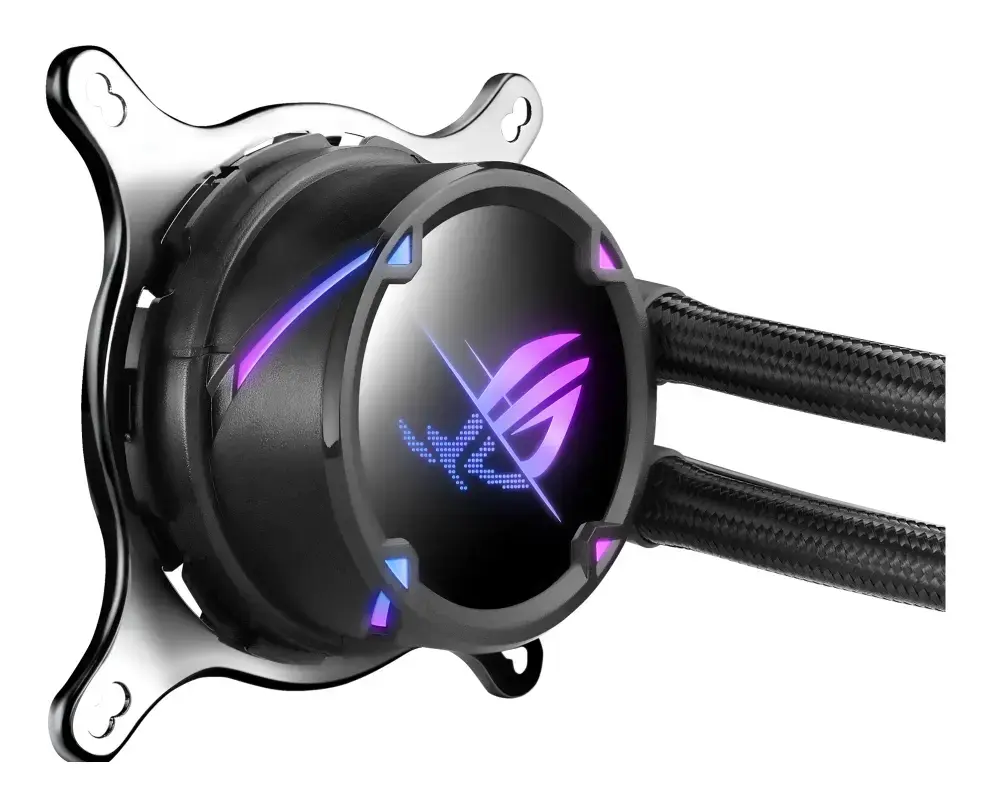
The ASUS ROG Strix LC II 240 is an all-in-one liquid CPU cooler that integrates a closed-loop radiator, pump assembly and two 120 mm fans to deliver effective thermal management for gaming and high-performance systems. With rated airflow of 137.5 m³/h (approximately 80.95 CFM) and a black finish, the unit is designed to fit compact and full-size builds while offering ARGB lighting on the pump cover and reinforced sleeved tubing for durability. The cooler supports a wide range of Intel and AMD sockets and features PWM control for adaptive pump and fan speeds.
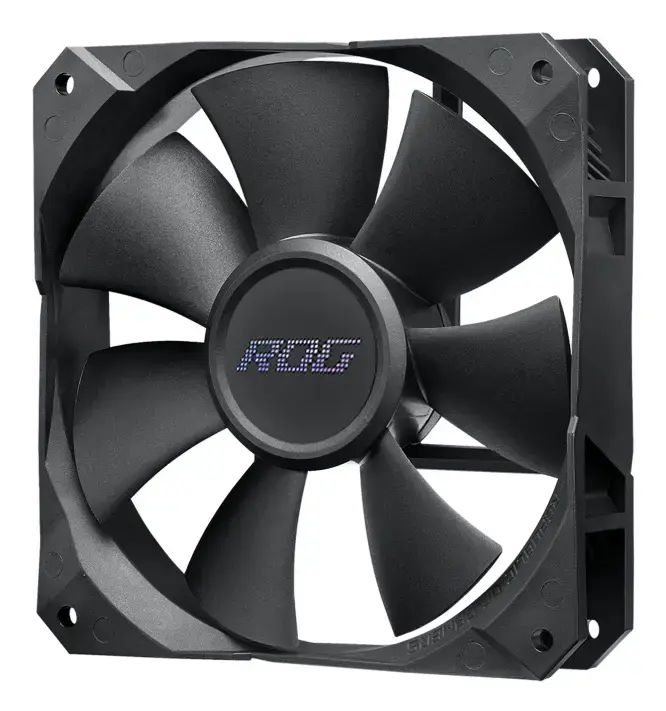
The cooler combines a seventh-generation Asetek pump and ROG-designed radiator fans to provide efficient heat transfer and relatively low acoustic output through PWM-controlled operation. A machined copper cold plate with fine micro-channels improves thermal conductivity and reduces CPU temperatures. ARGB lighting on the NCVM-coated pump cover and ROG styling on the radiator and fans allow visual integration with compatible motherboards and cases. Reinforced sleeved tubing and a compact 240 mm radiator make installation flexible across many chassis types.
This 240 mm AIO cooler may not be suitable for very small form-factor cases that lack mounting space for a 240 mm radiator or dual 120 mm fans. It is also not appropriate for users who require a passive or fanless cooling solution, as the design relies on active pump and fan operation.
Mount the radiator in a compatible case location that supports a 240 mm radiator (top, front, or roof depending on case layout). Attach the two 120 mm ROG radiator fans in the chosen push or pull orientation and connect their PWM cables to the motherboard or fan controller. Secure the pump block to the CPU using the appropriate mounting bracket for the target socket, ensuring even pressure and correct thermal paste application. Connect the pump power and ARGB connector(s) to the motherboard headers for speed control and lighting synchronization. Configure fan curves and pump behaviour in BIOS or a software utility to balance cooling performance and noise according to workload.
For balanced performance and acoustics, configure a conservative fan curve and allow the PWM-controlled pump and fans to ramp up under load. Mount the radiator where case airflow supports fresh intake or exhaust for best thermal results, and ensure thermal paste is applied in a thin, even layer before tightening the pump bracket.
{{highlightedFeature.featureTitle}}:
{{getProductFeatureValueById(product, highlightedFeature.featureId)}}
{{ productComparisonGenerationError }}
