
Powerful EcoFlow stations for energy anywhere!
In cart {{totalProductsCount}} item(s)
Your cart is empty
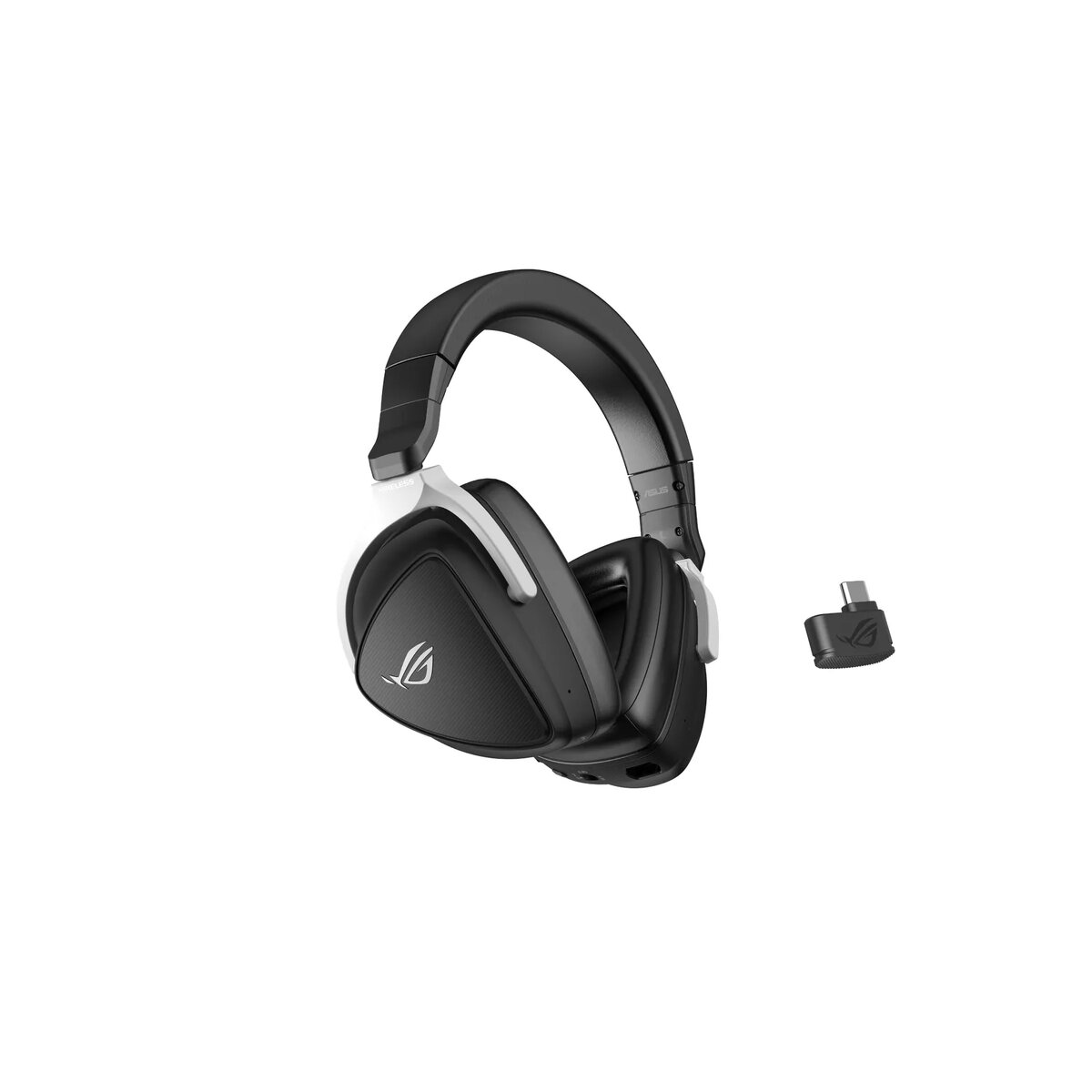
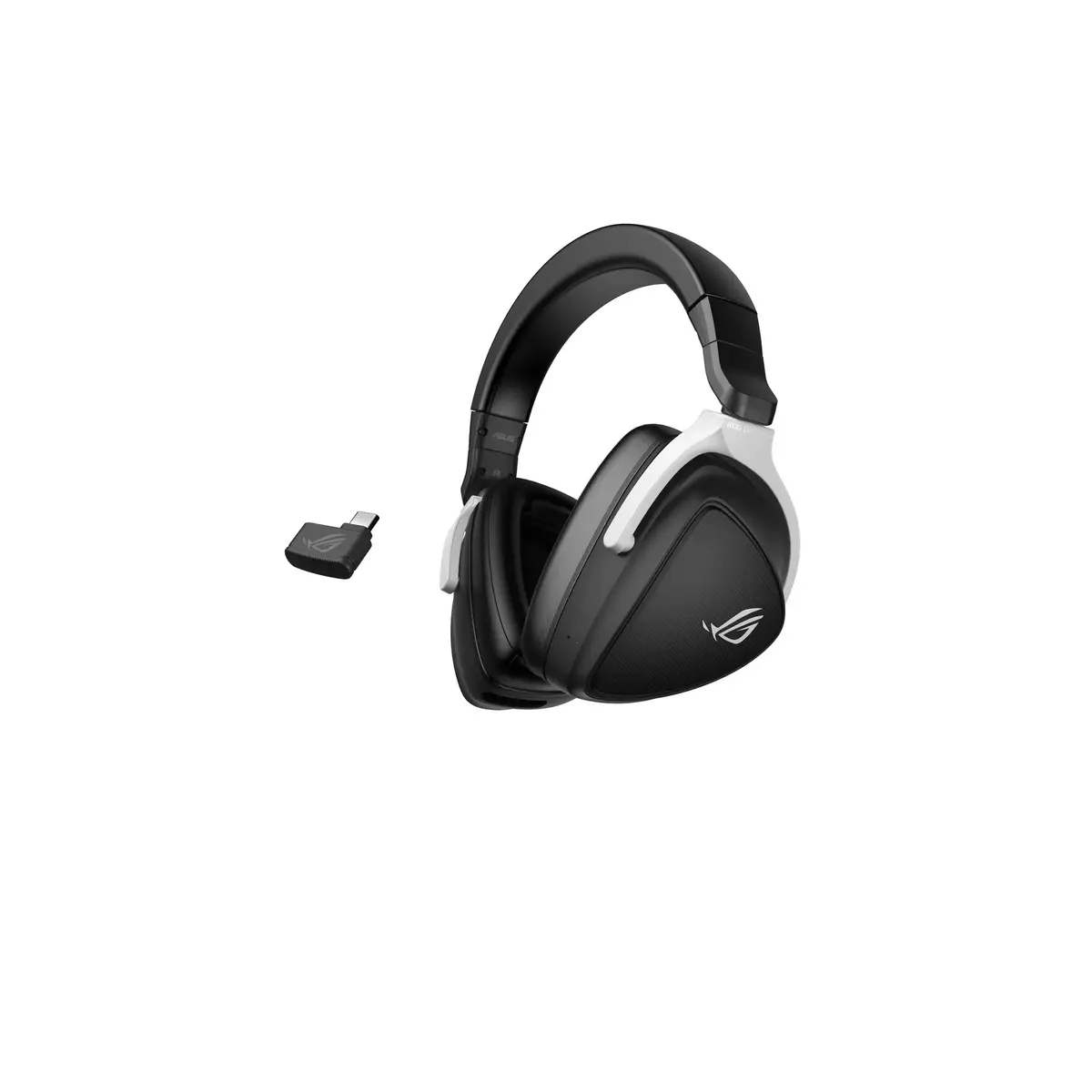
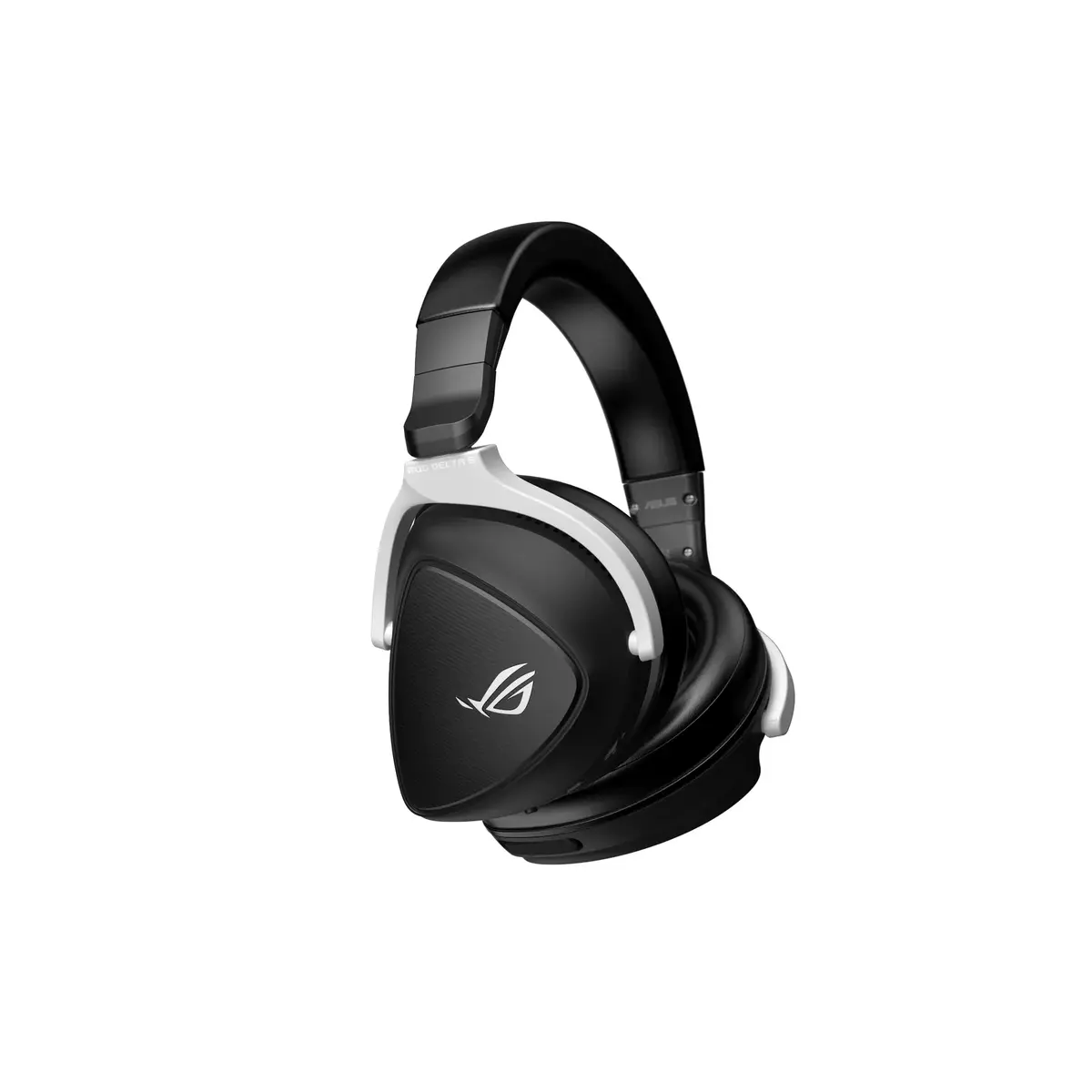
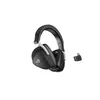
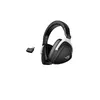
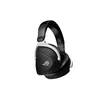
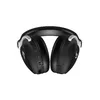
Headset ASUS ROG Delta S Wireless
The ROG Delta S Wireless is a dual-mode wireless gaming headset offering 2.4 GHz USB-C and Bluetooth connectivity for broad device compatibility and cable-free use. It uses exclusive 50 mm ASUS Essence drivers mounted in airtight chambers with a 12° tilt to deliver balanced, detailed in-game audio, while ROG Hyper-Grounding reduces interference. The headset includes concealed AI beamforming microphones with ASUS AI Noise Cancelation for clear voice capture, a lightweight build with D-shaped ear cups for improved comfort, and on-device controls with a storable 2.4 GHz USB-C dongle. Fast charging provides up to 3 hours of use after 15 minutes of charge and up to 25 hours on a full charge. Armoury Crate software allows customization of AI Noise Cancelation, audio profiles and other settings.
Dual-mode wireless (2.4 GHz USB-C and Bluetooth) enables low-latency connections for consoles, PCs and mobile devices without cables. 50 mm ASUS Essence drivers in airtight chambers with tilted driver angles produce a realistic, detailed soundstage. AI beamforming microphones with ASUS AI Noise Cancelation focus on your voice while suppressing background noises like keyboard and mouse clicks. Long battery life with fast-charge support, lightweight construction (318 g) and D-shaped ear cups improve wearing comfort. Onboard controls and a stored dongle simplify everyday use.
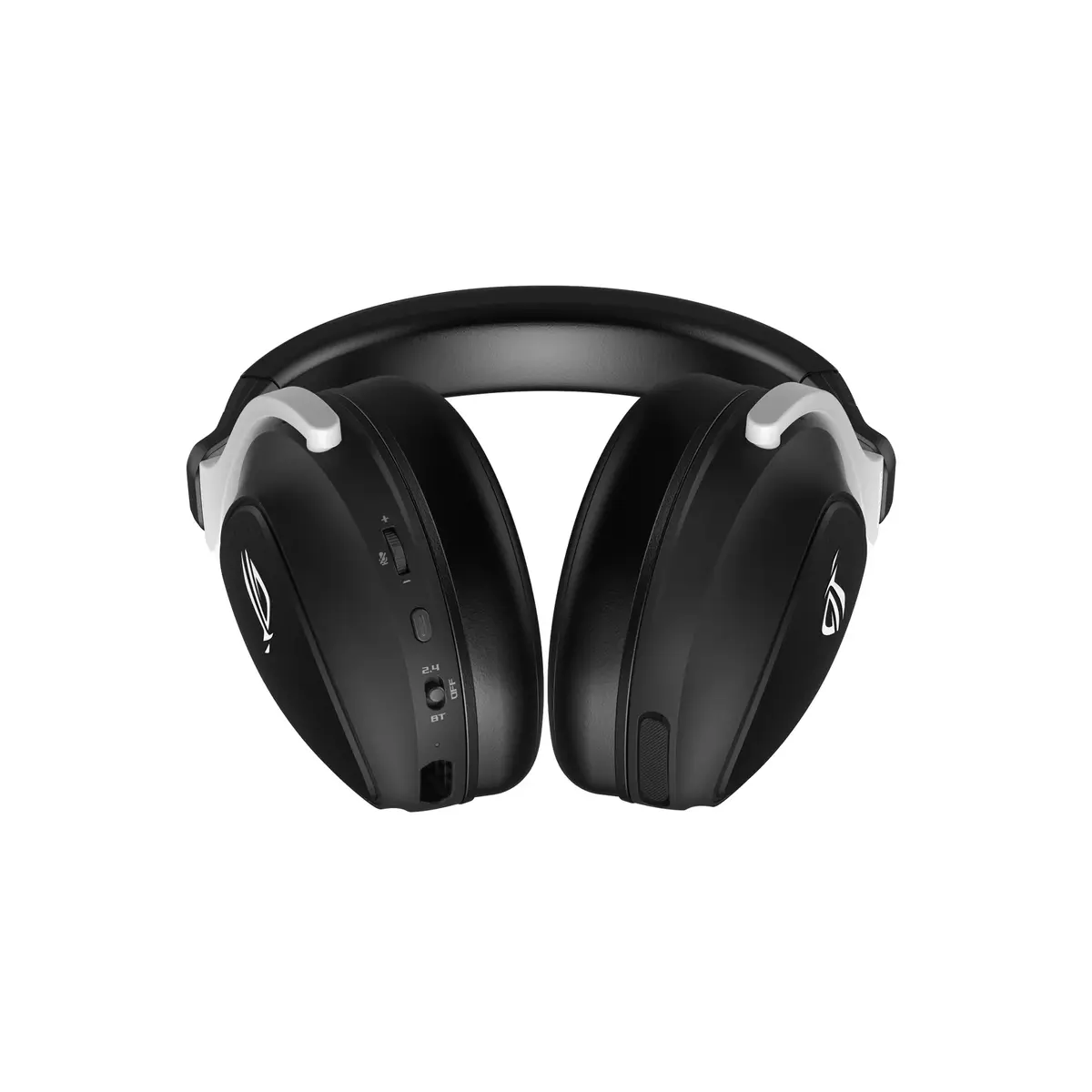
Charge the headset using a USB-C cable; a USB-C to USB-A cable is required for fast charging. Insert the 2.4 GHz USB-C dongle into the right ear cup for storage when not in use. For low-latency gaming, connect via the USB-C 2.4 GHz dongle; for mobile use or secondary pairing, enable Bluetooth on your device and pair normally. Use the onboard buttons and rocker switch to adjust volume, microphone mute and power. Install Armoury Crate on a compatible PC to adjust AI Noise Cancelation, audio profiles and virtual surround settings.
Use the 2.4 GHz USB-C connection for priority gaming on PC or console to minimize latency. Enable ASUS AI Noise Cancelation when streaming or voice-chatting in noisy environments to reduce keyboard and mouse noise. Keep the dongle stored in the right ear cup during transport to avoid loss.
{{highlightedFeature.featureTitle}}:
{{getProductFeatureValueById(product, highlightedFeature.featureId)}}
{{ productComparisonGenerationError }}
