
Filters you can trust. Pure water every day.
In cart {{totalProductsCount}} item(s)
Your cart is empty
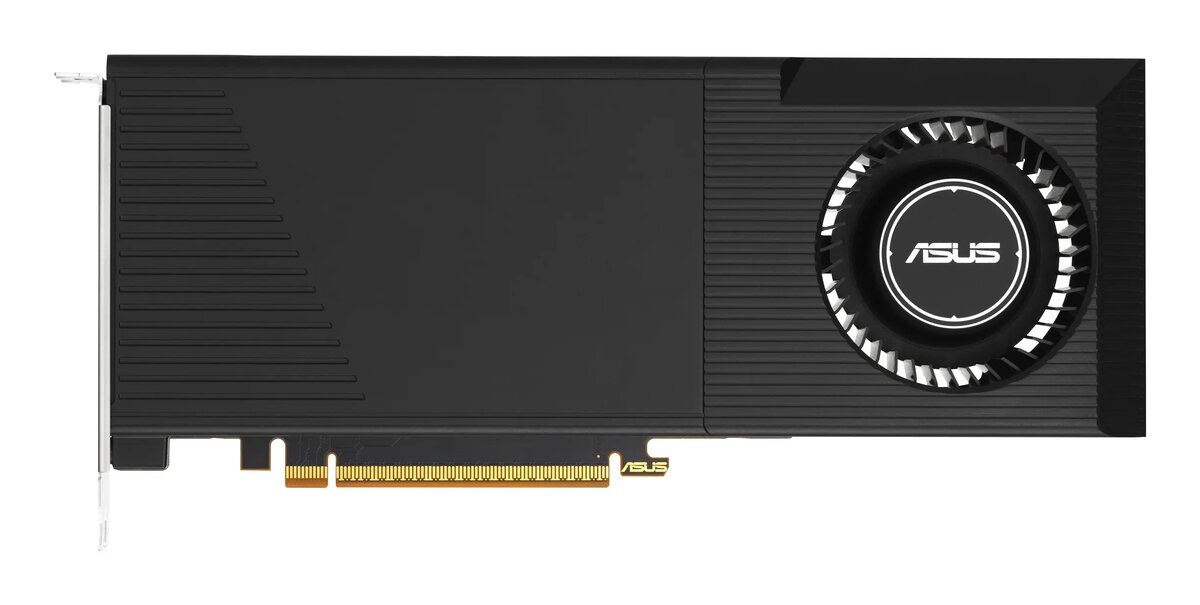
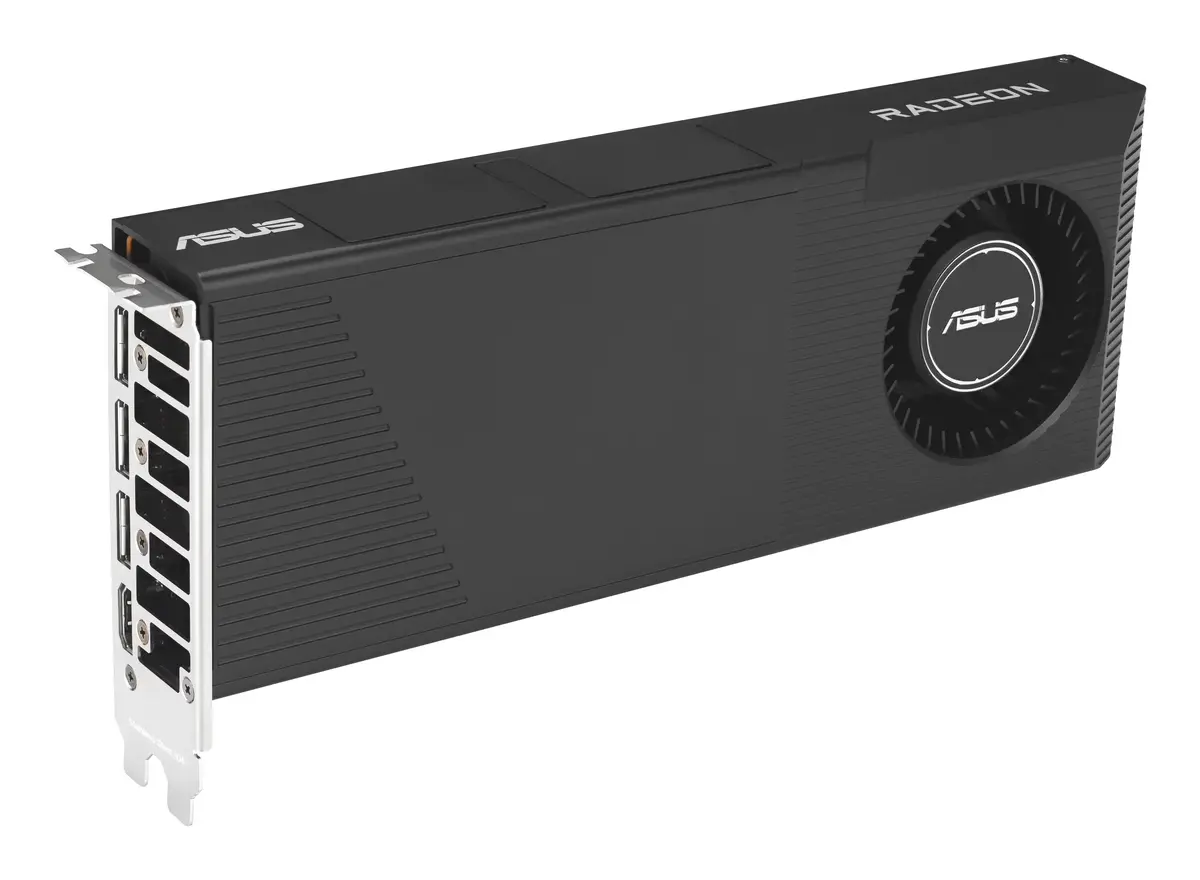
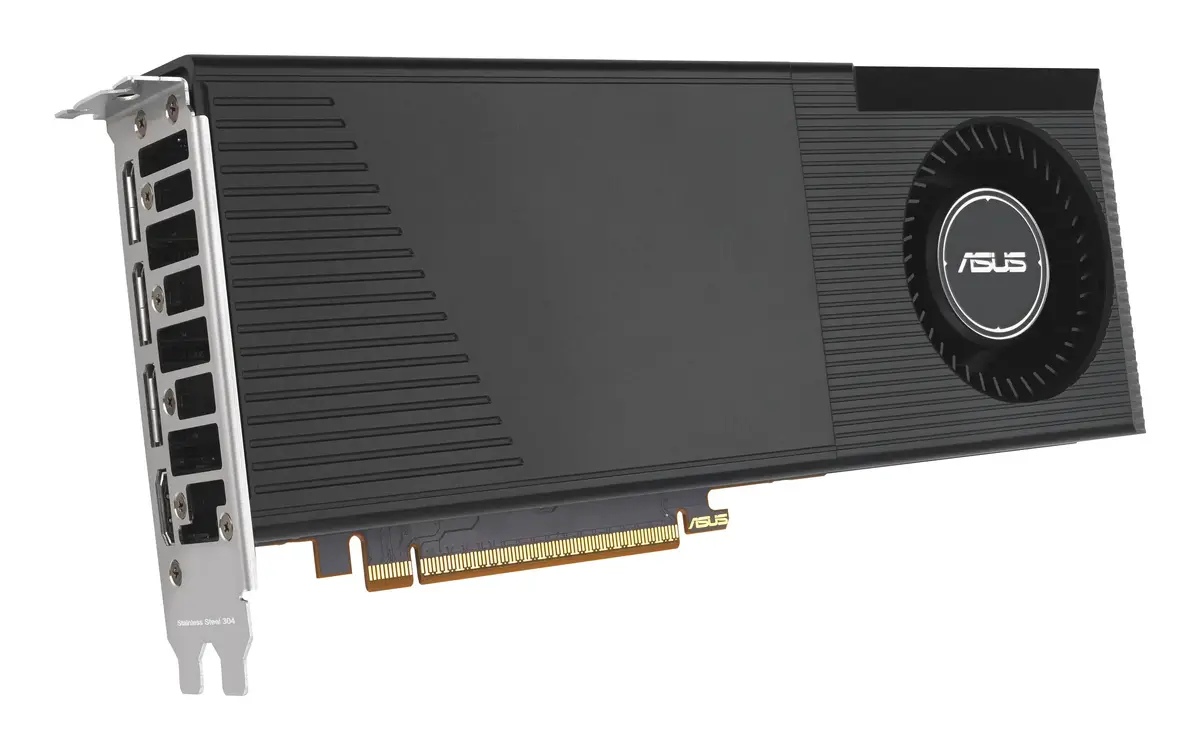
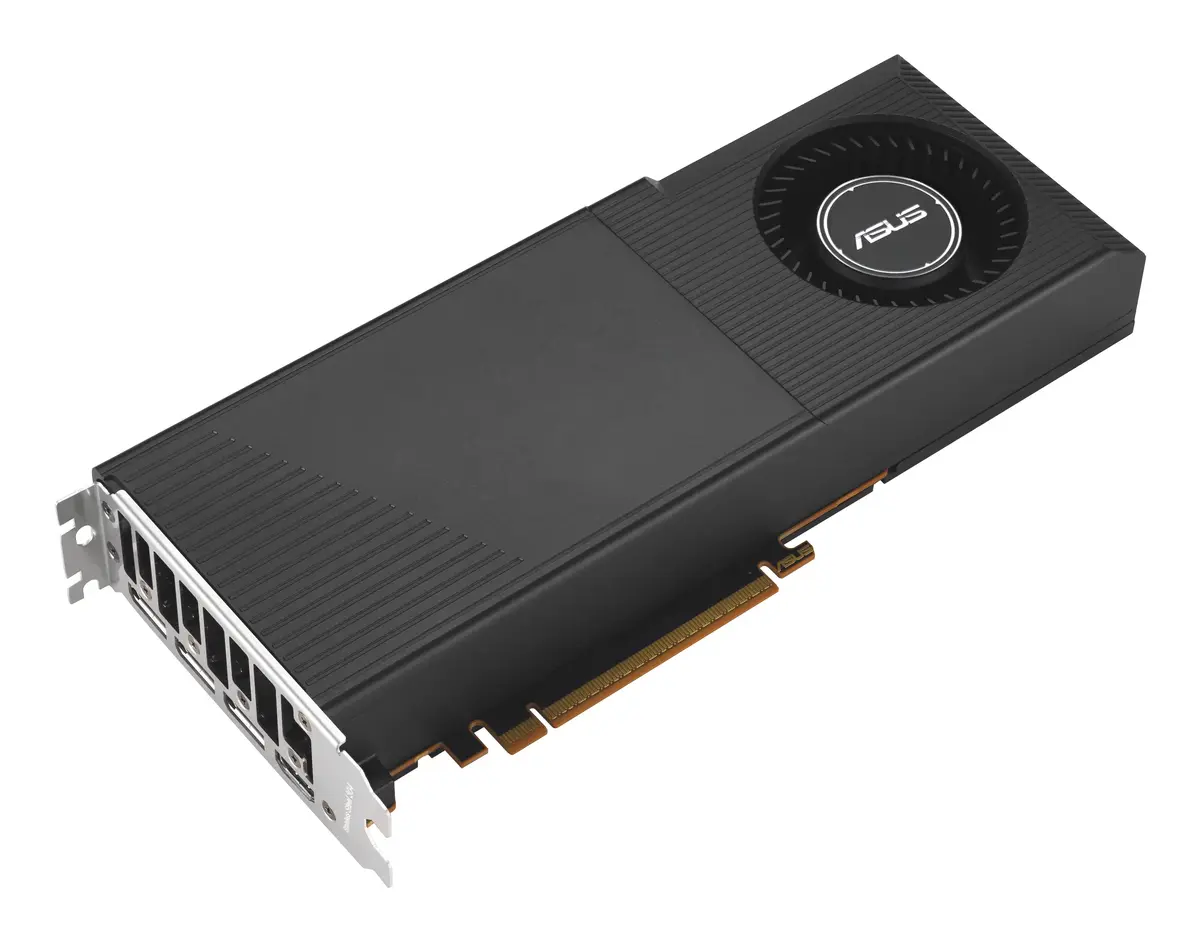
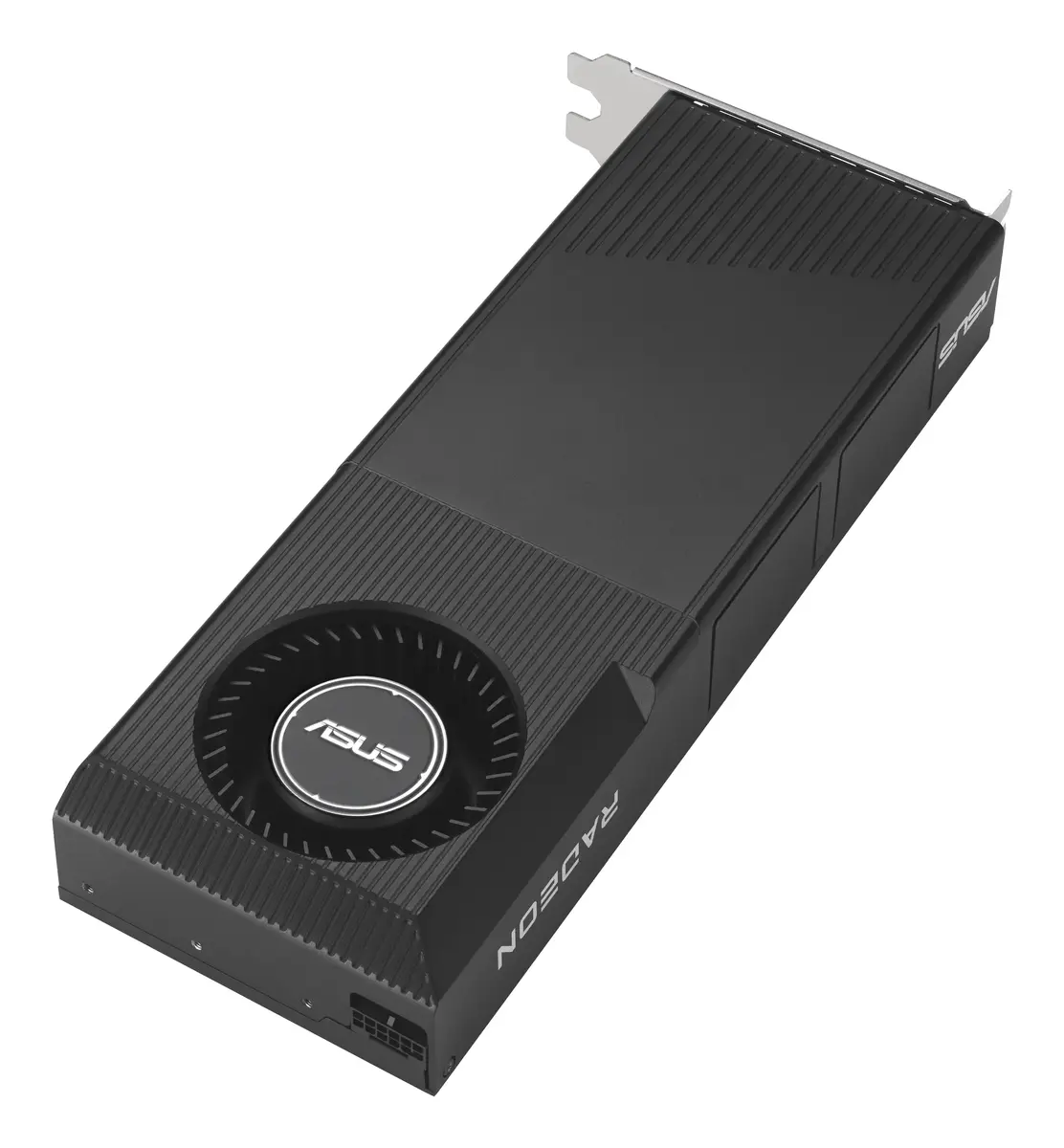
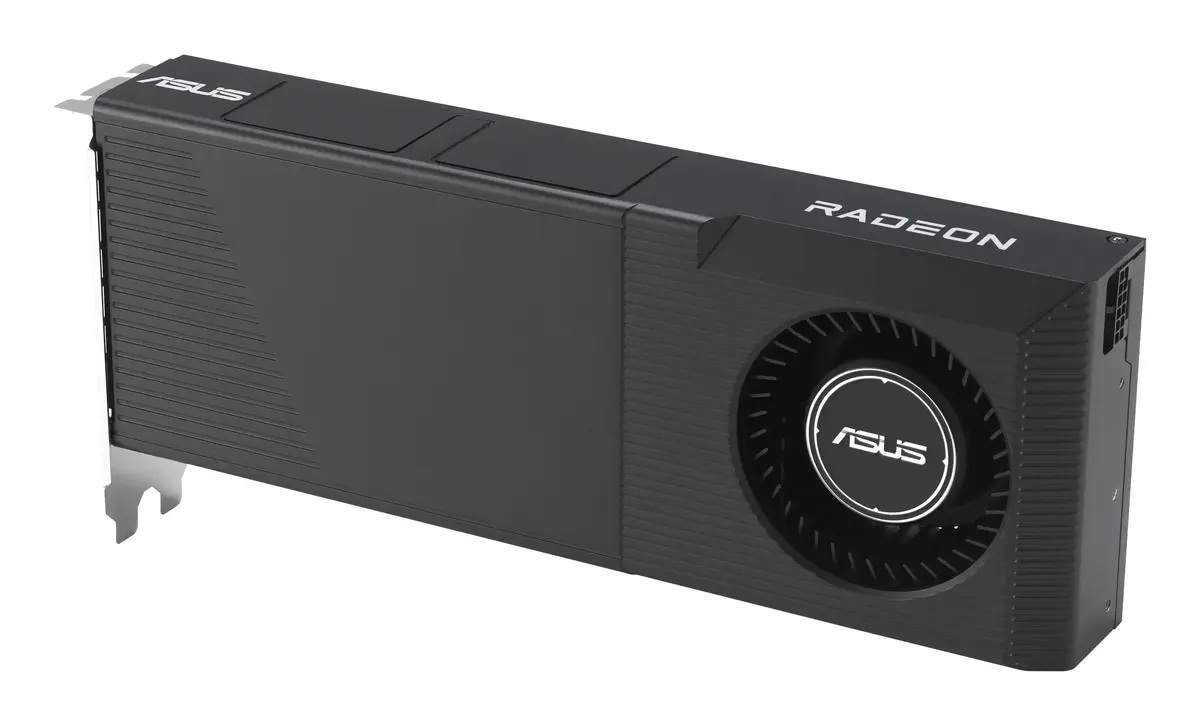
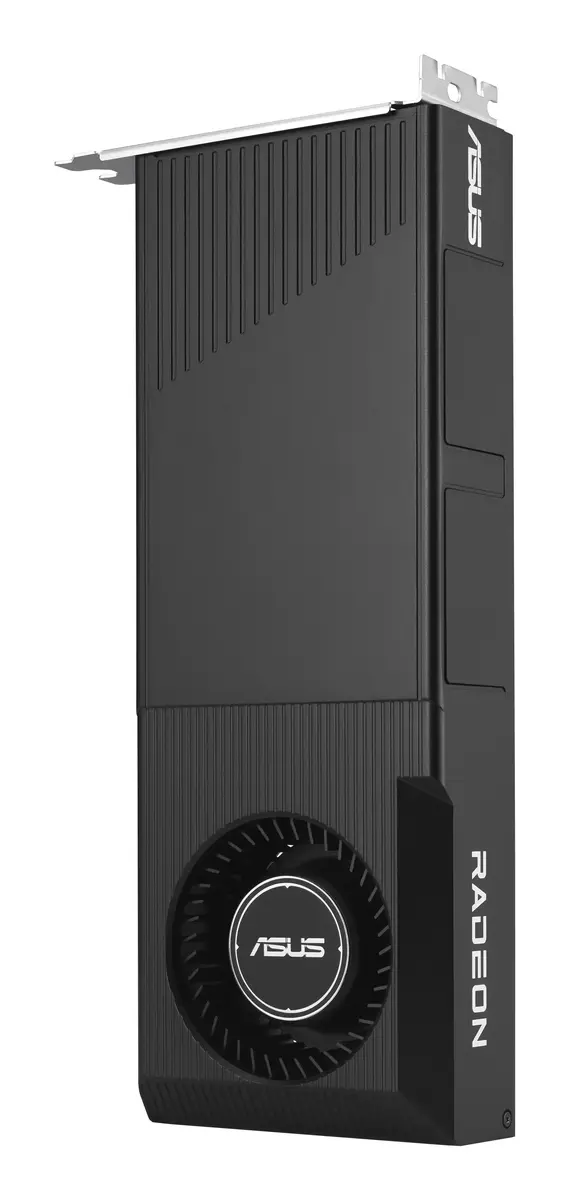
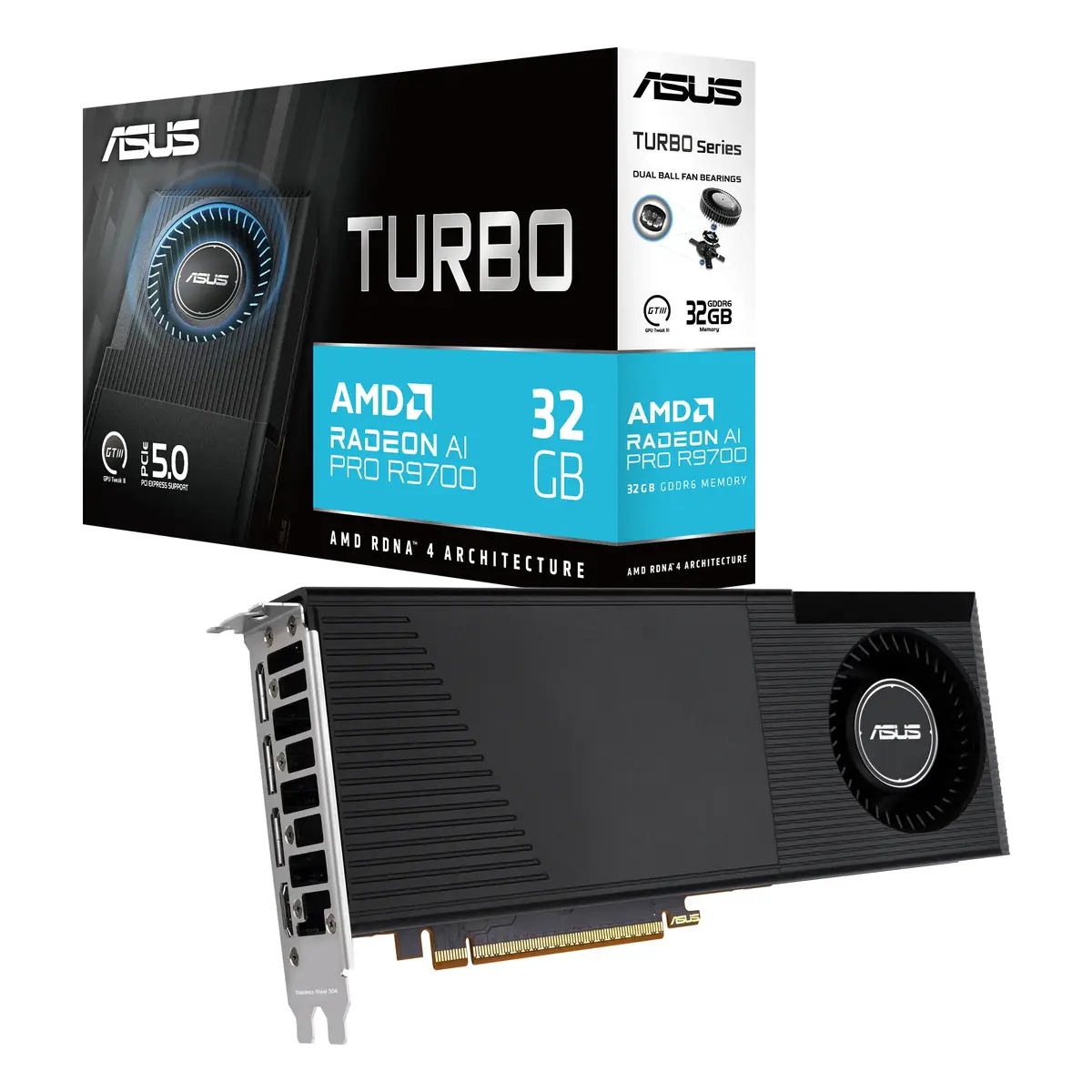
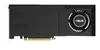
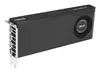
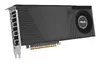
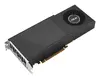
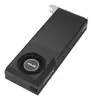
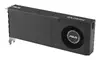
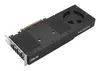
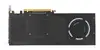
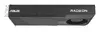
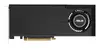
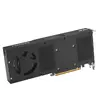
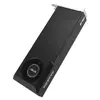
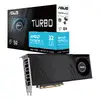
Asus Turbo AI PRO R9700 Graphics Card, 32 GB GDDR6, 256-bit, PCI Express 5.0
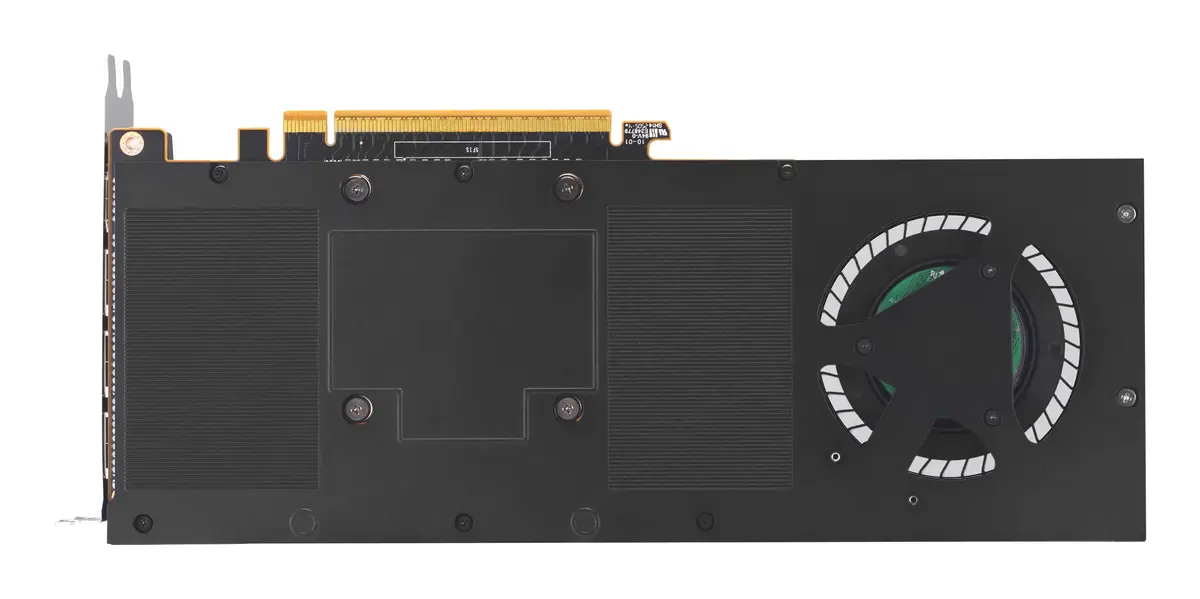
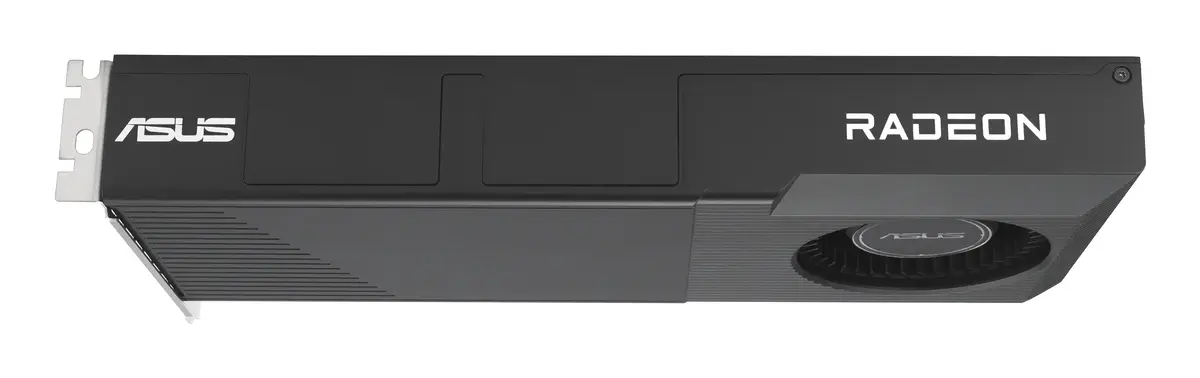
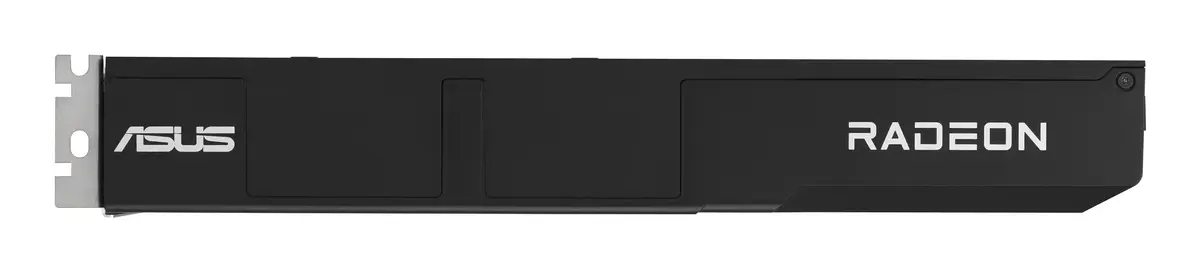
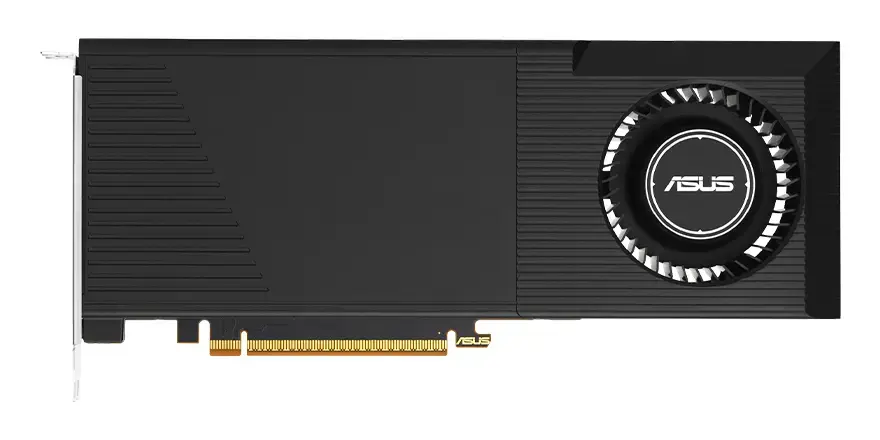
The Asus Turbo AI PRO R9700 is a high-performance graphics card engineered for professional workstations and intensive AI computing tasks. Built with the powerful AMD Radeon AI PRO R9700 processor and 32 GB of high-speed GDDR6 memory, this card provides the necessary bandwidth and processing power for complex data operations. It utilizes a 256-bit memory bus and the modern PCI Express 5.0 interface to ensure rapid data transfer and system responsiveness.
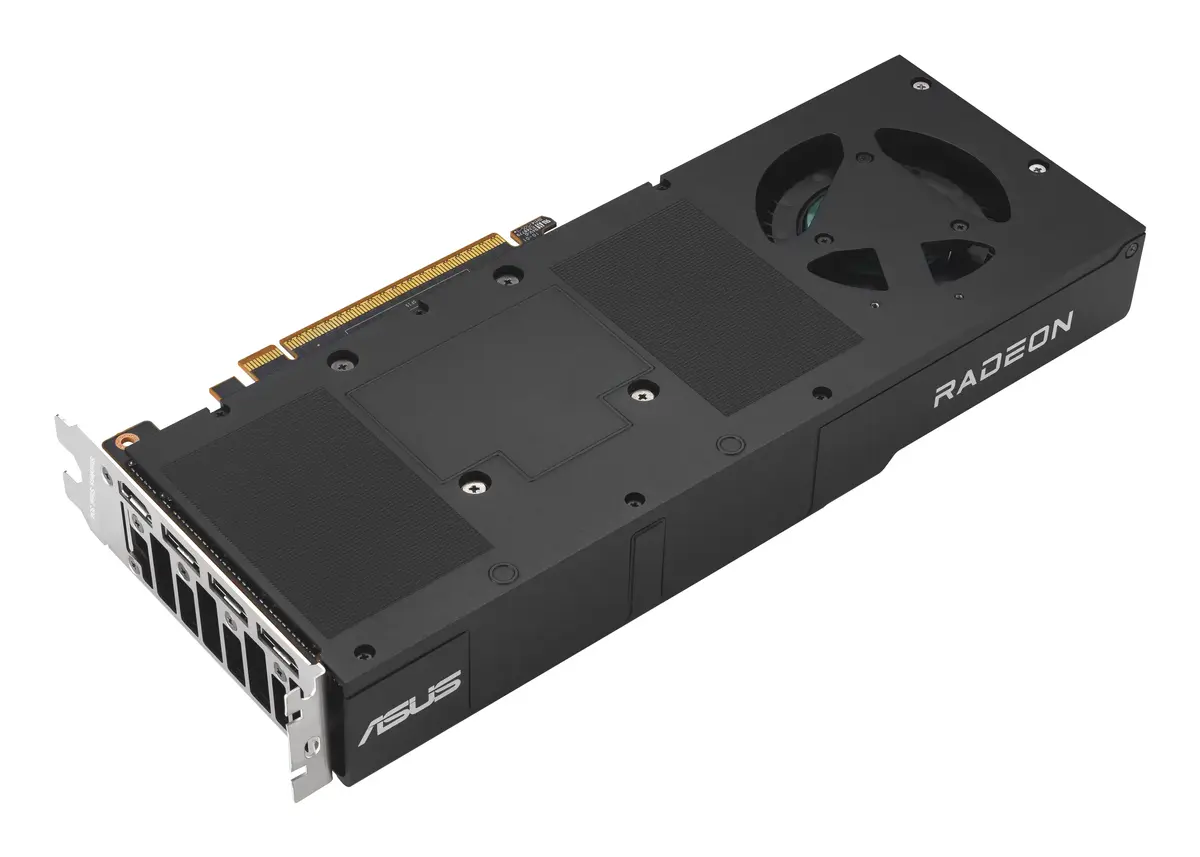
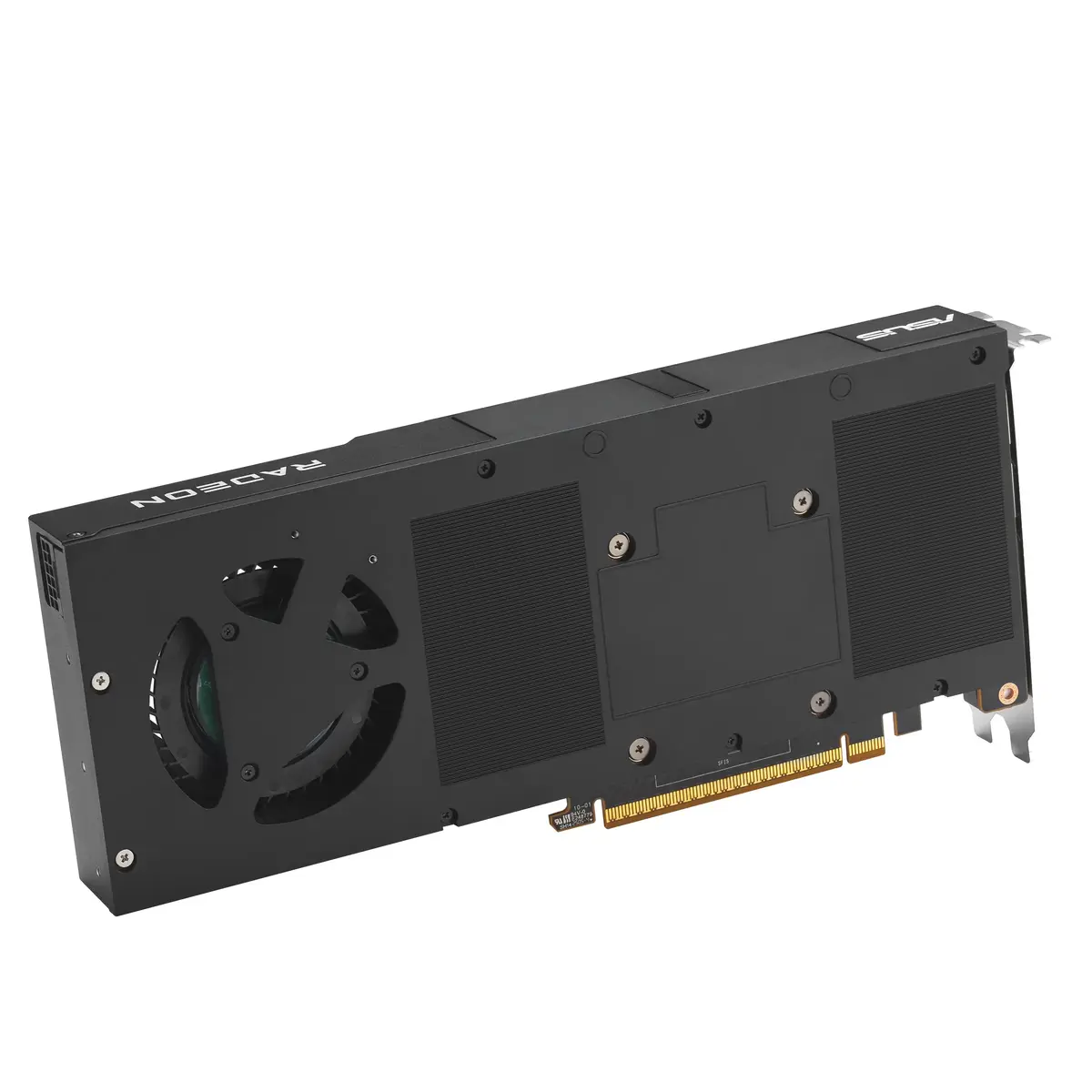
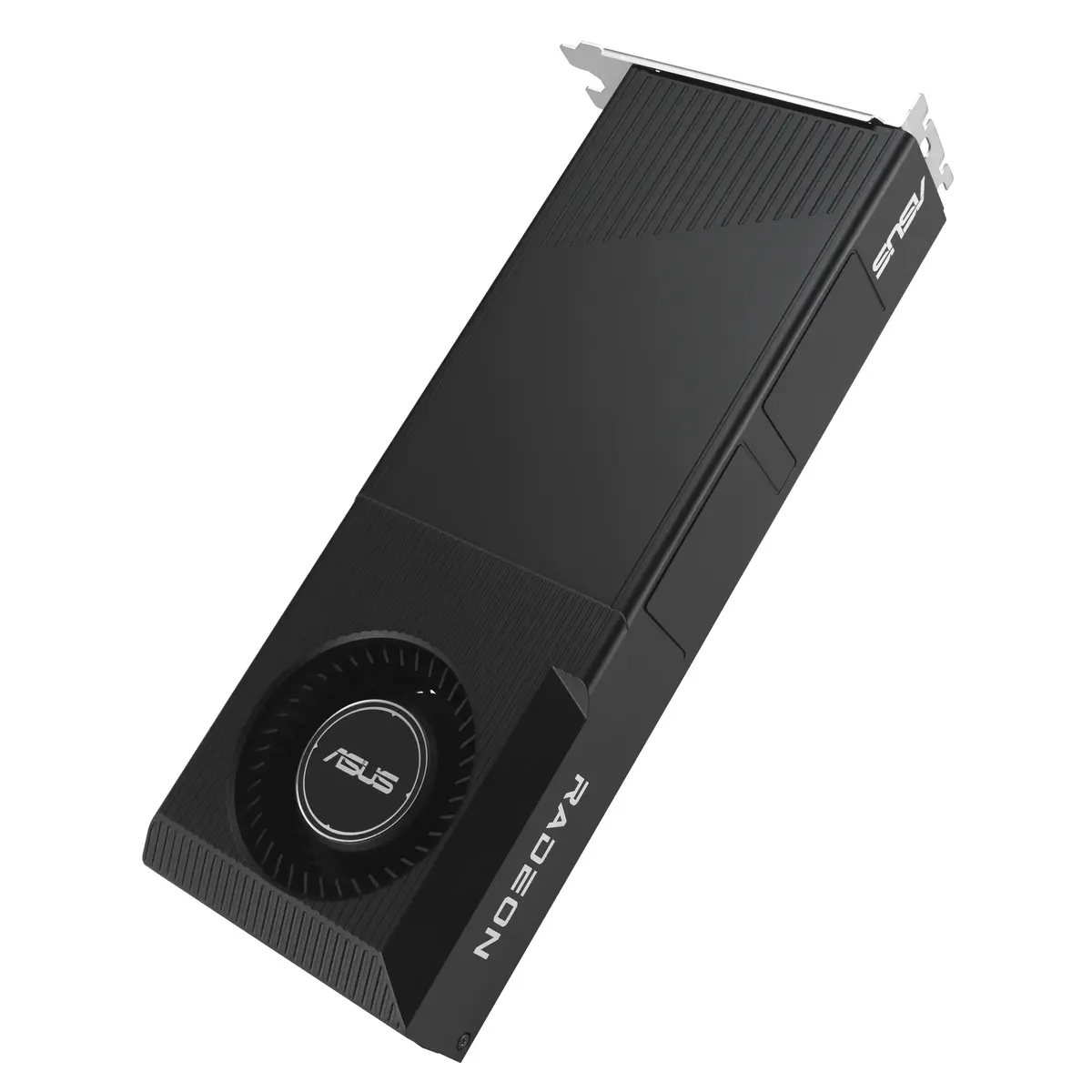
The card features a specialized blower-style cooling system with a single fan, designed to maintain stable operating temperatures even in compact chassis environments. The inclusion of a die-cast shroud and a reinforced backplate not only enhances the structural integrity of the unit but also improves heat dissipation efficiency. By utilizing dual ball fan bearings, the cooling system offers increased durability and a longer operational lifespan compared to standard sleeve-bearing designs, making it a reliable choice for continuous professional use.
This graphics card may not be suitable for small form factor cases with extremely limited airflow, as the blower-style cooling system relies on efficient intake and exhaust within the chassis. It is also not intended for casual gaming or general-purpose home office tasks, as its architecture is specifically optimized for professional AI and compute-heavy workloads.
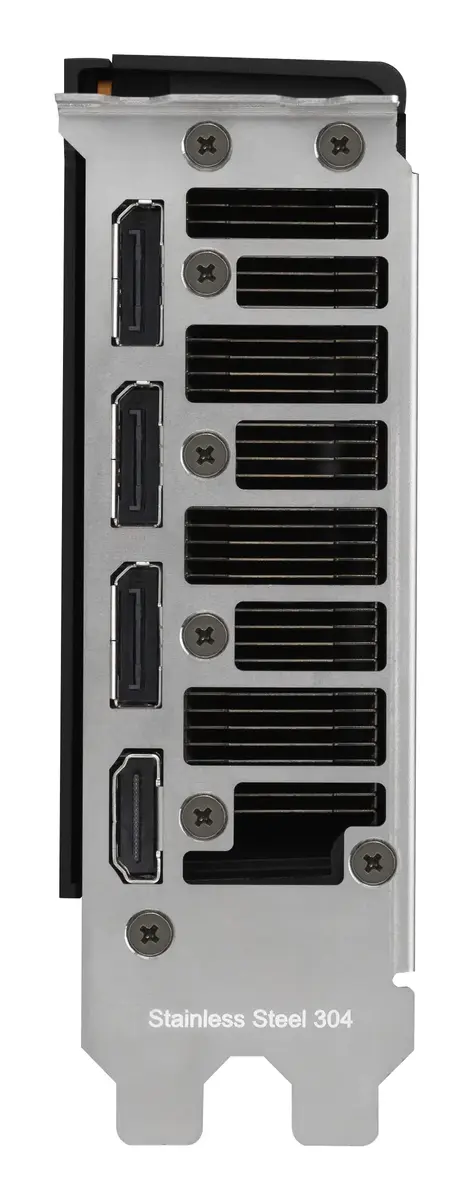
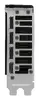
To use the Asus Turbo AI PRO R9700, ensure your workstation is equipped with a compatible PCI Express 5.0 slot and a power supply unit capable of supporting the card's power requirements via the 16-pin connector. Install the card into the motherboard, secure it with the appropriate mounting screws, and connect your display devices using the available DisplayPort or HDMI outputs. Once physically installed, download and install the latest professional drivers from the official AMD or Asus support websites to ensure optimal performance and compatibility with your software environment.
Usage recommendations: For optimal performance and longevity, ensure that the area around the blower fan intake remains unobstructed. Regularly monitor system temperatures during heavy AI processing tasks and keep your graphics drivers updated to benefit from the latest performance optimizations and security patches.
{{highlightedFeature.featureTitle}}:
{{getProductFeatureValueById(product, highlightedFeature.featureId)}}
{{ productComparisonGenerationError }}
