


Filters you can trust. Pure water every day.
In cart {{totalProductsCount}} item(s)
Your cart is empty
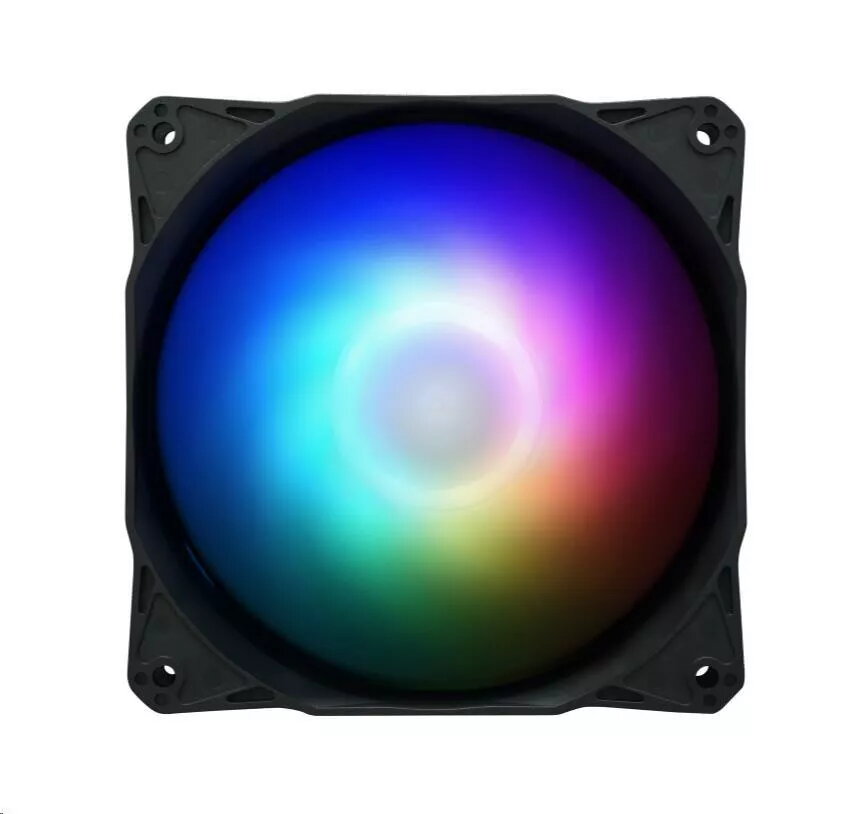
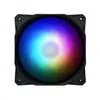
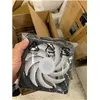
120mm Case Fan ASUS AF120A2R-SI with ARGB lighting, PWM-compatible, 120 x 120 x 25 mm
The ASUS AF120A2R-SI is a 120 mm case fan with addressable RGB (ARGB) lighting and PWM-compatible speed control. Designed to fit standard 120 x 120 x 25 mm fan mounts, this fan can be used as either an intake or exhaust to provide directed airflow inside desktop PC cases. The ARGB interface allows synchronized lighting control with compatible motherboards, enabling adjustable illumination to match system themes while the PWM compatibility helps maintain efficient cooling and quieter operation under varying loads.
This fan combines a compact 120 mm form factor with ARGB lighting and PWM-compatible control, offering both thermal management and customizable lighting in one component. Its standard dimensions ensure broad compatibility with most PC cases and fan brackets. The addressable RGB support enables per-LED lighting effects when connected to a compatible motherboard controller, while PWM control provides variable fan speed to balance airflow and noise.
This fan is not suitable for systems that require non-standard fan sizes or specialized high-static-pressure fans designed specifically for dense radiators or restrictive filters. It also requires a motherboard or controller that supports addressable RGB and a PWM header to take full advantage of lighting and speed control features; without compatible headers, lighting or PWM functionality may be limited.
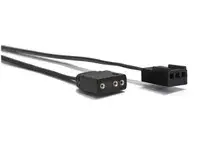
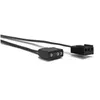
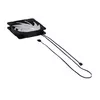
Install the ASUS AF120A2R-SI into a 120 mm fan slot in your PC case using the provided mounting screws or case brackets. Connect the power and speed control cable to a PWM-capable fan header on the motherboard to enable automatic speed regulation. For lighting control, connect the ARGB cable to an addressable RGB header or compatible controller on the motherboard and use the motherboard's software to configure colors and effects. Position the fan to direct airflow where cooling is most needed—toward hot components for intake or toward case vents for exhaust.
For balanced cooling and low noise, connect the fan to a PWM header and configure a temperature-based fan curve in your motherboard utility; synchronize ARGB lighting through the motherboard software to ensure consistent effects across components.
{{highlightedFeature.featureTitle}}:
{{getProductFeatureValueById(product, highlightedFeature.featureId)}}
{{ productComparisonGenerationError }}
