
JBL speakers and headphones for pure and deep sound!
In cart {{totalProductsCount}} item(s)
Your cart is empty
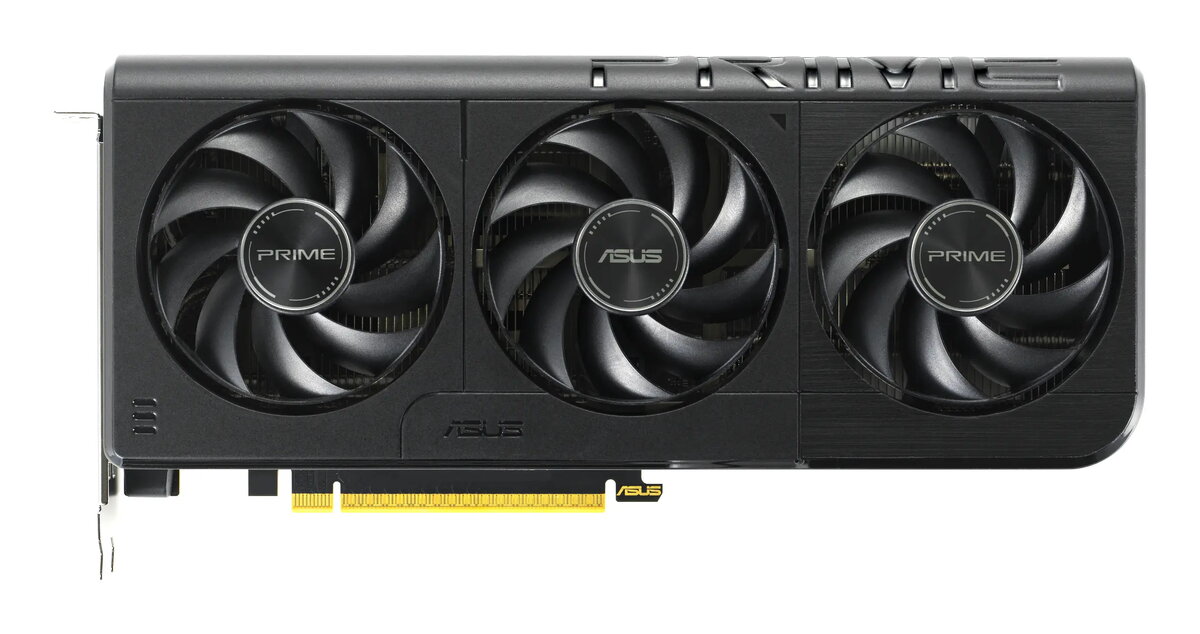
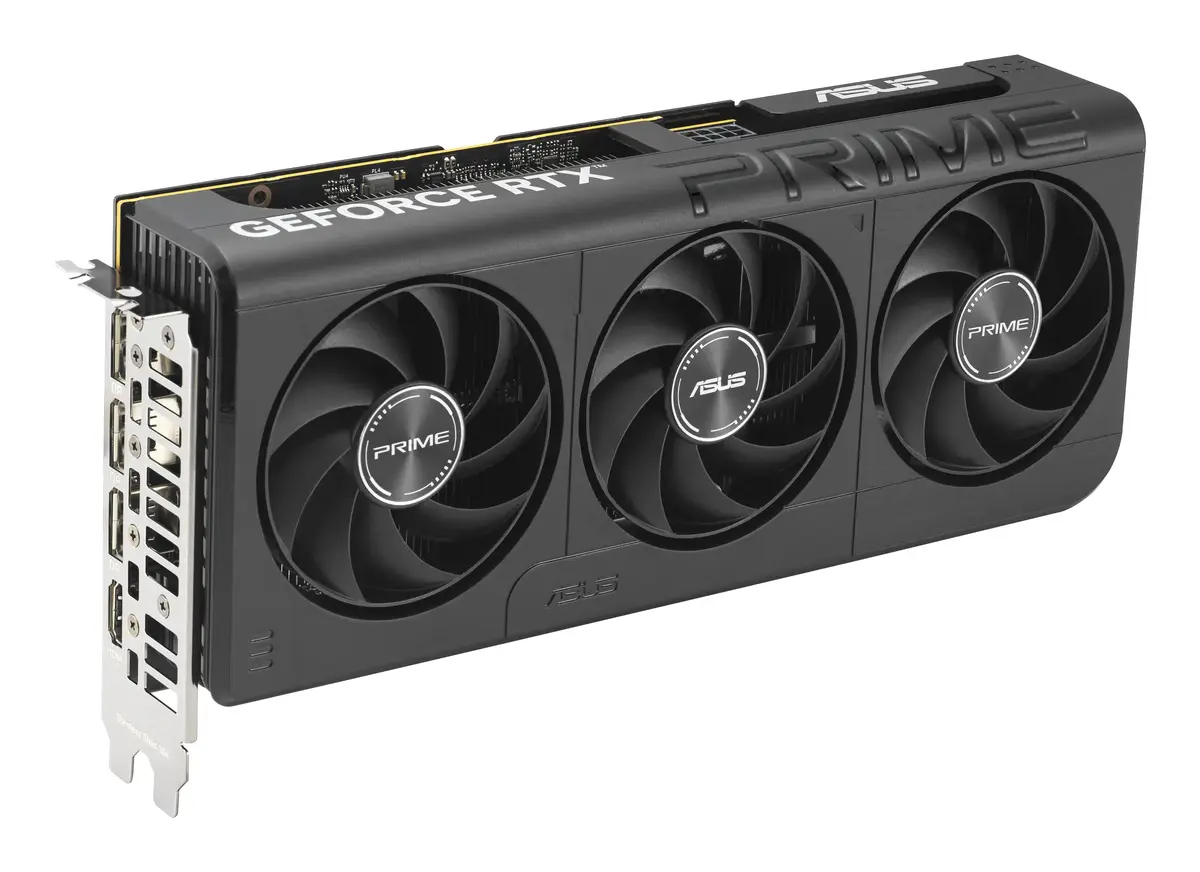
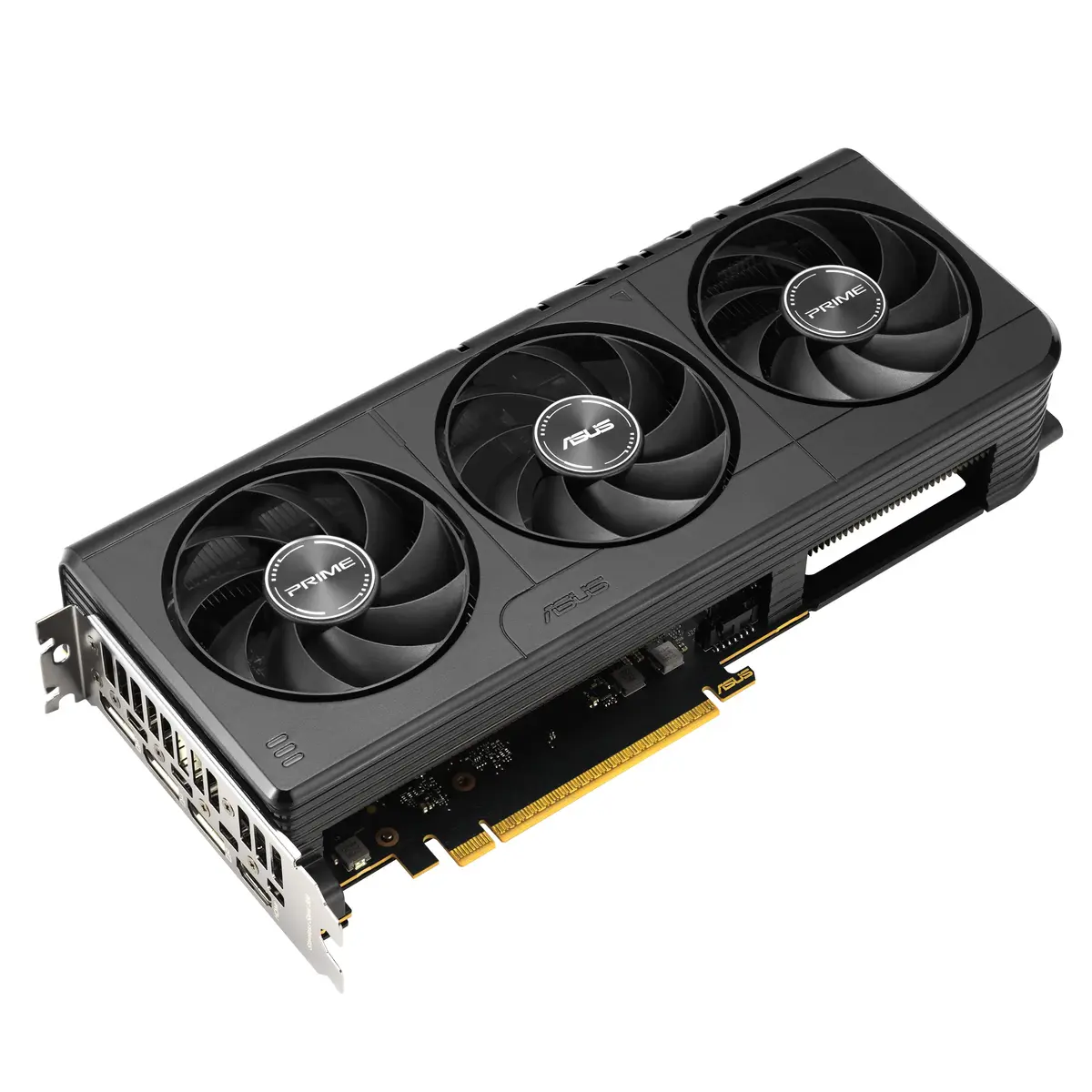
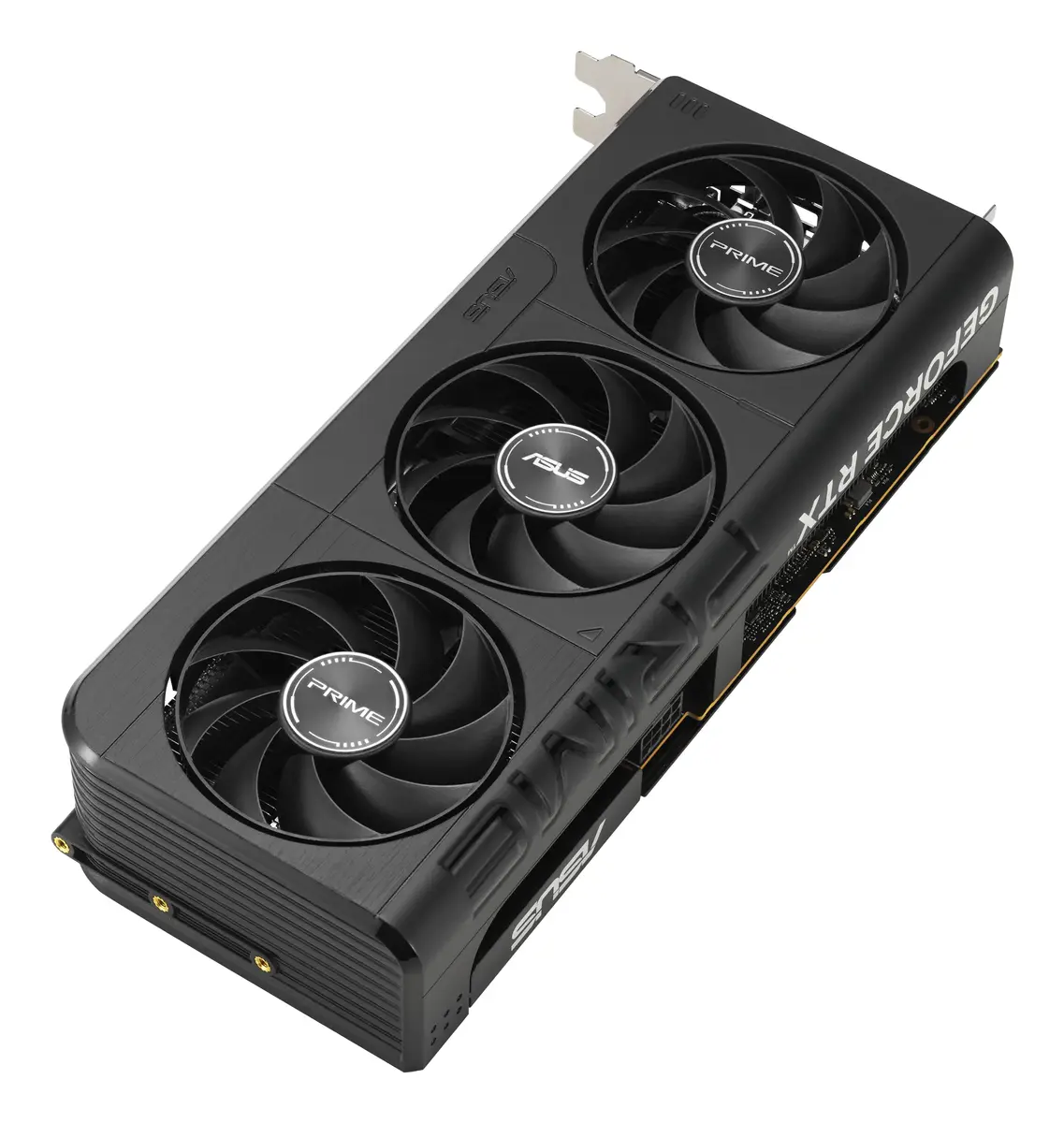
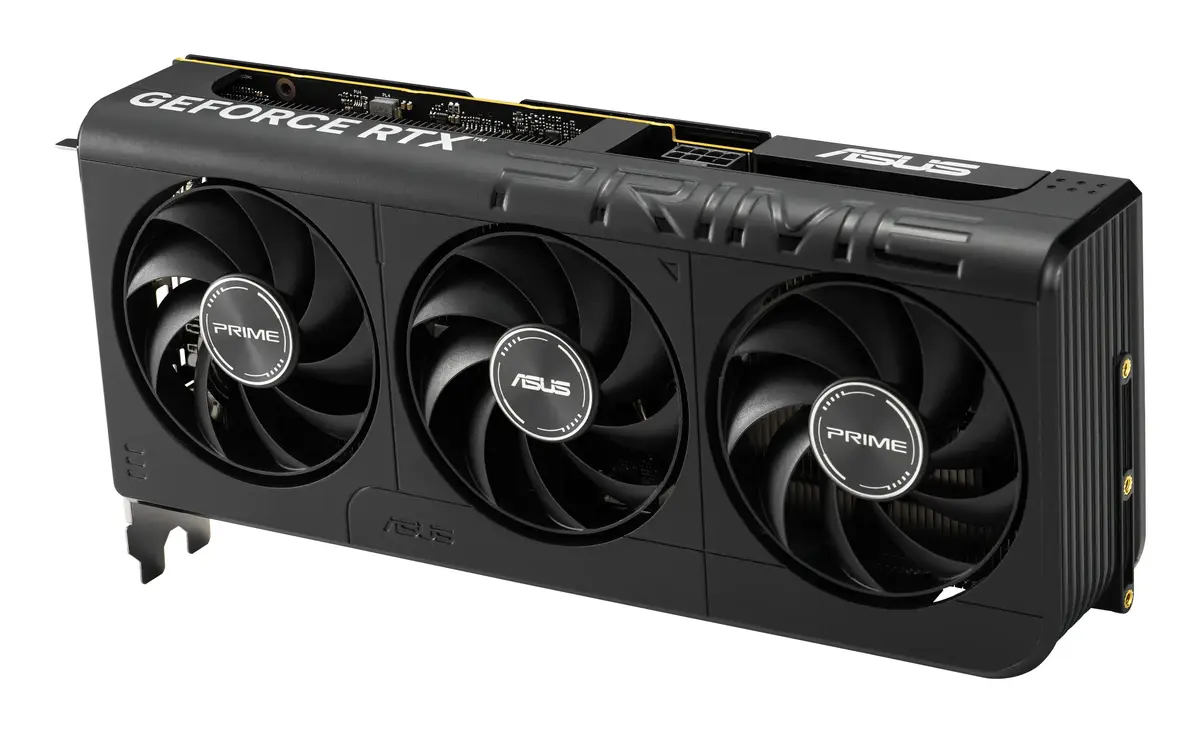
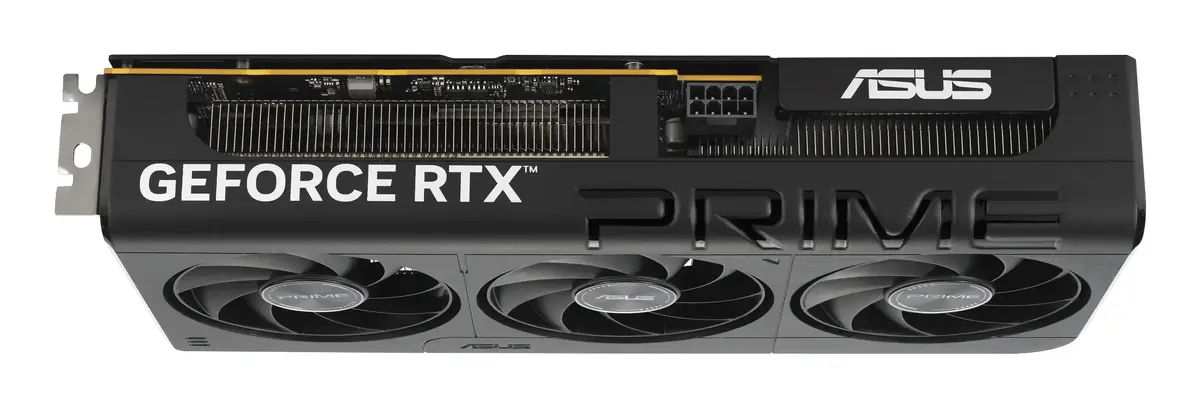
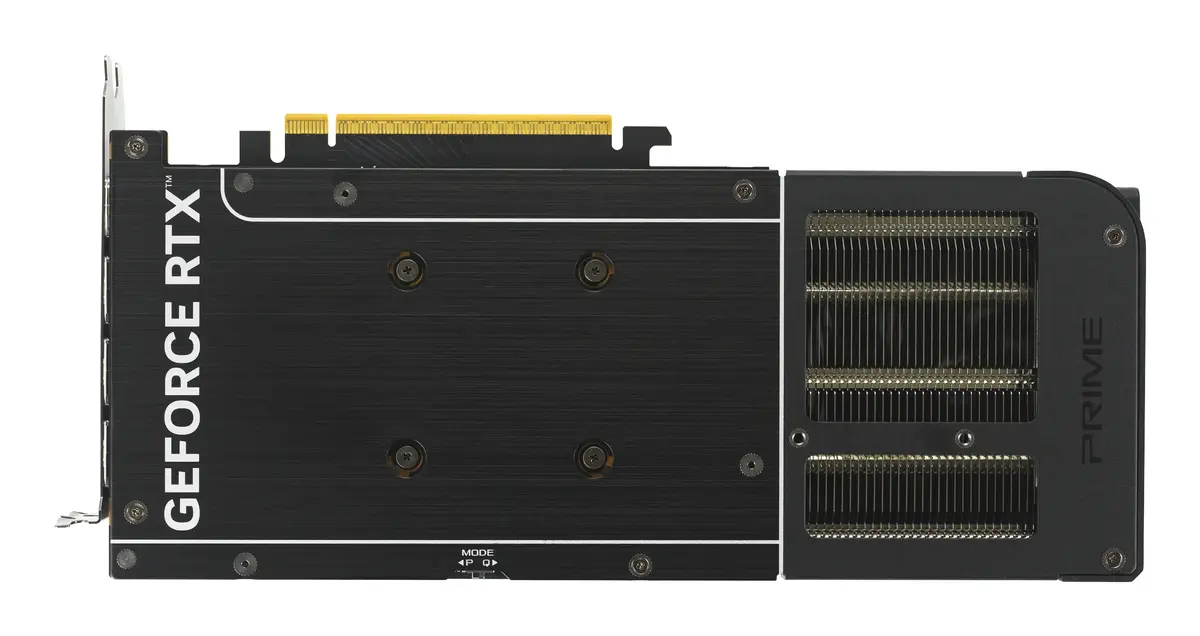
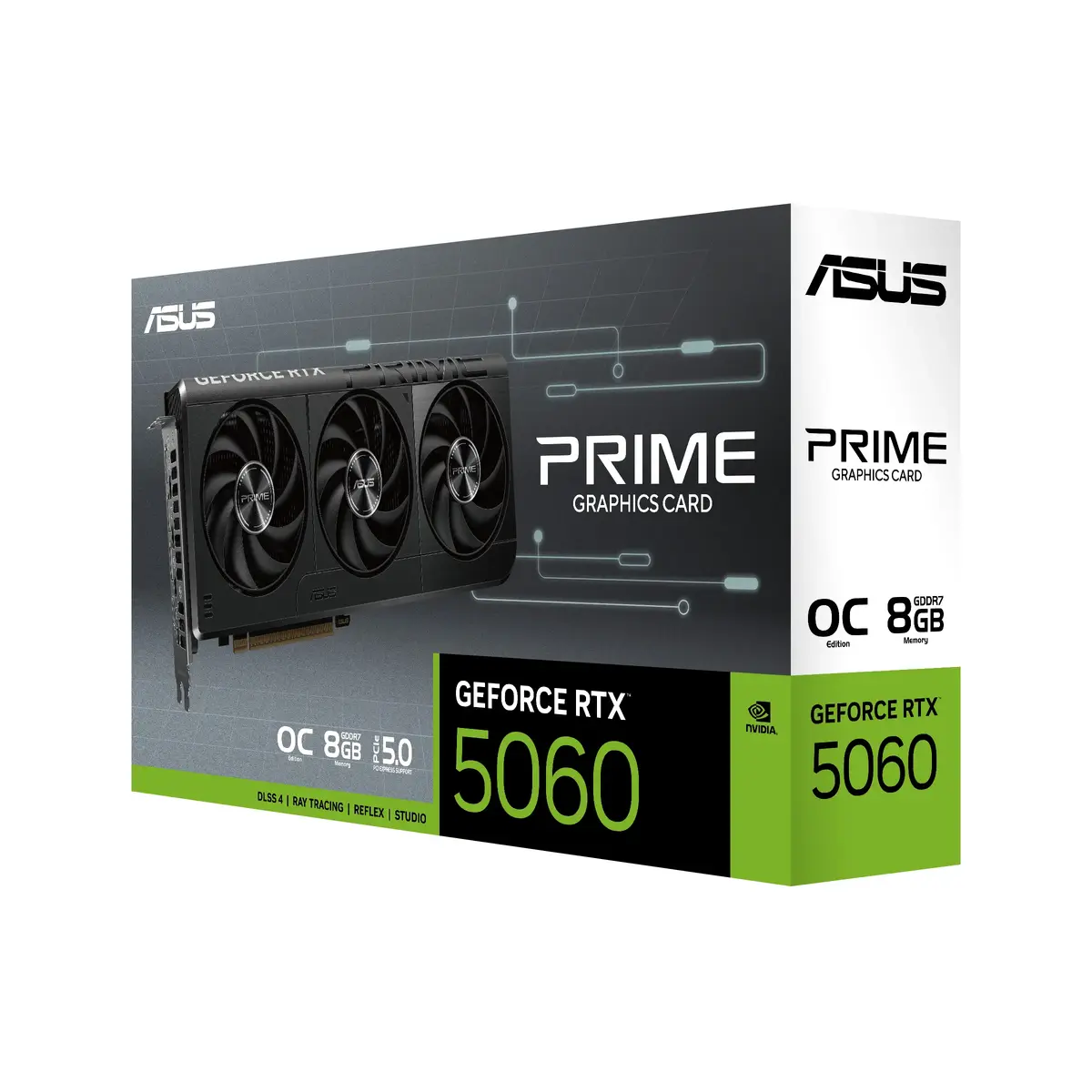
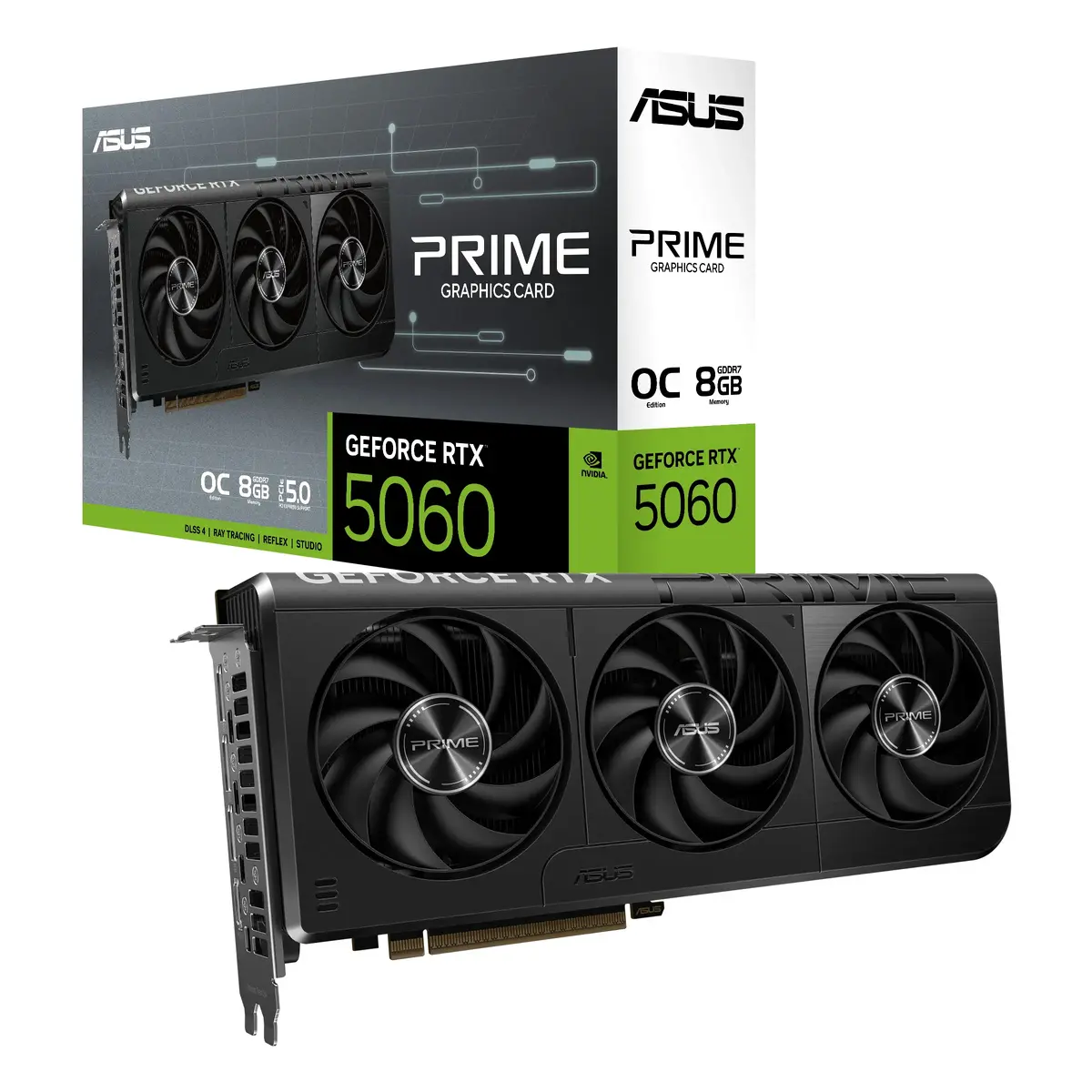
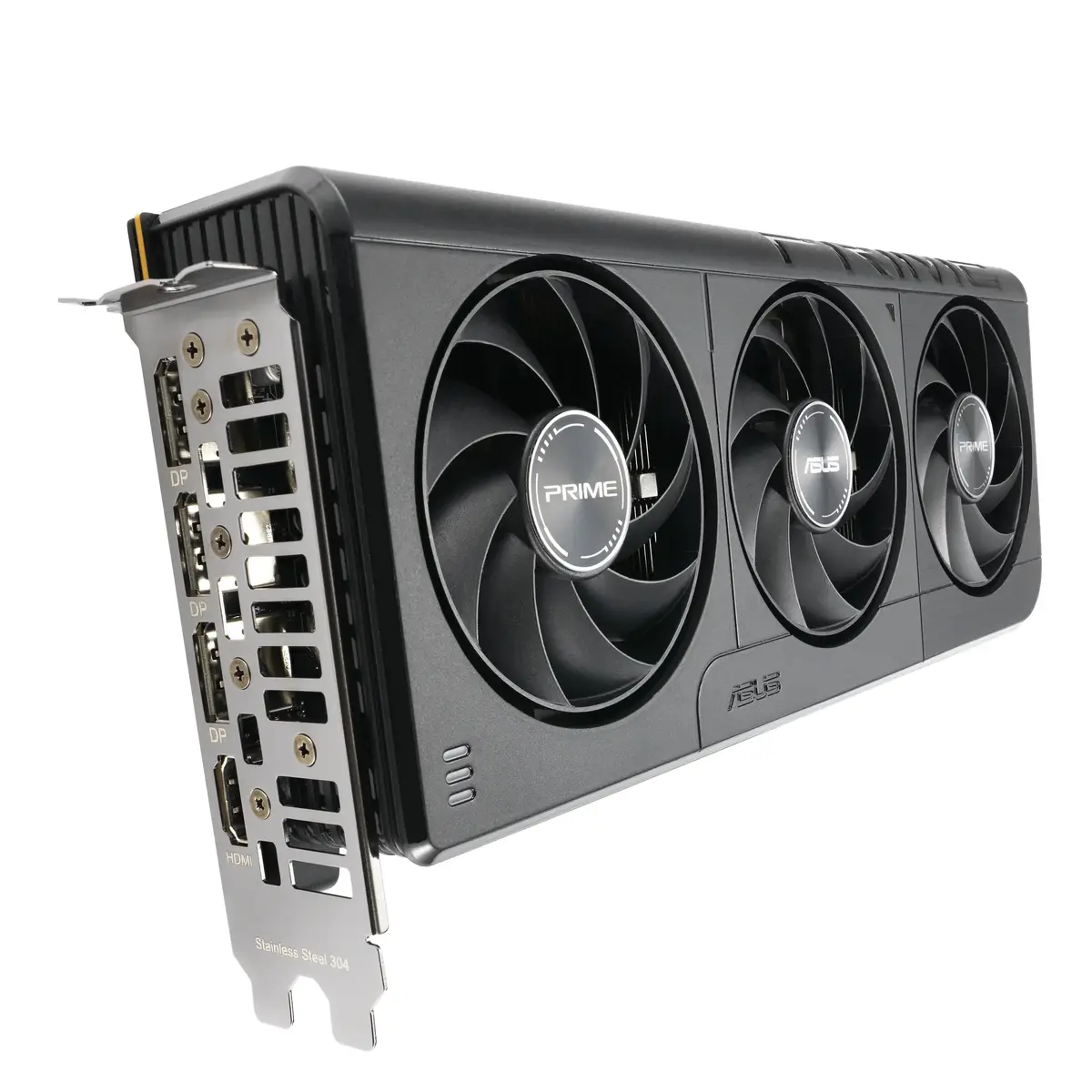
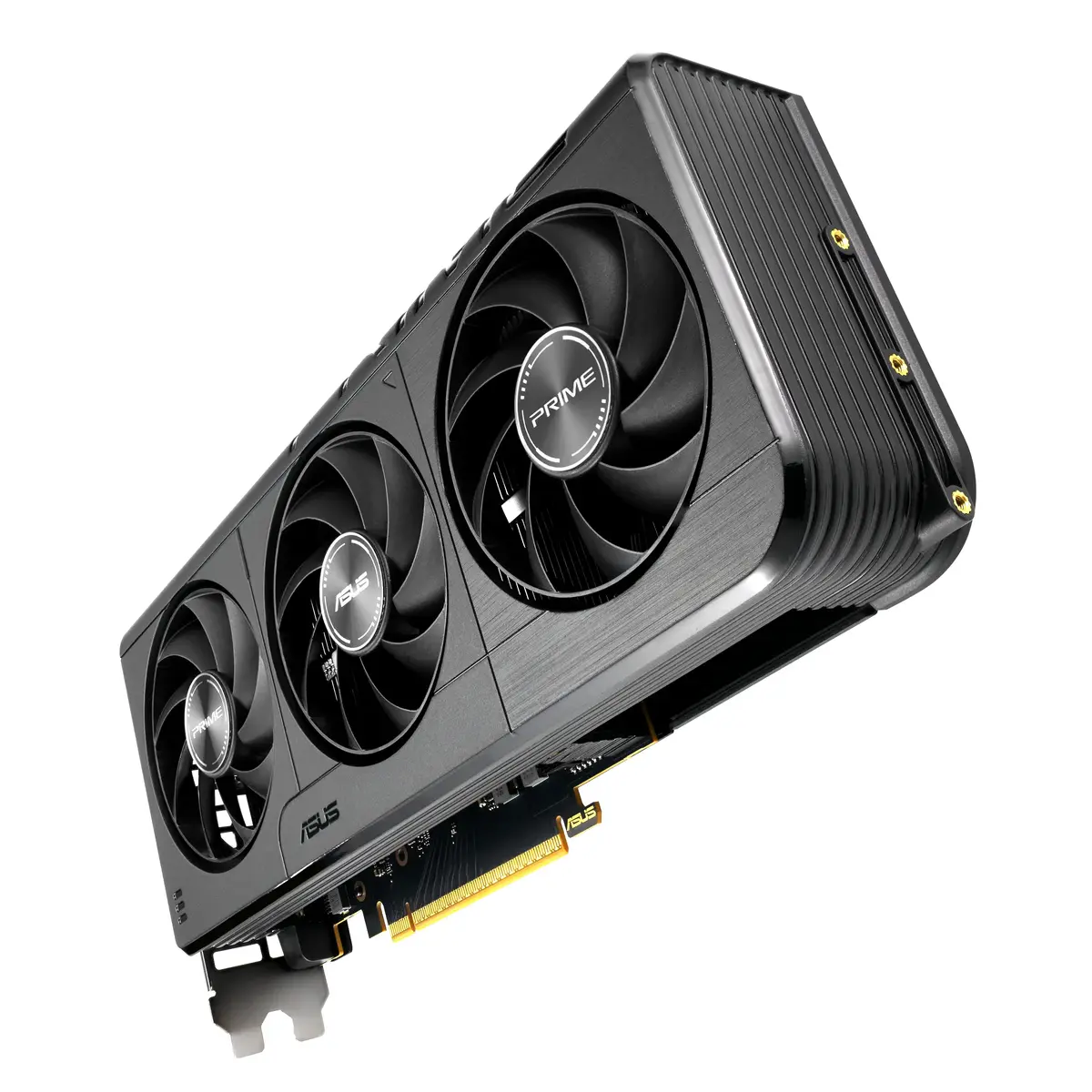
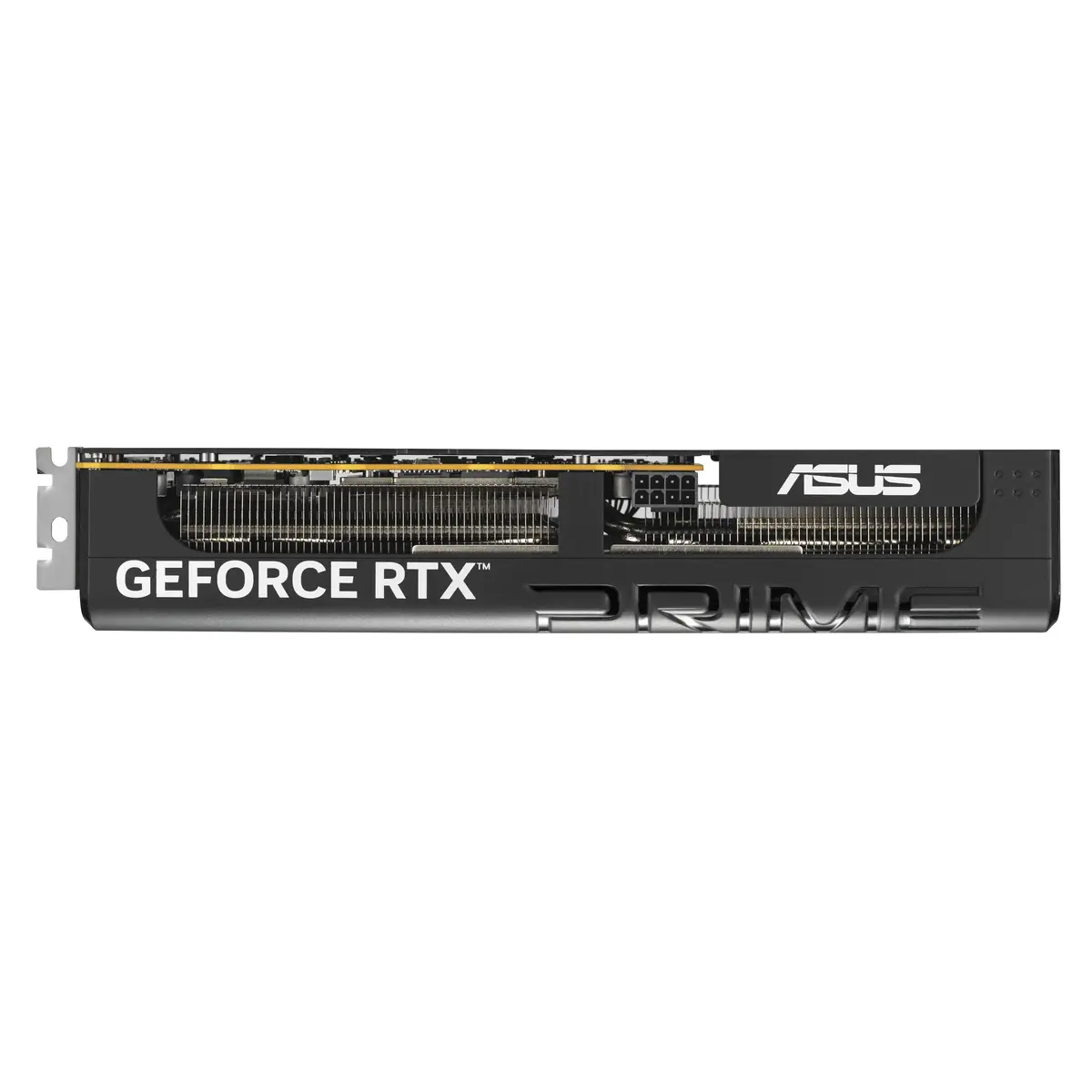
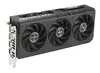
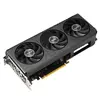
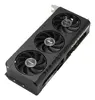
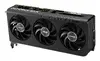
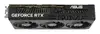
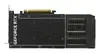
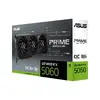
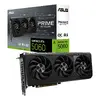
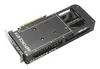
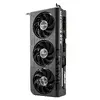
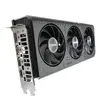
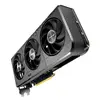
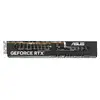
Graphics card ASUS Prime GeForce RTX 5060 8 GB GDDR7 PCIe 5.0 128-bit, 3-fan active cooling
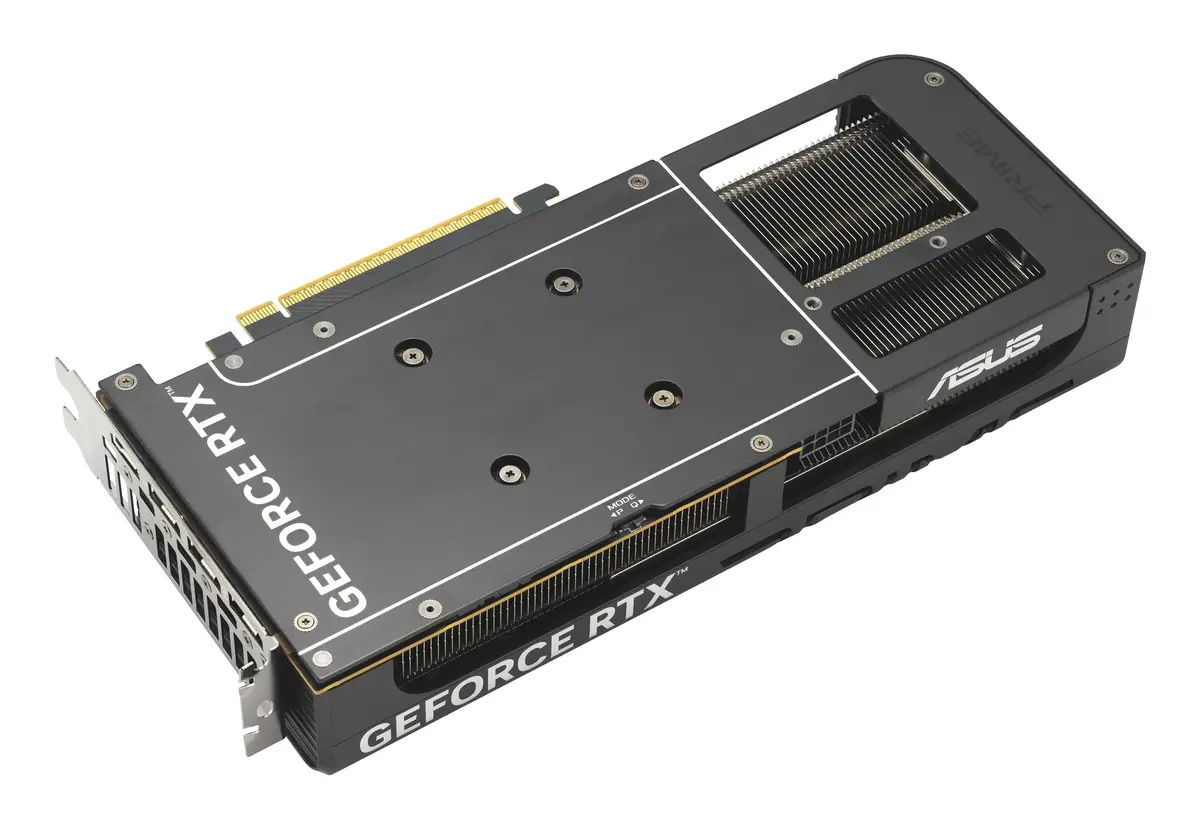
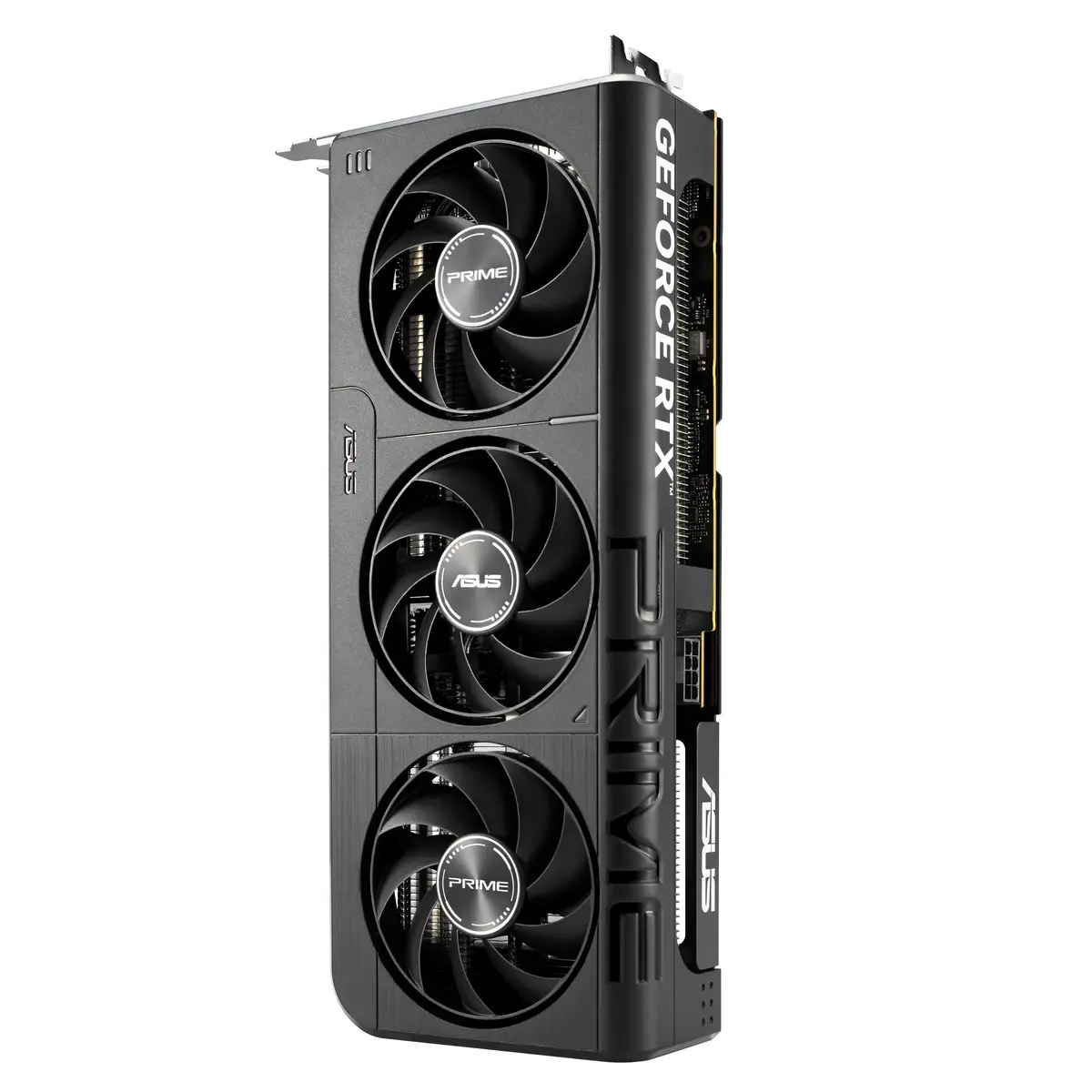
The ASUS Prime GeForce RTX 5060 is a discrete graphics card built around the NVIDIA GeForce RTX 5060 GPU. It features 8 GB of GDDR7 video memory on a 128-bit memory bus and connects via PCI Express 5.0. The card supports high resolutions up to 7680×4320 and implements OpenGL 4.6 compatibility. Its 2.5-slot form factor and triple-fan active cooling provide thermal management suitable for sustained graphics workloads in gaming, content creation and other graphics-accelerated applications.
The combination of a modern GeForce RTX 5060 GPU with 8 GB of GDDR7 memory and a 128-bit memory interface delivers a balance of performance and efficiency for mid-range to upper-mid-range graphics tasks. PCI Express 5.0 interface ensures a forward-compatible connection to contemporary motherboards. A three-fan active cooling solution and a 2.5-slot design improve heat dissipation under load while maintaining compatibility with smaller cases that support this form factor. Support for OpenGL 4.6 and up to 7680×4320 resolution makes the card suitable for high-resolution displays and professional graphics APIs.
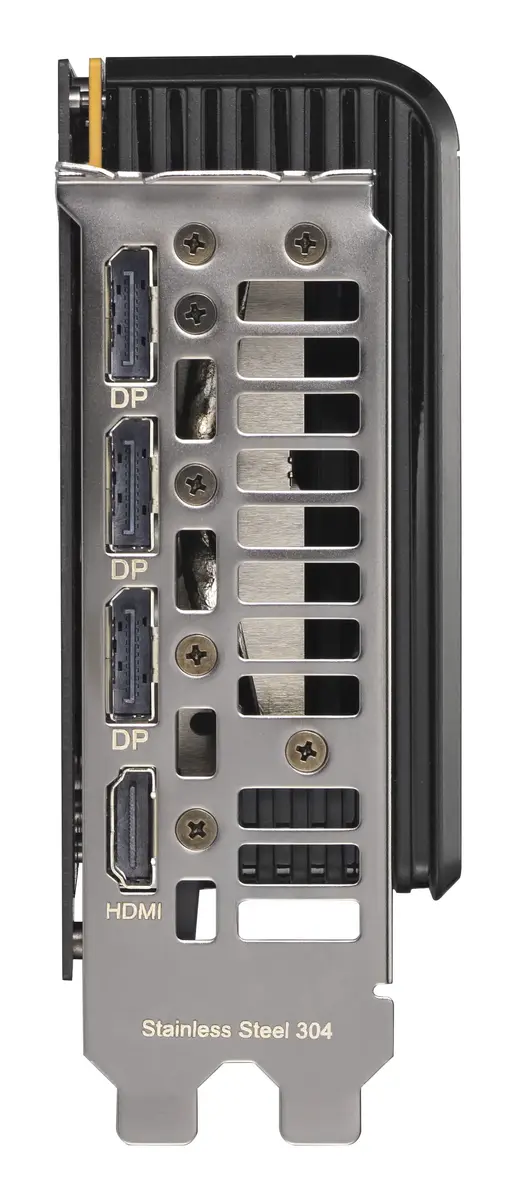
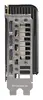
Install the ASUS Prime GeForce RTX 5060 into a compatible PCI Express 5.0 x16 slot on a motherboard that provides sufficient physical clearance for a 2.5-slot card. Connect the required external power connector as specified by the system (the card requires an 8-pin power input). Attach display cables to the available video outputs to connect monitors. Install the latest NVIDIA drivers from the official source to enable full functionality, including GPU-accelerated features and API support. Ensure the system BIOS and operating system are up to date for the best compatibility.
For stable operation, use a power supply that meets the card’s wattage and connector requirements and maintain case airflow to support the triple-fan cooler. When using high-resolution monitors or extended rendering tasks, monitor GPU temperatures and driver updates to ensure consistent performance.
{{highlightedFeature.featureTitle}}:
{{getProductFeatureValueById(product, highlightedFeature.featureId)}}
{{ productComparisonGenerationError }}
