JBL speakers and headphones for pure and deep sound!
In cart {{totalProductsCount}} item(s)
Your cart is empty
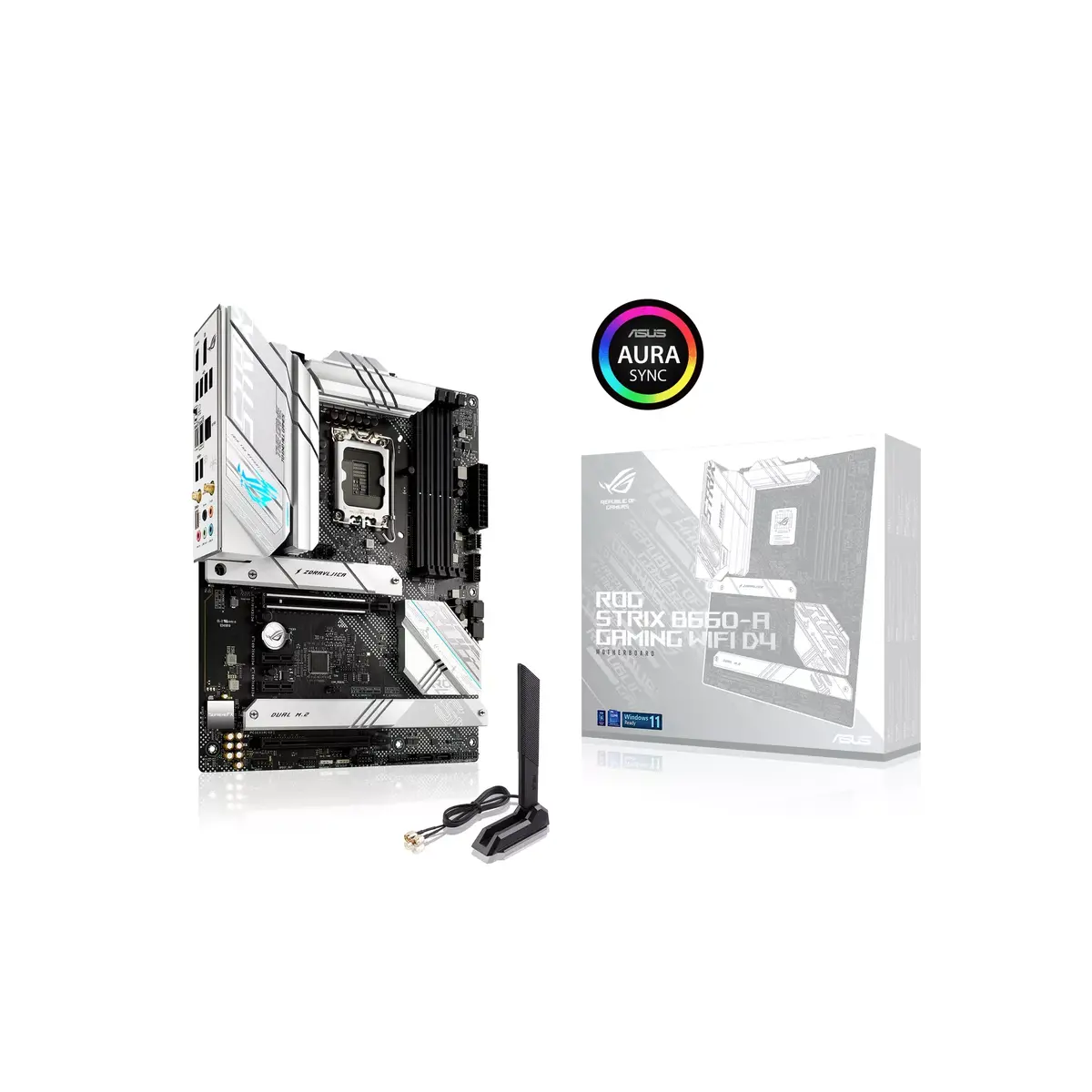
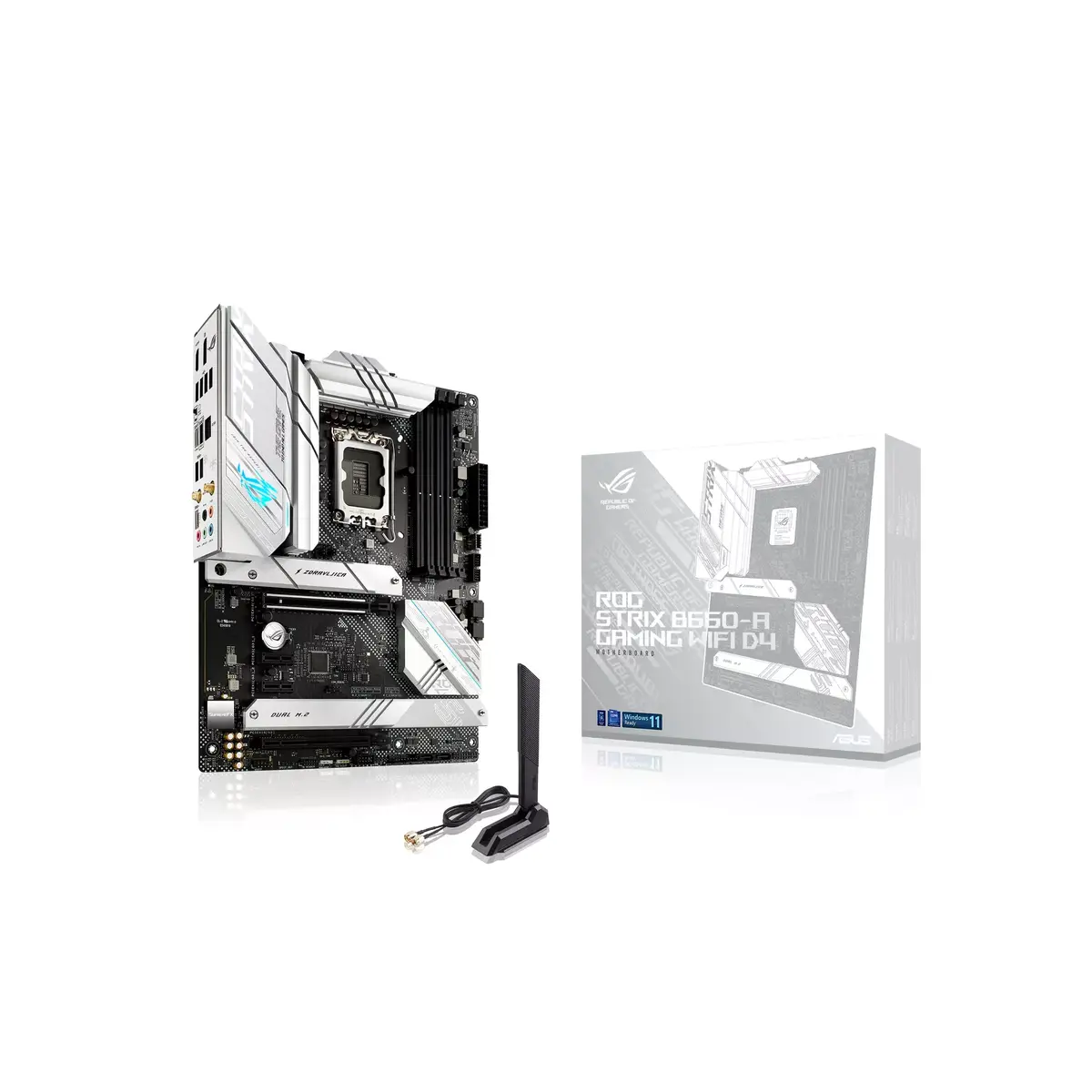
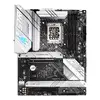
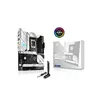
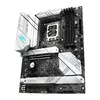
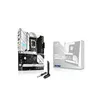
Motherboard ASUS ROG STRIX B660-A GAMING WIFI D4 Intel B660 LGA 1700 ATX
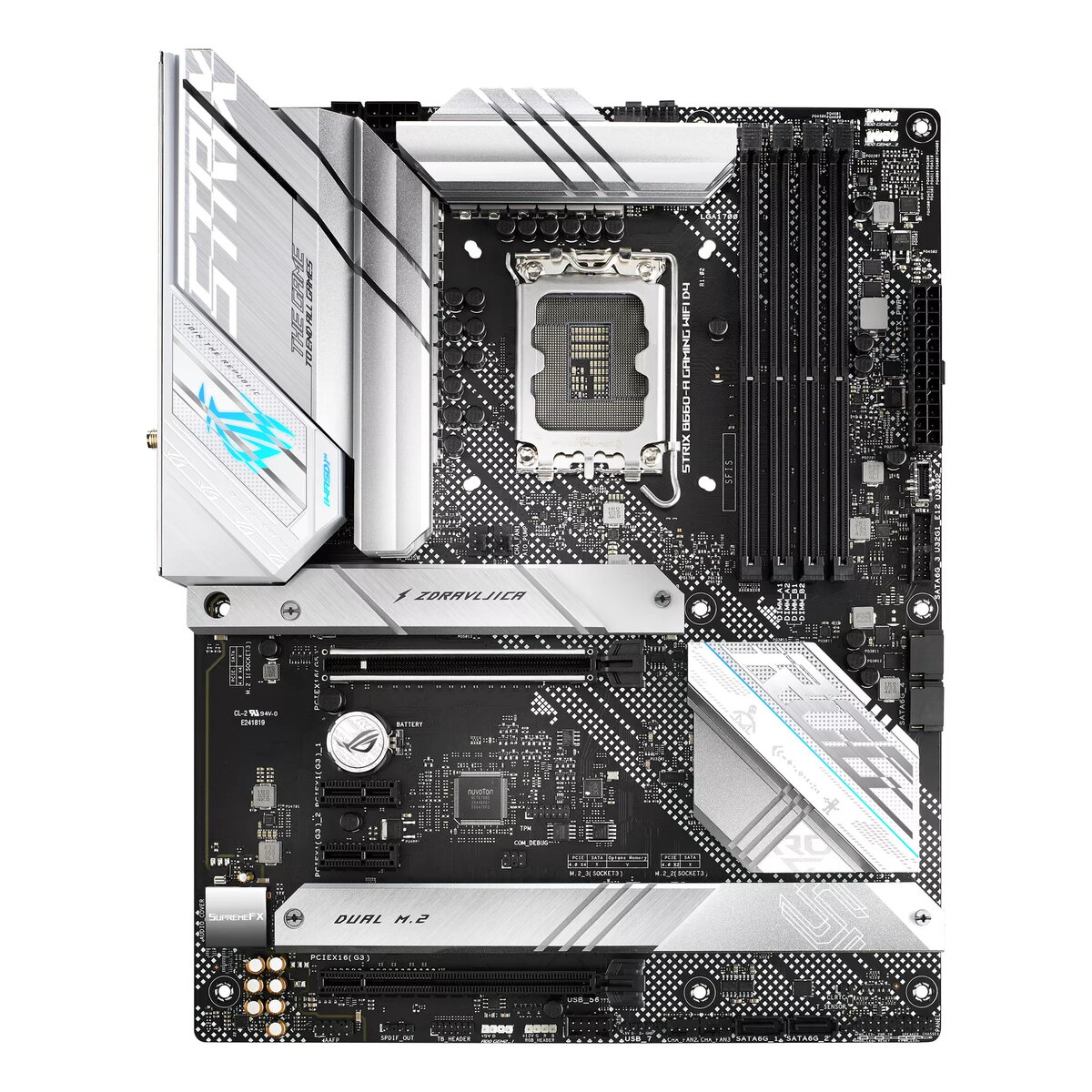
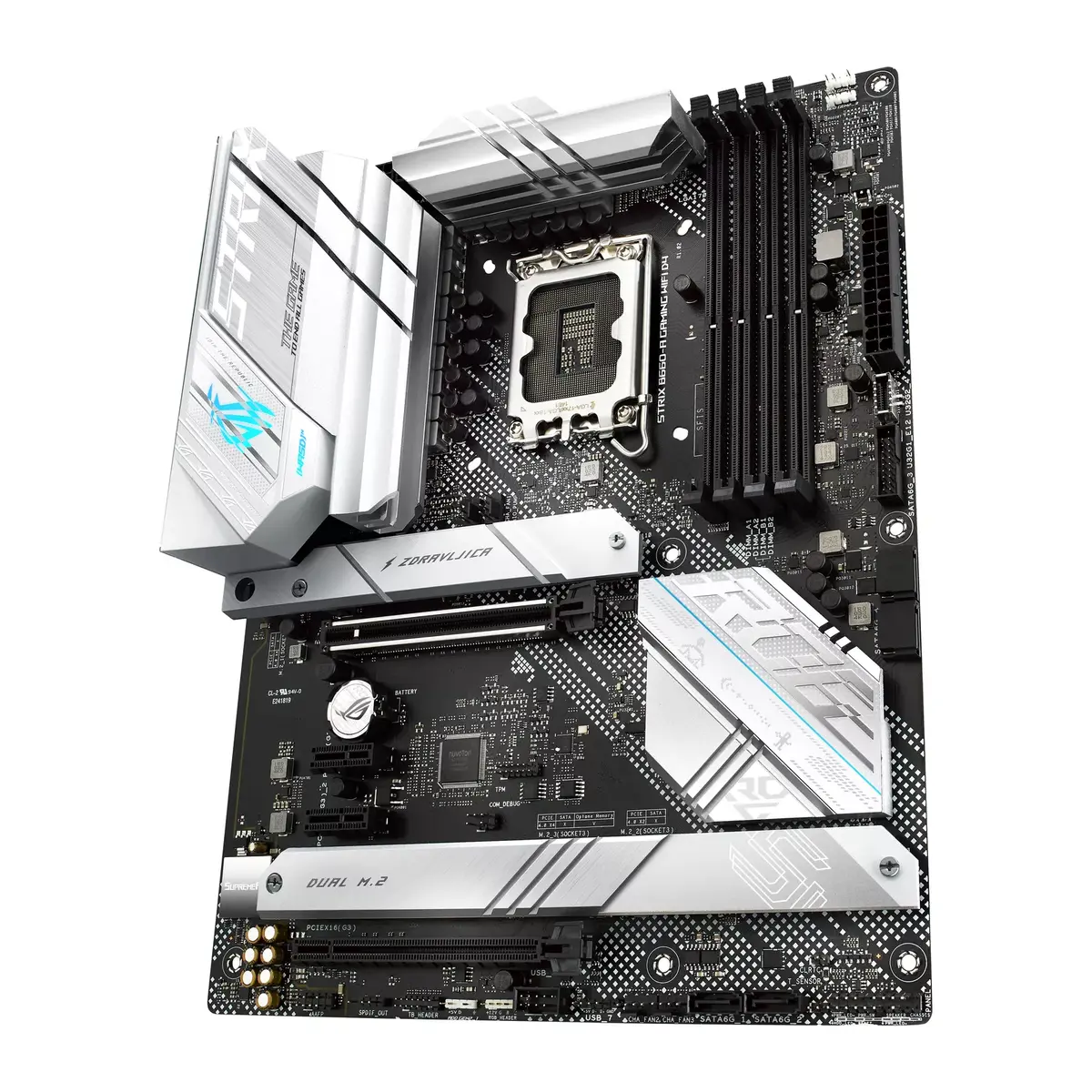
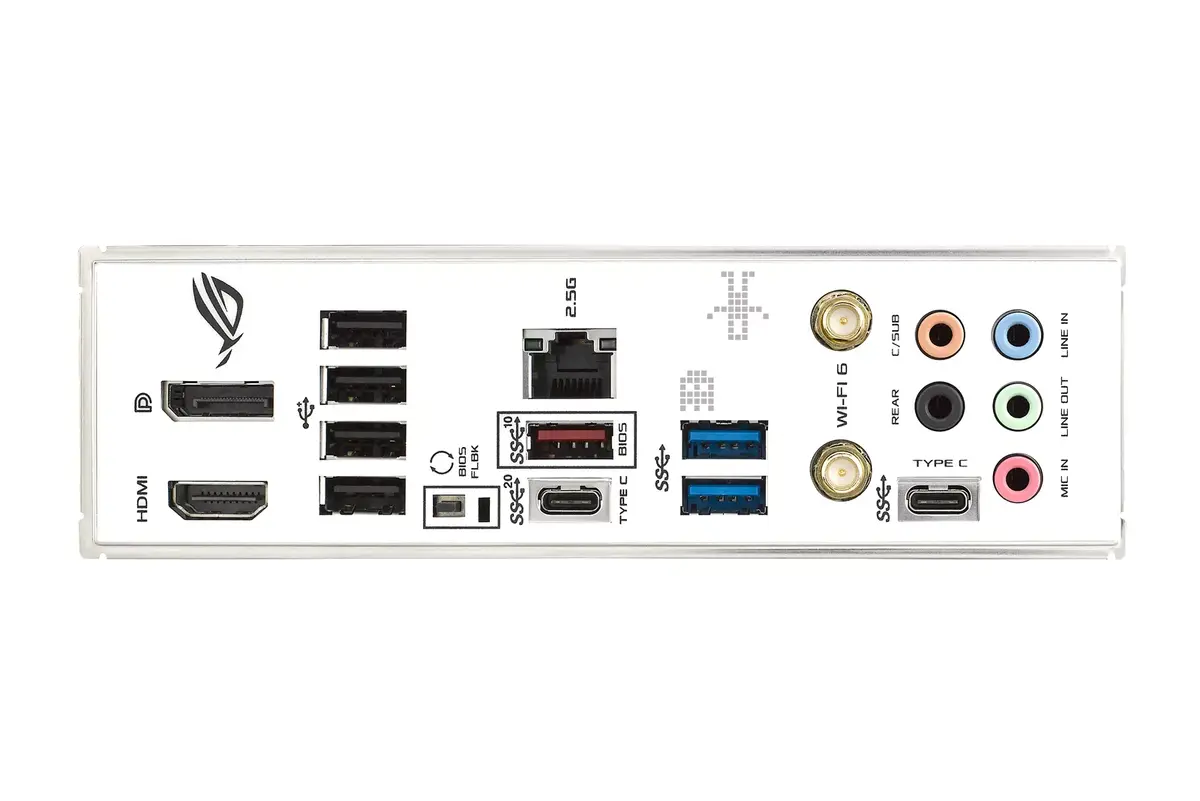
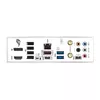
The ASUS ROG STRIX B660-A GAMING WIFI D4 is an ATX motherboard with an LGA 1700 socket designed for 12th Gen Intel Core processors. It supports DDR4 memory up to 128 GB across four slots and offers multiple high-speed storage and connectivity options including PCIe 5.0 readiness, three PCIe 4.0 M.2 slots, SATA III, onboard WiFi 6 (802.11ax) and Intel 2.5 Gb Ethernet. The board integrates robust power delivery, multilayer PCB cooling, ROG audio and networking utilities, and DIY-friendly features to simplify PC assembly.
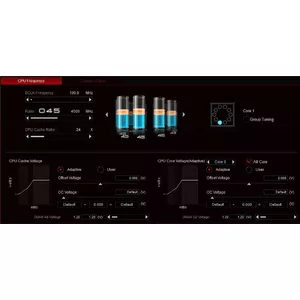
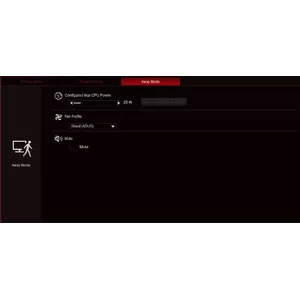
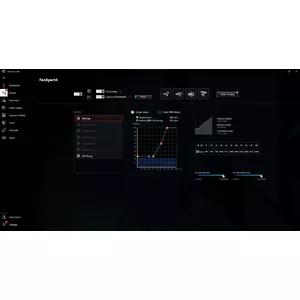
This motherboard provides a strong power delivery subsystem with 12+1 teamed power stages, high-quality alloy chokes and capacitors, Digi+ voltage regulation and the ProCool power connector for reliable and efficient CPU power. Thermal management is enhanced by a six-layer PCB, multiple dedicated fan and pump headers, M.2 heatsink and configurable cooling controls via Fan Xpert 4 in Armoury Crate or the UEFI BIOS. Networking and audio capabilities include WiFi 6, Intel 2.5 Gb Ethernet, ROG GameFirst VI networking optimizations, and SupremeFX audio with the ALC4080 codec and Savitech amplifier. Additional conveniences such as M.2 Q-Latch, preinstalled MemTest86 in UEFI and extensive compatibility testing simplify installation and system validation.
Install the motherboard into a compatible ATX case and mount an LGA 1700 CPU following the CPU cooler manufacturer’s instructions. Populate up to four DDR4 DIMMs, install storage devices into M.2 and SATA connectors as required, and connect the PSU using the ProCool power connector and other required headers. Attach cooling fans or AIO pump to the dedicated PWM/DC headers for full control. Use the UEFI BIOS or Armoury Crate software to configure boot order, memory settings, fan curves via Fan Xpert 4, and enable or update network and audio drivers. Run the preinstalled MemTest86 from UEFI to check memory if needed.
For optimal stability and performance, connect CPU and chassis fans to the specified headers (CPU_FAN / CPU_OPT / CHA_FAN / M.2_FAN / H_AMP / RAD_FAN) so AI Cooling can manage fan speeds. Pair the onboard WiFi 6 with an ASUS WiFi 6 router to maximize wireless throughput, and consult the motherboard QVL when selecting memory to ensure compatibility and higher overclocking headroom.


{{highlightedFeature.featureTitle}}:
{{getProductFeatureValueById(product, highlightedFeature.featureId)}}
{{ productComparisonGenerationError }}