
Filters you can trust. Pure water every day.
In cart {{totalProductsCount}} item(s)
Your cart is empty
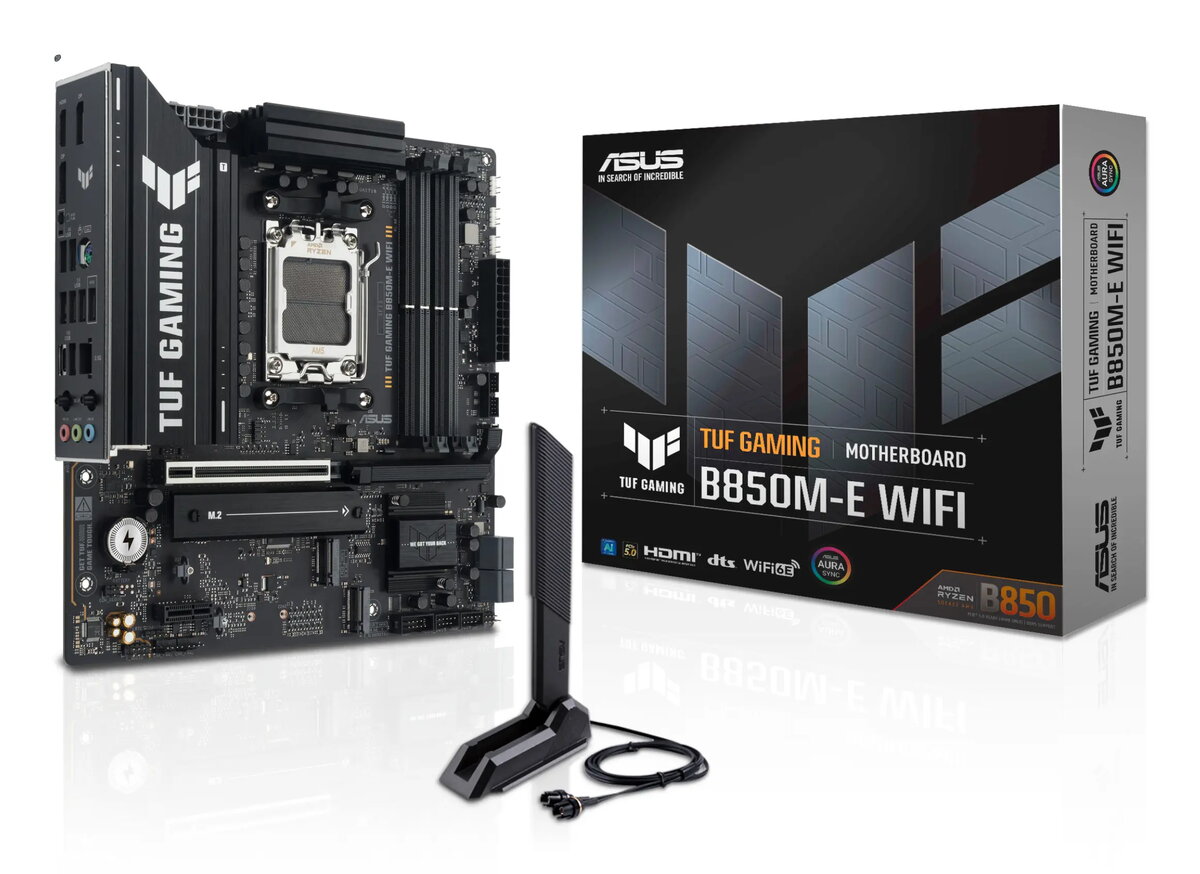
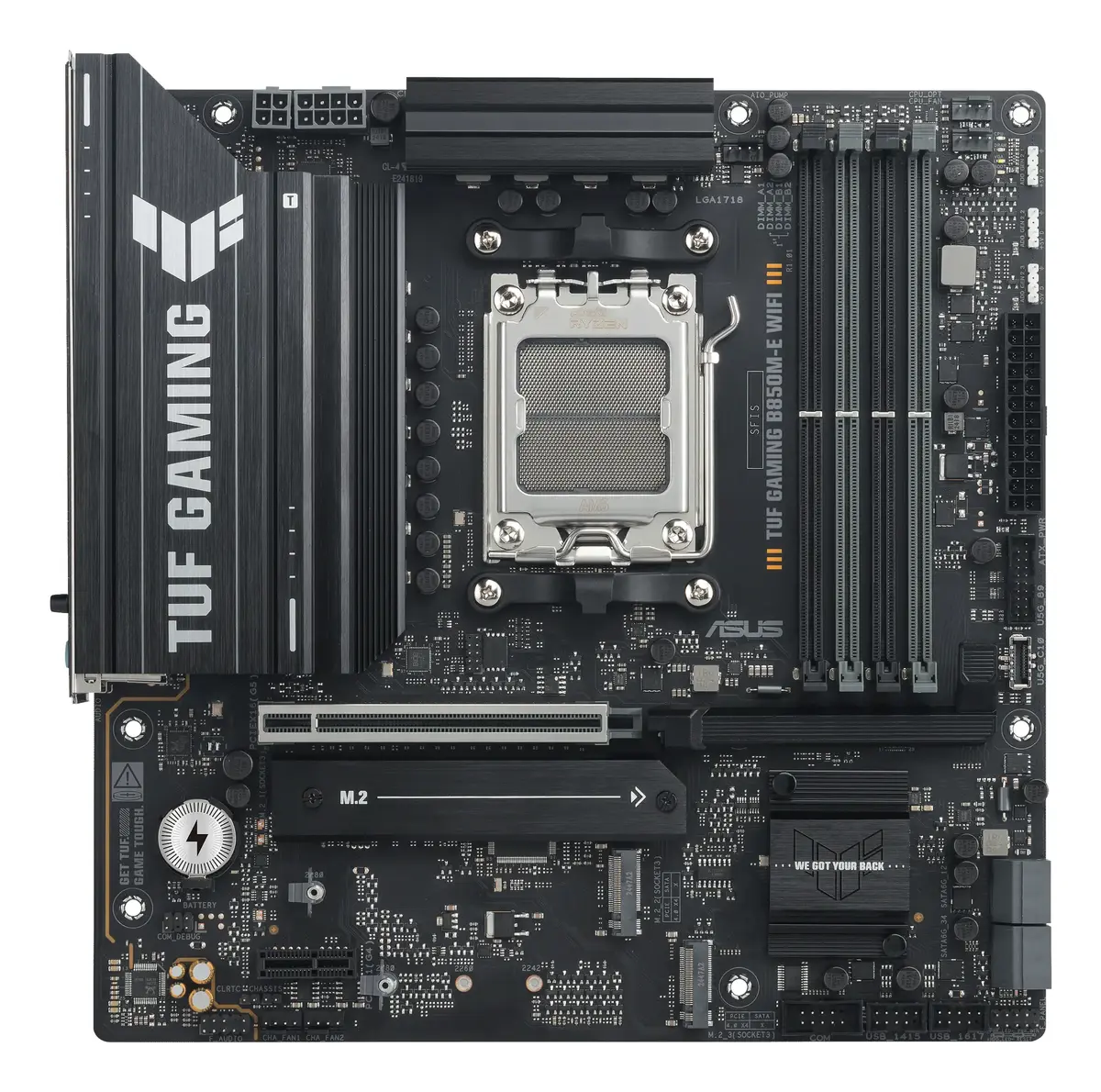
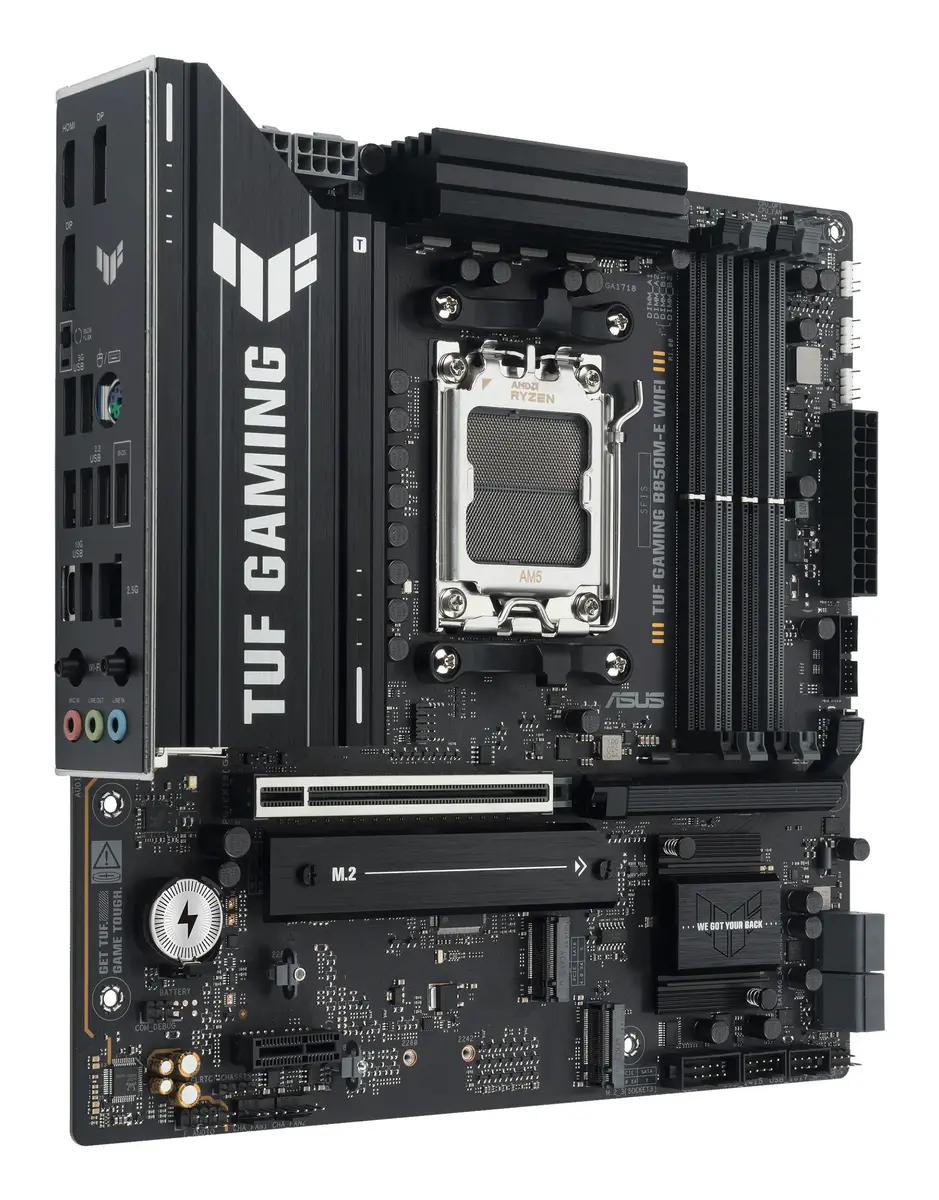
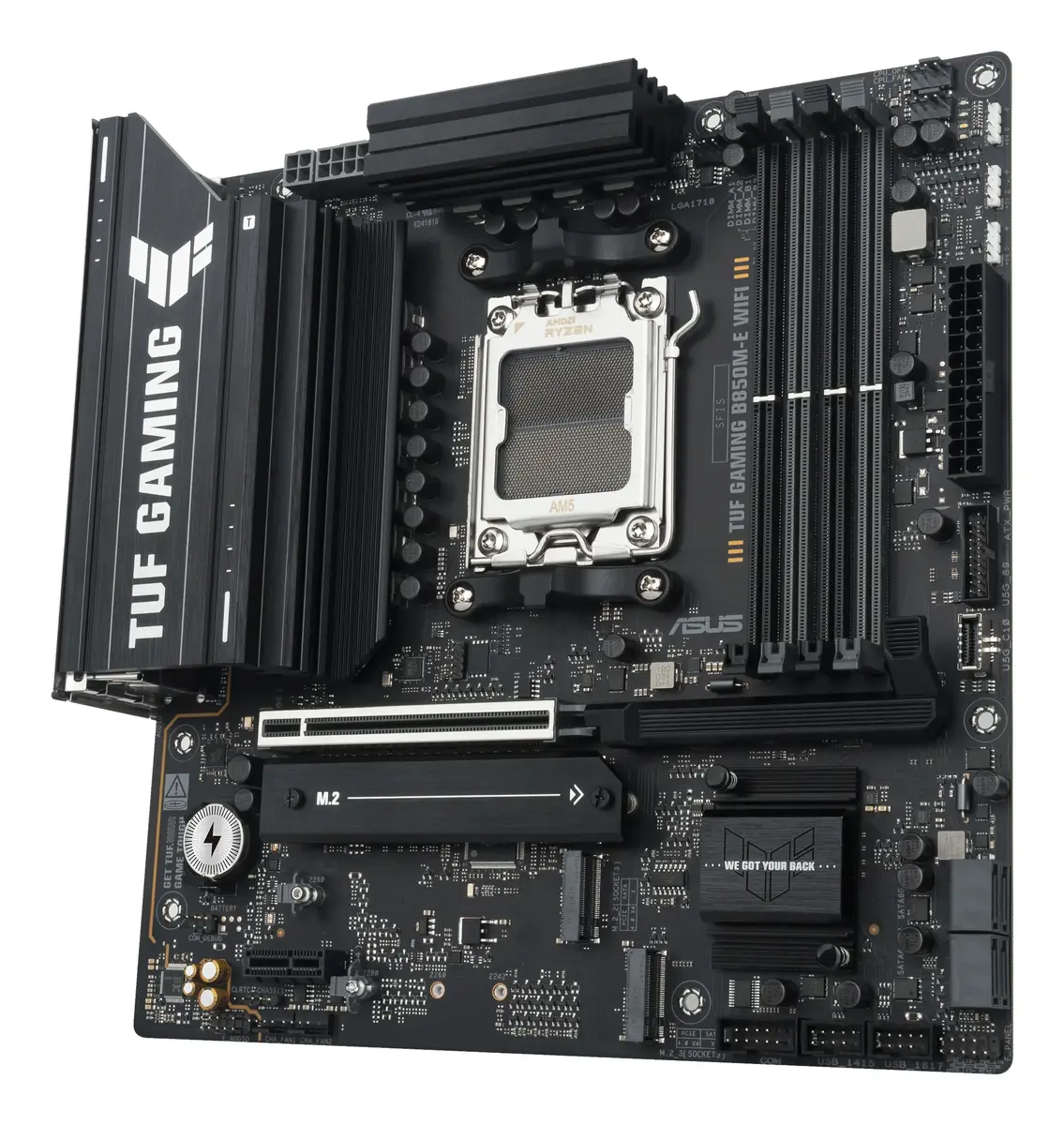
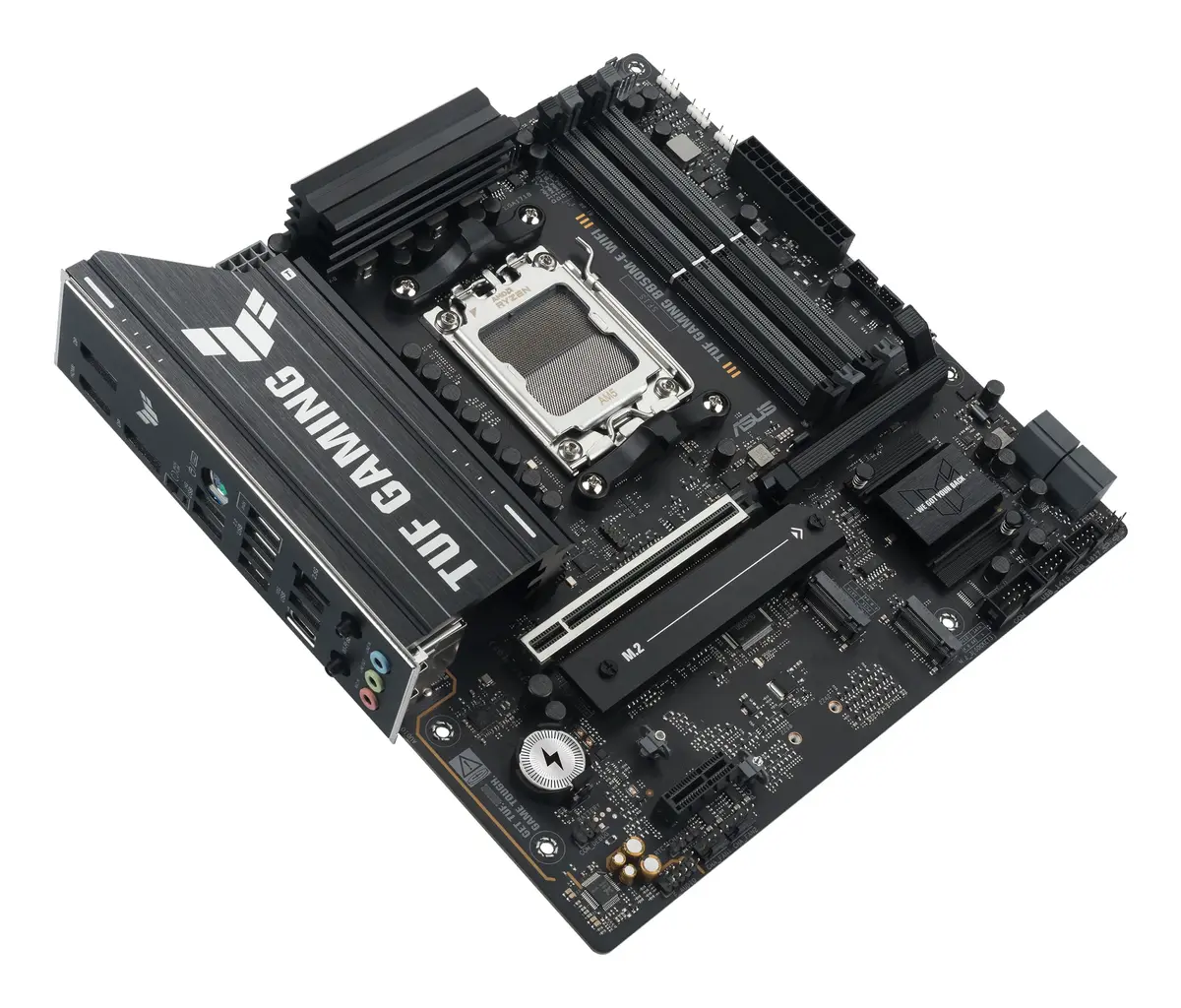
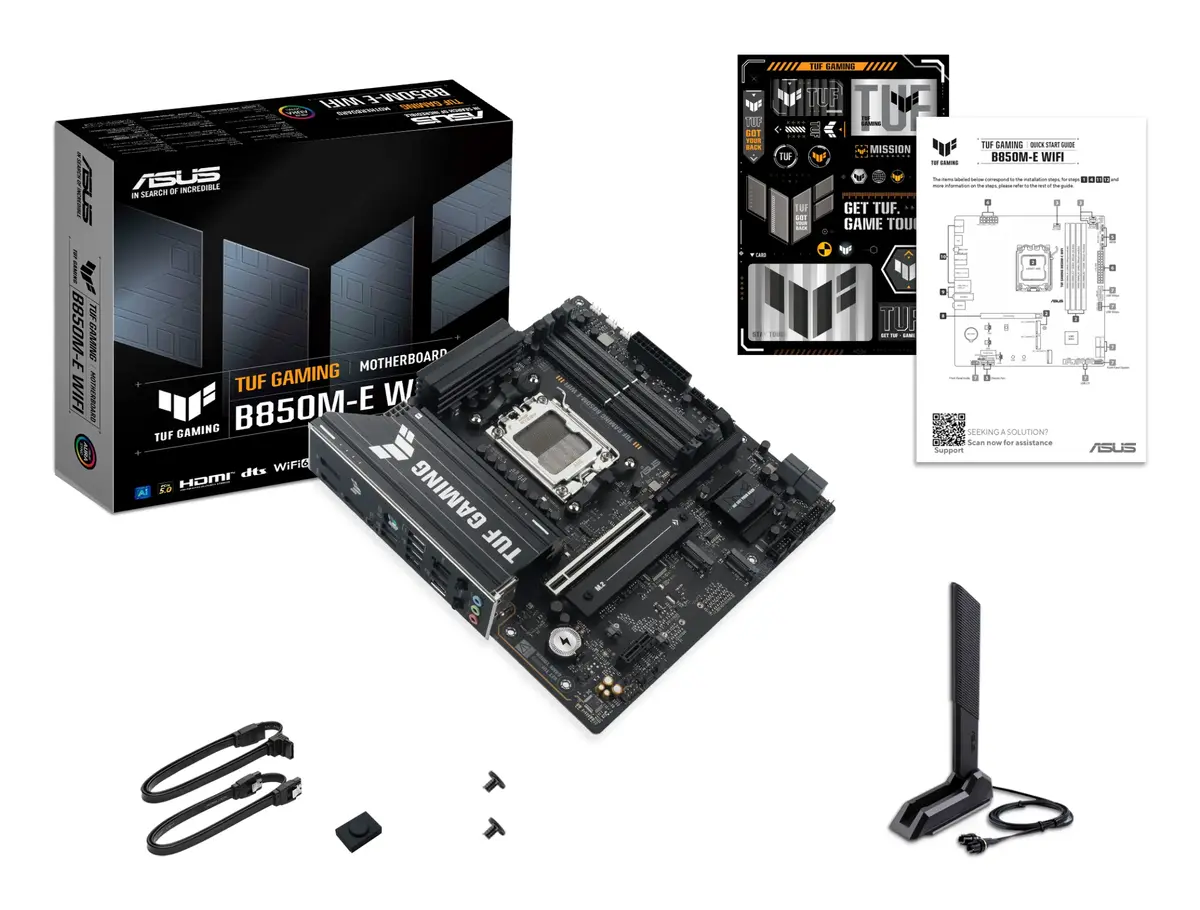
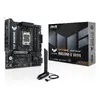
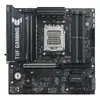
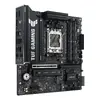
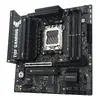
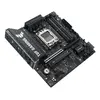
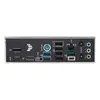
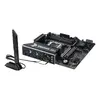
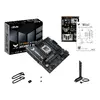
ASUS TUF GAMING B850M-E WIFI Motherboard, AMD B850 Socket AM5, Micro ATX, DDR5 Support
The ASUS TUF GAMING B850M-E WIFI is a high-performance micro ATX motherboard engineered for the AMD AM5 platform. Designed to support the latest AMD Ryzen 7000, 8000, and 9000 series processors, this board provides a stable and durable foundation for modern gaming systems and professional workstations. With its robust power delivery and comprehensive cooling solutions, it ensures reliable operation even under heavy computing loads.
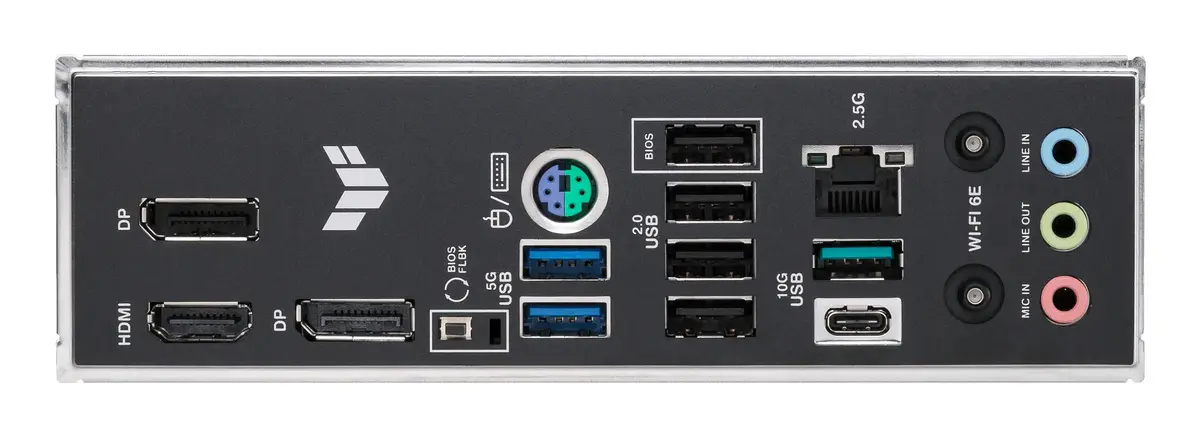
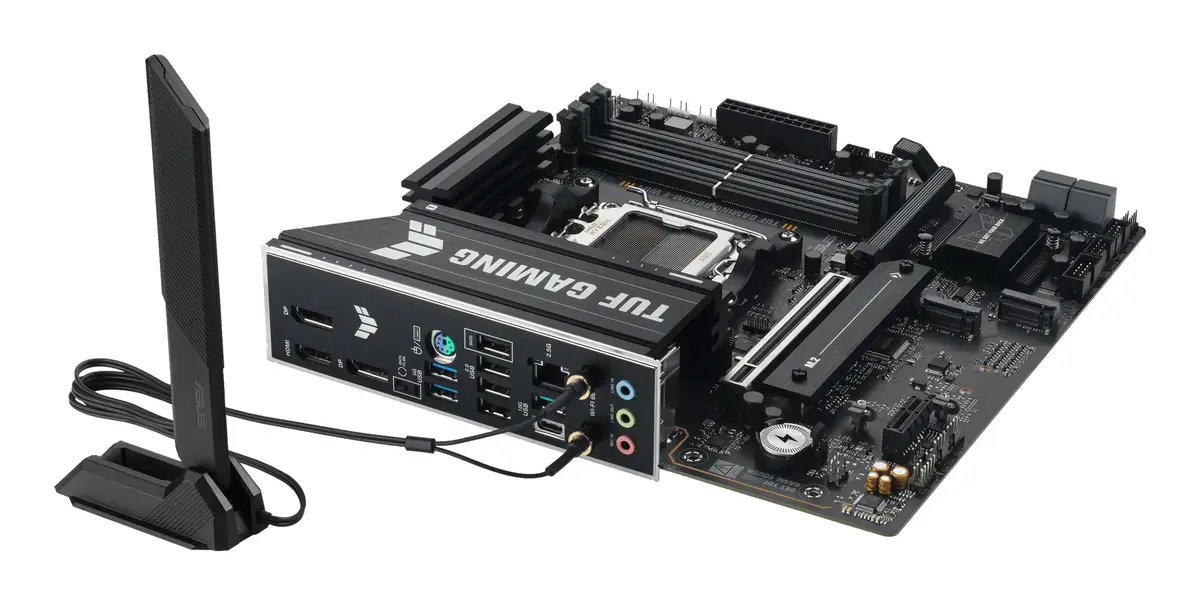
This motherboard stands out due to its integration of cutting-edge technologies such as DDR5 memory support and PCIe 5.0 connectivity, which significantly enhance data transfer speeds and overall system responsiveness. The inclusion of Wi-Fi 6E and 2.5Gb Ethernet provides versatile and high-speed networking options for both wired and wireless setups. Furthermore, the TUF Gaming series is built with military-grade components, offering superior durability and long-term reliability for users who demand consistent performance.
This motherboard may not be the ideal choice for users requiring an ATX form factor with a larger number of PCIe expansion slots for multi-GPU configurations or extensive add-in cards. Additionally, users operating on older processor architectures will need to upgrade their CPU to be compatible with the AM5 socket.
To begin using the motherboard, install your compatible AMD Ryzen processor into the AM5 socket, ensuring the alignment pins are correctly seated. Insert your DDR5 memory modules into the designated slots, following the motherboard manual for dual-channel configuration. After securing the motherboard into a compatible micro ATX case, connect your power supply, storage drives, and peripherals. Once the hardware is assembled, access the BIOS to configure your memory profiles and boot settings before installing your operating system.
For optimal performance and system stability, it is recommended to update the motherboard BIOS to the latest version available on the manufacturer's website. Ensure adequate airflow within your PC case to maintain low temperatures for the M.2 storage and chipset components during intensive tasks.
{{highlightedFeature.featureTitle}}:
{{getProductFeatureValueById(product, highlightedFeature.featureId)}}
{{ productComparisonGenerationError }}
