Save time and money with our discounts!
In cart {{totalProductsCount}} item(s)
Your cart is empty
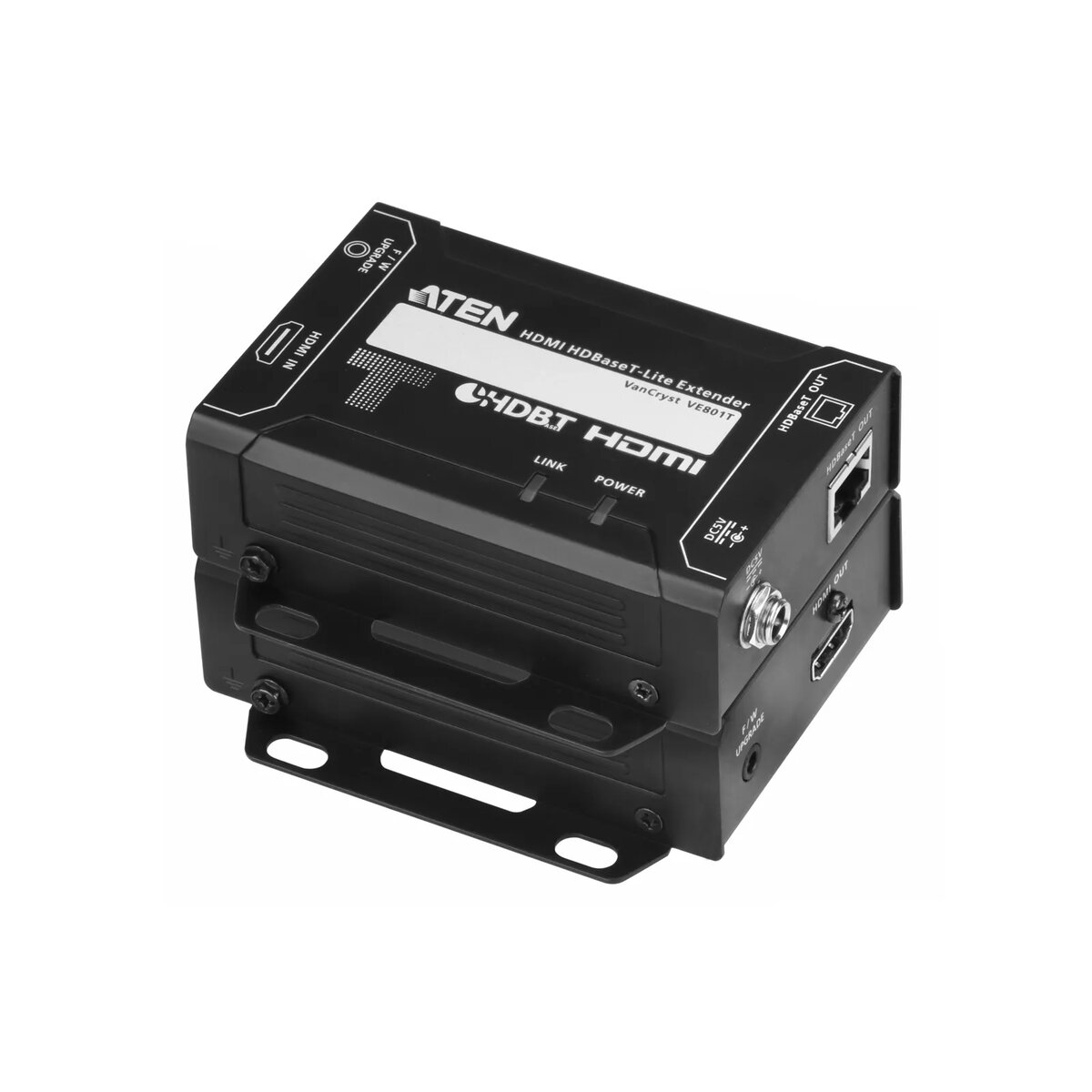
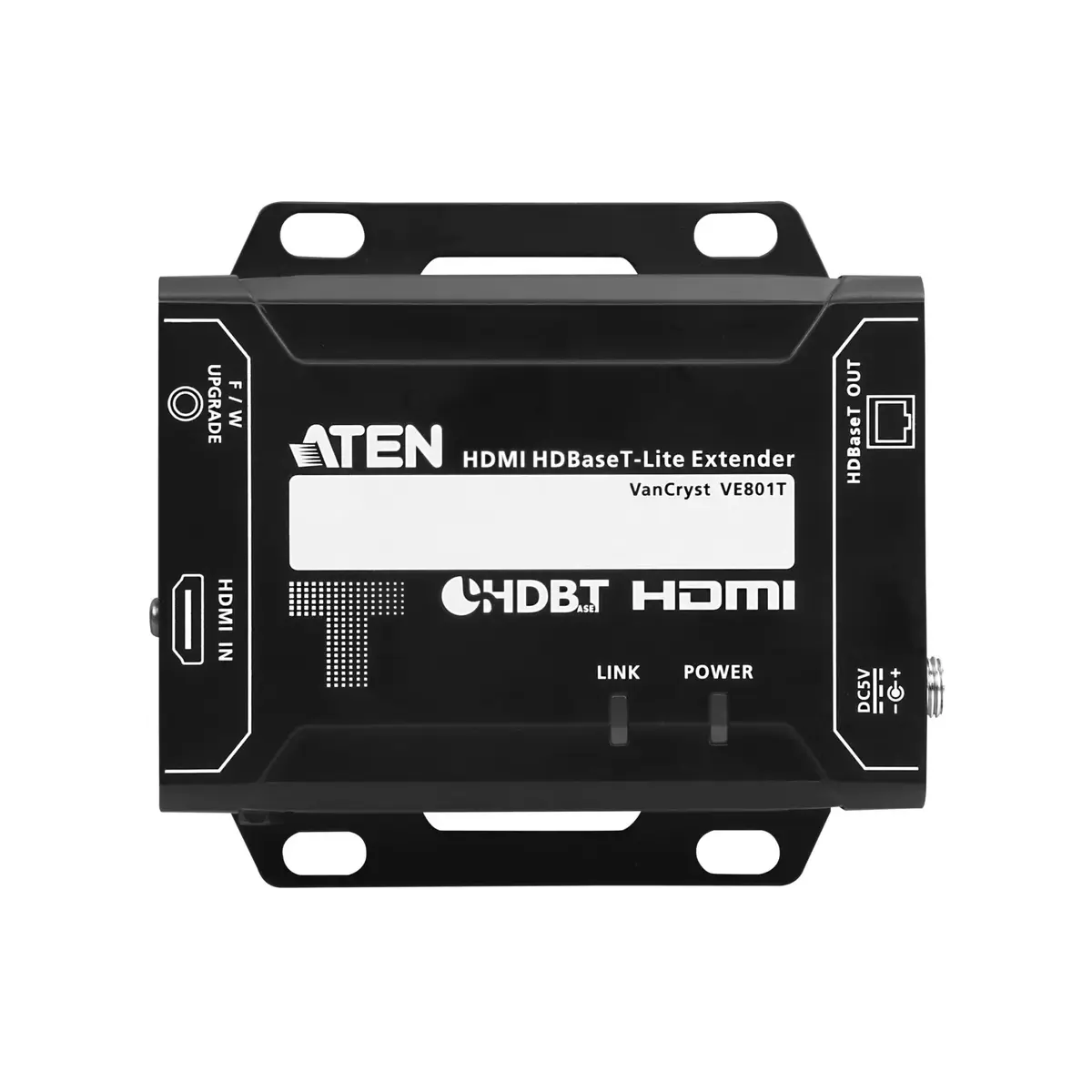
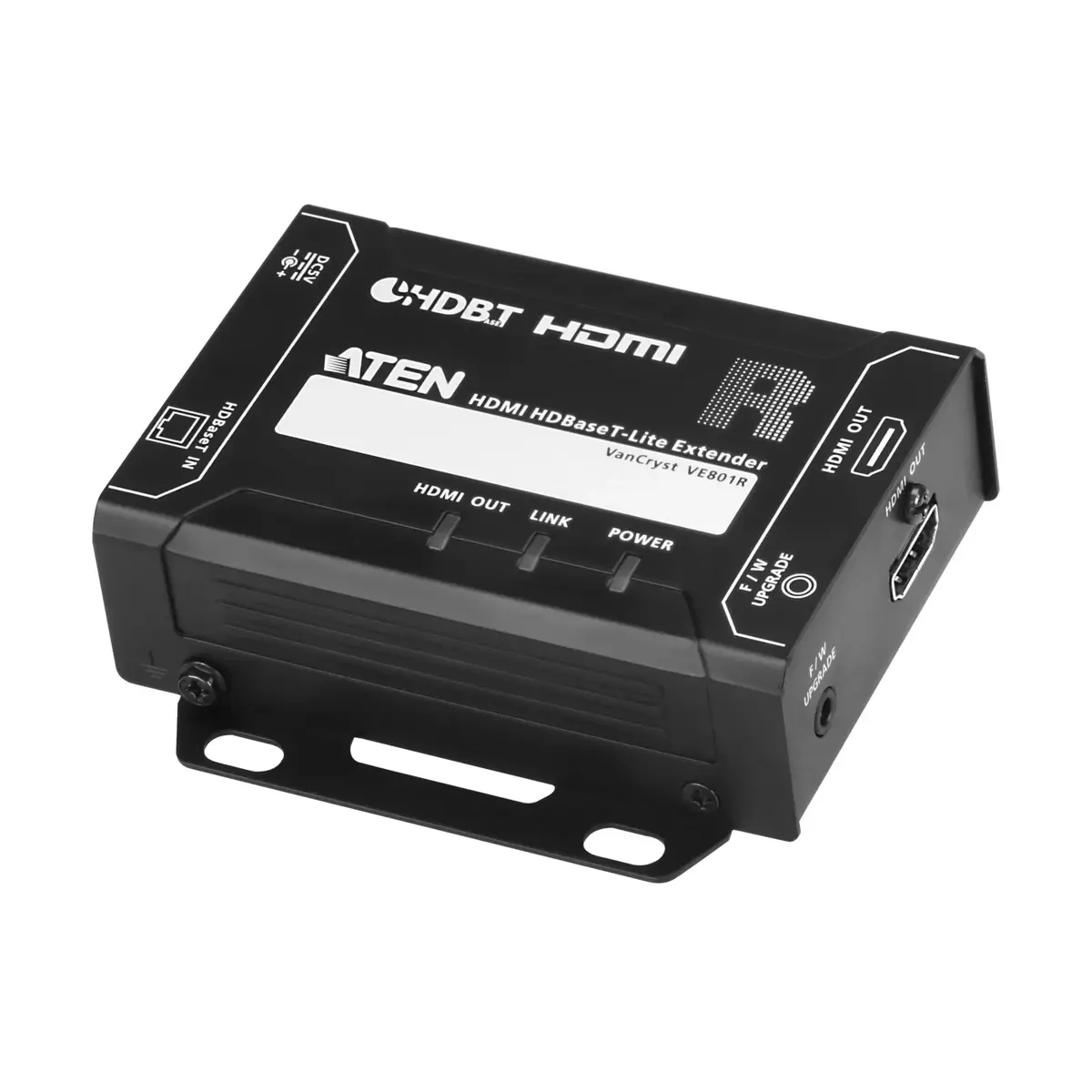
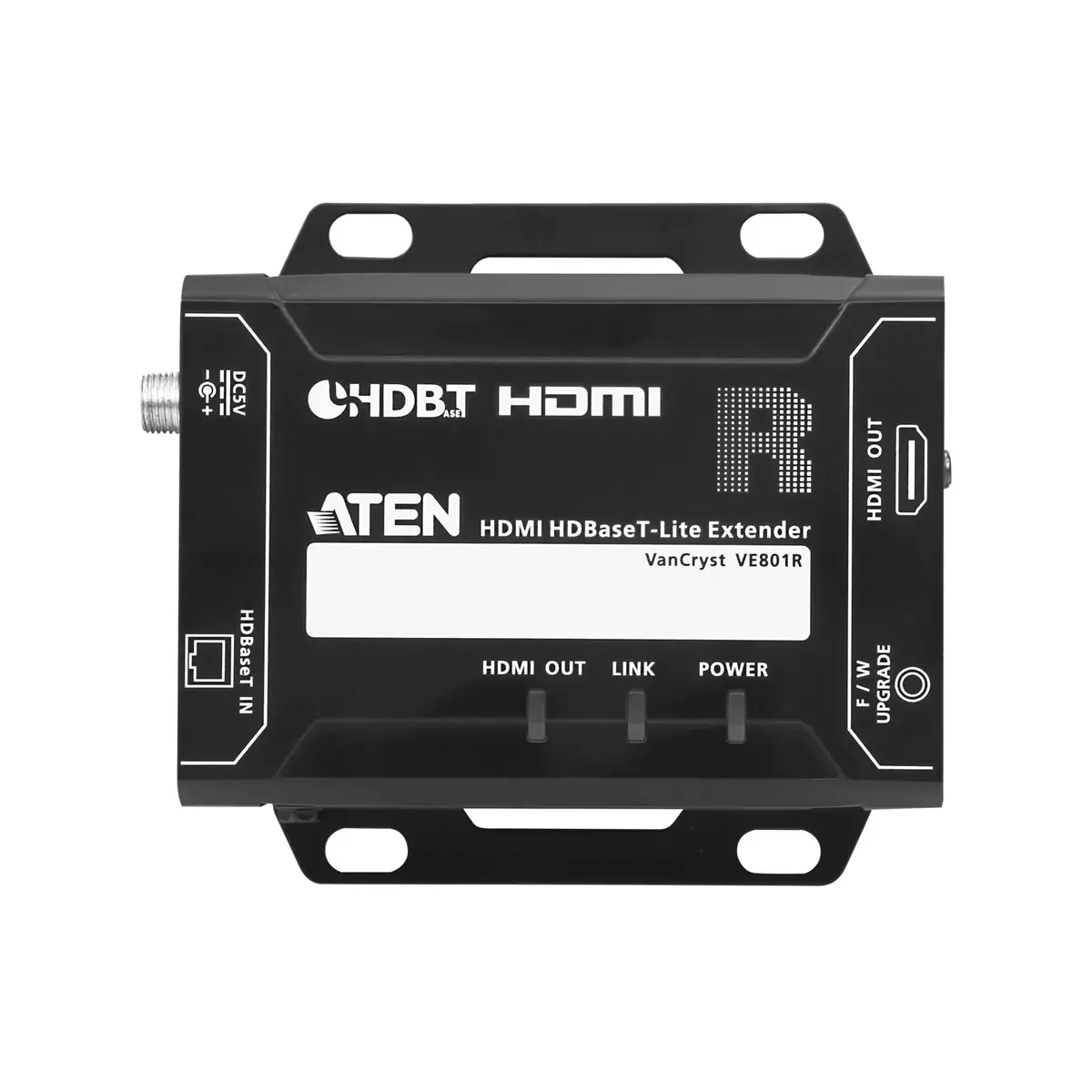
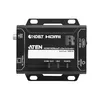
AV transmitter & receiver ATEN VE801 — 3840×2160, up to 70 m over Cat5/Cat6/Cat6a, black
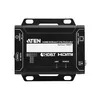
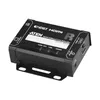
The ATEN VE801 is an AV transmitter and receiver pair that extends HDMI signals up to 3840×2160 resolution over a single Cat5/Cat6/Cat6a cable for distances up to 70 m. Designed for straightforward installation, the compact black units support HDBaseT-Lite transmission and maintain HDMI features such as 3D, Deep Color, 4K image resolutions, Dolby Digital 5.1 and DTS HD audio, while remaining HDCP compatible. The enclosure includes slip-resistant side grooves to assist with installation and to improve visibility of LED status lights, making the VE801 suitable for AV distribution, digital signage, meeting rooms and remote monitor setups where high-resolution HDMI must be carried over structured cabling.
The VE801 provides a single-cable solution for high-resolution HDMI extension, reducing cable complexity and preserving video and multichannel audio quality across longer distances. Its all-in-one compact design allows flexible mounting close to source or display locations and the slip-resistant grooves on the side panels reduce the risk of accidental drops during installation while improving LED visibility. Compatibility with common Cat5/6/6a cabling and support for key HDMI features ensure broad interoperability with existing AV equipment.
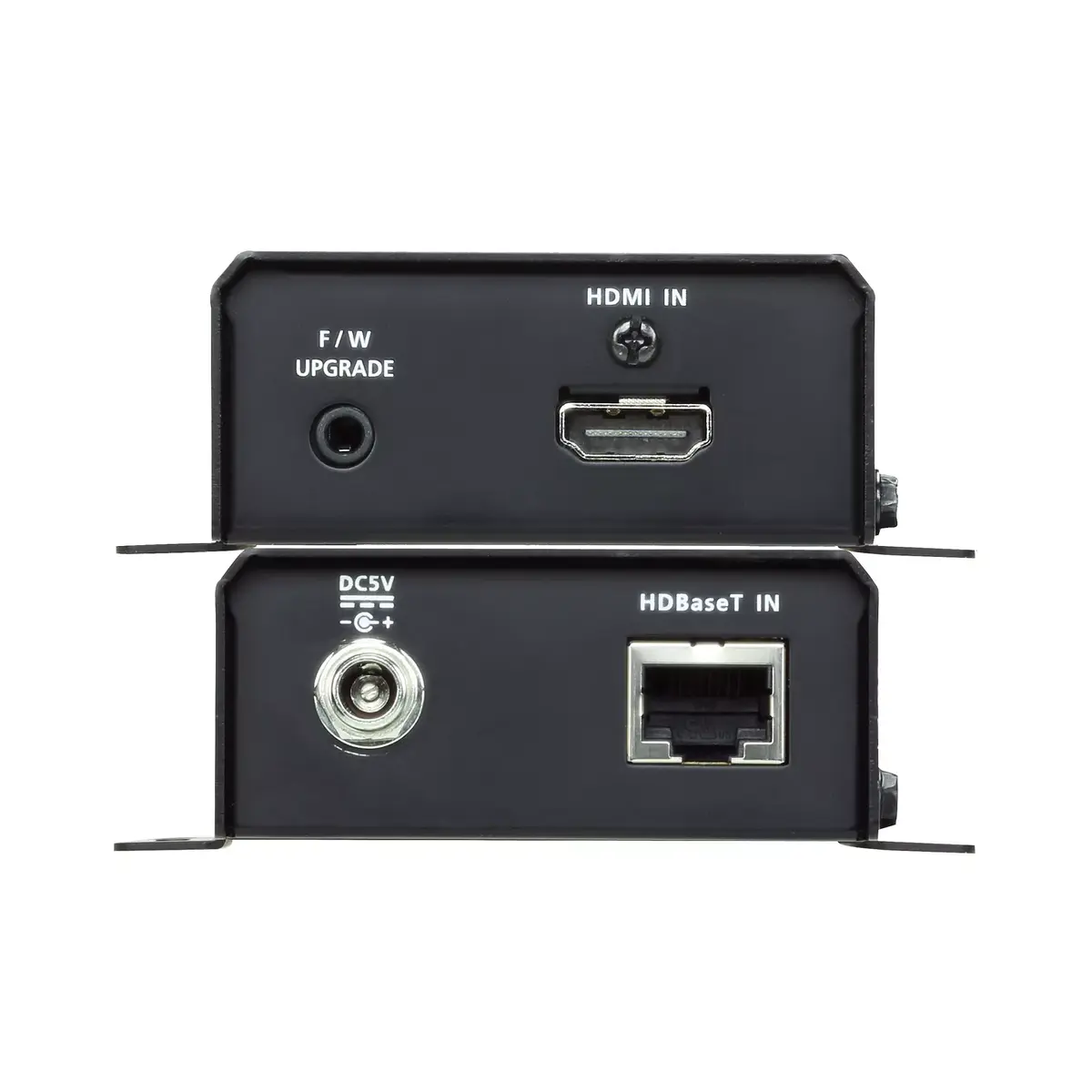
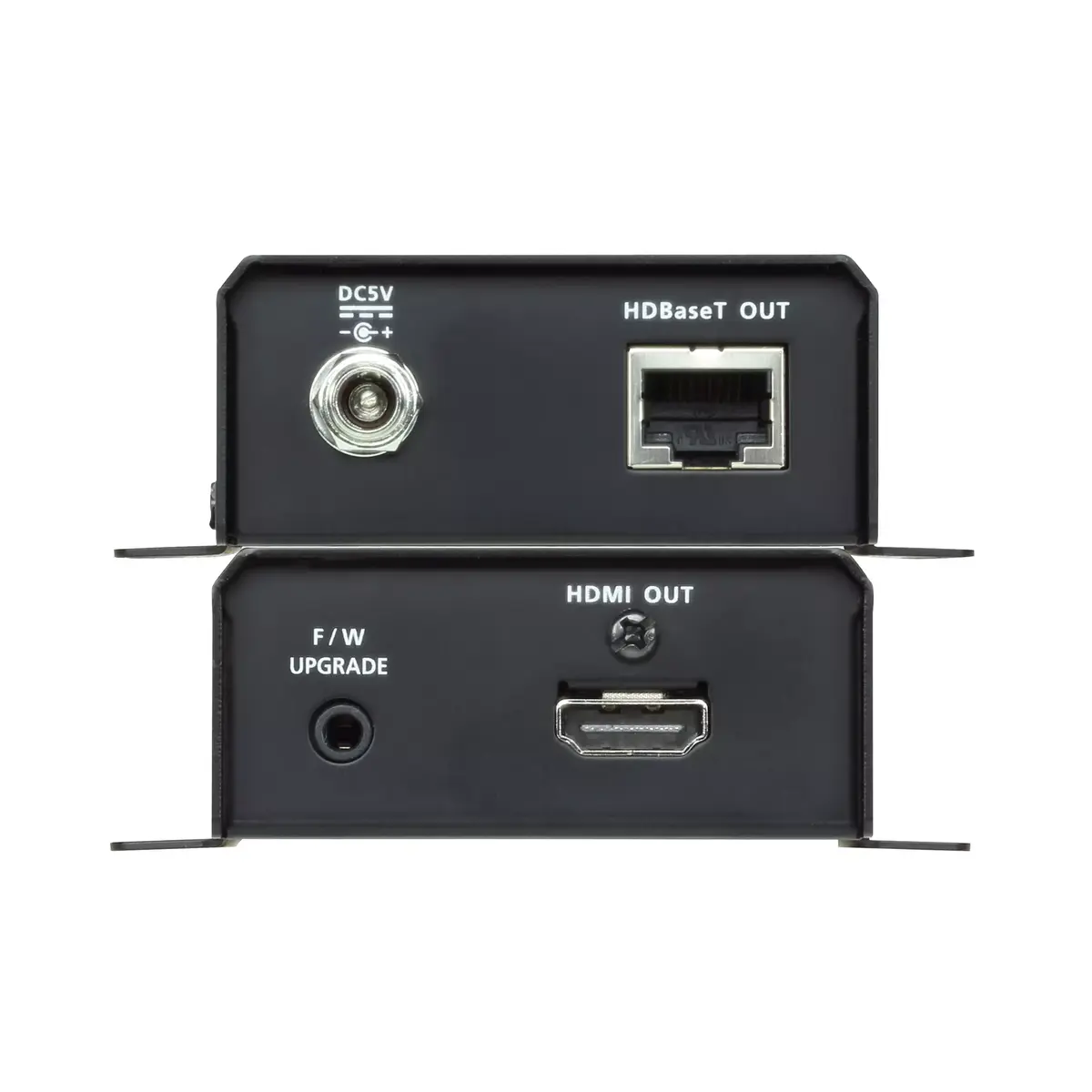
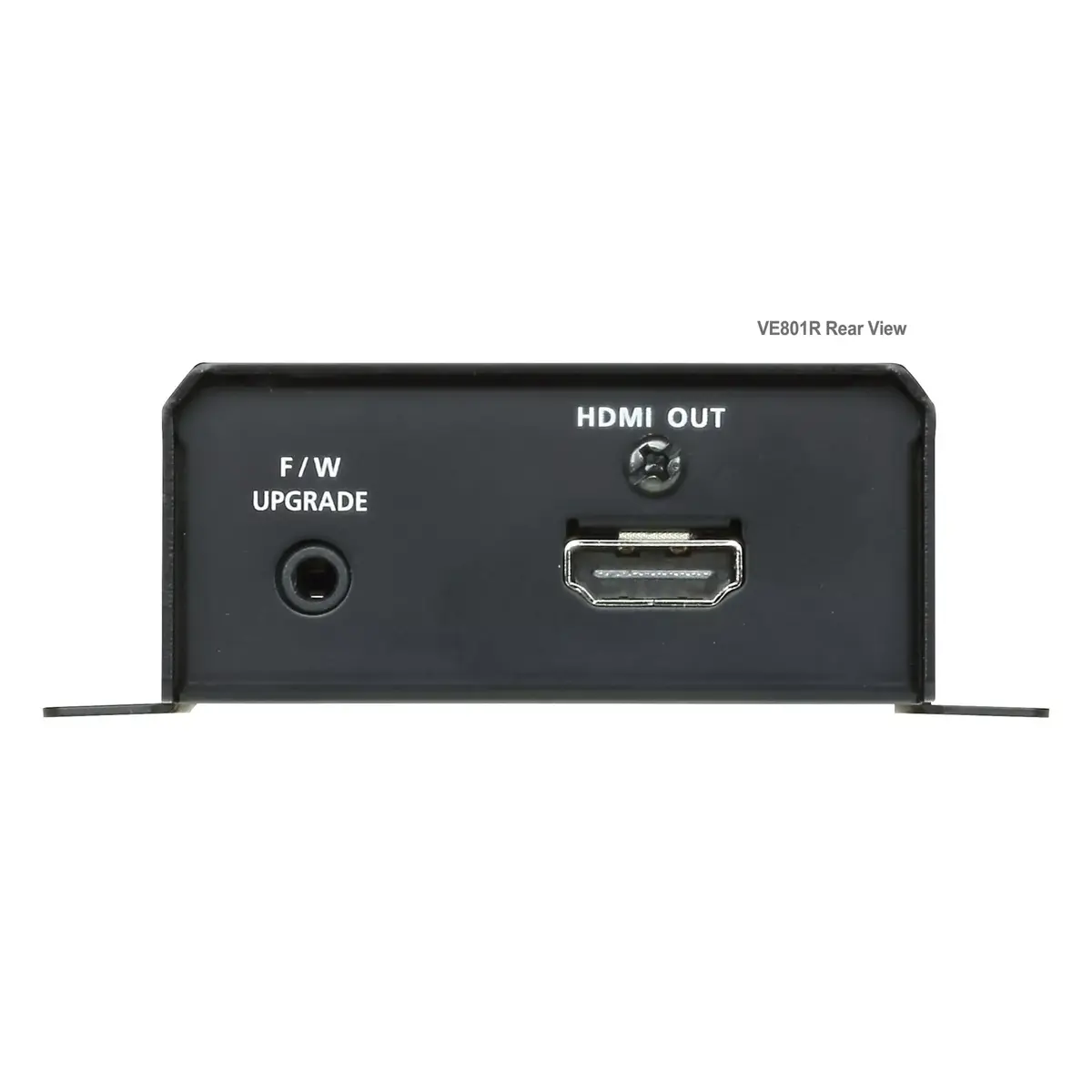
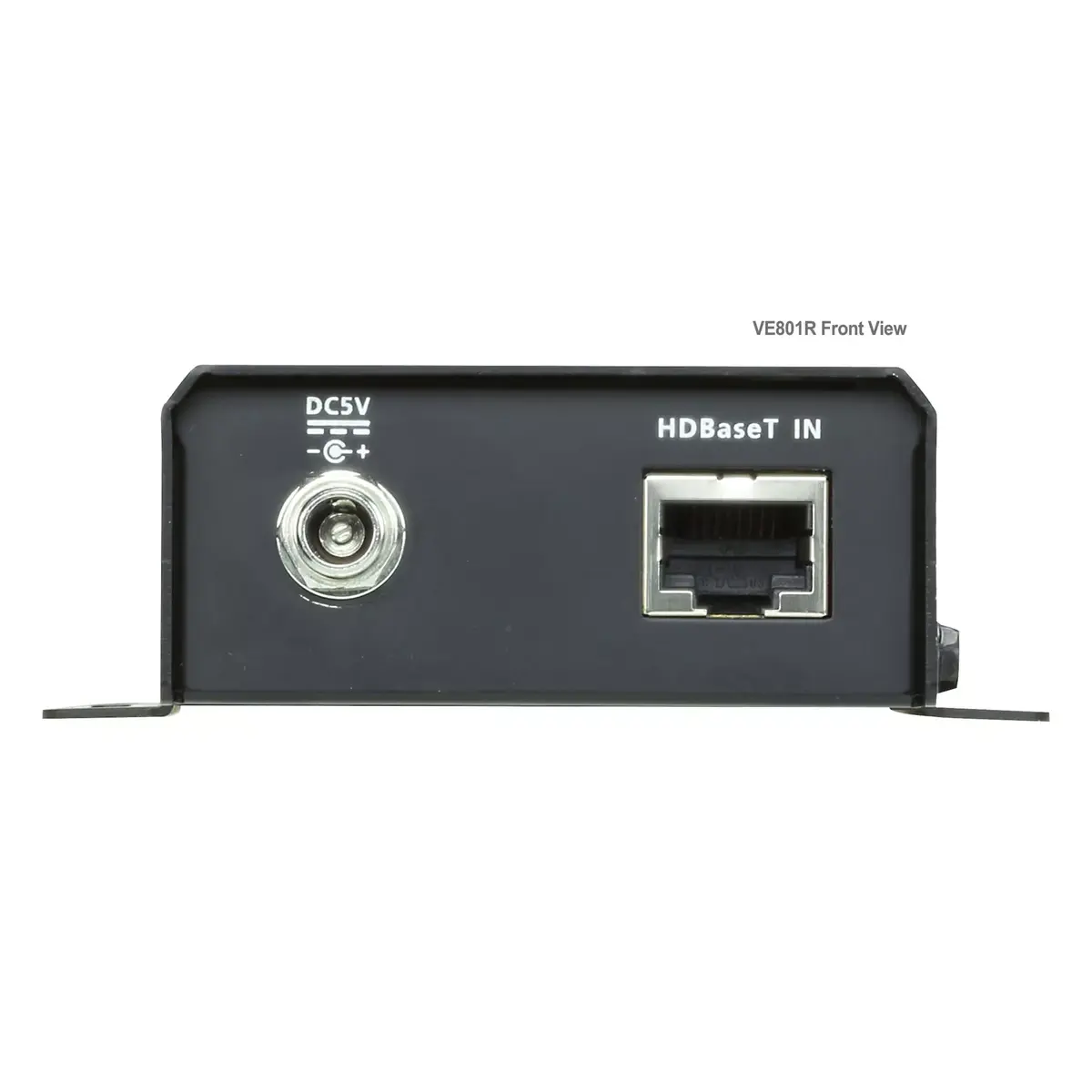
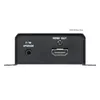
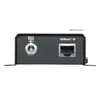
Connect the HDMI source to the transmitter unit and the display to the receiver unit using HDMI cables. Link the transmitter and receiver with a single Cat5/Cat6/Cat6a cable up to 70 m in length. Power both units according to the included power adapters and verify LED status indicators to confirm a successful link. Ensure source and display devices are set to supported resolutions and audio formats; the VE801 will pass through 4K video and multichannel audio where supported by connected devices.
For reliable performance at longer distances, use good-quality, properly terminated Cat6 or Cat6a cable and avoid routing near high-voltage power lines or strong electromagnetic sources. Match HDMI cable quality to the resolution in use and verify HDCP and audio format support on source and display devices during setup.
{{highlightedFeature.featureTitle}}:
{{getProductFeatureValueById(product, highlightedFeature.featureId)}}
{{ productComparisonGenerationError }}