





Dreame vacuums for fast and efficient cleaning!
In cart {{totalProductsCount}} item(s)
Your cart is empty
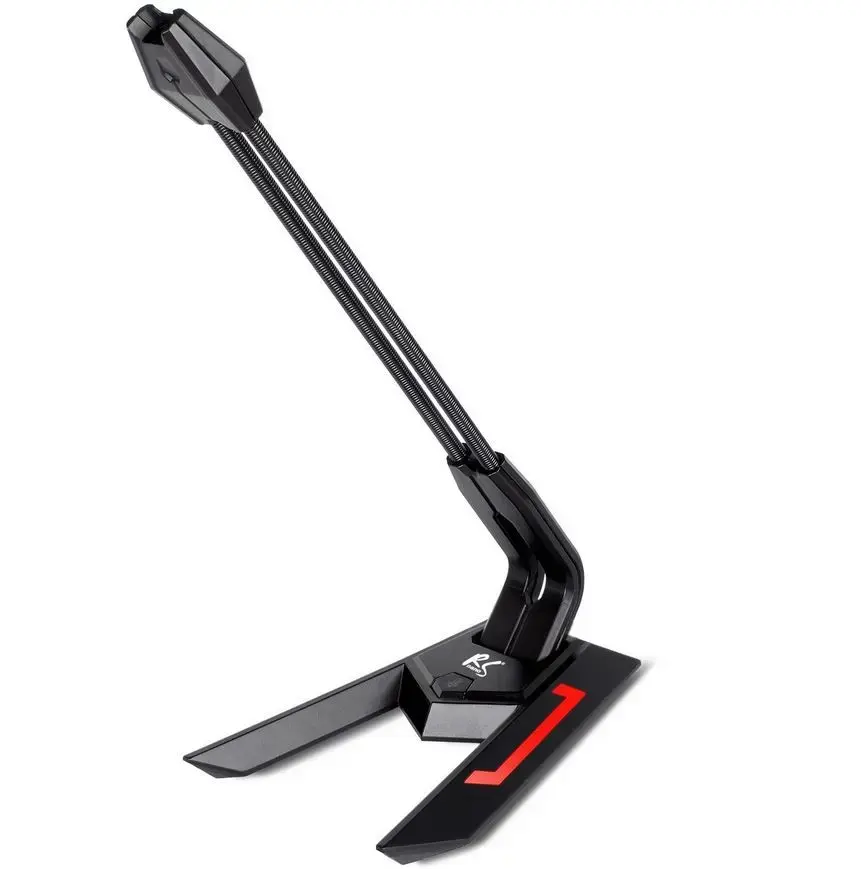
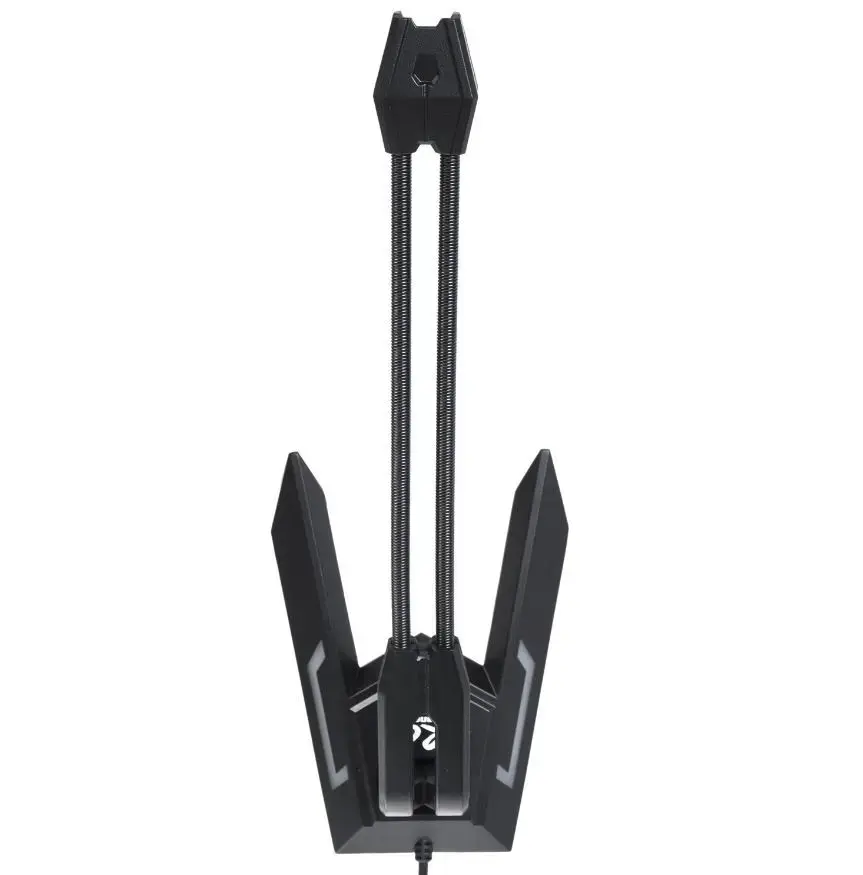
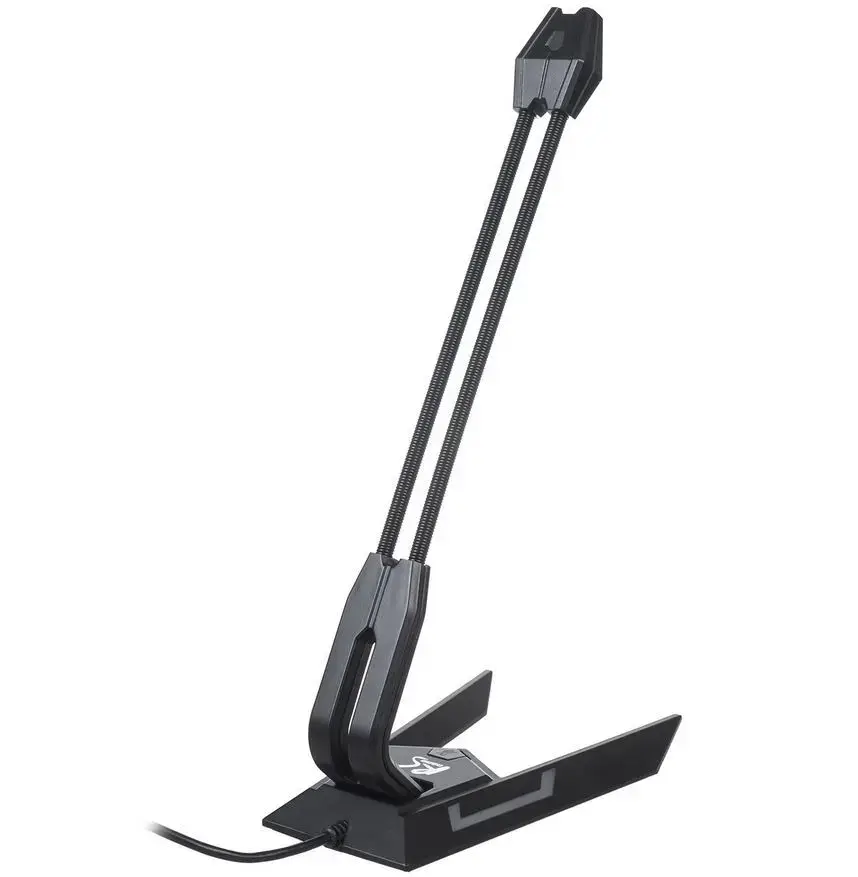
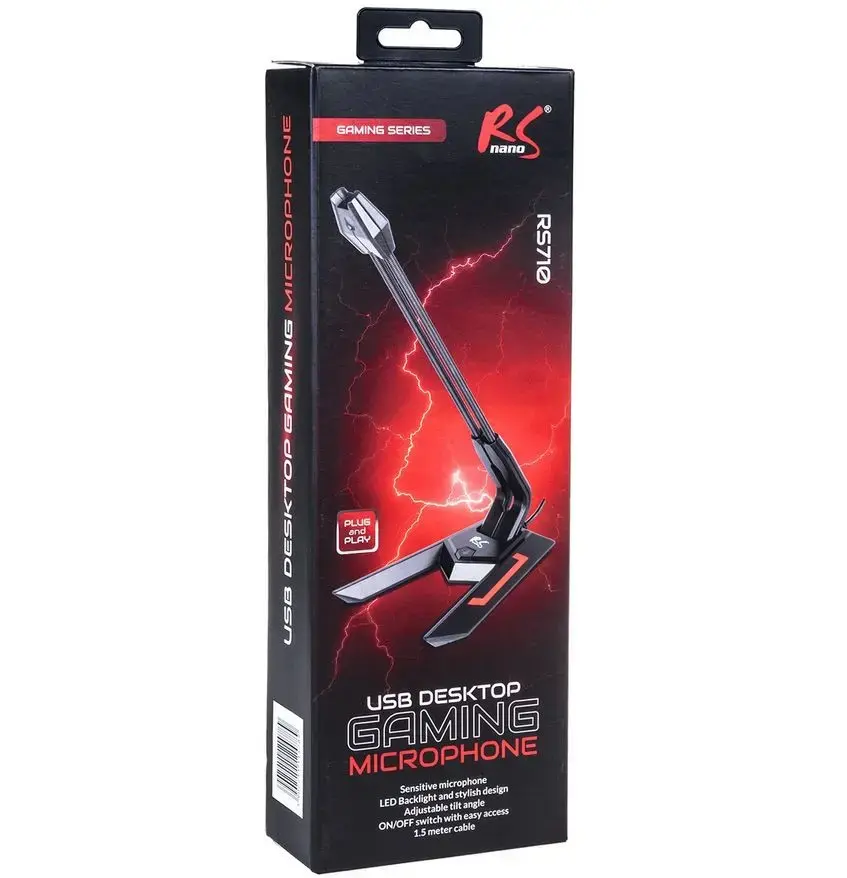
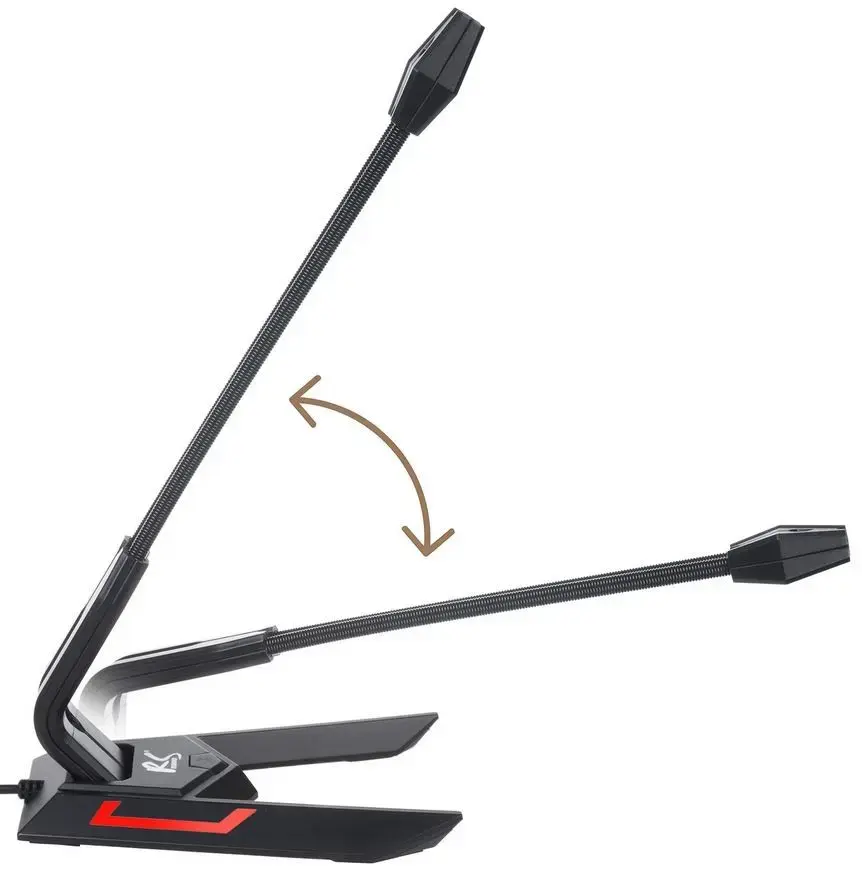
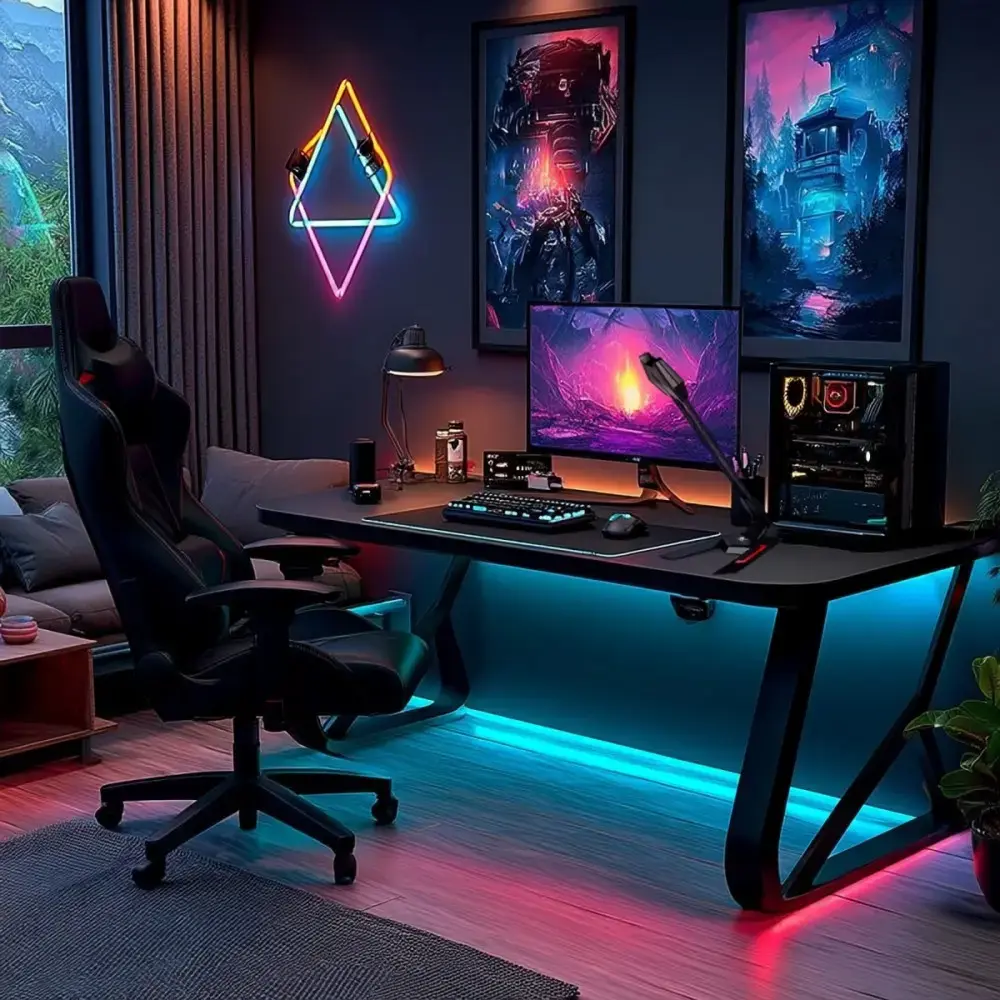
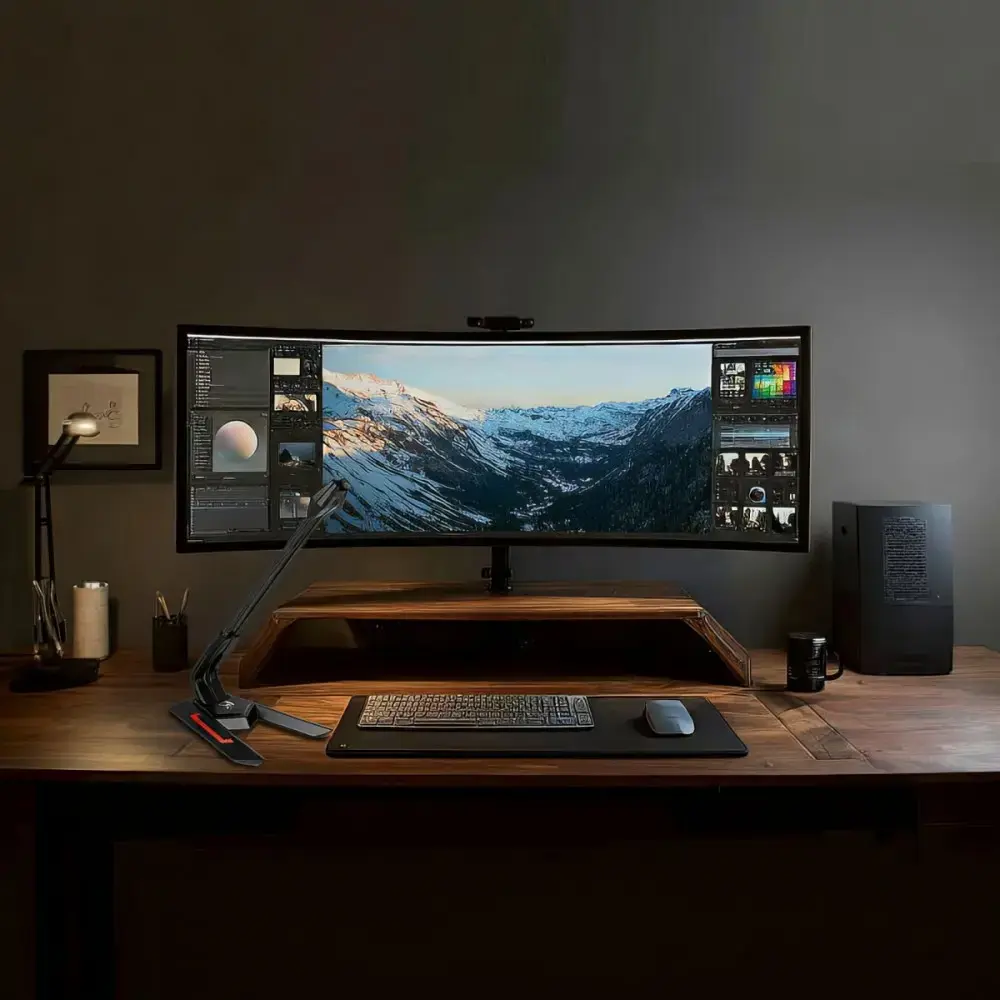
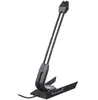
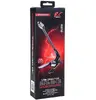
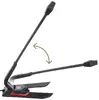
Audiocore RS710 Wired USB Desktop Gaming Microphone, Black and Red
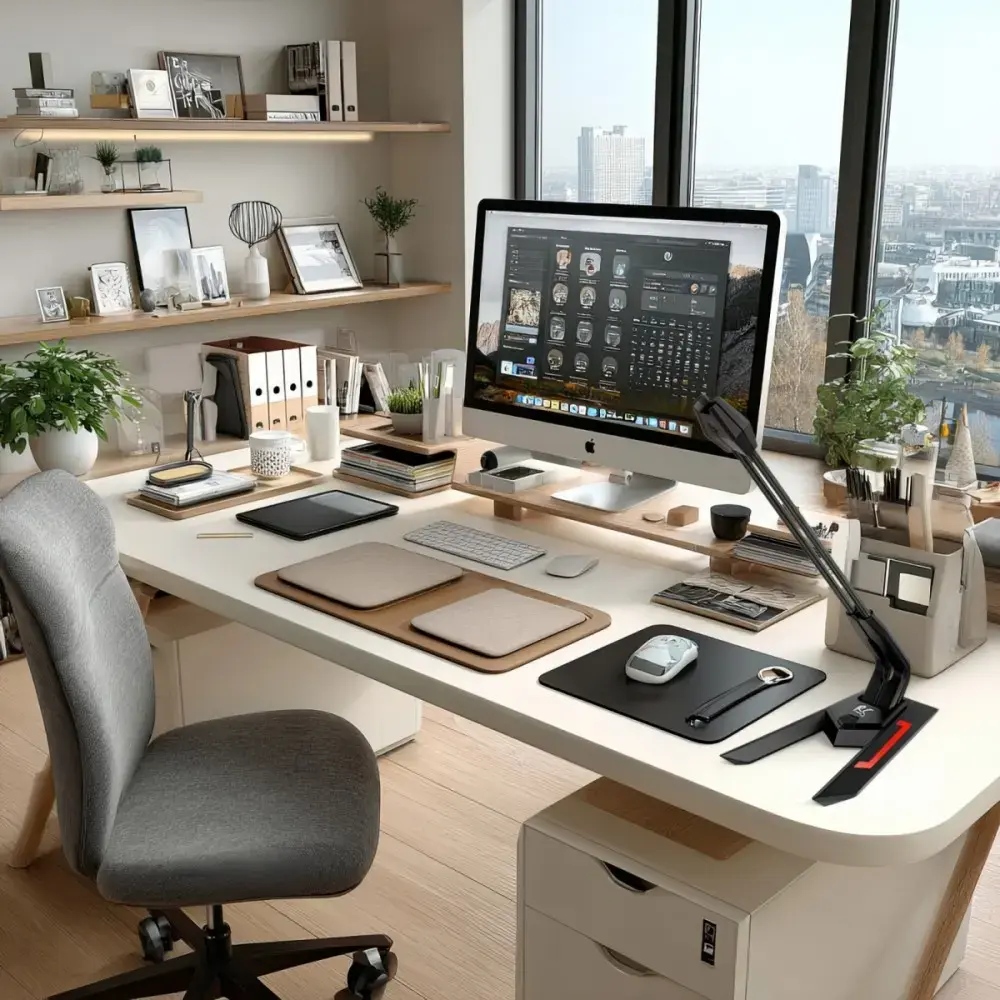
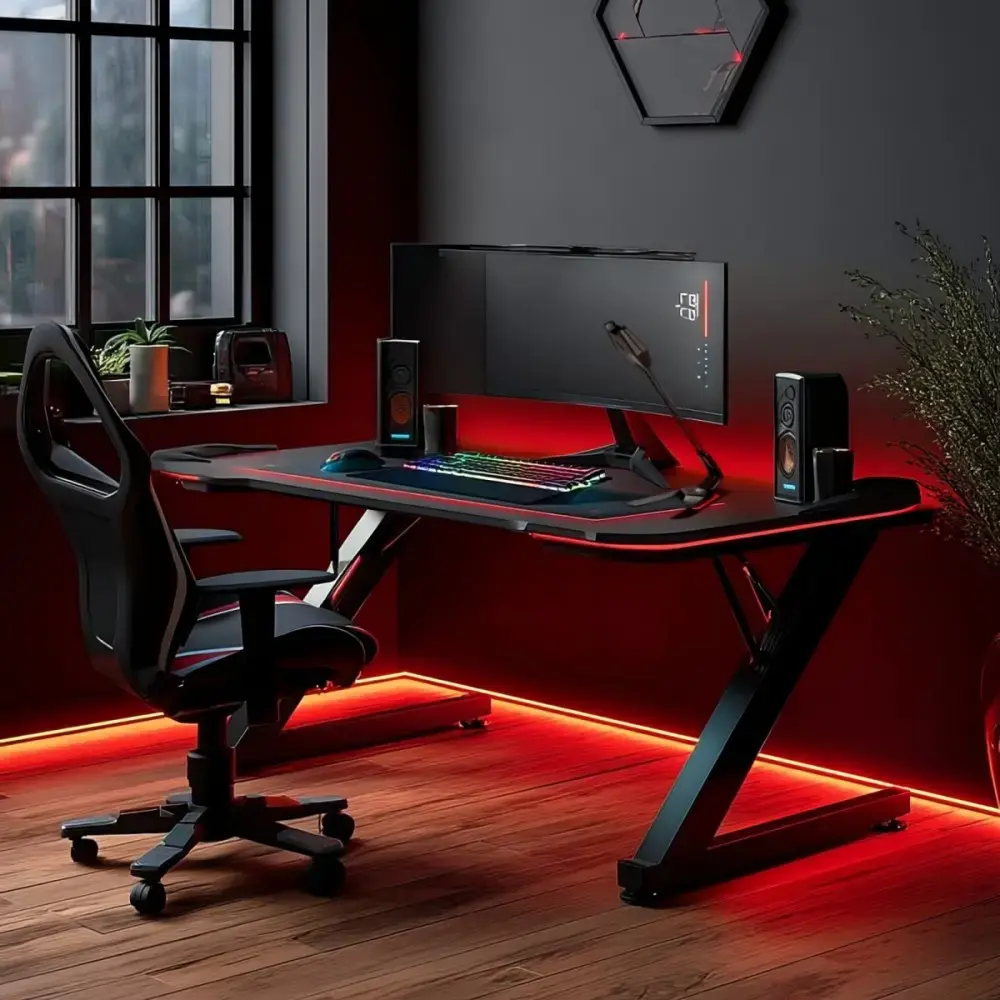
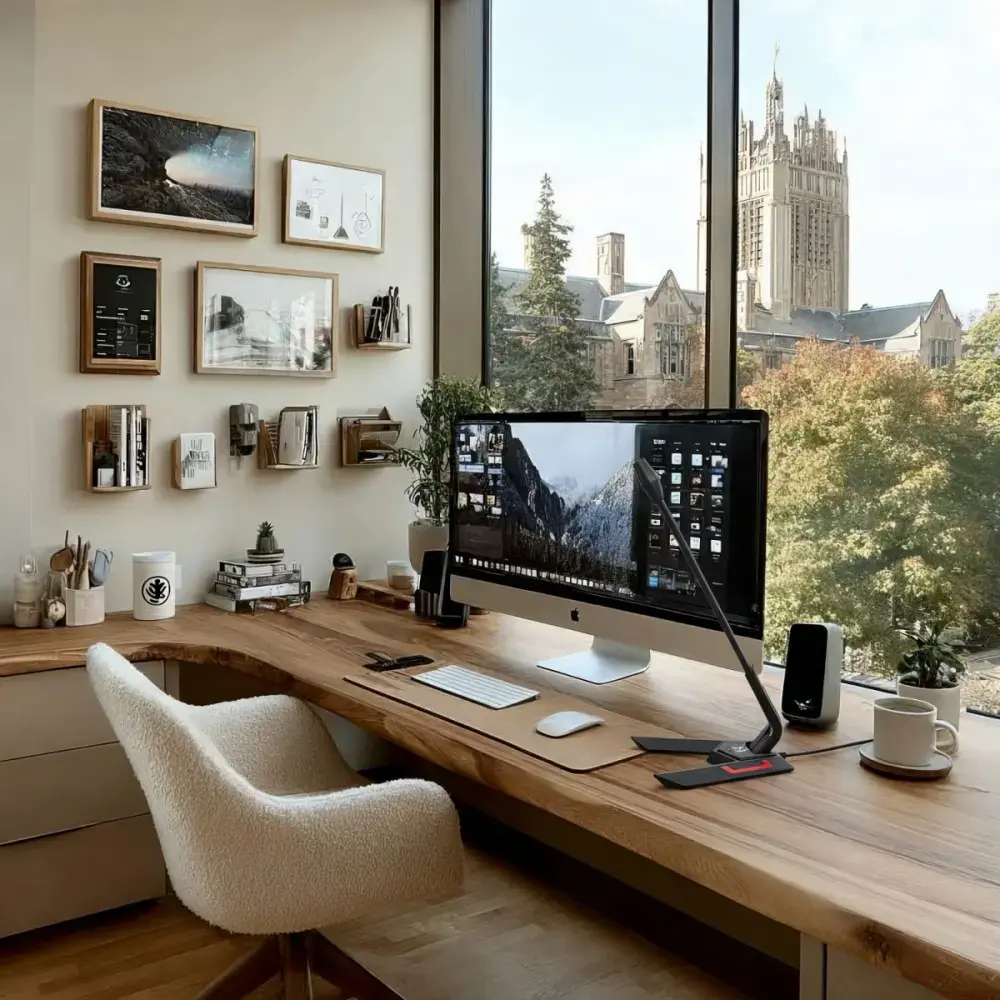
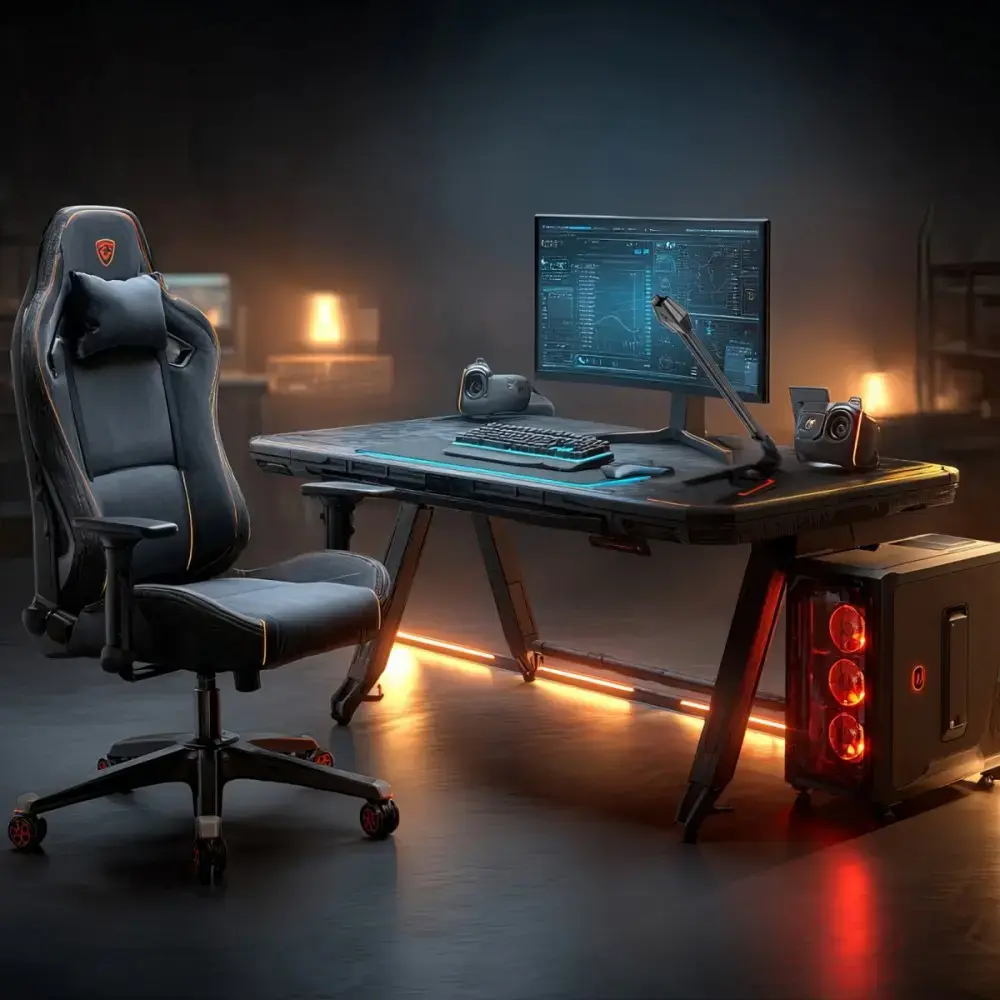
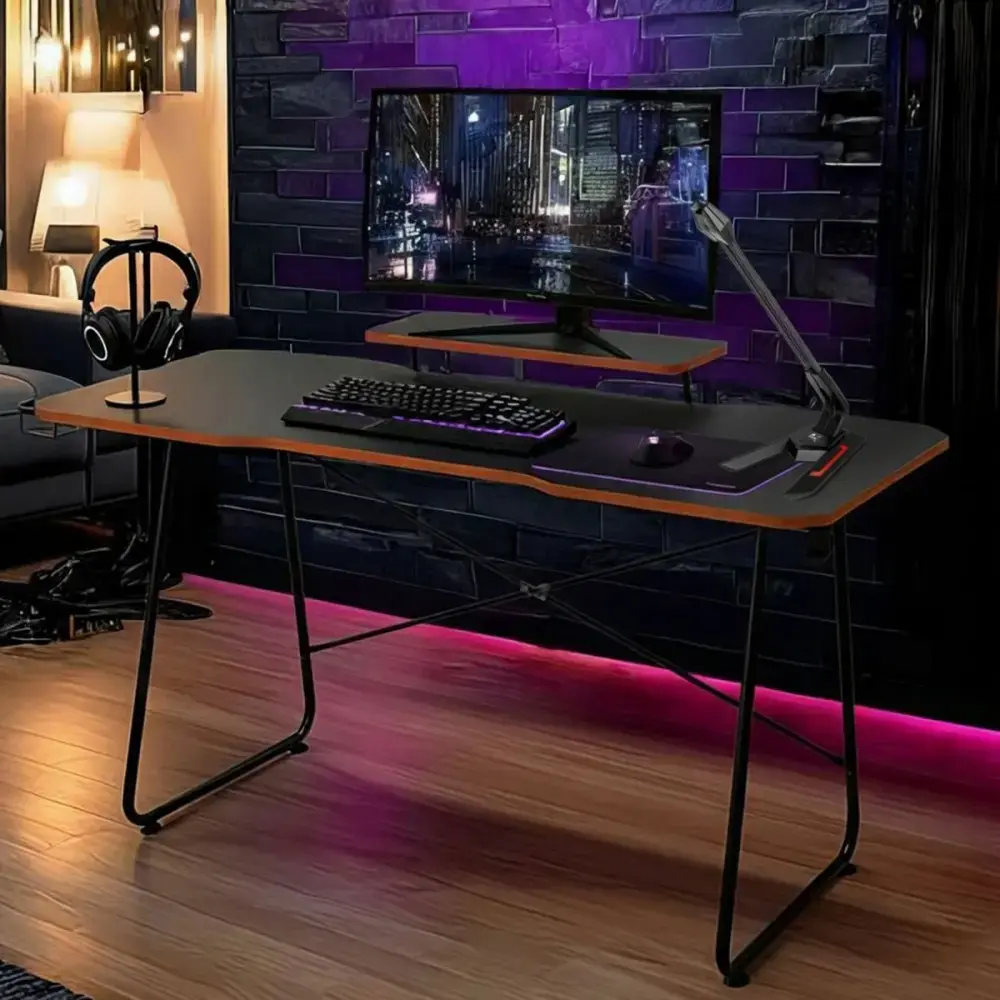
The Audiocore RS710 is a dedicated wired desktop microphone engineered to enhance your audio experience during gaming sessions, online communication, and content creation. Featuring a sleek black and red aesthetic, this compact device integrates seamlessly into any modern computer setup. With its straightforward USB interface and plug-and-play functionality, it ensures that users can start recording or communicating immediately without the need for complex driver installations or additional software configurations.
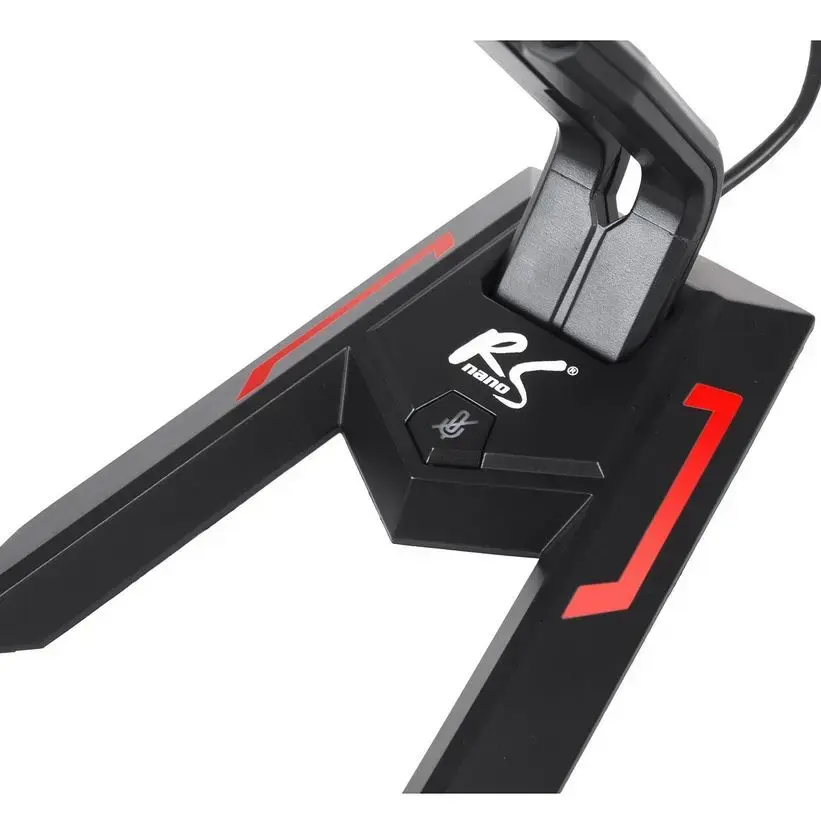
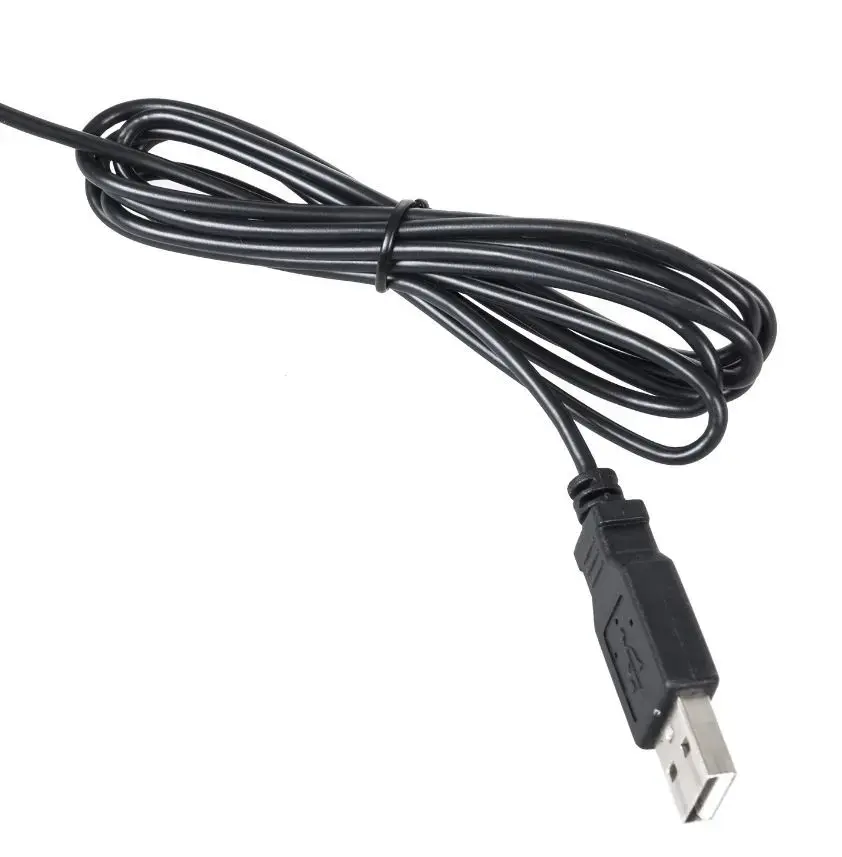
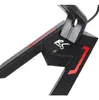
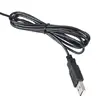
The primary benefit of the Audiocore RS710 is its user-friendly design which prioritizes efficiency and ease of use. By utilizing a standard USB connection, the microphone draws power directly from your computer, eliminating the need for external power adapters or batteries. Its sensitivity of 21 dB allows for clear voice capture, making it a reliable tool for daily tasks. The inclusion of a 1.5-meter cable provides sufficient flexibility for desktop placement, while the integrated on/off switch offers quick control over your audio input, ensuring privacy and convenience during use.
This microphone is designed for general desktop use and may not meet the requirements of professional studio recording or high-fidelity podcasting where advanced noise cancellation and specific polar patterns are necessary. It is also not compatible with devices that lack a standard USB port, such as certain mobile devices or older audio equipment without USB support.
To use the Audiocore RS710, simply insert the USB connector into an available USB port on your computer. The device is automatically recognized by Windows operating systems, allowing it to be selected as the primary input device within your system sound settings or your preferred communication application. Once connected, use the physical on/off switch located on the device to manage your audio transmission as needed.
For optimal audio quality, position the microphone at a consistent distance from your mouth and ensure that your system's microphone input levels are adjusted in the Windows sound settings to prevent clipping or low volume output.
{{highlightedFeature.featureTitle}}:
{{getProductFeatureValueById(product, highlightedFeature.featureId)}}
{{ productComparisonGenerationError }}
