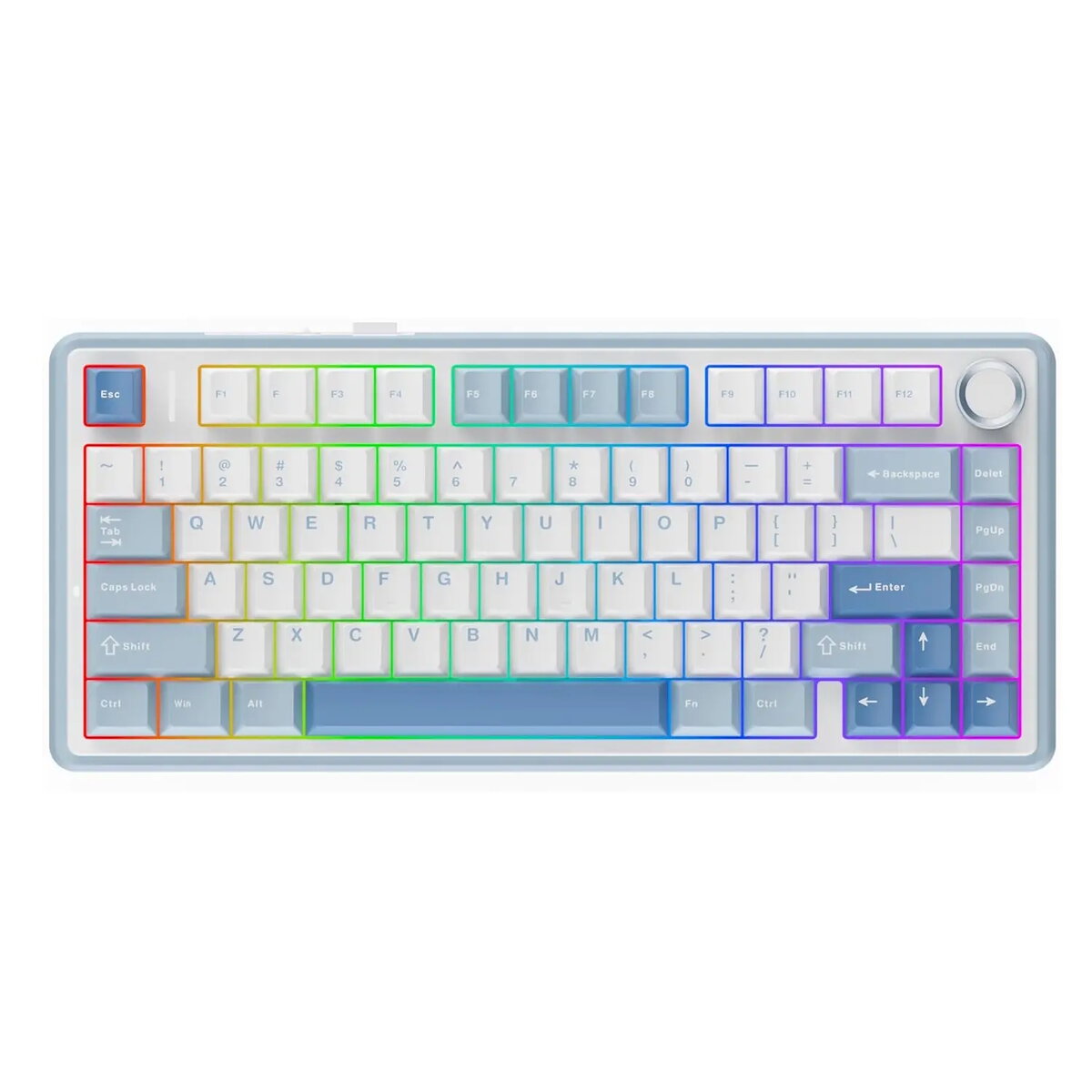
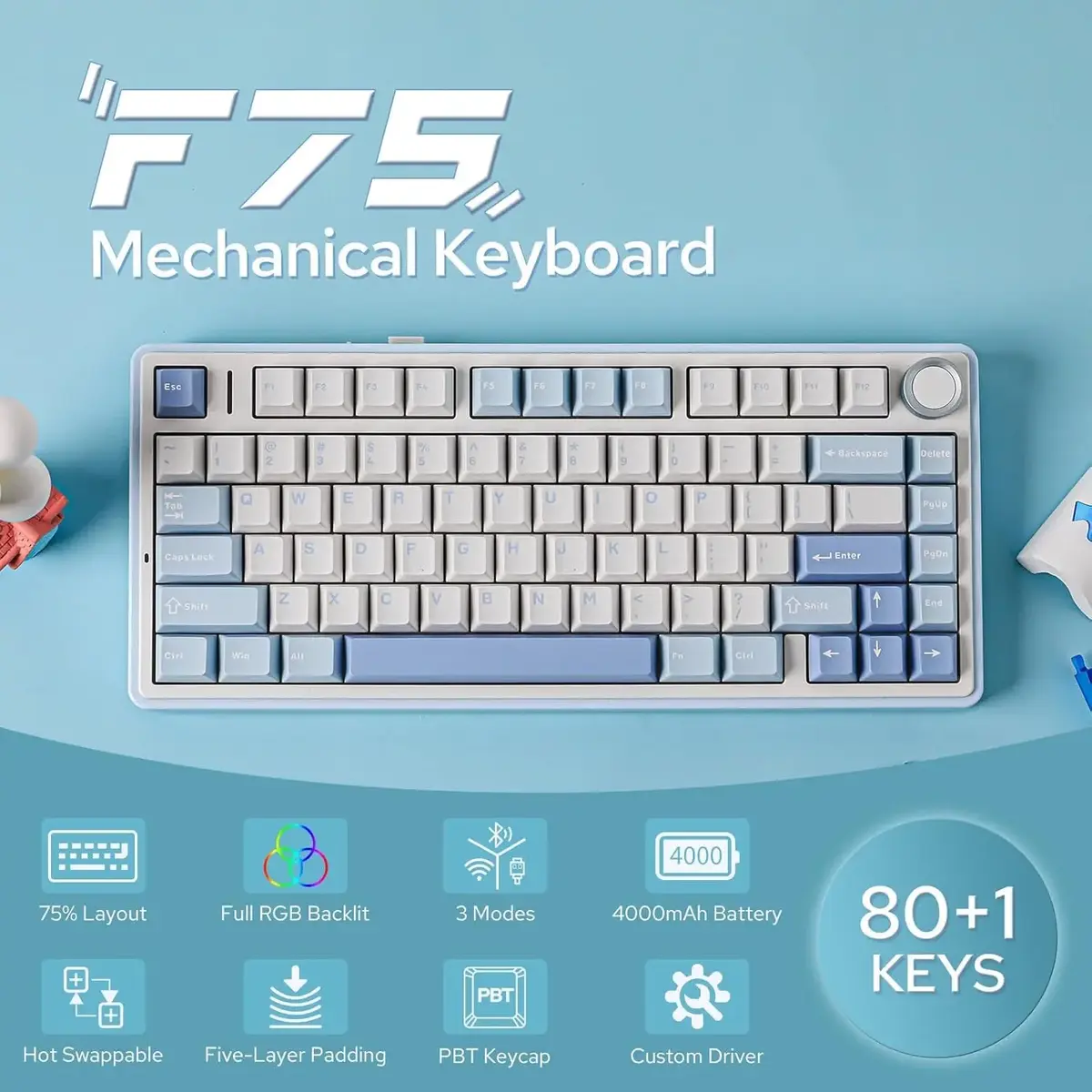
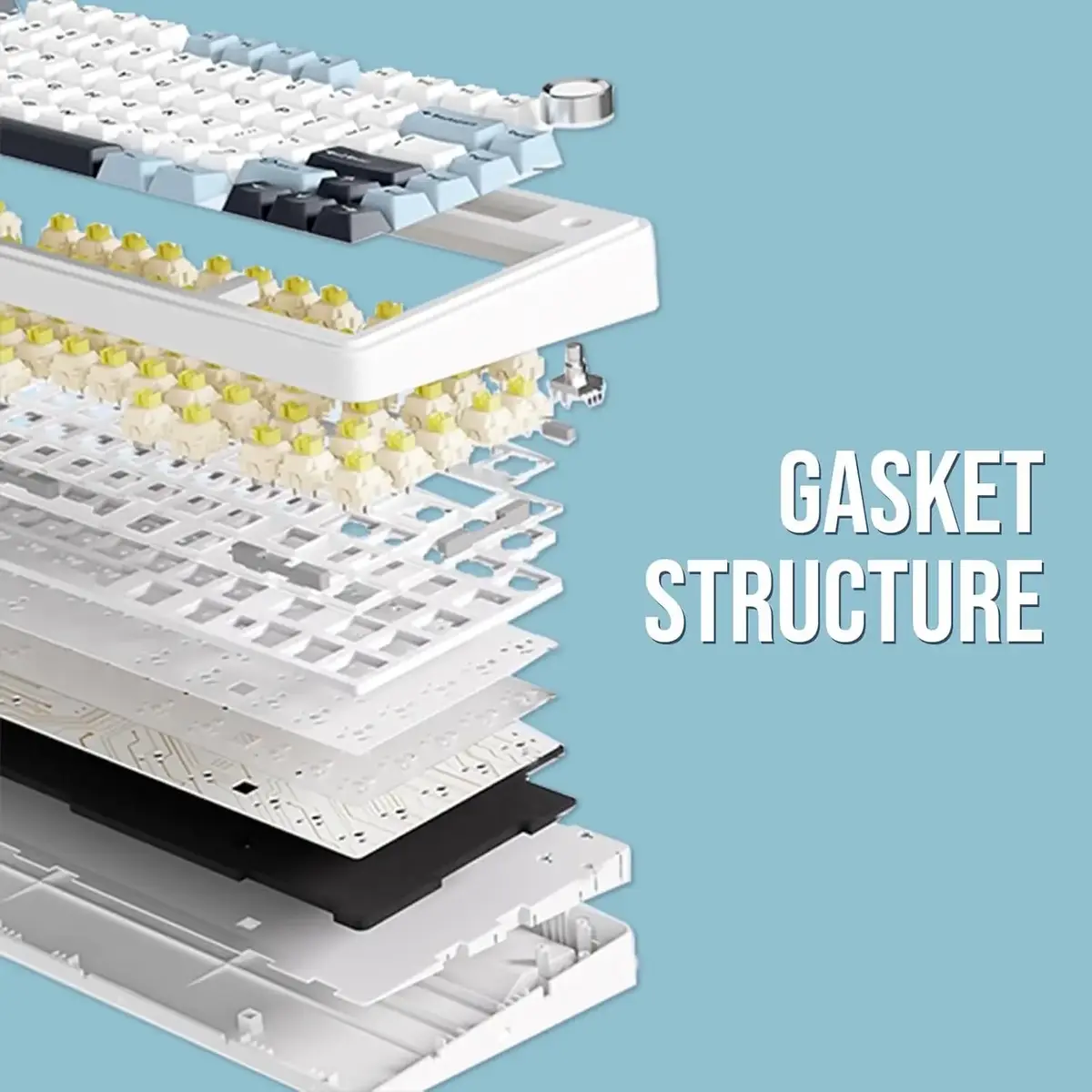
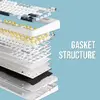
The AULA F75 Mechanical Keyboard is a high-performance input device designed for users who prioritize precision, comfort, and a compact aesthetic. Featuring a 75% layout, this keyboard efficiently integrates essential keys into a space-saving form factor, making it an excellent addition to any desktop setup. The device is built with a gasket-mounted structure and a five-layer sound-dampening system, which includes Poron foam and IXPE materials to ensure a quiet and satisfying typing experience. With its durable white chassis and sweat-resistant PBT keycaps, the AULA F75 combines long-term reliability with a clean, modern look.
Advantages
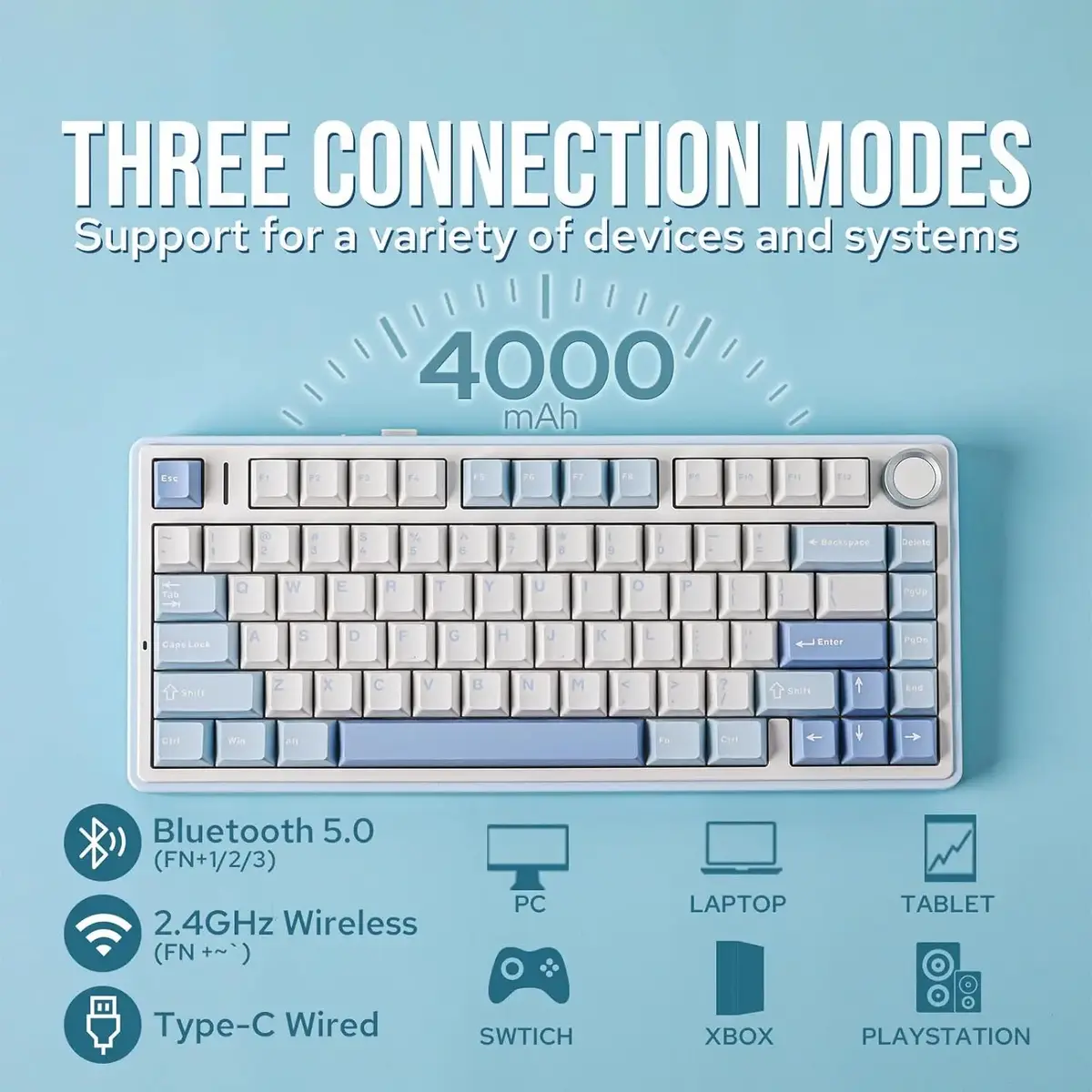
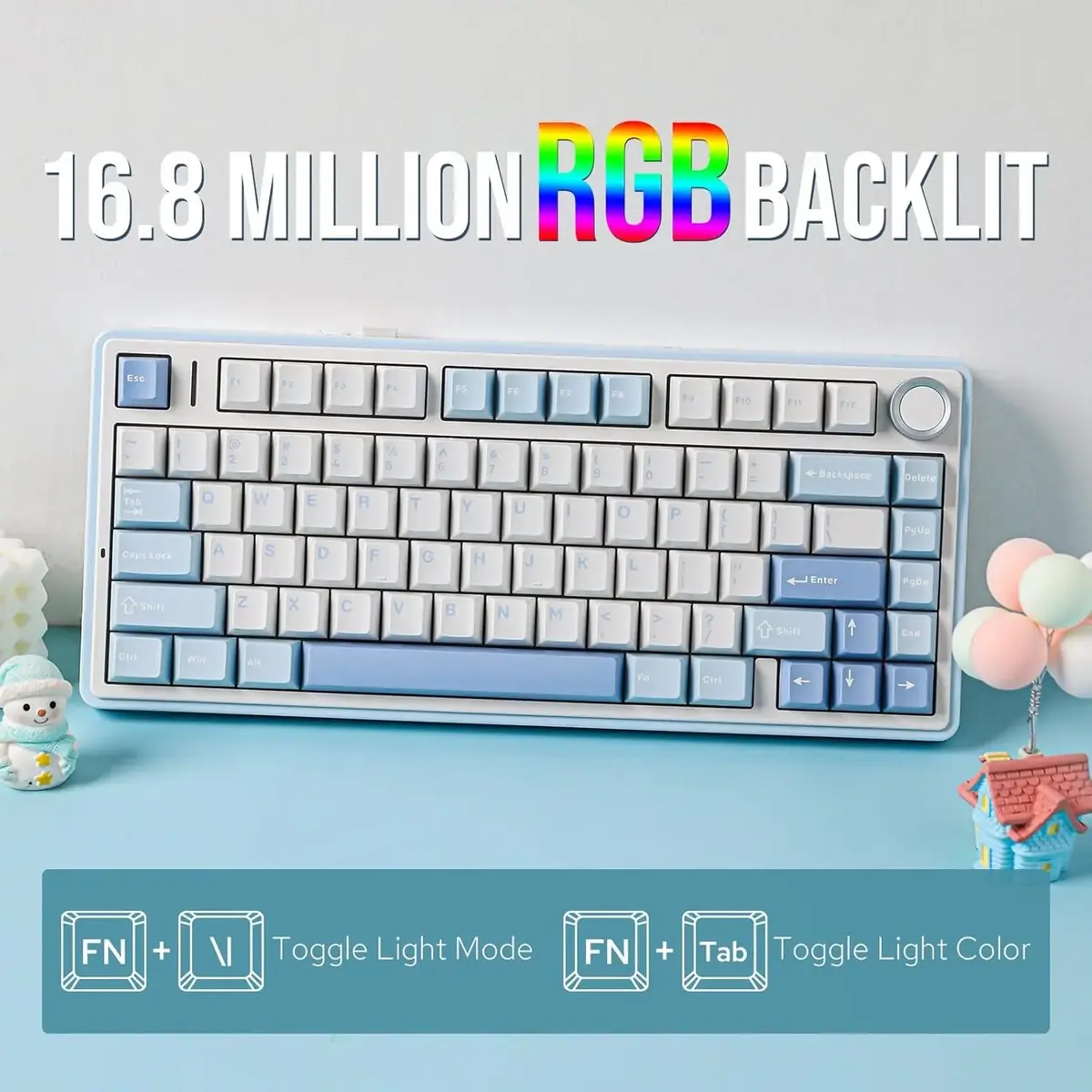
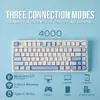
This keyboard stands out due to its versatile tri-mode connectivity, allowing seamless switching between Bluetooth 5.0, 2.4GHz wireless, and USB-C wired modes. The hot-swappable switch design provides users with the freedom to customize their typing feel without the need for soldering. Furthermore, the inclusion of a 4000mAh battery ensures extended usage time, while the RGB lighting adds a customizable visual element to your workspace. The cushioned design effectively minimizes vibration and noise, promoting comfort during long gaming sessions or intensive professional work.
Suitable for
- Competitive gaming requiring fast response times
- Professional office environments where desk space is limited
- Typing enthusiasts who prefer a tactile feel and customizable switches
- Users who frequently switch between multiple devices like PCs, tablets, and laptops
This keyboard may not be the best choice for users who strictly require a full-sized layout with a dedicated number pad for heavy data entry tasks. Additionally, those who prefer a silent, membrane-style typing experience may find the tactile feedback of the mechanical switches too pronounced for their specific needs.
Key specifications
- Layout: 75% compact design with 80 keys
- Connectivity: Bluetooth, 2.4GHz wireless, and USB-C wired
- Structure: Gasket mounted with five-layer sound dampening
- Battery: 4000mAh capacity
- Keycaps: Sweat-resistant PBT material
- Anti-Ghosting: Full NKRO support
- Dimensions: 322.7 x 143.2 x 43.1 mm
- Weight: 1023g
How to use
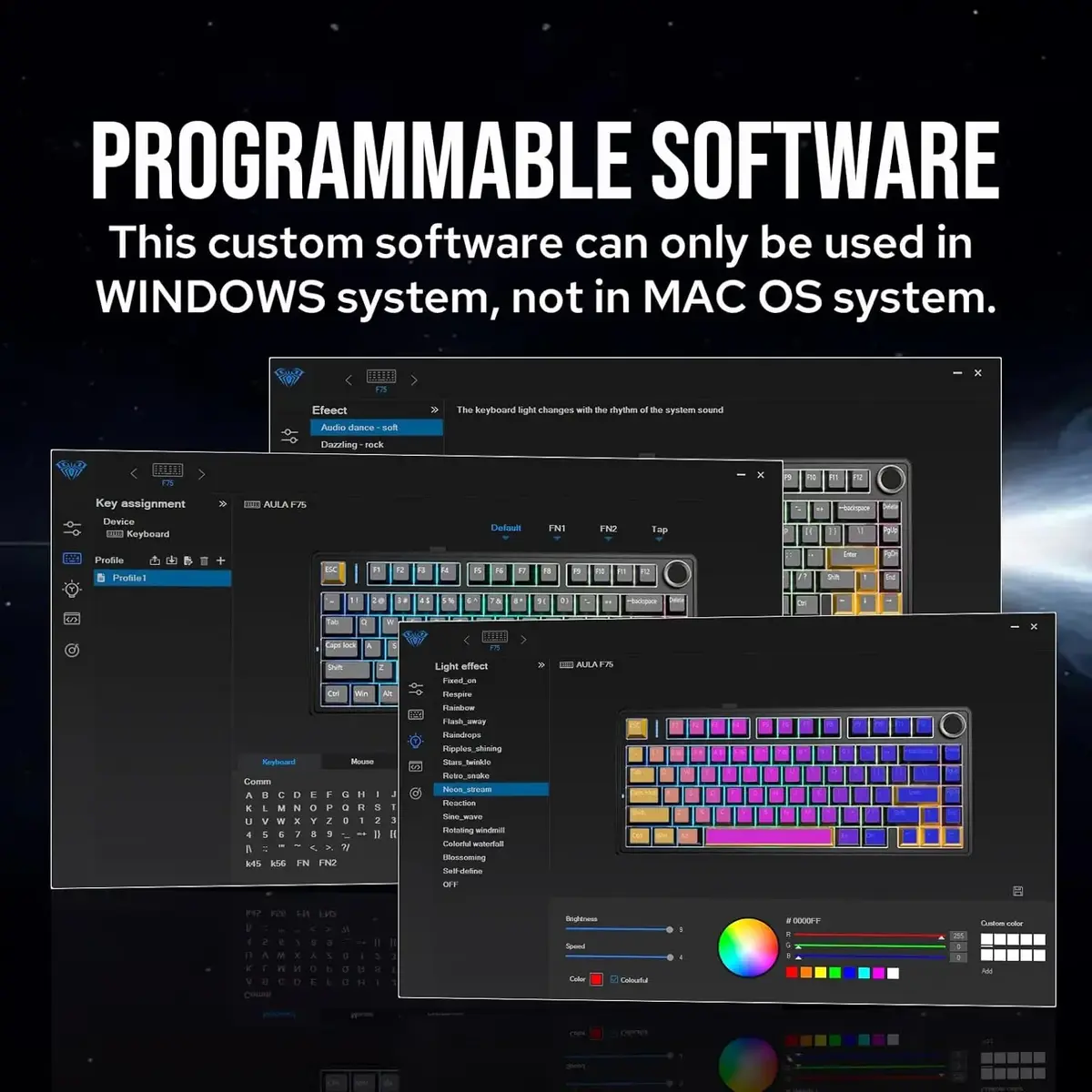
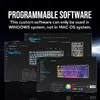
To begin using the AULA F75, connect the keyboard to your device via the preferred method: plug in the USB-C cable for a wired connection, use the 2.4GHz receiver for wireless operation, or pair via Bluetooth for mobile devices. You can toggle between different connection modes using the integrated controls. The hot-swappable feature allows you to remove and replace switches using the provided tool if you wish to change the tactile characteristics of the keys. Use the dedicated software or onboard shortcuts to customize the RGB lighting effects to suit your preference.
What to consider before purchase
- Ensure your workspace can accommodate a 75% layout if you rely heavily on a dedicated numeric keypad.
- Verify that your primary devices support the available wireless connection protocols.
- Consider the tactile nature of the mechanical switches if you work in a shared environment where noise levels are a concern.
Usage recommendations
For the best experience, keep the keyboard firmware updated and ensure the battery is charged periodically when using wireless modes. Regularly clean the PBT keycaps with a dry cloth to maintain their texture and appearance over time.