
Leave your address - as soon as the price of the product goes down, you'll know about it right away
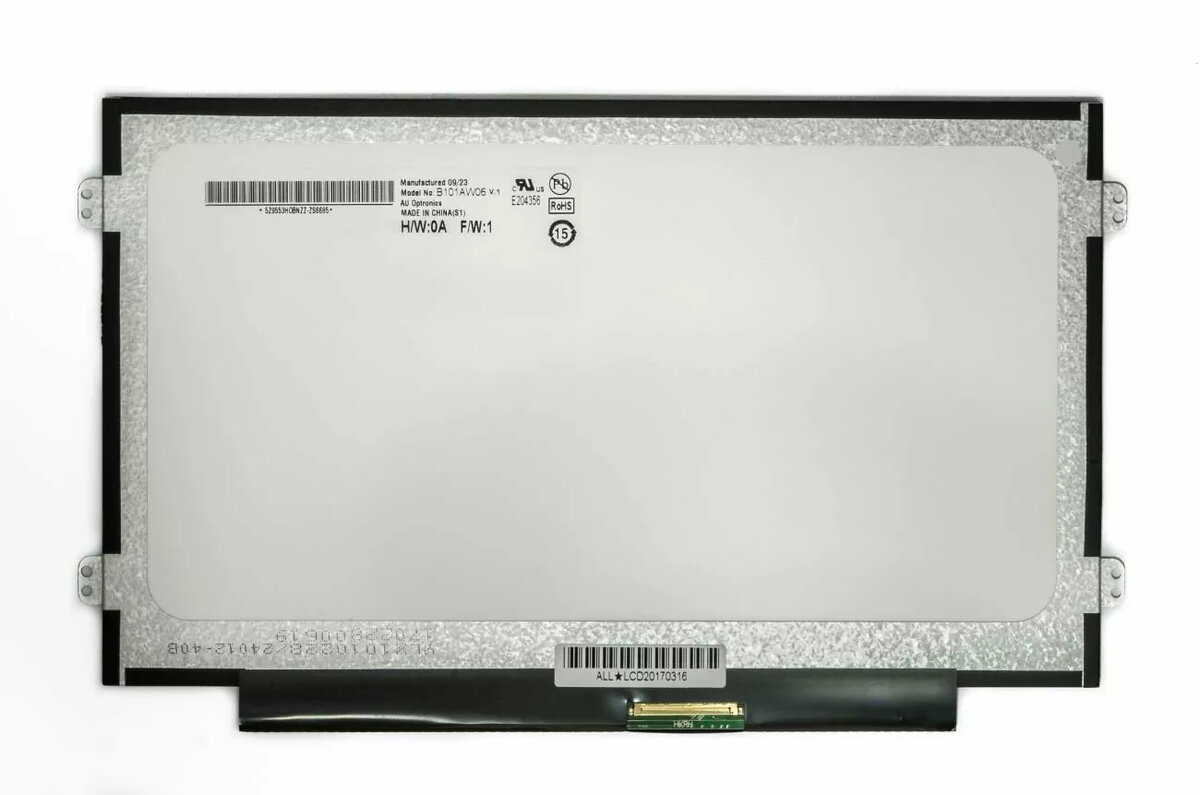
AUO LCD screen LC300518 10.1 inch 1024x600 matte display
In cart {{totalProductsCount}} item(s)
Your cart is empty
AUO LCD screen LC300518 10.1 inch 1024x600 matte display
Leave your address - as soon as the price of the product goes down, you'll know about it right away
AUO LCD screen LC300518 10.1 inch 1024x600 matte display
AUO LC300518 is a 10.1" slim LED laptop screen with 1024×600 resolution and a matte surface. It is intended as a replacement or module for notebooks, embedded systems, tablets and portable displays. The panel uses a 40‑pin connector located on the right side and corresponds to several AU Optronics, BOE, Chi Mei, Chunghwa, Hannstar, IVO, LG Philips and Samsung models.
The slim LED design provides a compact profile while the matte finish reduces glare. Native 1024×600 resolution ensures readable text and clear UI elements for small displays. Right‑side 40‑pin connector matches many original laptop panels, simplifying replacement and integration.
Power off the device and disconnect the battery before replacing the screen. Carefully remove the bezel and detach the old panel from its mounting. Disconnect the original 40‑pin cable and connect the new panel’s 40‑pin connector on the right side, ensuring correct orientation. Reassemble the device and power on to verify the display functions correctly. Follow device‑specific service manuals for disassembly and grounding precautions.
Handle the LCD by its edges, avoid pressure on the panel surface, and keep the connector and flex cable free of dust. Use appropriate tools and ESD protection during installation. Verify compatibility with your device model and BIOS/firmware if backlight or EDID issues appear.
{{highlightedFeature.featureTitle}}:
{{getProductFeatureValueById(product, highlightedFeature.featureId)}}