


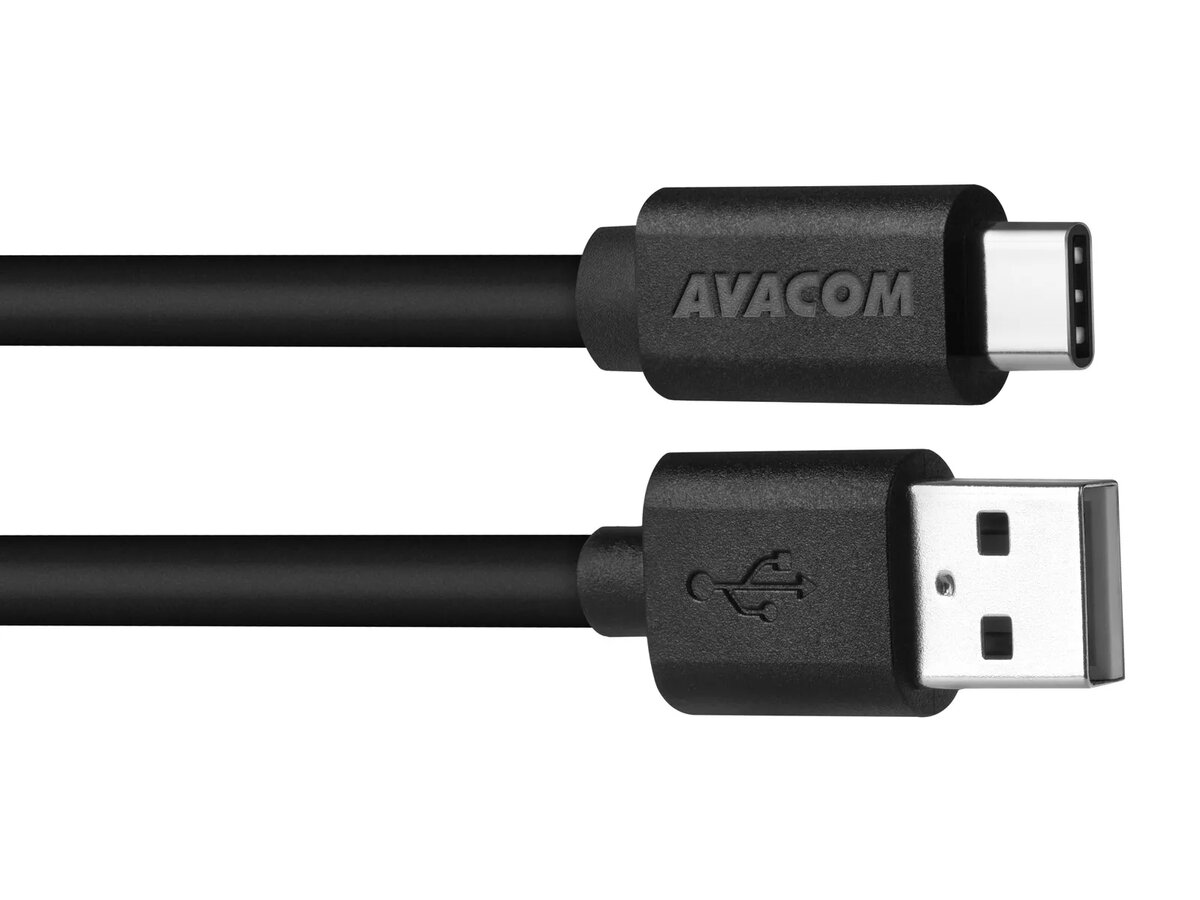
USB cable AVACOM DCUS-TPC-P10K — USB Type-C, 100 cm, black
Short description

Cheapest delivery:
Unisend LV
Product information
Description
AVACOM DCUS-TPC-P10K is a 100 cm USB A 2.0 to USB Type-C data and charging cable in black. It enables data transfer and charging between computers, tablets and phones equipped with a USB-C port. The cable is compatible with many devices from brands such as Nokia, ASUS, Google, HP, Apple, Acer, Allview, HTC, Huawei, LG, Meizu, Microsoft, OnePlus, Sony, Xiaomi and Zopo. The cable is delivered in blister packaging and comes in black color.
Advantages
The cable supports USB 2.0 data transfer rates up to 480 Mbps and is designed for charging currents up to 3 A, allowing compatibility with fast charging technologies like Qualcomm Quick Charge and MediaTek PumpExpress+. With a 100 cm length and PVC insulation, it provides reliable everyday connectivity for charging and syncing devices with USB-C ports.
Suitable for
- Data transfer between PC, tablet and phone with USB-C
- Charging smartphones and tablets with USB-C port
- Using with wall chargers or car chargers thanks to 100 cm length
- Devices listed in the compatibility section (e.g., Pixel C, MacBook 2015/2016, Nexus 6P, OnePlus 2/3, Xperia X/XZ)
Key specifications
- Connector: USB A 2.0 to USB Type-C
- Data transfer speed: up to 480 Mbps (USB 2.0)
- Charging current: up to 3 A (supports fast charging)
- Length: 100 cm
- Color: black
- Material: PVC
- Brand / model: AVACOM DCUS-TPC-P10K
- EAN: 8591849073284
How to use
Connect the USB A end to a compatible host such as a computer, wall charger or car charger and insert the USB Type-C plug into the USB-C port of your smartphone, tablet or other device. For data transfer, allow file access on the connected device when prompted by the operating system. For charging, ensure the power source supports the required current; charging speed depends on both the cable and the charger's capabilities.
Usage recommendations
Use the cable with chargers and devices that match the cable's rated current. Avoid excessive bending near the connectors and keep the cable away from heat sources to prolong its service life. If fast charging is required, pair the cable with a compatible fast charger and a device that supports the same fast charge standard.


