Patented ergonomic shape.
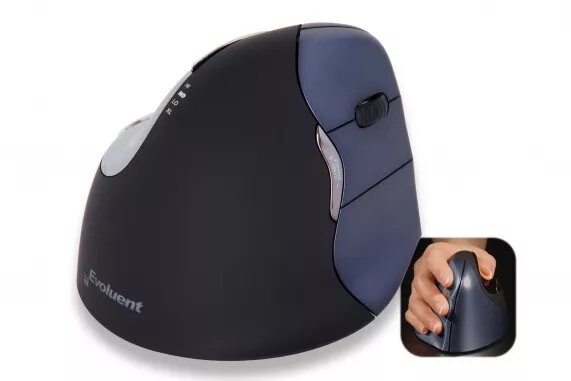
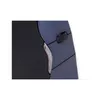
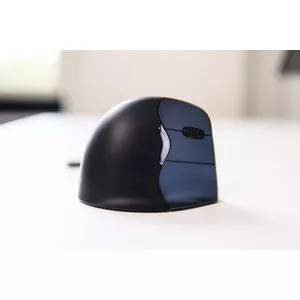
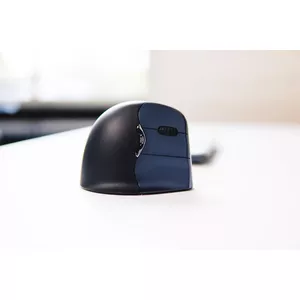
The ergonomic shape of the Evoluent4 Wireless is based on several years of research and user experience from earlier Evoluent models. Details such as the extended lip along the bottom edge prevent the last finger from rubbing on the desk. The improved thumb rest provides even more comfort than previous versions, and the overall easy-to-reach programmable buttons are thoughtfully designed for uncompromised user comfort. Thanks to these many ergonomic details of the Evoluent4 Wireless, healthy and comfortable working is possible.
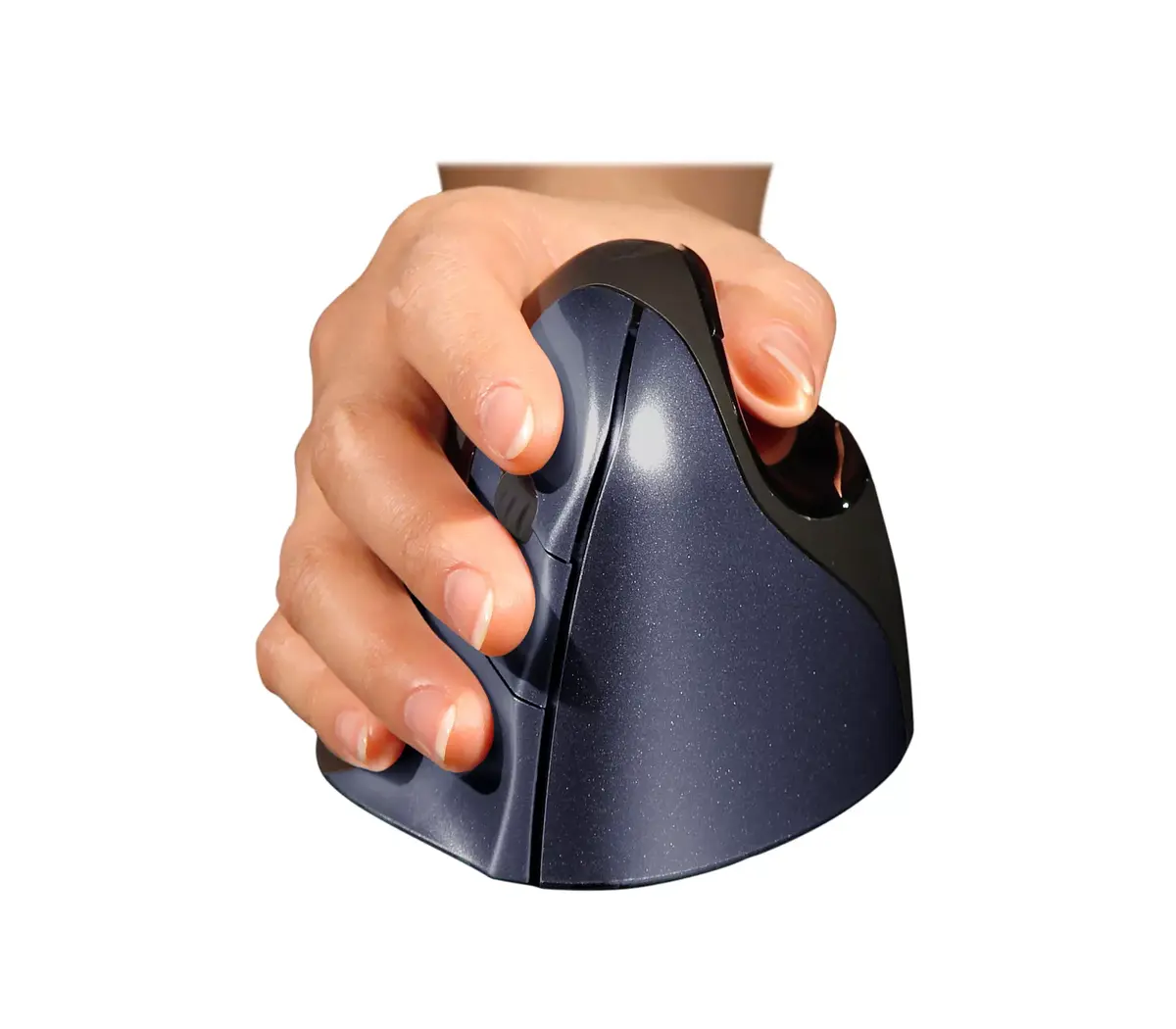
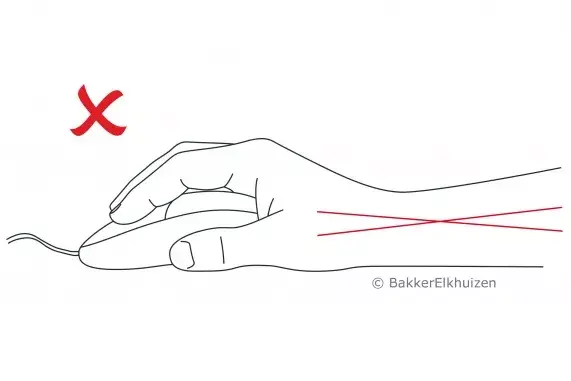
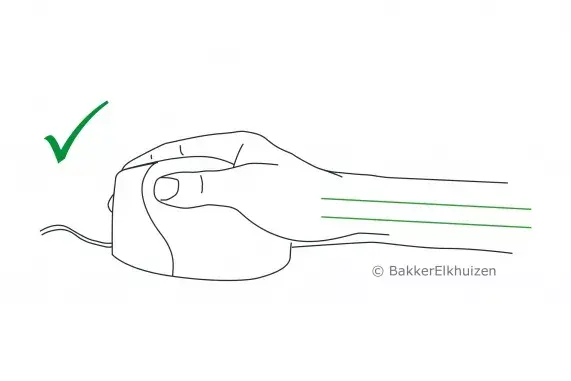
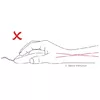
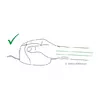
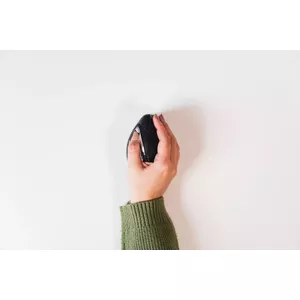
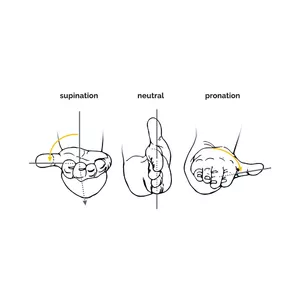
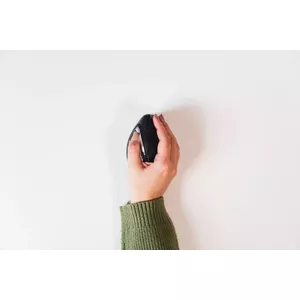
- The Evoluent4 Wireless is held in a handshake position, which places your hand in an upright, neutral posture.
- This posture avoids forearm twisting and therefore prevents physical discomfort.
- All these design details of the vertical mouse Evoluent4 Wireless provide ergonomic and healthy working.
Ergonomic background
Prolonged use of a regular mouse can lead to pain and discomfort in the shoulders, forearms, and hands (Chang et al., 2007 & Andersen et al., 2008). The handshake position of vertical mice reduces wrist bending to the side and decreases inward rotation of the forearm (Schmid et al., 2015). This results in lower forearm muscle activity than when using a conventional mouse (Quemelo & Vieira, 2013). Research has shown that using a vertical joystick mouse supports faster recovery from forearm, wrist, and hand complaints (Aarås et al., 2001). Therefore, vertical mice compared to standard mice lead to a healthier and more comfortable way of working.
Adjustable Pointer Speed.
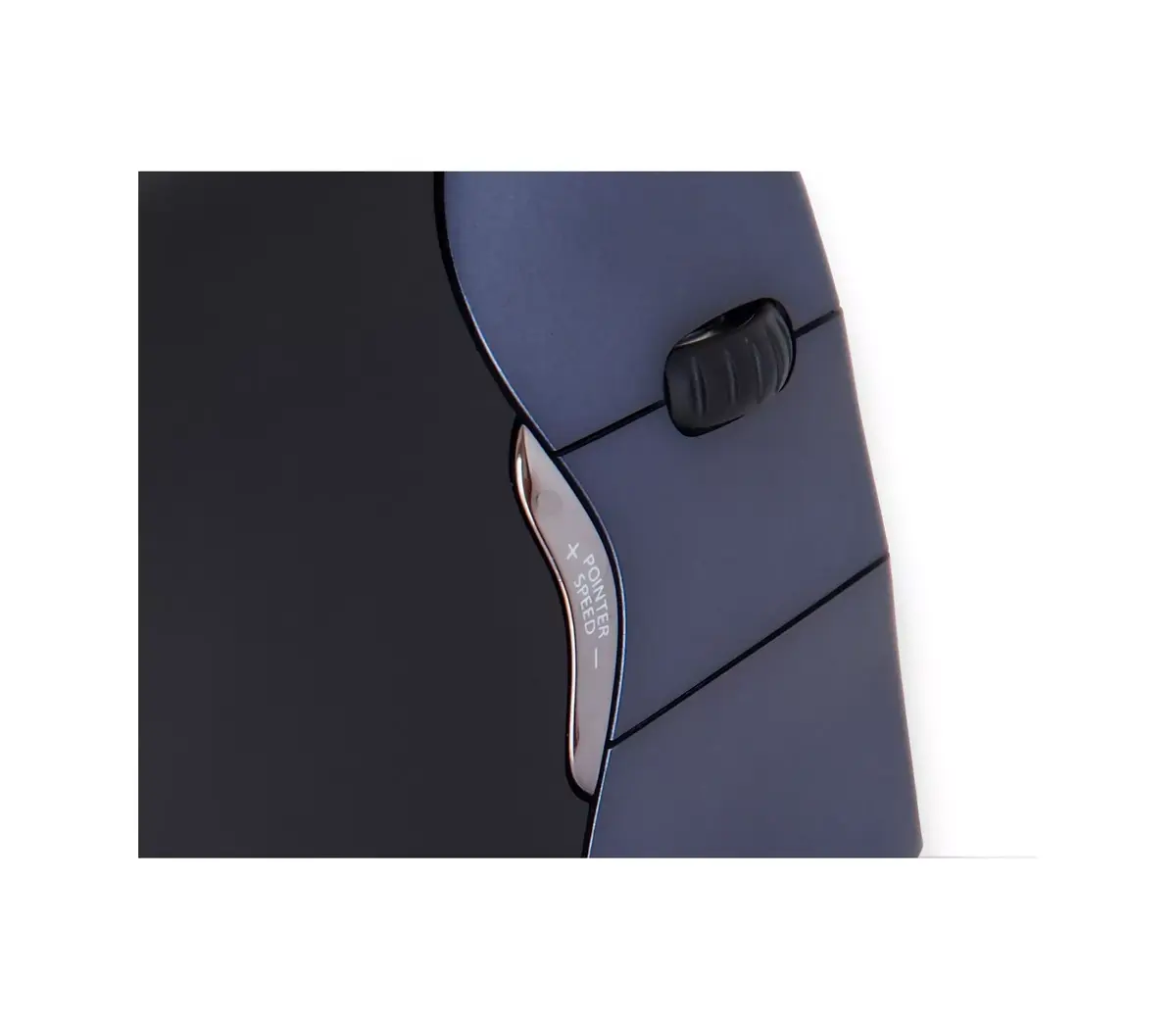
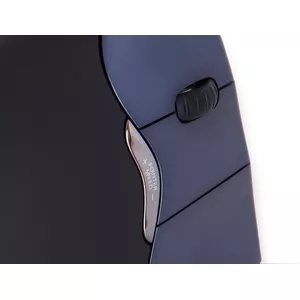
The easy-to-reach button behind the scroll wheel enables quick changes to the pointer speed to suit different tasks. Select a high DPI value to move quickly across the screen for general tasks. Choose a low DPI value for precision work such as photo editing or drawing.
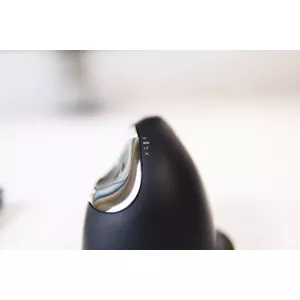
- There are four different DPI values in total: 800, 1300, 1800, and 2600, which are conveniently indicated with four lights.
Programmable buttons. Simple operation.
The grip and intuitive handling of the Evoluent4 Wireless make this vertical mouse easy to use. With the free downloadable Evoluent Mouse Manager software, you can program the six buttons yourself. You can configure the buttons to your personal preferences. Buttons tuned to your needs will make your mouse work more efficiently.
Automatic sleep mode.
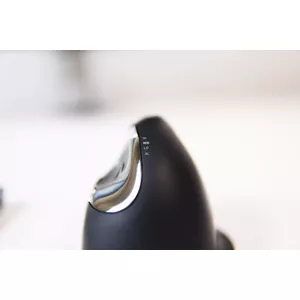
The lighted Evoluent logo on the vertical mouse is not just a visual detail. It also indicates whether the Evoluent4 Wireless is in sleep mode. The illumination turns off when the system is in sleep mode to conserve laptop battery power. A well-thought-out function that can be very helpful when you need to save your laptop’s battery.
Mode veille automatique.
The lighted Evoluent logo on the vertical mouse is not only an eye-catcher but also an indicator of whether the Evoluent4 Wireless is in sleep mode. The illumination turns off when the system is in sleep mode to save laptop battery. A well-considered function that can be very useful when you need to conserve your laptop battery.
Multiple use and colours.
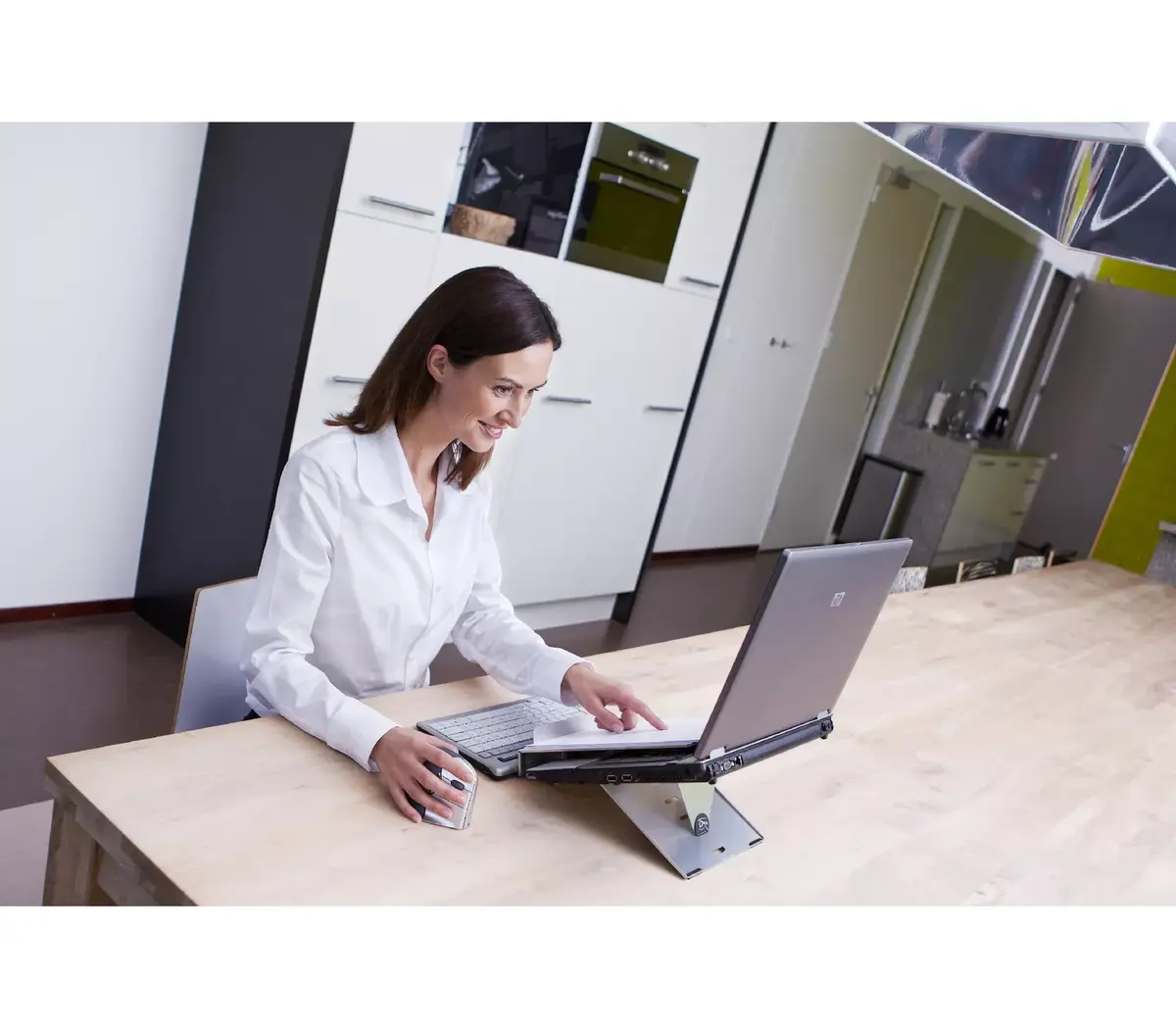
The Evoluent4 Wireless vertical mouse is made of high-quality material and feels good in the hand. The colour of the mouse is dark blue with blue buttons. You may prefer to use the wireless version in your home office or when you are on the go. Wherever you use your Evoluent4 Wireless, you will work ergonomically with this mouse.
Plug-and-play.
You can start working with your Evoluent4 Wireless immediately thanks to plug-and-play functionality. No manual configuration is necessary. Just plug the USB receiver into one of the USB ports of your computer, laptop or mobile device. The Evoluent4 Wireless is compatible with Windows, Linux, and Mac systems (for other OS such as Apple Mac and Linux, it should work if the system supports a USB mouse; however, extra buttons might not work properly on those non-Windows OS PCs.). Just plug the USB receiver into one of the USB ports of your computer, laptop or mobile device. The Evoluent4 Wireless is compatible with Windows, Linux, and Mac systems.
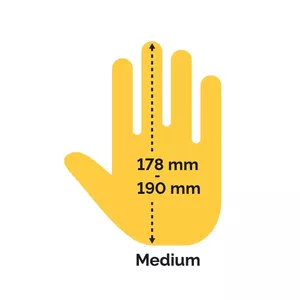
Designed for medium-sized hands.
Choosing a mouse that fits comfortably in your hand is important. The size of the mouse should correspond to the size of your hand. We therefore recommend measuring your hand first so you know whether a mouse is suitable.
The Evoluent 4 is suitable for medium-sized hands. If your mouse hand, measured from the tip of your middle finger to your palm, is between 17.8 cm and 19 cm, then this mouse is very suitable for you.