{{ totalProductsCount }}

In cart {{totalProductsCount}} item(s)

Total:
{{sum | formatAmount}}

Your cart is empty

header-product Mouse BakkerElkhuizen Handshake Wireless VS4 RF Wireless

Mouse BakkerElkhuizen Handshake Wireless VS4 RF Wireless

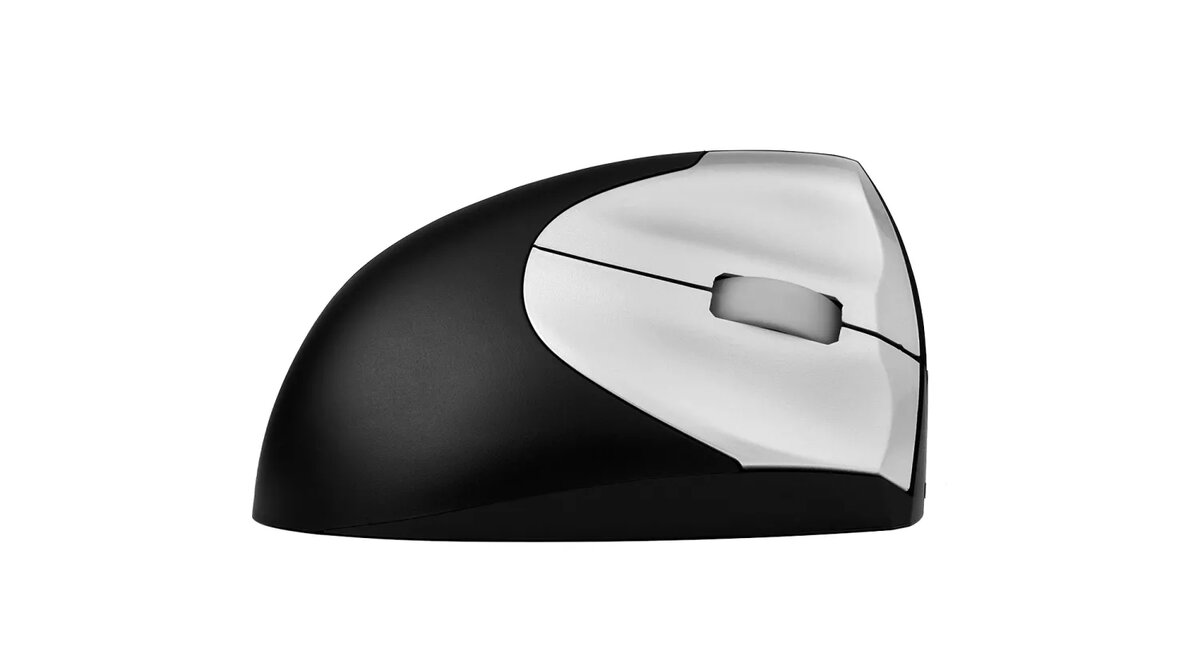
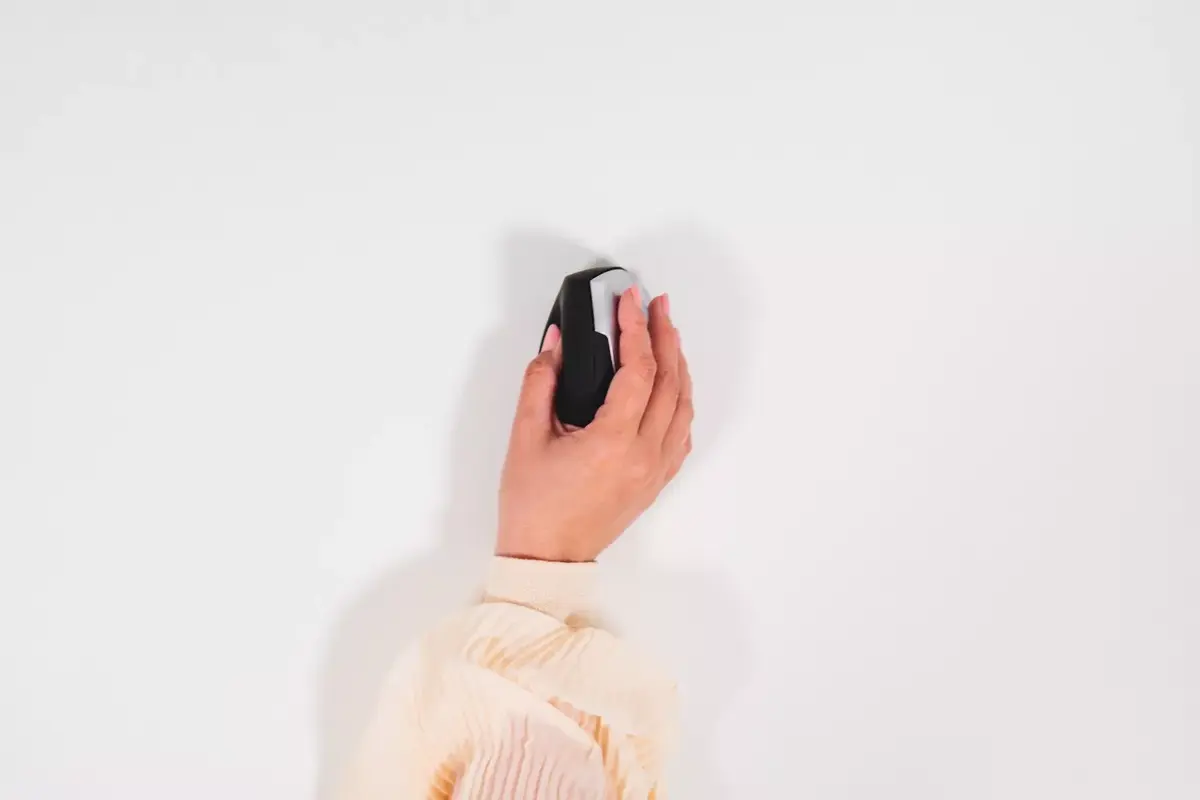
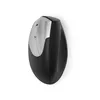
Mouse BakkerElkhuizen Handshake Wireless VS4 Photo 1
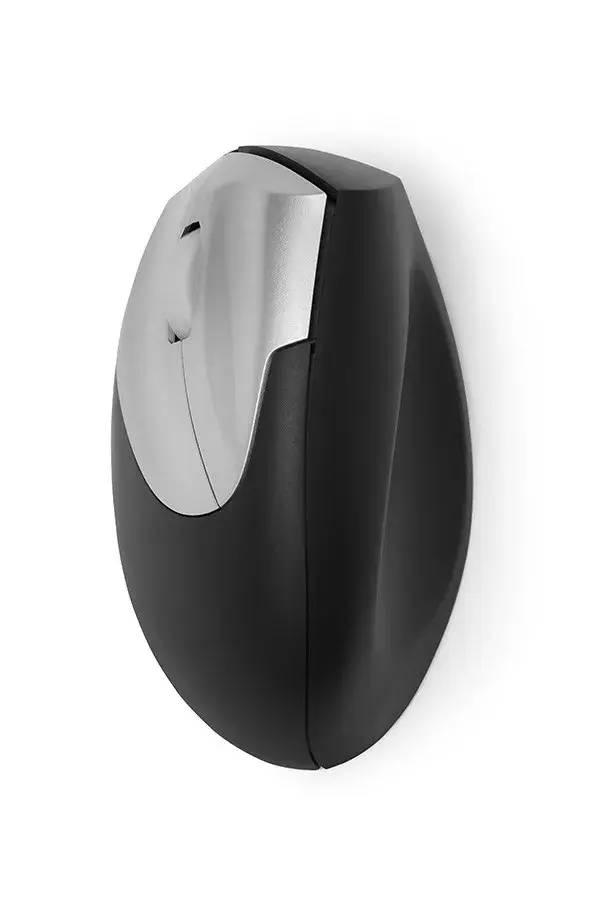
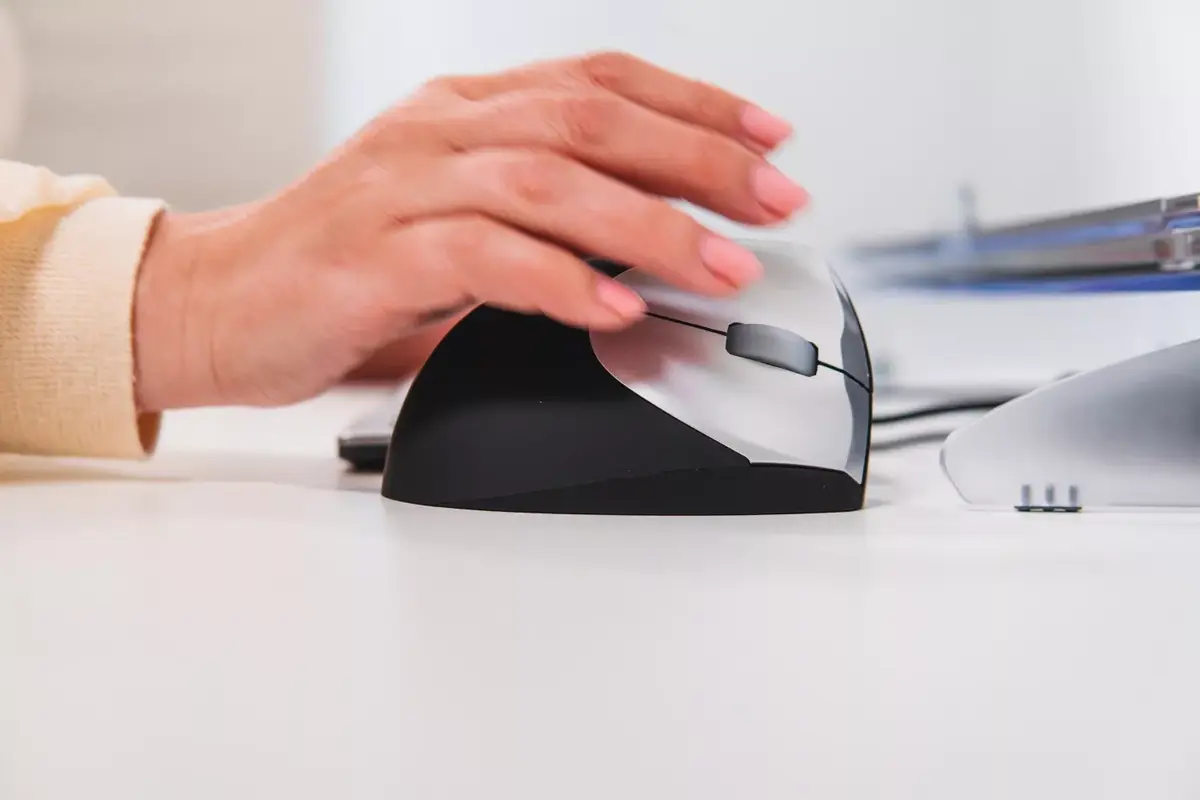
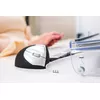
Mouse BakkerElkhuizen Handshake Wireless VS4 Photo 2
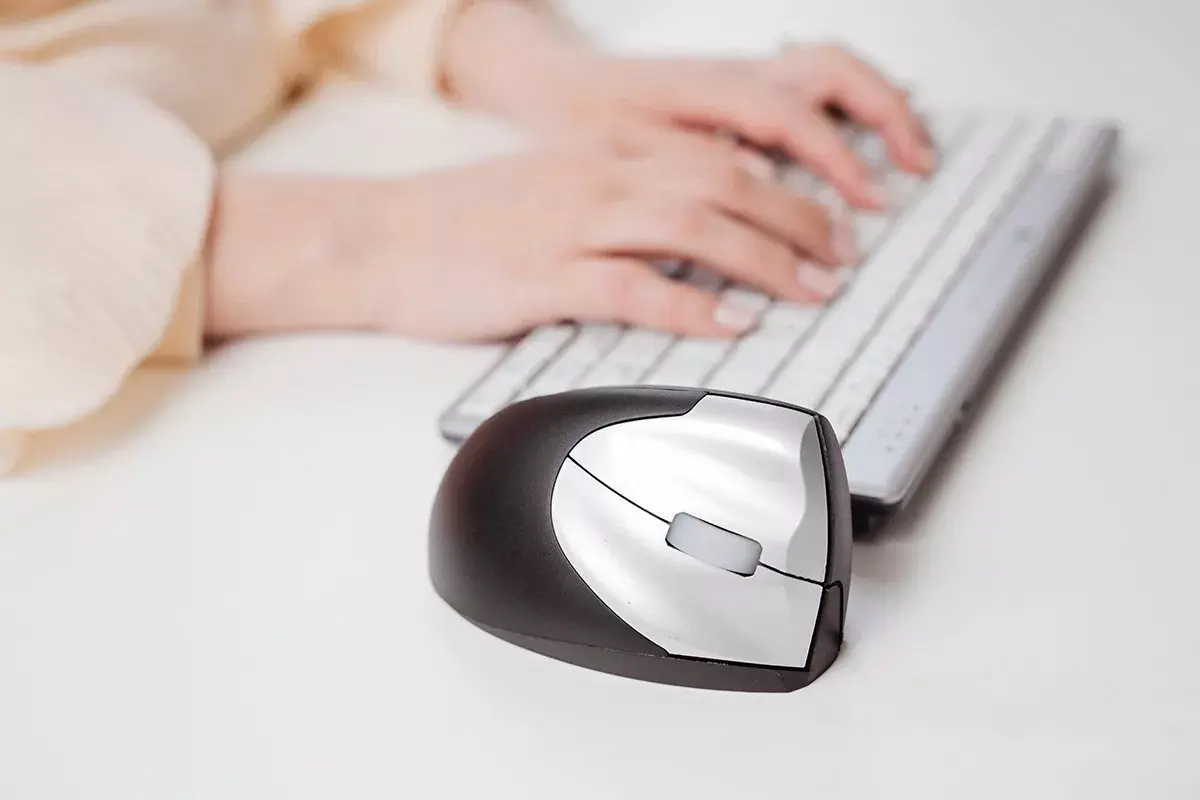
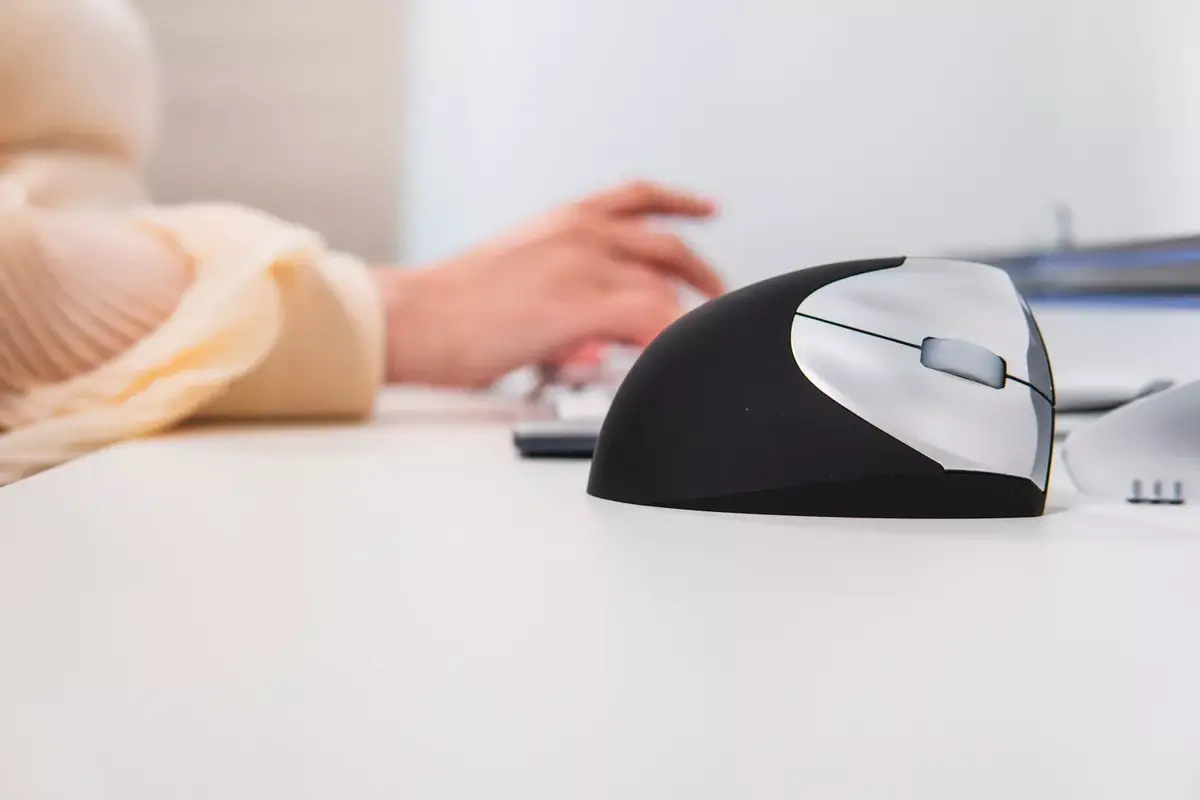
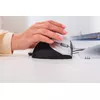
Mouse BakkerElkhuizen Handshake Wireless VS4 Photo 3
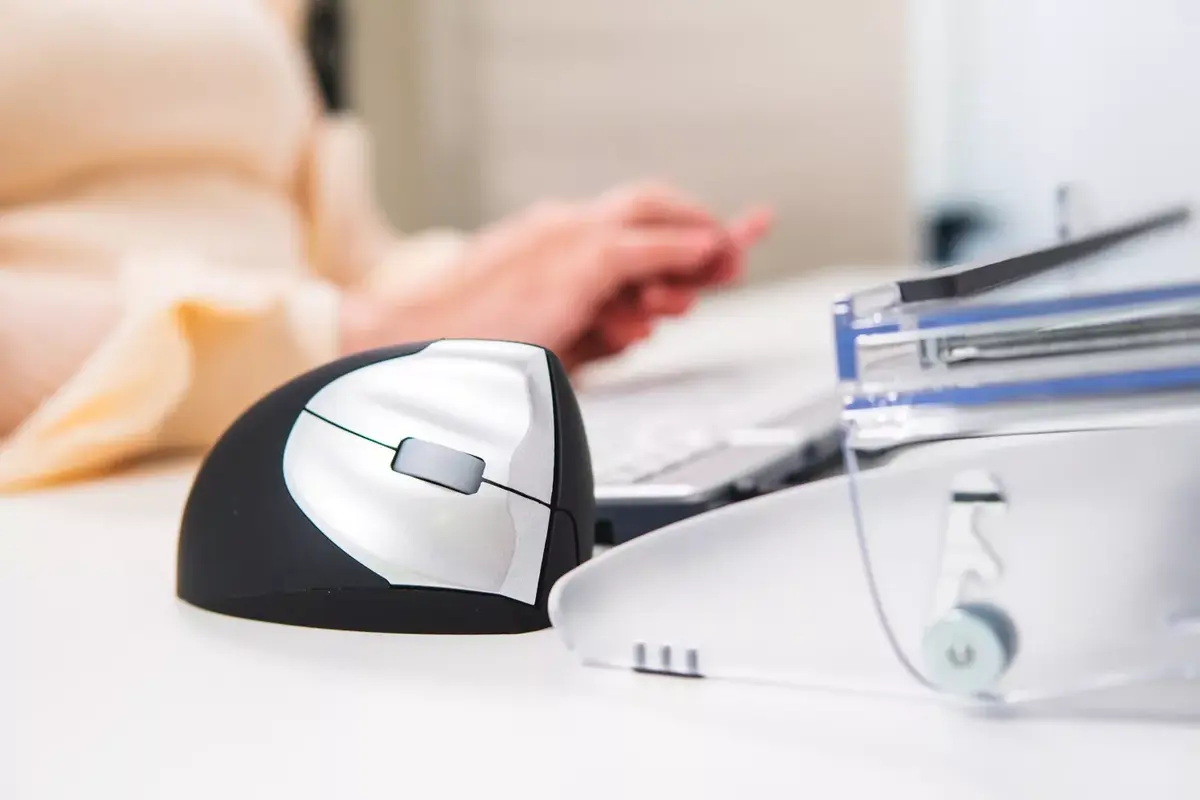
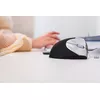
Mouse BakkerElkhuizen Handshake Wireless VS4 Photo 4
Mouse BakkerElkhuizen Handshake Wireless VS4 Photo 5
Mouse BakkerElkhuizen Handshake Wireless VS4 Photo 6
Mouse BakkerElkhuizen Handshake Wireless VS4 Photo 7
Mouse BakkerElkhuizen Handshake Wireless VS4 Photo 1
Mouse BakkerElkhuizen Handshake Wireless VS4 Photo 2
Mouse BakkerElkhuizen Handshake Wireless VS4 Photo 3
Mouse BakkerElkhuizen Handshake Wireless VS4 Photo 4
Mouse BakkerElkhuizen Handshake Wireless VS4 Photo 5
Mouse BakkerElkhuizen Handshake Wireless VS4 Photo 6
Mouse BakkerElkhuizen Handshake Wireless VS4 Photo 7
Out of stock.
View similar!

Short description

The BakkerElkhuizen Handshake Wireless VS4 mouse is designed for left-handed users, featuring a laser movement detection technology with a resolution of 2400 DPI. It connects via RF wireless interface and has three pressed buttons along with a scroll wheel. Powered by batteries, this mouse comes in a sleek black and silver design, ensuring comfort and efficiency for office use.
Warranty: 2 Years
SKU: 3193361
Manufacturer: Bakker elkuizen
delivery
Information regarding the items availability for purchase will be posted on this site
price
Item cost information will be published on this site
Together cheaper
{{product.price | formatAmount}}
{{product.title}}
{{productBundle.reference.specialPrice | formatAmount}}
{{productBundle.title}}
{{productBundlePreviousPrice | formatAmount}}
{{productBundleSpecialPrice | formatAmount}}

You saving {{productBundleYouSave | formatAmount}}

Product information

Description

The BakkerElkhuizen Handshake Wireless VS4 RF Wireless is a basic vertical mouse suitable for both left- and right-handed users, designed to support a neutral arm and wrist position. It features laser movement detection with up to 2400 DPI resolution, an RF wireless connection, three pressed buttons and a scroll wheel. The mouse is battery powered and comes in a silver and black finish, intended for office use where simple ergonomic improvement is required.

Advantages

The vertical design promotes a more natural grip to reduce strain on the wrist and forearm while the laser sensor with adjustable DPI provides precise pointer control up to 2400 DPI. RF wireless connectivity offers cable-free operation and three tactile buttons plus a scroll wheel deliver standard navigation and selection functions. The compact, straightforward layout makes the device easy to adopt for users new to vertical mice.

Suitable for

  • Office work and general productivity tasks
  • Users seeking a simple ergonomic vertical mouse
  • Left-hand use (form factor left-hand) and ambidextrous needs with short familiarization

Key specifications

  • Movement detection: Laser
  • Resolution: 2400 DPI
  • Interface: RF Wireless
  • Buttons: 3 pressed buttons + scroll wheel
  • Form factor: Left-hand
  • Power: Battery powered
  • Colour: Silver, Black
  • Weight: 0.15 kg
  • Purpose: Office

How to use

Insert the required batteries, connect the RF receiver to an available USB port on your computer and switch the mouse on. Place your hand on the mouse in a handshake-like grip so your forearm remains in a neutral position. Use the left and right buttons and the scroll wheel for standard navigation; change DPI as needed for pointer sensitivity. No special drivers are typically required—allow the operating system to recognize the RF receiver.

Usage recommendations

For best ergonomic benefit, adjust your seating and desk height so your forearm is parallel to the desk surface when using the Handshake Wireless VS4. Alternate tasks and take regular short breaks to limit prolonged static posture.

Specifications

Form factor:
Left-hand
Weight:
0.15 kg
Purpose:
Office
Buttons quantity:
3
Scroll type:
Wheel
Device interface:
RF Wireless
Movement detection technology:
Laser
Movement resolution:
2400 DPI
Product colour:
Silver, Black
All features

Design

Form factor:
Left-hand
Material:
Plastic, Steel
Product colour:
Silver, Black
Ergonomic design:
Yes
Surface coloration:
Monochromatic

Ergonomics

Plug and Play:
Yes

Power

Battery type:
AAA
Number of batteries supported:
2
Power source:
Batteries

Weight & dimensions

Weight:
0.15 kg
Height:
70 mm
Width:
68 mm
Depth:
120 mm
Battery width:
75 mm
Battery depth:
135 mm
Battery height:
83 mm

System requirements

Windows operating systems supported:
Y
Mac operating systems supported:
Y
Linux operating systems supported:
Y

Packaging data

Quantity per pack:
1 pc(s)

Mouse

Purpose:
Office
Buttons quantity:
3
Buttons type:
Pressed buttons
Scroll type:
Wheel
Device interface:
RF Wireless
Movement detection technology:
Laser
Movement resolution:
2400 DPI
Number of movement resolution modes:
3
Customizable movement resolution:
Yes

Battery

Battery technology:
Alkaline
Battery weight:
160 g

Packaging content

Batteries included:
No
User guide:
Yes
Receiver included:
Yes

Reasons to buy

Optimal posture and performance.

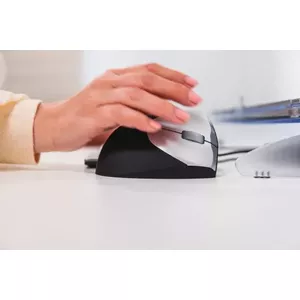
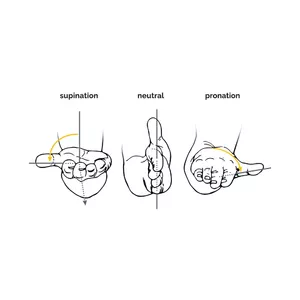
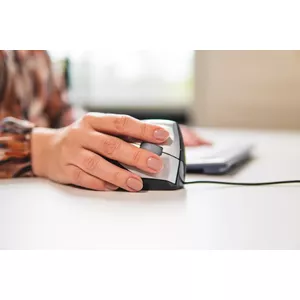
As the name suggests, the Handshake vertical mouse is held in a natural handshake position with a comfortable inclination angle of 90°. The wrist does not bend sideways excessively, and the lower arm requires less inward rotation. This improves wrist posture and helps prevent physical discomfort. The ergonomic handshake position also reduces muscular activity in the lower arm compared to a standard computer mouse (Quemelo & Vieira, 2013).
Optimal posture and performance.

Ergonomic background

Prolonged use of a regular mouse can cause pain and discomfort in the shoulders, forearms, and hands (Chang et al., 2007 & Andersen et al., 2008). The handshake position of vertical mice prevents the wrist from bending as much to the side, and the forearm also rotates inward to a lesser degree (Schmid, et al., 2015). As a result, muscle activity in the forearm is lower than when using a conventional mouse (Quemelo & Vieira, 2013). Research has shown that using a vertical joystick mouse supports faster recovery from forearm, wrist, and hand complaints (Aarås, et al., 2001). Therefore, vertical mice provide a healthier and more comfortable way of working compared to standard mice.
Ergonomic background

Nice design.

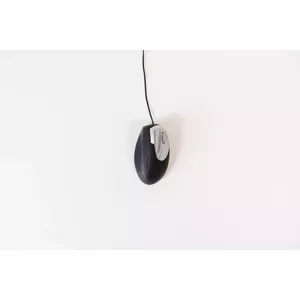
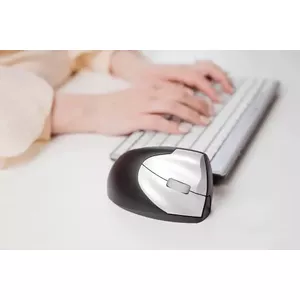
This vertical Handshake Mouse features an attractive black design with a matte finish and silver-coloured buttons. It is suitable for right- and left-hand users with small to medium hands. The matte surface material provides a secure grip. The combination of the correct mouse size for your hand and the surface material ensures the mouse sits comfortably and stably in your hand so you can work in a healthier way.
Nice design.

Three buttons.

The Handshake Mouse has three buttons, including a scroll wheel. There are left- and right-click buttons, and the scroll wheel allows scrolling and zooming in common computer programs. These standard functions ensure easy handling and quick familiarisation.
Three buttons.

Start working easy.

Thanks to plug-and-play technology, the Handshake Mouse can be connected to a computer without manual configuration. Simply plug the USB cable or the USB receiver of this vertical mouse into your computer and start working.
Start working easy.

In wired or wireless for left- and right handers.

The Handshake Mouse is available in four different versions. You can choose a wired or wireless model. Both versions are available for left- and right-hand users. You can change the pointer speed of the mouse cursor on both wired and wireless models. The wired version offers two DPI values: 800 and 1600; the wireless version offers four DPI values: 1200, 1600, 2400, and 3200. Choose a higher speed (higher DPI) to make the pointer move faster for general use; choose a lower speed (lower DPI) to make the pointer move slower and more precise for drawing, photo editing, etc. Easily set the cursor to your preferred speed.

In wired or wireless for left- and right handers.

Similar products

{{product.title}} Show details Hide details

{{highlightedFeature.featureTitle}}:

{{getProductFeatureValueById(product, highlightedFeature.featureId)}}

{{product.price | formatAmount}}
Might be useful
{{product.manufacturerName}}
{{product.categoryName}}
{{product.title}}
{{product.specialPrice}}
{{product.price}}

Customer reviews

Customer questions

FAQ

What payment options are available?

AiO.lv offers several payment methods: Bank transfer. All transactions are 100% secure and encrypted.

Can this product be purchased for a company (with VAT)?

Yes. AiO.lv works with legal entities in Latvia and across Europe. The product price already includes VAT. For certain product categories, as well as for companies from other EU countries with a valid VAT number, a 0% VAT rate may apply. We issue the invoice immediately after the order is placed, support electronic BIS invoices, and automatically generate all necessary accounting documents. You can complete the purchase for a company online — simply select the company profile and choose bank transfer as the payment method during checkout.

What is the warranty period?

All Bakker elkuizen products come with an official 2 Years warranty. It covers all manufacturing defects and malfunctions that may occur during use. The warranty is valid at all authorized Bakker elkuizen service centers and through AiO.lv

Can the product be returned after purchase?

Yes, you can return the product within 14 days of purchase if you bought it as a consumer (not a legal entity). Returns are possible without giving any reason — the main condition is that the product retains its original appearance and full set of accessories. We will make the process as simple and convenient as possible: just contact our customer support team, and we will help you arrange the return.

Where should I contact for warranty service?

For warranty-related questions you can contact the AiO.lv (SIA VSPRO) customer support team. We will assist with consultation, warranty claim processing, and coordination with certified service centers.

How can I tell if this product suits my needs?

When making a choice, we recommend paying attention to the key features: form factor, weight, purpose, buttons quantity, scroll type, device interface, movement detection technology, movement resolution, product colour, compatibility with your devices or usage conditions, material quality, functionality, and warranty terms. These characteristics will help you determine how well the model meets your needs.

Where can I download the instructions for Mouse BakkerElkhuizen Handshake Wireless VS4?

You can download the instructions in PDF format from the “Instructions” section on the product description page. The file contains complete information about installation, setup, and usage.
warranty
14-Day Return Policy We are confident in our quality, but if the purchase doesn’t fit — you have 14 days to return the product with peace of mind.
shipping
Fast Delivery Get your orders as quickly as possible — right to your door, parcel lockers, or pickup points across Latvia and the EU.
payment
Secure Payment Pay the way you prefer: cash, VISA, MasterCard, Apple Pay, Google Pay, bank transfer, or 0% installment plan.
warranty
Quality Since 2008 AiO.lv has been on the market for over 18 years and has earned trust — with more than 6000 genuine positive reviews on Google.