{{ totalProductsCount }}

In cart {{totalProductsCount}} item(s)

Total:
{{sum | formatAmount}}

Your cart is empty

header-product Mouse BakkerElkhuizen MidWay Left-hand Office — Optical 2400 DPI, RF Wireless + Bluetooth + USB‑C, 7 buttons
71.99 €

Mouse BakkerElkhuizen MidWay Left-hand Office — Optical 2400 DPI, RF Wireless + Bluetooth + USB‑C, 7 buttons

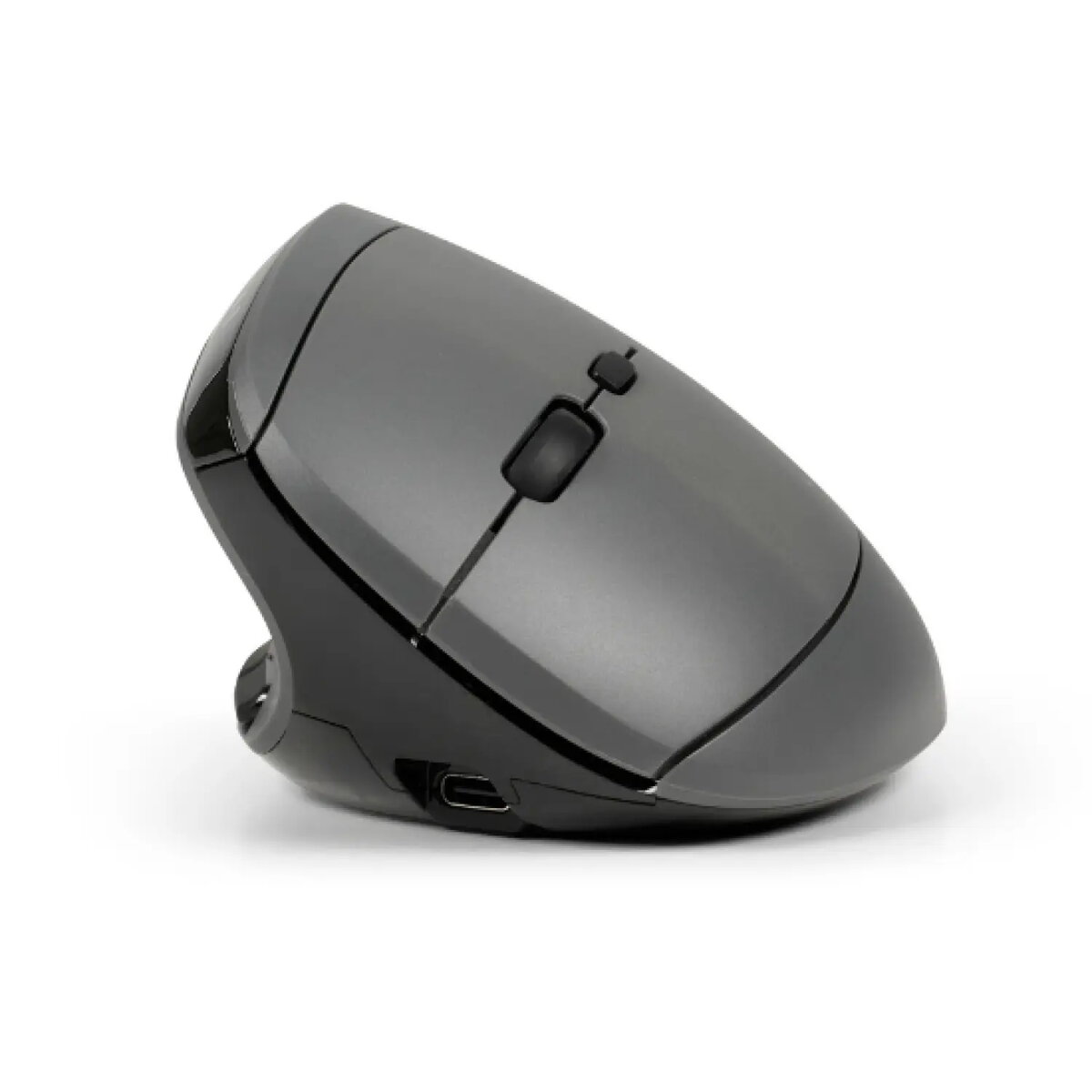
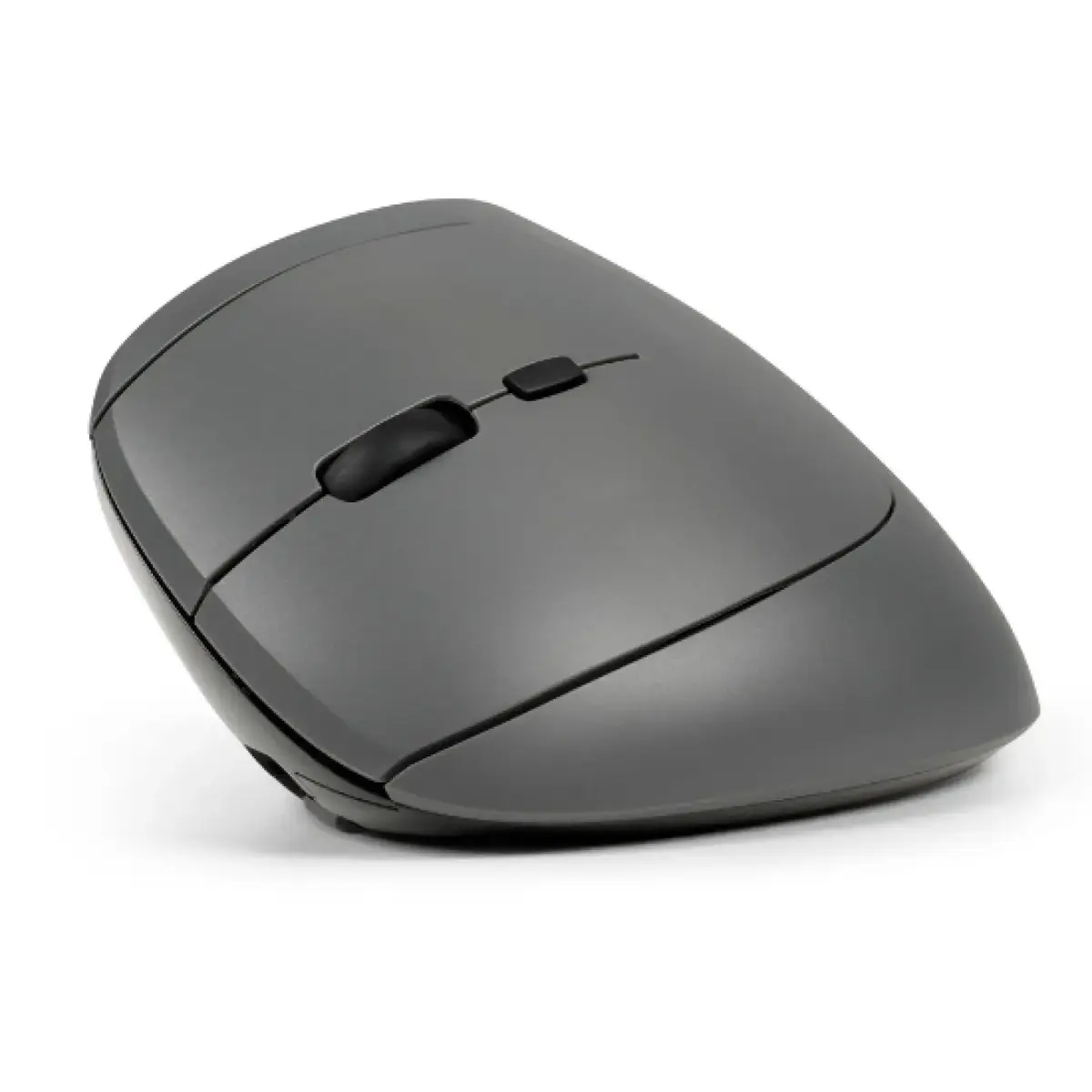
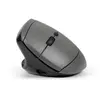
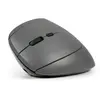
BakkerElkhuizen MidWay Left-hand Office Mouse Photo 1
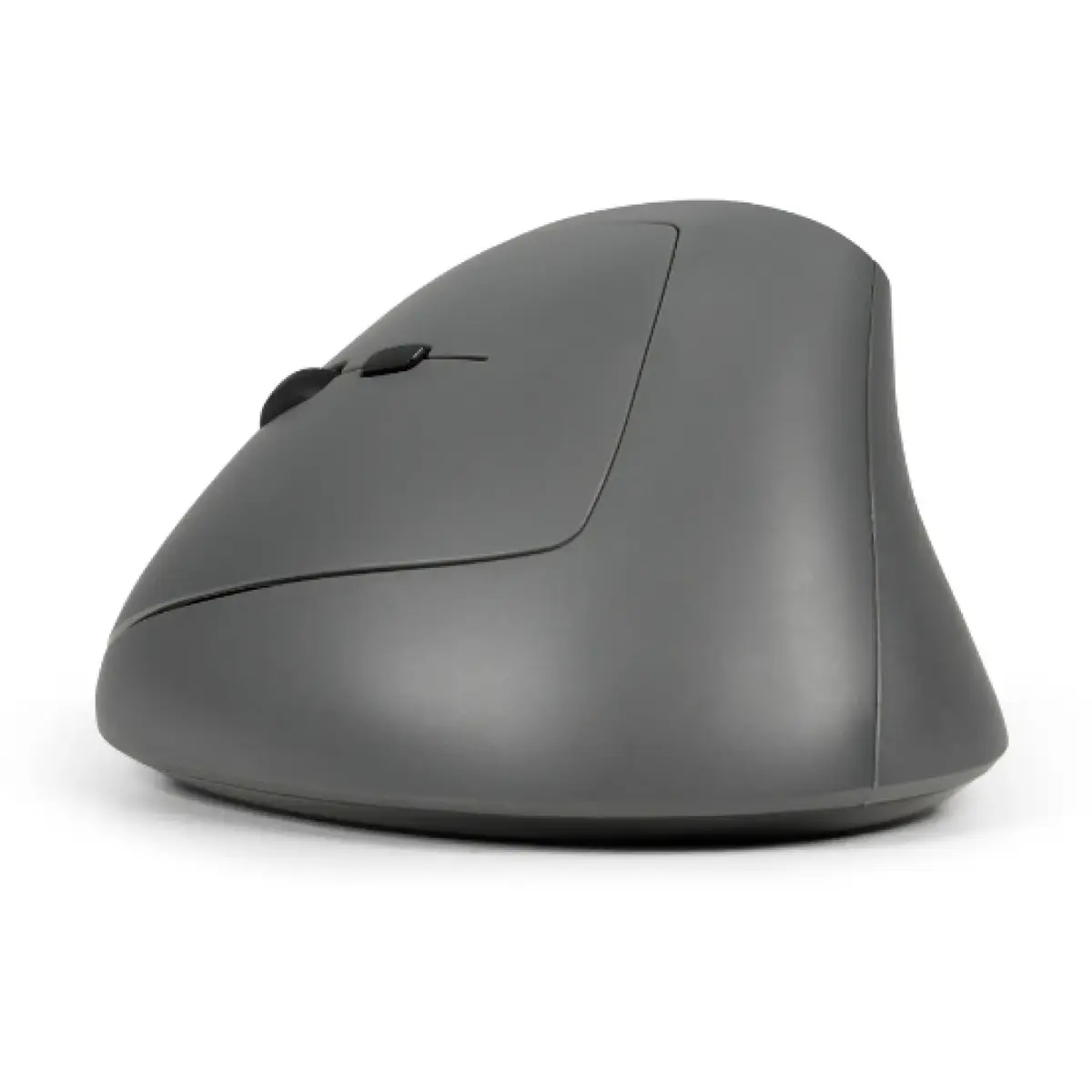
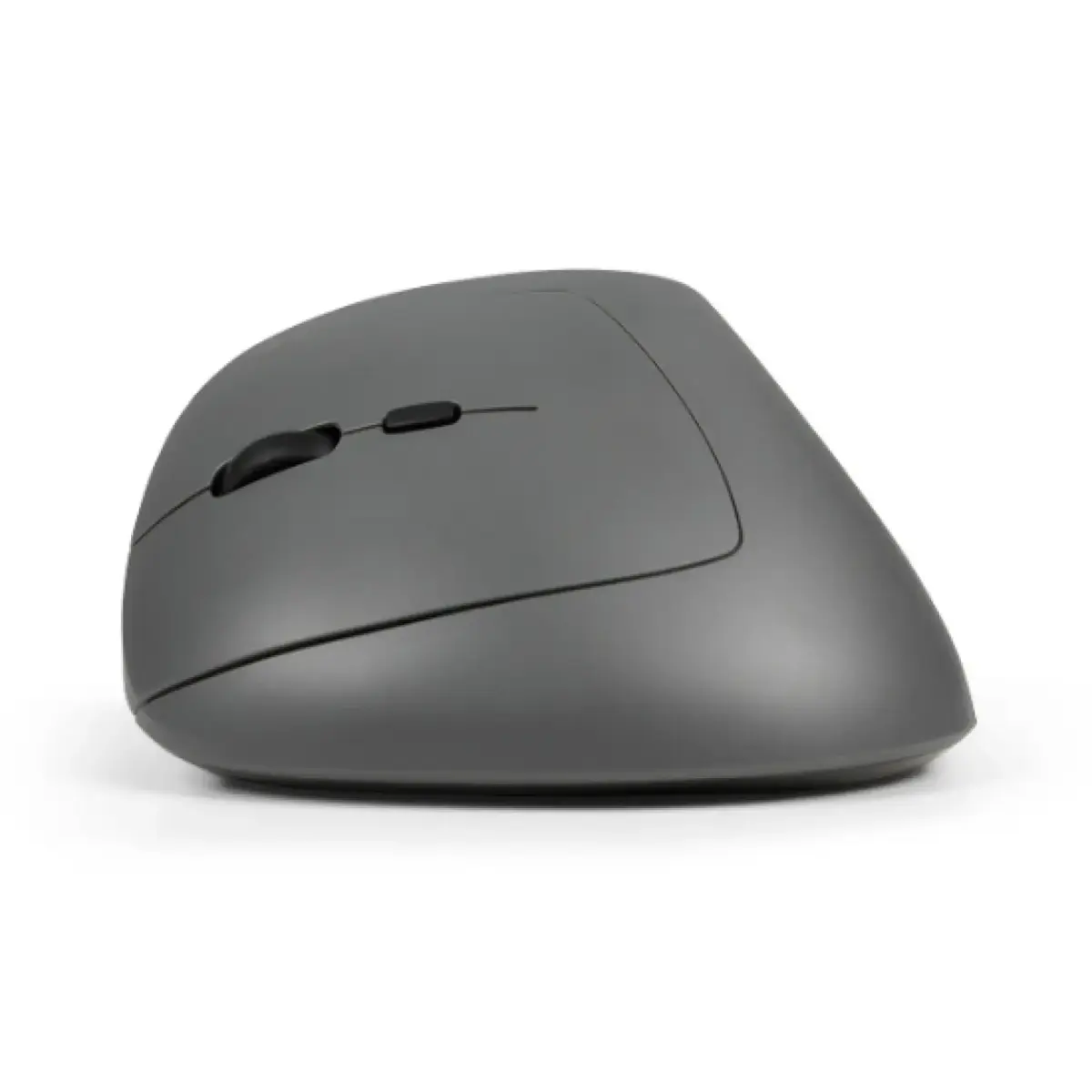
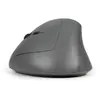
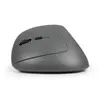
BakkerElkhuizen MidWay Left-hand Office Mouse Photo 2
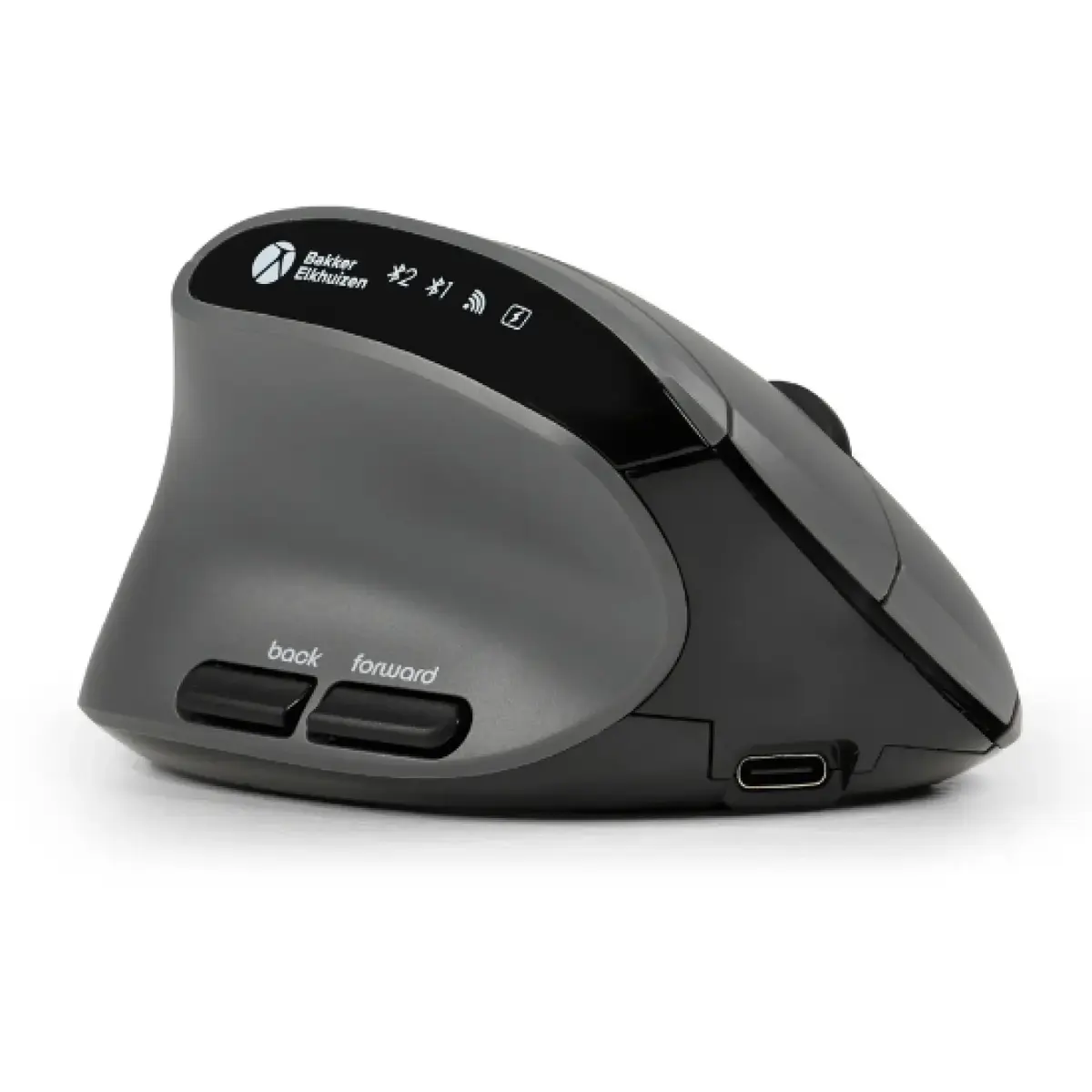
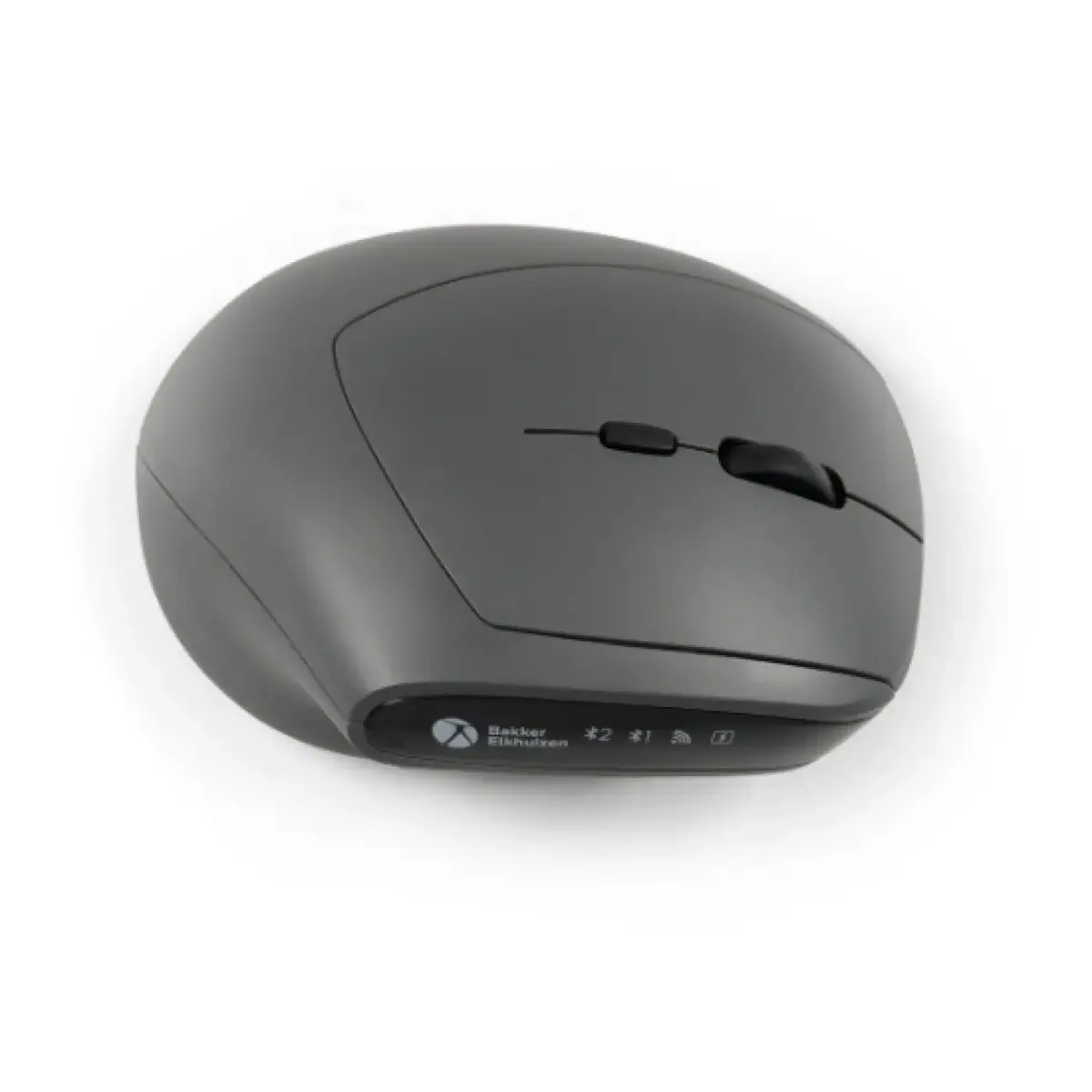
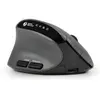
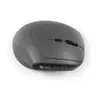
BakkerElkhuizen MidWay Left-hand Office Mouse Photo 3
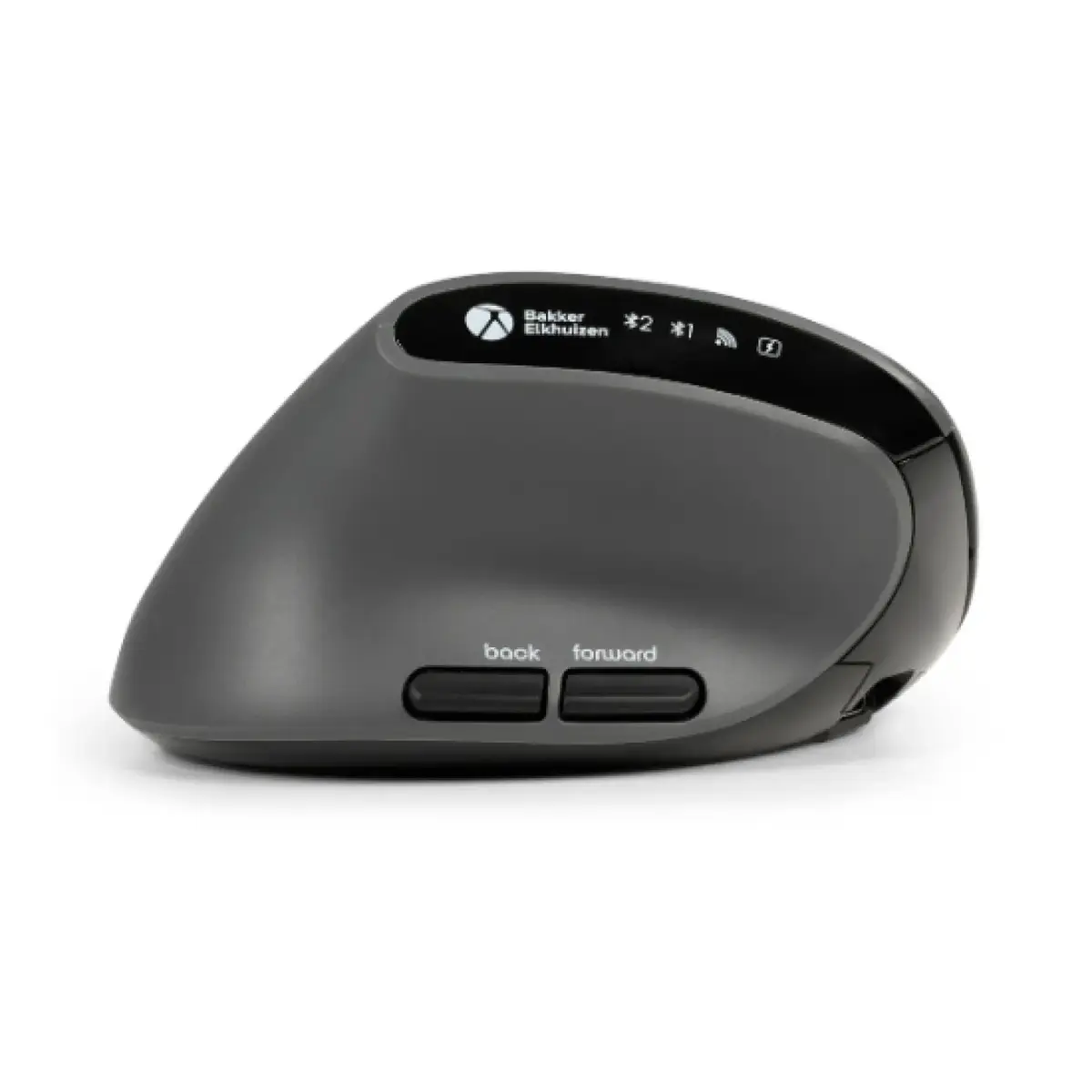
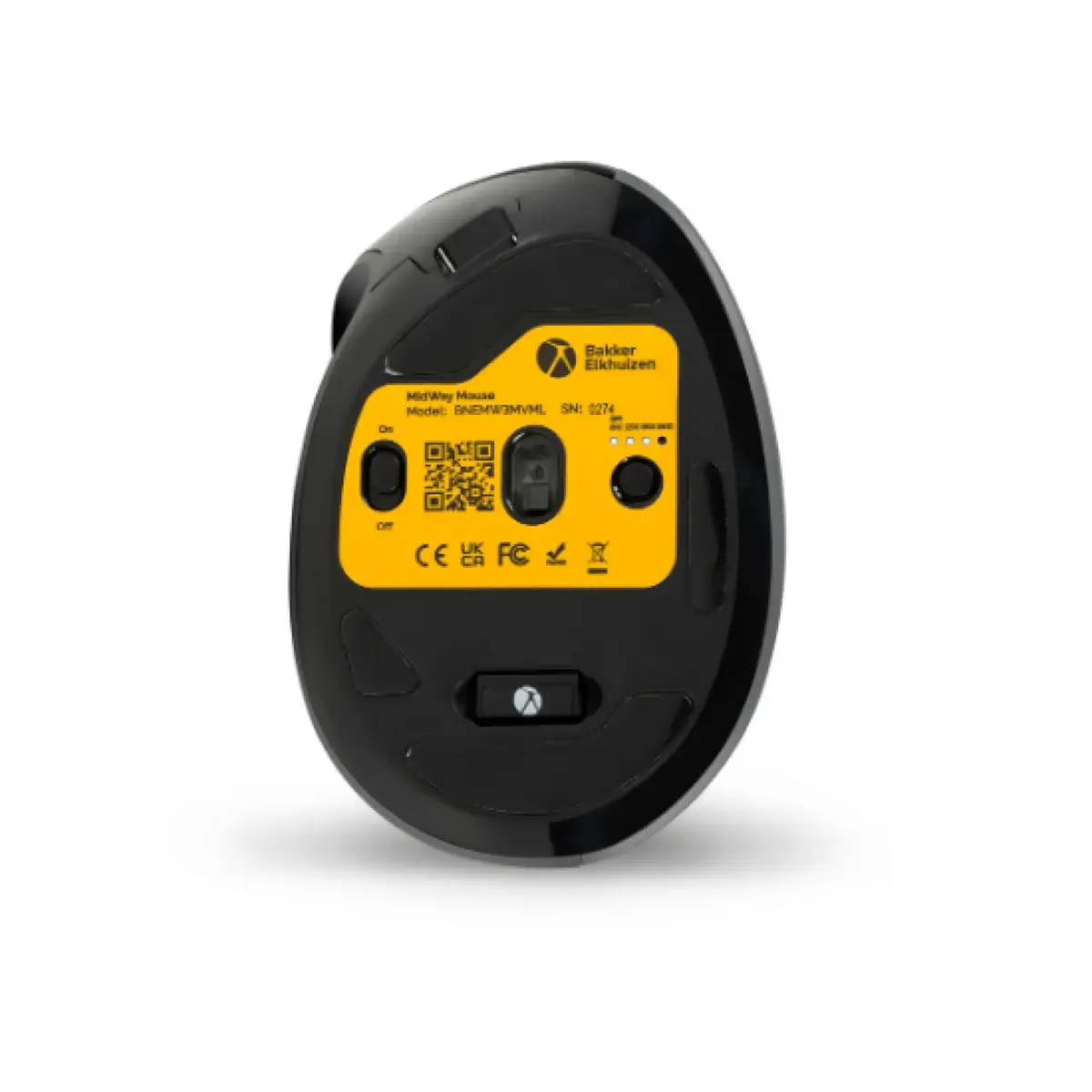
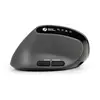
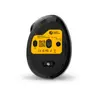
BakkerElkhuizen MidWay Left-hand Office Mouse Photo 4
BakkerElkhuizen MidWay Left-hand Office Mouse Photo 5
BakkerElkhuizen MidWay Left-hand Office Mouse Photo 6
BakkerElkhuizen MidWay Left-hand Office Mouse Photo 7
BakkerElkhuizen MidWay Left-hand Office Mouse Photo 8
BakkerElkhuizen MidWay Left-hand Office Mouse Photo 1
BakkerElkhuizen MidWay Left-hand Office Mouse Photo 2
BakkerElkhuizen MidWay Left-hand Office Mouse Photo 3
BakkerElkhuizen MidWay Left-hand Office Mouse Photo 4
BakkerElkhuizen MidWay Left-hand Office Mouse Photo 5
BakkerElkhuizen MidWay Left-hand Office Mouse Photo 6
BakkerElkhuizen MidWay Left-hand Office Mouse Photo 7
BakkerElkhuizen MidWay Left-hand Office Mouse Photo 8
Keep track of price changes You keep track of price changes
Watch the price drop

Leave your address - as soon as the price of the product goes down, you'll know about it right away

You keep track of price changes

Mouse BakkerElkhuizen MidWay Left-hand Office — Optical 2400 DPI, RF Wireless + Bluetooth + USB‑C, 7 buttons

{{email}}
You keep track of price changes

Mouse BakkerElkhuizen MidWay Left-hand Office — Optical 2400 DPI, RF Wireless + Bluetooth + USB‑C, 7 buttons

{{email}}
{{selectedOffer && selectedOffer.price | formatAmount}}

Short description

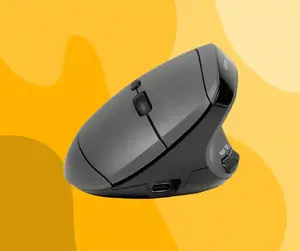
Left‑hand ergonomic BakkerElkhuizen MidWay mouse designed for office use with a vertical form factor. Optical sensor with 2400 DPI provides precise cursor control. Connect via RF wireless, Bluetooth or USB‑C cable; powered by batteries or cable. Features seven pressed buttons and a scroll wheel. Colour: grey/black. Suitable for daily office tasks and extended use.
Available for order: 6 pcs.
Warranty: 2 Years
SKU: 12001551
free shipment

Cheapest delivery:

Venipak Pickup LV, Venipak Locker LV

Pick-up points

Venipak Pickup LV

Venipak Locker LV

Cost

1.89 €

Deliver

{{selectedOffer.parcelStationDeliveryString}}

Customer service center
2b. Kengaraga str., Riga, Latvia, LV-1063
22.07.2026 {{selectedOffer.officeDeliveryString}}
free
Courier Delivery Please note that in case of a large parcel additional delivery costs may apply!
27.07.2026 {{selectedOffer.courierDeliveryString}}
From 4.99 € (Weight: 0.09 kg)
Parcel couriers
Venipak Pickup LV / Venipak Locker LV / Latvijas Pasts pakomāts / Unisend LV / DPD Paku skapis / Omniva LV / Latvijas Pasts nodaļa
27.07.2026 {{selectedOffer.parcelStationDeliveryString}}
From 1.89 €
0 credit

pay in 3 equal parts

today

0 €

afterward

3 mth. х 24 €

overpayment

0 €

All payment Methods:
Bank transfer, Bank cards on-line, Apple Pay, Google Pay, Installment
36 months installment: from 2.00 euros per month
Together cheaper
{{product.price | formatAmount}}
{{product.title}}
{{productBundle.reference.specialPrice | formatAmount}}
{{productBundle.title}}
{{productBundlePreviousPrice | formatAmount}}
{{productBundleSpecialPrice | formatAmount}}

You saving {{productBundleYouSave | formatAmount}}

Product information

Description

MidWay Left-hand Office mouse from BakkerElkhuizen is a compact, subtly inclined ergonomic mouse designed for everyday office use. Its left-hand form factor and slightly tilted shape position the hand in a more natural posture compared with a conventional flat mouse, while remaining familiar to users transitioning from standard designs. The optical sensor with 2400 DPI delivers precise cursor control for typical office workflows. Multiple connectivity options — RF wireless, Bluetooth and USB-C — provide flexible connection to laptops and desktops. The device is finished in grey and black and includes seven pressed buttons and a scroll wheel for standard navigation and productivity tasks.

Advantages

The MidWay mouse combines ergonomic improvement and compact dimensions to support extended use without forcing a radical change in grip style. Its 2400 DPI optical sensor ensures accurate pointer movement for document editing, spreadsheets and web browsing. Three connection modes (RF wireless, Bluetooth and USB-C) offer compatibility with a wide range of devices and quick switching between workstations. Rechargeable battery support and the option to operate via cable increase runtime reliability and reduce interruptions.

Suitable for

  • Office productivity: word processing, spreadsheets and email
  • Multi-device users who need Bluetooth and RF wireless connectivity
  • Left-hand users seeking a compact ergonomic mouse
  • Mobile professionals who require a small, travel-friendly pointing device

Key specifications

  • Form factor: left-hand ergonomic with a subtle tilt
  • Movement detection: optical sensor
  • Movement resolution: 2400 DPI
  • Connectivity: RF wireless, Bluetooth and USB Type-C cable
  • Buttons: seven pressed buttons and a scroll wheel
  • Power: rechargeable battery with option to operate via USB-C cable
  • Weight: 0.089 kg
  • Colour: grey and black

How to use

Connect the mouse via RF wireless by inserting the supplied receiver into a USB port, or pair it with a computer, tablet or laptop using Bluetooth. Alternatively, connect the device with the USB-C cable to use it while charging. Place your left hand on the mouse with a relaxed grip, allowing the slight tilt to support a more natural wrist position. Use the scroll wheel and the seven available buttons for navigation, back/forward browser commands and application shortcuts as supported by your operating system.

Usage recommendations

For best results, charge the mouse before extended use and switch between Bluetooth and RF modes according to proximity and device compatibility. Adjust pointer speed in the operating system to suit the 2400 DPI sensor for precise control. Clean the optical sensor area periodically and store the RF receiver in a safe place when transporting the mouse.

Specifications

Form factor:
Left-hand
Weight:
0.089 kg
Purpose:
Office
Buttons quantity:
7
Scroll type:
Wheel
Device interface:
RF Wireless + Bluetooth + USB Type-C
Movement detection technology:
Optical
Movement resolution:
2400 DPI
Product colour:
Grey, Black
All features

Design

Form factor:
Left-hand
Material:
Acrylonitrile Butadiene Styrene (ABS), Steel
Product colour:
Grey, Black
Ergonomic design:
Yes
Surface coloration:
Monochromatic
Vertical design:
Yes

Ergonomics

Plug and Play:
Yes
Cable length:
1.5 m
Wireless range:
10 m
On/off switch:
Yes

Power

Battery type:
Built-in battery
Power source:
Batteries/Cable
Battery recharge time:
2 h
Rechargeable:
Yes
Service life of battery:
3 month(s)
USB Type-C charging port:
Yes

Weight & dimensions

Weight:
0.089 kg
Height:
60 mm
Width:
72 mm
Depth:
103 mm

System requirements

Windows operating systems supported:
Y
Mac operating systems supported:
Y
Mobile operating systems supported:
Android, iOS

Packaging data

Package weight:
164 g
AC adapter included:
No
Cables included:
USB Type-C
Package depth:
120 mm
Package height:
90 mm
Package width:
80 mm
Manual:
Yes
Quantity per pack:
1 pc(s)

Mouse

Purpose:
Office
Buttons quantity:
7
Button functions:
Forward, Back (action), DPI switch, Vertical scrolling
Buttons type:
Pressed buttons
Scroll type:
Wheel
Number of scroll wheels:
1
Device interface:
RF Wireless + Bluetooth + USB Type-C
Movement detection technology:
Optical
Movement resolution:
2400 DPI
Number of movement resolution modes:
4
Customizable movement resolution:
Yes
Frequency band:
2.4
Bluetooth version:
5.2
Connectivity technology:
Wired & Wireless
Multi-device support:
Yes
Bluetooth Low Energy (BLE):
Yes

Packaging content

Wireless receiver interface:
USB Type-A
Receiver included:
Yes

Battery

Battery technology:
Lithium Polymer (LiPo)

Reasons to buy

Ergonomic middle position for natural comfort

The MidWay’s slightly tilted, semi-vertical shape places your hand in a more neutral position, reducing wrist and forearm strain while remaining intuitive to use. It delivers ergonomic relief without forcing you to adapt to a fully vertical design, making it ideal for long office sessions.

Ergonomic middle position for natural comfort

Why choose MidWay — features at a glance

Experience a quiet, versatile office mouse designed for productivity: silent clicks to minimize distractions; adjustable DPI up to 2400 for precise or fast cursor control; three connection modes (RF wireless receiver, Bluetooth and USB‑C wired); rechargeable and quick to switch between paired devices; available in a left‑hand form factor tailored for comfortable daily use.

Why choose MidWay — features at a glance

Designed for focus and smooth navigation

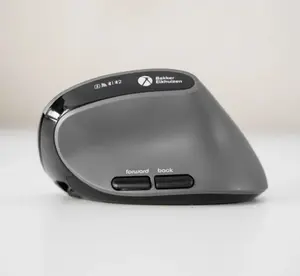
Silent clicking keeps noise to a minimum so you and colleagues can concentrate. Ergonomically positioned back/forward buttons under the thumb enable fluent navigation through documents and web pages without shifting your grip, improving workflow efficiency.

Designed for focus and smooth navigation

Compact, travel-ready ergonomic design

Compact and lightweight (0.089 kg), the MidWay fits easily into your bag for flexible work routines. Whether you move between home, office or coworking spaces, you’ll keep the same comfortable left‑hand ergonomic mouse with you everywhere.

Compact, travel-ready ergonomic design

Easy setup and multi-device switching

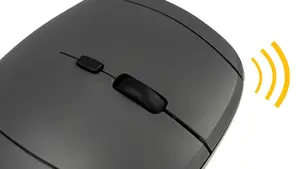
Plug & play convenience — no drivers required. Use any of three connectivity options: USB‑C wired, Bluetooth (two channels) or 2.4 GHz via USB receiver, and switch between devices with a single button for seamless transitions between laptop, tablet and PC.

Easy setup and multi-device switching

Ergonomic background and proven benefits

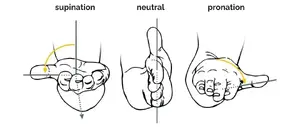
Research shows that moderately angled hybrid mice reduce forearm rotation (pronation) and can lower muscle tension compared with traditional horizontal mice. The MidWay offers this balanced, evidence‑based approach for users seeking to prevent or reduce discomfort while keeping familiar operation and precise optical tracking.

Ergonomic background and proven benefits

Similar products

{{product.title}} Show details Hide details

{{highlightedFeature.featureTitle}}:

{{getProductFeatureValueById(product, highlightedFeature.featureId)}}

{{product.price | formatAmount}}
Might be useful
{{product.manufacturerName}}
{{product.categoryName}}
{{product.title}}
{{product.specialPrice}}
{{product.price}}

Customer reviews

Customer questions

FAQ

How much does the BakkerElkhuizen MidWay Left-hand Office Mouse cost, and is it available for purchase?

The price is 71.99 € (valid at the time of publication and already includes all taxes). The item is available for order — 6 pcs. are in stock, and you can place your purchase right now with delivery across Latvia and Europe or choose pickup at the Riga collection point. We offer favorable purchase terms, including the option to split the payment into convenient monthly installments. Availability and price are updated in real time, so we recommend placing your order in advance.

If I order this product today, when will I receive my order?

If you place your order today, delivery will be as fast and convenient as possible. You will be able to pick up your order on 22.07.2026 at the Riga pickup point or choose delivery across Latvia and Europe. We carefully inspect every purchase and pack it securely for safe transportation.

What payment options are available?

AiO.lv offers several payment methods: Bank transfer, Bank cards on-line, Apple Pay, Google Pay, Installment. All transactions are 100% secure and encrypted.

Can BakkerElkhuizen MidWay Left-hand Office Mouse be purchased with a lease?

Yes, the purchase is available both on credit and with an interest-free installment plan. We work with leading banks and leasing companies in Latvia, allowing you to make your purchase on convenient terms — with a minimal down payment and a repayment period from 3 to 36 months. You can apply for credit or installments for the BakkerElkhuizen MidWay Left-hand Office Mouse online, and the application process is as simple as possible:
  • Select the product on the website and add it to your cart;
  • When placing your order, choose the payment method “Installments”;
  • Fill in the required details for the lending partner;
  • Receive a decision within a few minutes.
For more information about available payment options, interest-free installment terms, and credit conditions in Latvia, please visit the Payment page.

Can this product be purchased for a company (with VAT)?

Yes. AiO.lv works with legal entities in Latvia and across Europe. The product price already includes VAT. For certain product categories, as well as for companies from other EU countries with a valid VAT number, a 0% VAT rate may apply. We issue the invoice immediately after the order is placed, support electronic BIS invoices, and automatically generate all necessary accounting documents. You can complete the purchase for a company online — simply select the company profile and choose bank transfer as the payment method during checkout.

What is the warranty period?

All BakkerElkhuizen products come with an official 2 Years warranty. It covers all manufacturing defects and malfunctions that may occur during use. The warranty is valid at all authorized BakkerElkhuizen service centers and through AiO.lv

Can the product be returned after purchase?

Yes, you can return the product within 14 days of purchase if you bought it as a consumer (not a legal entity). Returns are possible without giving any reason — the main condition is that the product retains its original appearance and full set of accessories. We will make the process as simple and convenient as possible: just contact our customer support team, and we will help you arrange the return.

Where should I contact for warranty service?

For warranty-related questions you can contact the AiO.lv (SIA VSPRO) customer support team. We will assist with consultation, warranty claim processing, and coordination with certified service centers.

How can I tell if this product suits my needs?

When making a choice, we recommend paying attention to the key features: form factor, weight, purpose, buttons quantity, scroll type, device interface, movement detection technology, movement resolution, product colour, compatibility with your devices or usage conditions, material quality, functionality, and warranty terms. These characteristics will help you determine how well the model meets your needs.

Where can I download the instructions for BakkerElkhuizen MidWay Left-hand Office Mouse?

You can download the instructions in PDF format from the “Instructions” section on the product description page. The file contains complete information about installation, setup, and usage.

warranty
14-Day Return Policy We are confident in our quality, but if the purchase doesn’t fit — you have 14 days to return the product with peace of mind.
shipping
Fast Delivery Get your orders as quickly as possible — right to your door, parcel lockers, or pickup points across Latvia and the EU.
payment
Secure Payment Pay the way you prefer: cash, VISA, MasterCard, Apple Pay, Google Pay, bank transfer, or 0% installment plan.
warranty
Quality Since 2008 AiO.lv has been on the market for over 18 years and has earned trust — with more than 6000 genuine positive reviews on Google.