{{ totalProductsCount }}

In cart {{totalProductsCount}} item(s)

Total:
{{sum | formatAmount}}

Your cart is empty

header-product BakkerElkhuizen PRF Pro Office mouse Right-hand vertical RF Wireless + Bluetooth + USB-C Optical 2400 DPI 8 buttons

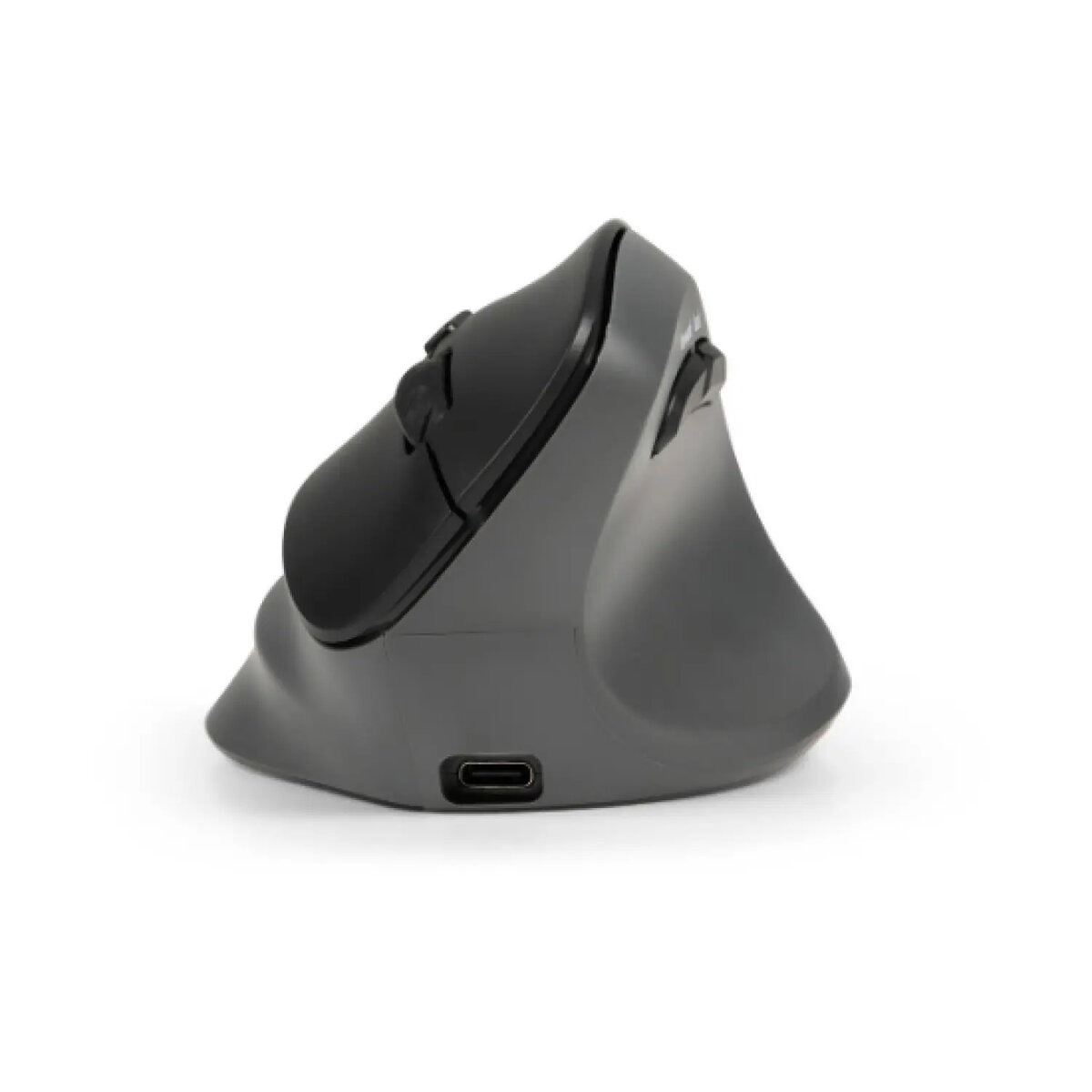
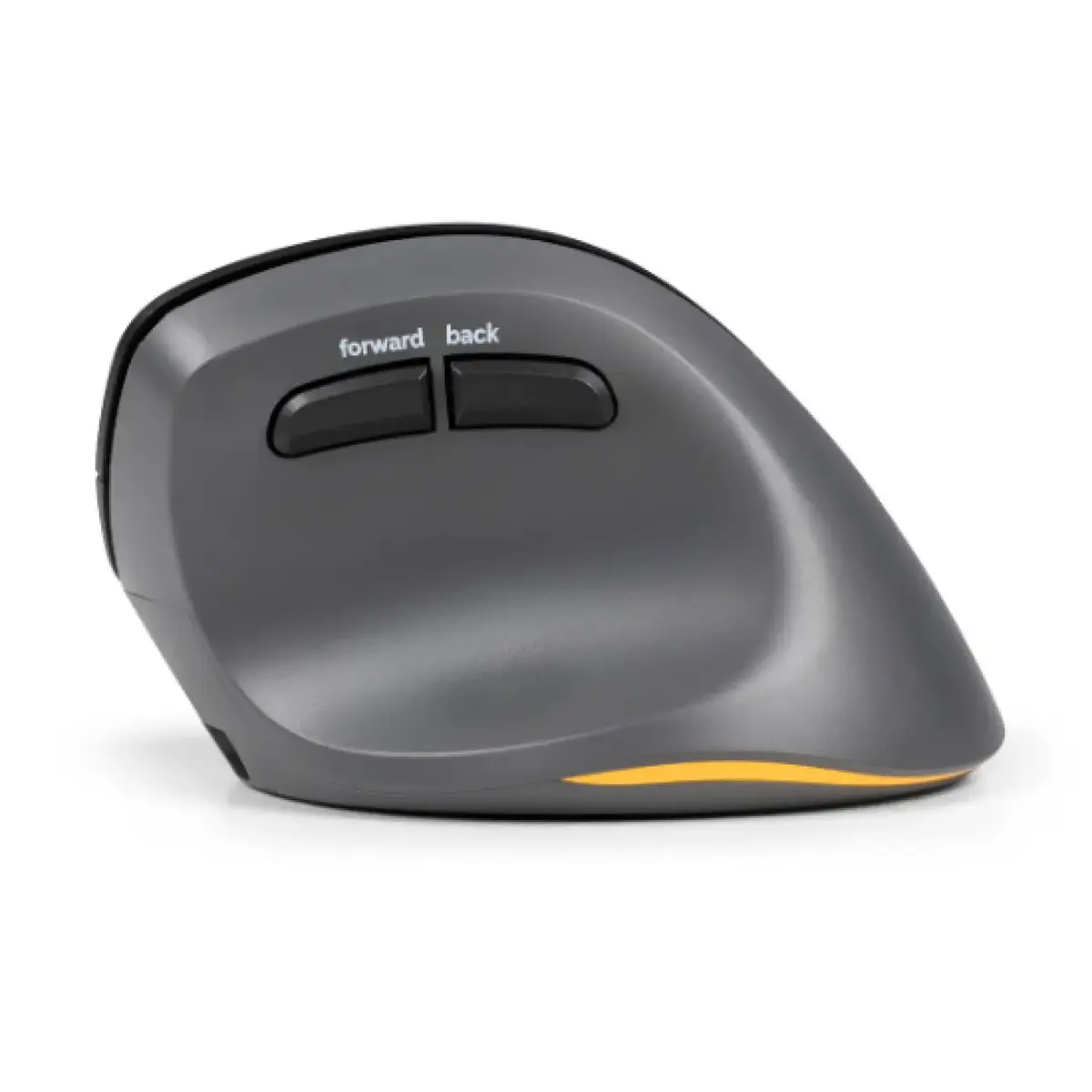
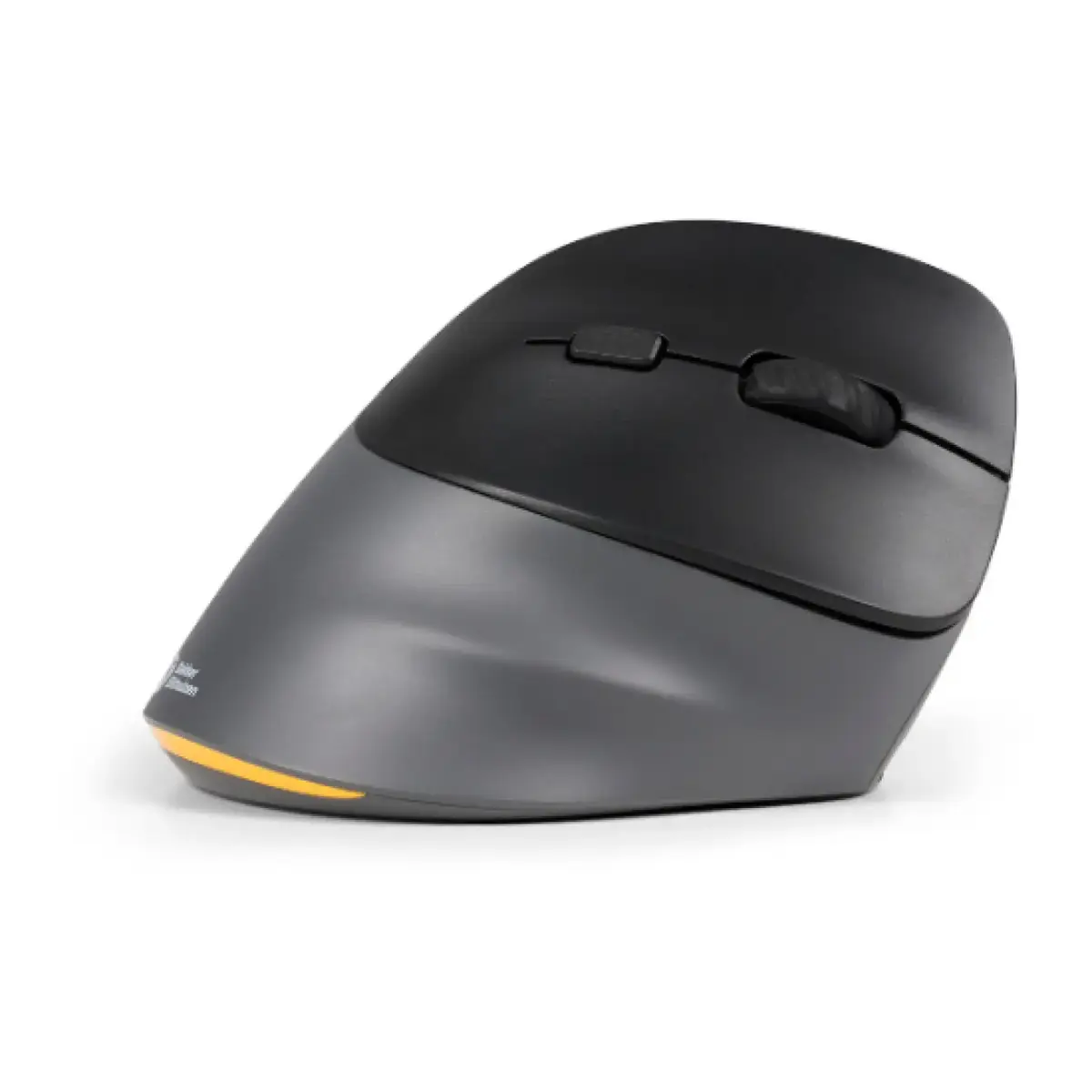
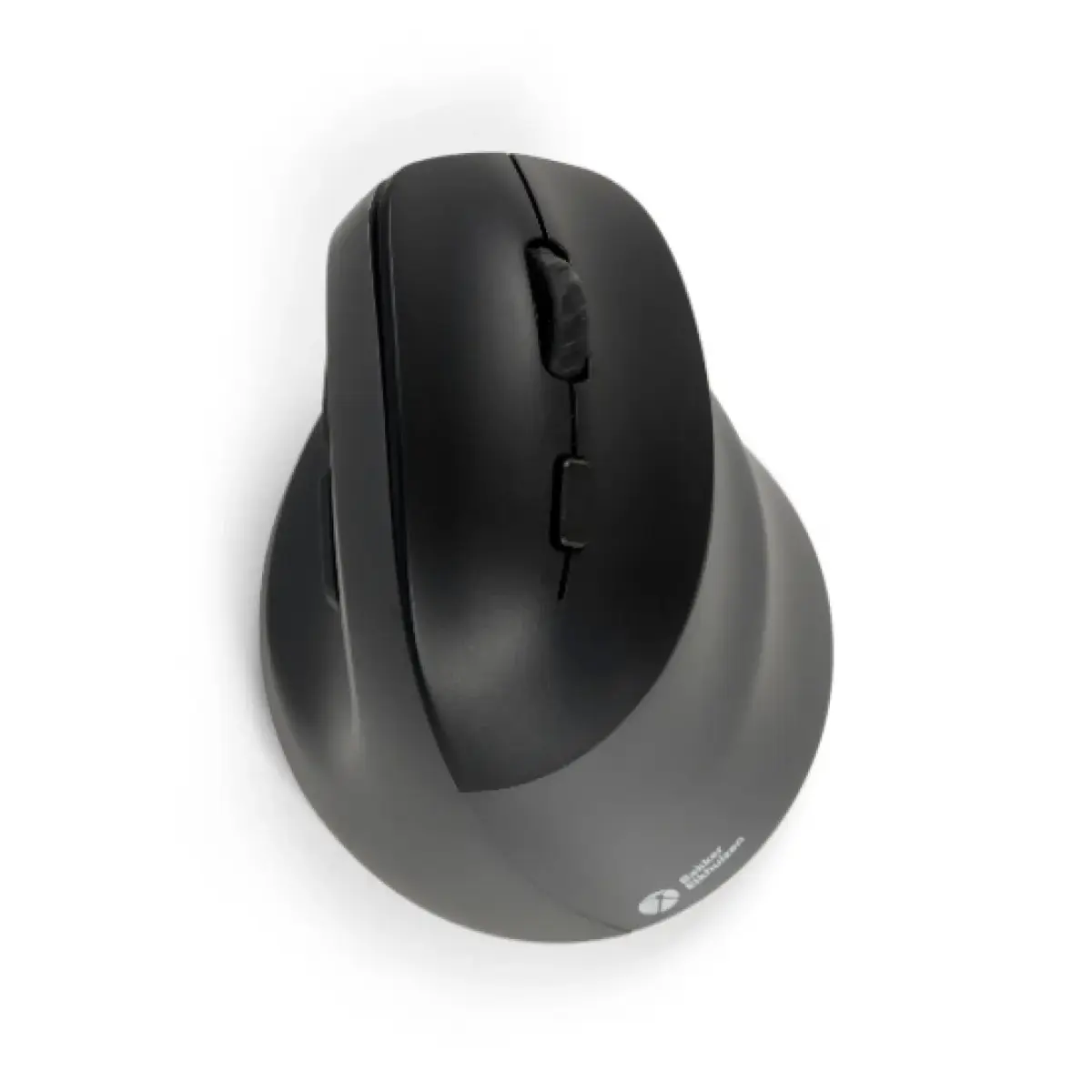
BakkerElkhuizen PRF Pro Office mouse Right-hand vertical RF Wireless + Bluetooth + USB-C Optical 2400 DPI 8 buttons

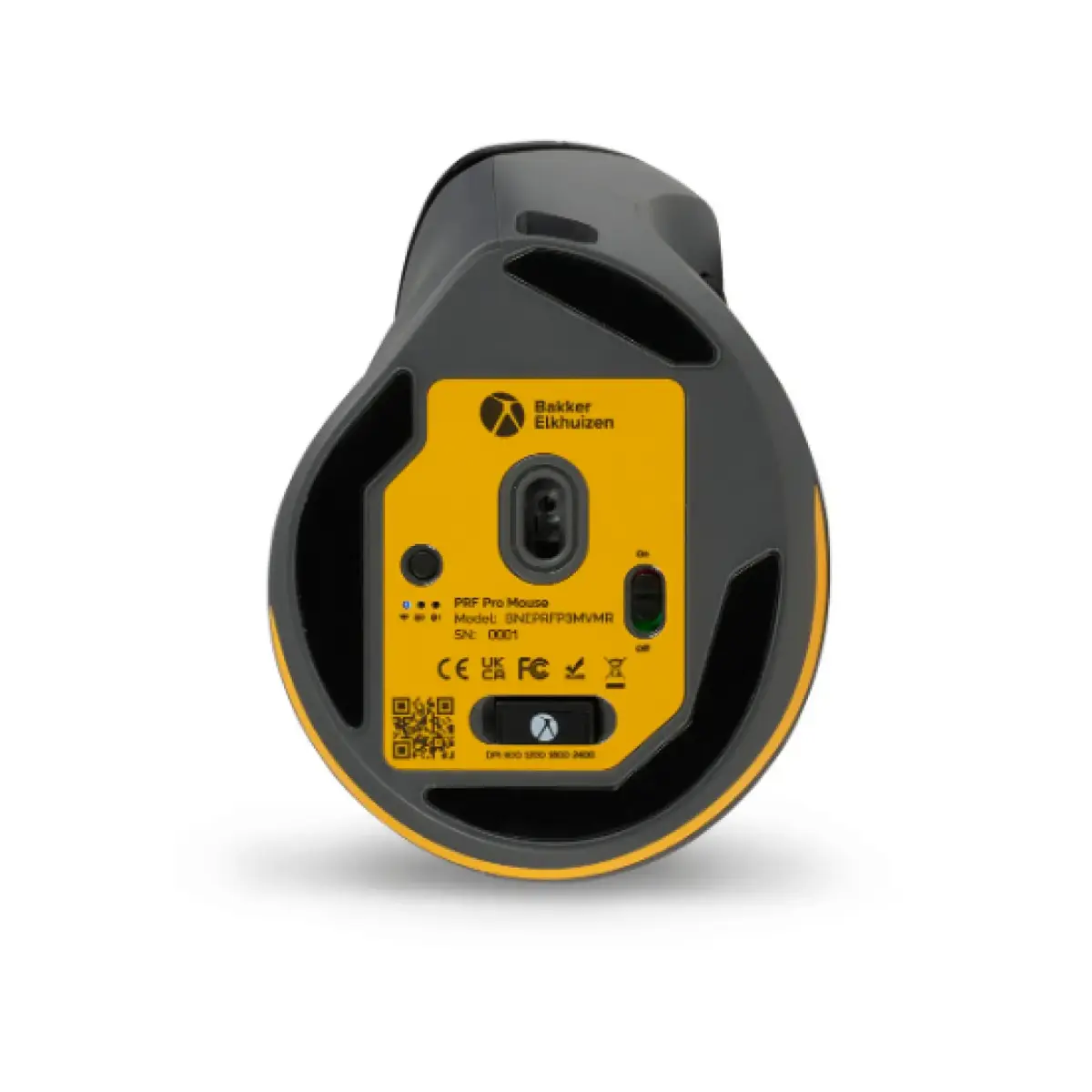
BakkerElkhuizen PRF Pro office mouse Right-hand Photo 1
BakkerElkhuizen PRF Pro office mouse Right-hand Photo 2
BakkerElkhuizen PRF Pro office mouse Right-hand Photo 3
BakkerElkhuizen PRF Pro office mouse Right-hand Photo 4
BakkerElkhuizen PRF Pro office mouse Right-hand Photo 5
BakkerElkhuizen PRF Pro office mouse Right-hand Photo 1
BakkerElkhuizen PRF Pro office mouse Right-hand Photo 2
BakkerElkhuizen PRF Pro office mouse Right-hand Photo 3
BakkerElkhuizen PRF Pro office mouse Right-hand Photo 4
BakkerElkhuizen PRF Pro office mouse Right-hand Photo 5
Out of stock.
View similar!

Short description

Right-hand BakkerElkhuizen PRF Pro office mouse with vertical ergonomic design, optical sensor and 2400 DPI resolution. Connect via RF wireless, Bluetooth or USB‑C; powered by battery or cable. Features eight pressed buttons and a scroll wheel for navigation and productivity tasks in office, home office and professional workstation setups.
Warranty: 2 Years
SKU: 12001665
delivery
Information regarding the items availability for purchase will be posted on this site
price
Item cost information will be published on this site
Together cheaper
{{product.price | formatAmount}}
{{product.title}}
{{productBundle.reference.specialPrice | formatAmount}}
{{productBundle.title}}
{{productBundlePreviousPrice | formatAmount}}
{{productBundleSpecialPrice | formatAmount}}

You saving {{productBundleYouSave | formatAmount}}

Product information

Description

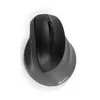
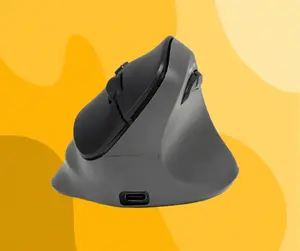
The BakkerElkhuizen PRF Pro Office mouse is a right-hand vertical ergonomic mouse designed for office and professional workstation use. It features an optical sensor with 2400 DPI resolution and supports three connection modes: RF wireless, Bluetooth and USB-C. The mouse has eight pressed buttons and a scroll wheel, and it can be powered by the built-in rechargeable battery or via a USB‑C cable, offering flexible use for fixed workstations, home offices and mobile setups.

Advantages

The vertical shape promotes a neutral hand and wrist position to reduce strain during extended computer sessions. Multiple connection options allow easy switching between devices and environments without frequent re-pairing. The 2400 DPI optical sensor provides precise pointer control for typical office tasks, while the eight buttons enable customizable shortcuts and efficient navigation. Lightweight construction and an ergonomic fit make the mouse suitable for a wide range of hand sizes.

Suitable for

  • Office productivity and document editing
  • Home office and remote workstations
  • Professional workstations where ergonomic input devices are required
  • Multi-device setups using RF wireless, Bluetooth or USB-C

Key specifications

  • Form factor: right-hand vertical ergonomic design
  • Movement detection: optical sensor
  • Movement resolution: 2400 DPI
  • Connectivity: RF wireless, Bluetooth, USB Type-C
  • Buttons: 8 pressed buttons plus scroll wheel
  • Power: built-in rechargeable lithium polymer battery; also operable via USB-C cable
  • Weight: 0.108 kg
  • Colour: black and grey

How to use

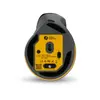
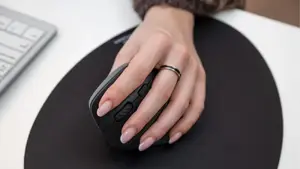
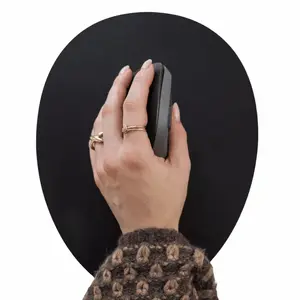
Place the mouse on a flat surface and position your hand in a relaxed, handshake-like grip, allowing the vertical shape to support the wrist. Select the preferred connection mode: power on the RF receiver for wireless use, pair via Bluetooth with the target device, or connect the supplied USB‑C cable for a wired connection and charging. Use the scroll wheel for document navigation and the additional buttons for back/forward actions or configured shortcuts. Switch between paired devices using the underside device-select button when multiple links are established.

Usage recommendations

For ergonomic benefit, adjust desk and chair height so your forearm is parallel to the desk surface while using the mouse. Keep the sensor area clean and use a flat mousepad for consistent tracking. Charge the mouse regularly to maintain uninterrupted operation when using rechargeable power.

Specifications

Form factor:
Right-hand
Weight:
0.108 kg
Purpose:
Office
Buttons quantity:
8
Scroll type:
Wheel
Device interface:
RF Wireless + Bluetooth + USB Type-C
Movement detection technology:
Optical
Movement resolution:
2400 DPI
Product colour:
Black, Grey
All features

Design

Form factor:
Right-hand
Material:
Acrylonitrile Butadiene Styrene (ABS), Steel
Product colour:
Black, Grey
Ergonomic design:
Yes
Surface coloration:
Monochromatic
Vertical design:
Yes

Ergonomics

Plug and Play:
Yes
Cable length:
1.5 m
Wireless range:
10 m
Works on any surface:
No

Power

Battery type:
Built-in battery
Power source:
Batteries/Cable
Battery recharge time:
3 h
Rechargeable:
Yes
Service life of battery:
3 month(s)
USB Type-C charging port:
Yes

Weight & dimensions

Weight:
0.108 kg
Height:
85 mm
Width:
110 mm
Depth:
70 mm

System requirements

Windows operating systems supported:
Y
Mac operating systems supported:
Y
Mobile operating systems supported:
Android, iOS

Packaging data

Package weight:
173 g
AC adapter included:
No
Cables included:
USB Type-C
Package depth:
110 mm
Package height:
70 mm
Package width:
85 mm
Manual:
Yes
Quantity per pack:
1 pc(s)

Mouse

Purpose:
Office
Buttons quantity:
8
Button functions:
DPI switch, Vertical scrolling
Buttons type:
Pressed buttons
Scroll type:
Wheel
Number of scroll wheels:
1
Device interface:
RF Wireless + Bluetooth + USB Type-C
Movement detection technology:
Optical
Movement resolution:
2400 DPI
Number of movement resolution modes:
4
Customizable movement resolution:
Yes
Bluetooth version:
5.2
Connectivity technology:
Wired & Wireless
Multi-device support:
Yes
Bluetooth Low Energy (BLE):
Yes

Certificates

Waste Electrical and Electronic Equipment (WEEE) compliance:
Yes

Packaging content

Wireless receiver interface:
USB Type-A
Receiver included:
Yes

Battery

Battery technology:
Lithium Polymer (LiPo)

Sustainability

Compliance certificates:
CE

Reasons to buy

Immediate comfort with minimal learning time

Experience a natural transition to ergonomic use: the PRF Pro’s intuitive shape and logical button layout let you start working comfortably right away. If you’re already familiar with the PRF family, adapting is even faster — ideal for anyone who wants ergonomic benefits without a long adjustment period.

Immediate comfort with minimal learning time

Why choose the PRF Pro

Choose the PRF Pro for a focused, efficient workflow: quick to master for new and returning PRF users, near-silent clicks to reduce distractions, adjustable DPI for precise or rapid cursor movement, left- and right-handed availability, and convenient thumb buttons that speed up navigation and productivity.

Why choose the PRF Pro

More control with less effort

The updated matte finish and ergonomic contouring deliver a secure, modern feel that blends into any workspace. The shape supports a relaxed grip for precise cursor control and reduces muscle tension, so you can work accurately and comfortably for longer—whether you’re handling spreadsheets, graphic work, or multitasking across apps.

More control with less effort

Available for left- and right-handed users

The PRF Pro is offered in both left- and right-hand versions, making it easy for everyone to adopt a healthier working posture and reduce strain during extended use.

Available for left- and right-handed users

Ergonomic evidence-based design

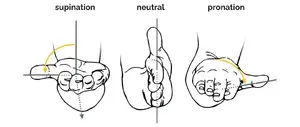
Research links prolonged use of traditional mice to wrist, forearm and shoulder complaints due to wrist deviation and forearm pronation. The PRF Pro’s vertical design encourages a neutral, handshake-style position that reduces lateral wrist flexion and internal forearm rotation, lowering forearm muscle activity compared with conventional mice and helping to reduce physical strain during long periods of computer work.

Ergonomic evidence-based design

Similar products

{{product.title}} Show details Hide details

{{highlightedFeature.featureTitle}}:

{{getProductFeatureValueById(product, highlightedFeature.featureId)}}

{{product.price | formatAmount}}
Might be useful
{{product.manufacturerName}}
{{product.categoryName}}
{{product.title}}
{{product.specialPrice}}
{{product.price}}

Customer reviews

Customer questions

FAQ

What payment options are available?

AiO.lv offers several payment methods: Bank transfer. All transactions are 100% secure and encrypted.

Can this product be purchased for a company (with VAT)?

Yes. AiO.lv works with legal entities in Latvia and across Europe. The product price already includes VAT. For certain product categories, as well as for companies from other EU countries with a valid VAT number, a 0% VAT rate may apply. We issue the invoice immediately after the order is placed, support electronic BIS invoices, and automatically generate all necessary accounting documents. You can complete the purchase for a company online — simply select the company profile and choose bank transfer as the payment method during checkout.

What is the warranty period?

All BakkerElkhuizen products come with an official 2 Years warranty. It covers all manufacturing defects and malfunctions that may occur during use. The warranty is valid at all authorized BakkerElkhuizen service centers and through AiO.lv

Can the product be returned after purchase?

Yes, you can return the product within 14 days of purchase if you bought it as a consumer (not a legal entity). Returns are possible without giving any reason — the main condition is that the product retains its original appearance and full set of accessories. We will make the process as simple and convenient as possible: just contact our customer support team, and we will help you arrange the return.

Where should I contact for warranty service?

For warranty-related questions you can contact the AiO.lv (SIA VSPRO) customer support team. We will assist with consultation, warranty claim processing, and coordination with certified service centers.

How can I tell if this product suits my needs?

When making a choice, we recommend paying attention to the key features: form factor, weight, purpose, buttons quantity, scroll type, device interface, movement detection technology, movement resolution, product colour, compatibility with your devices or usage conditions, material quality, functionality, and warranty terms. These characteristics will help you determine how well the model meets your needs.

Where can I download the instructions for BakkerElkhuizen PRF Pro office mouse Right-hand?

You can download the instructions in PDF format from the “Instructions” section on the product description page. The file contains complete information about installation, setup, and usage.

warranty
14-Day Return Policy We are confident in our quality, but if the purchase doesn’t fit — you have 14 days to return the product with peace of mind.
shipping
Fast Delivery Get your orders as quickly as possible — right to your door, parcel lockers, or pickup points across Latvia and the EU.
payment
Secure Payment Pay the way you prefer: cash, VISA, MasterCard, Apple Pay, Google Pay, bank transfer, or 0% installment plan.
warranty
Quality Since 2008 AiO.lv has been on the market for over 18 years and has earned trust — with more than 6000 genuine positive reviews on Google.