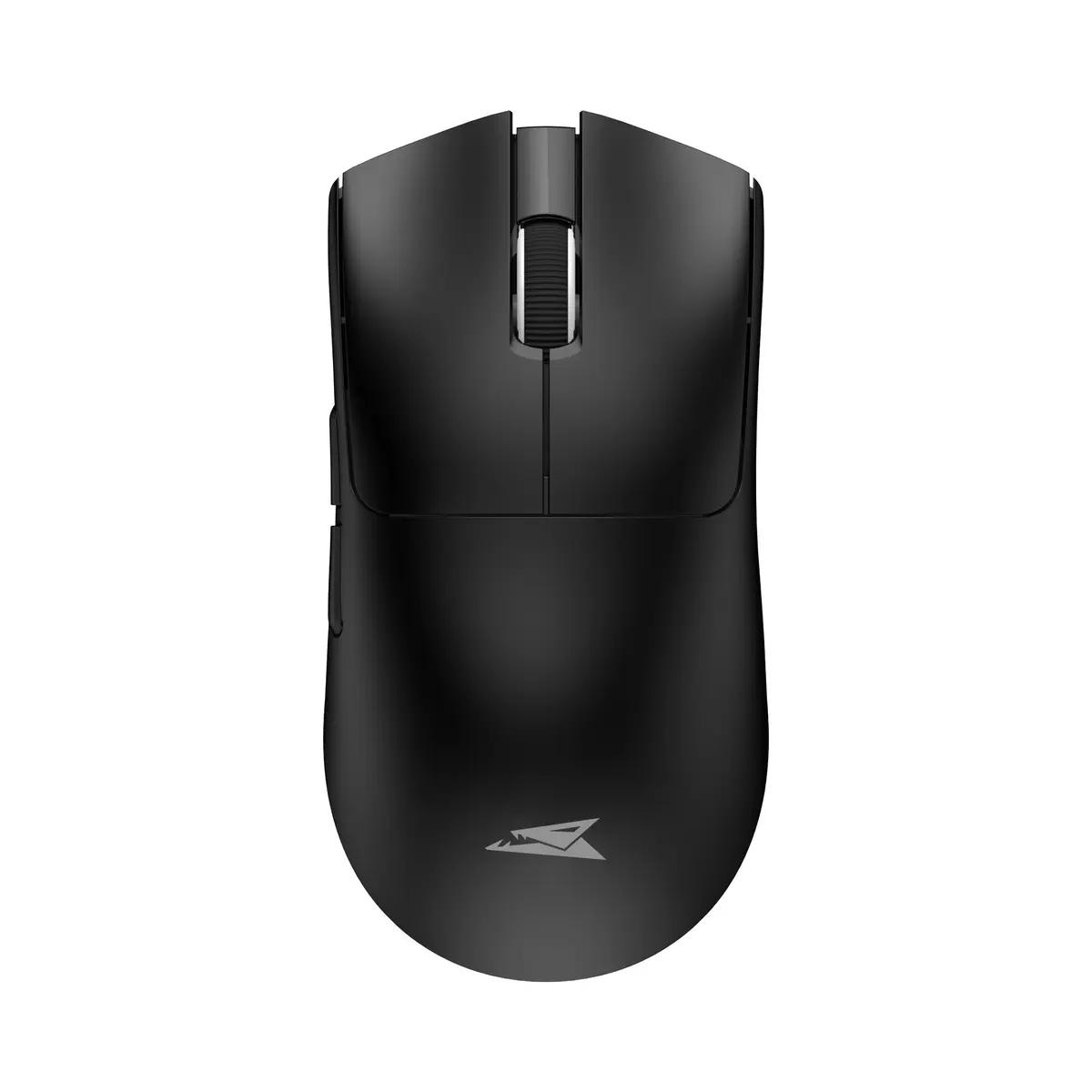
We are comparing the Baracuda BGM-131 MORAY Black wireless mouse with similar alternatives from the Baracuda MORAY lineup, as well as more advanced gaming peripherals from White Shark. All these devices are designed for daily office tasks and gaming, but they differ in color options, connectivity types, sensor specifications, and switch durability.
⚙️ The table below compares the core technical characteristics, including connection type, sensor resolution, switch lifespan, weight, and construction features.
| Parameter | Baracuda BGM-131 MORAY Black | Baracuda MORAY BGM-133 Pink | Baracuda BGM-132 MORAY White | White Shark CADOR WGM-5020 | White Shark TOR WGM-5024 | Practical significance |
|---|
| Connection type | 2.4 GHz and Bluetooth | 2.4 GHz and Bluetooth | 2.4 GHz and Bluetooth | 3 modes: wired, 2.4 GHz, Bluetooth | 3 modes: wired, 2.4 GHz, Bluetooth | White Shark models offer greater versatility with a wired mode option, whereas Baracuda mice operate exclusively wirelessly. |
| Max sensor resolution | 3200 DPI | 3200 DPI | 3200 DPI | Up to 10000 DPI | Up to 12000 DPI | White Shark mice provide much higher cursor sensitivity for fast-paced gaming, while Baracuda's 3200 DPI is fully adequate for office work and casual gaming. |
| Switch lifespan | 3 million clicks (HUANO) | 3 million clicks (HUANO) | 3 million clicks (HUANO) | 50 million clicks (Huano) | White Shark switches offer significantly higher durability, ensuring a longer service life under intensive use. |
| Weight and power | 65 g, batteries/battery | 65 g, batteries/battery | 65 g, batteries/battery | 500 mAh rechargeable battery | 50 g, 300 mAh rechargeable battery | All devices are lightweight, but White Shark options feature built-in rechargeable batteries of various capacities. |
| Color design | Black | Pink | White | White with RGB | White | The MORAY series offers a choice of classic black, white, or pink without lighting, while the CADOR model features customizable RGB illumination. |
◎ The table below evaluates how well each product fits different usage scenarios and user needs.
| Use case | Recommended product | Why |
|---|
| Office work and daily tasks | Baracuda BGM-131 MORAY Black | The understated black color and stable wireless connectivity via 2.4 GHz or Bluetooth fit seamlessly into any office environment. |
| Users preferring vibrant style | Baracuda MORAY BGM-133 Pink | Technically identical to the main model, but features an eye-catching pink enclosure. |
| Bright desktop setups | Baracuda BGM-132 MORAY White | Shares the exact core specs and weight, but comes in a white finish to match light-colored peripherals. |
| Advanced gaming | White Shark CADOR WGM-5020 or TOR WGM-5024 | Provide much higher DPI levels, a wired mode for latency-free gaming, and significantly enhanced switch durability. |
The Baracuda BGM-131 MORAY Black is a well-balanced entry-level wireless mouse featuring dual-mode connectivity and a lightweight build. It shares identical core specifications with the BGM-133 and BGM-132 models, differing only in its black colorway. While it falls short of White Shark alternatives in sensor resolution and switch longevity, it is an optimal choice for daily productivity and casual use where reliable wireless performance and a clean, understated look are desired.