Save time and money with our discounts!
In cart {{totalProductsCount}} item(s)
Your cart is empty
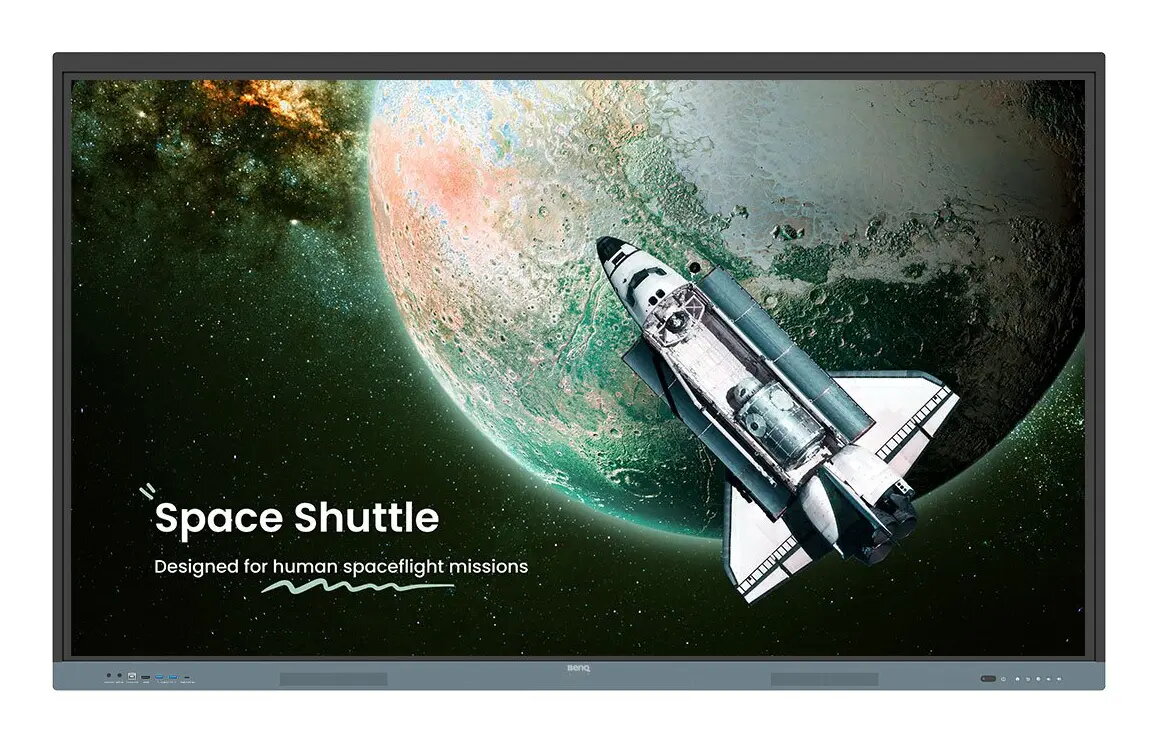
Interactive flat panel BenQ RE6504 65" 4K UHD 3840×2160 IPS 450 cd/m² 1200:1 Android touchscreen
The BenQ RE6504 is a 65-inch interactive flat panel with 4K Ultra HD (3840×2160) resolution on an IPS display. Designed for classrooms, meeting rooms and collaborative workspaces, it delivers 450 cd/m² brightness, a 1200:1 contrast ratio and an 8 ms response time for clear images and natural writing. The panel runs Android with a built-in processor and speakers, supports VESA mounting and provides multi-touch capabilities suitable for group interaction.
The RE6504 combines a high-resolution 65" IPS screen and Android-based touchscreen functionality to support direct app installation and cloud access. Its 4K detail and 450 cd/m² brightness ensure readable content in a variety of lighting conditions, while the 8 ms response time and precision touch technology deliver smooth, gap-free writing. Integrated speakers and extensive connectivity, including a multipurpose USB-C port, simplify setup and reduce the need for additional peripherals. Built-in security measures and Google service integration support managed deployments and secure access to files and apps.
Mount the panel using a compatible VESA bracket or place it on a suitable mobile stand. Power on the unit and complete the initial Android setup to access Google Play and BenQ’s onboard utilities. Connect source devices via HDMI, USB-C or Ethernet as required; the USB-C port supports video, touchback control and power delivery for compatible devices. Use the touchscreen and included on-screen tools to open lesson files, annotate with EZWrite, cast content from participant devices, and manage sessions with host controls. Save and retrieve files directly from cloud storage when signed into Google services.
For classroom deployments, create separate user accounts and link Google Workspace or supported directory services to enable secure, individual workspaces. Use low-blue-light and flicker-free settings during extended sessions to reduce eye strain. Position the panel at an appropriate height and viewing angle for the intended audience and ensure adequate room lighting to maintain screen readability. Regularly update system software and enable built-in protection features to preserve device security and performance.
{{highlightedFeature.featureTitle}}:
{{getProductFeatureValueById(product, highlightedFeature.featureId)}}