Hurry and order now – up to 50% off!
In cart {{totalProductsCount}} item(s)
Your cart is empty
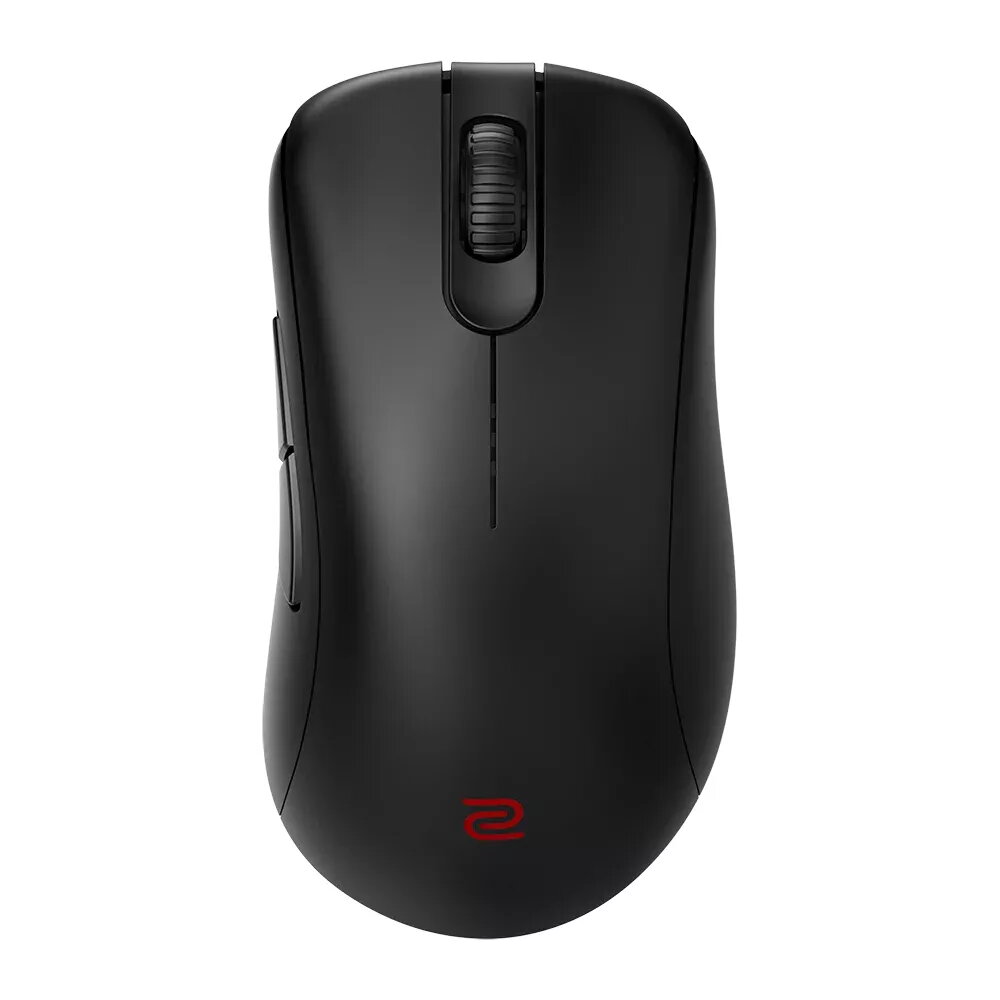
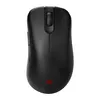
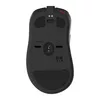
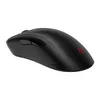
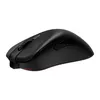
Mouse BenQ EC3-CW RF Wireless Optical
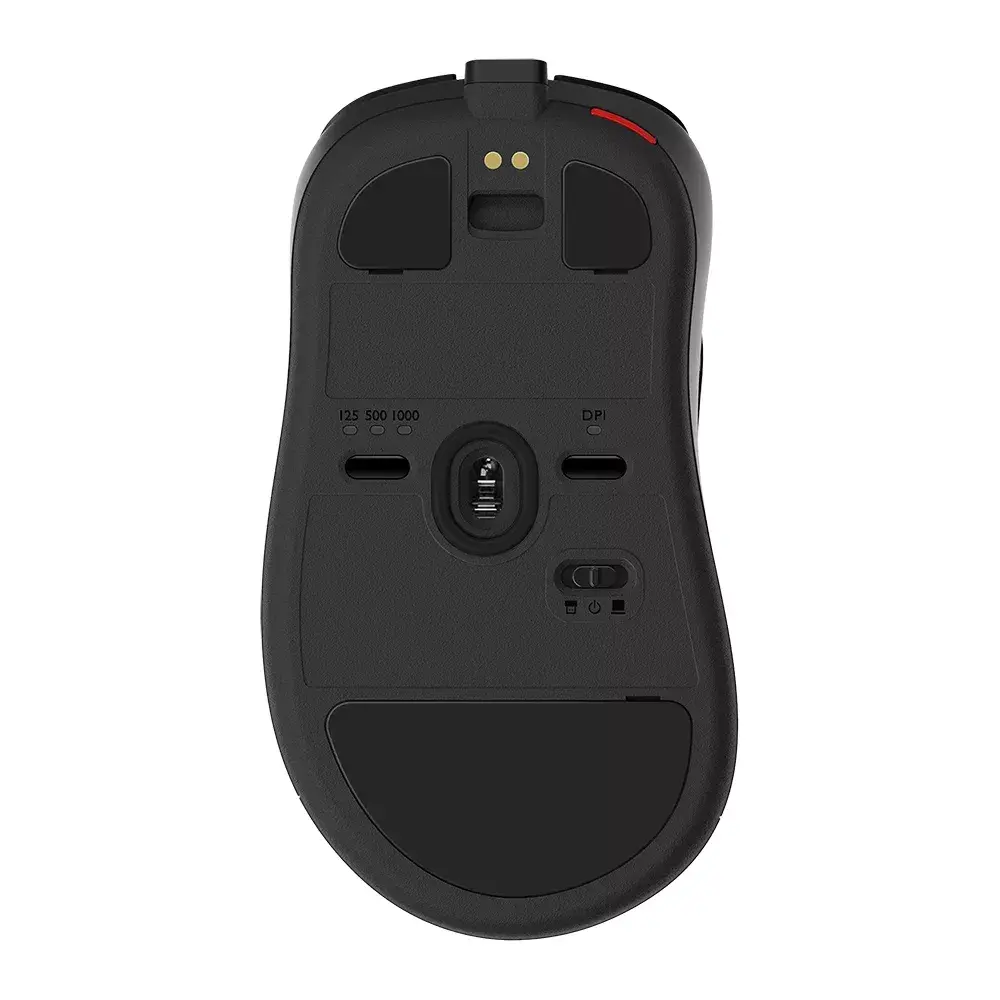
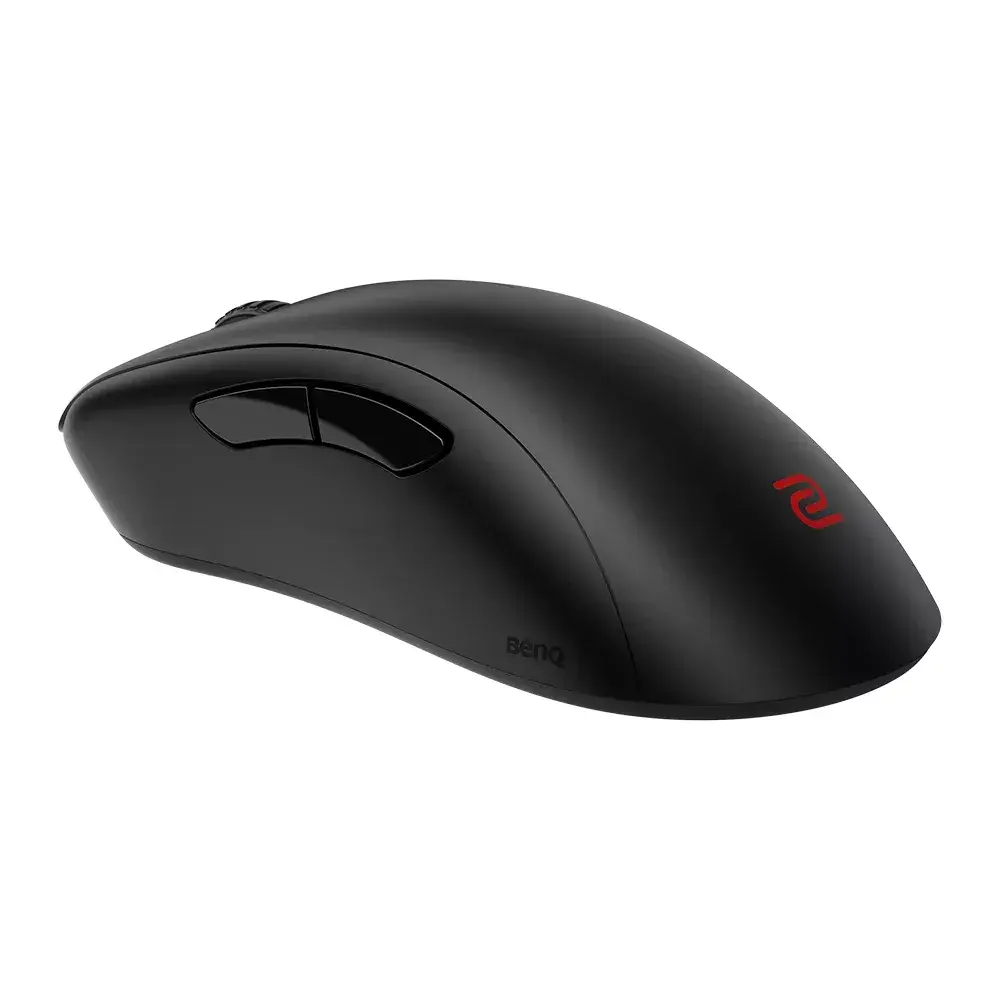
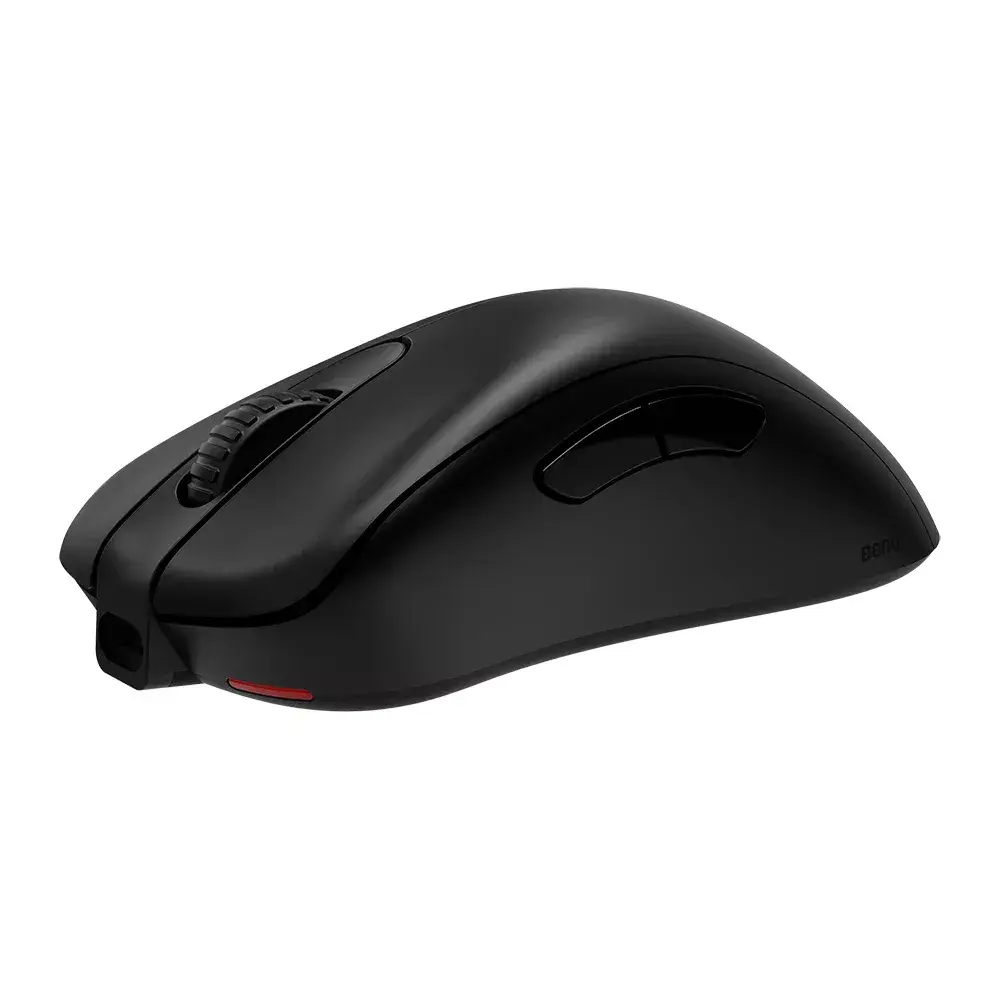
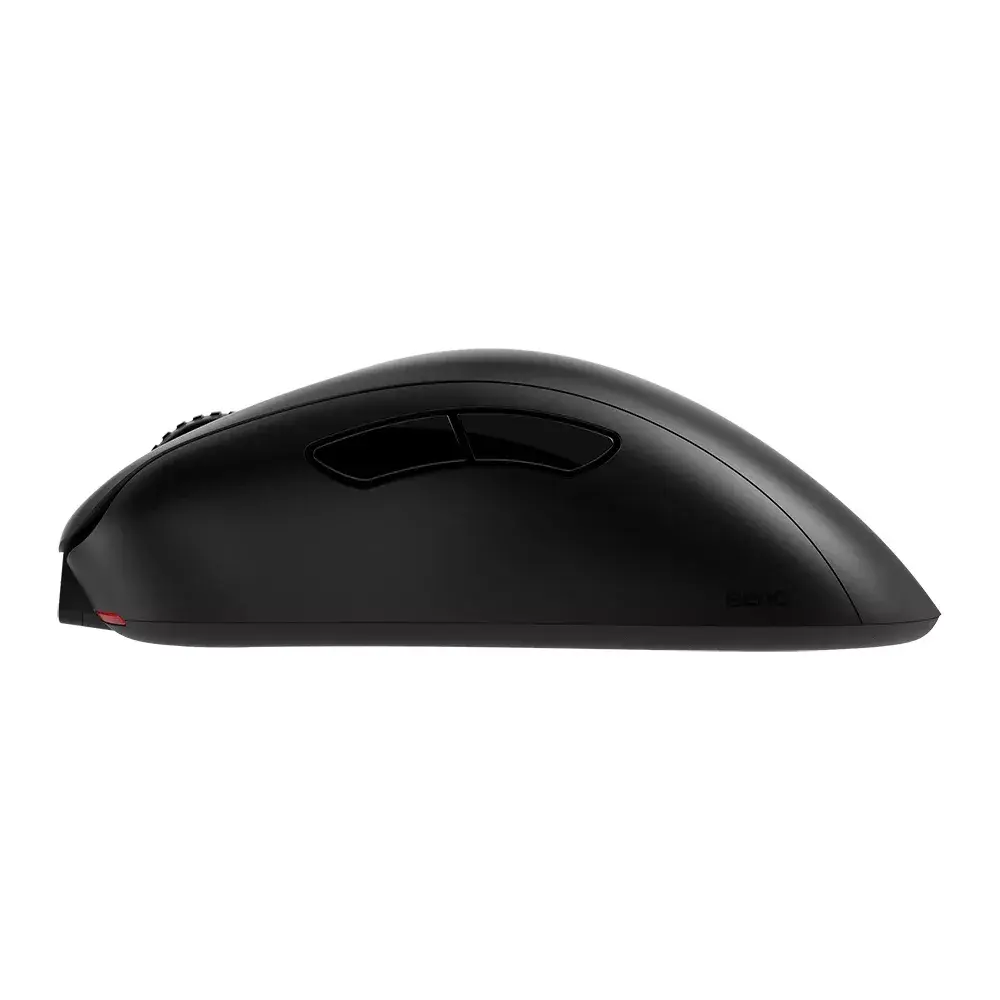
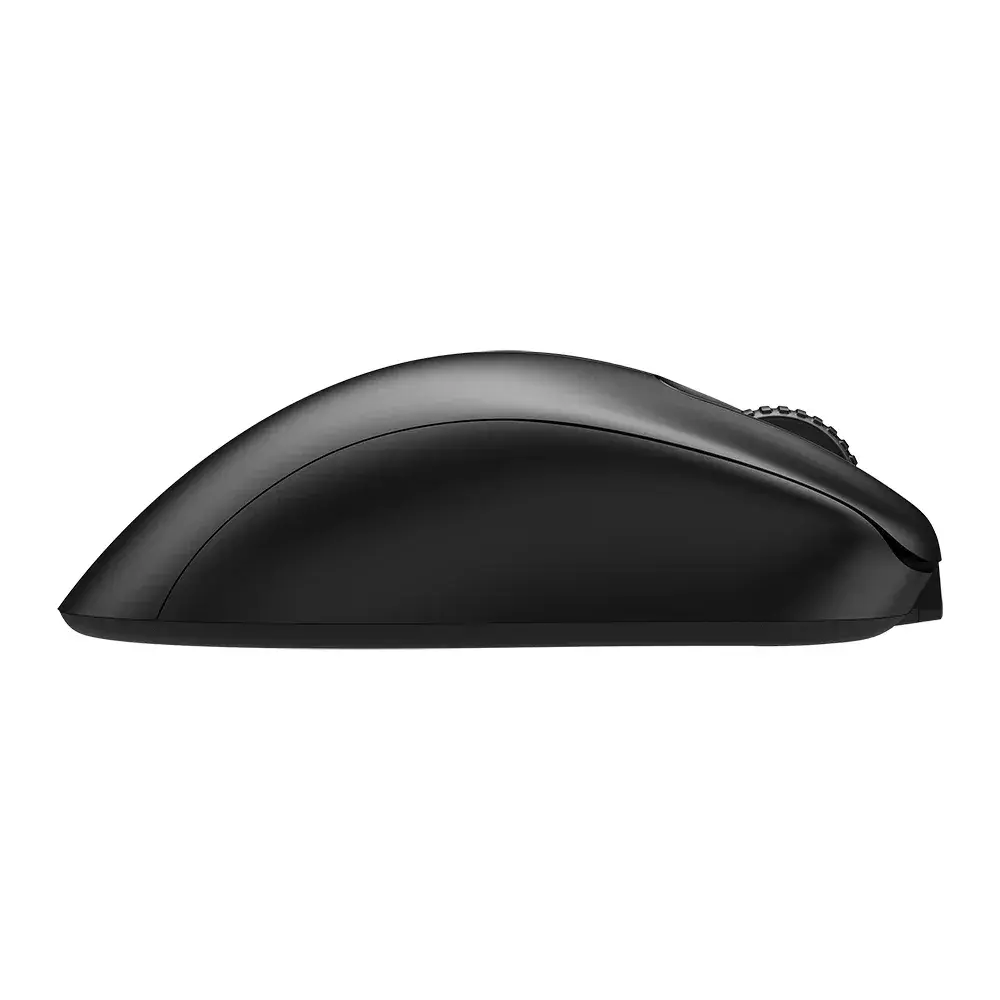
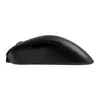
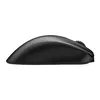
The BenQ EC3-CW RF Wireless Optical mouse is a right-hand gaming mouse with an asymmetrical ergonomic EC shape that supports a range of grip styles. Finished in black, it uses optical movement detection with a 3200 DPI maximum resolution and communicates via an RF wireless interface through a dedicated receiver. The body incorporates a natural top-shell curve for relaxed palm support, a recessed left-side contour for thumb placement, and a rounded right-front area for secure contact of the ring and little fingers, helping to maintain stability during horizontal movements and fast clicking.
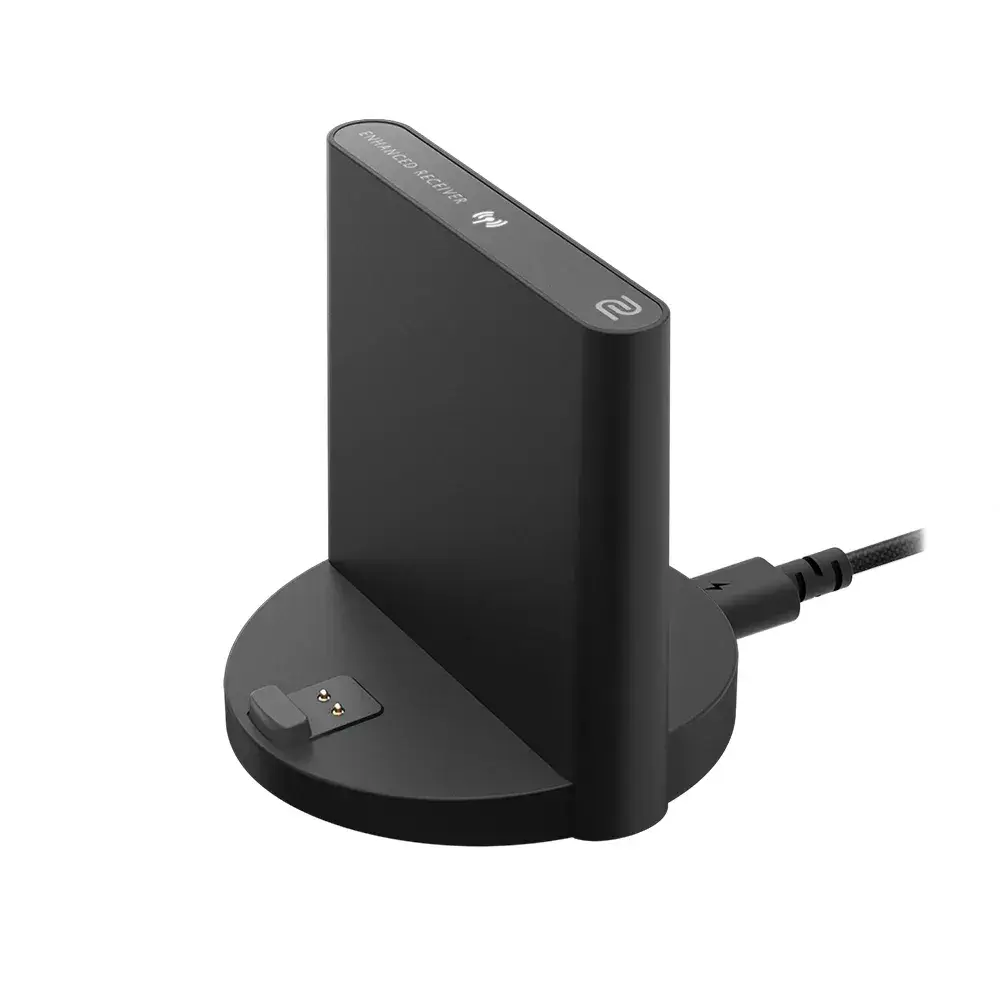
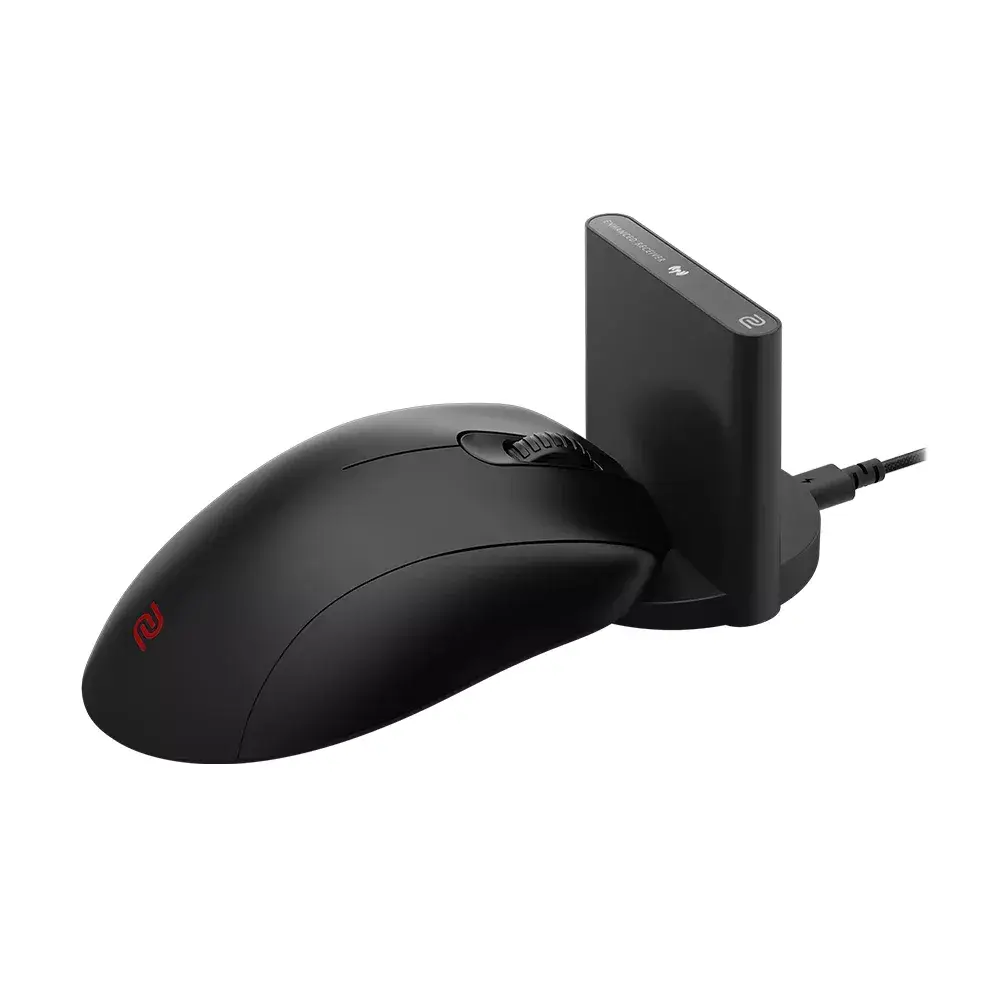
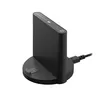
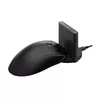
The EC3-CW provides a balanced combination of precision and comfort: a 3200 DPI optical sensor for responsive tracking and an asymmetrical ergonomic shell that reduces excessive palm contact while accommodating different grip styles. The five-button layout plus scroll wheel delivers standard programmable input for gaming and everyday tasks. The RF wireless design with an enhanced front antenna and a standalone receiver reduces the risk of transmission interference and helps maintain stable performance during competitive play.
Insert the required batteries and plug the RF receiver into an available USB port on the PC. Place the mouse on a flat surface or gaming pad and adjust hand position so the thumb rests in the left-side contour while the palm follows the top-shell curve. Use the scroll wheel and primary/secondary buttons for navigation and control; additional buttons can be used for in-game functions or assigned via compatible software if available. For best tracking, keep the sensor area clean and avoid reflective or transparent surfaces.
For stable wireless performance, position the receiver within clear line of sight of the mouse and avoid placing it behind large metal objects. Replace batteries before performance drops to maintain consistent tracking and responsiveness during extended gaming sessions. If experiencing interference, try moving the receiver to a different USB port or using a short USB extension to improve receiver placement.
{{highlightedFeature.featureTitle}}:
{{getProductFeatureValueById(product, highlightedFeature.featureId)}}