

Powerful EcoFlow stations for energy anywhere!
In cart {{totalProductsCount}} item(s)
Your cart is empty
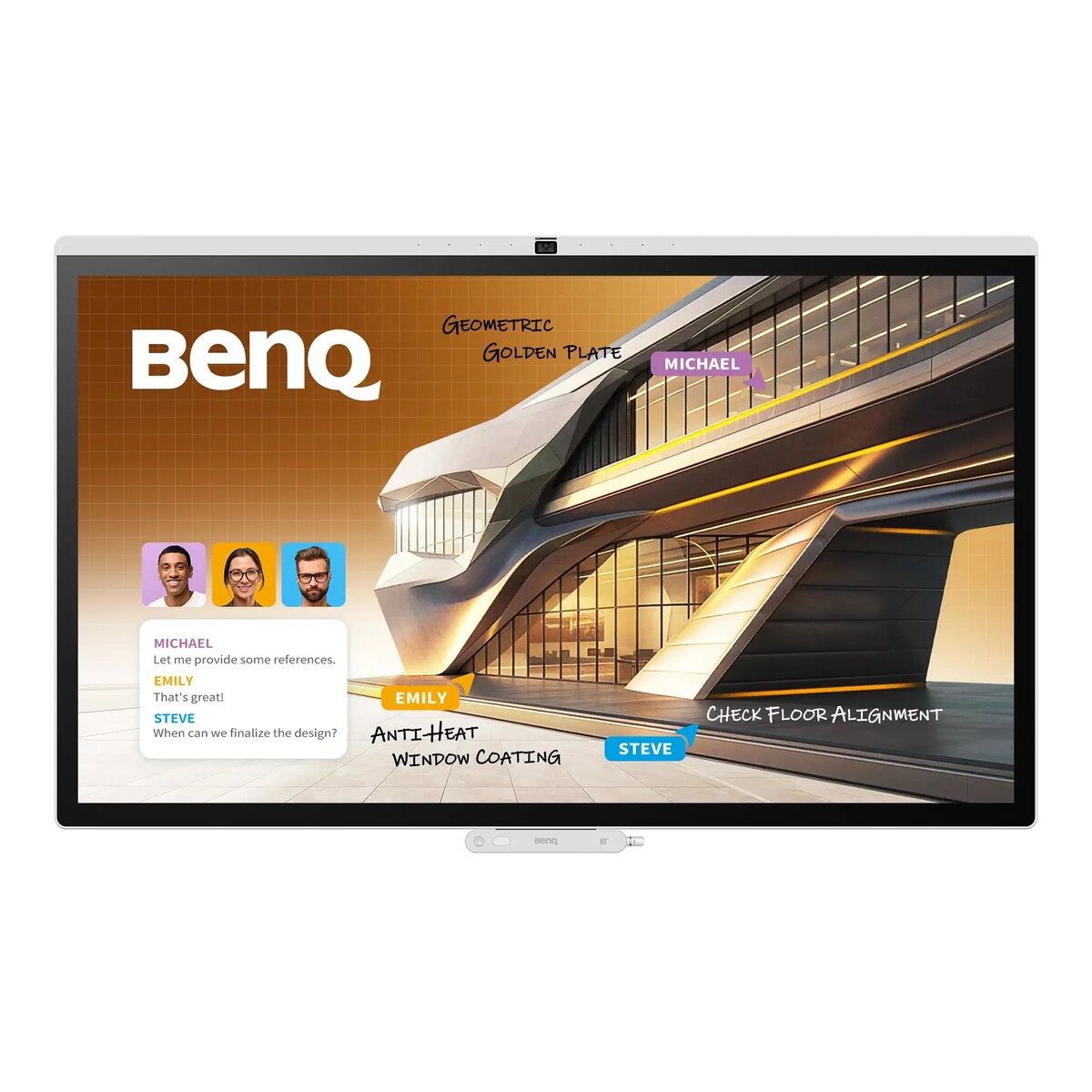
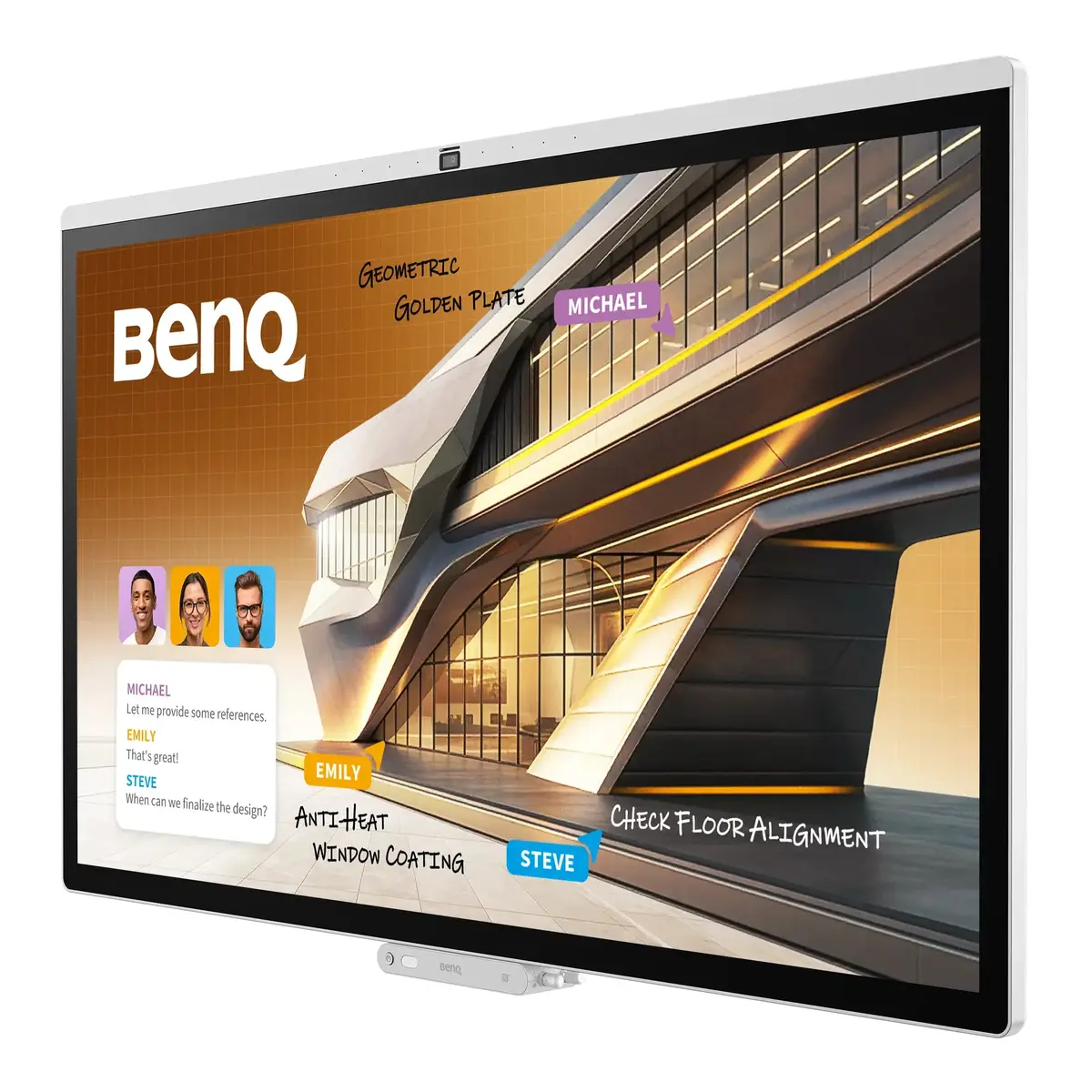
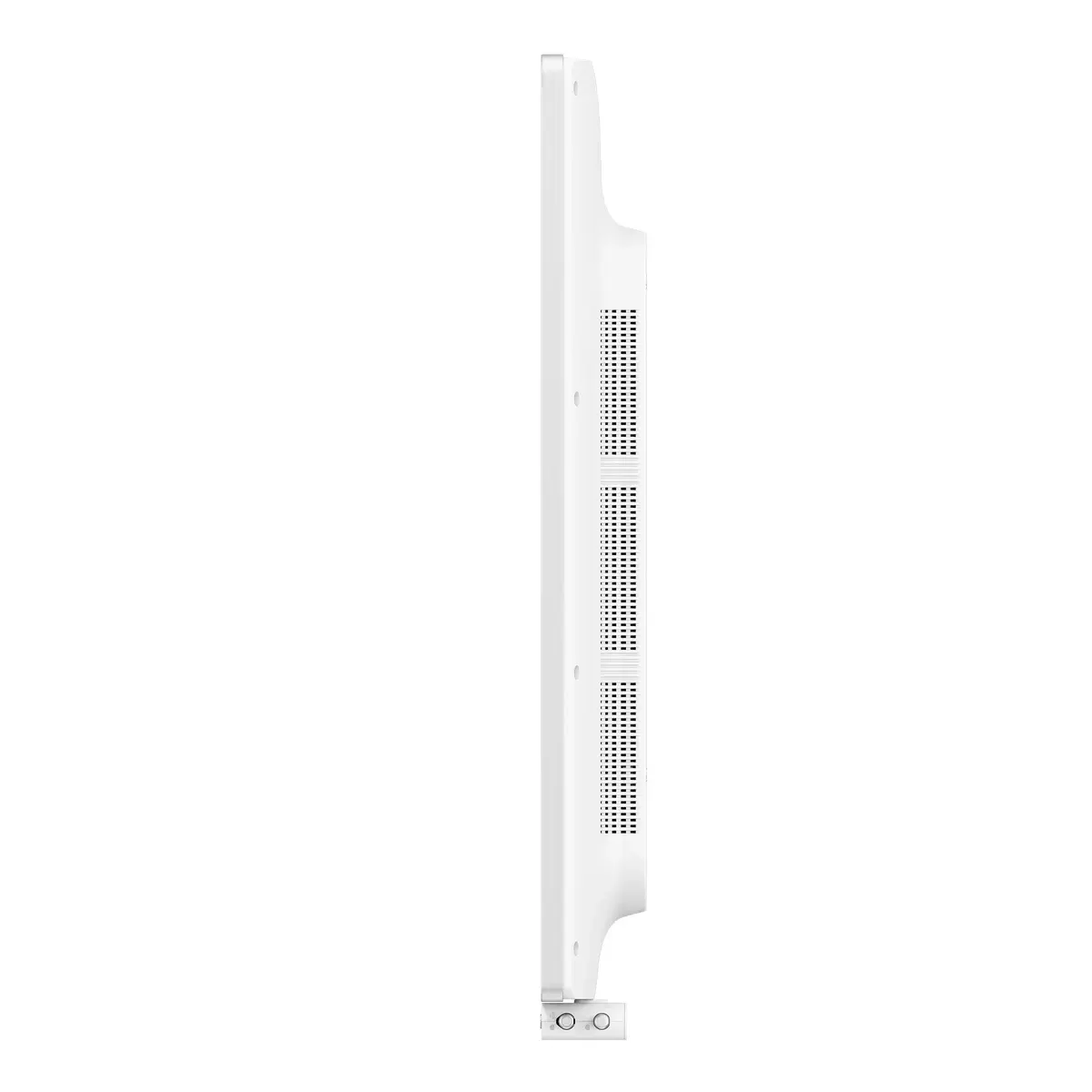
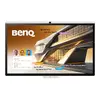
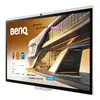
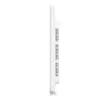
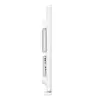
BenQ CP7505 Interactive Whiteboard 75-inch 4K UHD Touchscreen Display
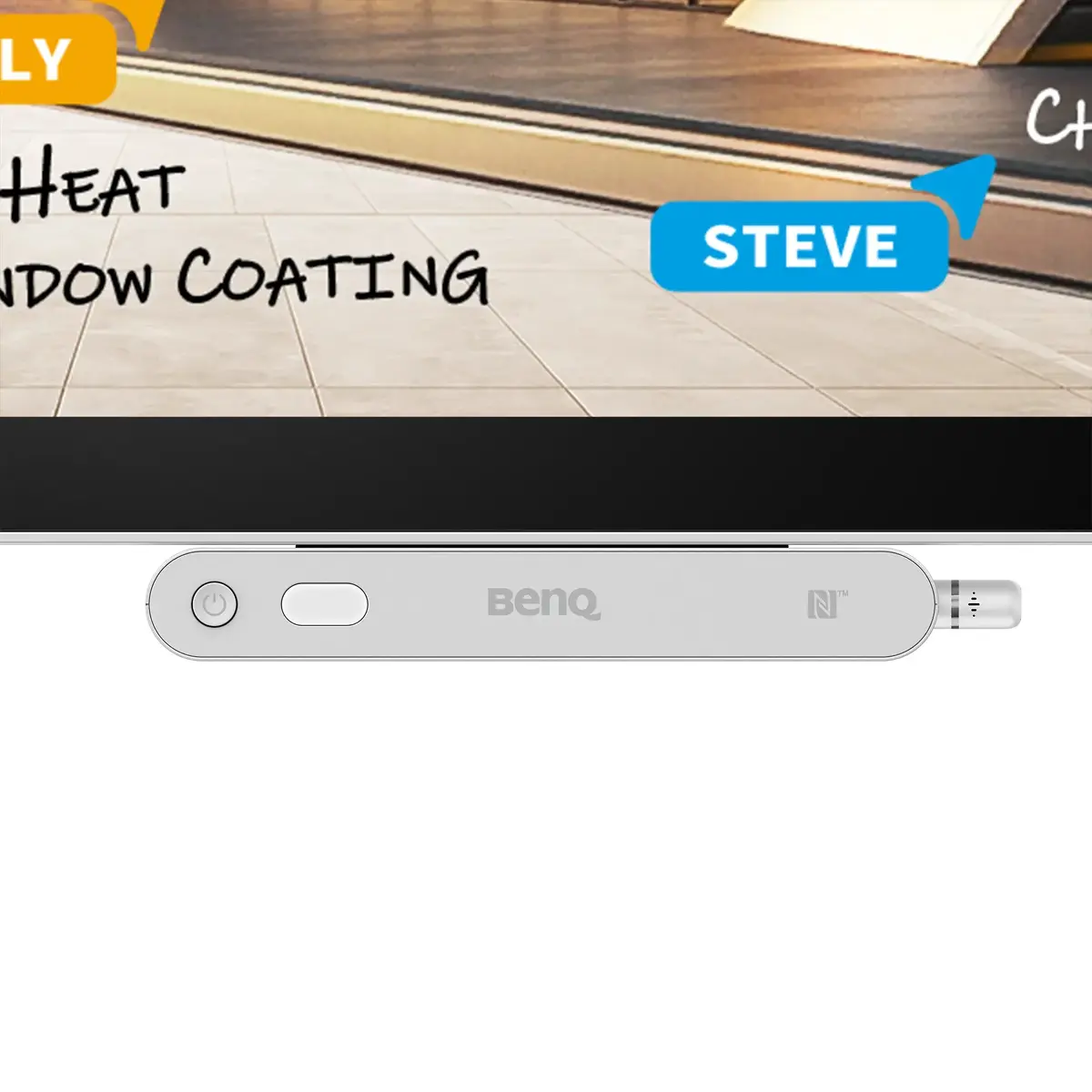
The BenQ CP7505 is a professional-grade 75-inch 4K UHD interactive whiteboard designed to enhance collaboration in modern corporate and educational environments. This high-performance display features a responsive capacitive touchscreen, vibrant color accuracy with Pantone and SkinTone validation, and a powerful Android-based operating system. With integrated AI tools, a 50 MP camera, and a robust audio system, it provides a comprehensive solution for seamless video conferencing and interactive presentations.
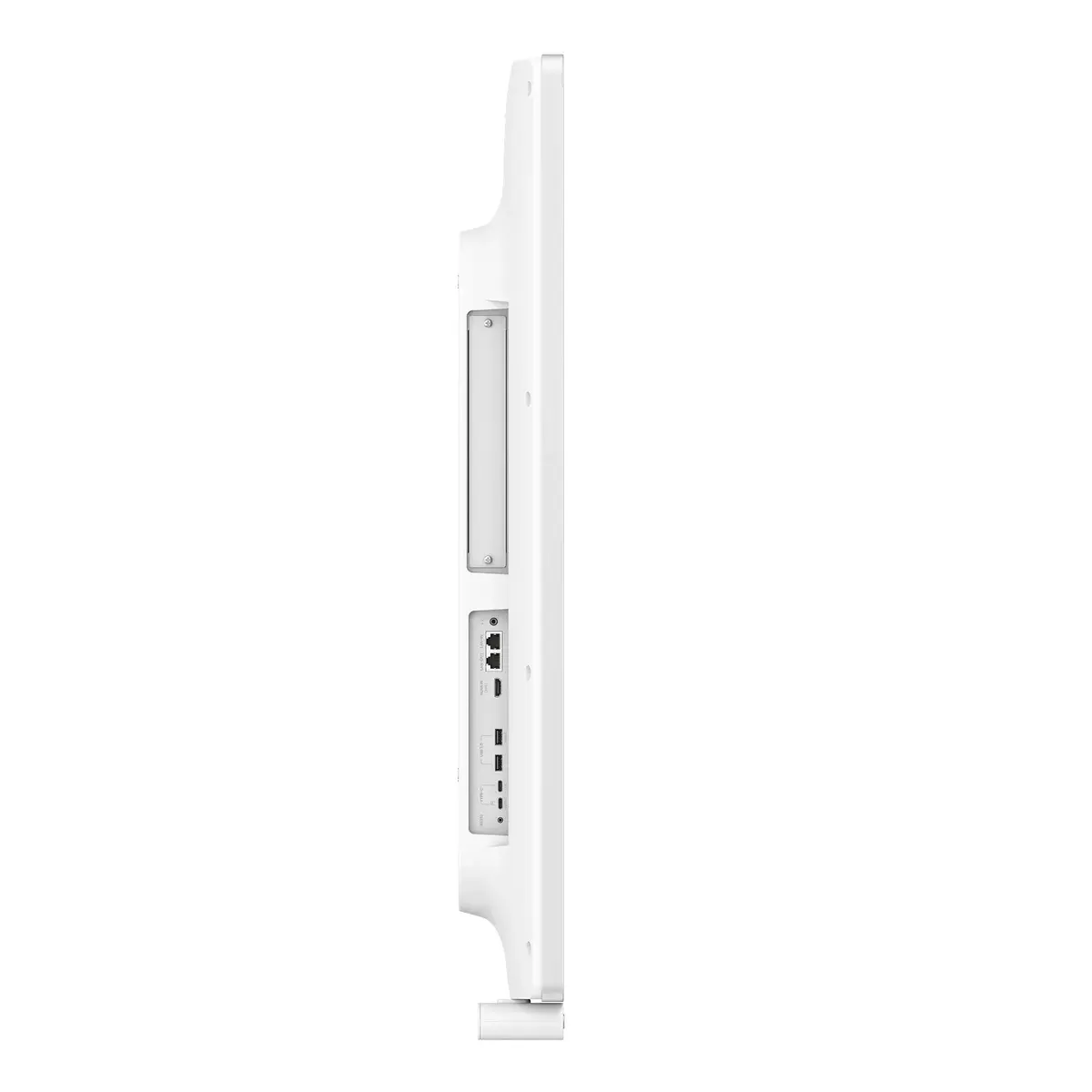
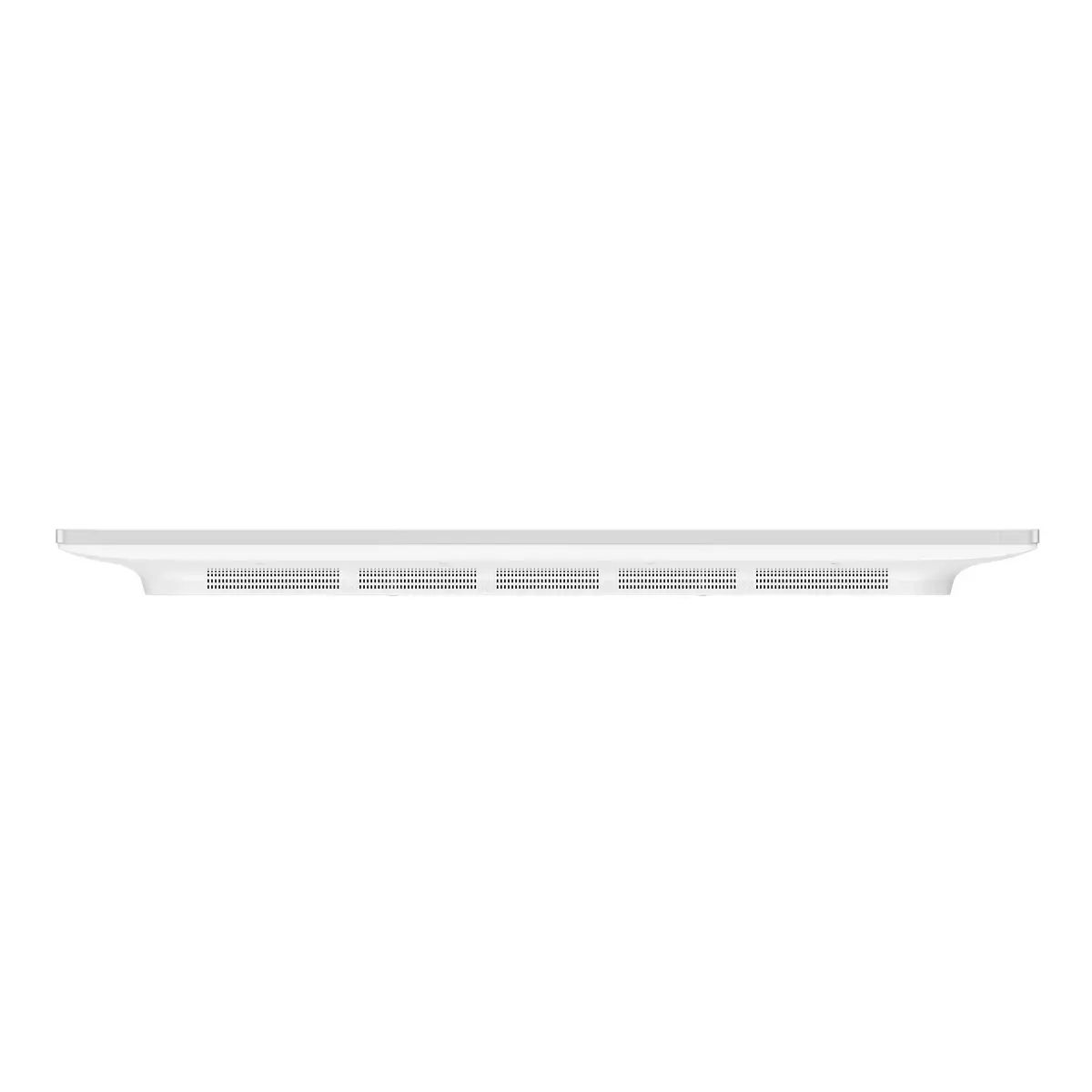
The BenQ CP7505 offers exceptional visual clarity with its 4K Ultra HD resolution and specialized display modes, including DICOM for medical training and ePaper for comfortable document reading. Its advanced 50 MP AI camera ensures that all participants are clearly visible during video calls, while the integrated 25W speakers and 40W subwoofer deliver immersive audio. The display supports multi-user logins, allowing individuals to access their personal cloud storage and settings instantly. Furthermore, the inclusion of Wi-Fi 6 and versatile connectivity options like USB-C makes content sharing and device management efficient and secure for IT administrators.
This interactive display may not be suitable for environments requiring specialized medical diagnostic equipment, as the DICOM mode is intended for training purposes only. Additionally, it may be oversized for small huddle rooms or personal offices where a smaller display would be more ergonomic.
To use the BenQ CP7505, simply power on the device and log in using your credentials to access your personalized workspace. You can connect your laptop via the full-featured USB-C port for instant screen sharing and device charging, or use wireless casting protocols like AirPlay, Miracast, or Google Cast. Utilize the EZWrite software to annotate documents, brainstorm on an infinite canvas, or highlight key points during your presentation. The intuitive interface allows for easy navigation between apps, and the integrated AI tools can assist in capturing meeting notes and enhancing visual content.
Usage recommendations: For the best performance, keep the display firmware updated to the latest version to ensure access to the newest AI features and security patches. Utilize the Pantone and M-book modes when working on color-sensitive design projects to maintain professional-grade accuracy.
{{highlightedFeature.featureTitle}}:
{{getProductFeatureValueById(product, highlightedFeature.featureId)}}