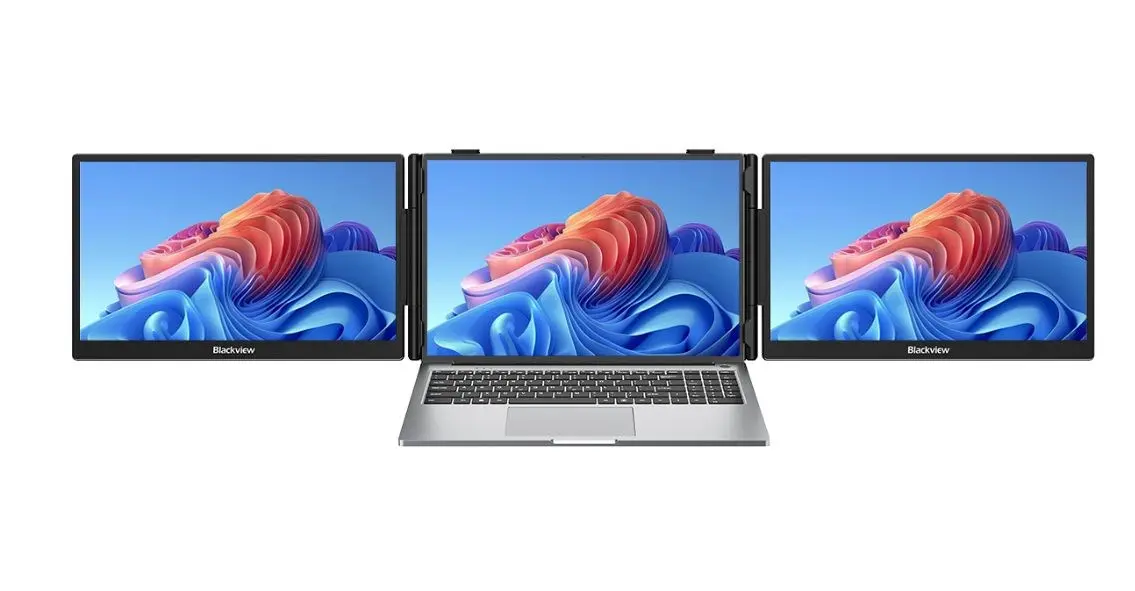
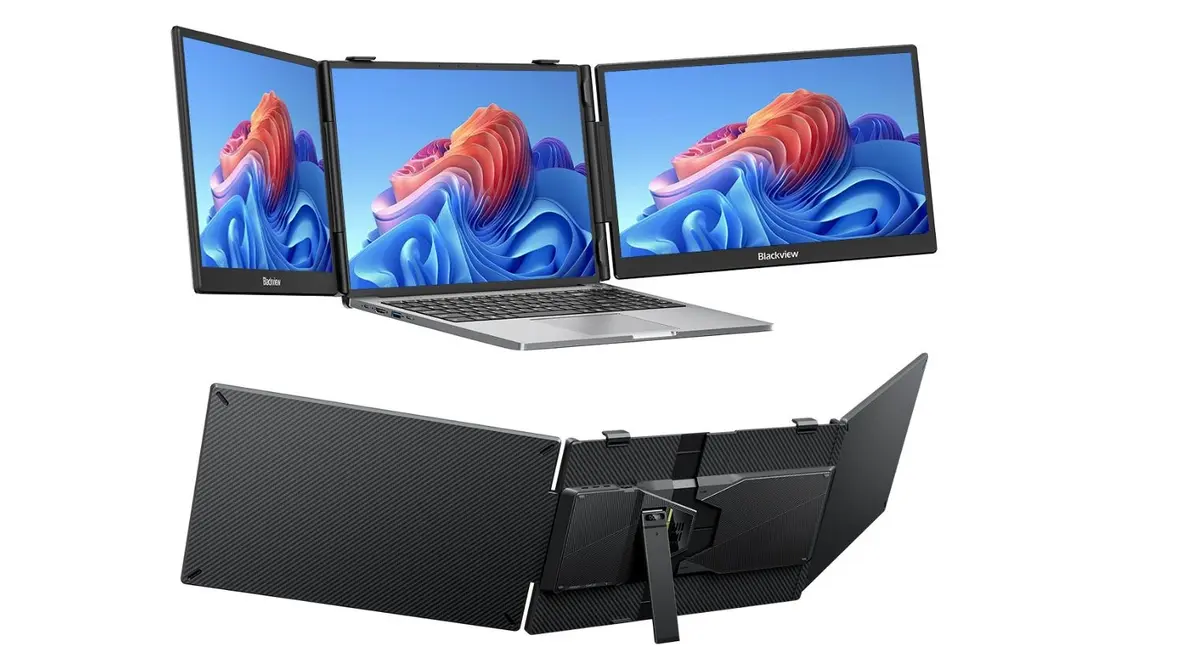
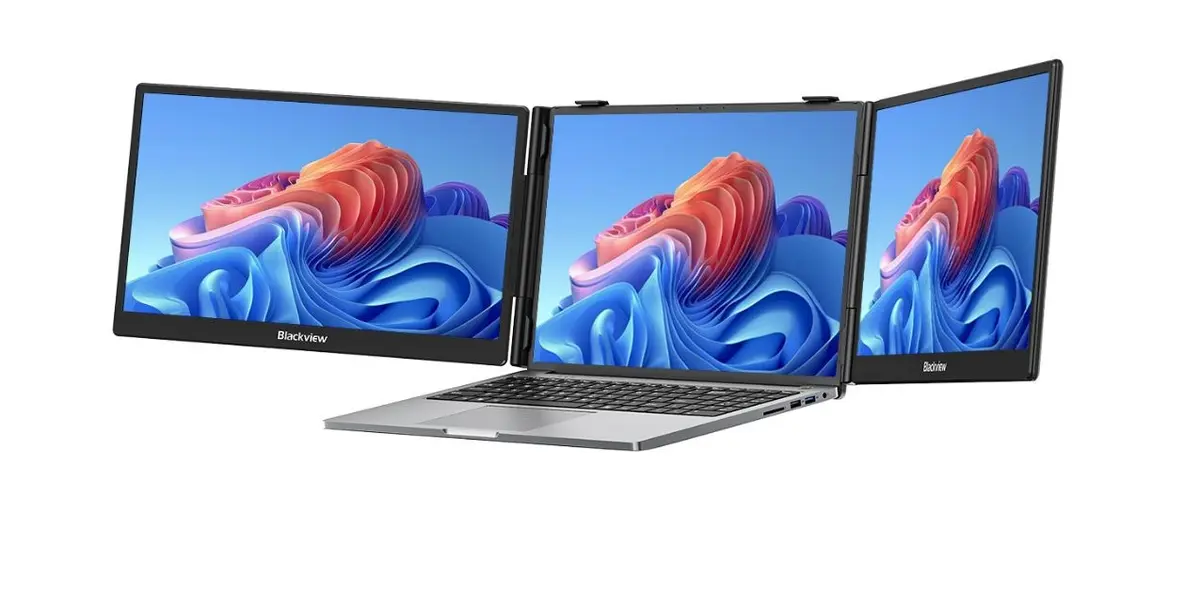
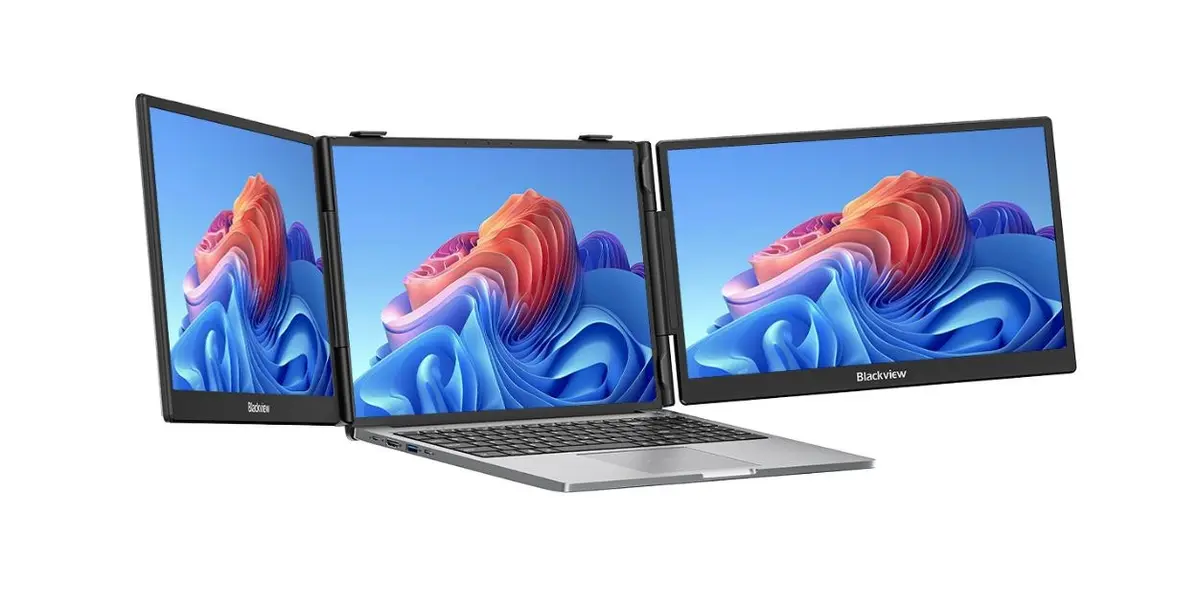
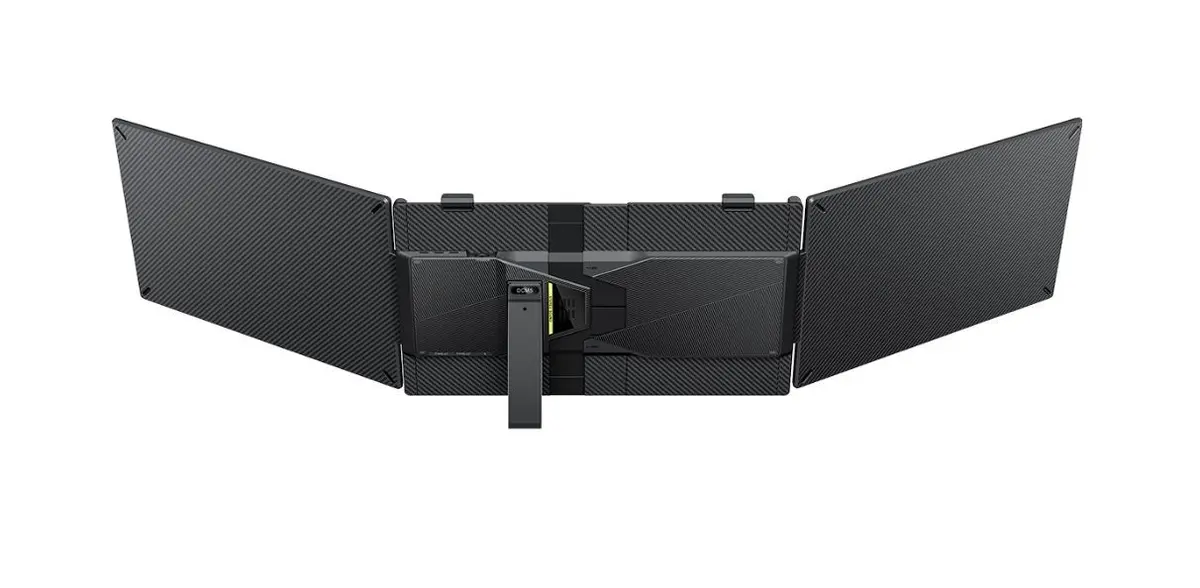
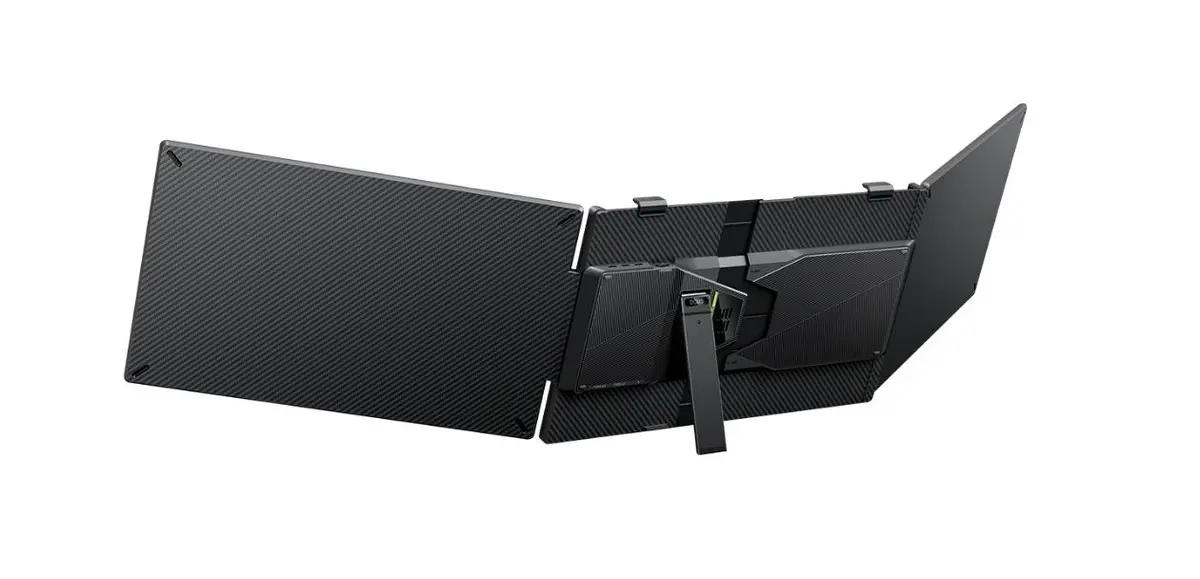
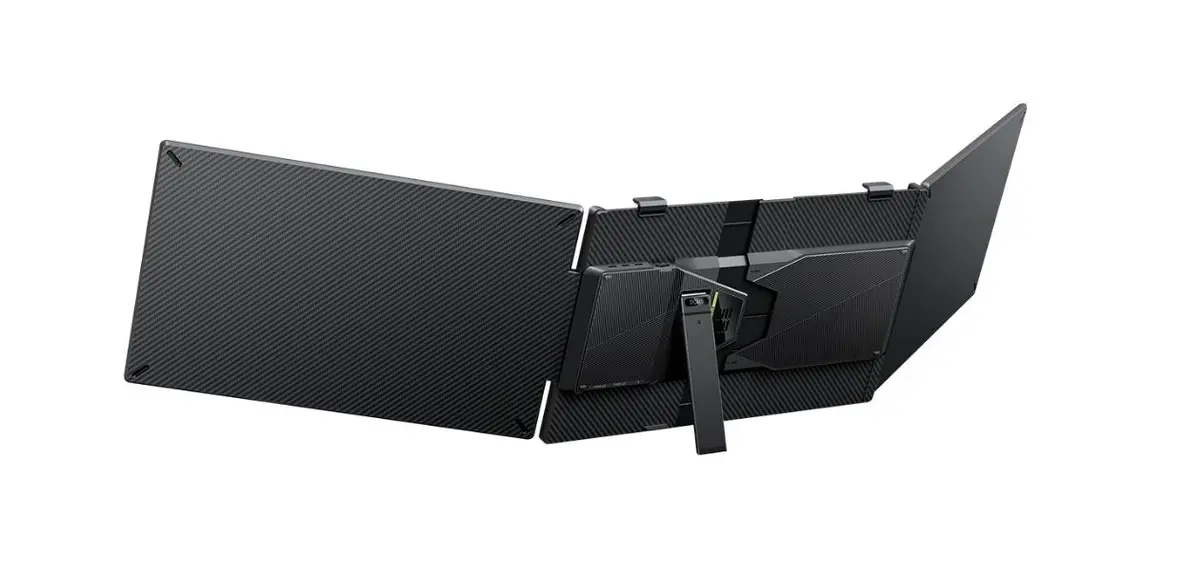
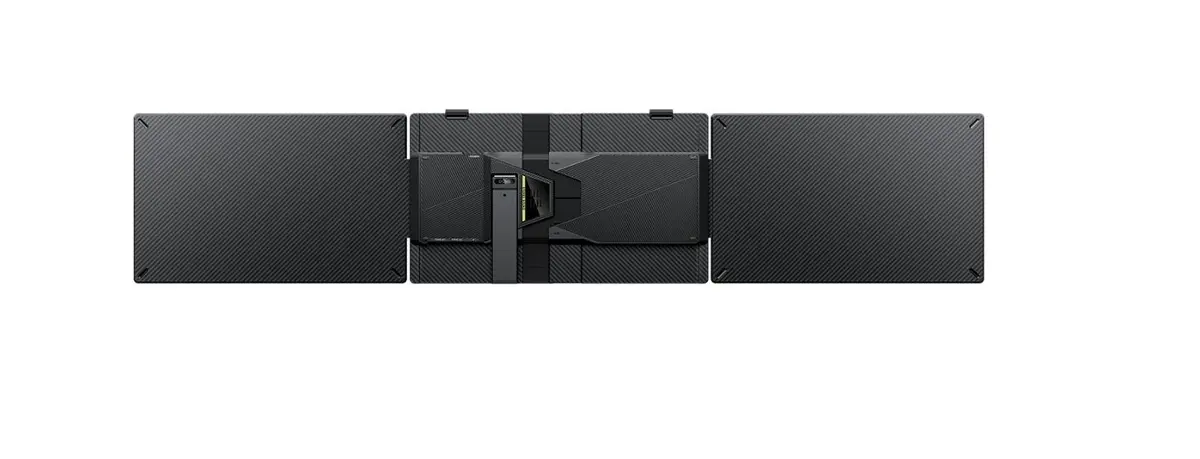
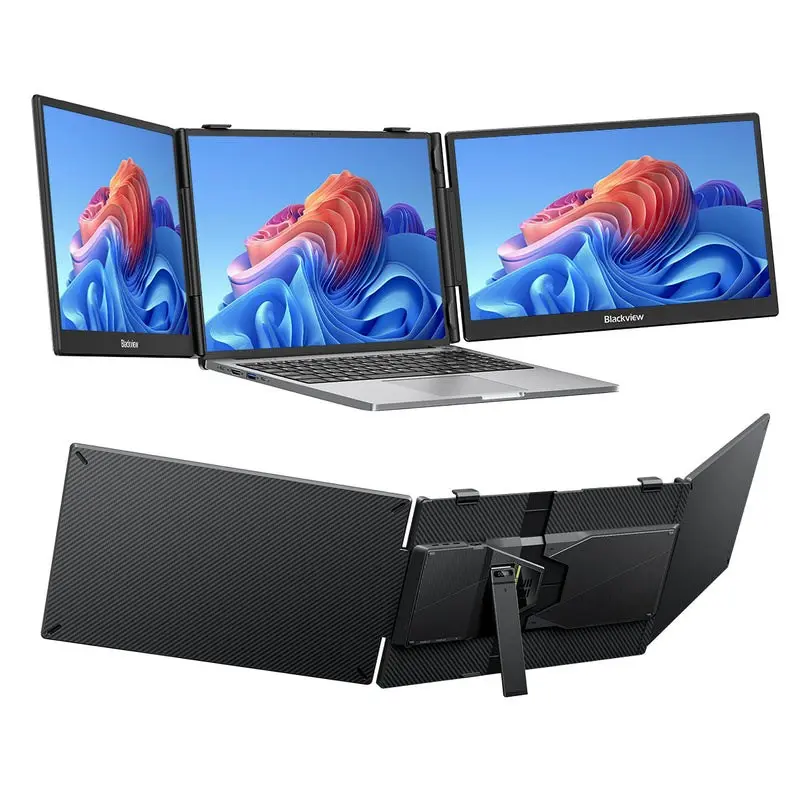
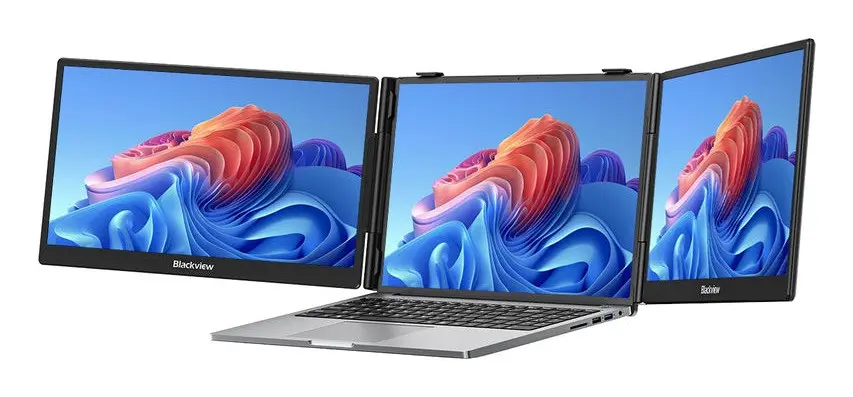
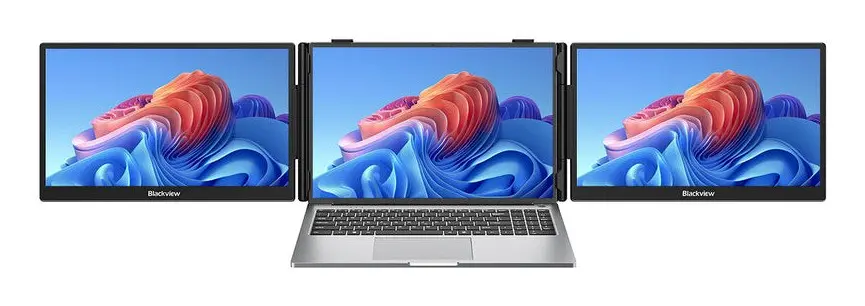
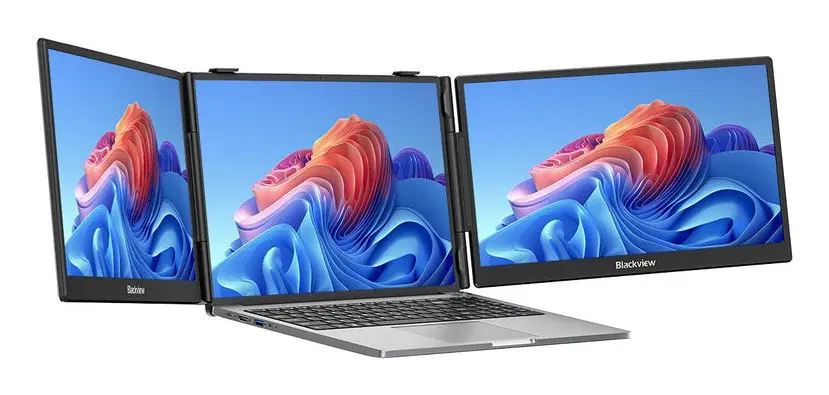
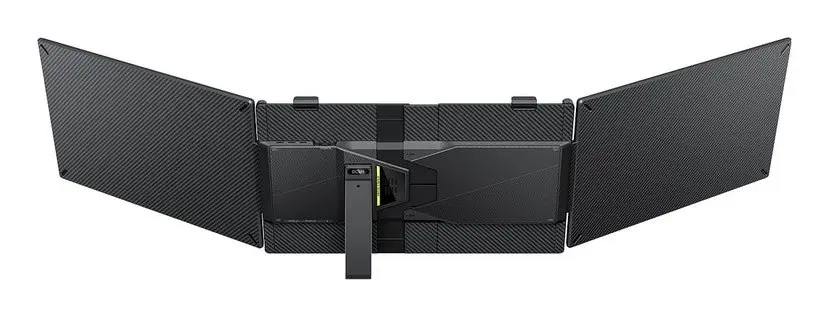
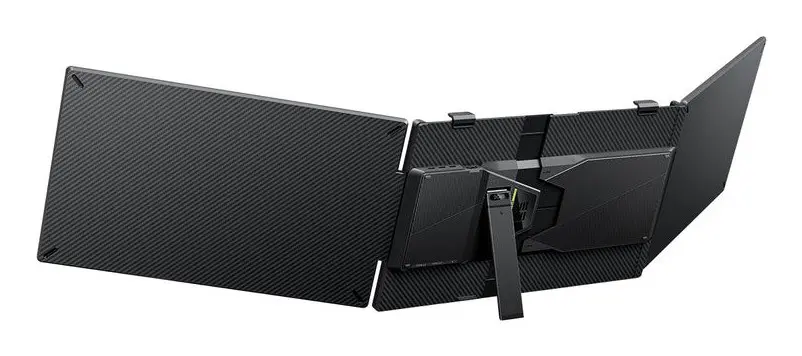
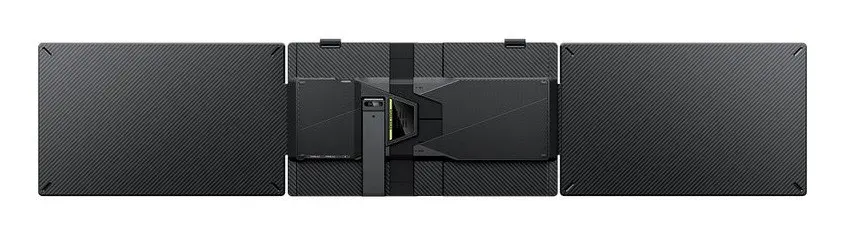
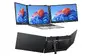
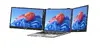
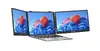
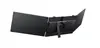
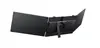
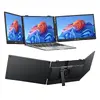
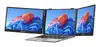
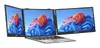
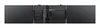
The Blackview DCM5 14-inch portable dual monitor is a versatile display solution engineered to significantly boost productivity for professionals on the move. By providing an expansive dual-screen setup, this device allows users to manage multiple applications simultaneously, streamline workflows, and improve efficiency during remote work or travel. Its compact and lightweight construction ensures it fits easily into laptop bags, making it an essential tool for those who require a desktop-like experience in a portable format.
Advantages
The primary benefit of the Blackview DCM5 is its ability to transform a single-screen laptop into a comprehensive dual-monitor workstation. This setup reduces the need to toggle between windows, thereby increasing focus and reducing errors during complex tasks. The display offers high-quality visuals that maintain clarity and color accuracy, ensuring that presentations and data analysis are performed with precision. Furthermore, its plug-and-play functionality simplifies the setup process, allowing users to connect and start working immediately without the need for complex software installations or external power adapters in most configurations.
Suitable for
- Multitasking between spreadsheets and documents
- Delivering professional presentations in client meetings
- Remote work setups in cafes, hotels, or shared offices
- Editing photos or videos on the go
- Expanding screen real estate for software development
When it may not be suitable
This monitor may not be suitable for users who require high-refresh-rate displays for competitive gaming or professional-grade color grading that demands specific hardware calibration. Additionally, it might not be compatible with older laptops that lack modern video-output-capable ports.
Key specifications
- Display size: 14 inches
- Screen type: Portable dual monitor
- Connectivity: USB-C/HDMI interface
- Design: Lightweight and foldable
- Compatibility: Laptops and mobile devices
How to use
To use the Blackview DCM5, simply unfold the device and connect it to your laptop using the provided cables. Ensure your laptop's port supports video output. Once connected, your operating system should automatically detect the second screen. You can then configure the display settings in your computer's system preferences to extend or mirror your desktop according to your specific needs.
What to consider before purchase
- Check your laptop's port compatibility for video output
- Verify the physical dimensions to ensure it fits your laptop screen size
- Consider the weight if you travel frequently
Usage recommendations
To maintain the longevity of the screen, always store the monitor in a protective sleeve when not in use and avoid applying excessive pressure to the display panel. Clean the surface only with a soft, dry microfiber cloth.