
Leave your address - as soon as the price of the product goes down, you'll know about it right away
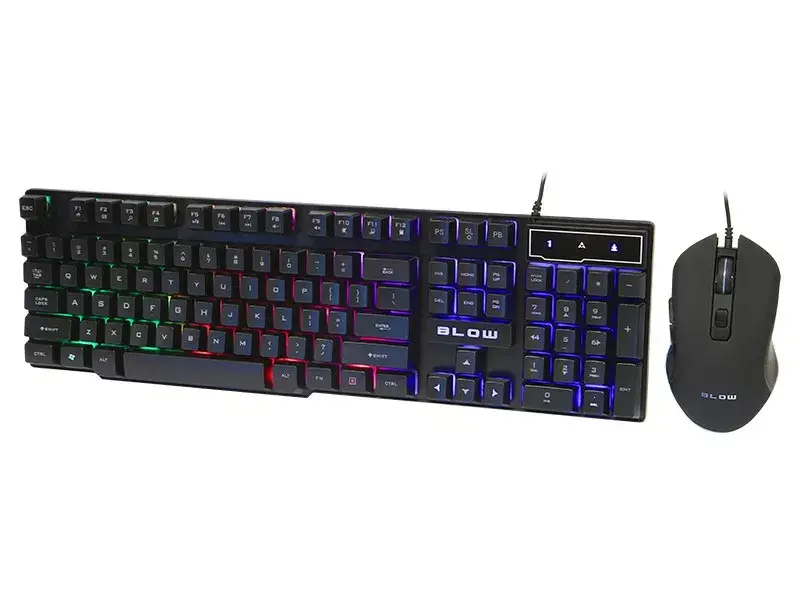
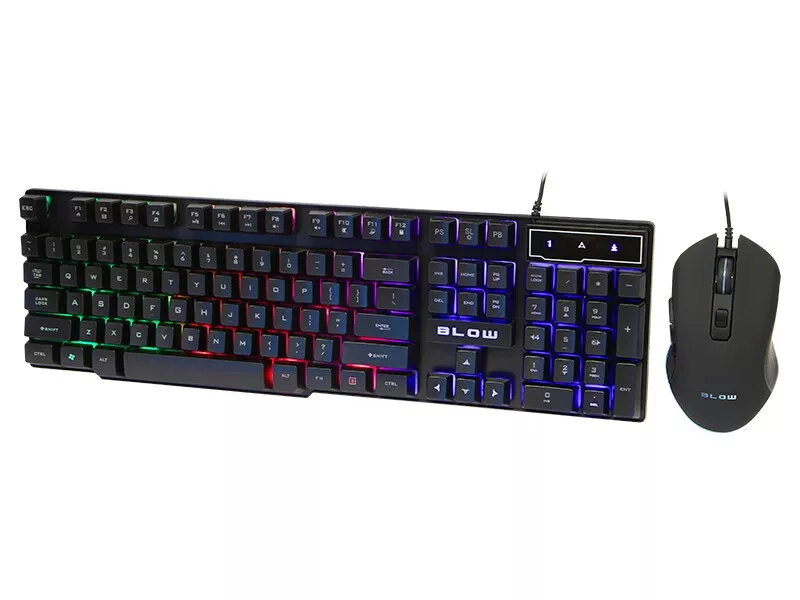
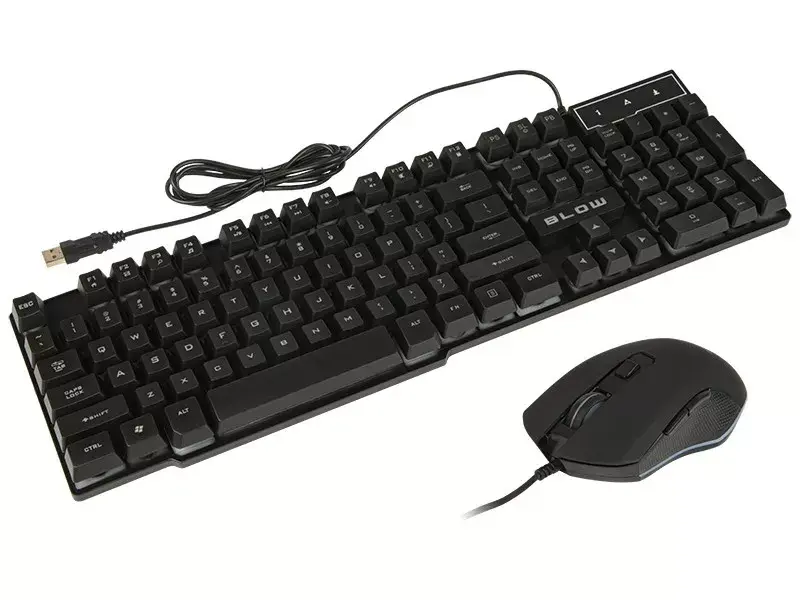
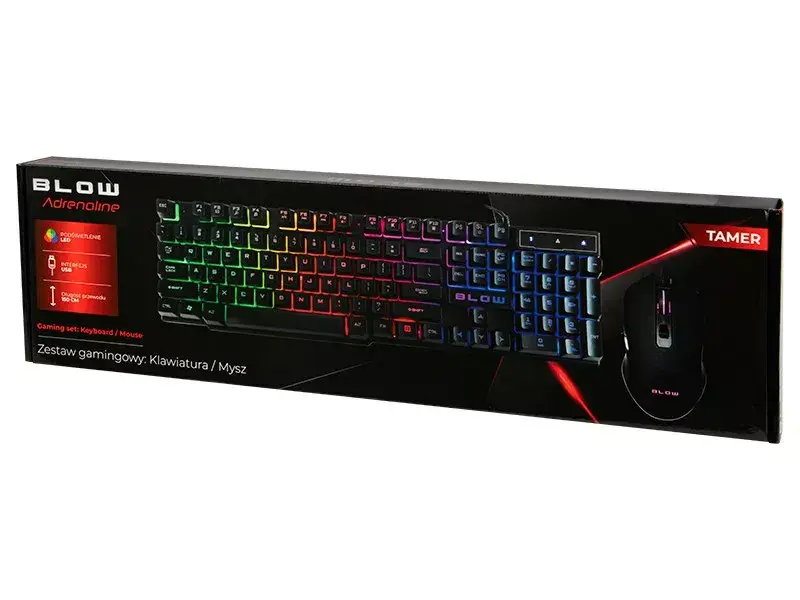
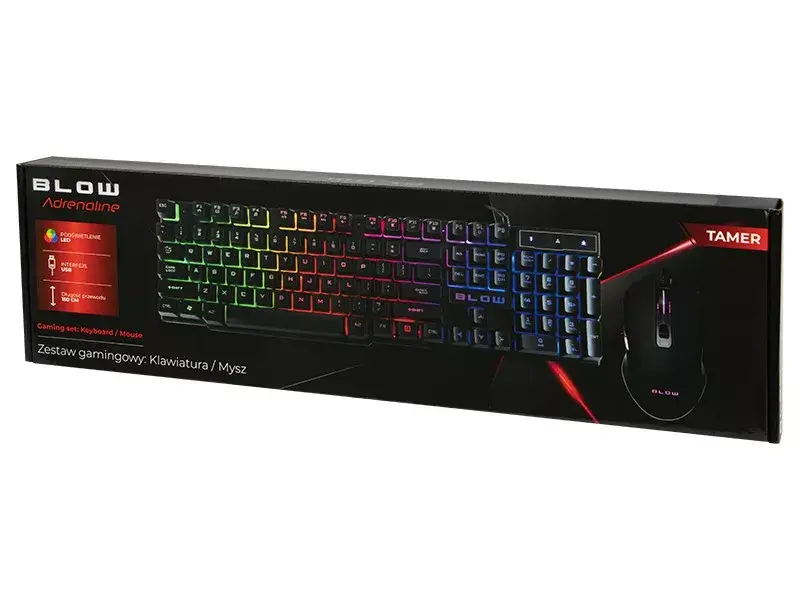
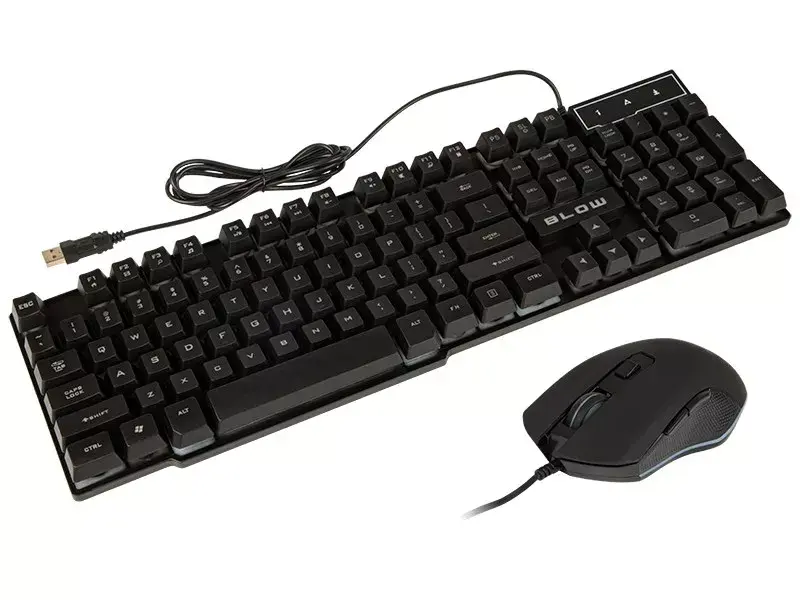
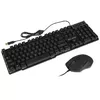
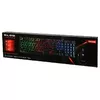
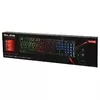
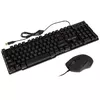
Keyboard and Gaming Mouse Bundle BLOW 84-217# — wired set for PC gaming
In cart {{totalProductsCount}} item(s)
Your cart is empty
Keyboard and Gaming Mouse Bundle BLOW 84-217# — wired set for PC gaming
Leave your address - as soon as the price of the product goes down, you'll know about it right away
Keyboard and Gaming Mouse Bundle BLOW 84-217# — wired set for PC gaming
The BLOW 84-217# wired keyboard and gaming mouse bundle is a combined input set designed for PC gaming and everyday computing. This wired set pairs a standard keyboard with a gaming-oriented mouse to provide a simple plug-and-play solution for desktop systems. The bundle focuses on reliable wired connectivity, straightforward operation and a compact footprint suited to typical home or office desks.
This wired BLOW bundle offers dependable connection stability and low latency typical of cabled peripherals. The keyboard provides familiar key layout and comfortable typing characteristics for extended use, while the mouse delivers the responsiveness and basic controls expected for casual gaming. The set is compact and straightforward to install via USB, making it easy to replace separate devices with a matched pair that fits common PC setups.
Install the keyboard and mouse by plugging their USB connectors into available USB ports on the PC. Allow the operating system to detect the devices; no additional drivers are typically required for basic functionality. Use the keyboard for typing, shortcuts and game controls, and adjust mouse sensitivity through operating system settings or in supported game menus. Position the mouse on a flat surface or mousepad for accurate tracking and ensure cables are routed to avoid interference.
For best results in gaming and prolonged typing, place the keyboard at a comfortable angle and use a mousepad designed for optical sensors. Keep USB connectors clean and avoid sharply bending cables to preserve reliable wired performance. If finer pointer control is required, adjust DPI settings where available or change sensitivity through your PC settings.
{{highlightedFeature.featureTitle}}:
{{getProductFeatureValueById(product, highlightedFeature.featureId)}}