
Leave your address - as soon as the price of the product goes down, you'll know about it right away
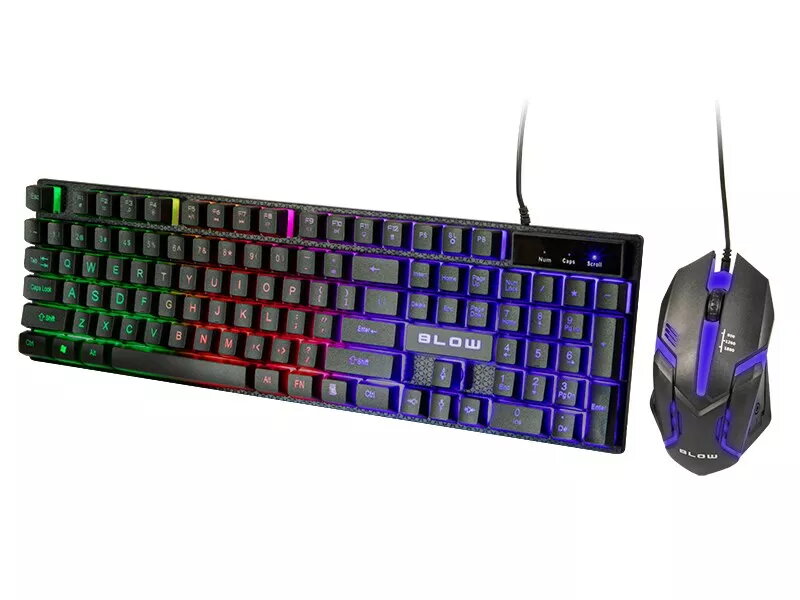
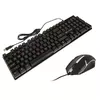
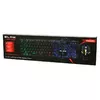
Wired keyboard and mouse set BLOW TRIGGER with LED backlight
In cart {{totalProductsCount}} item(s)
Your cart is empty
Wired keyboard and mouse set BLOW TRIGGER with LED backlight
Leave your address - as soon as the price of the product goes down, you'll know about it right away
Wired keyboard and mouse set BLOW TRIGGER with LED backlight
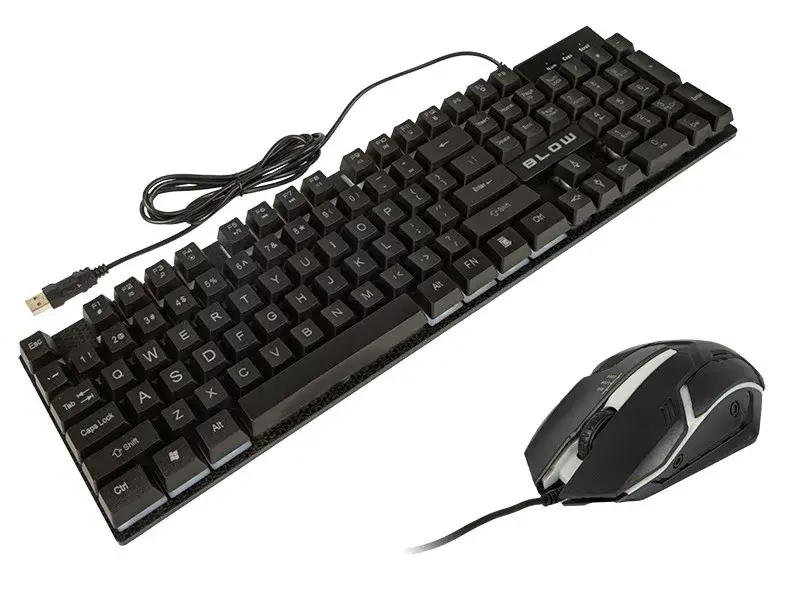
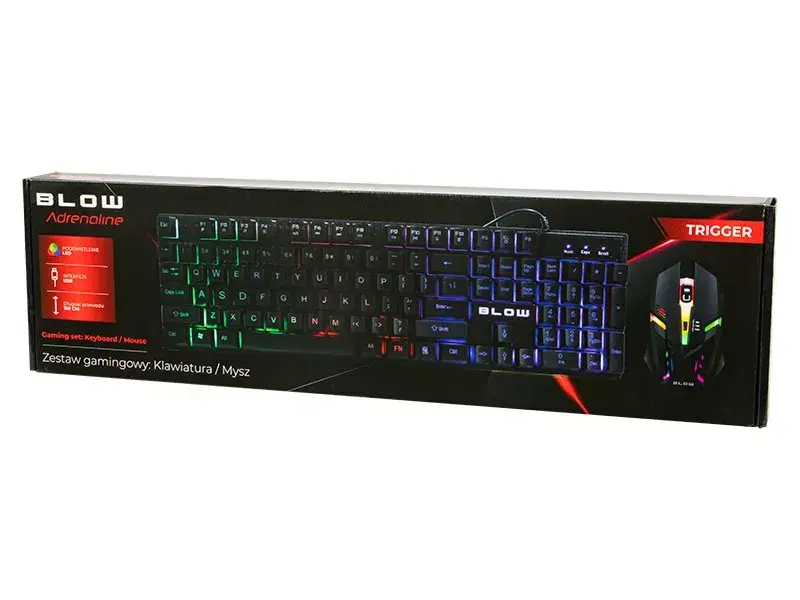
The BLOW TRIGGER wired keyboard and mouse set provides a straightforward illuminated input solution for desktop computers. The set includes a full-size wired keyboard with standard key layout and LED backlight, paired with a wired optical mouse that delivers a stable connection and low response time. Designed for general productivity, home computing and basic gaming, the TRIGGER set focuses on reliable wired performance and simple LED visibility in low-light conditions.
The keyboard offers a familiar full-size layout that supports everyday typing and data entry with clear key spacing and integrated LED backlighting for improved visibility. The wired optical mouse ensures consistent tracking and minimal latency compared with wireless alternatives, making the set suitable for tasks that require responsive input. Both devices are plug-and-play via USB, removing the need for additional drivers and simplifying setup.
Connect the keyboard and mouse to available USB ports on your computer. The operating system should automatically recognize both devices as standard input peripherals. Use the keyboard for typing and the backlight control (if present) to adjust illumination according to ambient light. Use the optical mouse on a flat, non-reflective surface for best tracking performance. No additional software installation is required for basic functionality.
For reliable performance, connect the set directly to the computer’s USB ports rather than through an unpowered hub. Clean the keyboard and mouse regularly with a dry or slightly damp cloth and avoid liquid exposure. If you plan extended gaming sessions, ensure the mouse surface is suitable for optical tracking and keep the keyboard backlight settings adjusted to balance visibility and power draw.
{{highlightedFeature.featureTitle}}:
{{getProductFeatureValueById(product, highlightedFeature.featureId)}}