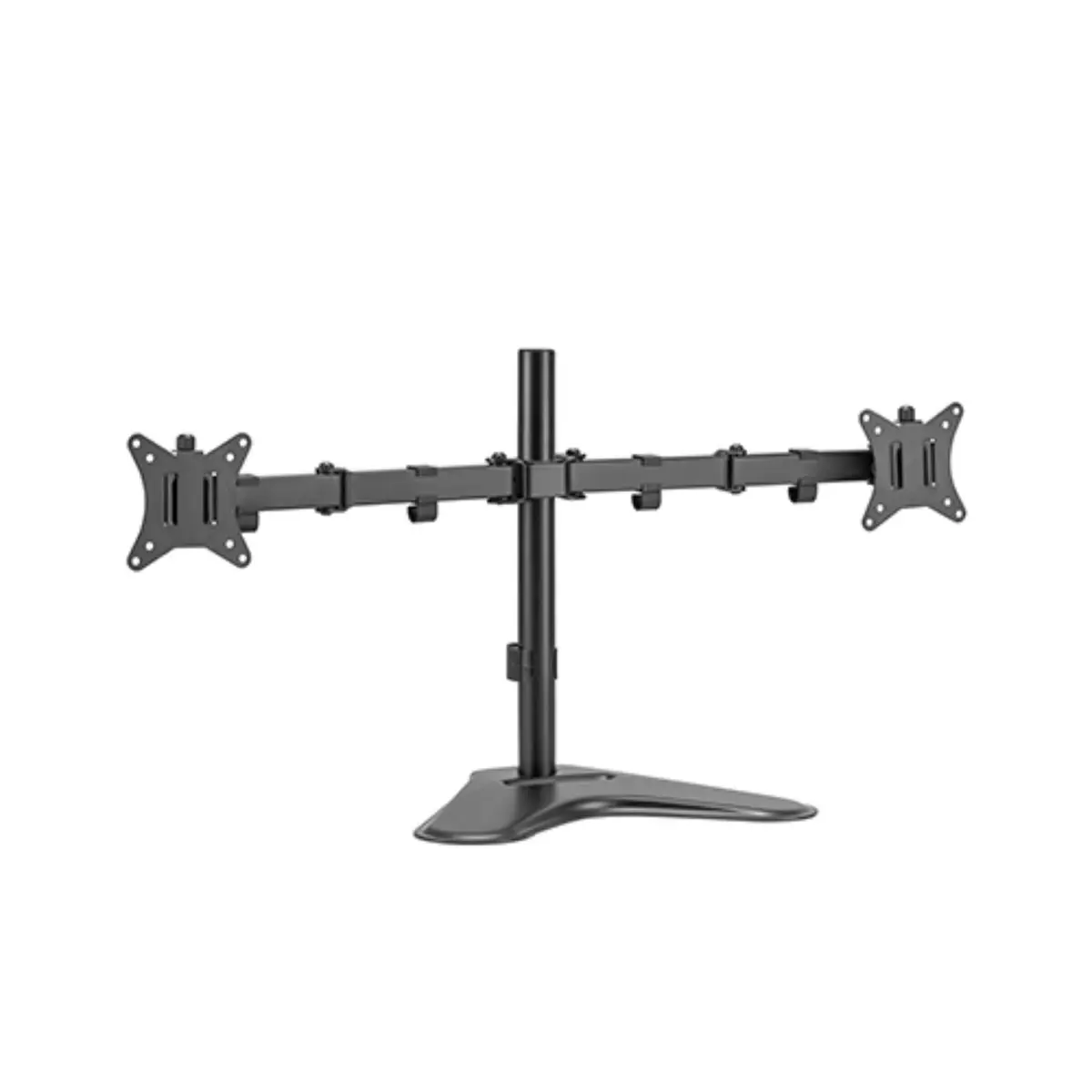
In this overview, the Brateck LDT66-T024 freestanding dual-monitor holder is compared with alternative mounting solutions from the same brand, including the pole-mounted dual-monitor model Brateck LDT66-C024, the baseline freestanding dual-screen stand Brateck LDT66-T02V, the single-screen wall-mounted holder Brateck LDA32-112E, the single-arm gas strut desktop mount Brateck LDT62-C012, and the combined monitor and laptop desk mount Brateck LDT66-C024ML. All compared products belong to the Brateck brand and support screen sizes from 17 to 32 inches, while their key practical differences lie in the surface mounting method (freestanding base, desk clamp/grommet, or wall mount), supported device configurations, and adjustment mechanism types.
⚙️ The specification comparison covers the installation type, supported device configuration, maximum weight capacity, VESA mounting compatibility, and adjustment mechanisms.
| Parameter | Brateck LDT66-T024 | Brateck LDT66-C024 | Brateck LDT66-T02V | Brateck LDA32-112E | Brateck LDT62-C012 | Brateck LDT66-C024ML | Practical significance |
|---|
| Installation type | Freestanding desk base | Pole mount (clamp/grommet) | Freestanding desk base | Wall mount | Desk mount (clamp/grommet) | Pole mount (clamp/grommet) | Determines how the mount attaches to surfaces and whether desk edges or walls are required. |
| Supported devices | Two monitors | Two monitors | Two monitors | Single monitor | Single monitor | One monitor and one laptop | Defines what hardware setup can be accommodated on the workspace. |
| Screen size | 17-32 inches | 17-32 inches | 17-32 inches | 17-32 inches | 17-32 inches | 17-32 inches (for monitor) | Ensures compatibility with standard office and gaming display sizes. |
| Maximum load | Up to 9 kg per arm | Up to 9 kg per arm | Not specified | Up to 9 kg | Up to 9 kg | Up to 9 kg for monitor, up to 4 kg for laptop | Sets weight limitations for securely mounting heavier display equipment. |
| Adjustment mechanism | Articulated arms | Articulated arms | Basic structure | Mechanical spring | Gas spring | Articulated arms with pole | Dictates the fluidity and ease of changing height, swivel, and tilt angles. |
◎ The use case analysis helps identify which model best matches specific workspace requirements and ergonomic preferences.
| Use case | Recommended product | Why |
|---|
| Dual monitor setup without desk edge clamping | Brateck LDT66-T024 | The freestanding base places two screens securely on the desk surface without needing edge mounts. |
| Dual monitors with space-saving edge installation | Brateck LDT66-C024 | Pole mounting frees up desk space while holding two side-by-side screens securely. |
| Combined workstation for a monitor and a laptop | Brateck LDT66-C024ML | Features a dedicated integrated structure to hold both a screen and a laptop on a single pole. |
| Single monitor with fluid, effortless height adjustments | Brateck LDT62-C012 | The gas spring mechanism allows quick and smooth adjustments with minimal physical effort. |
| Completely clear desktop surface | Brateck LDA32-112E | Wall mounting removes all desk-based stands and frees up the entire workspace below. |
Brateck LDT66-T024 is best suited for users who need a stable freestanding desk mount for two articulated screens without clamping to the edge of the table. If saving desk space via a clamp or creating a hybrid laptop-and-monitor setup is a priority, alternative Brateck models will be more suitable.