Powerful EcoFlow stations for energy anywhere!
In cart {{totalProductsCount}} item(s)
Your cart is empty
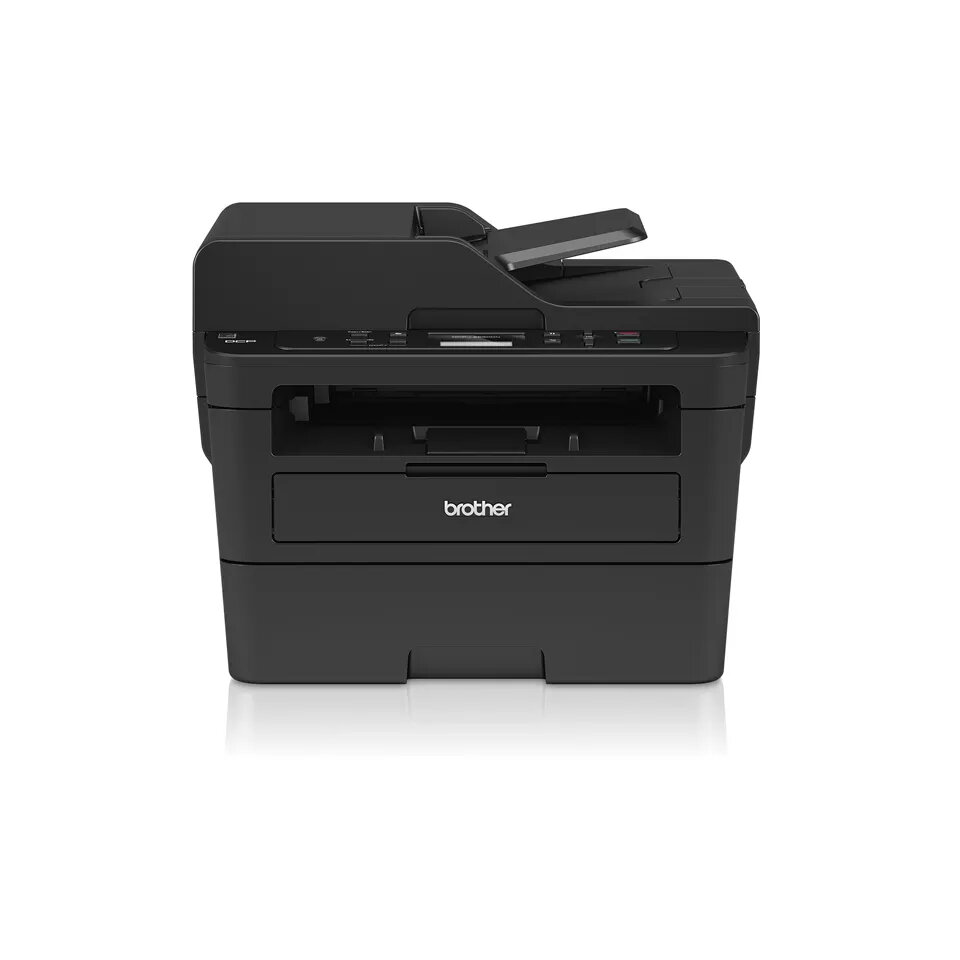
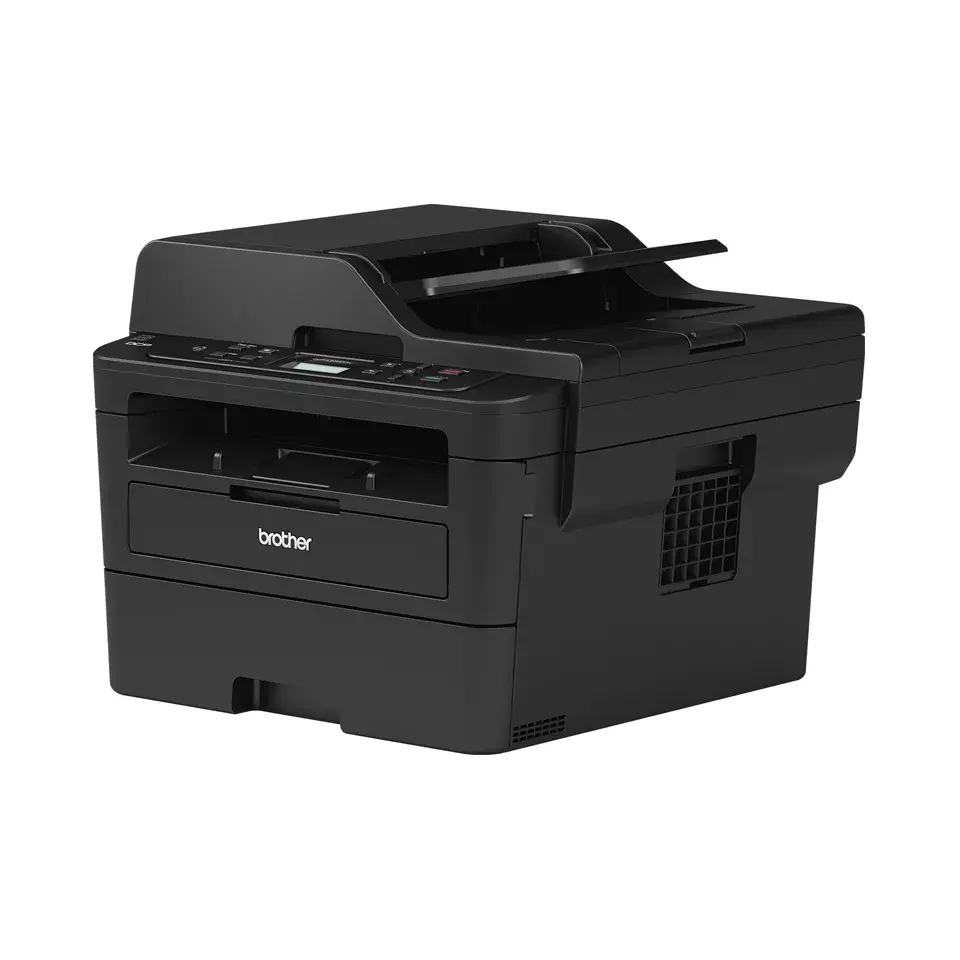
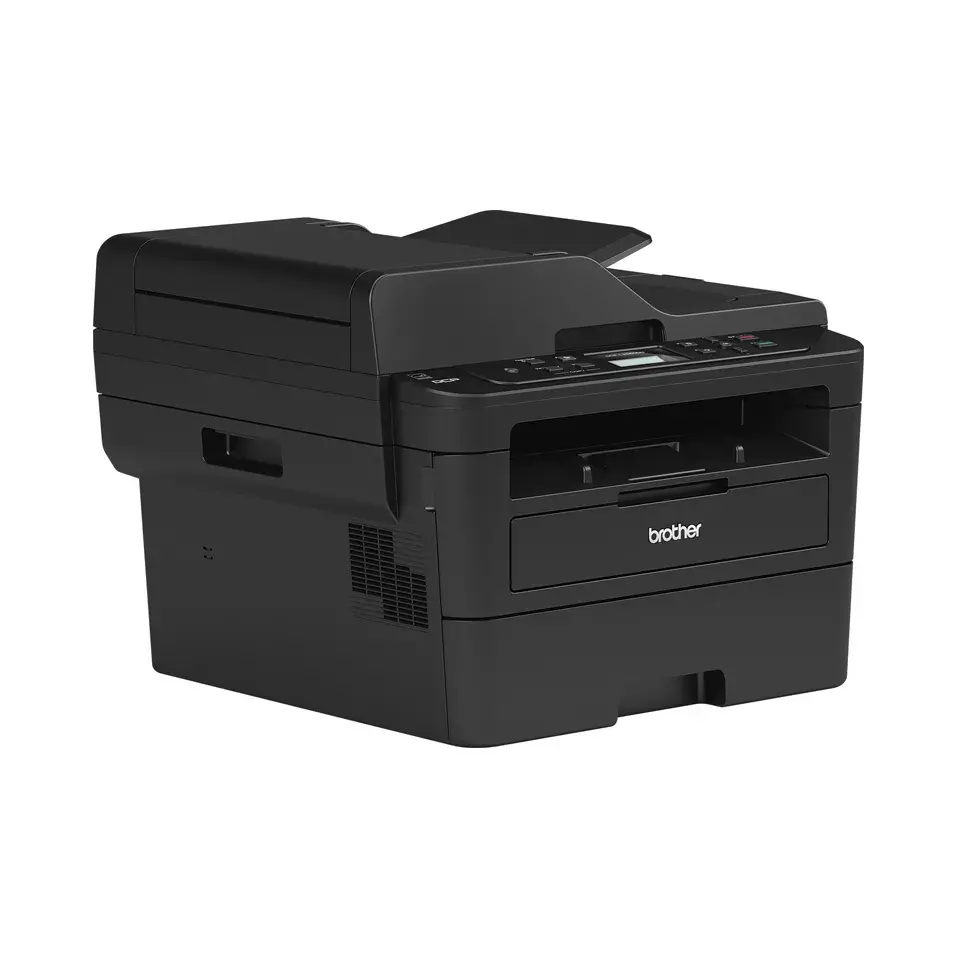
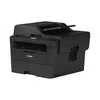
Multifunction Printer Brother DCP-L2550DN Laser Mono
The Brother DCP-L2550DN is a compact multifunction monochrome laser printer that combines printing, copying and colour scanning in a single device. Designed for small offices and home workspaces, it delivers a maximum print resolution of 1200 x 1200 DPI and a print speed of up to 34 pages per minute on A4, supporting reliable daily document workflows. The unit includes Ethernet connectivity and standard USB 2.0 for direct connection, and its 11.6 kg weight and black finish make it suitable for constrained workspace environments.
The DCP-L2550DN provides fast mono printing and mono copying while offering colour scanning at 600 x 600 DPI, enabling versatile document handling without the footprint of separate machines. Its high maximum resolution and 34 ppm print speed improve throughput for text-heavy documents. A monthly duty cycle rated up to 15,000 pages supports frequent use, and Ethernet connectivity allows shared use in a small network. The device’s compact dimensions and straightforward interfaces simplify installation and daily operation.
Install the printer by connecting it to a power source and to your network via Ethernet or directly to a computer using the supplied USB 2.0 cable. Load A4 paper into the input tray according to the paper guides and install the appropriate toner cartridge following the user manual. For printing, select the Brother DCP-L2550DN from your computer or network printer list and choose mono print settings where applicable. Use the copier function from the control panel for quick duplicate pages and the scanner software or control panel scan options to create colour scans at 600 x 600 DPI and save or send them to a connected computer or network location.
For best results when producing text documents, use standard A4 plain paper and select normal or high print quality to leverage the 1200 x 1200 DPI resolution. Regularly check and replace toner and perform recommended cleaning procedures to maintain print consistency. Because the device lacks Wi‑Fi, plan physical network placement to ensure reliable Ethernet access for shared use.
{{highlightedFeature.featureTitle}}:
{{getProductFeatureValueById(product, highlightedFeature.featureId)}}
{{ productComparisonGenerationError }}