

Save time and money with our discounts!
In cart {{totalProductsCount}} item(s)
Your cart is empty
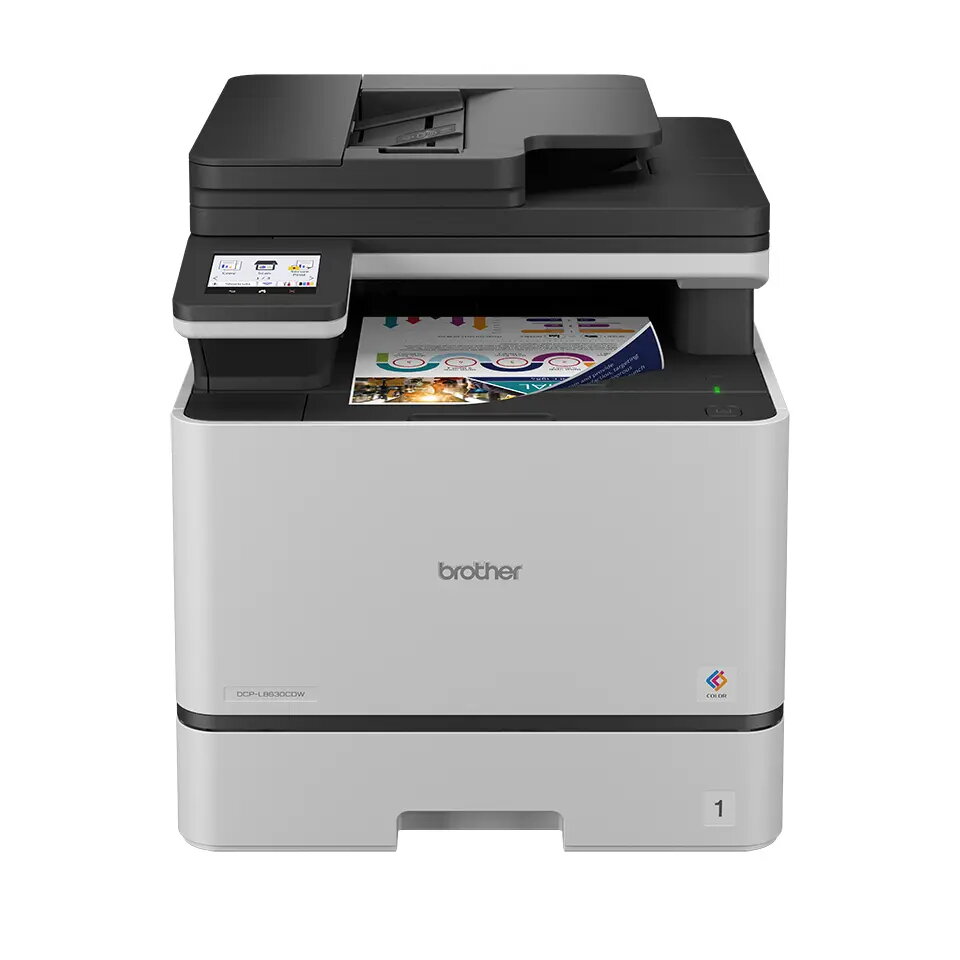
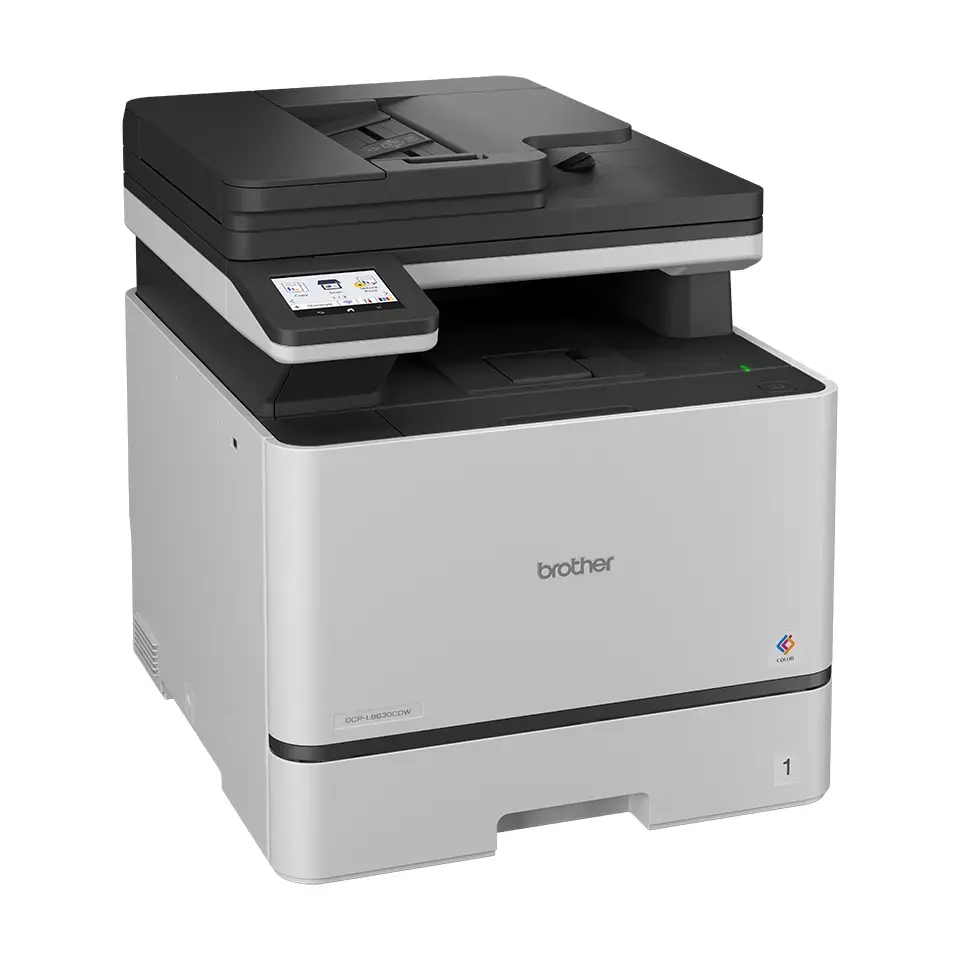
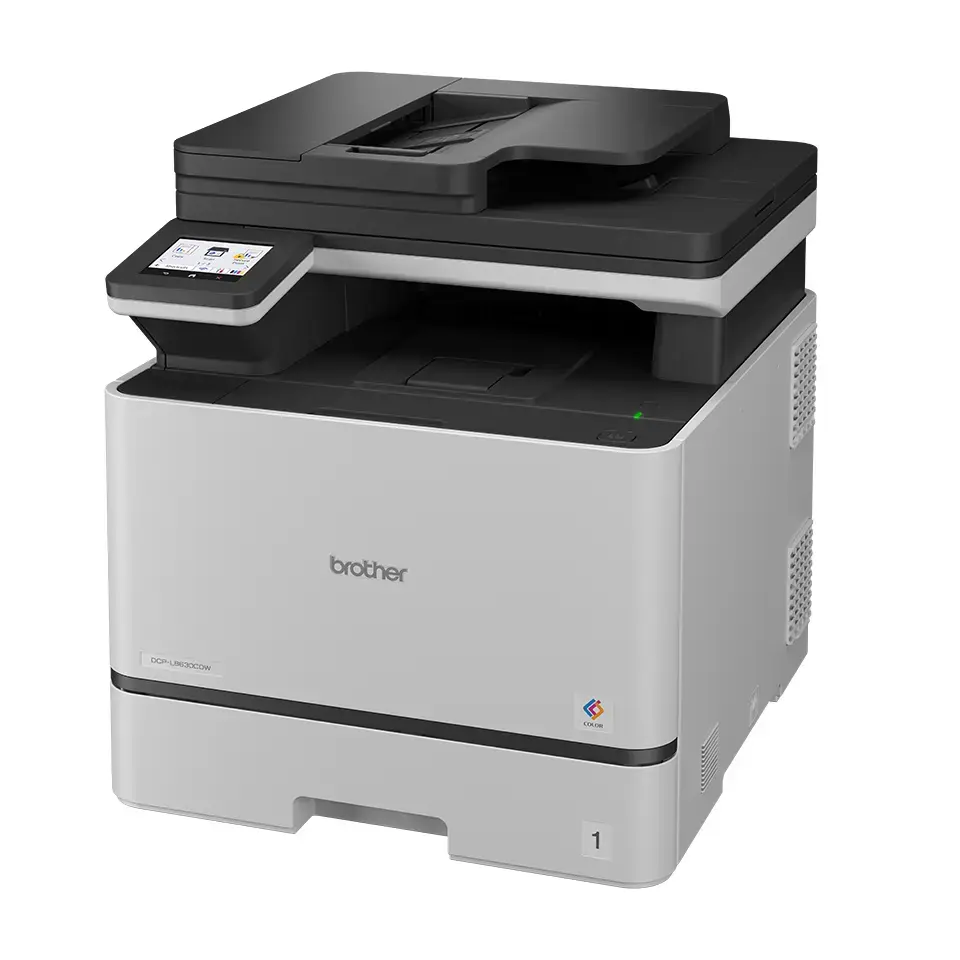
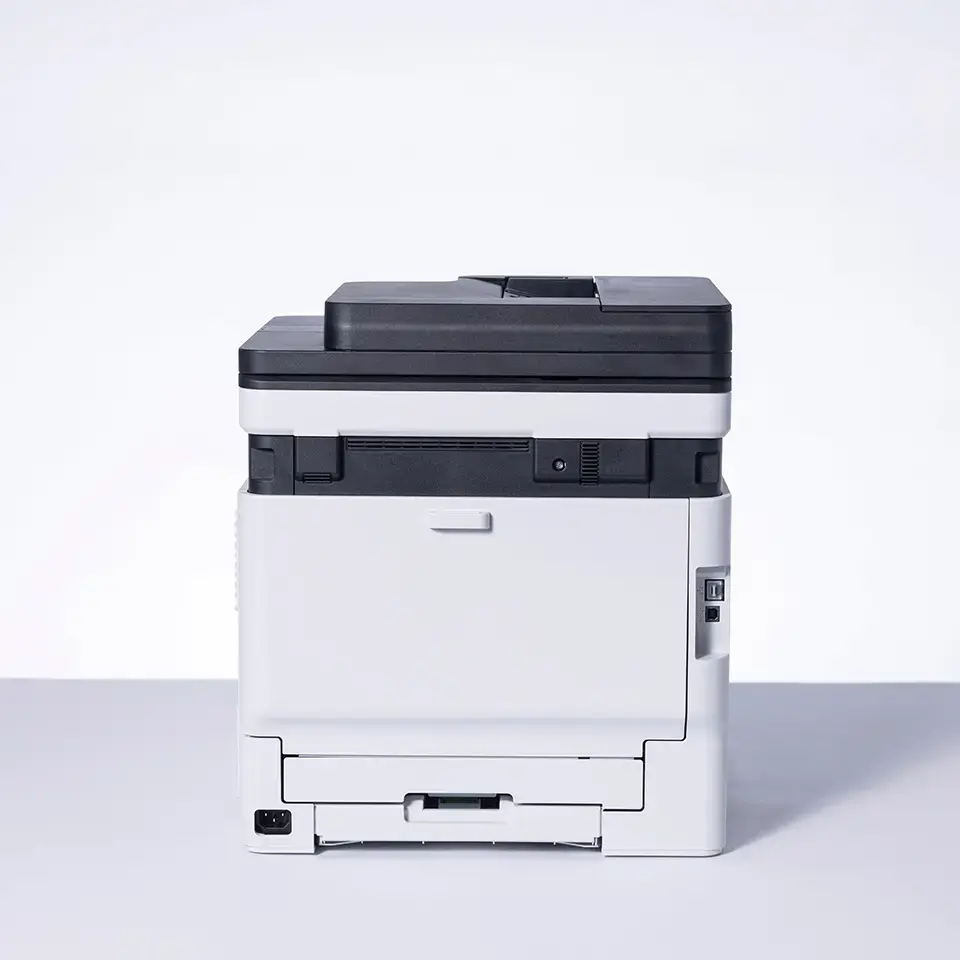
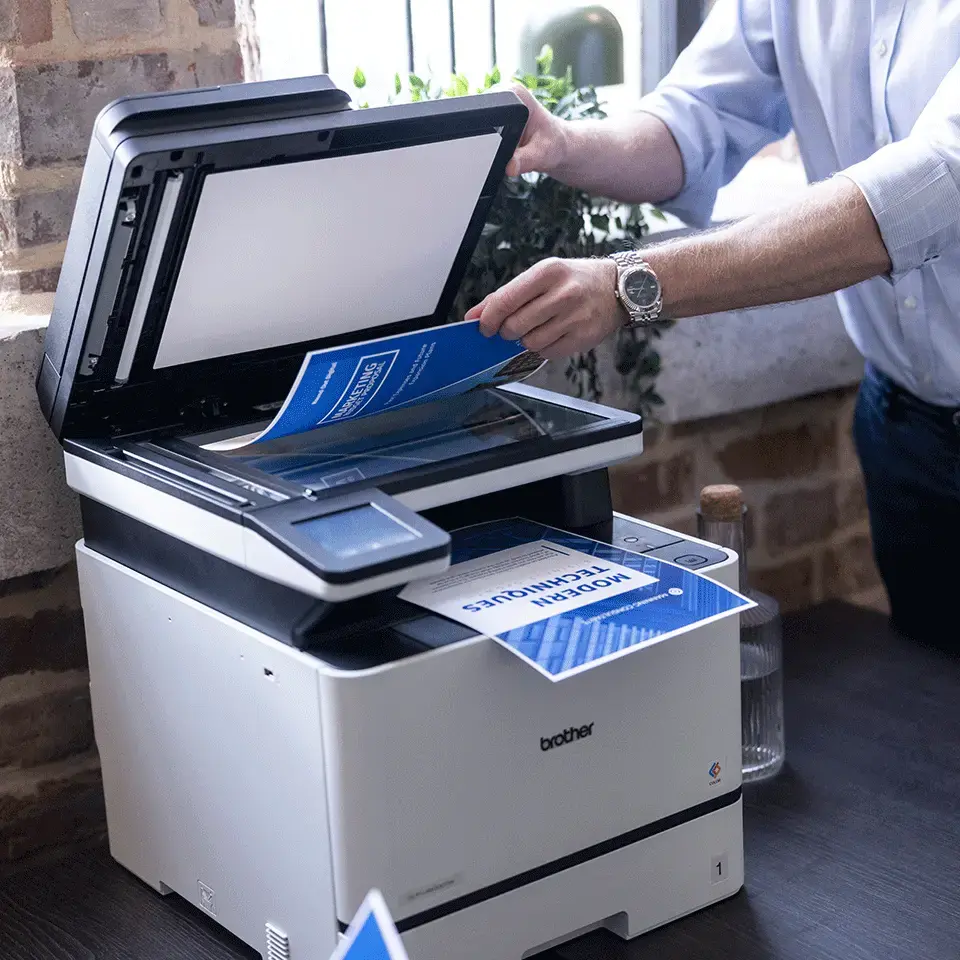
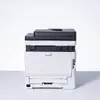
Brother DCP-L8630CDW Colour Laser Multifunction Printer A4 31 ppm Wi-Fi
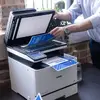
The Brother DCP-L8630CDW is a professional colour laser multifunction printer designed to streamline document management in busy office environments. This A4 device combines high-speed printing, colour copying, and high-resolution scanning into a single, reliable unit. With its robust build and advanced connectivity options, it is engineered to handle demanding daily workloads while maintaining consistent print quality.
This multifunction printer offers significant efficiency gains through its fast print speeds of up to 31 pages per minute for both colour and monochrome documents. The inclusion of automatic duplex printing and copying helps reduce paper consumption and supports sustainable office practices. Users benefit from seamless integration into existing networks via dual-band Wi-Fi and Gigabit Ethernet, while the intuitive 8.8cm touchscreen interface simplifies complex tasks. The device also supports mobile printing solutions, allowing for flexible document handling directly from smartphones and tablets.
This printer may not be the ideal choice for home users with very low print volumes or those who primarily require photo-quality printing on specialized media. Its size and weight are optimized for office environments rather than compact home workspaces.
To use the Brother DCP-L8630CDW, connect the device to your power source and network via Ethernet or Wi-Fi. Install the necessary drivers on your computer or configure the mobile printing apps to enable wireless functionality. Load your paper into the appropriate trays and use the touchscreen interface to select your desired function, such as printing, scanning to a folder, or copying. Ensure the toner cartridges are correctly installed and the device is updated with the latest firmware for optimal performance.
For best results, use genuine Brother toner cartridges to maintain print quality and device longevity. Regularly clean the scanner glass and ensure the paper path is clear to prevent jams during high-volume print jobs.
{{highlightedFeature.featureTitle}}:
{{getProductFeatureValueById(product, highlightedFeature.featureId)}}
{{ productComparisonGenerationError }}