JBL speakers and headphones for pure and deep sound!
In cart {{totalProductsCount}} item(s)
Your cart is empty
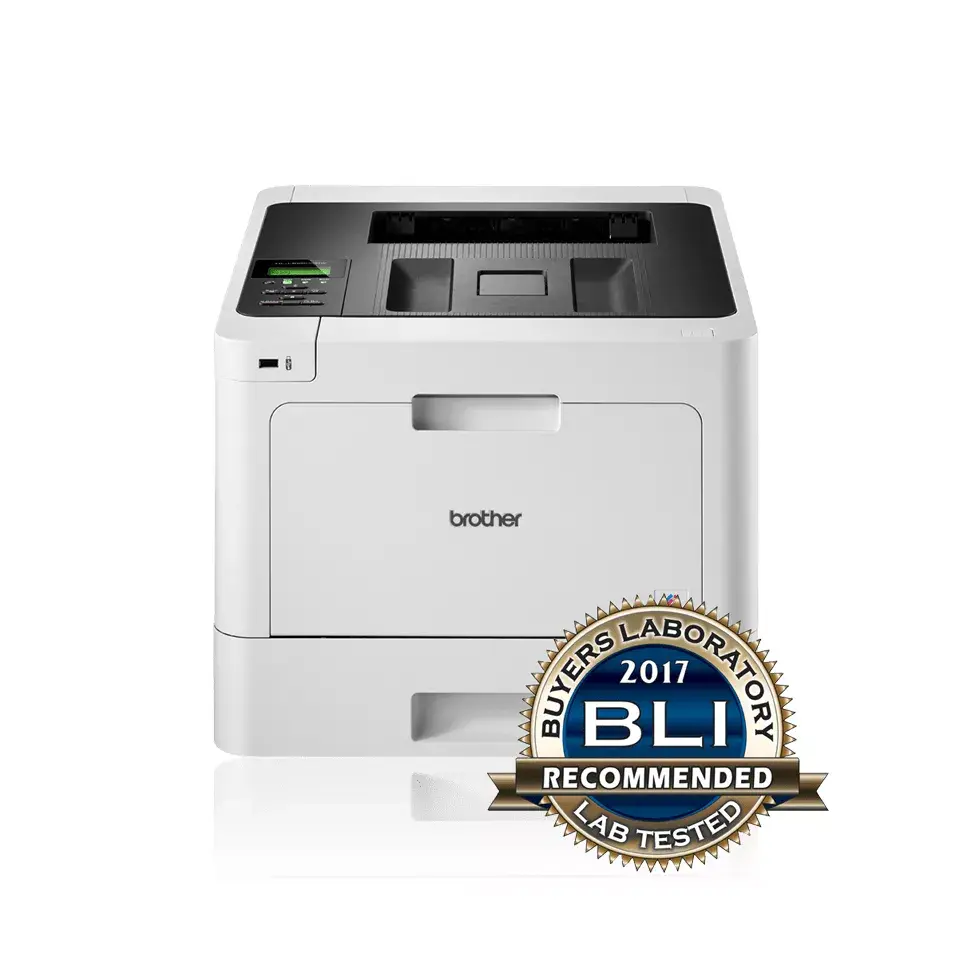
Printer Brother HL-L8260CDW Laser Colour 2400 x 600 DPI
The Brother HL-L8260CDW is a high-performance laser printer engineered to meet the demands of busy office environments. This color printer delivers professional-quality documents with a maximum resolution of 2400 x 600 DPI, ensuring crisp text and vibrant graphics. Designed for efficiency, it offers a print speed of 31 pages per minute for black and white documents, helping to maintain productivity in fast-paced workplaces.
This printer stands out due to its robust construction and high monthly duty cycle of up to 40,000 pages, making it a reliable workhorse for teams with significant printing needs. The inclusion of automatic duplex printing helps reduce paper consumption and supports sustainable office practices. With integrated Wi-Fi connectivity and network readiness, the device allows for seamless printing from multiple workstations and mobile devices. The intuitive LCD display simplifies navigation and device management, ensuring that users can easily monitor print jobs and settings.
This printer may not be the ideal choice for home users with very low printing volumes, as its size and weight are optimized for professional office settings. Additionally, it is not designed for high-resolution photo printing on glossy paper, as it is primarily a laser-based document printer.
To begin using the Brother HL-L8260CDW, connect the device to a power source and your local network via Wi-Fi or Ethernet. Install the four color print cartridges according to the provided manual. Once the initial setup is complete, install the necessary drivers on your computer or mobile device to start sending print jobs. Use the LCD display on the front panel to adjust print quality settings, manage paper trays, or check the status of your toner cartridges.
For optimal performance and longevity, use genuine Brother toner cartridges and standard A4 paper. Regularly update the printer firmware to ensure compatibility with the latest operating systems and security standards.
{{highlightedFeature.featureTitle}}:
{{getProductFeatureValueById(product, highlightedFeature.featureId)}}
{{ productComparisonGenerationError }}