








Hurry and order now – up to 50% off!
In cart {{totalProductsCount}} item(s)
Your cart is empty
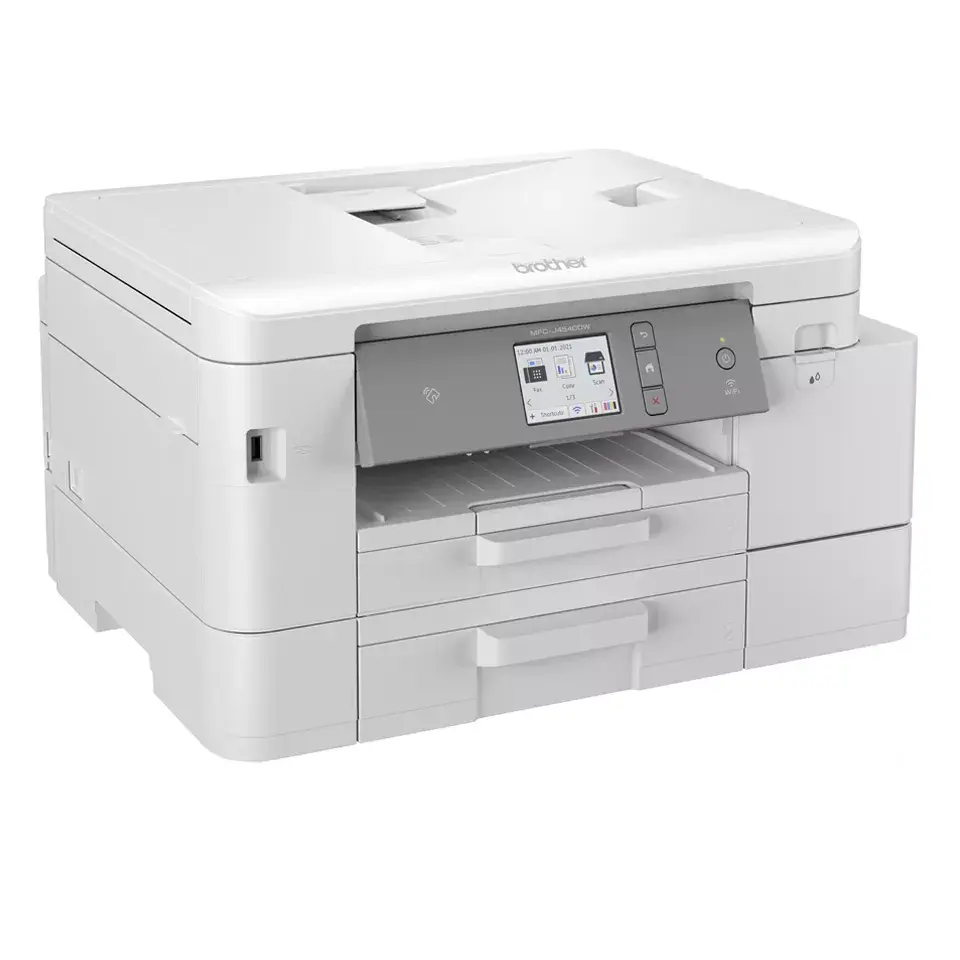
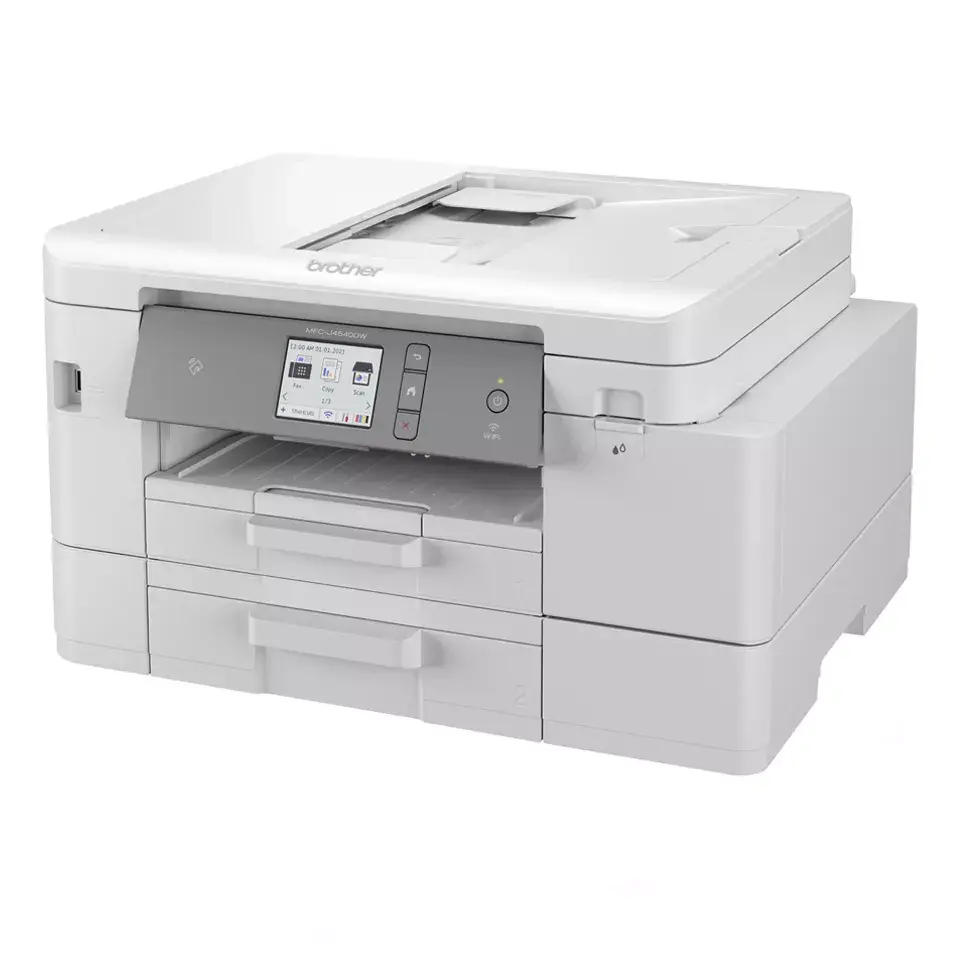
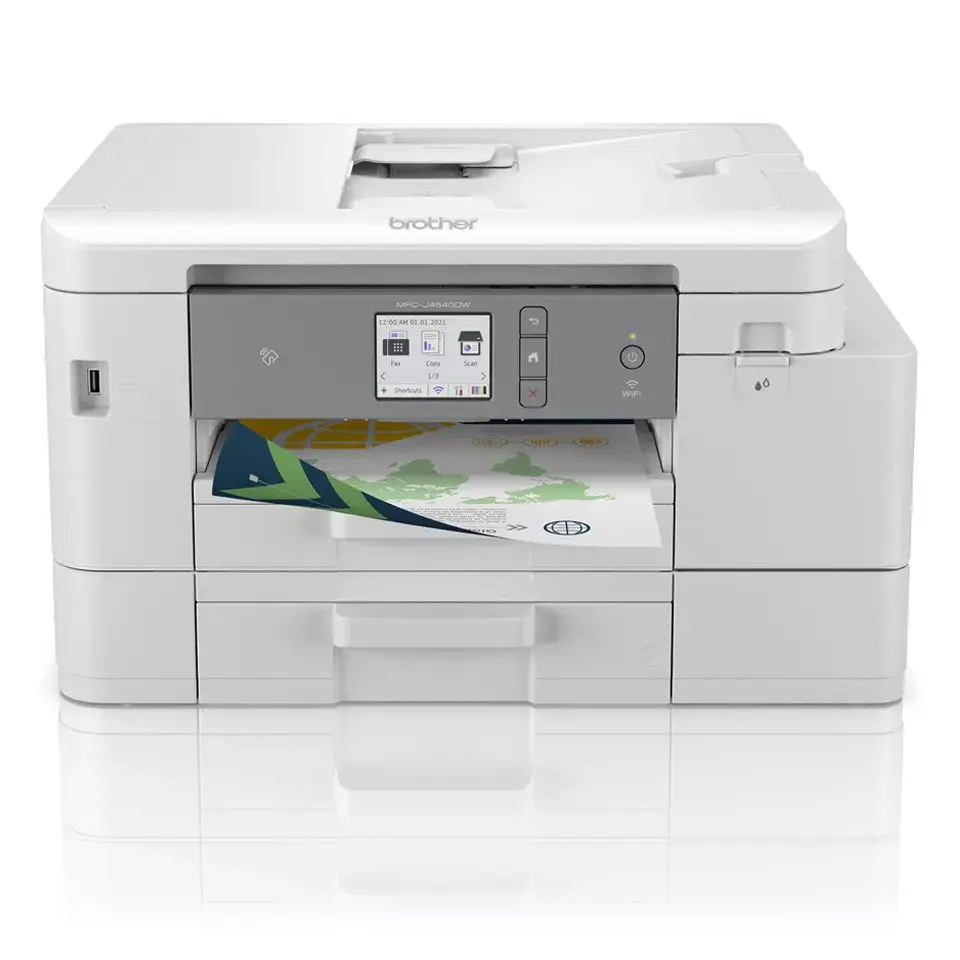
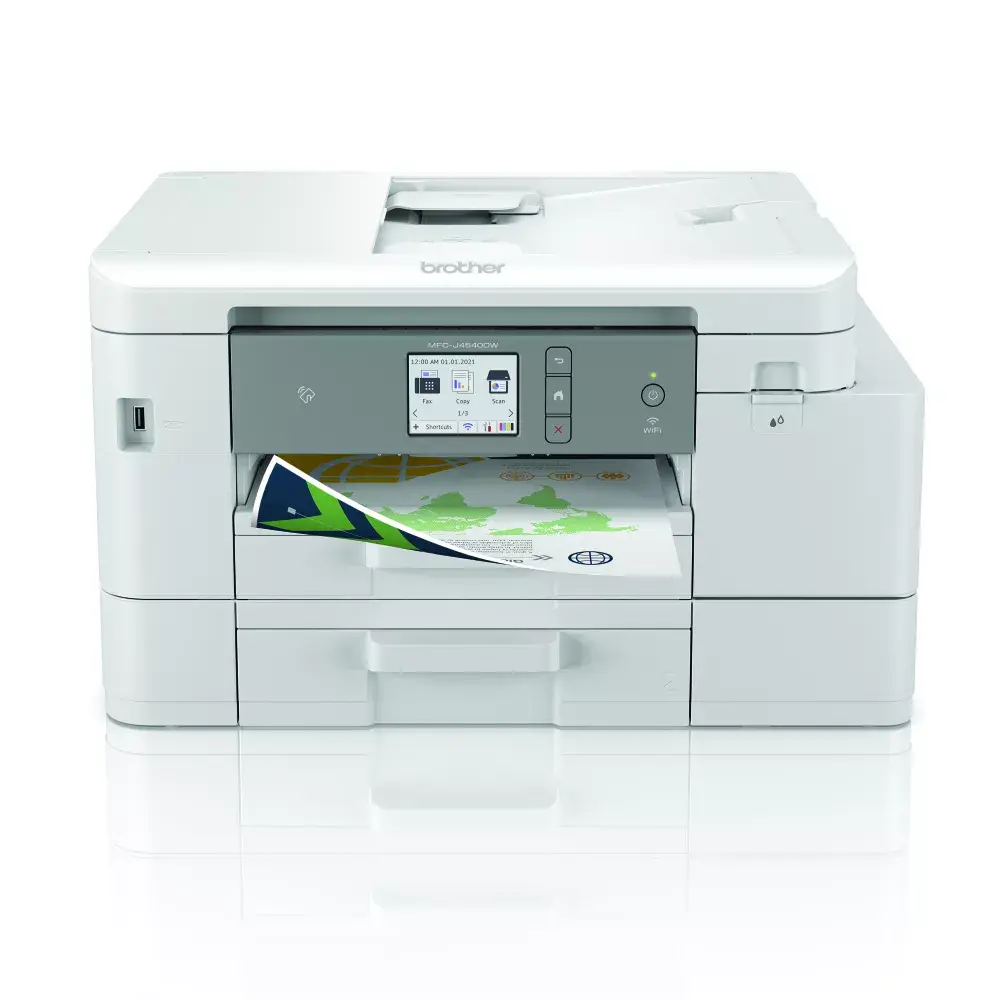
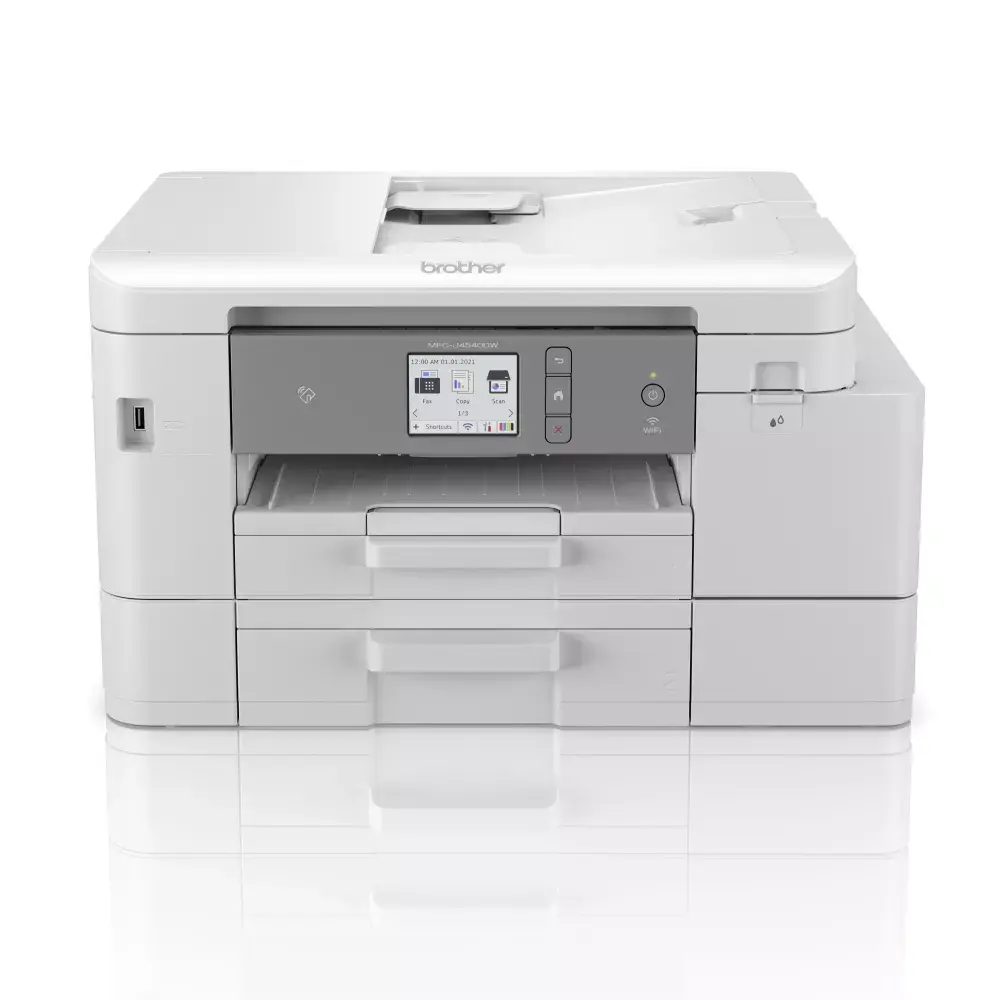
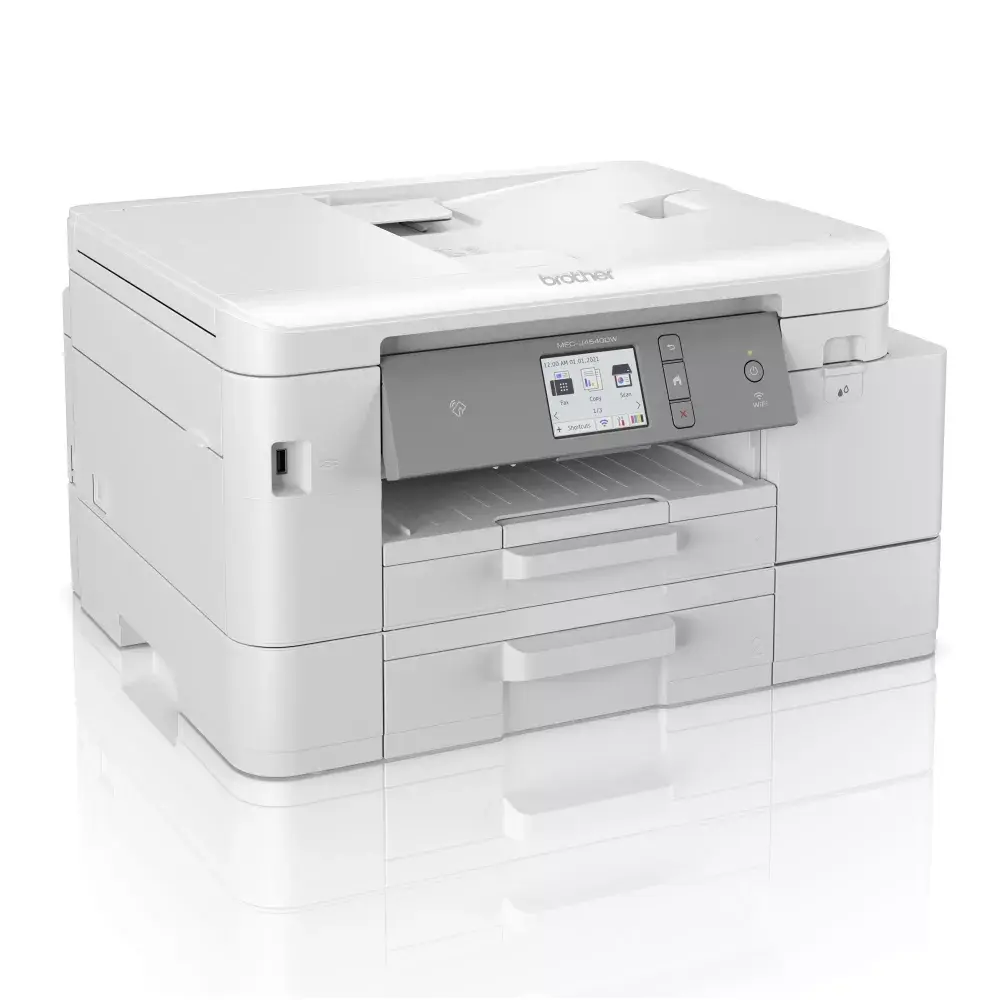
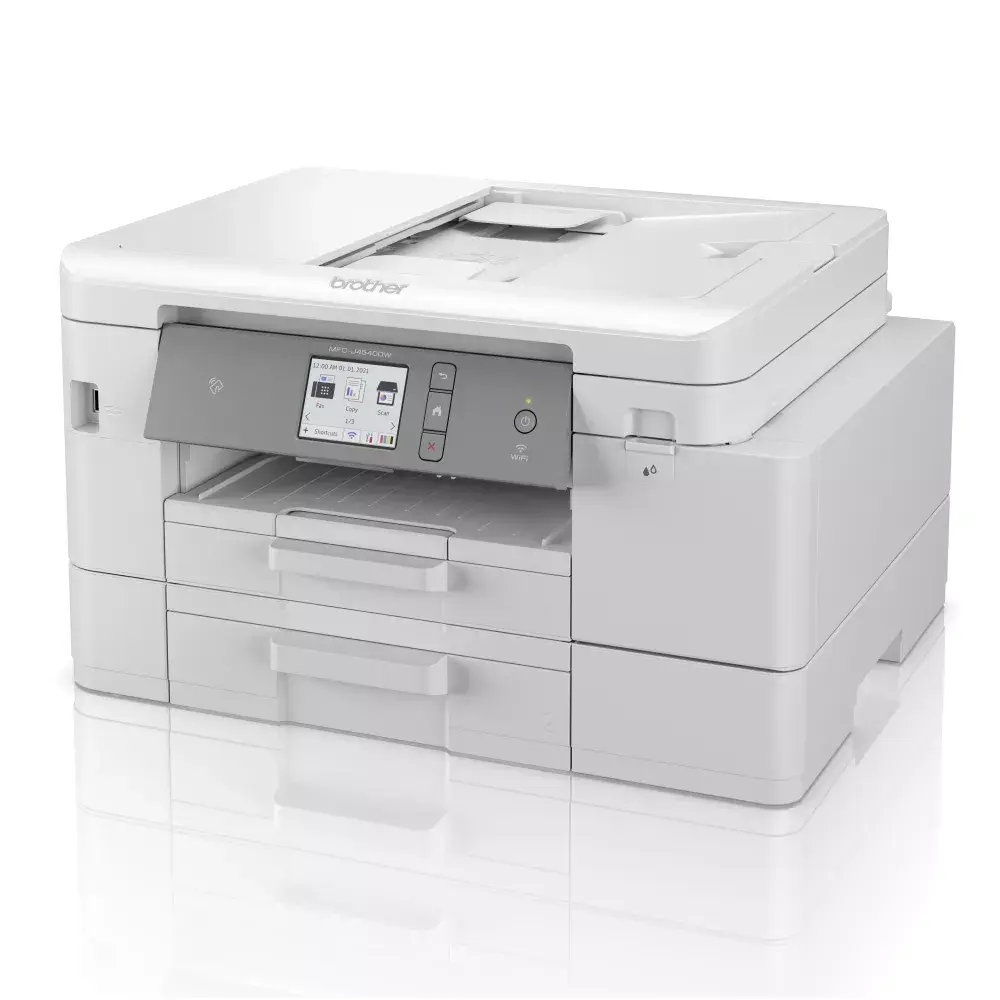
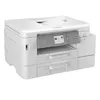
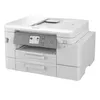
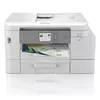
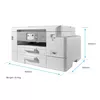
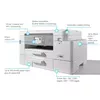
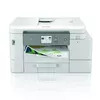
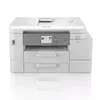
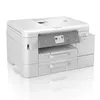
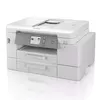
Multifunction Device Brother MFC-J4540DW Inkjet A4 Color
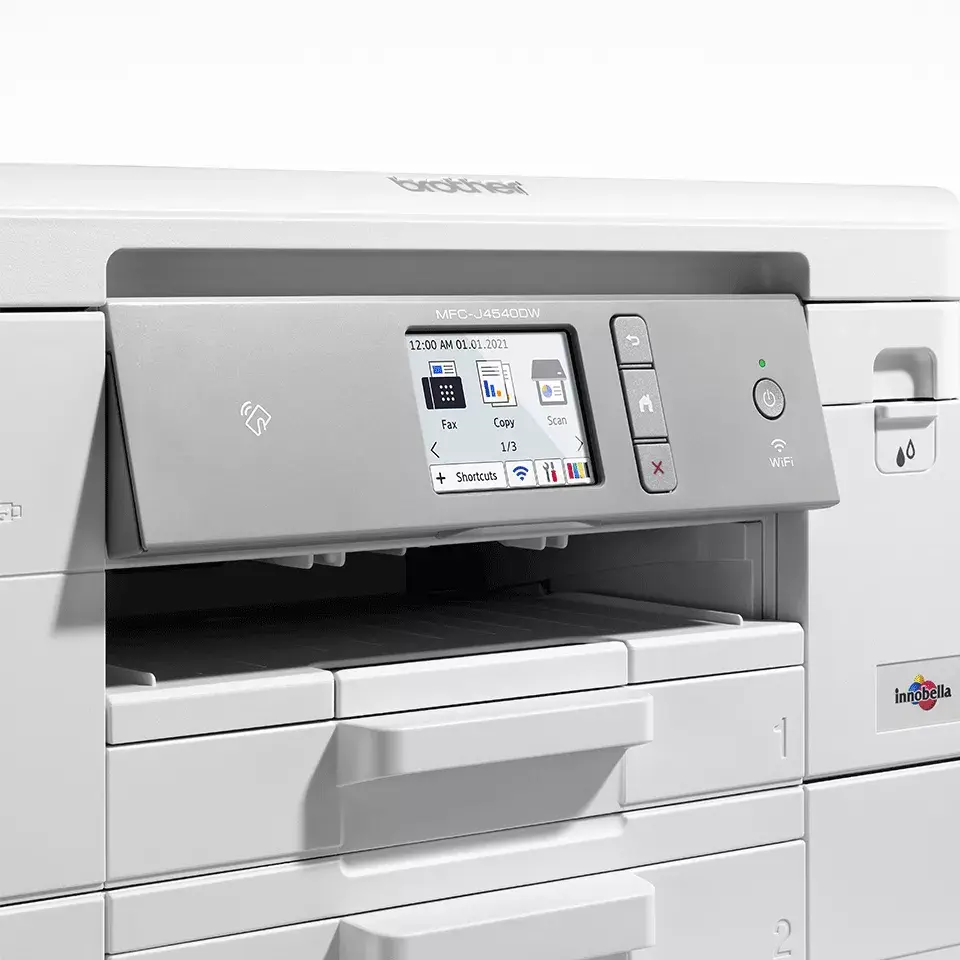
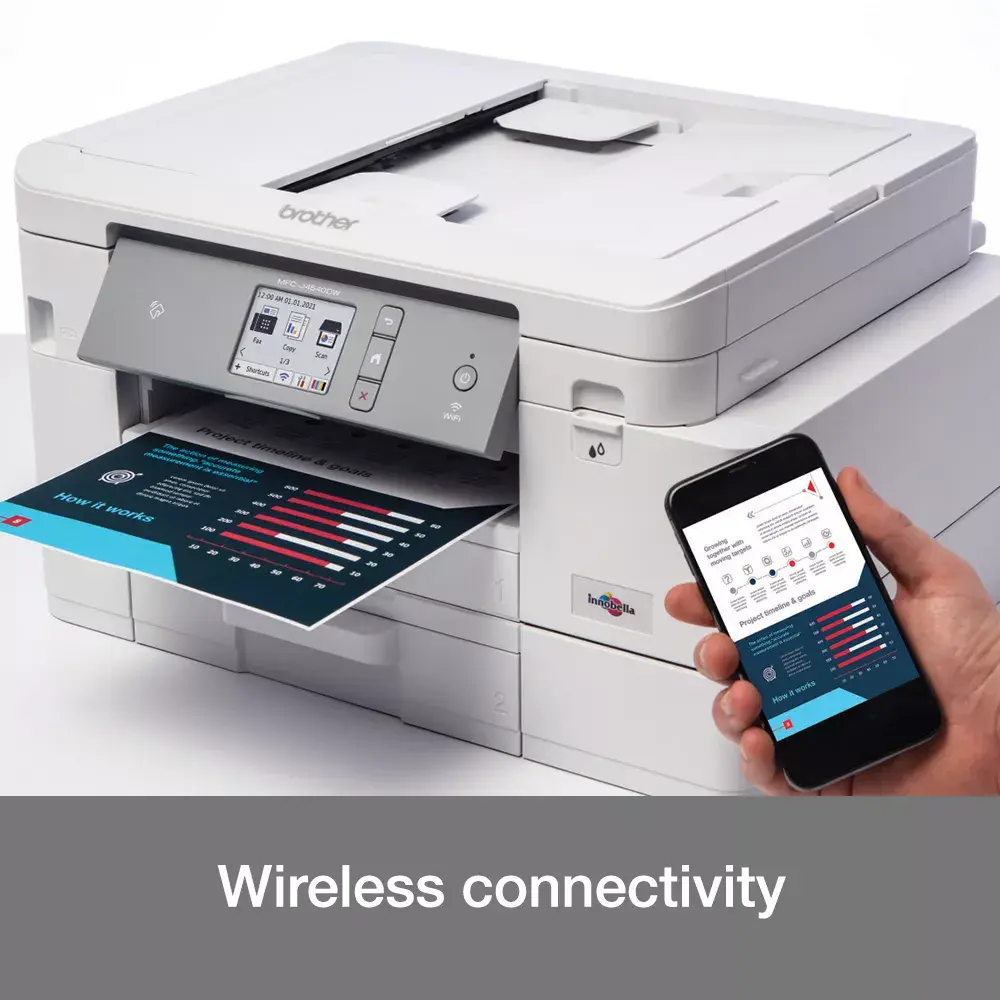
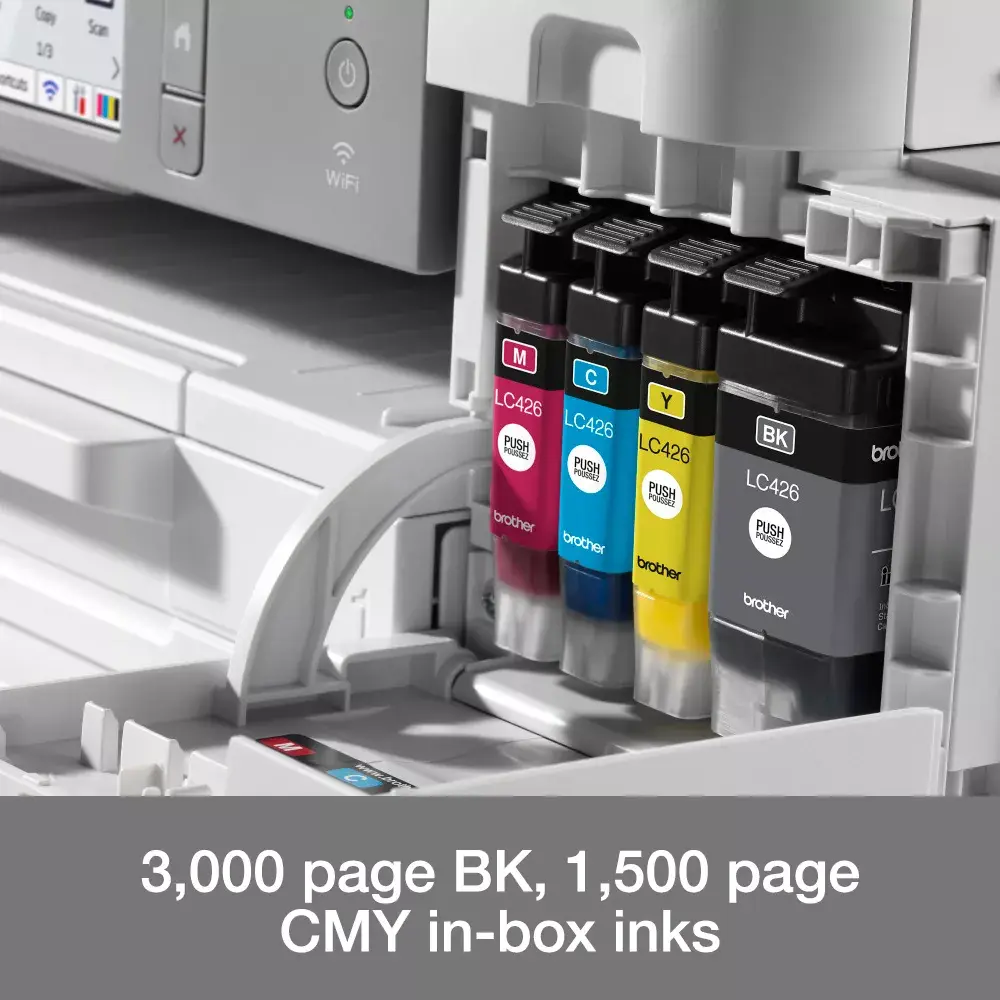
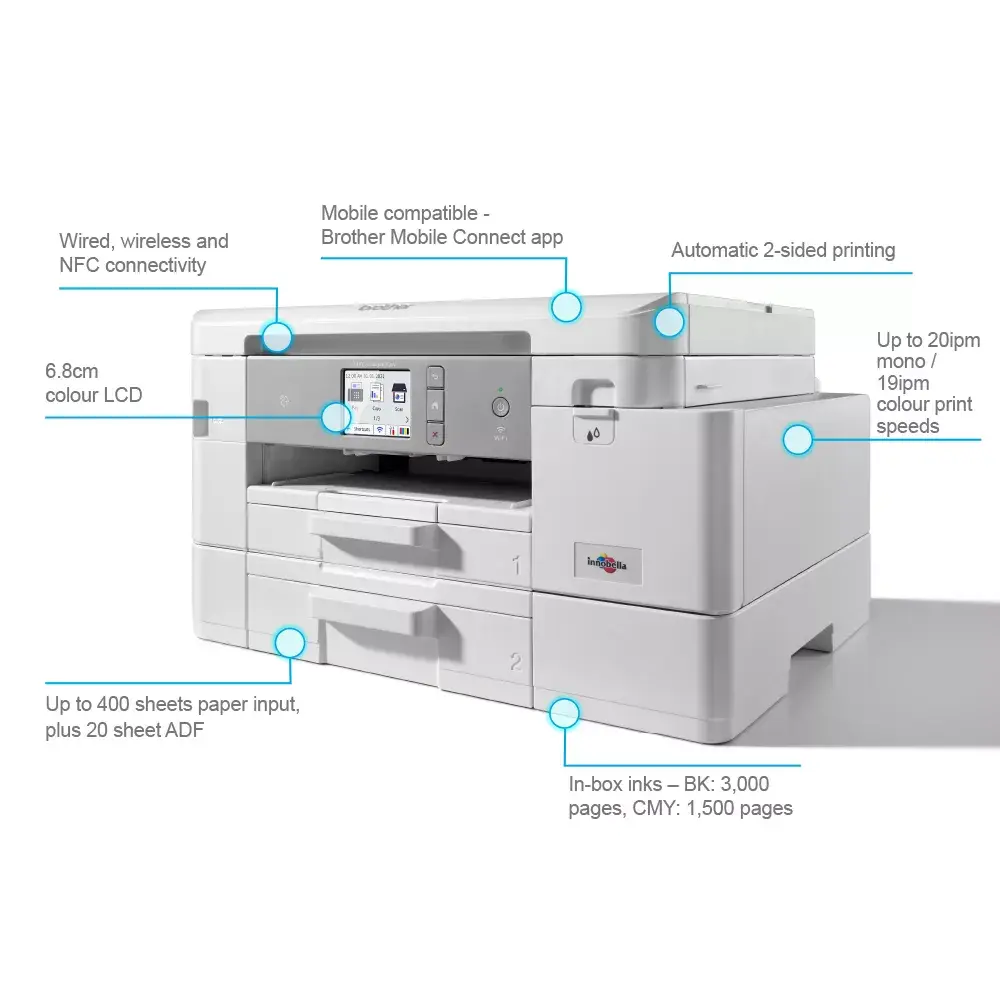
The Brother MFC-J4540DW is a compact A4 inkjet multifunction device that integrates print, copy, scan and fax capabilities. It delivers up to 4800 x 1200 dpi print resolution and supports automatic duplex printing, wireless and wired network connections, NFC and mobile printing. The device includes a 20-sheet automatic document feeder, a 4.5 cm colour LCD and inbox ink that supplies up to 3000 pages black and 1500 pages colour.*
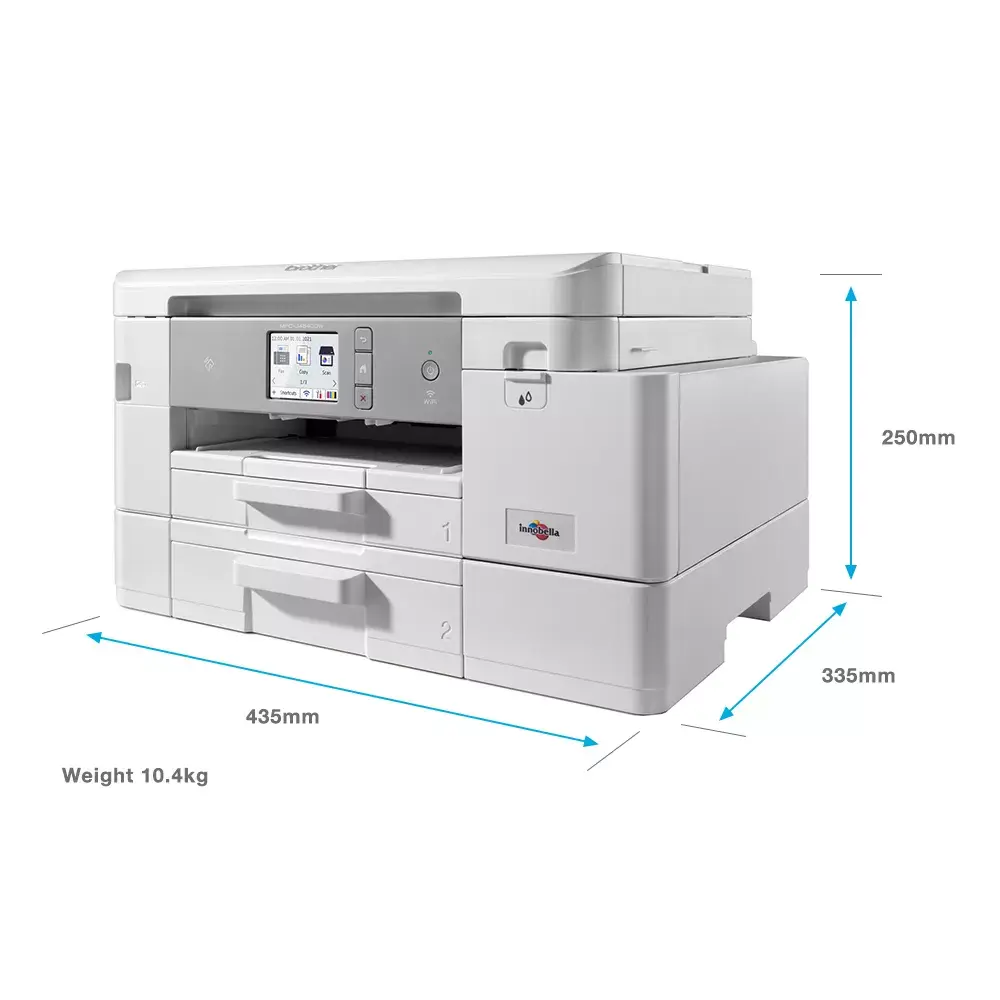
The MFC-J4540DW combines four functions in a single unit — print, copy, scan and fax — while keeping a compact desktop footprint. It offers multiple connectivity options including Wi‑Fi, LAN, NFC and USB, and features a 20‑sheet automatic document feeder and a colour LCD for simple operation. Inbox inks and an internal ink storage design extend uninterrupted printing capacity, and the device provides fast mono and colour output suitable for home and small office use.
Place the MFC-J4540DW on a stable, level surface with adequate ventilation. Connect to your network via Wi‑Fi or Ethernet, or plug in by USB for local use. Install the ink cartridges and load A4 paper into the paper tray. Use the 4.5 cm colour LCD or the Brother Mobile Connect app to configure settings, send print jobs, initiate scans or set up fax options. For multi-page documents, place the originals in the 20‑sheet automatic document feeder for scanning or copying.
Use original Brother inks and follow the page gauge on the LCD to monitor remaining ink levels. For best results, enable automatic duplex printing when appropriate and select the correct paper type and print quality in driver settings. Regularly clean the scanner glass and perform periodic maintenance checks to maintain print quality and reliability.
{{highlightedFeature.featureTitle}}:
{{getProductFeatureValueById(product, highlightedFeature.featureId)}}
{{ productComparisonGenerationError }}