Hurry and order now – up to 50% off!
In cart {{totalProductsCount}} item(s)
Your cart is empty
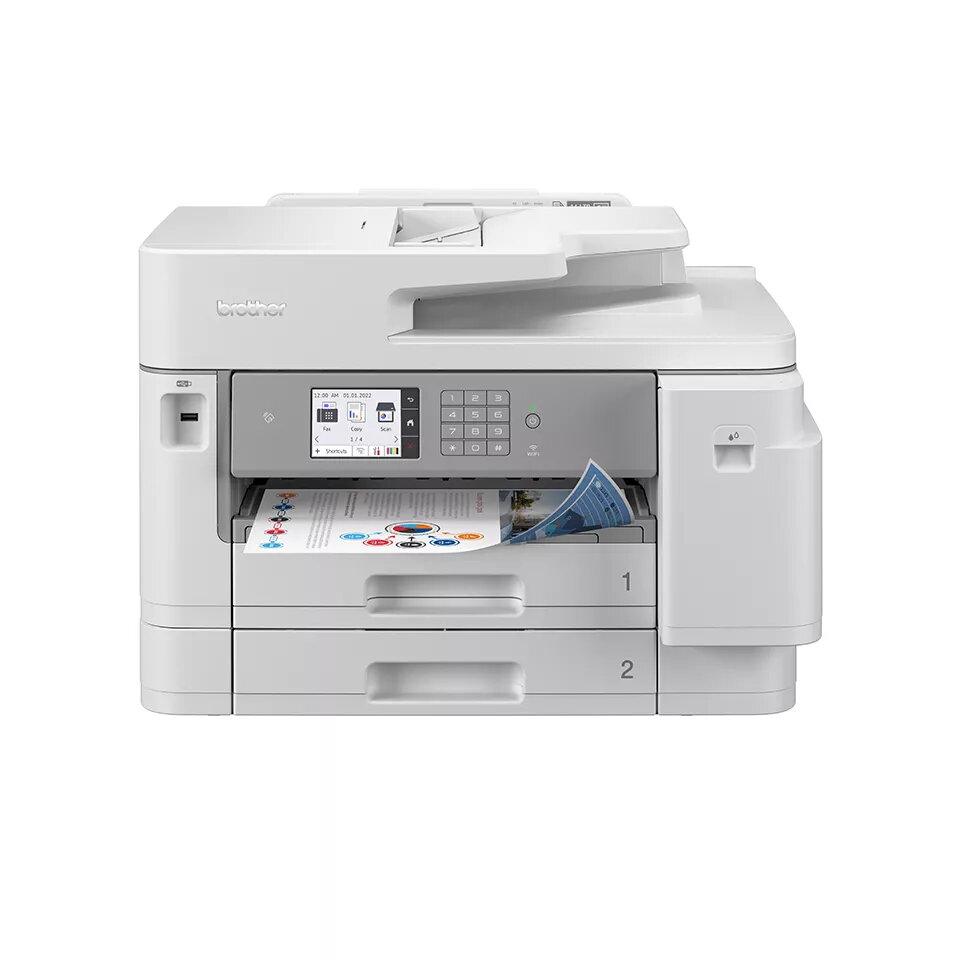
Multifunction Printer Brother MFC-J5955DW Inkjet Colour
The Brother MFC-J5955DW Inkjet Colour is an A3 multifunction printer designed for office environments that require colour output, scanning and copying with duplex capability. It delivers colour printing at up to 1200 x 4800 DPI and a rated print speed of 30 ppm for standard documents. The device supports colour copying and scanning, with copying resolution up to 600 x 600 DPI and optical scanning up to 1200 x 2400 DPI, and it accepts paper sizes up to A3. Built-in Wi‑Fi and Ethernet LAN enable networked workflows and direct printing, while duplex functions for print, copy, scan and fax help reduce paper use and streamline document handling.
The printer combines A3 format capability with inkjet colour output and duplexing across printing, copying, scanning and faxing, enabling versatile document production. Fast nominal print speed and high maximum resolution support both routine office jobs and higher-detail colour documents. Network connectivity via Wi‑Fi and Ethernet allows shared use across teams and direct print options simplify mobile or cloud-based workflows. The device is designed for a monthly workload of up to 3500 pages, making it suitable for busy offices that need consistent throughput.
Place the Brother MFC-J5955DW on a stable surface with sufficient clearance for A3 media and the document feeder. Connect the device to your local network via Ethernet or set up Wi‑Fi using the control panel instructions. Install the relevant drivers and software on user workstations or use mobile printing apps for direct printing. Load paper into the appropriate tray sized for A3 or smaller formats, and select duplex options in print or copy settings when two-sided output is required. Use the scanner glass or automatic document feeder for multi-page scanning; choose the desired optical resolution or file format through the scanning software.
For reliable operation, use genuine Brother inks and follow routine maintenance prompts. Configure network access with appropriate security settings and schedule regular checks of paper trays and ink levels if the device is used near its maximum monthly duty cycle.
{{highlightedFeature.featureTitle}}:
{{getProductFeatureValueById(product, highlightedFeature.featureId)}}
{{ productComparisonGenerationError }}