Powerful EcoFlow stations for energy anywhere!
In cart {{totalProductsCount}} item(s)
Your cart is empty
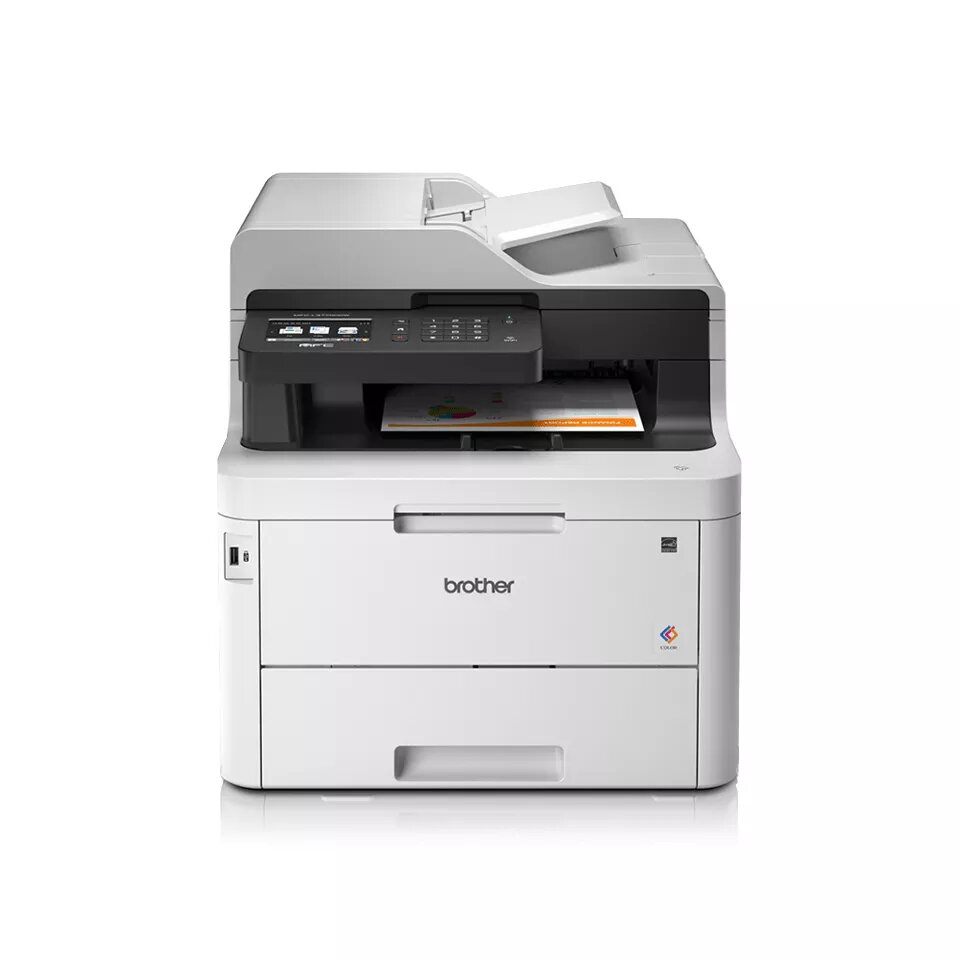
Multifunction printer Brother MFC-L3770CDW LED A4 colour 2400 x 600 DPI 24 ppm Wi‑Fi
The Brother MFC-L3770CDW is an A4 colour LED multifunction printer designed for small offices and home offices. It provides print, copy, scan and fax functions in a compact footprint. The device delivers colour printing at up to 24 pages per minute with a maximum print resolution of 2400 x 600 dpi, colour copying at 600 x 600 dpi and optical scanning up to 2400 x 1200 dpi. Connectivity options include Wi‑Fi, Ethernet, NFC and USB, while a 250-sheet adjustable paper tray plus a 30-sheet multipurpose tray and a 50-sheet automatic document feeder support a range of media and reduce refill frequency.
The MFC-L3770CDW combines fast output, versatile media handling and multiple connection methods to suit varied working environments. Automatic duplex printing and single-pass duplex scanning help reduce paper usage and speed up multi-page jobs. Built-in NFC and wireless mobile printing enable quick ad-hoc printing and scanning from smartphones and tablets. A 3.7" color touchscreen provides direct access to cloud services and device settings. The unit is engineered for consistent operation with a monthly duty cycle rated up to 30,000 pages.
Place the printer on a stable surface with sufficient clearance for paper trays and the document feeder. Load paper into the adjustable 250-sheet tray or the 30-sheet multipurpose tray according to the media type. Connect the device to your network using Wi‑Fi, wired Ethernet, NFC touch-to-connect or USB. Use the 3.7" colour touchscreen to access print, scan and fax functions, configure network/cloud settings, and create shortcuts. For duplex copy or scan jobs, load originals into the automatic document feeder; the single-pass duplex ADF scans both sides in one pass. Replace consumables with Brother Genuine toner cartridges and follow on-screen prompts for routine maintenance.
For reliable operation, use appropriate paper sizes and media weights in the main tray and multipurpose tray, keep the automatic document feeder free of staples or paper clips, and choose genuine replacement toner for consistent print quality. For frequent mobile or cloud workflows, configure wireless and cloud account access via the touchscreen and create custom shortcuts for commonly used scanning destinations.
{{highlightedFeature.featureTitle}}:
{{getProductFeatureValueById(product, highlightedFeature.featureId)}}
{{ productComparisonGenerationError }}