
Powerful EcoFlow stations for energy anywhere!
In cart {{totalProductsCount}} item(s)
Your cart is empty
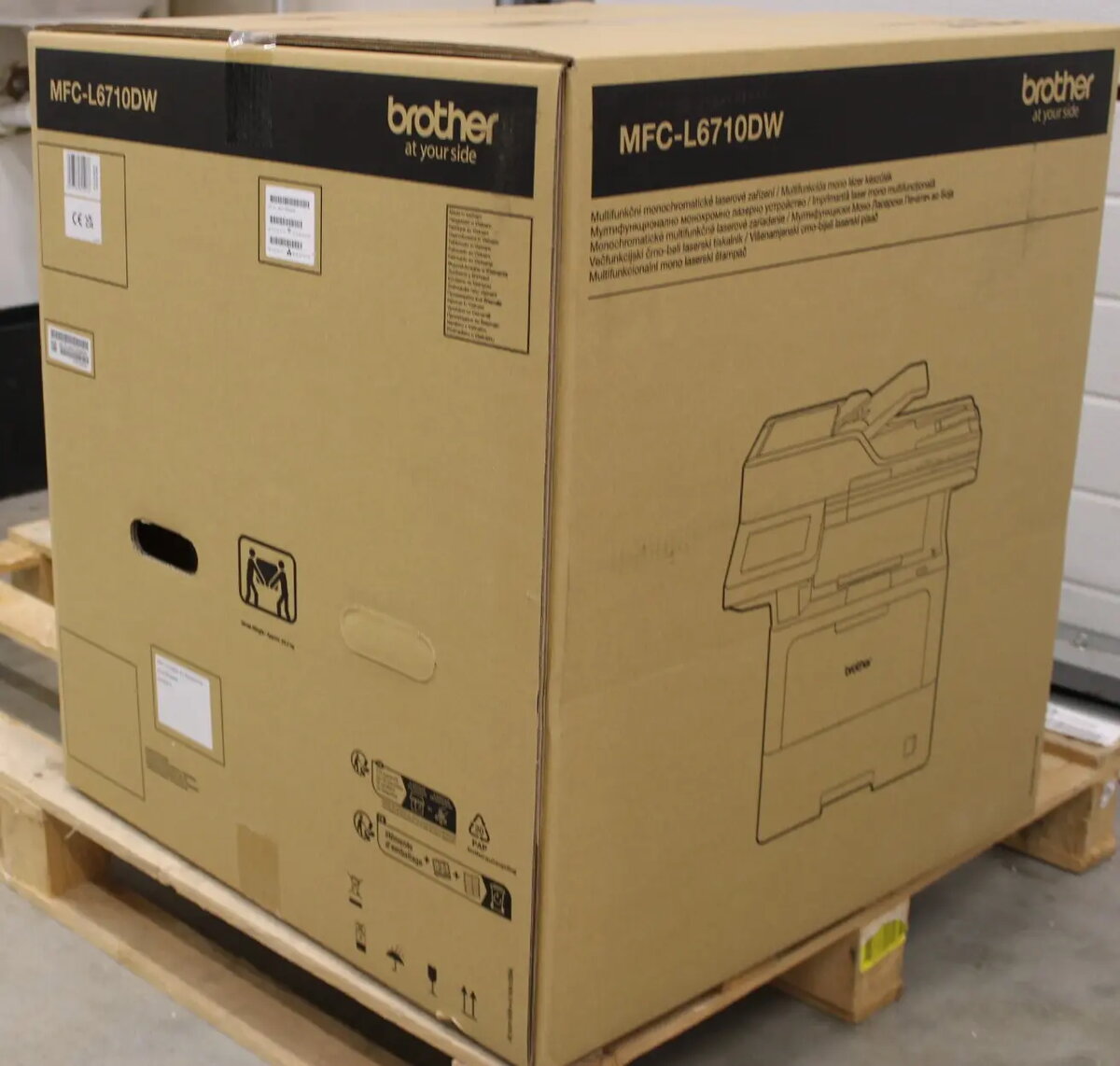
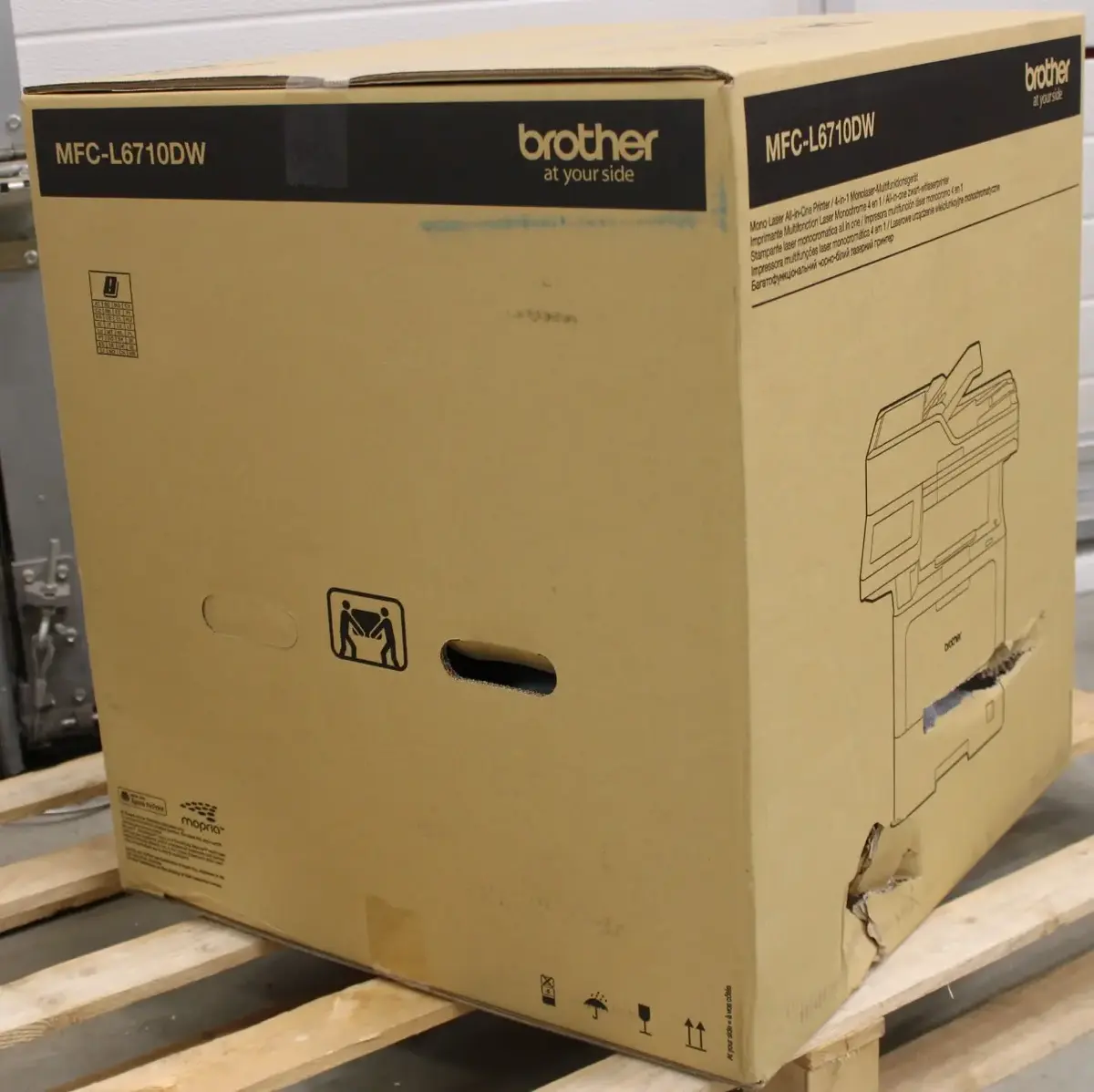
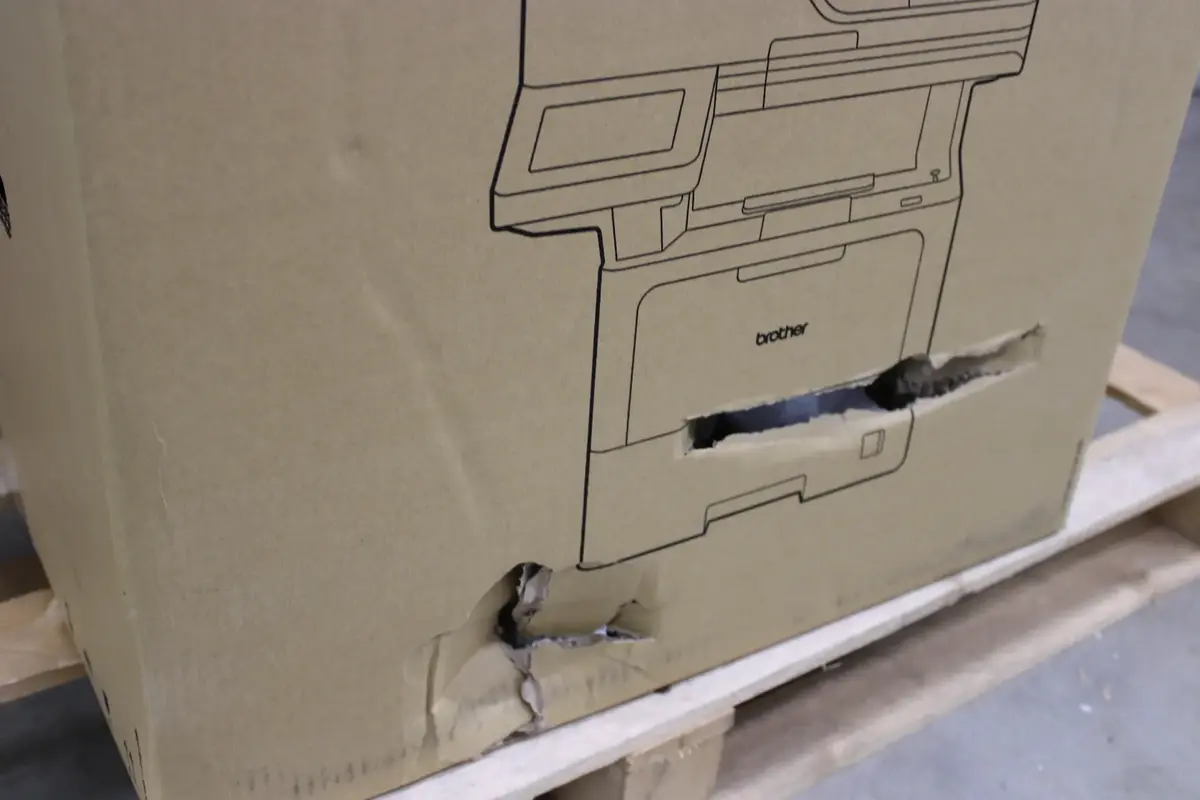
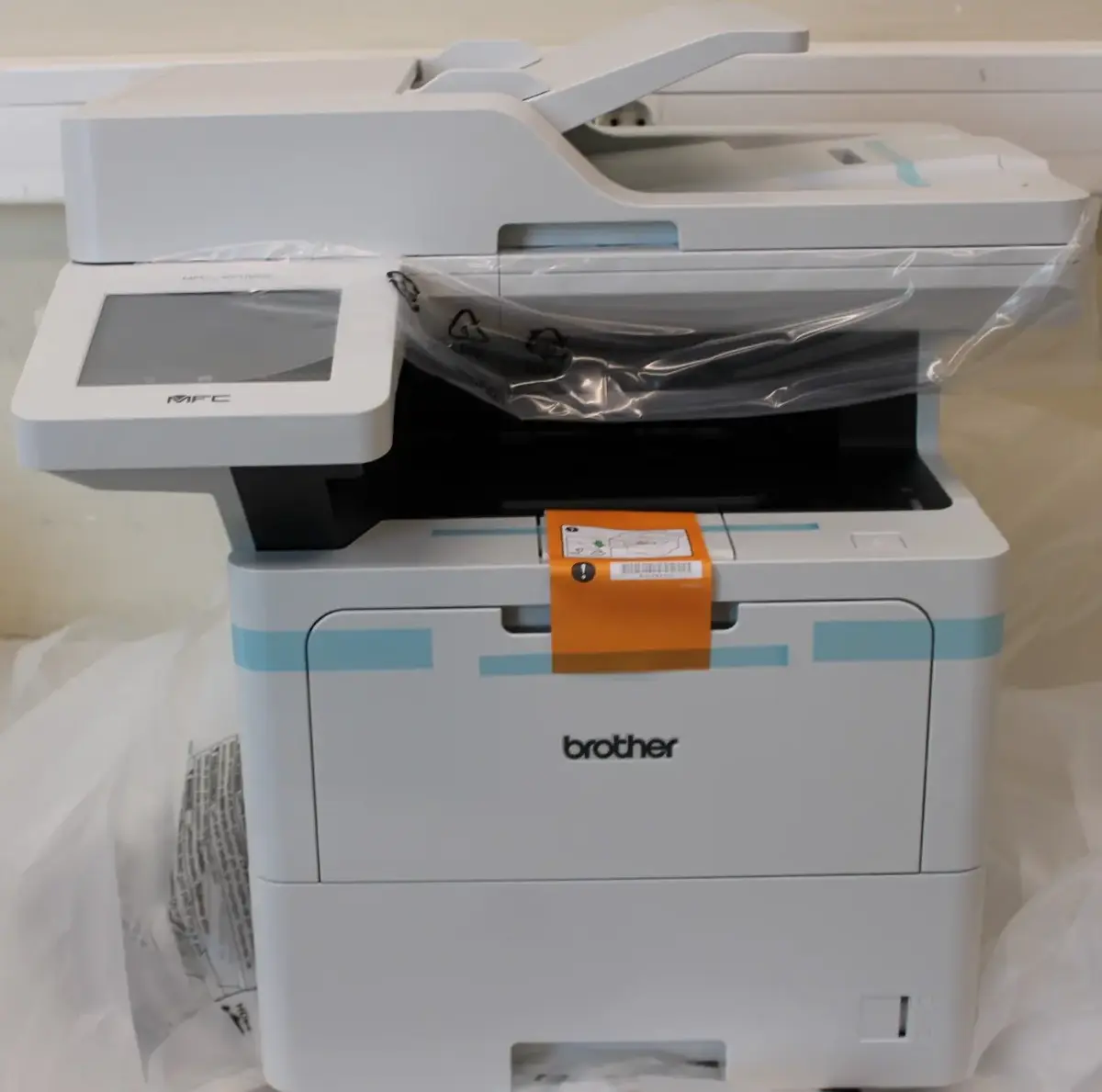
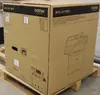
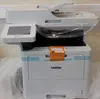
Brother MFC-L6710DW All-in-One Monochrome Laser Printer, A4, Wi-Fi, Duplex, Fax
The Brother MFC-L6710DW is a high-performance monochrome laser multifunction printer engineered to streamline demanding office workflows. This robust all-in-one device combines printing, scanning, and faxing capabilities into a single, efficient unit, ensuring professional document management for busy workgroups. With integrated Wi-Fi connectivity and automatic duplex printing, it provides the flexibility and speed required for modern business environments.
This multifunction printer excels in environments where high-volume, consistent output is essential. Its laser technology ensures sharp, clear text for every document, while the automatic duplex feature helps reduce paper consumption and operational costs. The inclusion of wireless connectivity allows for seamless integration into existing office networks, enabling users to print from various devices with ease. Designed for reliability, this machine minimizes downtime and maximizes productivity through its fast processing speeds and intuitive operation.
This device is designed specifically for monochrome printing and is not suitable for tasks requiring color output, such as printing graphics, photos, or marketing materials. Additionally, its size and feature set are optimized for office environments, which may be excessive for home users with very low printing requirements.
To begin using the Brother MFC-L6710DW, connect the device to your power source and your local network via Wi-Fi. Install the necessary drivers on your computer or mobile device to enable full functionality. Load your paper into the tray, ensuring the guides are adjusted to the correct size. Use the control panel to select your desired function, such as printing a document, scanning to a folder, or sending a fax. Regular maintenance, such as replacing toner cartridges when prompted, will ensure the device continues to operate at peak performance.
For the best results and to maintain the longevity of your printer, always use genuine Brother consumables. Ensure the printer is placed on a flat, stable surface with adequate ventilation to prevent overheating during high-volume print jobs.
{{highlightedFeature.featureTitle}}:
{{getProductFeatureValueById(product, highlightedFeature.featureId)}}
{{ productComparisonGenerationError }}