Powerful EcoFlow stations for energy anywhere!
In cart {{totalProductsCount}} item(s)
Your cart is empty
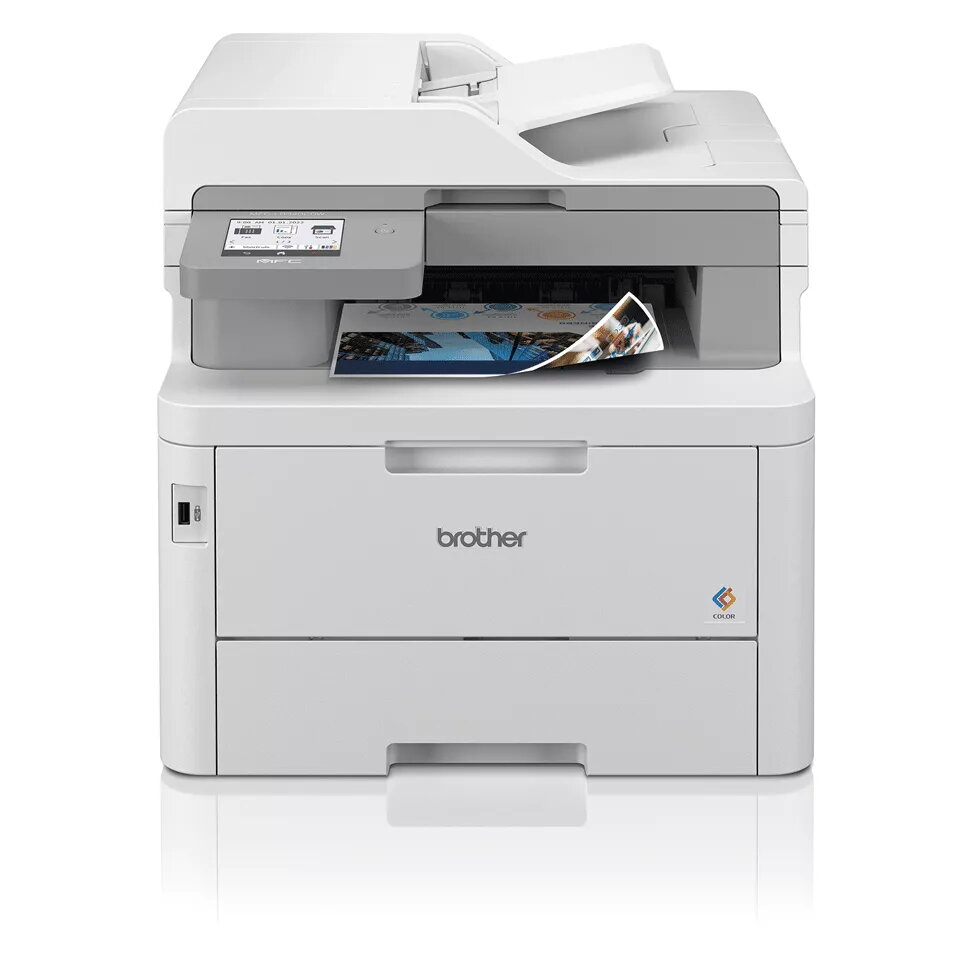
Multifunction Printer Brother MFC-L8340CDW LED colour, A4, 30 ppm, Duplex, Wi‑Fi, NFC, 512 MB
The Brother MFC-L8340CDW LED Colour Printing multifunction printer is a compact office device combining colour printing, copying, scanning and faxing. It delivers up to 30 pages per minute in standard quality and supports a maximum print resolution of 600 x 2400 dpi for sharper text and graphics. The scanner provides an optical resolution of 1200 x 1200 dpi for detailed colour scans, while the copier reproduces documents at up to 600 x 600 dpi. Built-in Wi‑Fi enables mobile and direct printing, and automatic duplex printing reduces paper use. The unit’s white finish and moderate footprint fit typical small-to-medium office environments.
The LED print engine offers stable, reliable output with consistent colour and text quality. A 30 ppm print speed helps maintain workflow efficiency for everyday office tasks. High optical scanning resolution supports accurate archival and digital sharing of documents. Integrated Wi‑Fi simplifies connection from laptops, smartphones and tablets without extra cabling. Duplex printing cuts paper consumption for two-sided documents. The printer’s compact weight and neutral white design make it suitable for shared office spaces where space and appearance matter.
Install the Brother MFC-L8340CDW on a stable surface and connect it to your local Wi‑Fi network following the setup guide. Load paper into the main tray and replace consumables with genuine supplies when prompted. For printing, select the printer from your device’s print dialog and choose required print settings such as colour, duplex or paper size. For scanning, use the scanner glass or the feeder and initiate scans from the control panel or via a connected computer using the supplied scanning utility. For copying and faxing, use the control panel to select size, number of copies, or fax destination and options.
Place the printer in a well-ventilated area with stable power; use recommended paper types and weights for reliable duplex printing. Keep firmware and drivers up to date to ensure compatibility with mobile printing and to benefit from performance improvements.
{{highlightedFeature.featureTitle}}:
{{getProductFeatureValueById(product, highlightedFeature.featureId)}}
{{ productComparisonGenerationError }}