
{{ totalProductsCount }}

In cart {{totalProductsCount}} item(s)

Total:
{{sum | formatAmount}}

Your cart is empty

header-product Inkjet colour MFP A4 Brother MFC-T930DW — print/scan/copy, 30 ppm, USB, Wi‑Fi, Ethernet

Inkjet colour MFP A4 Brother MFC-T930DW — print/scan/copy, 30 ppm, USB, Wi‑Fi, Ethernet

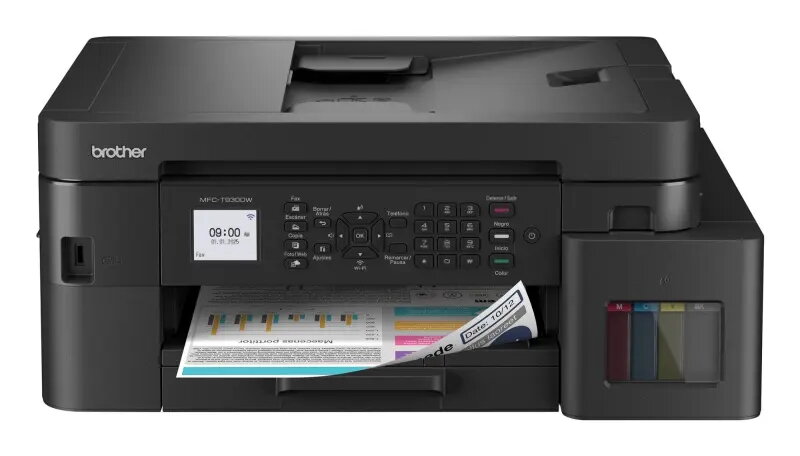
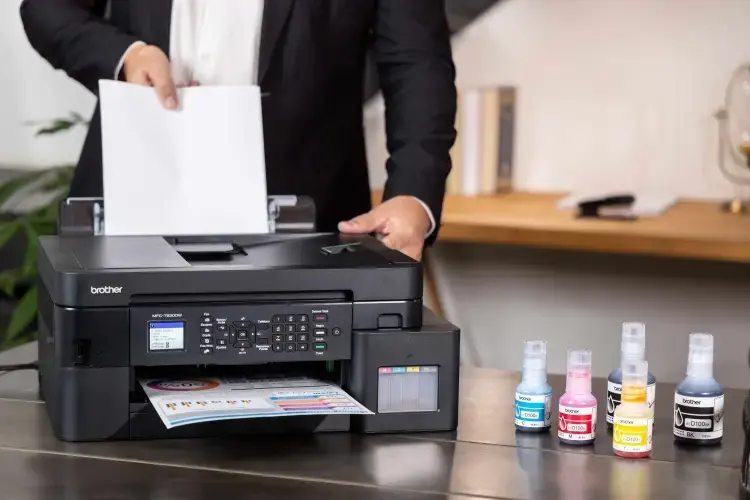
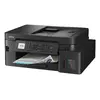
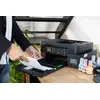
Brother MFC-T930DW inkjet colour MFP A4 Photo 1
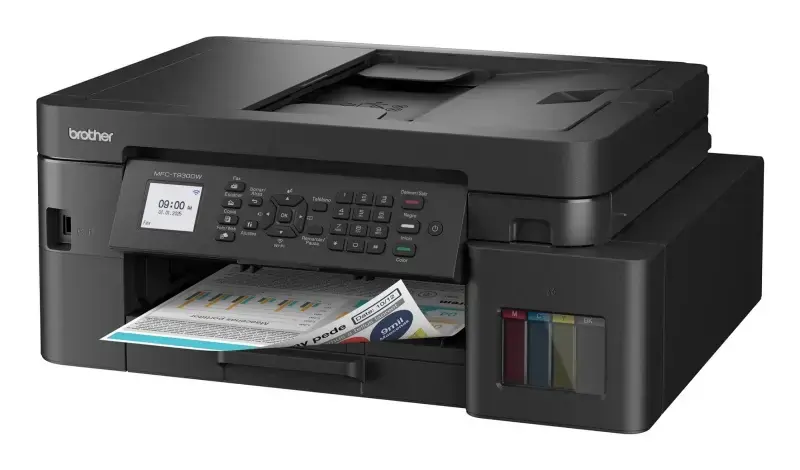
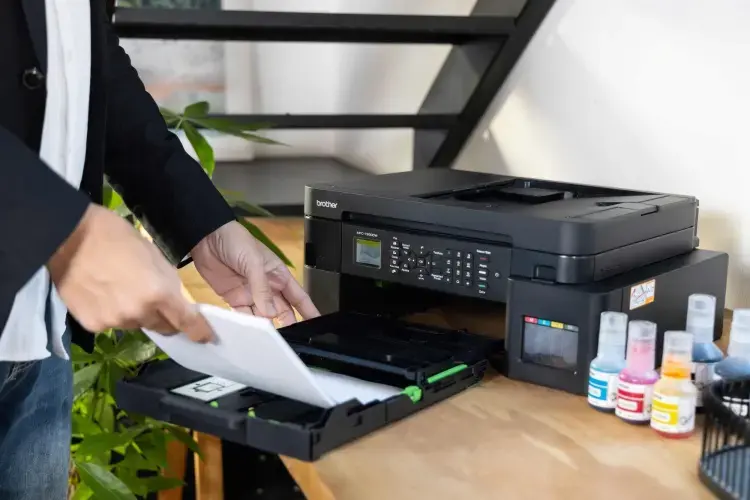
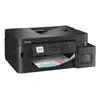
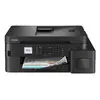
Brother MFC-T930DW inkjet colour MFP A4 Photo 2
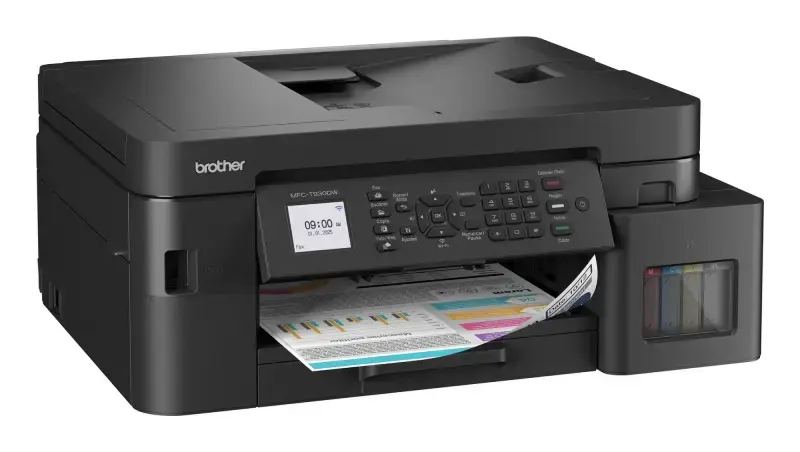
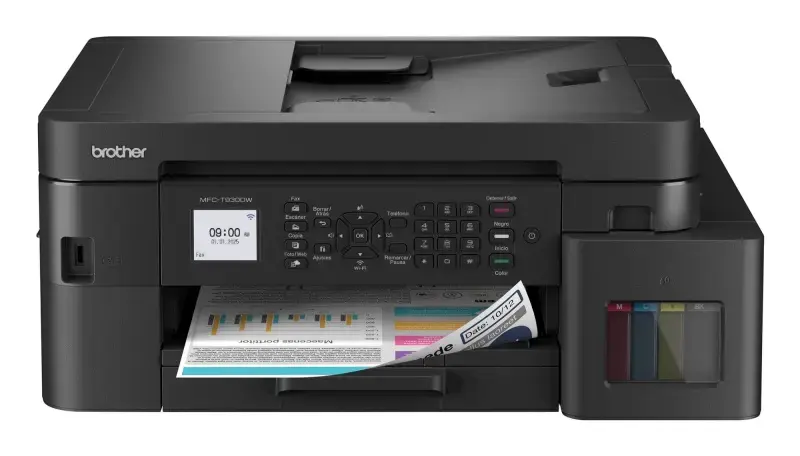
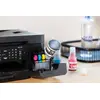
Brother MFC-T930DW inkjet colour MFP A4 Photo 3
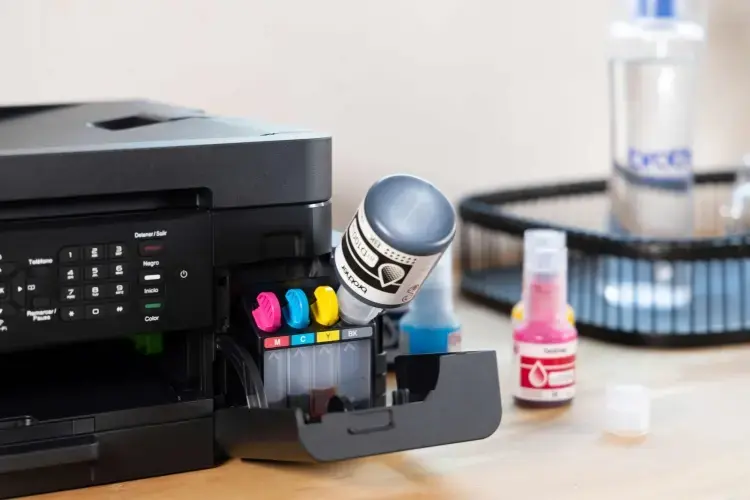
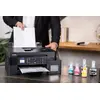
Brother MFC-T930DW inkjet colour MFP A4 Photo 4
Brother MFC-T930DW inkjet colour MFP A4 Photo 5
Brother MFC-T930DW inkjet colour MFP A4 Photo 6
Brother MFC-T930DW inkjet colour MFP A4 Photo 7
Brother MFC-T930DW inkjet colour MFP A4 Photo 1
Brother MFC-T930DW inkjet colour MFP A4 Photo 2
Brother MFC-T930DW inkjet colour MFP A4 Photo 3
Brother MFC-T930DW inkjet colour MFP A4 Photo 4
Brother MFC-T930DW inkjet colour MFP A4 Photo 5
Brother MFC-T930DW inkjet colour MFP A4 Photo 6
Brother MFC-T930DW inkjet colour MFP A4 Photo 7
Out of stock.
View similar!

Short description

Brother MFC-T930DW is an A4 inkjet colour multifunction printer offering printing, scanning and copying with a rated speed of up to 30 pages per minute. It connects via USB, Wi‑Fi and Ethernet for flexible placement and mobile printing. Suitable for small offices and home workgroups, it supports everyday colour documents, duplexing, and networked workflows to save time and simplify document handling.
Warranty: 2 Years
SKU: 11641271

delivery
Information regarding the items availability for purchase will be posted on this site
price
Item cost information will be published on this site
Together cheaper
{{product.price | formatAmount}}
{{product.title}}
{{productBundle.reference.specialPrice | formatAmount}}
{{productBundle.title}}
{{productBundlePreviousPrice | formatAmount}}
{{productBundleSpecialPrice | formatAmount}}

You saving {{productBundleYouSave | formatAmount}}

Product information

Description

Brother MFC-T930DW is an A4 inkjet colour multifunction printer that provides print, scan and copy functions in a compact footprint. It delivers up to 30 pages per minute for monochrome and colour documents, supports duplex printing, and offers flexible connectivity via USB, Wi‑Fi and Ethernet. Designed for small offices and home workgroups, the device supports mobile printing and networked workflows to streamline everyday document tasks.

Advantages

The MFC-T930DW combines high-speed output with integrated scanning and copying, reducing the need for multiple devices. Its wired and wireless connectivity options allow placement anywhere in the workspace and enable printing from smartphones and laptops. Automatic duplexing saves paper on two-sided jobs, while the compact design and straightforward controls help maintain a tidy work area and simple operation.

Suitable for

  • Small office printing and copying of colour documents
  • Home workgroups requiring networked multifunction functionality
  • Mobile printing from smartphones and tablets over Wi‑Fi
  • Environments that need automatic duplex prints to reduce paper use

Key specifications

  • Print technology: colour inkjet
  • Functions: print, scan, copy
  • Paper size: A4 (supports standard office paper sizes)
  • Rated print speed: up to 30 ppm (pages per minute)
  • Duplex: automatic two-sided printing
  • Connectivity: USB, Wi‑Fi, Ethernet (wired network)
  • Scan type: flatbed scanner (colour scanning capability)
  • Recommended use: small office and home workgroup environments

How to use

Install the MFC-T930DW on a stable surface and connect it to power. Use the control panel to configure language, date and basic settings, then install drivers and software on your computer via the provided USB connection or by downloading the latest drivers from the manufacturer’s website. For network printing, connect the device to your LAN using Ethernet or configure Wi‑Fi through the printer menu or wireless setup tools on your computer or mobile device. Load paper into the tray, select duplex or single-sided printing as needed in the print dialog, and send jobs from your PC, smartphone or tablet.

Usage recommendations

For consistent results, use quality A4 office paper that matches the printer’s specifications and keep the ink tanks topped up according to usage. Place the printer in a well-ventilated area away from direct sunlight and extreme temperatures. Regularly run the printer’s maintenance utilities, such as printhead alignment and nozzle checks, to maintain colour accuracy and print reliability.

Description

Machine translation. Load original

Similar products

{{product.title}} Show details Hide details

{{highlightedFeature.featureTitle}}:

{{getProductFeatureValueById(product, highlightedFeature.featureId)}}

{{product.price | formatAmount}}
Might be useful
{{product.manufacturerName}}
{{product.categoryName}}
{{product.title}}
{{product.specialPrice}}
{{product.price}}

Customer reviews

Customer questions

FAQ

What payment options are available?

AiO.lv offers several payment methods: Bank transfer. All transactions are 100% secure and encrypted.

Can this product be purchased for a company (with VAT)?

Yes. AiO.lv works with legal entities in Latvia and across Europe. The product price already includes VAT. For certain product categories, as well as for companies from other EU countries with a valid VAT number, a 0% VAT rate may apply. We issue the invoice immediately after the order is placed, support electronic BIS invoices, and automatically generate all necessary accounting documents. You can complete the purchase for a company online — simply select the company profile and choose bank transfer as the payment method during checkout.

What is the warranty period?

All Brother products come with an official 2 Years warranty. It covers all manufacturing defects and malfunctions that may occur during use. The warranty is valid at all authorized Brother service centers and through AiO.lv

Can the product be returned after purchase?

Yes, you can return the product within 14 days of purchase if you bought it as a consumer (not a legal entity). Returns are possible without giving any reason — the main condition is that the product retains its original appearance and full set of accessories. We will make the process as simple and convenient as possible: just contact our customer support team, and we will help you arrange the return.

Where should I contact for warranty service?

For warranty-related questions you can contact the AiO.lv (SIA VSPRO) customer support team. We will assist with consultation, warranty claim processing, and coordination with certified service centers.
warranty
14-Day Return Policy We are confident in our quality, but if the purchase doesn’t fit — you have 14 days to return the product with peace of mind.
shipping
Fast Delivery Get your orders as quickly as possible — right to your door, parcel lockers, or pickup points across Latvia and the EU.
payment
Secure Payment Pay the way you prefer: cash, VISA, MasterCard, Apple Pay, Google Pay, bank transfer, or 0% installment plan.
warranty
Quality Since 2008 AiO.lv has been on the market for over 18 years and has earned trust — with more than 6000 genuine positive reviews on Google.