


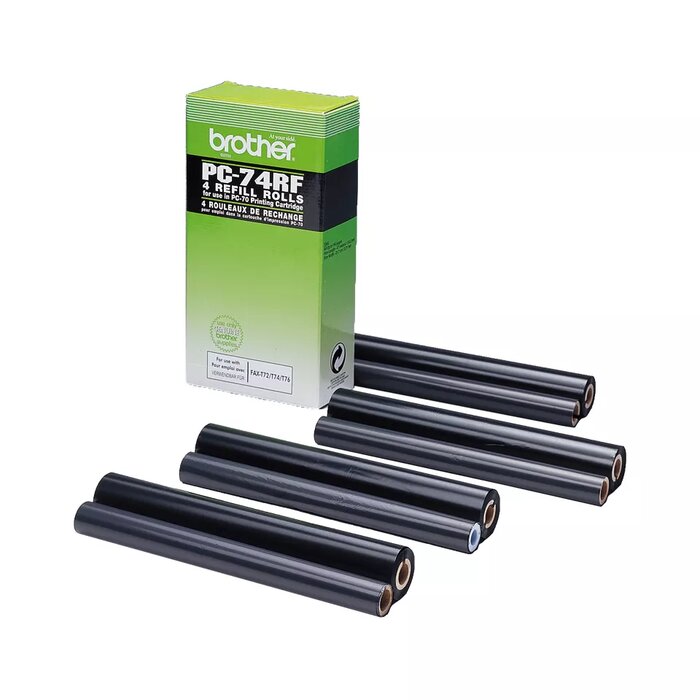
Brother PC-74RF Fax Ribbon Black 144 pages 4-pack for FAX-T72 FAX-T74 FAX-T76 FAX-T78 FAX-T7 Plus FAX-T92 FAX-T94 FAX-T96 FAX-T98 FAX-T102 FAX-T104 FAX-T106
Short description


Cheapest delivery:
Unisend LV
Product information
Description
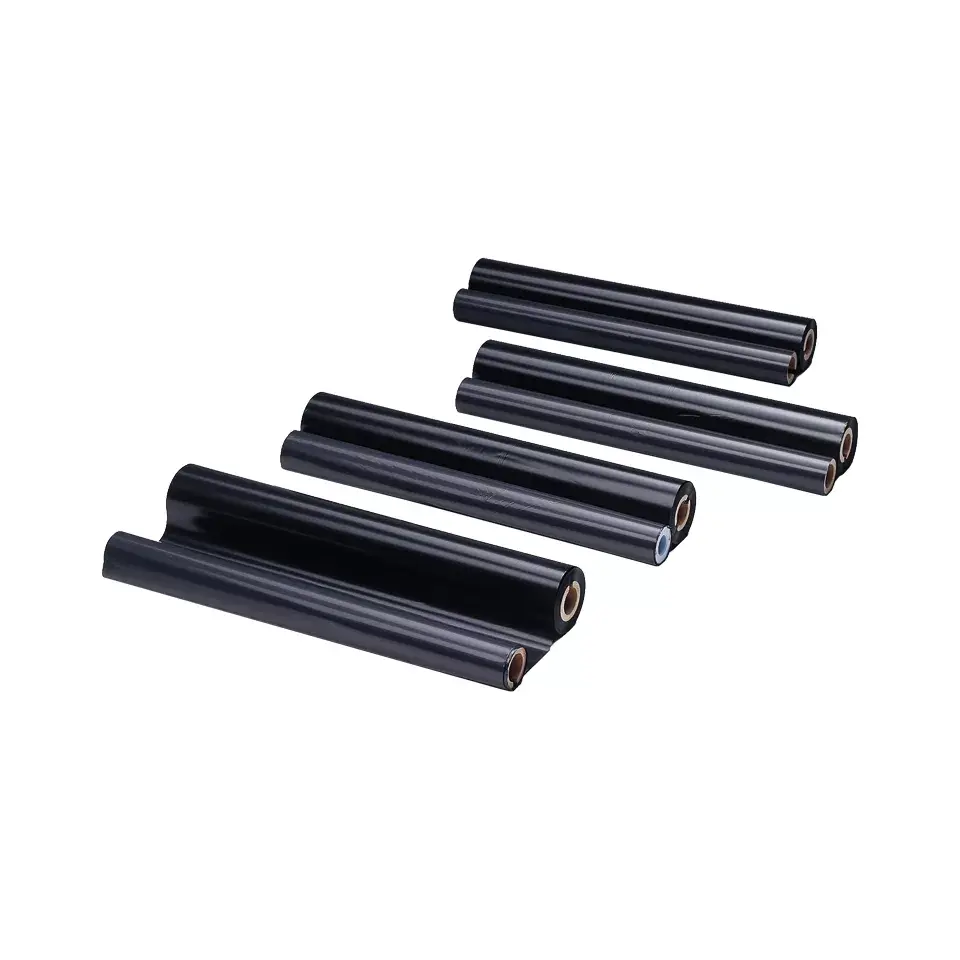
The Brother PC-74RF Fax Ribbon Black 144 pages 4-pack is an essential supply designed to ensure reliable and high-quality daily office fax communication. This genuine black fax ribbon pack contains four cartridges, with each individual cartridge capable of yielding up to 144 pages of crisp, legible text documents. Engineered to work seamlessly with thermal transfer printing technology, this consumable supply maintains consistent performance and sharp results for standard office documentation needs.
Advantages
Using original Brother consumables ensures optimal compatibility and reliable operation with your compatible fax machine. Each ribbon in this 4-pack provides steady black printing output, helping to prevent smudges and misprints while delivering professional document clarity. The multi-pack format offers practical convenience by reducing the frequency of reordering and ensuring you have replacement supplies readily available when previous cartridges are depleted.
Suitable for
- Printing daily office fax documents and text reports
- Routine business communication using compatible thermal fax machines
- Maintaining reliable document output in small offices and home workspaces
When it may not be suitable
This product is not designed for high-volume commercial printing tasks or general everyday office document printing outside of thermal fax machines. It is also incompatible with standard inkjet or laser printers, as it is specifically engineered exclusively for designated Brother thermal transfer fax equipment.
Key specifications
- Color: Black
- Page yield: Up to 144 pages per ribbon
- Quantity: 4 cartridges per pack
- Print technology: Thermal transfer
- Compatibility: FAX-T72, FAX-T74, FAX-T76, FAX-T78, FAX-T7 Plus, FAX-T92, FAX-T94, FAX-T96, FAX-T98, FAX-T102, FAX-T104, and FAX-T106
How to use
To install the ribbon, open the fax machine housing according to the device manufacturer instructions. Carefully remove the depleted ribbon cartridge and insert the new Brother PC-74RF black fax ribbon into the designated slot, ensuring it is securely seated. Feed the ribbon smoothly as directed by the internal machine guides before closing the cover securely. Perform a test print if necessary to verify proper installation and alignment.
What to consider before purchase
- Verify your specific fax machine model to ensure it matches the compatibility list before making a purchase
- Confirm that your device utilizes thermal transfer printing technology and requires the PC-74RF consumable
- Assess your average printing volume to determine if a four-pack adequately meets your document output needs
Usage recommendations
Store unused fax ribbons in a cool, dry place away from direct sunlight and extreme temperatures to preserve print quality and material integrity. Always follow the specific installation steps outlined in your machine manual to avoid paper jams or improper ribbon feeding during operation.
Features
- Compatibility:
- FAXT72 / FAXT74 / FAXT76 / FAXT78 / FAXT7 Plus / FAXT92 / FAXT94 / FAXT96 / FAXT98 / FAXT102 / FAXT104 / FAXT106


