
Dreame vacuums for fast and efficient cleaning!
In cart {{totalProductsCount}} item(s)
Your cart is empty
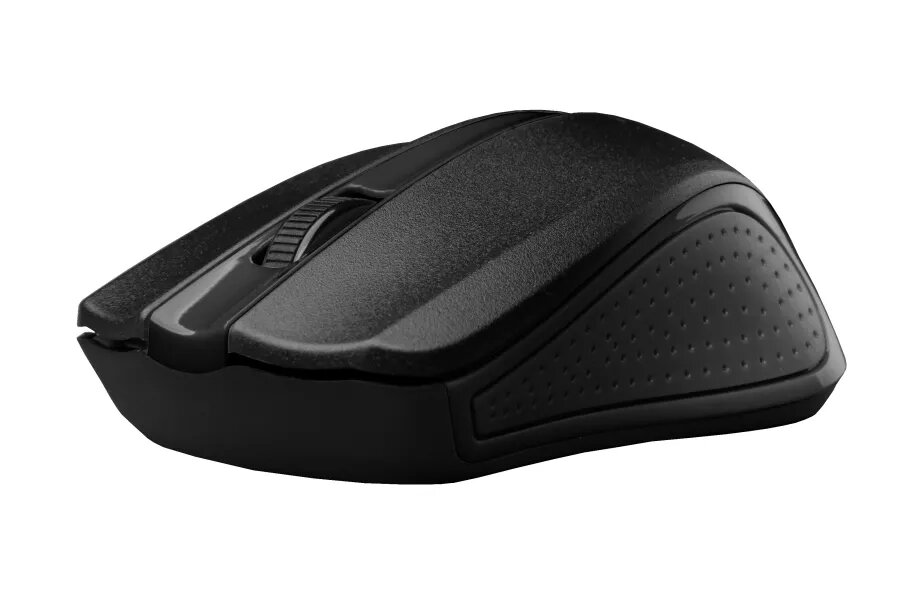
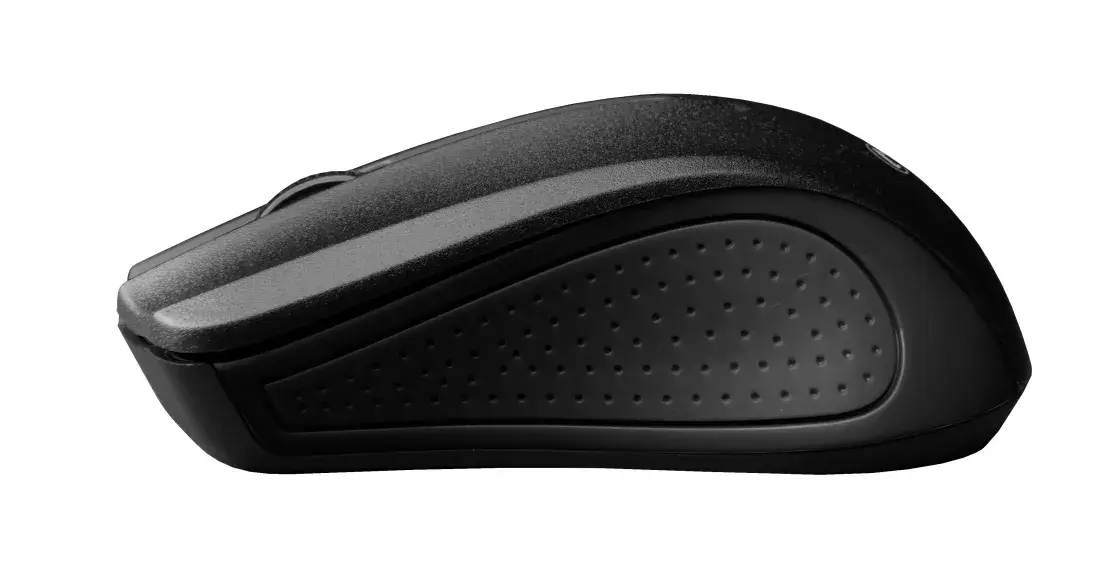
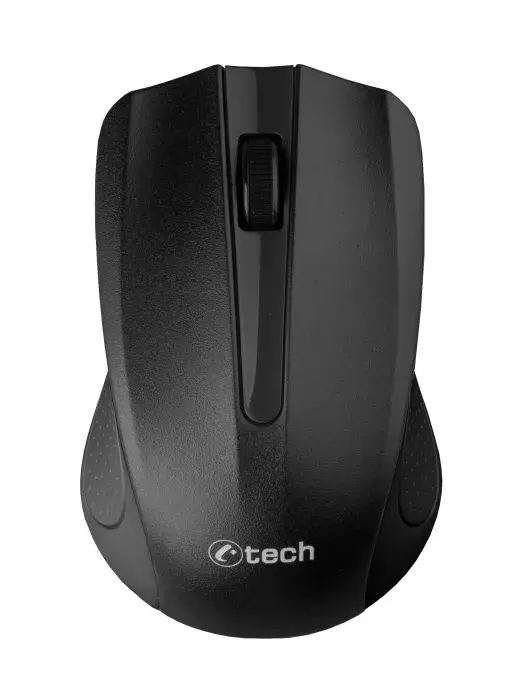
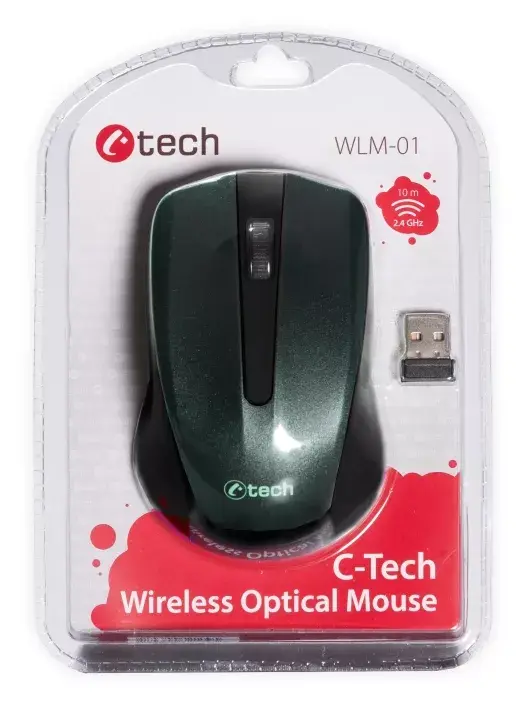
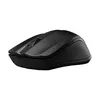
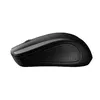
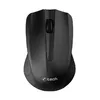
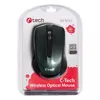
Mouse C-TECH WLM-01 RF Wireless Optical
The C-TECH WLM-01 RF Wireless Optical mouse is an ambidextrous, battery-powered mouse designed for everyday office tasks. It uses RF wireless connectivity via a USB receiver and an optical sensor with 1200 DPI resolution. The slim black body includes three pressed buttons and a scroll wheel, offering a straightforward, no-frills input device for both left- and right-handed users.
The mouse provides a simple wireless setup with plug-and-play RF connection and consistent optical tracking at 1200 DPI suitable for typical office workflows. Its ambidextrous form factor and compact silhouette support prolonged use and easy placement in different working environments. With three buttons and a scroll wheel, it covers essential navigation and selection functions without unnecessary complexity.
This mouse is not aimed at high-precision gaming or professional graphic design where higher DPI ranges and advanced features are required. It also lacks additional programmable buttons and ergonomic contours that some specialized mice provide, so users who need extensive customization or specific ergonomic support may prefer a different model.
Insert the required battery or batteries into the mouse according to the polarity markings, plug the RF USB receiver into an available USB port on your computer, and wait for the system to recognize the device. Position the mouse on a stable, flat surface and use the left, right, and middle scroll-wheel clicks for standard navigation. Adjust pointer speed through your operating system settings if needed. Store the USB receiver in the mouse compartment (if available) when transporting to avoid loss.
For best performance, use the mouse on an appropriate mouse pad or a non-reflective, flat surface. Regularly check battery level and replace batteries proactively to avoid interruptions. If you experience connectivity issues, re-seat the USB receiver or test the mouse on another USB port to rule out port conflicts.
{{highlightedFeature.featureTitle}}:
{{getProductFeatureValueById(product, highlightedFeature.featureId)}}
| Warehouse | Stock | Delivery to the store | Store Price | |
| WH115 | 10 | 29.06.2026 Best delivery | 6.49 € | |
| EU85 | 20 | 29.06.2026 Best delivery | 6.49 € Best price | |
| WH353 | 20 | 01.07.2026 | 9.49 € |
|
6.49 €
Stock:
10
Delivery Date:
29.06.2026
Best delivery
Warehouse: WH115
|
|
6.49 €
Stock:
20
Delivery Date:
29.06.2026
Best delivery
Warehouse: EU85
|
|
9.49 €
Stock:
20
Delivery Date:
01.07.2026
Warehouse: WH353
|