Dreame vacuums for fast and efficient cleaning!
In cart {{totalProductsCount}} item(s)
Your cart is empty
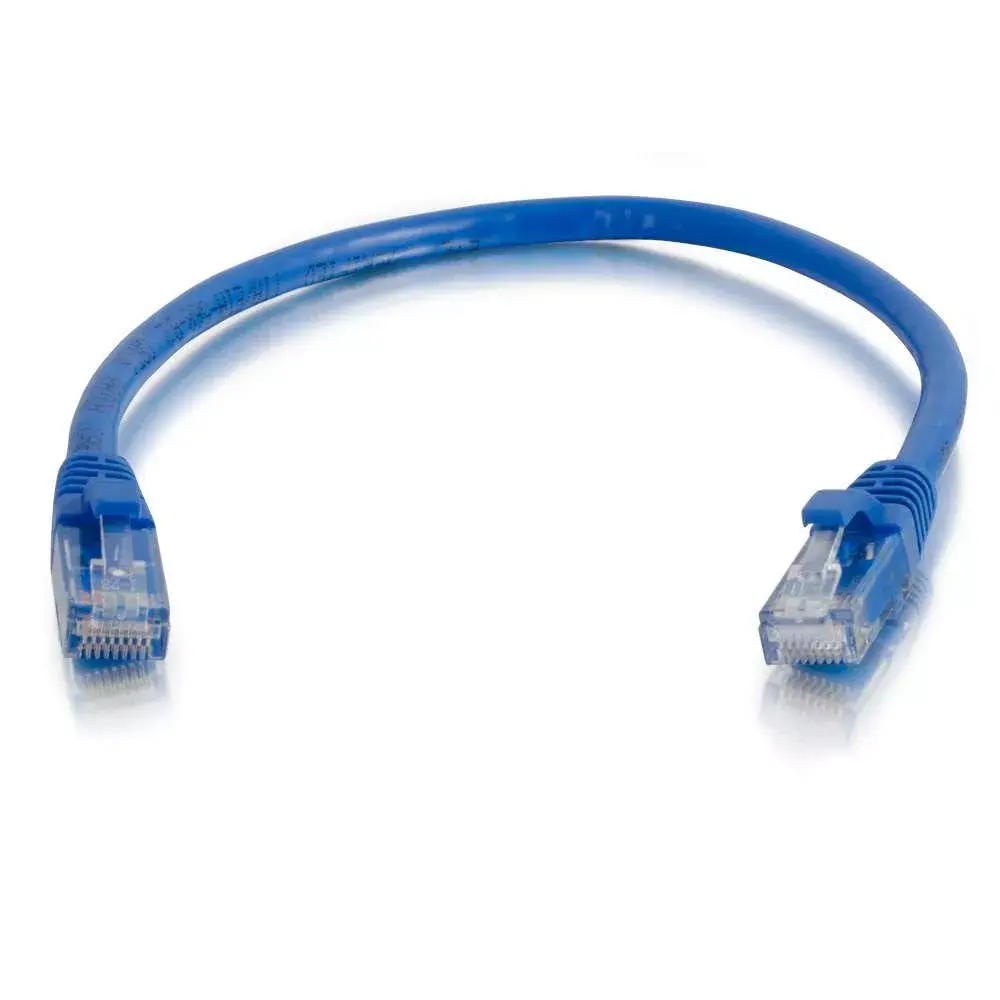
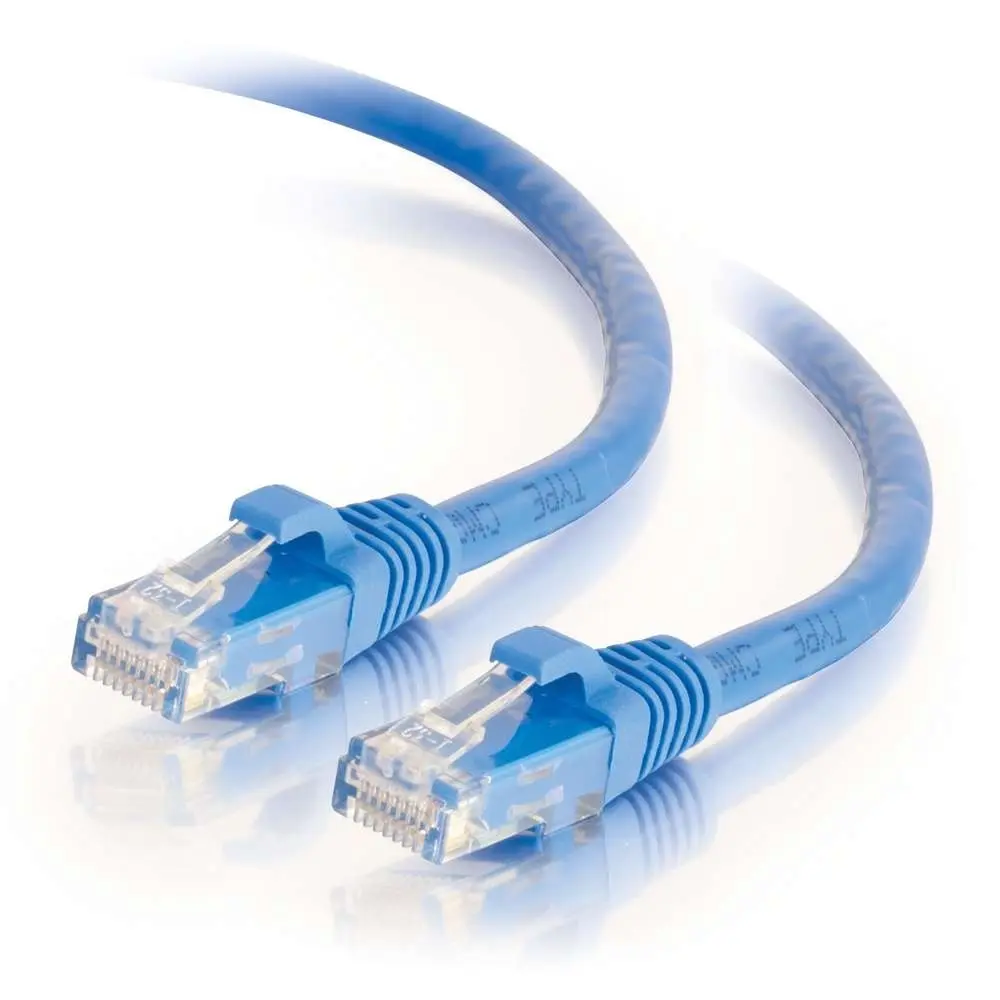
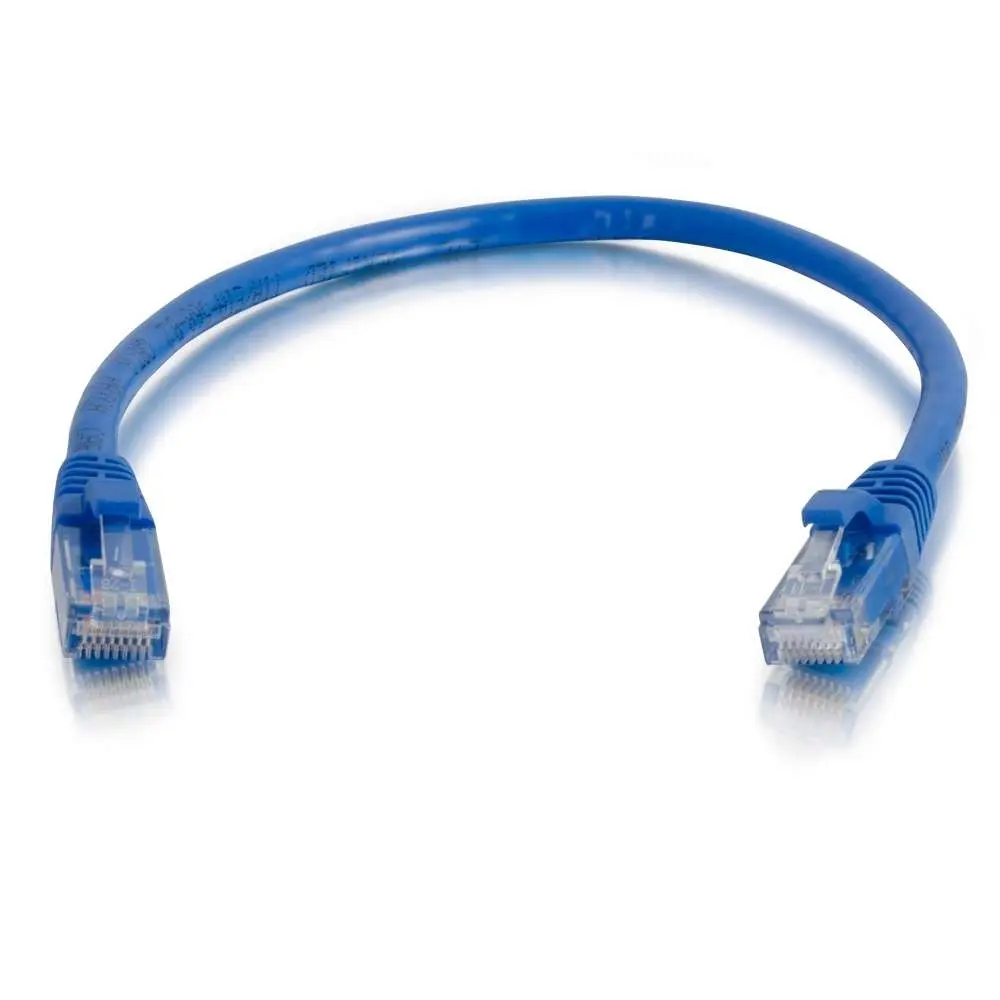
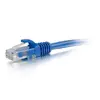
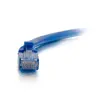
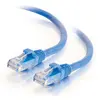
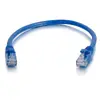
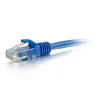
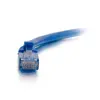
C2G 83385 0.5m Cat6 Booted Unshielded UTP Network Patch Cable RJ-45 Blue
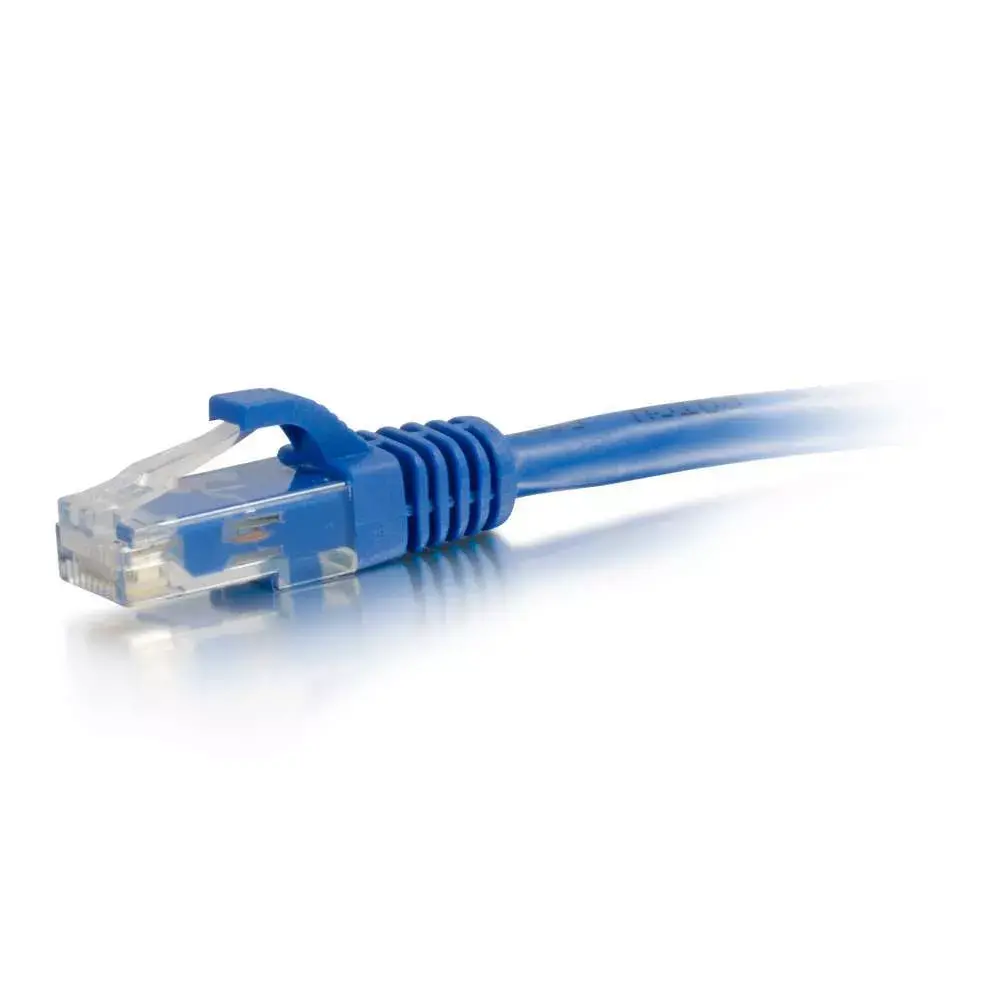
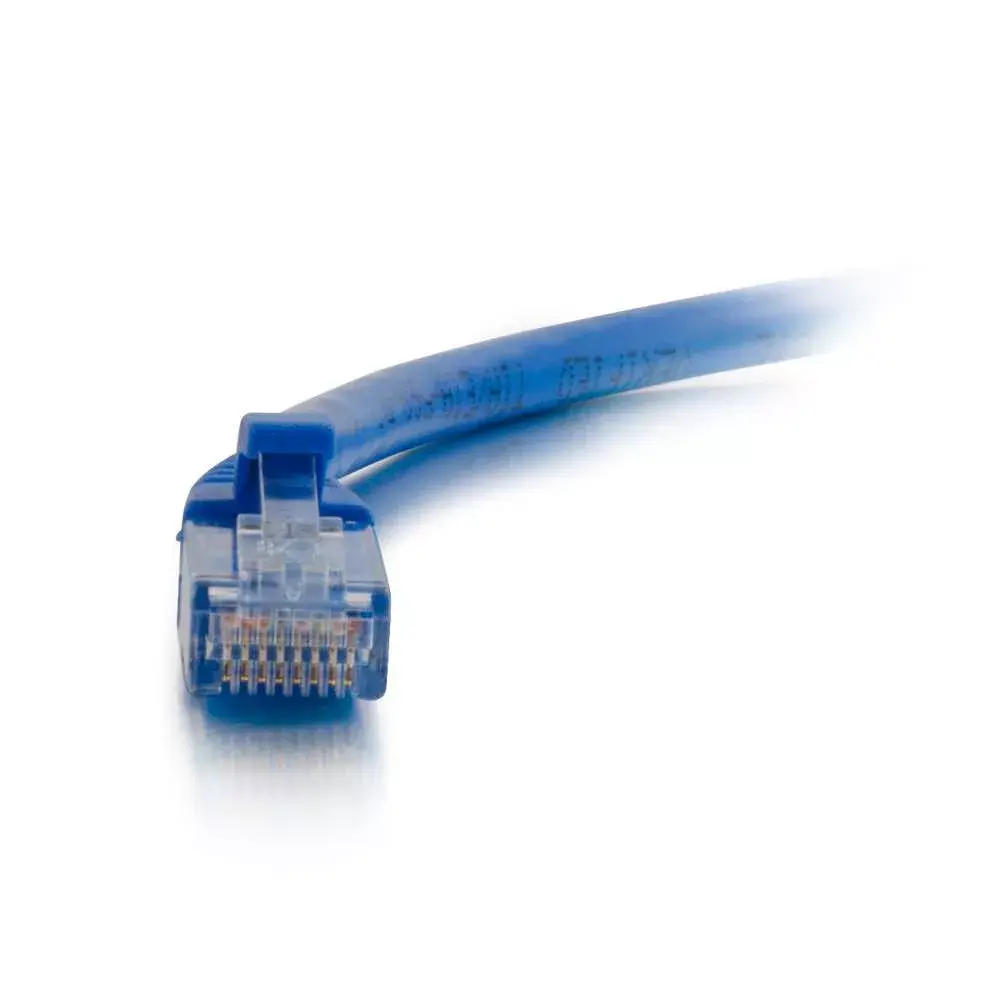
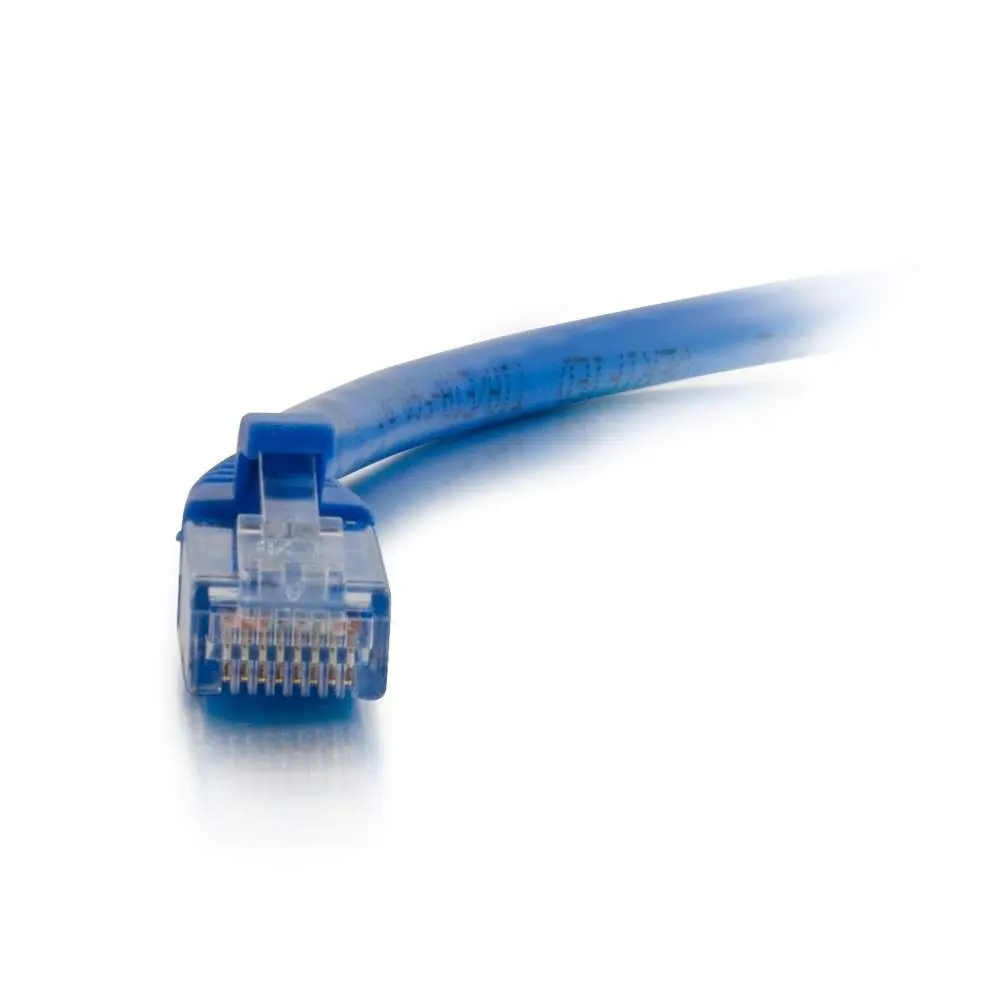
The C2G 0.5m Cat6 Booted Unshielded UTP Network Patch Cable in blue is engineered for reliable and stable Ethernet connectivity in home and office environments. Designed to handle high-bandwidth needs for transferring video, sound, and data, this Cat6 network cable is built to support the demands of modern networking hardware. Featuring RJ-45 connectors with gold-plated contacts, it ensures optimal signal transmission and long-term durability. The short 0.5-meter length minimizes cable clutter in tight spaces, making it an efficient choice for patch panels, switches, and nearby device connections.
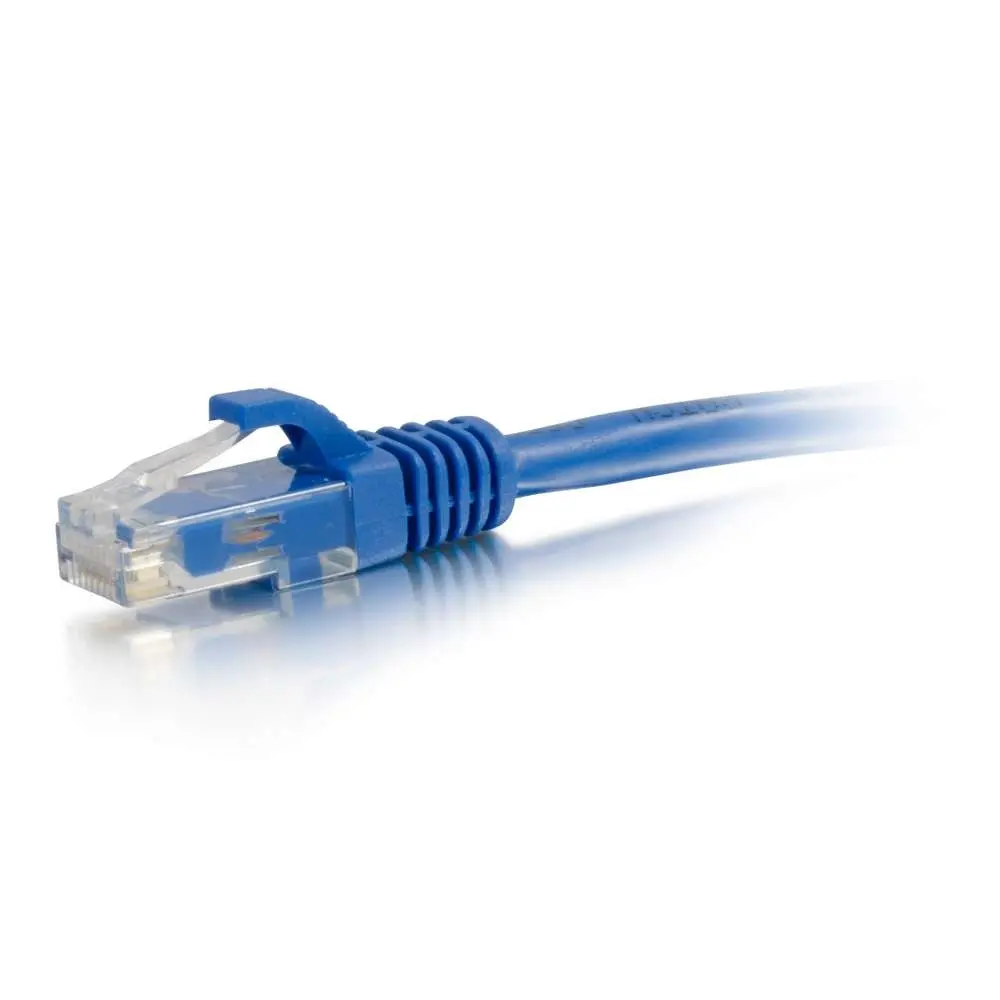
This Cat6 patch cable provides enhanced bandwidth capacity compared to older standards, serving as a reliable replacement for Cat5E cables when higher data transmission rates are required. The moulded, snagless boot design prevents unwanted cable snags during installation and offers essential strain-relief to protect the connector clips from breaking. Gold-plated contacts on the RJ-45 connectors resist corrosion and maintain signal integrity over repeated use. Additionally, the distinct blue colour allows for easy visual identification and colour-coding within complex network installations.
This cable is not suitable for long-distance network runs because its length is strictly limited to 0.5 meters. It may also be insufficient for industrial environments that require heavily shielded cables to protect against extreme electromagnetic interference.
To use this network patch cable, insert one RJ-45 connector into the Ethernet port of your networking device, such as a router, switch, or computer, until you hear a secure click. Insert the other end into the corresponding port of the receiving device. Ensure the route of the cable avoids sharp bends, pinch points, and excessive tension to maintain optimal performance. The snagless boot allows for easy removal and insertion without the release clip catching on adjacent cables.
For best results, route the cable away from power lines and heavy electrical equipment to prevent potential signal interference. Regularly check that the connectors are fully seated in their ports to maintain a stable network connection.
{{highlightedFeature.featureTitle}}:
{{getProductFeatureValueById(product, highlightedFeature.featureId)}}
{{ productComparisonGenerationError }}