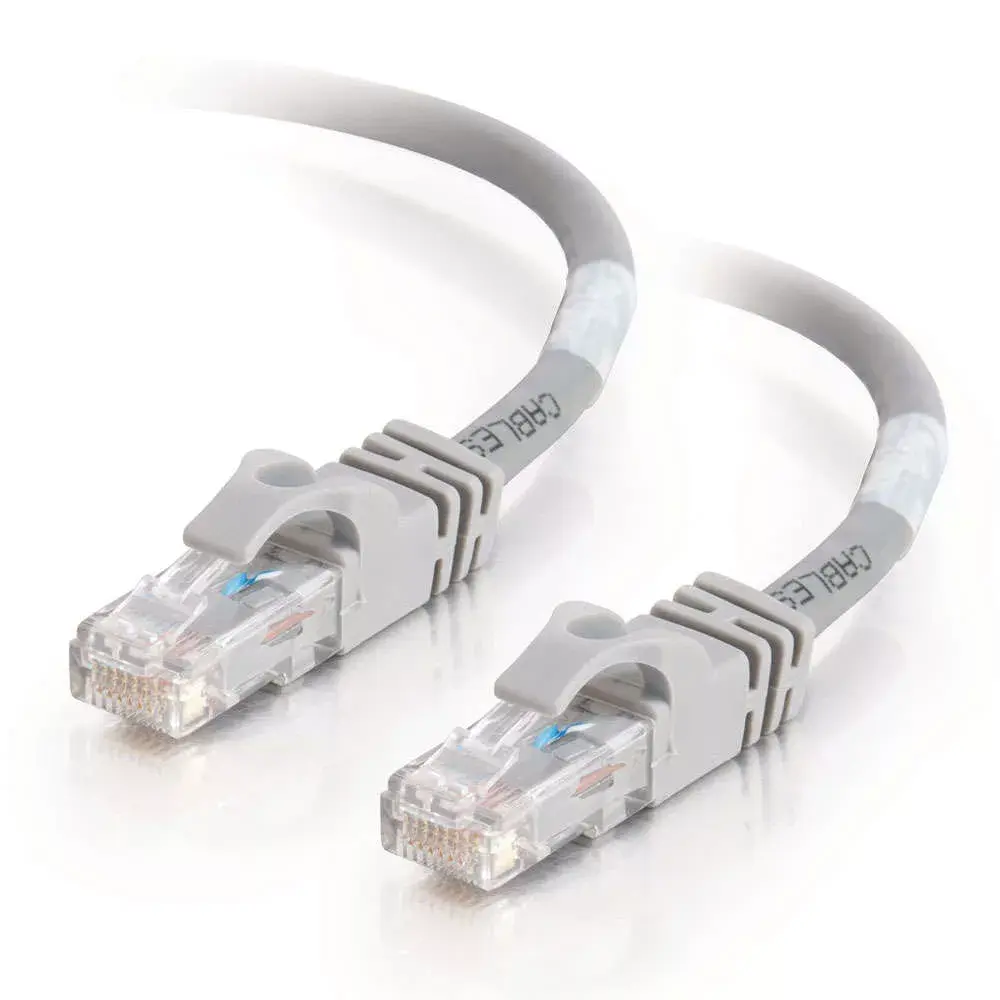
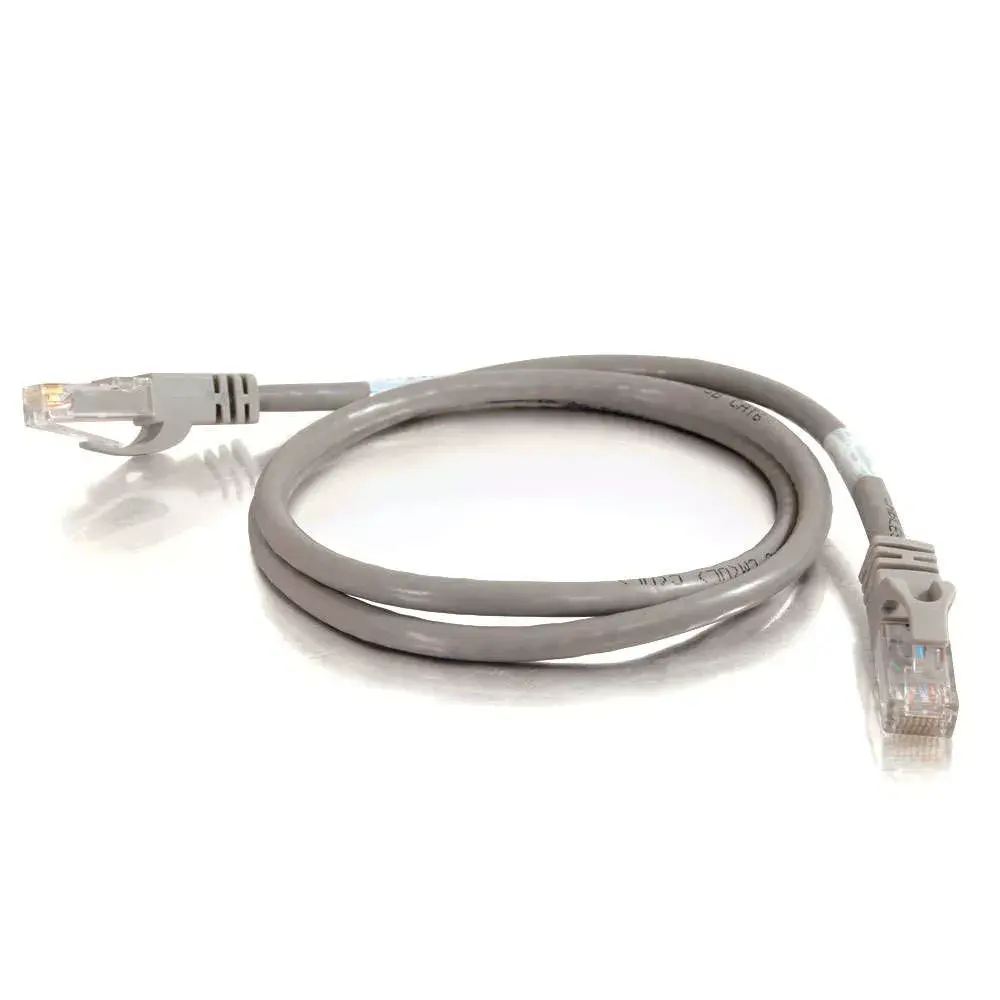
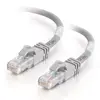
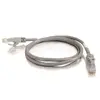
The C2G 20m Cat6 550MHz Snagless Patch Cable Grey U/UTP RJ-45 is designed for reliable and efficient network connectivity in home and office environments. Measuring 20 meters in length, this grey Ethernet cable supports high-speed data transmission for voice, data, and video distribution, handling bandwidth-intensive applications smoothly up to 550 MHz.
Advantages
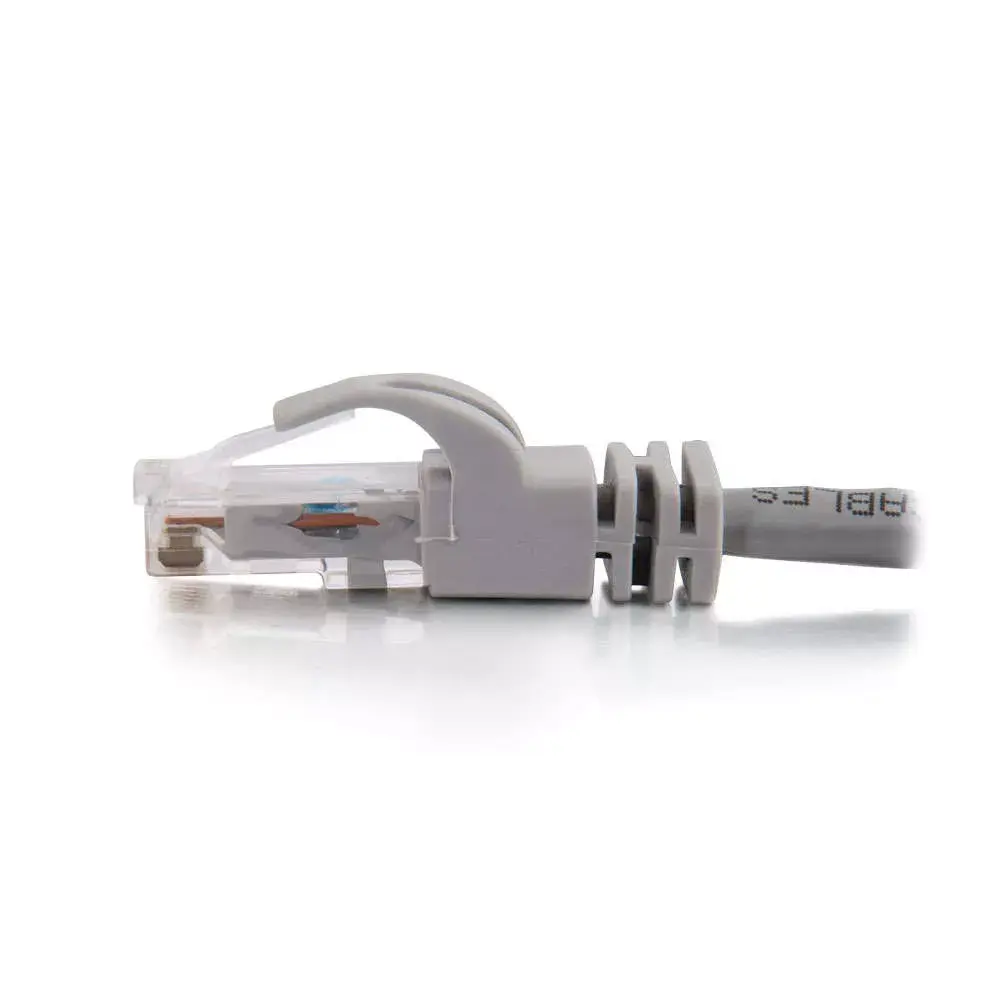
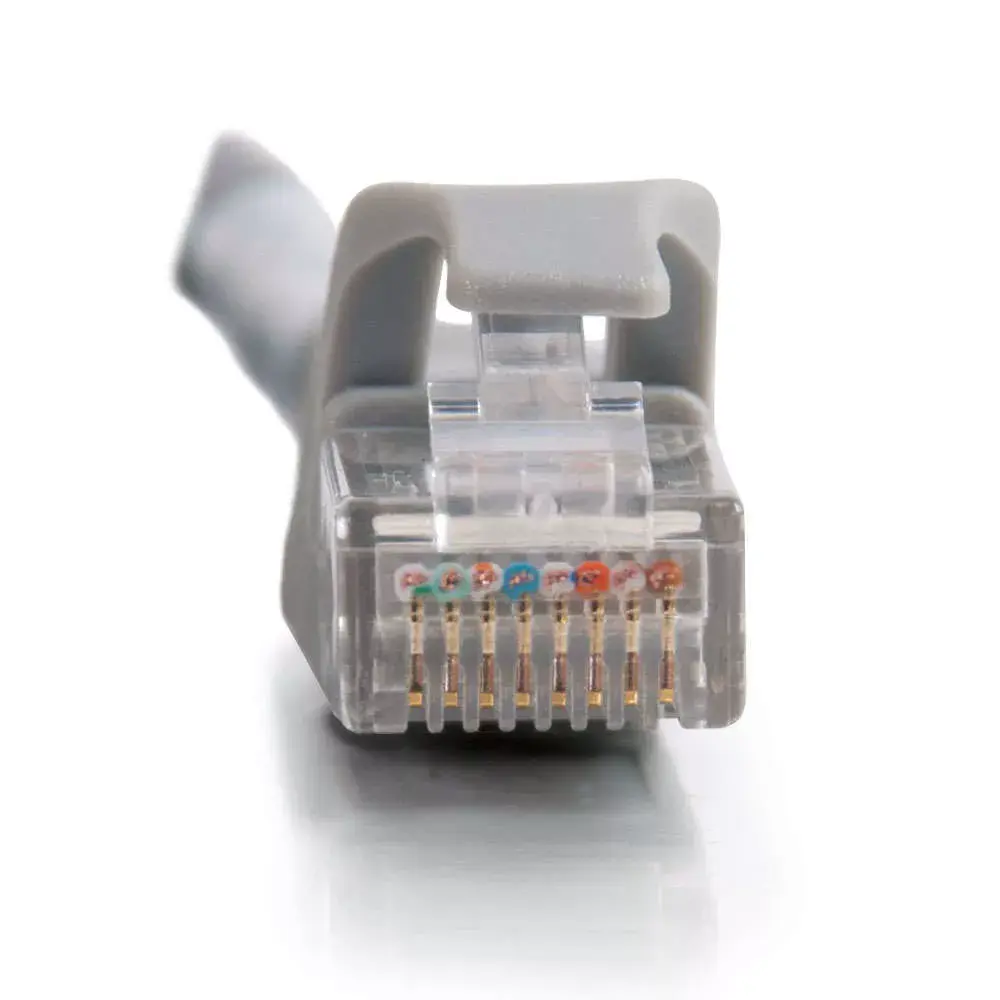
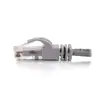
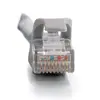
This network cable meets all Cat6 TIA/EIA-568-B-2.1, draft 9 standards, ensuring dependable performance and reduced signal loss compared to standard 100 MHz wire. It features individual pairs bonded together to maintain consistent twist-spacing right up to the termination point, which significantly minimizes impedance and structural return loss. The construction incorporates a shortened body plug and high-quality materials to reduce Near-End Crosstalk levels. Additionally, the integrated snagless boot prevents cable snags during installation while offering extra strain relief, and gold-plated RJ-45 connectors ensure corrosion-resistant and stable contact.
Suitable for
- Connecting computers, switches, routers, and patch panels
- High-speed Ethernet networking in homes and offices
- Voice, data, and video distribution systems
- Network installations requiring a 20-meter reach
When it may not be suitable
This cable may not be ideal for outdoor or industrial environments where exposure to moisture, extreme temperatures, or UV radiation occurs, as it lacks specialized outdoor shielding. Furthermore, the 20-meter length may be excessive for short desktop connections, potentially creating unnecessary cable clutter.
Key specifications
- Cable length: 20 meters
- Cable type: Cat6
- Shielding type: U/UTP (UTP)
- Connector type: RJ-45 male to RJ-45 male
- Bandwidth capacity: Up to 550 MHz
- Connector contacts: Gold-plated
- Boot type: Snagless with strain relief
- Colour: Grey
How to use
To use the patch cable, connect one RJ-45 connector into an available port on your network device, such as a router, switch, or computer network interface card. Route the 20-meter cable carefully along walls, baseboards, or through cable management channels to avoid sharp bends, pinching, or heavy foot traffic. Insert the opposing RJ-45 connector into the target network device until the latch clicks securely into place. To disconnect, press down on the protective plastic clip of the connector and gently pull it straight out from the port.
What to consider before purchase
- Verify that the 20-meter length is appropriate for the distance between your networked devices
- Check that your network equipment utilizes standard RJ-45 ports
- Ensure that Cat6 U/UTP specifications meet your networking performance requirements
Usage recommendations
Always route the cable away from electrical power lines and fluorescent lighting to minimize potential electromagnetic interference. Avoid tightly coiling or sharply bending the cable during installation to preserve the internal twisted-pair geometry and ensure optimal data transfer rates.