JBL speakers and headphones for pure and deep sound!
In cart {{totalProductsCount}} item(s)
Your cart is empty
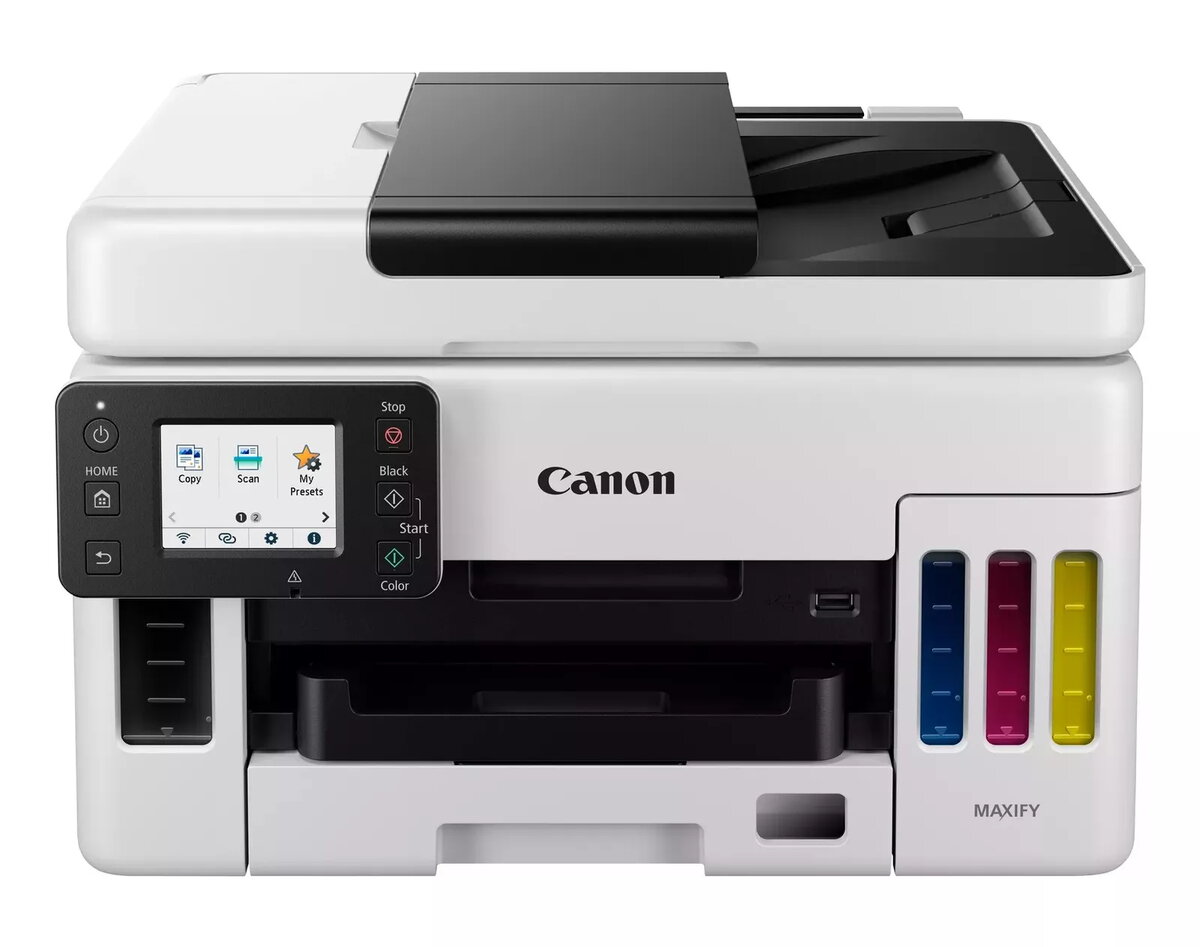
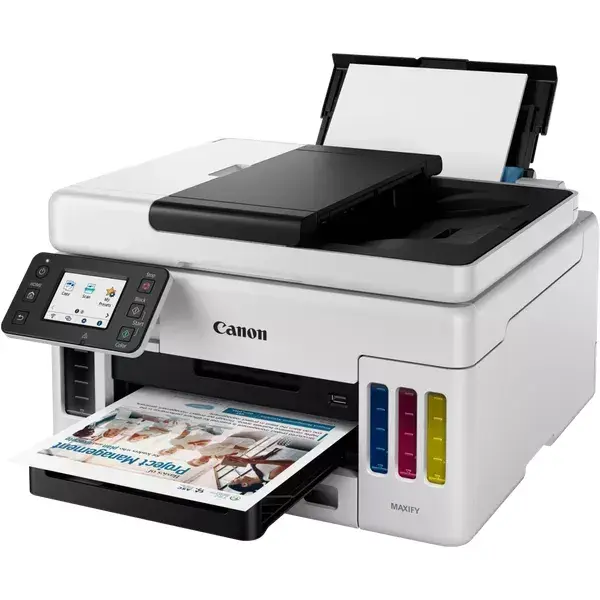
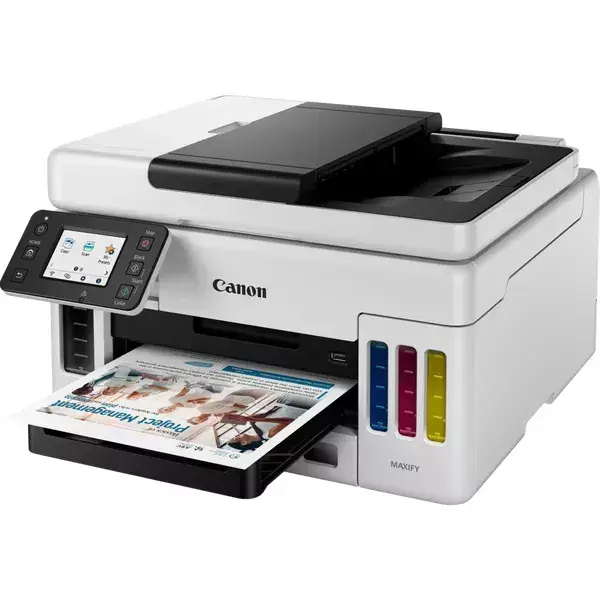
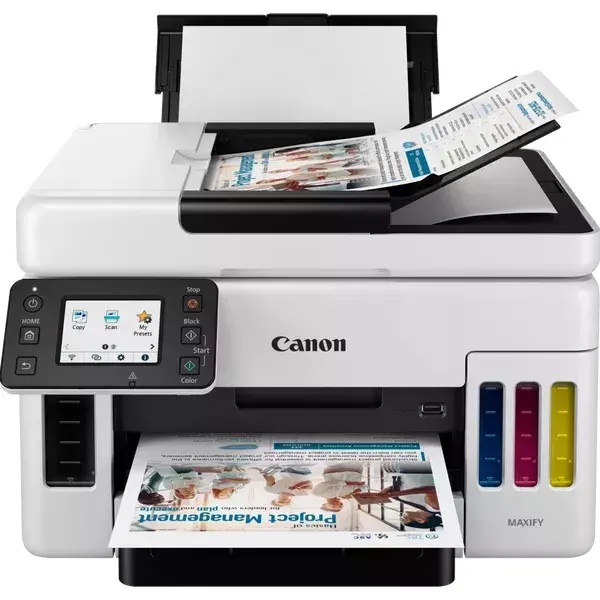
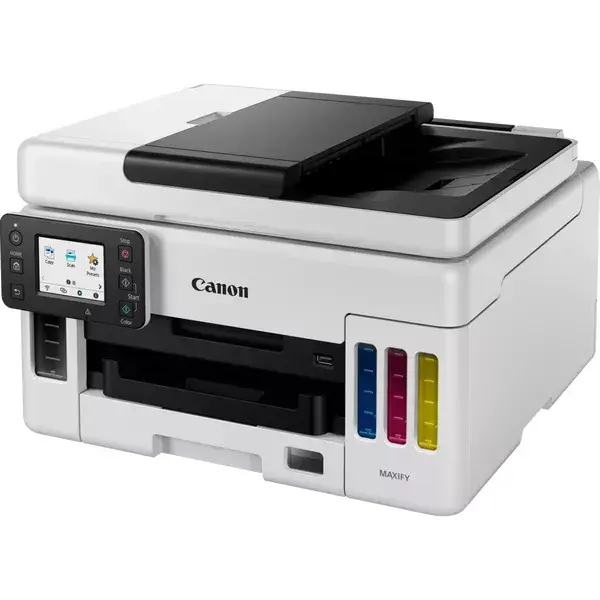
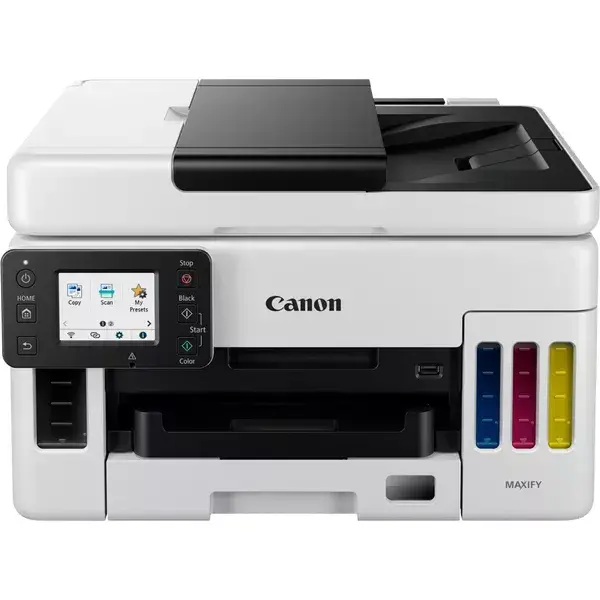
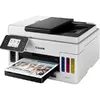
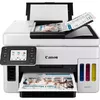
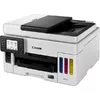
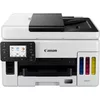
Multifunction Printer Canon MAXIFY GX6050 Inkjet Colour
The Canon MAXIFY GX6050 MegaTank is a multifunction inkjet printer designed for small offices and workgroups that require reliable colour printing, copying and scanning on A4 media. The device delivers up to 600 x 1200 dpi print resolution for sharp text and graphics, and provides colour copying and scanning with an optical scan resolution of 300 x 300 dpi. Built-in duplex print and copy functions, Wi‑Fi and Ethernet connectivity, plus direct printing options make the unit adaptable to shared network environments. The printer’s compact footprint and a black-and-yellow finish suit professional settings where frequent colour output is needed.
The MAXIFY GX6050 combines high-capacity ink tank technology with inkjet colour output to reduce running costs while maintaining consistent print quality. Duplex printing and copying reduce paper use and streamline multi-page document production. Network connectivity over Wi‑Fi and Ethernet enables convenient shared access, and direct printing support simplifies printing from mobile devices. The device’s specified maximum monthly duty cycle indicates suitability for sustained office workloads.
Install the printer on a stable, level surface and connect it to power. Follow the Quick Start guide to fill the ink tanks with the supplied ink, complete the initial charging cycle and align the printheads. Connect the device to a local network using either the Wi‑Fi setup wizard or an Ethernet cable. Install drivers and printing software on user computers or use the manufacturer’s mobile printing solutions for direct printing from smartphones and tablets. Place documents on the flatbed for scanning or copying and select duplex options in the print settings when printing double-sided documents.
For consistent output, use genuine high-capacity ink designed for the ink tank system, perform periodic nozzle checks and head alignments, and store A4 paper in a dry environment. For heavy monthly volumes, schedule regular maintenance and monitor ink levels to avoid interruptions.
{{highlightedFeature.featureTitle}}:
{{getProductFeatureValueById(product, highlightedFeature.featureId)}}
{{ productComparisonGenerationError }}