{{ totalProductsCount }}

In cart {{totalProductsCount}} item(s)

Total:
{{sum | formatAmount}}

Your cart is empty

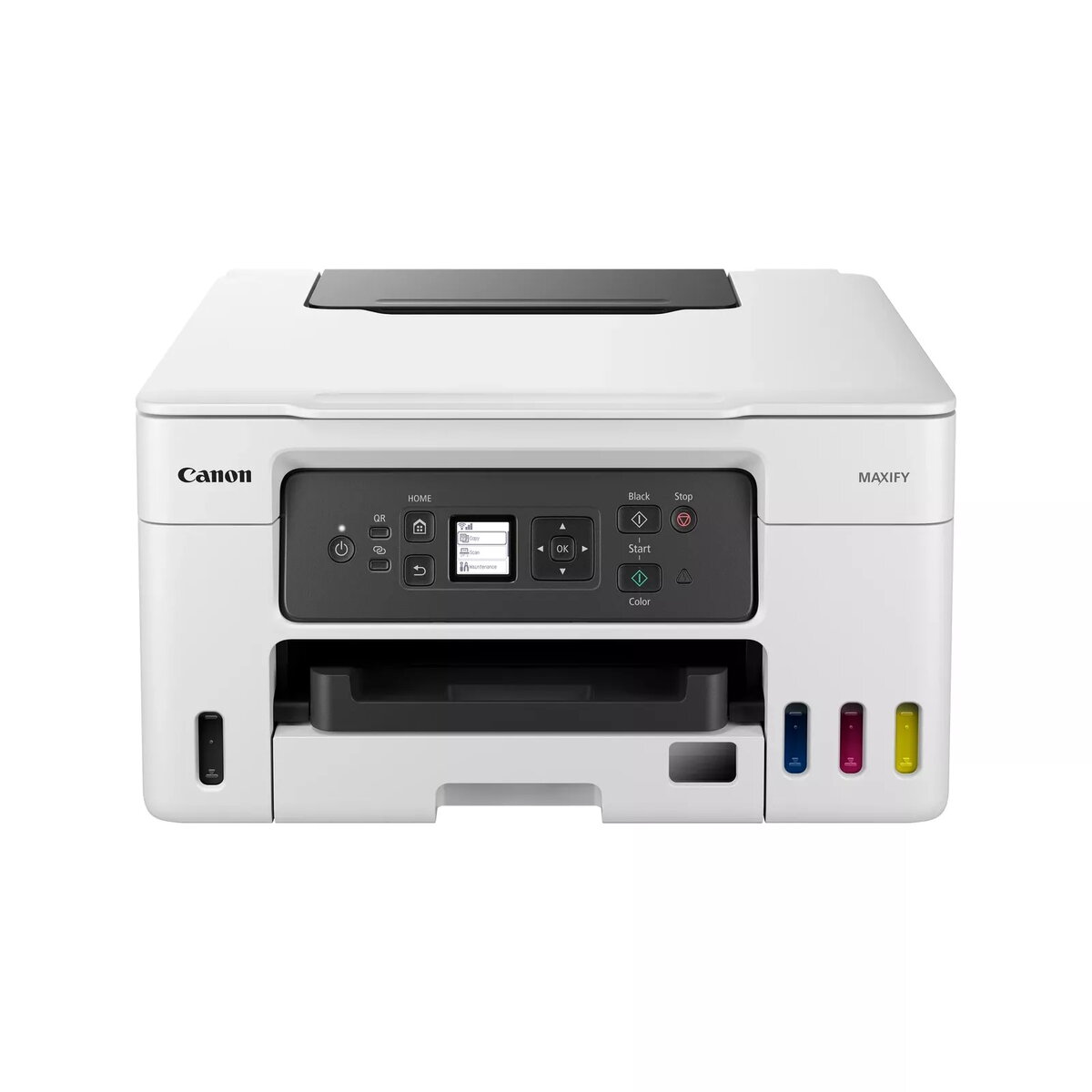
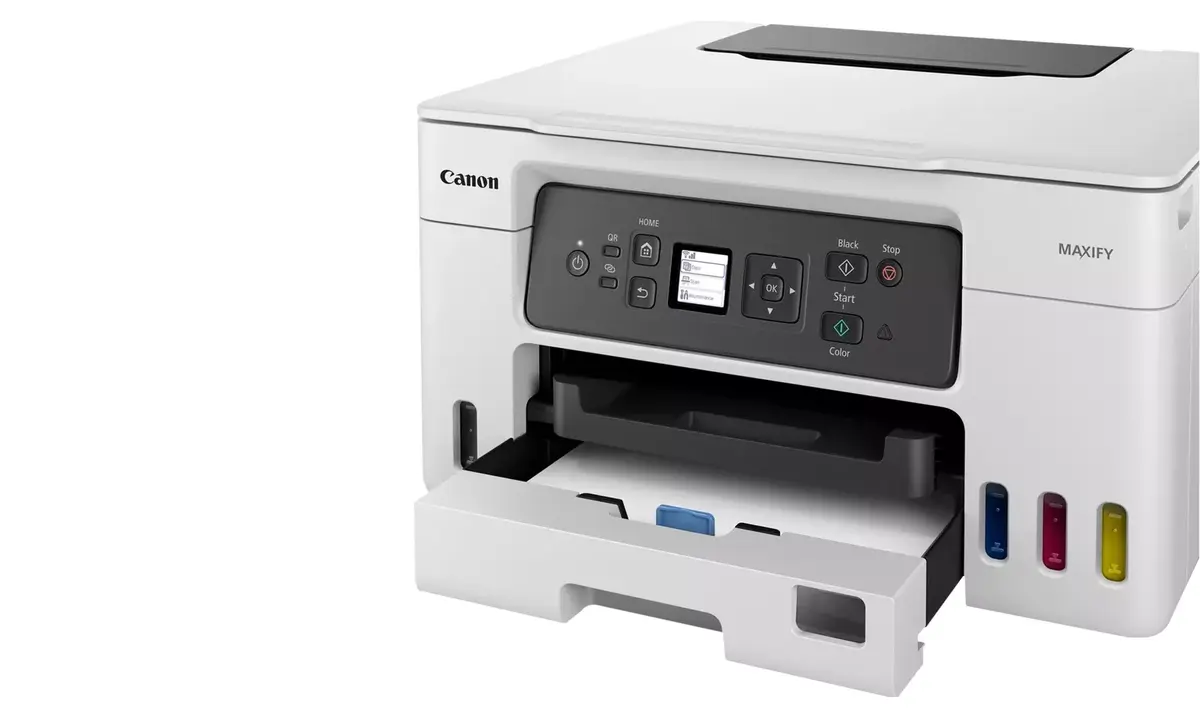
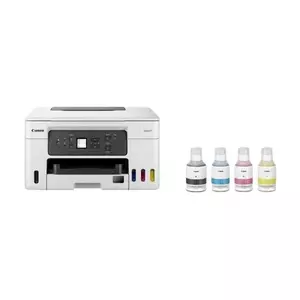
header-product Multifunction Printer Canon MAXIFY GX3050 Inkjet Colour Printing
290.49 €

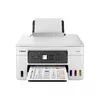
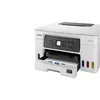
Multifunction Printer Canon MAXIFY GX3050 Inkjet Colour Printing

Multifunction Printer Canon MAXIFY GX3050 Photo 1
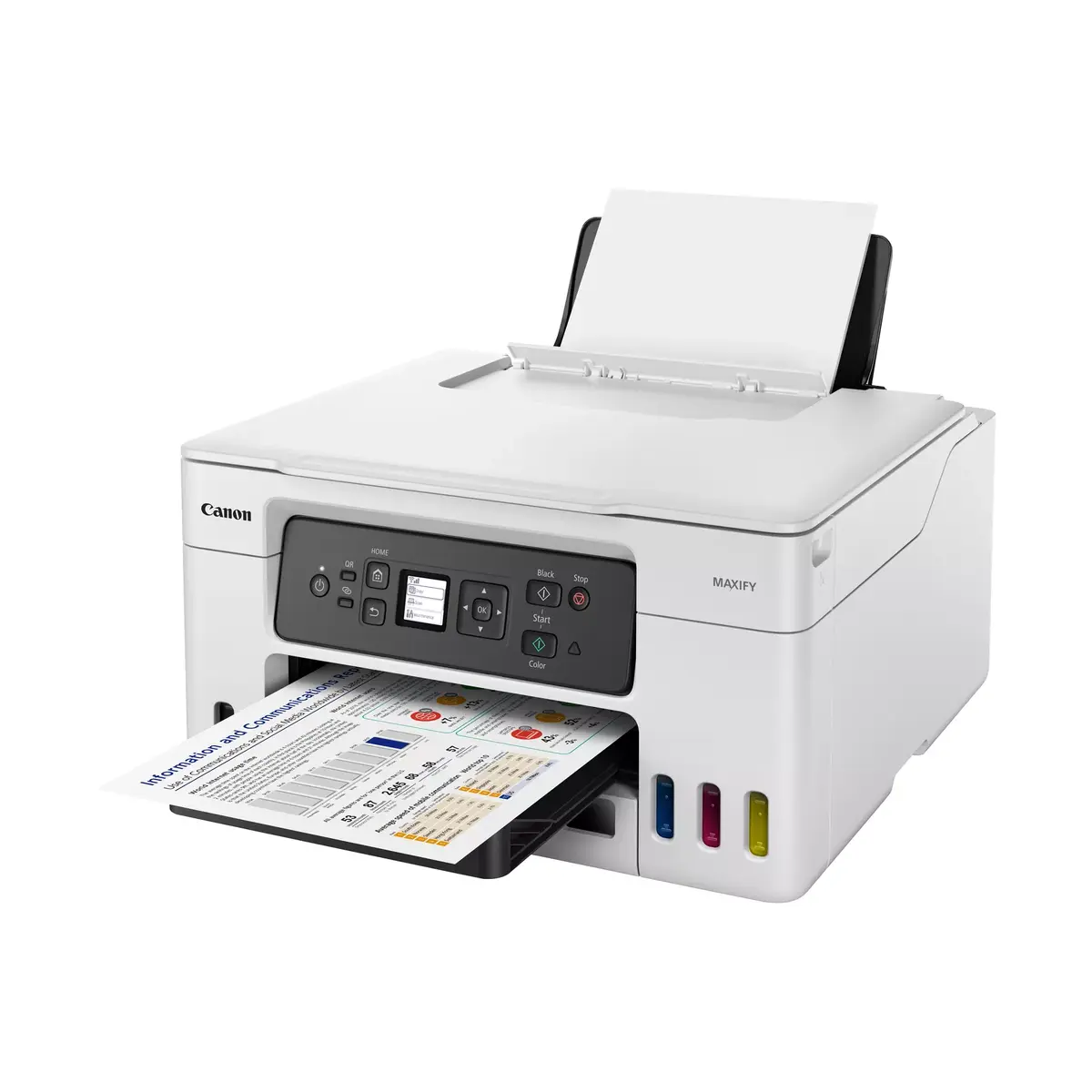
Multifunction Printer Canon MAXIFY GX3050 Photo 2
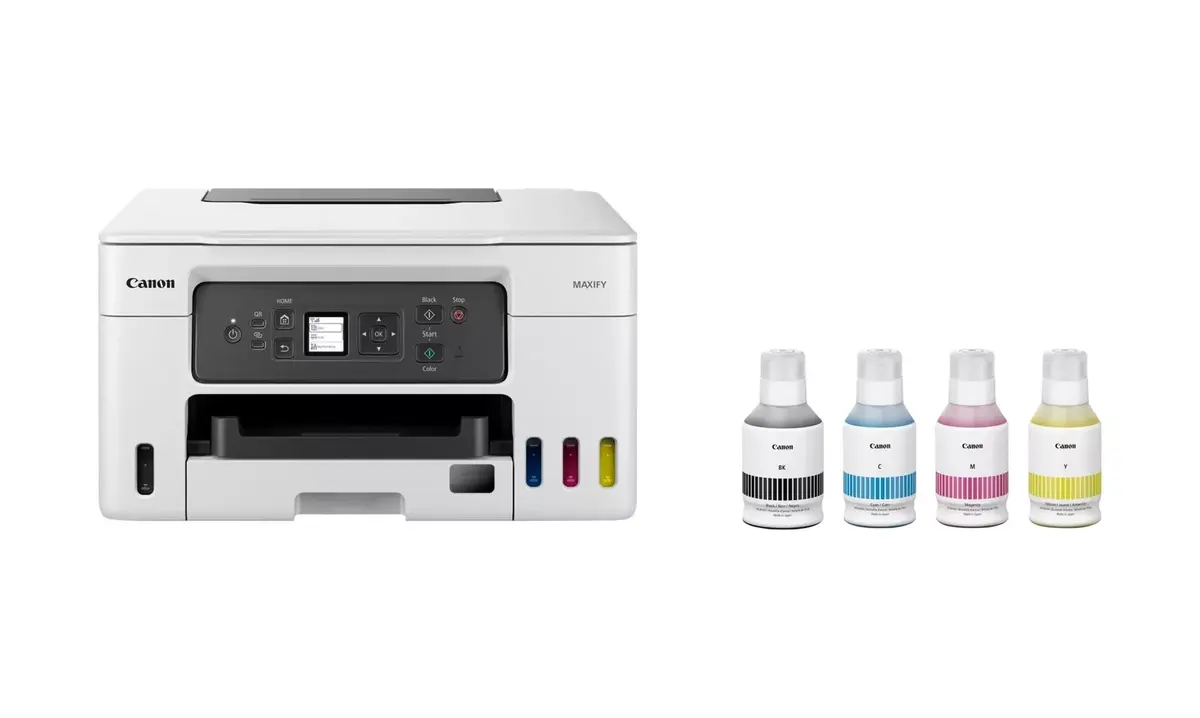
Multifunction Printer Canon MAXIFY GX3050 Photo 3
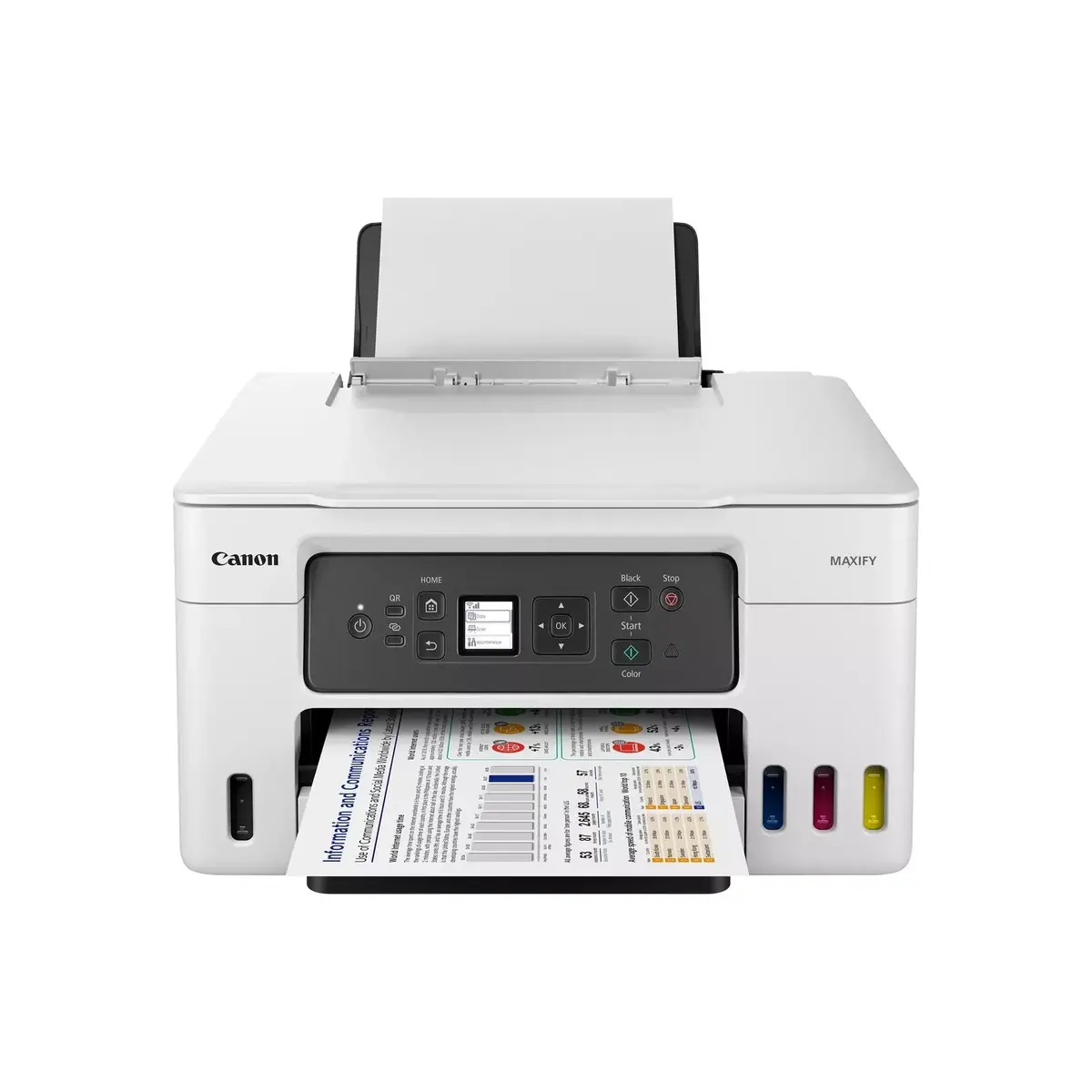
Multifunction Printer Canon MAXIFY GX3050 Photo 4
Multifunction Printer Canon MAXIFY GX3050 Photo 5
Multifunction Printer Canon MAXIFY GX3050 Photo 1
Multifunction Printer Canon MAXIFY GX3050 Photo 2
Multifunction Printer Canon MAXIFY GX3050 Photo 3
Multifunction Printer Canon MAXIFY GX3050 Photo 4
Multifunction Printer Canon MAXIFY GX3050 Photo 5
Keep track of price changes You keep track of price changes
Watch the price drop

Leave your address - as soon as the price of the product goes down, you'll know about it right away

You keep track of price changes

Multifunction Printer Canon MAXIFY GX3050 Inkjet Colour Printing

{{email}}
You keep track of price changes

Multifunction Printer Canon MAXIFY GX3050 Inkjet Colour Printing

{{email}}
{{selectedOffer && selectedOffer.price | formatAmount}}

Short description

The Canon MAXIFY GX3050 is a versatile inkjet multifunction printer that offers high-quality color printing with a maximum resolution of 600 x 1200 DPI. It features color copying and scanning capabilities with an optical scanning resolution of 1200 x 2400 DPI. This printer supports duplex functions for both copying and printing, and it can handle A4 paper sizes. With Wi-Fi connectivity and direct printing options, it is designed for efficient home or office use.
Available at price 290.49 €: 42 pcs.
Total available for order: 219 pcs.
Warranty: 2 Years
SKU: 6376520
delivery
to the Customer Service Center at Kengaraga 2b, Riga
01.07.2026 {{selectedOffer.officeDeliveryString}}
free
Customer service center
2b. Kengaraga str., Riga, Latvia, LV-1063
01.07.2026 {{selectedOffer.officeDeliveryString}}
free
Courier Delivery Please note that in case of a large parcel additional delivery costs may apply!
06.07.2026 {{selectedOffer.courierDeliveryString}}
From 9.19 € (Weight: 11.00 kg)
Parcel couriers
Latvijas Pasts pakomāts / Unisend LV / DPD Paku skapis / Omniva LV / Venipak Locker LV / Latvijas Pasts nodaļa
06.07.2026 {{selectedOffer.parcelStationDeliveryString}}
From 1.99 €
0 credit

pay in 3 equal parts

today

0 €

afterward

3 mth. х 96.83 €

overpayment

0 €

All payment Methods:
Bank transfer, Bank cards on-line, Apple Pay, Google Pay, Installment
36 months installment: from 8.07 euros per month
Together cheaper
{{product.price | formatAmount}}
{{product.title}}
{{productBundle.reference.specialPrice | formatAmount}}
{{productBundle.title}}
{{productBundlePreviousPrice | formatAmount}}
{{productBundleSpecialPrice | formatAmount}}

You saving {{productBundleYouSave | formatAmount}}

Product information

Description

Print large volumes of high-quality business documents with the refillable 3-in-1 MegaTank-equipped MAXIFY GX printer, designed to reduce cost per page (CPP) and total cost of ownership (TCO). The printer supports high-yield ink bottles and delivers reliable performance for home offices and small businesses.

Advantages

The MAXIFY GX offers low running costs through high-capacity ink bottles that can produce up to 14,000 prints with a full set. Its refillable MegaTank system is easy to use and helps lower both CPP and TCO. Built-in 3-in-1 functionality covers printing, scanning and copying, while compatibility with mobile and cloud services allows printing from smart devices and popular cloud storage.

Key specifications

  • Printer type: 3-in-1 (print/scan/copy)
  • Ink system: Refillable MegaTank with high-capacity ink bottles
  • Yield: Up to 14,000 prints with a full set of ink bottles
  • Connectivity: Mobile printing, cloud services support (Dropbox, Google Drive, OneDrive)
  • Compatibility: Canon PRINT app, PosterArtist, PIXMA Cloud Link, Canon Easy-PhotoPrint Editor, Easy-Layout Editor

How to use

Fill the MegaTank ink reservoirs according to the user manual, install the ink bottles and perform any recommended initialisation steps. Connect the printer to your network or directly to your smart device using the Canon PRINT app for mobile printing. Use PosterArtist for designing posters and flyers, PIXMA Cloud Link to print from or save scans to cloud storage, and Easy-PhotoPrint Editor or Easy-Layout Editor to prepare photos and document layouts before printing.

Recommendations

To achieve the stated yield and lowest CPP, use genuine Canon ink bottles and follow the maintenance and setup instructions in the manual. For frequent high-volume printing, keep spare bottles on hand and enable cloud or mobile printing for greater workflow efficiency.

Specifications

Print technology:
Inkjet
Printing:
Colour printing
Maximum resolution:
600 x 1200
Copying:
Colour copying
Scanning:
Colour scanning
Optical scanning resolution:
1200 x 2400
Maximum ISO A-series paper size:
A4
Wi-Fi:
Yes
Ethernet LAN:
No
Weight:
8.3 kg
Maximum duty cycle:
33000 pages per month
Product colour:
Black, White
Duplex functions:
Copy, Print
All features

Printing

Print technology:
Inkjet
Printing:
Colour printing
Economical printing:
Yes
Duplex printing mode:
Auto
Maximum resolution:
600 x 1200
Time to first page (colour, normal):
9 s
Time to first page (black, normal):
8 s
Borderless printing:
No
Duplex print speed (black, normal quality, A4/US Letter):
10 ppm
Duplex print speed (colour, normal quality, A4/US Letter):
8 ppm
DVD/CD printing:
No
Print speed (ISO/IEC 24734) black:
18 ppm
Print speed (ISO/IEC 24734) colour:
13 ppm

Copying

Copying:
Colour copying
Copier resize:
25 - 400
Maximum number of copies:
99 copies
N-in-1 copy function (N=):
2, 4
ID-card copy function:
Yes
Auto fit function:
Yes
N-in-1 copy function:
Yes
Duplex copying mode:
Manual
Duplex copying:
Yes
Maximum copy size:
A4

Scanning

Scanning:
Colour scanning
Scanner type:
Flatbed scanner
Optical scanning resolution:
1200 x 2400
Scan technology:
CIS
Duplex scanning:
No
Maximum scan area:
216 x 297
Input colour depth:
16
Output colour depth:
8
Output greyscale depth:
8
Input greyscale depth:
16

Fax

Faxing:
No

Paper handling

Maximum ISO A-series paper size:
A4
Envelopes sizes:
Com-10, DL
ISO A-series sizes (A0...A9):
A4, A5, A6
ISO B-series sizes (B0...B9):
B5
Non-ISO print media sizes:
Legal (media size), Letter (media size)
Custom media width:
89 - 216
Custom media length:
127 - 1200
Photo paper sizes:
10x15, 13x18, 18x25, 20x25
Paper tray media types:
Envelopes, High resolution paper, Photo paper, Plain paper
Paper tray media weight:
64 - 105

Network

Wi-Fi standards:
802.11b, 802.11g, Wi-Fi 4 (802.11n), Wi-Fi 5 (802.11ac)
Security algorithms:
WPA-AES, WPA-EAP, WPA-PSK, WPA-TKIP, WPA2-AES, WPA2-EAP, WPA2-PSK, WPA2-TKIP, WPA3-EAP, WPA3-SAE
Ethernet LAN:
No
Wi-Fi:
Yes
Mobile printing technologies:
Apple AirPrint, Mopria Print Service, PIXMA Cloud Link

Ports & interfaces

Direct printing:
Yes
USB port:
Yes
USB connector:
USB Type-B

Power

Power consumption (off):
0.1 W
Power consumption (standby):
1.4 W
Power consumption (copying):
18 W
Energy Star Typical Electricity Consumption (TEC):
0.19 kWh/week
AC input frequency:
50 - 60
AC input voltage:
100 - 240

Design

Display:
LCD
Display diagonal: iagonal of the visible part of the screen expressed in centimeters and inches.
1.35 "
Product colour:
Black, White
Control type:
Buttons
Built-in display:
Yes
Market positioning:
Business
Colour display:
No

Technical details

Introduction month:
December

System requirements

Windows operating systems supported:
Windows 10, Windows 11, Windows 8.1
Mac operating systems supported:
Mac OS X 10.14 Mojave, Mac OS X 10.15 Catalina, Mac OS X 11.0 Big Sur, Mac OS X 12.0 Monterey
Server operating systems supported:
Windows Server 2008 R2, Windows Server 2012 R2, Windows Server 2016, Windows Server 2019, Windows Server 2022
Other operating systems supported:
ChromeOS
Mobile operating systems supported:
Android, iOS, iPadOS

Weight & dimensions

Weight:
8.3 kg
Height:
303 mm
Width:
399 mm
Depth:
719 mm

Operational conditions

Operating relative humidity (H-H):
10 - 90
Operating temperature (T-T):
5 - 35
Storage relative humidity (H-H):
10 - 90

Packaging content

Cables included:
AC
Cartridge(s) included:
Yes
Included cartridge capacity (black):
6000 pages
Included cartridge capacity (CMY):
14000 pages
Included cartridge capacity (economy mode, black):
9000 pages
Included cartridge capacity (economy mode, CMY):
21000 pages

Other features

Duplex printing:
Yes
Software support:
Canon PRINT Inkjet/SELPHY, Easy-PhotoPrint Editor, Creative Park, Easy-PhotoPrint Editor
Warranty period:
2 year(s)

Features

Maximum duty cycle:
33000 pages per month
Duplex functions:
Copy, Print
Printing colours:
Black, Cyan, Magenta, Yellow
Recommended duty cycle:
200 - 1000
Replacement cartridges:
GI-56 Bk, GI-56 Y, GI-56 C, GI-56 M
Ink tank system:
Yes

Input & output capacity

Total number of input trays:
3
Total input capacity:
350 sheets
Auto document feeder (ADF):
No
Paper tray 1 input capacity:
100 sheets
Paper tray 2 input capacity:
250 sheets

Packaging data

Package weight:
13200 g
Package depth:
588 mm
Package height:
313.7 mm
Package width:
488.9 mm

Logistics data

Products per pallet:
12 pc(s)
Pallet gross weight:
160100 g
Pallet gross width:
986 mm
Pallet gross length:
1184 mm
Pallet gross height:
945.6 mm
Products per pallet layer:
12 pc(s)

Reasons to buy

Home office

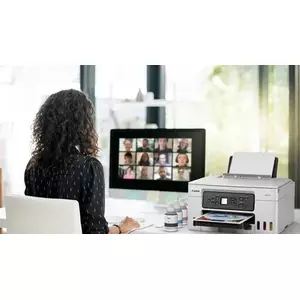
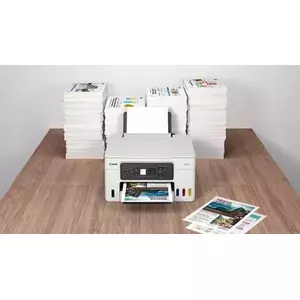
With a compact footprint, simple connectivity and an easy-to-access user-replaceable maintenance cartridge, the MAXIFY GX range is the ideal high-volume, high-efficiency printer for demanding home and hybrid workers.Home office

Retail

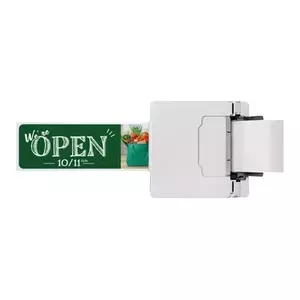
Reduce costs by printing more media in-house. Create high-quality, durable point-of-sale materials, signage, promotional banners and tags using the rear flat tray, which supports thick paperboard.Retail

Estate Agents

Quickly print colour flyers and brochures in large volumes while retaining superb quality. All-pigment ink means prints are bright, highly readable, smudge-resistant and blur-free.Estate Agents

Educational Institutions

Print high volumes of course materials, resilient full-colour handouts and administrative documents while saving money on ink costs. Supervise children in one room while printing in another using wireless connectivity.Educational Institutions

Ultra-low running costs

Save over the printer’s lifetime thanks to cost-effective refillable ink tanks that vastly reduce the total cost of ownership and cost per page. Boost page yield with Economy mode and print up to 1.5x more pages with the same amount of ink.Ultra-low running costs

Brilliant business-quality prints

Enjoy water-, friction- and marker-resistant, business-friendly prints with excellent readability, delivered quickly and in large volumes.Brilliant business-quality prints

Print more media in-house

Print flyers, banners and posters in-house thanks to compatibility with a wide variety of materials including magnetic and photo media, plus a rear flat tray that supports thicker media and card.Print more media in-house

Print without pause

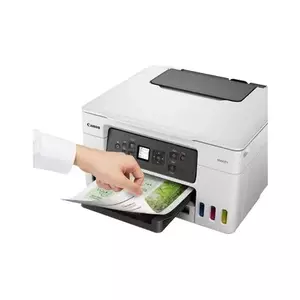
Print high volumes of documents without irritating paper reloads, thanks to a 100-sheet rear feed and a 250-sheet front cassette, windowed to make checking paper levels quick and easy.Print without pause

Small but mighty

Save vital space at home or in the office thanks to the printer’s compact footprint. Reducing the amount of plastic packaging means more of it can be easily recycled.Small but mighty

Easy to use and maintain

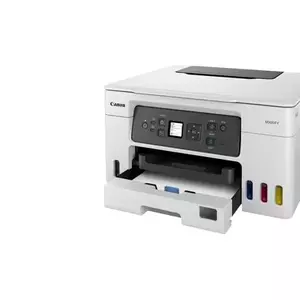
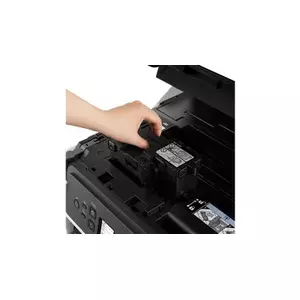
Reduce downtime with the user-replaceable maintenance cartridge, easily accessible from the front of the printer. Colour-coded, spring-loaded ink caps make refills simple and mess-free.Easy to use and maintain

{{highlightedFeature.featureTitle}}:

{{product.title}}
{{product.price}}

{{getProductFeatureValueById(product, highlightedFeature.featureId)}}

Might be useful
{{product.manufacturerName}}
{{product.categoryName}}
{{product.title}}
{{product.specialPrice}}
{{product.price}}
Stock data
Warehouse Stock Delivery to the store Store Price
WH155 42 01.07.2026 290.49 €
WH149 50 01.07.2026 304.99 €
BT17 23 22.06.2026 Best delivery 322.49 €
Show all offers Hide
Available only for legal entities
Warehouse Stock Delivery to the store Store Price
WH109 50 15.07.2026 342.99 €
290.49 €
Stock: 42
Delivery Date: 01.07.2026
Warehouse: WH155
304.99 €
Stock: 50
Delivery Date: 01.07.2026
Warehouse: WH149
322.49 €
Stock: 23
Delivery Date: 22.06.2026 Best delivery
Warehouse: BT17
514.99 €
Stock: 27
Delivery Date: 01.07.2026
Warehouse: WH94
660.99 €
Stock: 27
Delivery Date: 08.07.2026
Warehouse: WH354
Available only for legal entities
342.99 €
Stock: 50
Delivery Date: 15.07.2026
Warehouse: WH109

Customer reviews

Customer questions

FAQ

How much does the Multifunction Printer Canon MAXIFY GX3050 cost, and is it available for purchase?

The price is 290.49 € (valid at the time of publication and already includes all taxes). The item is available for order — 219 pcs. are in stock, and you can place your purchase right now with delivery across Latvia and Europe or choose pickup at the Riga collection point. We offer favorable purchase terms, including the option to split the payment into convenient monthly installments. Availability and price are updated in real time, so we recommend placing your order in advance.

If I order this product today, when will I receive my order?

If you place your order today, delivery will be as fast and convenient as possible. You will be able to pick up your order on 01.07.2026 at the Riga pickup point or choose delivery across Latvia and Europe. We carefully inspect every purchase and pack it securely for safe transportation.

What payment options are available?

AiO.lv offers several payment methods: Bank transfer, Bank cards on-line, Apple Pay, Google Pay, Installment. All transactions are 100% secure and encrypted.

Can Multifunction Printer Canon MAXIFY GX3050 be purchased with a lease?

Yes, the purchase is available both on credit and with an interest-free installment plan. We work with leading banks and leasing companies in Latvia, allowing you to make your purchase on convenient terms — with a minimal down payment and a repayment period from 3 to 36 months. You can apply for credit or installments for the Multifunction Printer Canon MAXIFY GX3050 online, and the application process is as simple as possible:
  • Select the product on the website and add it to your cart;
  • When placing your order, choose the payment method “Installments”;
  • Fill in the required details for the lending partner;
  • Receive a decision within a few minutes.
For more information about available payment options, interest-free installment terms, and credit conditions in Latvia, please visit the Payment page.

Can this product be purchased for a company (with VAT)?

Yes. AiO.lv works with legal entities in Latvia and across Europe. The product price already includes VAT. For certain product categories, as well as for companies from other EU countries with a valid VAT number, a 0% VAT rate may apply. We issue the invoice immediately after the order is placed, support electronic BIS invoices, and automatically generate all necessary accounting documents. You can complete the purchase for a company online — simply select the company profile and choose bank transfer as the payment method during checkout.

What is the warranty period?

All Canon products come with an official 2 Years warranty. It covers all manufacturing defects and malfunctions that may occur during use. The warranty is valid at all authorized Canon service centers and through AiO.lv

Can the product be returned after purchase?

Yes, you can return the product within 14 days of purchase if you bought it as a consumer (not a legal entity). Returns are possible without giving any reason — the main condition is that the product retains its original appearance and full set of accessories. We will make the process as simple and convenient as possible: just contact our customer support team, and we will help you arrange the return.

Where should I contact for warranty service?

For warranty-related questions you can contact the AiO.lv (SIA VSPRO) customer support team. We will assist with consultation, warranty claim processing, and coordination with certified service centers.

How can I tell if this product suits my needs?

When making a choice, we recommend paying attention to the key features: print technology, printing, maximum resolution, copying, scanning, optical scanning resolution, maximum iso a-series paper size, wi-fi, ethernet lan, weight, maximum duty cycle, product colour, duplex functions, compatibility with your devices or usage conditions, material quality, functionality, and warranty terms. These characteristics will help you determine how well the model meets your needs.

Where can I download the instructions for Multifunction Printer Canon MAXIFY GX3050?

You can download the instructions in PDF format from the “Instructions” section on the product description page. The file contains complete information about installation, setup, and usage.
warranty
14-Day Return Policy We are confident in our quality, but if the purchase doesn’t fit — you have 14 days to return the product with peace of mind.
shipping
Fast Delivery Get your orders as quickly as possible — right to your door, parcel lockers, or pickup points across Latvia and the EU.
payment
Secure Payment Pay the way you prefer: cash, VISA, MasterCard, Apple Pay, Google Pay, bank transfer, or 0% installment plan.
warranty
Quality Since 2008 AiO.lv has been on the market for over 18 years and has earned trust — with more than 6000 genuine positive reviews on Google.