

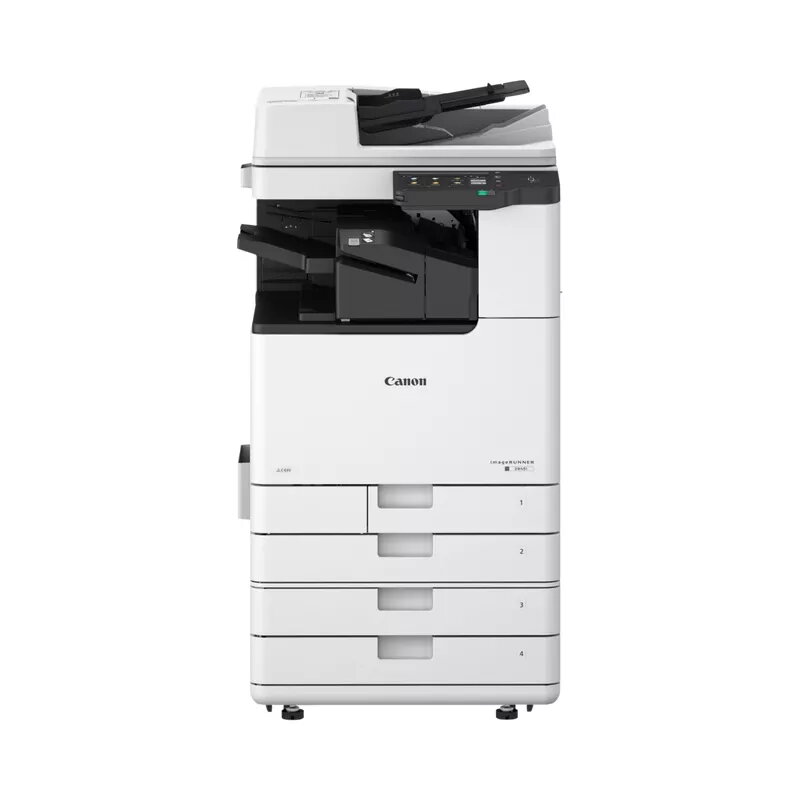
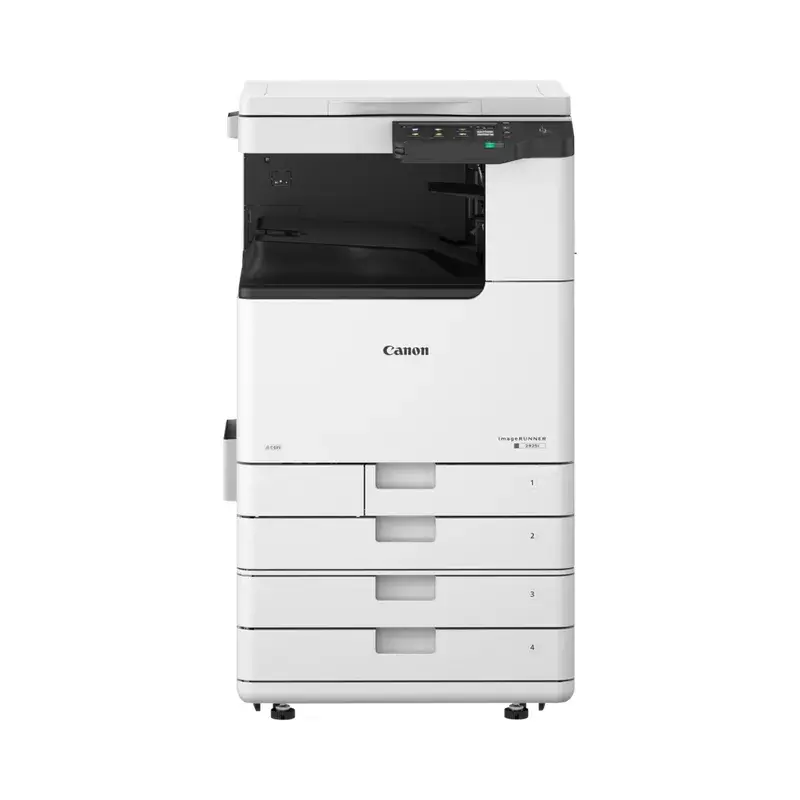
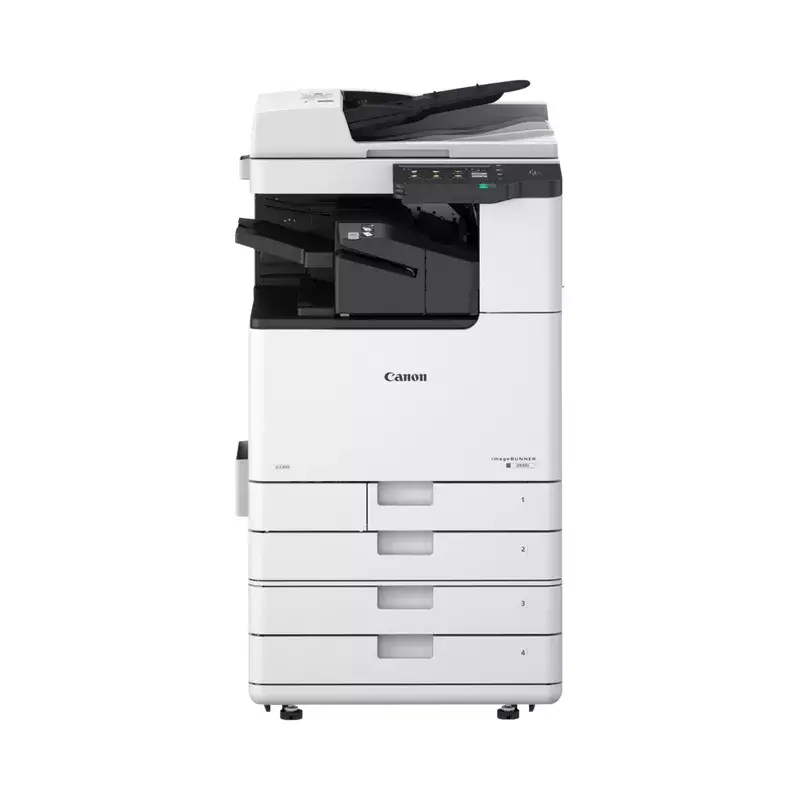
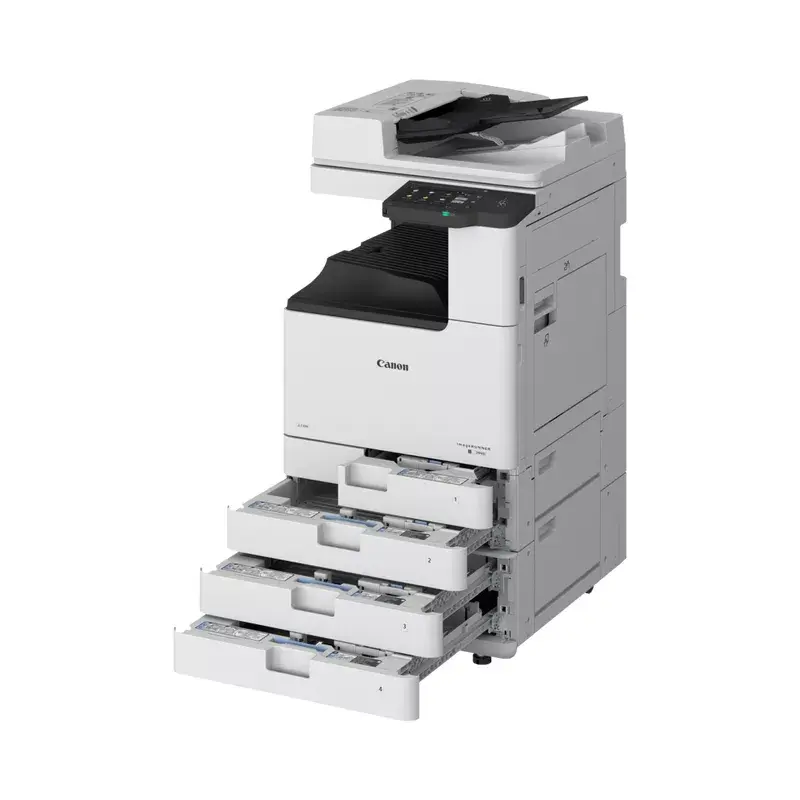
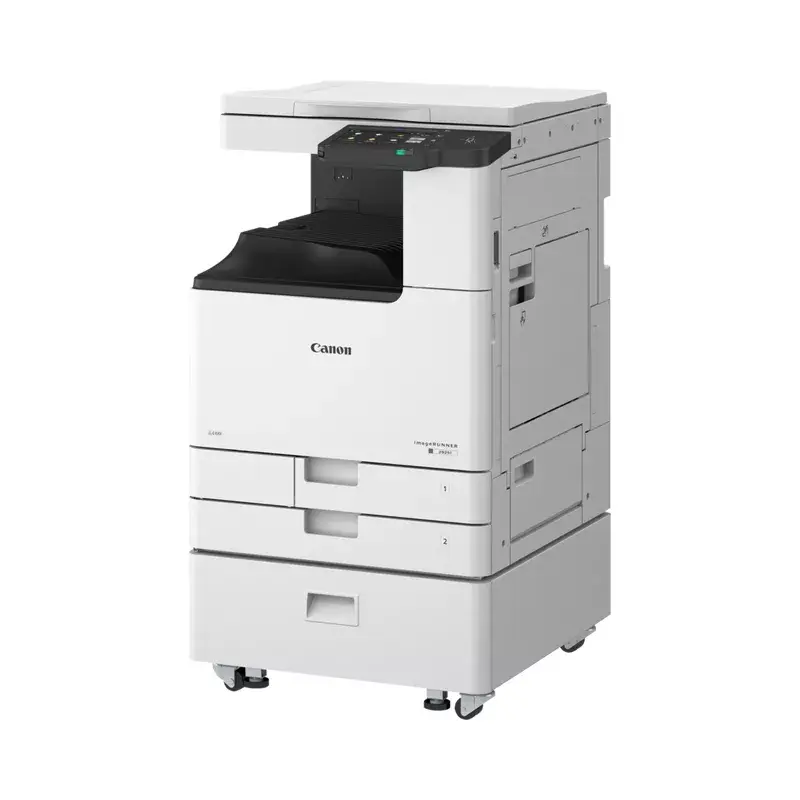
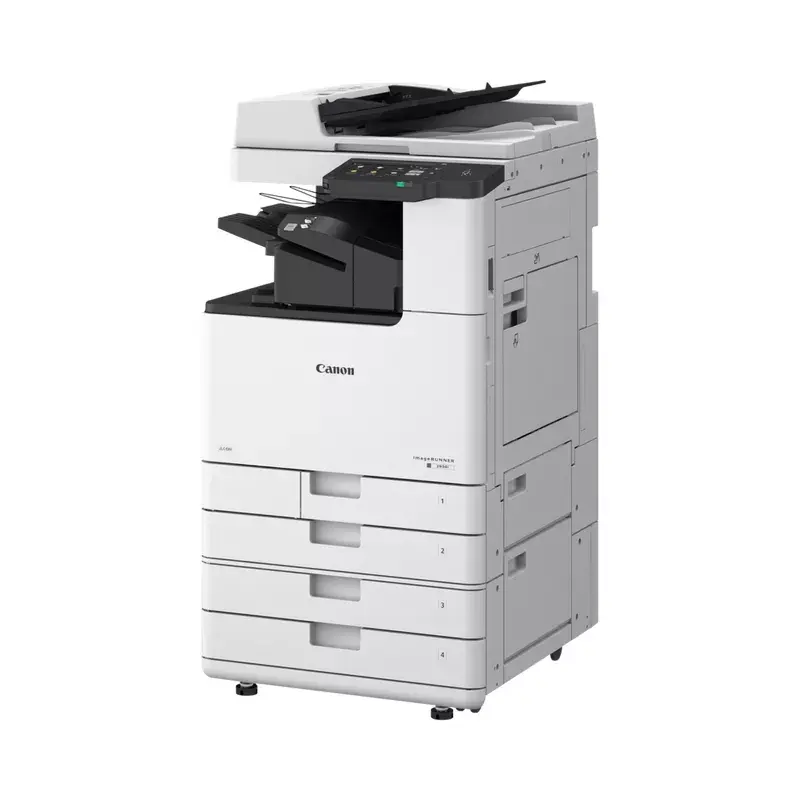
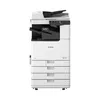
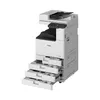
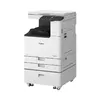
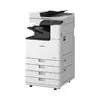
Laser Printer Canon imageRUNNER 2930i 1200 x 1200 DPI 30 ppm Wi-Fi
2,111.99 €
Keep track of price changes
You keep track of price changes
Watch the price drop
Leave your address - as soon as the price of the product goes down, you'll know about it right away
You keep track of price changes
Laser Printer Canon imageRUNNER 2930i 1200 x 1200 DPI 30 ppm Wi-Fi
{{email}}
You keep track of price changes
Laser Printer Canon imageRUNNER 2930i 1200 x 1200 DPI 30 ppm Wi-Fi
{{email}}
{{selectedOffer && selectedOffer.price | formatAmount}}
Offer for legal entity, cashless payment.
Why is an item available only for a legal entity?
This is due to long delivery times and limited product warranties.
This is due to long delivery times and limited product warranties.
Short description
The Canon imageRUNNER 2930i is a multifunctional laser printer designed for efficient mono printing, copying, and scanning. It features a maximum resolution of 1200 x 1200 DPI for printing and 600 x 600 DPI for copying and scanning. With Wi-Fi connectivity, duplex functions, and a compact design, it is ideal for small to medium-sized offices.

Deliver the order:
to the Customer Service Center at Kengaraga 2b, Riga
26.08.2026
{{selectedOffer.officeDeliveryString}}
free
Customer service center
2b. Kengaraga str., Riga, Latvia, LV-1063
26.08.2026
{{selectedOffer.officeDeliveryString}}
free
Courier Delivery
Please note that in case of a large parcel additional delivery costs may apply!
From 53.99 € (Weight: 65.00 kg)

Payment Methods:
Cash payment, Bank transfer, Bank cards on-line, Apple Pay, Google Pay, Leasing for legal entities
Leasing for legal entities:
from 73.5 euros per month
Available for private customers at price 2,242.99 €:
28 pcs.


