JBL speakers and headphones for pure and deep sound!
In cart {{totalProductsCount}} item(s)
Your cart is empty
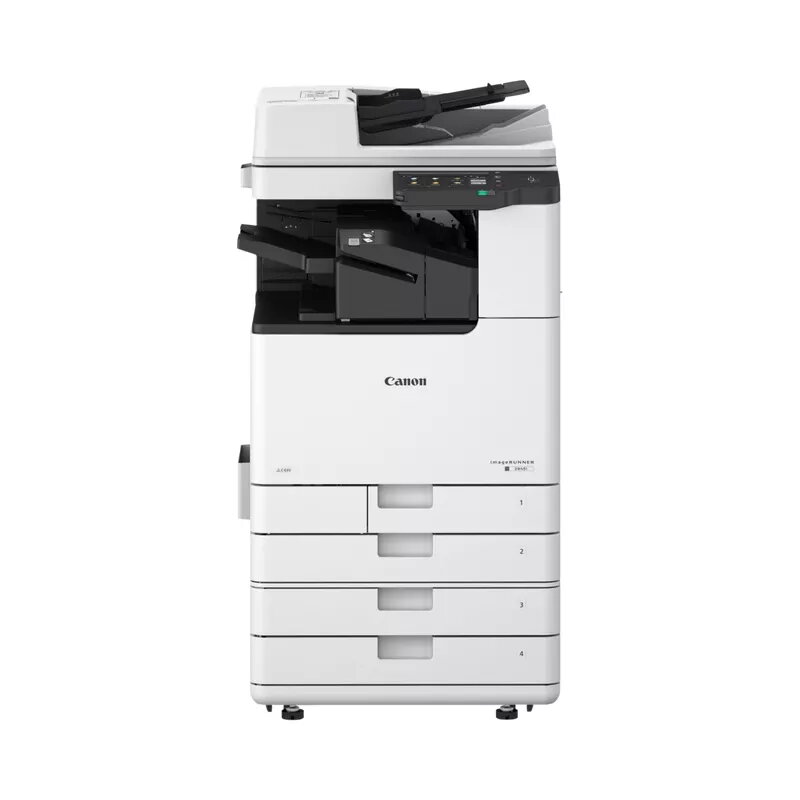
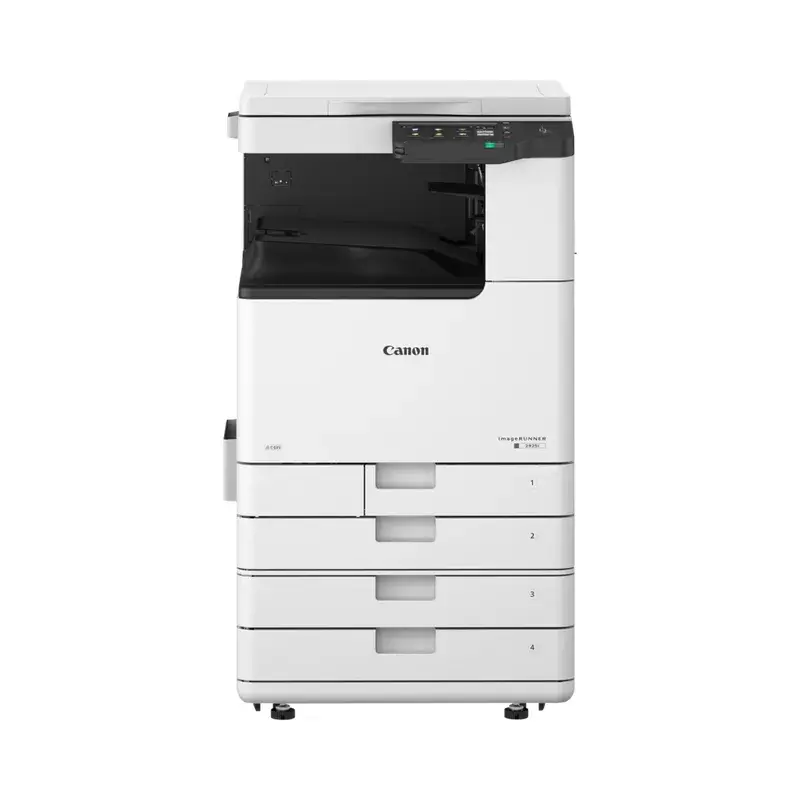
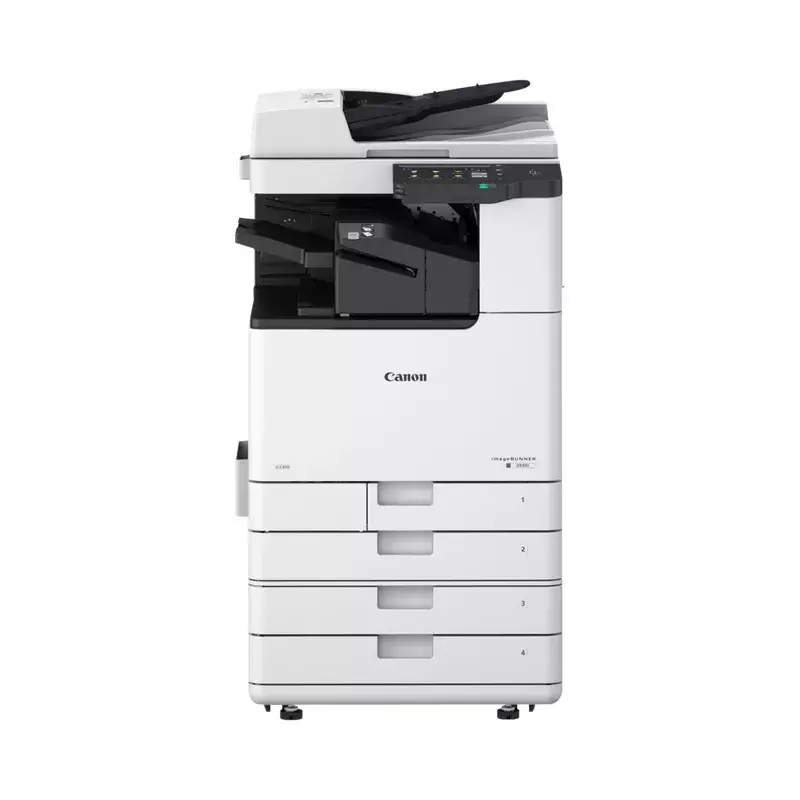
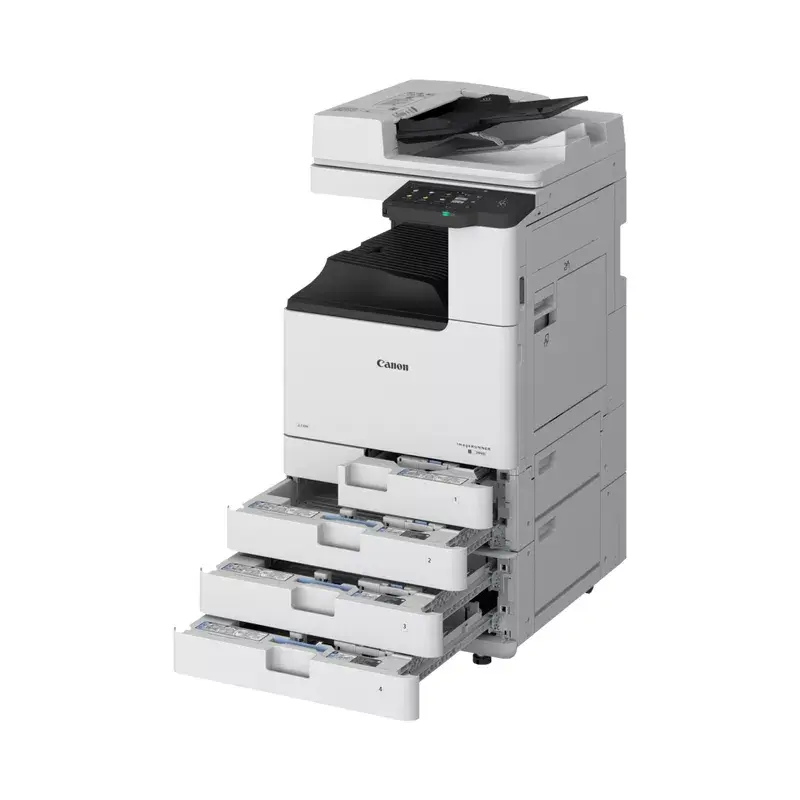
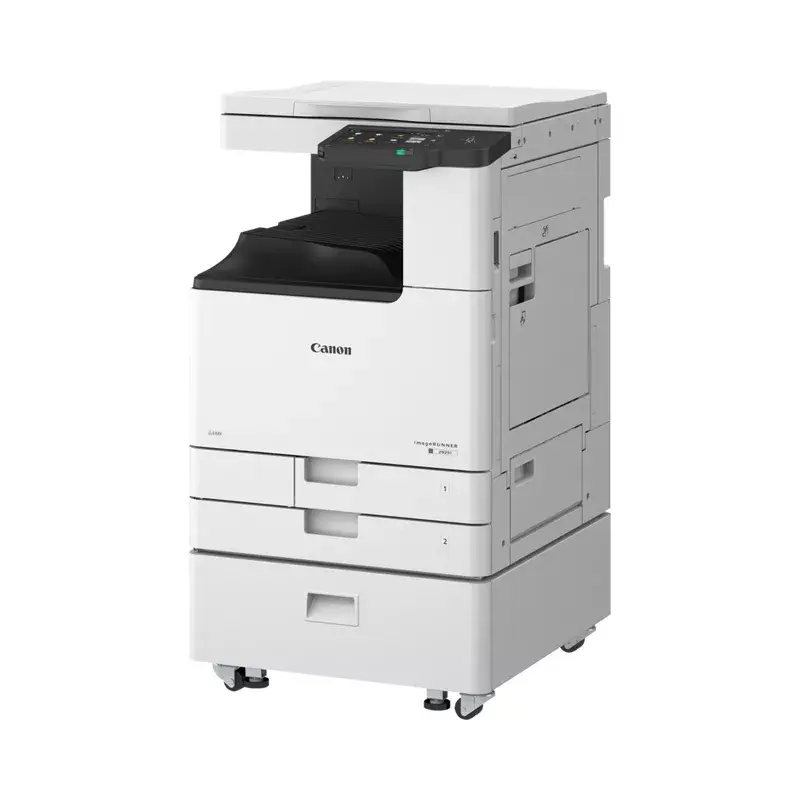
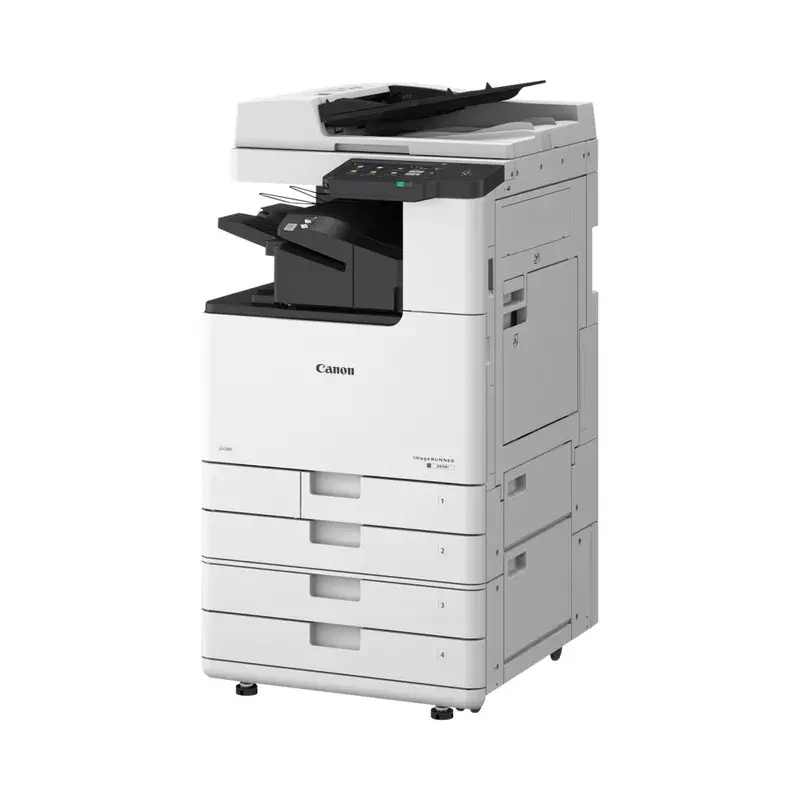
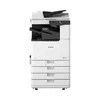
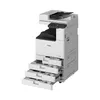
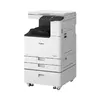
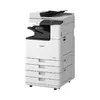
Multifunction Device Canon imageRUNNER 2925i Laser Mono
The Canon imageRUNNER 2925i is a multifunction laser mono device designed for small to medium office environments. It delivers mono printing at up to 25 ppm with a maximum print resolution of 1200 x 1200 DPI, mono copying at 600 x 600 DPI and colour scanning with optical resolution of 600 x 600. The device supports duplex copy, print and scan functions and accepts ISO A4 paper size. Connectivity options include Wi‑Fi and Ethernet LAN. Finished in a black-and-white housing and weighing approximately 65 kg, the imageRUNNER 2925i integrates printing, copying and scanning into a single compact footprint.
The machine provides consistent monochrome print quality up to 1200 x 1200 DPI and a reliable output speed of 25 pages per minute, which helps maintain document throughput in everyday office tasks. Duplex capabilities for printing, copying and scanning reduce paper consumption and streamline multi‑page workflows. Integrated colour scanning expands digital capture options while wired and wireless network interfaces enable flexible placement and direct printing from networked devices. The robust construction and standard A4 handling accommodate routine administrative, legal, and business document needs.
Place the Canon imageRUNNER 2925i on a stable surface with sufficient clearance for paper trays and access panels. Connect the device to your network via Ethernet or configure the Wi‑Fi settings through the control panel to enable printing from workstations and mobile devices. Load A4 paper into the main tray following the tray guides and set paper type and size in the device menu. For printing, select the imageRUNNER 2925i from the computer or mobile print dialog and choose single- or double-sided options as required. For copying, use the control panel to set copy quantity, density and duplex settings. For scanning, choose the destination (email, folder, or USB) and initiate a scan from the flatbed or automatic document feeder if present.
For reliable long-term operation, use paper within the recommended weight range for A4 media, perform periodic cleaning of the scanner glass and paper paths, and schedule maintenance according to usage volume. Configure user access and network settings to align with office security policies and consider enabling duplex as the default to reduce paper consumption.
{{highlightedFeature.featureTitle}}:
{{getProductFeatureValueById(product, highlightedFeature.featureId)}}
{{ productComparisonGenerationError }}