

{{ totalProductsCount }}

In cart {{totalProductsCount}} item(s)

Total:
{{sum | formatAmount}}

Your cart is empty

header-product Multifunction Device Canon i-SENSYS MF842dw Laser Black

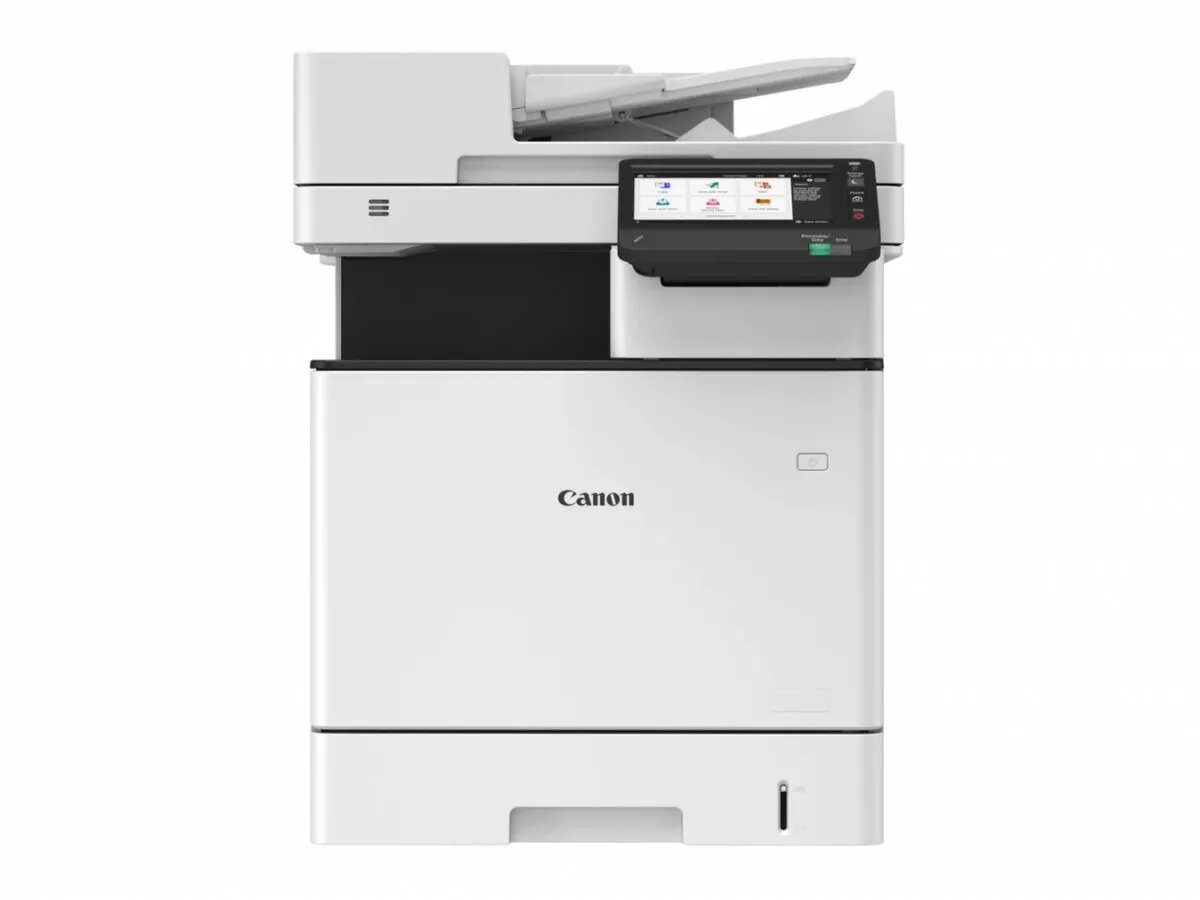
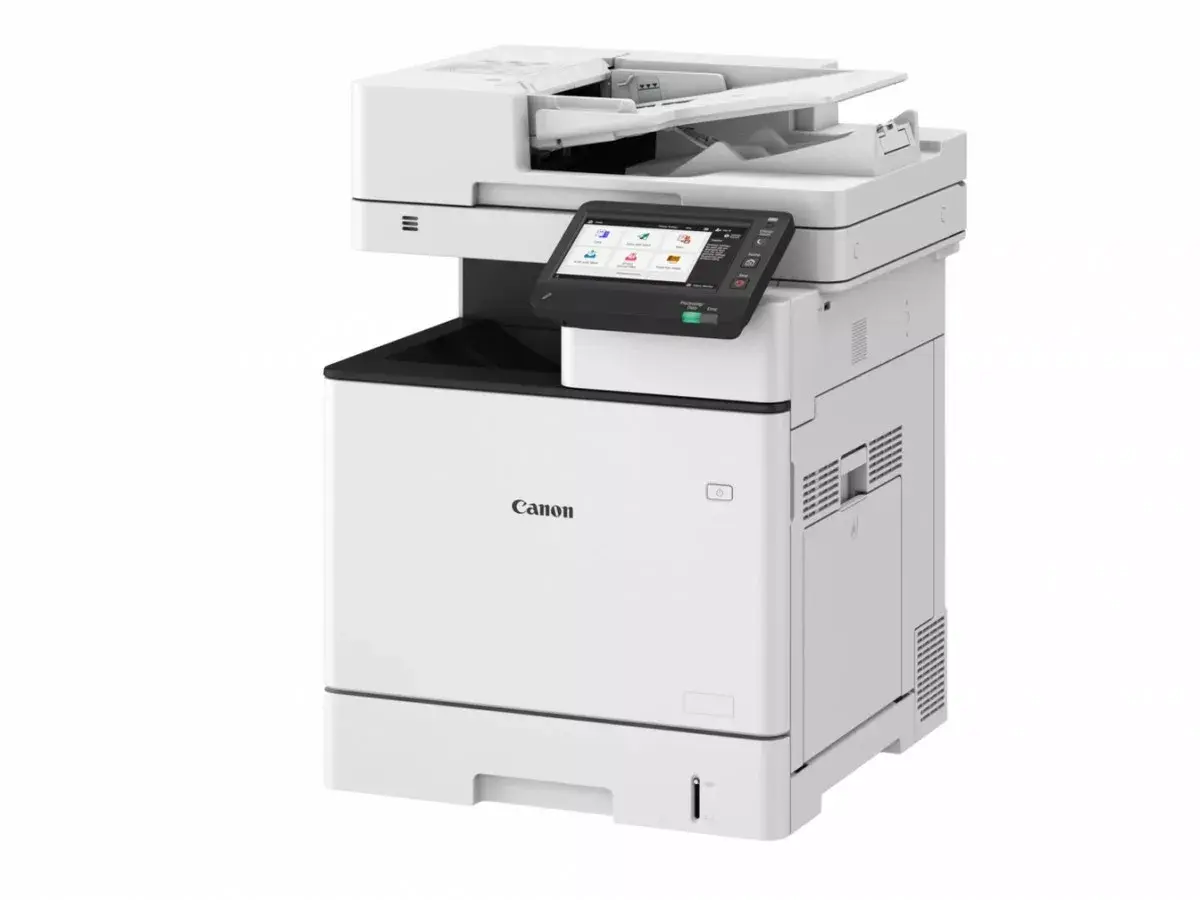
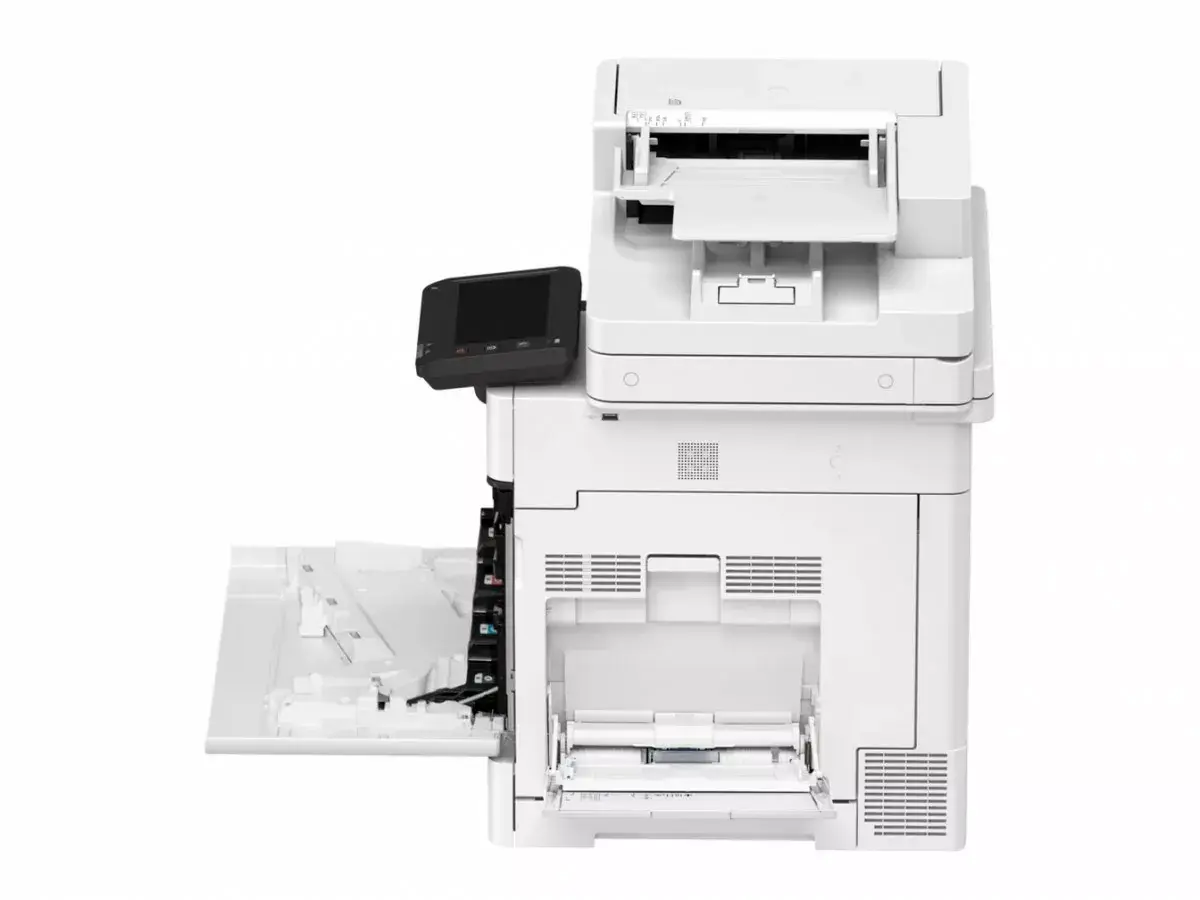
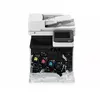
Multifunction Device Canon i-SENSYS MF842dw Laser Black

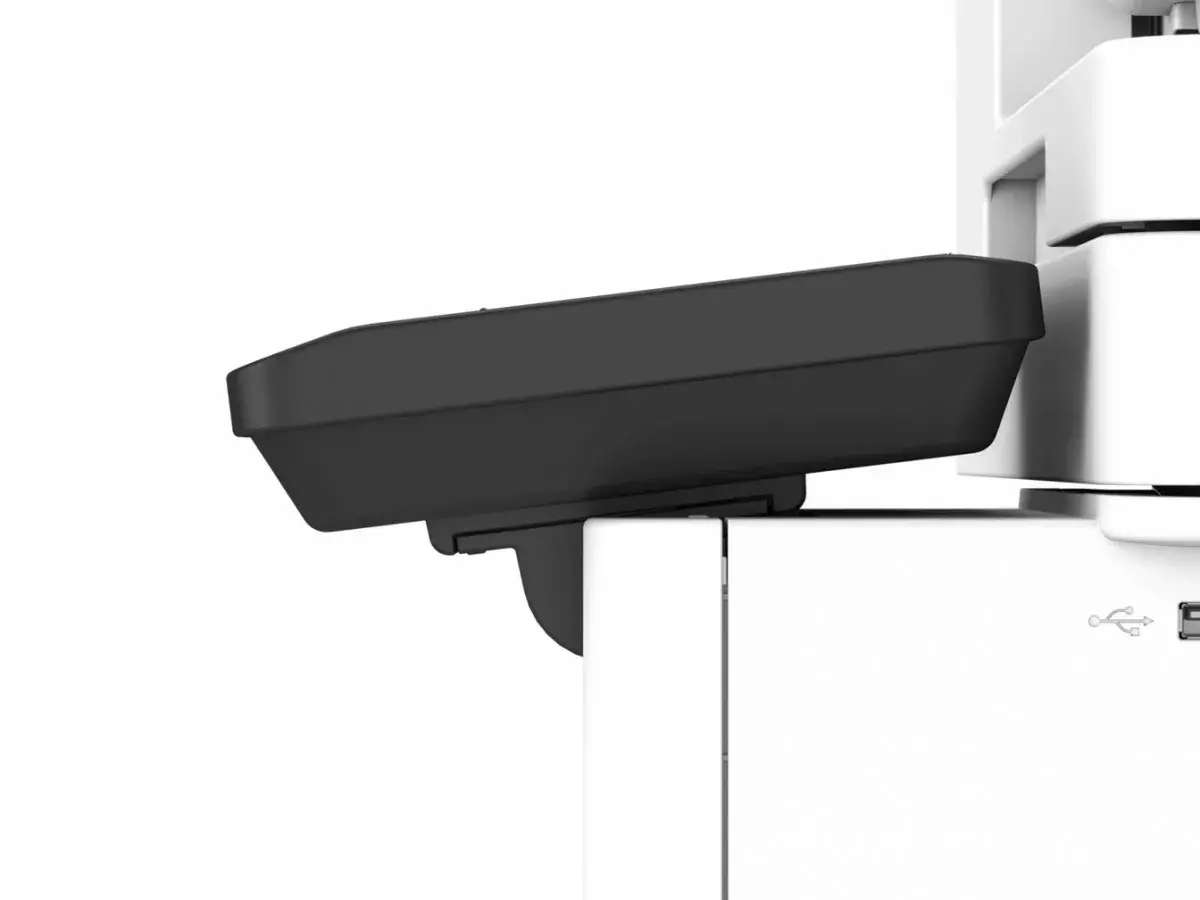
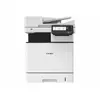
Multifunction Device Canon i-SENSYS MF842dw Photo 1
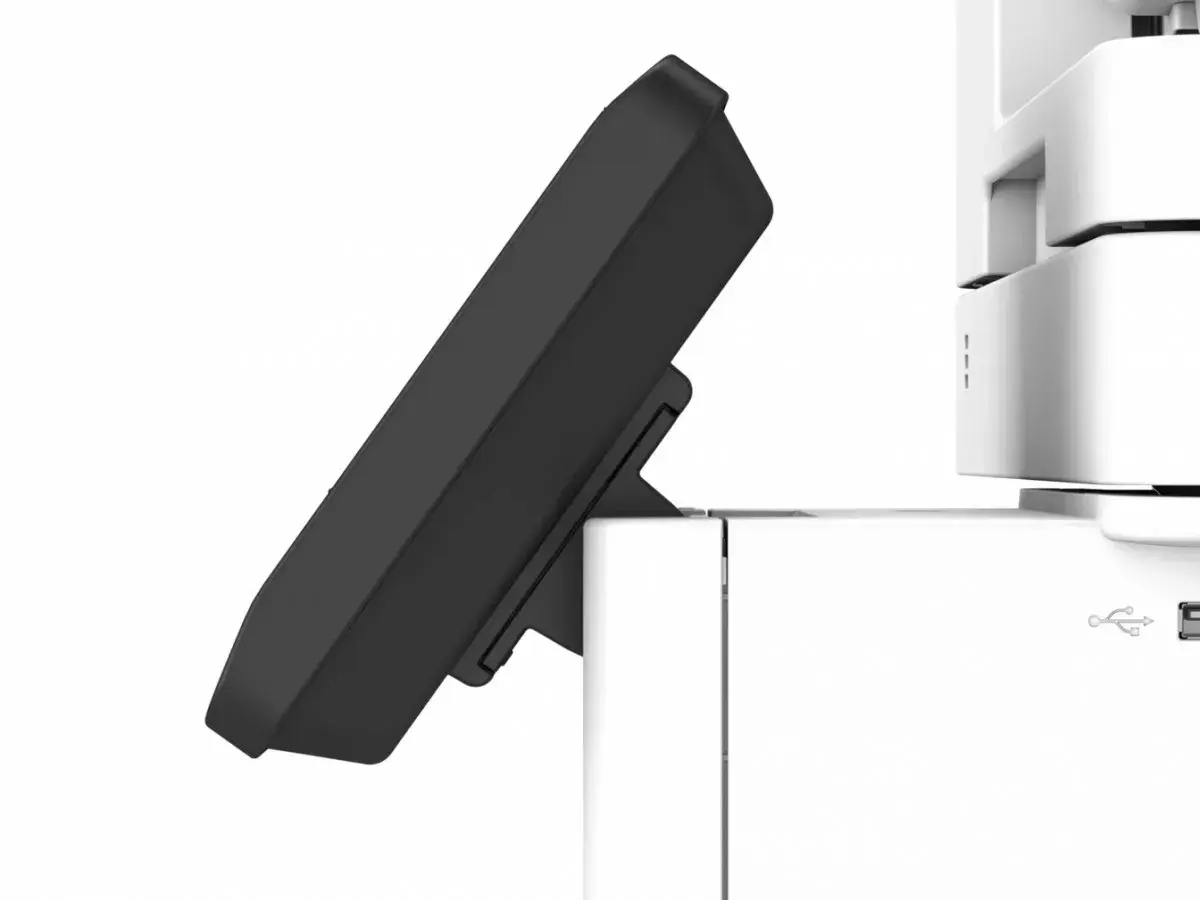
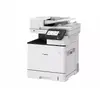
Multifunction Device Canon i-SENSYS MF842dw Photo 2
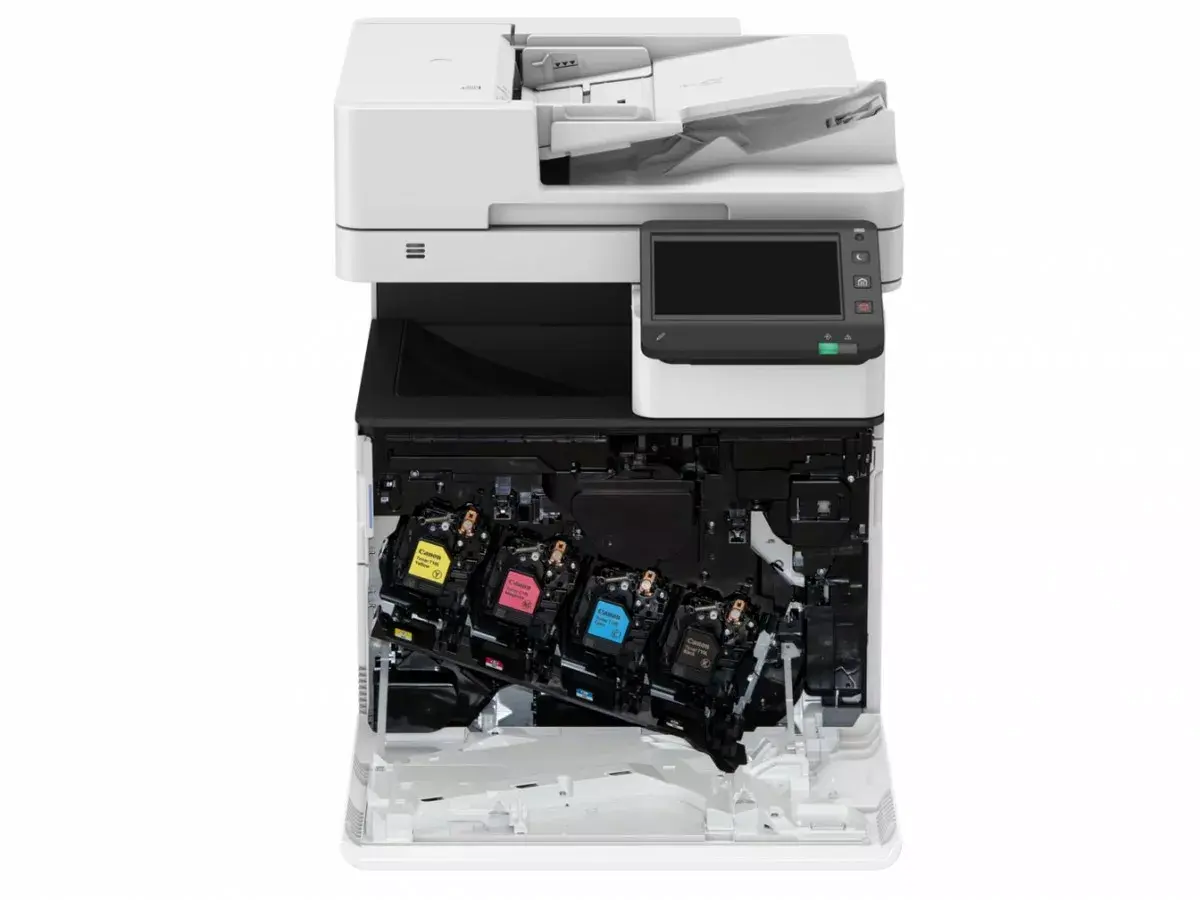
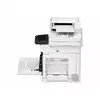
Multifunction Device Canon i-SENSYS MF842dw Photo 3
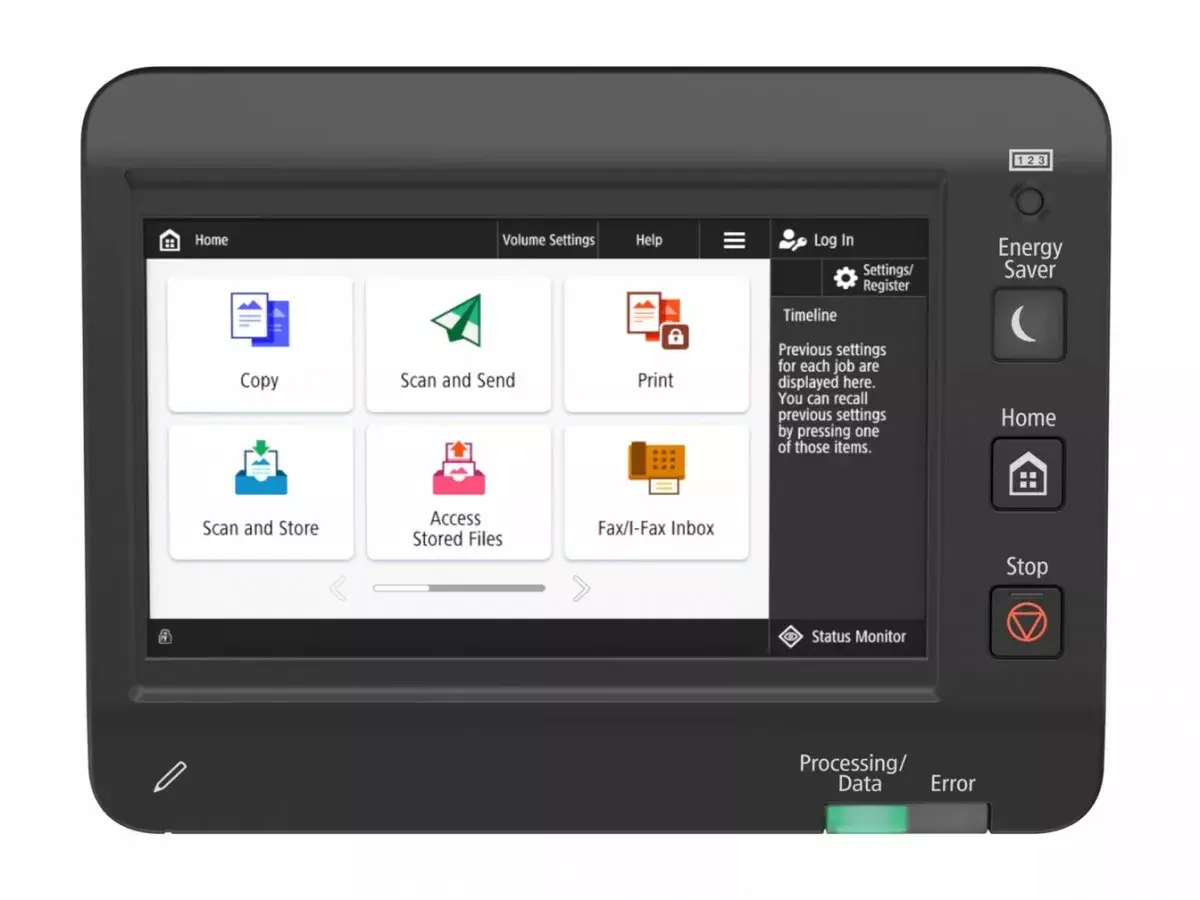
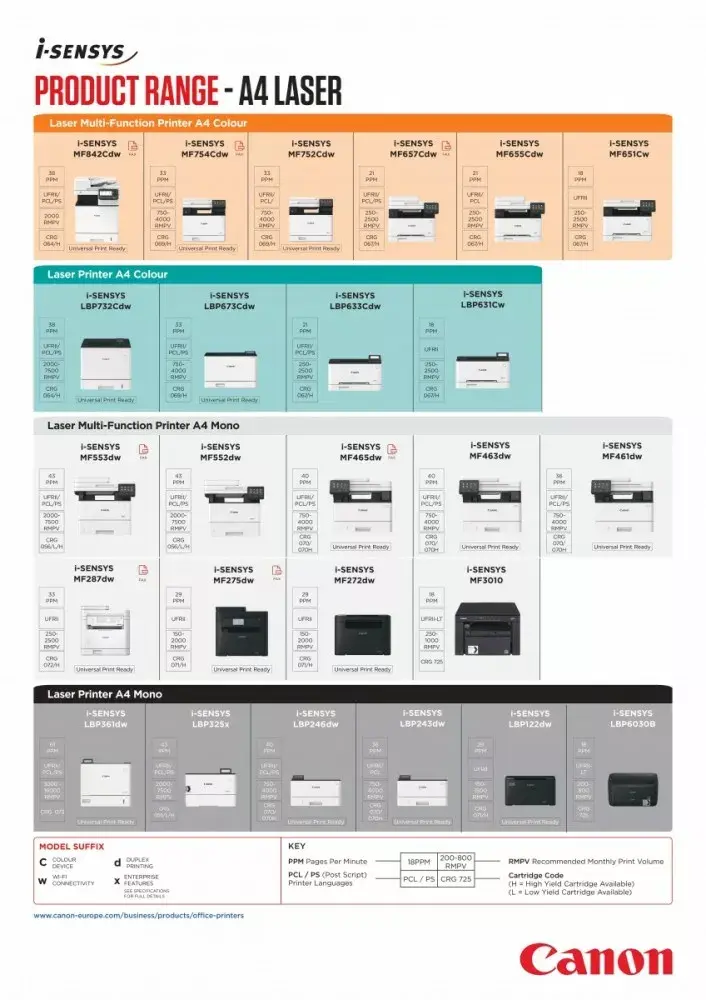
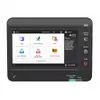
Multifunction Device Canon i-SENSYS MF842dw Photo 4
Multifunction Device Canon i-SENSYS MF842dw Photo 5
Multifunction Device Canon i-SENSYS MF842dw Photo 6
Multifunction Device Canon i-SENSYS MF842dw Photo 7
Multifunction Device Canon i-SENSYS MF842dw Photo 8
Multifunction Device Canon i-SENSYS MF842dw Photo 1
Multifunction Device Canon i-SENSYS MF842dw Photo 2
Multifunction Device Canon i-SENSYS MF842dw Photo 3
Multifunction Device Canon i-SENSYS MF842dw Photo 4
Multifunction Device Canon i-SENSYS MF842dw Photo 5
Multifunction Device Canon i-SENSYS MF842dw Photo 6
Multifunction Device Canon i-SENSYS MF842dw Photo 7
Multifunction Device Canon i-SENSYS MF842dw Photo 8
Out of stock.
View similar!

Short description

The Canon i-SENSYS MF842dw is a versatile multifunction device that offers printing, scanning, copying, and faxing capabilities. It features fast laser printing with a speed of up to 33 pages per minute, automatic duplex printing, and wireless connectivity options including LAN and WiFi. The compact design makes it suitable for any office environment, while the user-friendly interface ensures easy operation. Ideal for small to medium-sized businesses looking for efficiency and reliability.
Warranty: 2 Years
SKU: 10891683

delivery
Information regarding the items availability for purchase will be posted on this site
price
Item cost information will be published on this site
Together cheaper
{{product.price | formatAmount}}
{{product.title}}
{{productBundle.reference.specialPrice | formatAmount}}
{{productBundle.title}}
{{productBundlePreviousPrice | formatAmount}}
{{productBundleSpecialPrice | formatAmount}}

You saving {{productBundleYouSave | formatAmount}}

Product information

Description

The Canon i-SENSYS MF842dw is a multifunction device that combines printing, scanning, copying and faxing in a single compact unit designed for small to medium-sized offices. It delivers fast monochrome laser printing at up to 33 pages per minute, supports automatic duplex printing and offers wired LAN and Wi‑Fi connectivity for flexible placement and network integration. The device includes a user-oriented control panel and paper handling options that balance footprint and capacity for everyday office workflows.

Advantages

The MF842dw provides reliable monochrome laser output with consistent speed and print quality across mixed workloads. Automatic duplexing reduces paper consumption and supports two-sided document workflows. A range of connectivity options including Ethernet and wireless networking enables convenient sharing among multiple users. The compact design and straightforward control interface simplify installation and day-to-day operation in a typical office environment.

Suitable for

  • General office document printing and copying
  • Departments requiring regular duplex printing to save paper
  • Small workgroups sharing a networked multifunction device
  • Environments needing basic scanning and fax functionality

Key specifications

  • Print technology: Monochrome laser
  • Maximum print speed: Up to 33 pages per minute (A4)
  • Duplex: Automatic two-sided printing
  • Scan: Flatbed and automatic document feeder scanning
  • Copy: Standard copying functions with variable reduction/enlargement
  • Fax: Incoming and outgoing fax capability with standard memory functions
  • Connectivity: Wired LAN and Wi‑Fi wireless networking
  • Control interface: User-friendly control panel with display
  • Paper handling: Multi-purpose tray and standard paper cassette(s) suitable for typical office media

How to use

Install the Canon i-SENSYS MF842dw on a stable surface near a network connection or within wireless range. Follow the supplied setup guide to connect power, load paper into the trays and install toner according to the manufacturer instructions. Use the control panel to select print, copy, scan or fax modes and adjust basic settings such as paper size and resolution. For networked use, configure Ethernet or Wi‑Fi settings via the device menu or the provided setup software, then install the drivers on user computers to enable full functionality.

Usage recommendations

Use standard office-weight paper for optimum print performance and enable automatic duplexing when printing multi-page documents to reduce paper usage. Schedule regular checks of toner and paper supplies and perform routine cleaning of the scanner glass and feeder to maintain reliable operation and consistent scan quality.

Description

Machine translation. Load original

Similar products

{{product.title}} Show details Hide details

{{highlightedFeature.featureTitle}}:

{{getProductFeatureValueById(product, highlightedFeature.featureId)}}

{{product.price | formatAmount}}
Might be useful
{{product.manufacturerName}}
{{product.categoryName}}
{{product.title}}
{{product.specialPrice}}
{{product.price}}

Customer reviews

Customer questions

FAQ

What payment options are available?

AiO.lv offers several payment methods: Bank transfer, Leasing for legal entities. All transactions are 100% secure and encrypted.

Can this product be purchased for a company (with VAT)?

Yes. AiO.lv works with legal entities in Latvia and across Europe. The product price already includes VAT. For certain product categories, as well as for companies from other EU countries with a valid VAT number, a 0% VAT rate may apply. We issue the invoice immediately after the order is placed, support electronic BIS invoices, and automatically generate all necessary accounting documents. You can complete the purchase for a company online — simply select the company profile and choose bank transfer as the payment method during checkout.

What is the warranty period?

All Canon products come with an official 2 Years warranty. It covers all manufacturing defects and malfunctions that may occur during use. The warranty is valid at all authorized Canon service centers and through AiO.lv

Can the product be returned after purchase?

Yes, you can return the product within 14 days of purchase if you bought it as a consumer (not a legal entity). Returns are possible without giving any reason — the main condition is that the product retains its original appearance and full set of accessories. We will make the process as simple and convenient as possible: just contact our customer support team, and we will help you arrange the return.

Where should I contact for warranty service?

For warranty-related questions you can contact the AiO.lv (SIA VSPRO) customer support team. We will assist with consultation, warranty claim processing, and coordination with certified service centers.
warranty
14-Day Return Policy We are confident in our quality, but if the purchase doesn’t fit — you have 14 days to return the product with peace of mind.
shipping
Fast Delivery Get your orders as quickly as possible — right to your door, parcel lockers, or pickup points across Latvia and the EU.
payment
Secure Payment Pay the way you prefer: cash, VISA, MasterCard, Apple Pay, Google Pay, bank transfer, or 0% installment plan.
warranty
Quality Since 2008 AiO.lv has been on the market for over 18 years and has earned trust — with more than 6000 genuine positive reviews on Google.