
{{ totalProductsCount }}

In cart {{totalProductsCount}} item(s)

Total:
{{sum | formatAmount}}

Your cart is empty

header-product Multifunction Printer Canon MAXIFY GX1050 Inkjet Colour Printing

Multifunction Printer Canon MAXIFY GX1050 Inkjet Colour Printing

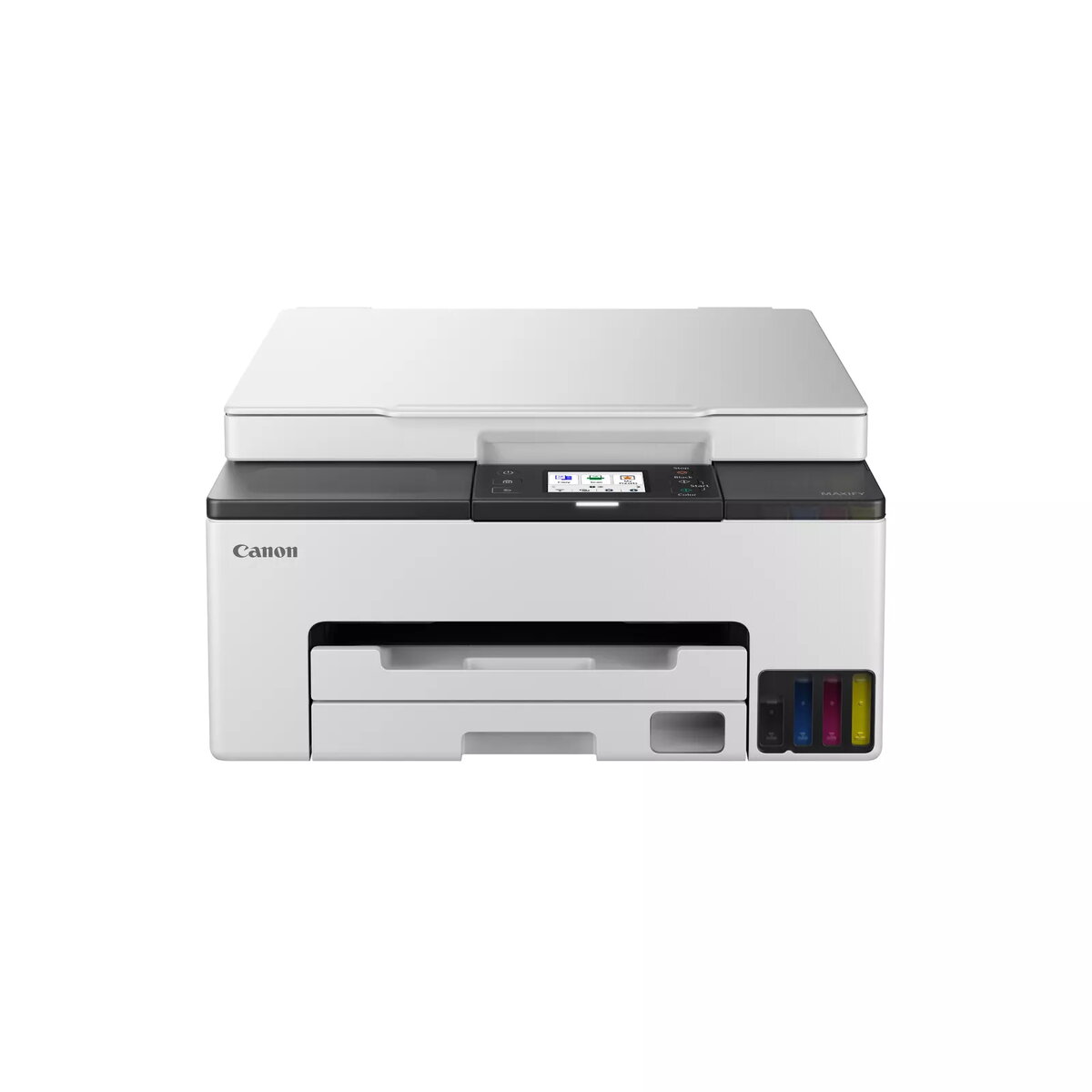
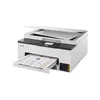
Multifunction Printer Canon MAXIFY GX1050 Photo 1
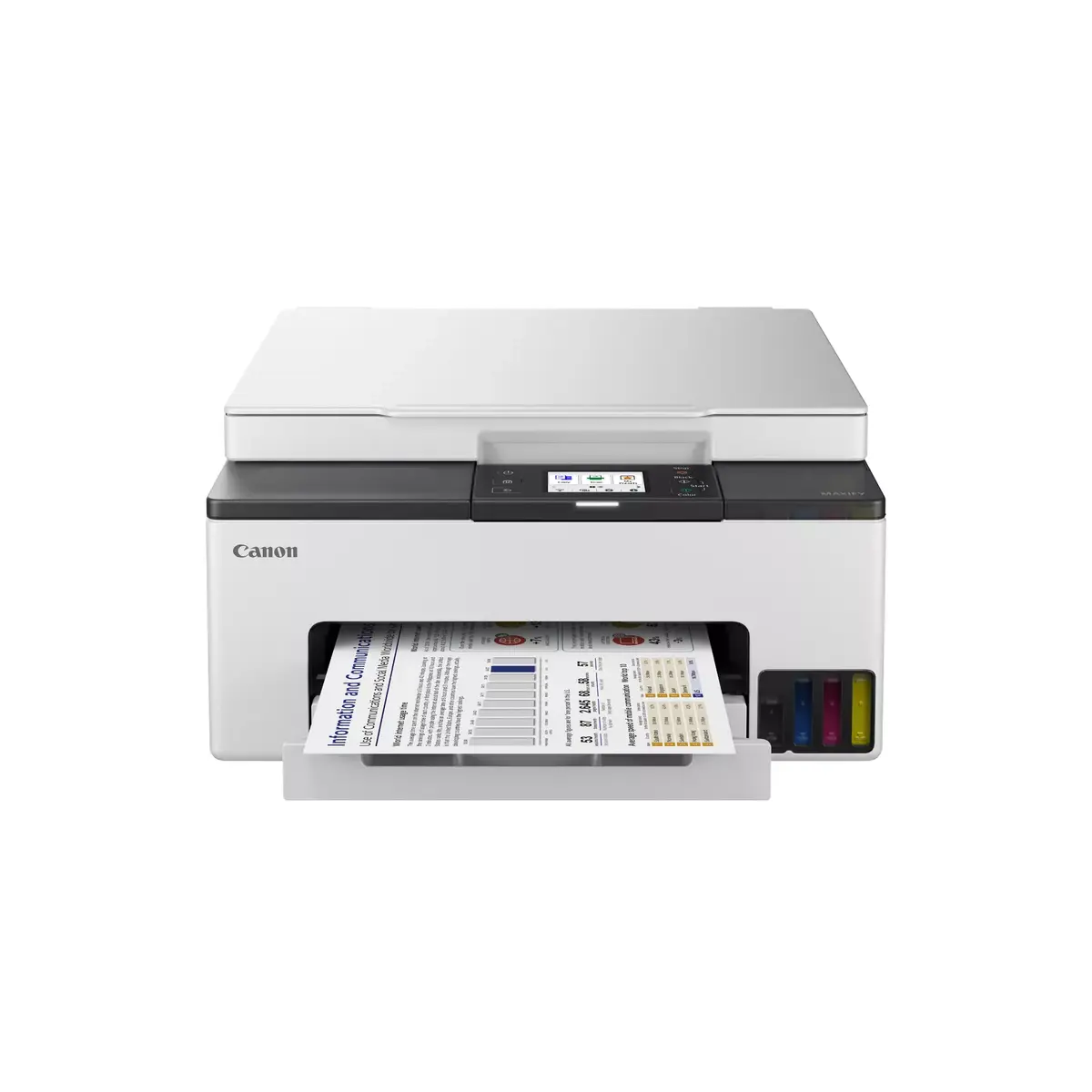
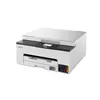
Multifunction Printer Canon MAXIFY GX1050 Photo 2
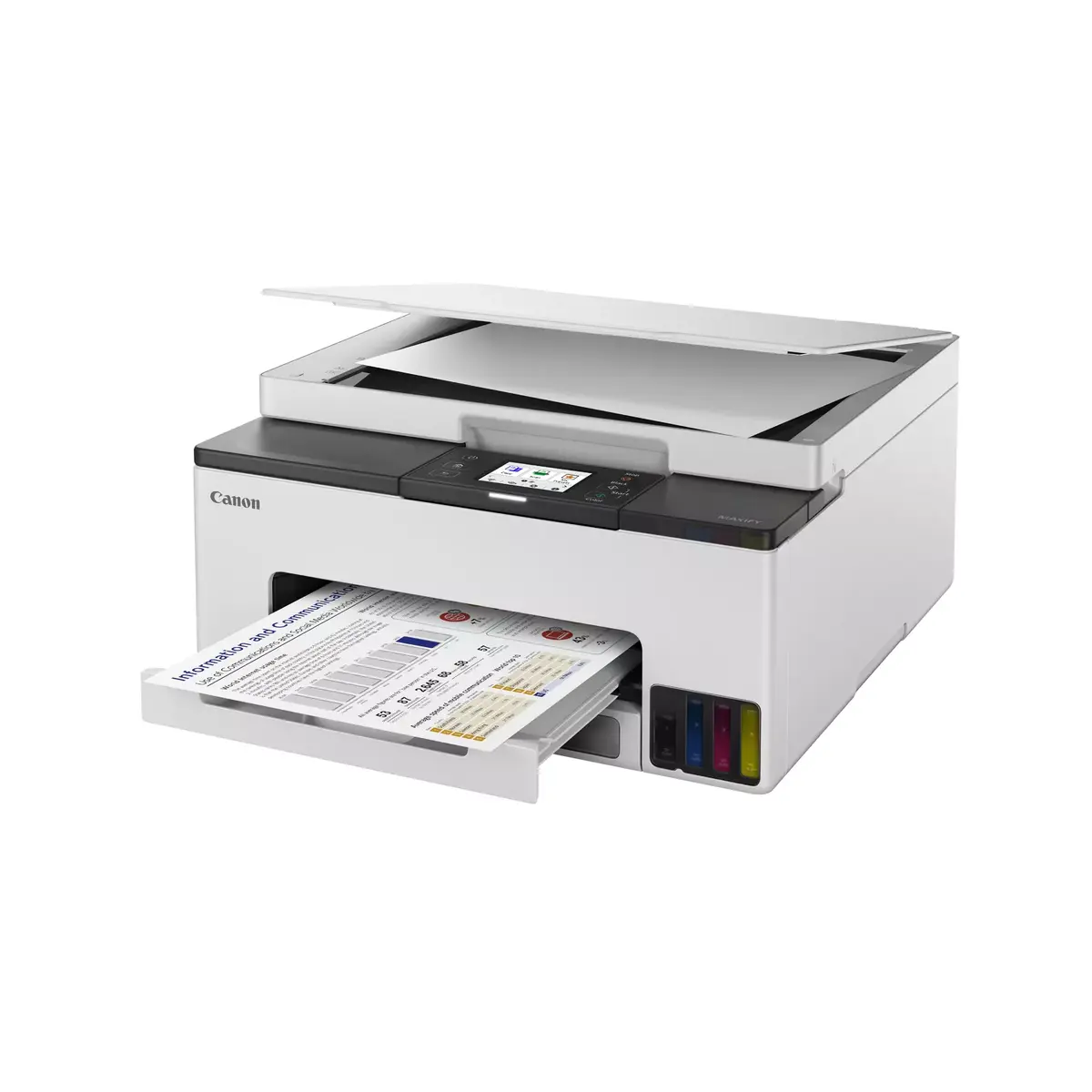
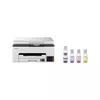
Multifunction Printer Canon MAXIFY GX1050 Photo 3
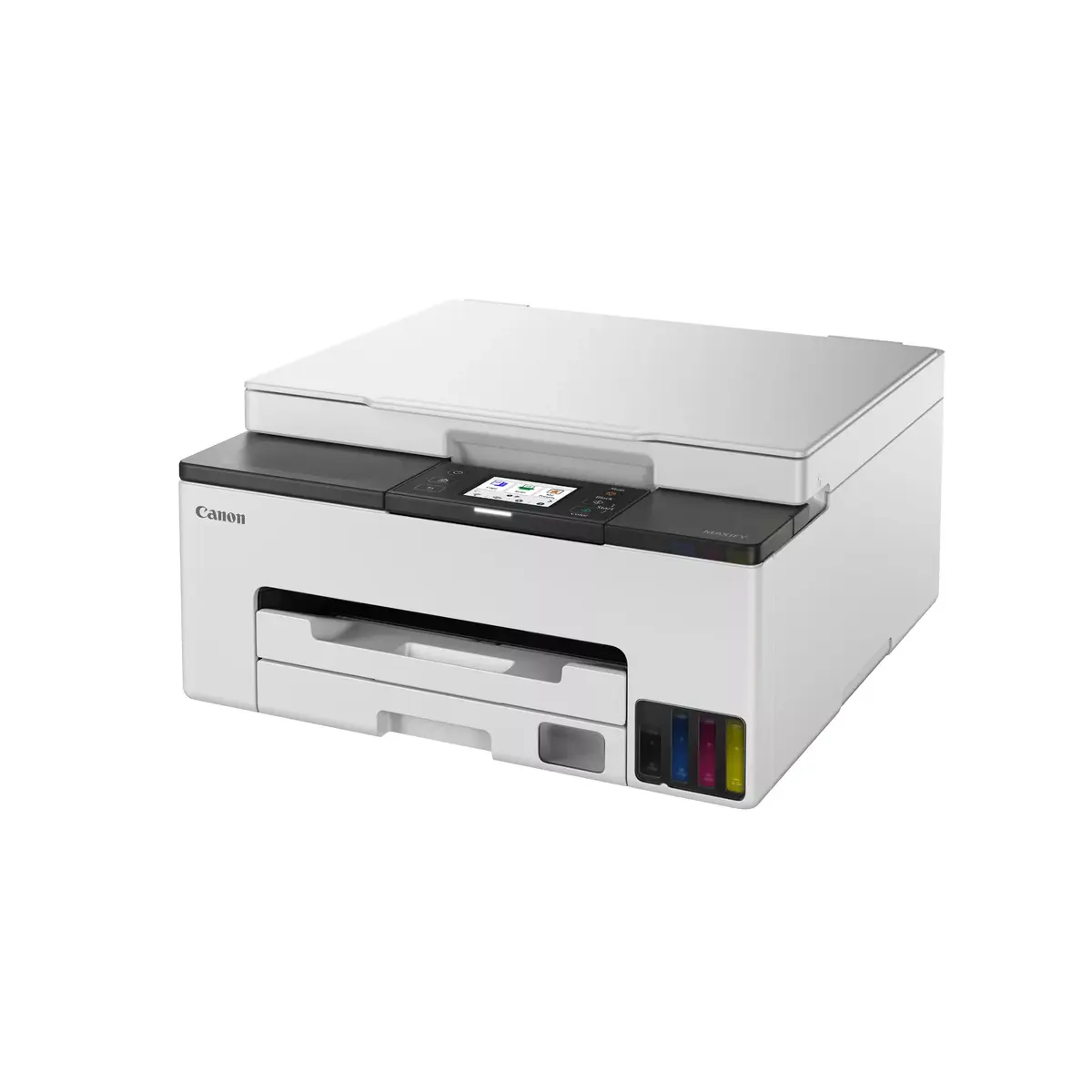
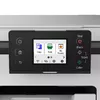
Multifunction Printer Canon MAXIFY GX1050 Photo 4
Multifunction Printer Canon MAXIFY GX1050 Photo 5
Multifunction Printer Canon MAXIFY GX1050 Photo 6
Multifunction Printer Canon MAXIFY GX1050 Photo 1
Multifunction Printer Canon MAXIFY GX1050 Photo 2
Multifunction Printer Canon MAXIFY GX1050 Photo 3
Multifunction Printer Canon MAXIFY GX1050 Photo 4
Multifunction Printer Canon MAXIFY GX1050 Photo 5
Multifunction Printer Canon MAXIFY GX1050 Photo 6
Out of stock.
View similar!

Short description

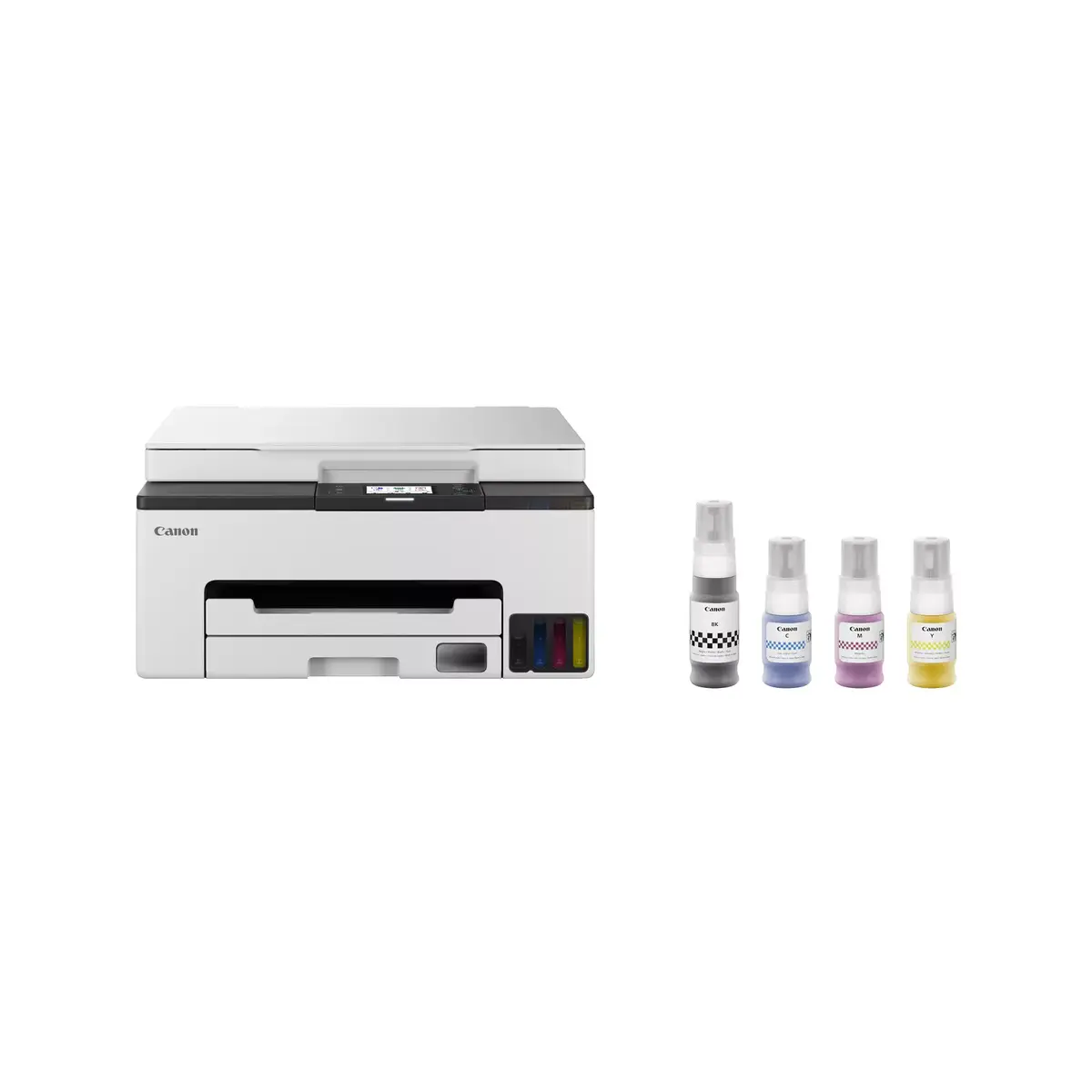
The Canon MAXIFY GX1050 is a versatile inkjet multifunction printer designed for high-quality colour printing, copying, and scanning. It offers a maximum resolution of 600 x 1200 DPI for printing and 1200 x 2400 DPI for scanning. With Wi-Fi connectivity, it supports easy wireless printing from various devices. The printer can handle A4 paper size and features duplex printing capabilities, making it efficient for both home and office use. Its sleek black and white design fits well in any environment.
Warranty: 2 Years
SKU: 10706223

delivery
Information regarding the items availability for purchase will be posted on this site
price
Item cost information will be published on this site
Together cheaper
{{product.price | formatAmount}}
{{product.title}}
{{productBundle.reference.specialPrice | formatAmount}}
{{productBundle.title}}
{{productBundlePreviousPrice | formatAmount}}
{{productBundleSpecialPrice | formatAmount}}

You saving {{productBundleYouSave | formatAmount}}

Product information

Description

The Canon MAXIFY GX1050 Inkjet Colour Printing multifunction printer combines colour printing, copying and scanning in a compact A4 device. It delivers print output at up to 600 x 1200 dpi and scan resolution up to 1200 x 2400 dpi, and supports both wired Ethernet and Wi‑Fi connections for flexible placement. The unit includes automatic duplex printing and a design in black and white that fits home offices and small workplaces. Rated for a maximum monthly duty cycle of up to 27,000 pages, the printer is built to handle frequent document workflows while keeping footprint and weight modest.

Advantages

The printer uses inkjet technology to produce full‑colour prints and copies with fine detail at its rated resolution. Built‑in Wi‑Fi and Ethernet LAN connectivity enable direct printing from PCs, laptops and mobile devices without complex cabling. Automatic duplex print reduces paper use for two‑sided documents, and a robust monthly duty cycle supports higher volume tasks. The unit’s combination of printing, copying and colour scanning in one device saves space compared with separate machines.

Suitable for

  • Home office document production and colour marketing materials
  • Small business workgroups requiring networked printing
  • Frequent scanning and archiving of colour documents
  • Two‑sided document workflows to reduce paper consumption

Key specifications

  • Print technology: Inkjet colour printing
  • Maximum print resolution: 600 x 1200 dpi
  • Optical scanning resolution: 1200 x 2400 dpi
  • Functions: Print, copy, colour scan
  • Supported paper size: A4 (maximum ISO A‑series)
  • Connectivity: Wi‑Fi and Ethernet LAN
  • Duplex: Automatic two‑sided printing
  • Maximum monthly duty cycle: Up to 27,000 pages
  • Product colour: Black and white
  • Weight: Approximately 7 kg

How to use

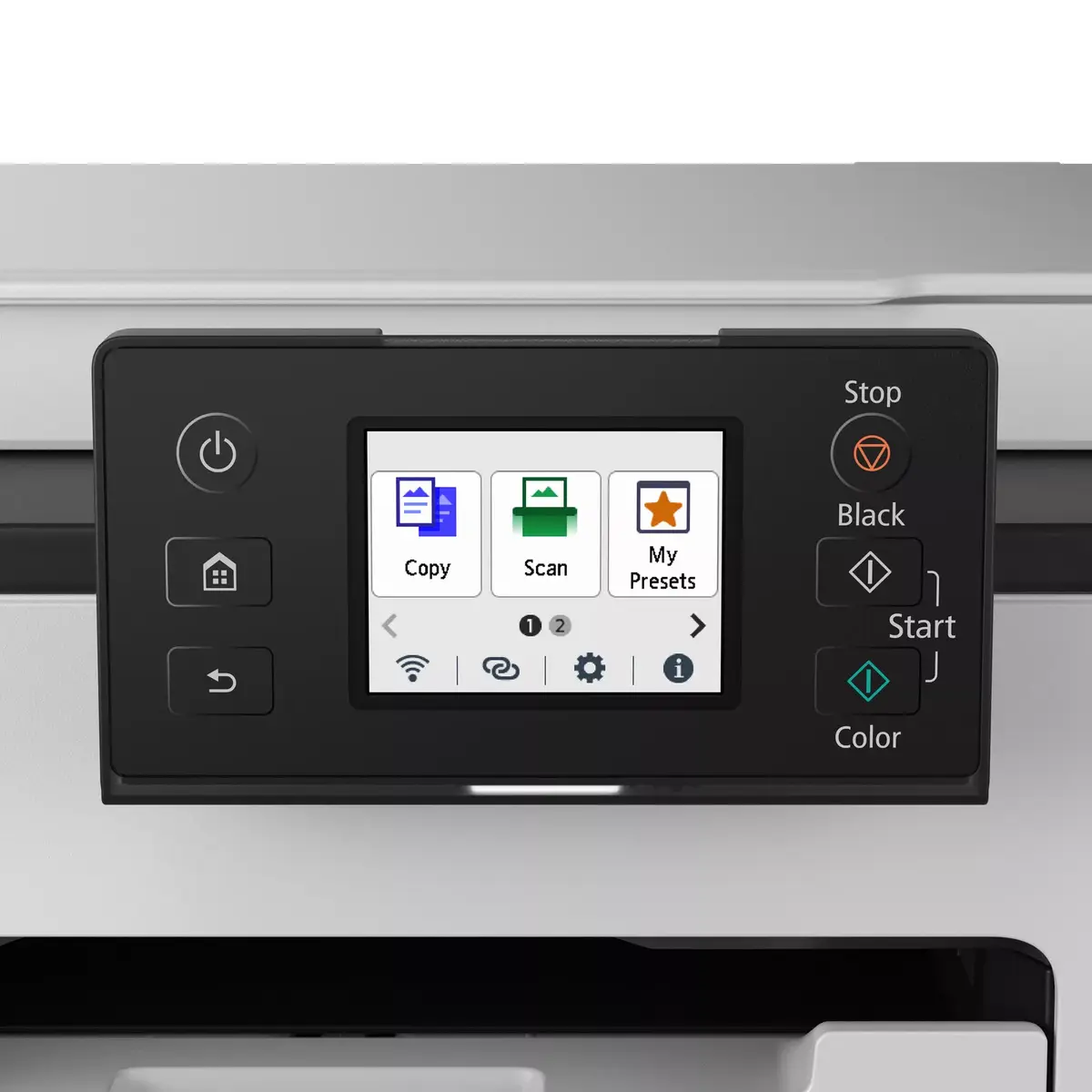
Set the Canon MAXIFY GX1050 on a stable surface and connect it to your network using Wi‑Fi or Ethernet according to the supplied setup guide. Install the manufacturer drivers on your computer or use the mobile printing app for direct printing from smartphones and tablets. Load A4 paper into the tray, choose the required print quality and paper type in the driver settings, and start printing. For scanning, place originals on the platen or feeder, select scan resolution and destination on the control panel or via software, and initiate the scan.

Usage recommendations

Use regular A4 office paper for everyday documents and select higher‑quality paper or photo paper for colour marketing materials. Enable duplex printing by default to save paper on multi‑page jobs. Keep firmware and drivers up to date for best network compatibility and image quality; follow Canon’s maintenance guidance for ink management and periodic cleaning to maintain optimal print and scan performance.

Specifications

Print technology:
Inkjet
Printing:
Colour printing
Maximum resolution:
600 x 1200
Copying:
Colour copying
Scanning:
Colour scanning
Optical scanning resolution:
1200 x 2400
Maximum ISO A-series paper size:
A4
Wi-Fi:
Yes
Ethernet LAN:
Yes
Weight:
7 kg
Maximum duty cycle:
27000 pages per month
Product colour:
Black, White
Duplex functions:
Print
All features

Performance

Sound pressure level (printing):
46.5 dB

Printing

Print technology:
Inkjet
Printing:
Colour printing
Maximum resolution:
600 x 1200
Time to first page (colour, normal):
10 s
Time to first page (black, normal):
9 s
Print speed (ISO/IEC 24734) mono:
10 ipm
Print speed (ISO/IEC 24734) colour:
15 ipm

Copying

Copying:
Colour copying
Copier resize:
25 - 400
Maximum number of copies:
99 copies
N-in-1 copy function (N=):
2, 4
ID-card copy function:
Yes
N-in-1 copy function:
Yes

Scanning

Scanning:
Colour scanning
Scanner type:
Flatbed scanner
Optical scanning resolution:
1200 x 2400
Scan technology:
CIS
Maximum scan area:
216 x 297
Input colour depth:
16
Output colour depth:
8
Output greyscale depth:
8
Input greyscale depth:
16

Fax

Faxing:
No

Paper handling

Maximum ISO A-series paper size:
A4
Envelopes sizes:
10, C5, DL, Monarch
ISO A-series sizes (A0...A9):
A4, A5, A6
ISO B-series sizes (B0...B9):
B5
Non-ISO print media sizes:
Executive (184 x 267mm), Legal (media size), Letter (media size), Oficio (media size)
Custom media width:
89 - 216
Custom media length:
127 - 355.6
Photo paper sizes:
10x15, 13x18, 18x25, 20x25
Paper tray media types:
Envelopes, Plain paper
Paper tray media weight:
64 - 105

Network

Wi-Fi standards:
802.11a, 802.11b, 802.11g, Wi-Fi 4 (802.11n), Wi-Fi 5 (802.11ac)
Security algorithms:
WPA-AES, WPA-EAP, WPA-PSK, WPA-TKIP, WPA2-AES, WPA2-EAP, WPA2-PSK, WPA2-TKIP, WPA3-EAP, WPA3-SAE
Ethernet LAN:
Yes
Wi-Fi:
Yes
Mobile printing technologies:
Mopria Print Service, Apple AirPrint, PIXMA Cloud Link

Ports & interfaces

USB port:
Yes
USB connector:
USB Type-B

Power

Power consumption (off):
0.1 W
Power consumption (copying):
21 W
Energy Star Typical Electricity Consumption (TEC):
0.14 kWh/week
AC input frequency:
50/60
AC input voltage:
100 - 240

Design

Display:
LCD
Display diagonal: iagonal of the visible part of the screen expressed in centimeters and inches.
2.7 "
Product colour:
Black, White
Control type:
Touch
Built-in display:
Yes
Market positioning:
Home & Office
Colour display:
Yes

System requirements

Windows operating systems supported:
Windows 10, Windows 11, Windows 8.1
Mac operating systems supported:
Mac OS X 10.15 Catalina, Mac OS X 10.15.3 Catalina, Mac OS X 10.2 Jaguar, Mac OS X 10.3 Panther, Mac OS X 10.4 Tiger, Mac OS X 10.5 Leopard, Mac OS X 10.6 Snow Leopard, Mac OS X 10.7 Lion, Mac OS X 10.7.5 Lion, Mac OS X 10.8 Mountain Lion, Mac OS X 10.9 Mavericks, Mac OS X 11.0 Big Sur, Mac OS X 13.0 Ventura
Server operating systems supported:
Windows Server 2008 R2, Windows Server 2012 R2, Windows Server 2016, Windows Server 2019, Windows Server 2022
Other operating systems supported:
Android, iOS
Mobile operating systems supported:
Android, iOS

Weight & dimensions

Weight:
7 kg
Height:
187 mm
Width:
374 mm
Depth:
510 mm

Operational conditions

Operating relative humidity (H-H):
10 - 90
Operating temperature (T-T):
5 - 35

Packaging content

Cables included:
AC
Cartridge(s) included:
Yes
Included cartridge capacity (black):
3000 pages
Included cartridge capacity (CMY):
3000 pages
Included cartridge capacity (economy mode, black):
4500 pages
Included cartridge capacity (economy mode, CMY):
4500 pages

Other features

Duplex printing:
Yes

Features

Maximum duty cycle:
27000 pages per month
Duplex functions:
Print
Printing colours:
Black, Cyan, Magenta, Yellow
Number of print cartridges:
4

Input & output capacity

Maximum input capacity:
250 sheets
Total number of input trays:
1

Similar products

{{product.title}} Show details Hide details

{{highlightedFeature.featureTitle}}:

{{getProductFeatureValueById(product, highlightedFeature.featureId)}}

{{product.price | formatAmount}}
Might be useful
{{product.manufacturerName}}
{{product.categoryName}}
{{product.title}}
{{product.specialPrice}}
{{product.price}}

Customer reviews

Customer questions

FAQ

What payment options are available?

AiO.lv offers several payment methods: Bank transfer. All transactions are 100% secure and encrypted.

Can this product be purchased for a company (with VAT)?

Yes. AiO.lv works with legal entities in Latvia and across Europe. The product price already includes VAT. For certain product categories, as well as for companies from other EU countries with a valid VAT number, a 0% VAT rate may apply. We issue the invoice immediately after the order is placed, support electronic BIS invoices, and automatically generate all necessary accounting documents. You can complete the purchase for a company online — simply select the company profile and choose bank transfer as the payment method during checkout.

What is the warranty period?

All Canon products come with an official 2 Years warranty. It covers all manufacturing defects and malfunctions that may occur during use. The warranty is valid at all authorized Canon service centers and through AiO.lv

Can the product be returned after purchase?

Yes, you can return the product within 14 days of purchase if you bought it as a consumer (not a legal entity). Returns are possible without giving any reason — the main condition is that the product retains its original appearance and full set of accessories. We will make the process as simple and convenient as possible: just contact our customer support team, and we will help you arrange the return.

Where should I contact for warranty service?

For warranty-related questions you can contact the AiO.lv (SIA VSPRO) customer support team. We will assist with consultation, warranty claim processing, and coordination with certified service centers.

How can I tell if this product suits my needs?

When making a choice, we recommend paying attention to the key features: print technology, printing, maximum resolution, copying, scanning, optical scanning resolution, maximum iso a-series paper size, wi-fi, ethernet lan, weight, maximum duty cycle, product colour, duplex functions, compatibility with your devices or usage conditions, material quality, functionality, and warranty terms. These characteristics will help you determine how well the model meets your needs.

Where can I download the instructions for Multifunction Printer Canon MAXIFY GX1050?

You can download the instructions in PDF format from the “Instructions” section on the product description page. The file contains complete information about installation, setup, and usage.
warranty
14-Day Return Policy We are confident in our quality, but if the purchase doesn’t fit — you have 14 days to return the product with peace of mind.
shipping
Fast Delivery Get your orders as quickly as possible — right to your door, parcel lockers, or pickup points across Latvia and the EU.
payment
Secure Payment Pay the way you prefer: cash, VISA, MasterCard, Apple Pay, Google Pay, bank transfer, or 0% installment plan.
warranty
Quality Since 2008 AiO.lv has been on the market for over 18 years and has earned trust — with more than 6000 genuine positive reviews on Google.