Filters you can trust. Pure water every day.
In cart {{totalProductsCount}} item(s)
Your cart is empty
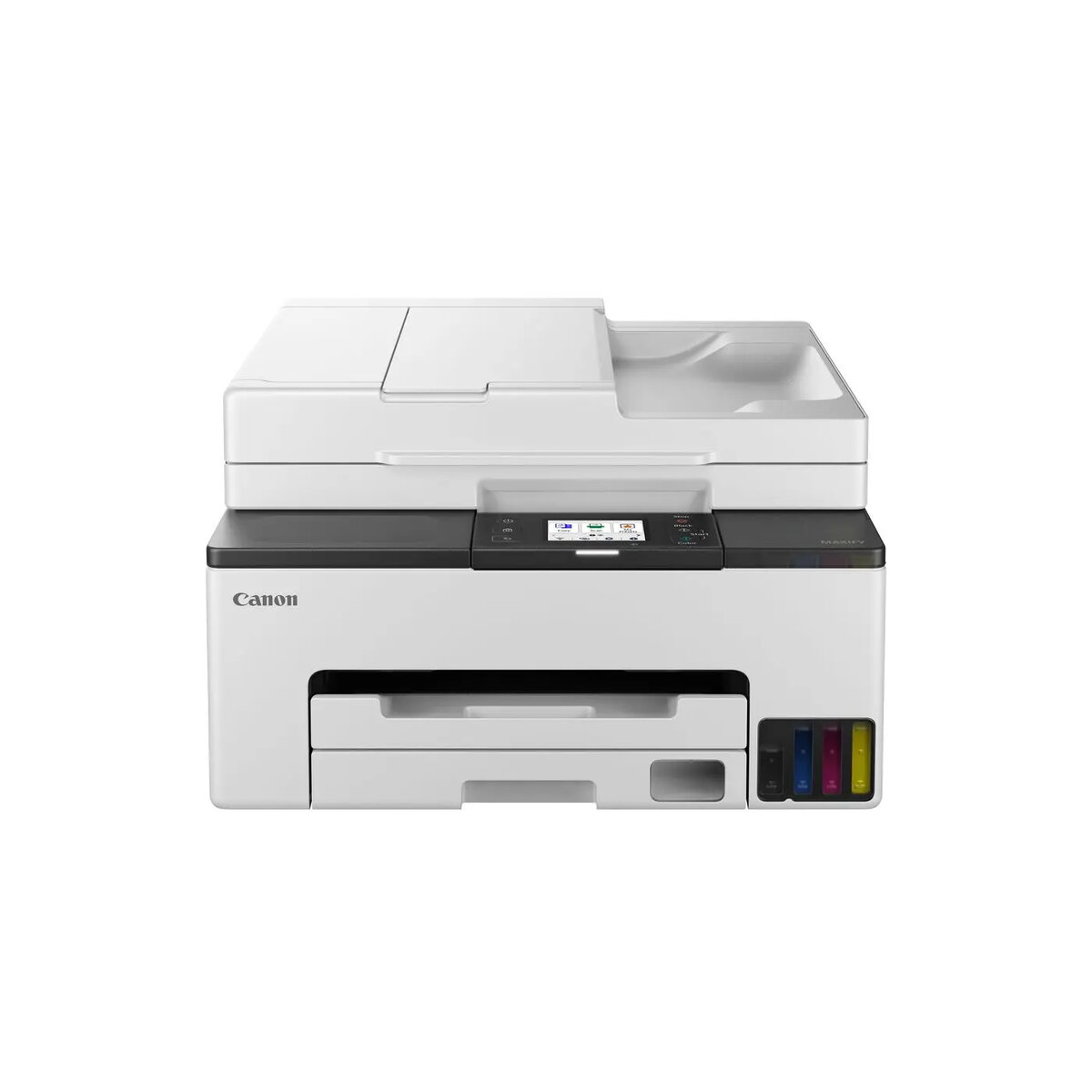
Inkjet Multifunction Printer Canon Maxify Gx2050 A4 600 x — refillable-tank, Wi‑Fi, print/scan/copy
Canon Maxify Gx2050 is an A4 inkjet multifunction printer with a refillable-tank system designed for small offices and home businesses. It delivers prints at a nominal resolution of 600 x and combines printing, scanning and copying in a compact footprint. The integrated refillable ink tanks reduce running costs compared with cartridge-based models, while Wi‑Fi connectivity enables easy sharing and mobile printing from smartphones and tablets.
The refillable-tank design provides lower cost per page and simpler ink replenishment. Native Wi‑Fi connectivity allows wireless printing and convenient integration into small office networks. Multifunction capabilities — print, scan and copy — streamline everyday document workflows in a single device. Compact A4 format and straightforward controls make the printer suitable for limited office spaces and home workstations.
Install the printer on a stable, level surface near a power outlet and within Wi‑Fi range of your router or mobile device. Fill the refillable ink tanks according to the included instructions, taking care to match each colour to its designated tank. Install the Canon-provided drivers and software on your computer or use the device's wireless setup wizard to connect via Wi‑Fi. Load A4 paper into the input tray, select desired print, scan or copy settings from the control panel or connected device, and start the job. For scanning, place documents on the scanner glass or use the document feeder if present, then initiate the scan from the control panel or software.
Use genuine Canon refill inks to maintain print quality and avoid damage to printheads. Keep the printer firmware and drivers up to date for reliable Wi‑Fi performance and compatibility. Store extra ink bottles upright in a cool, dark place and perform periodic nozzle checks and head-cleaning cycles as recommended in the user manual to ensure consistent output.
{{highlightedFeature.featureTitle}}:
{{getProductFeatureValueById(product, highlightedFeature.featureId)}}
{{ productComparisonGenerationError }}